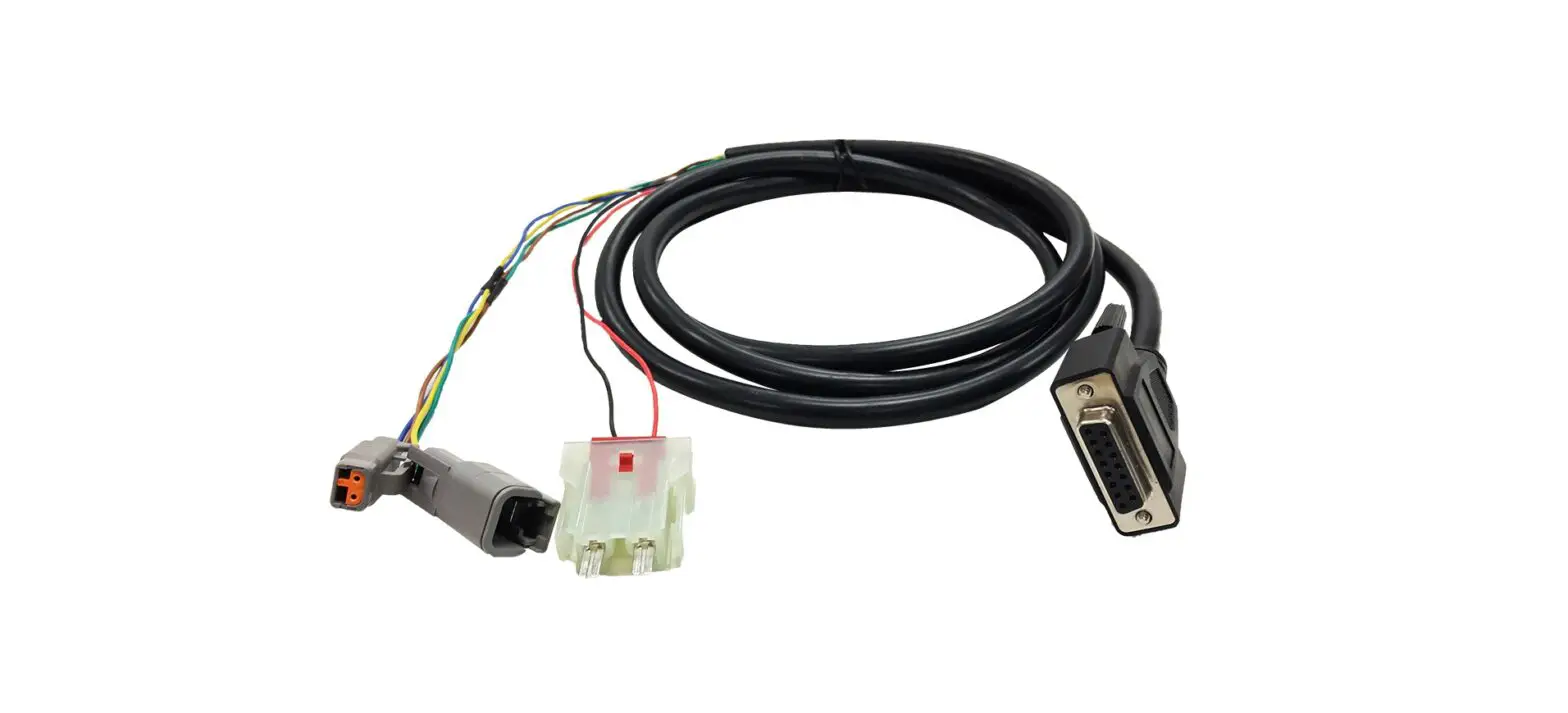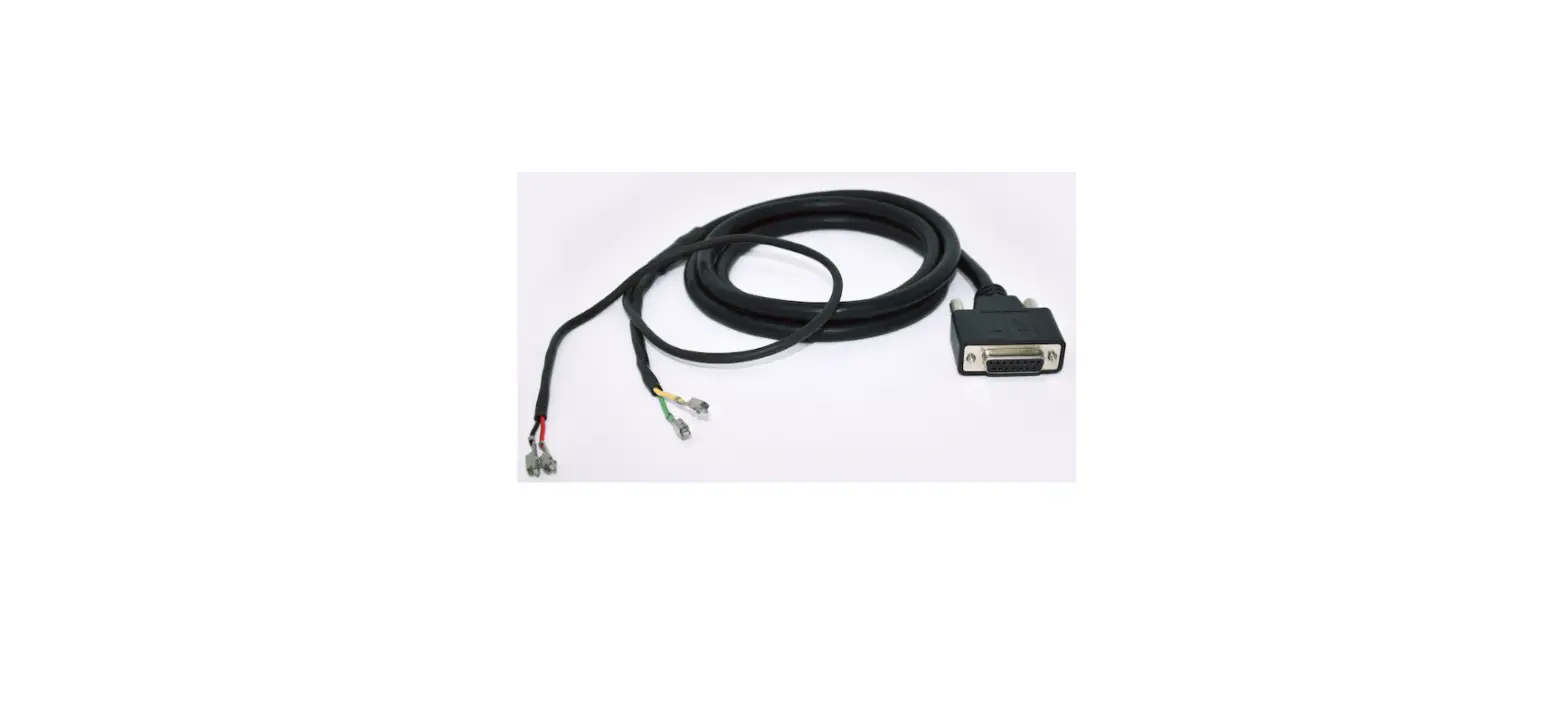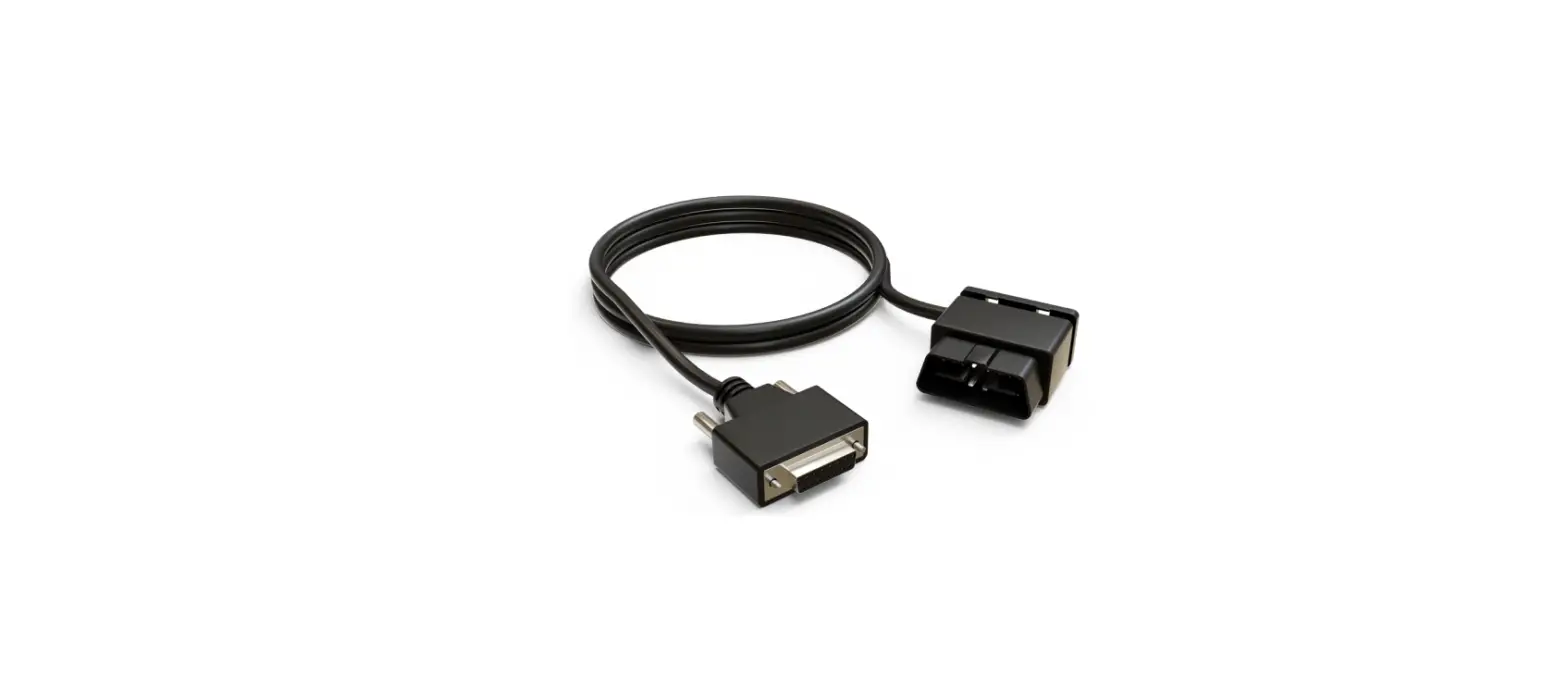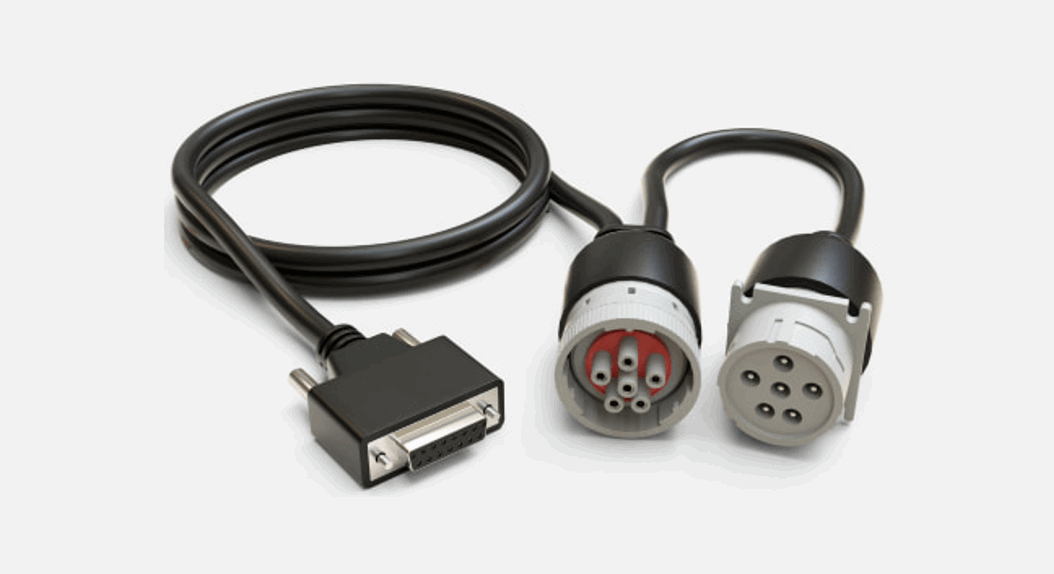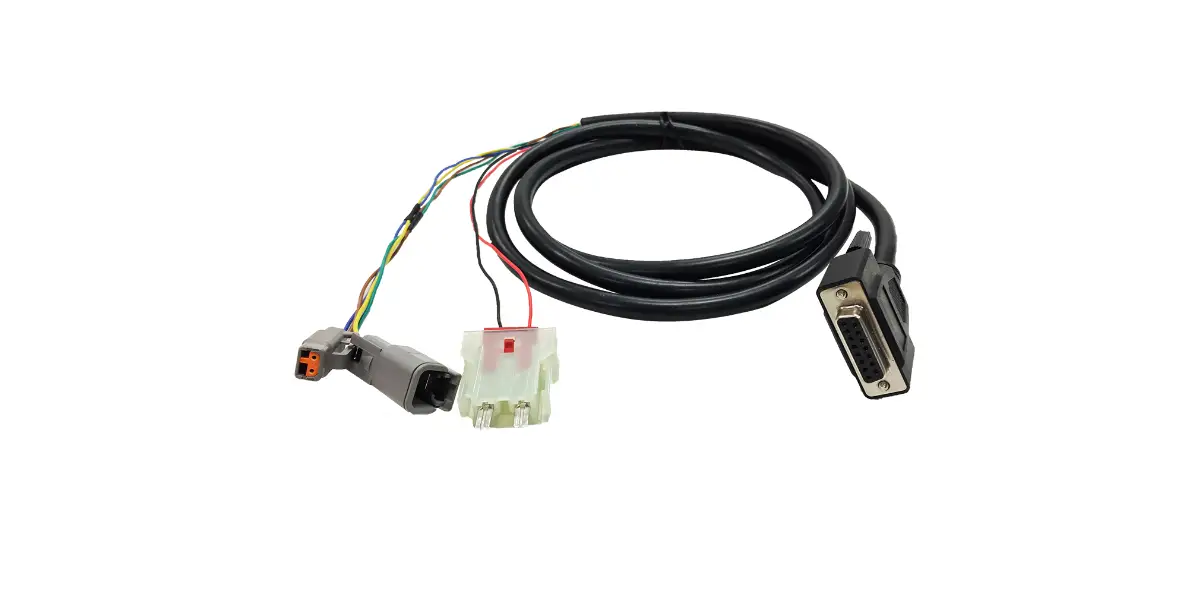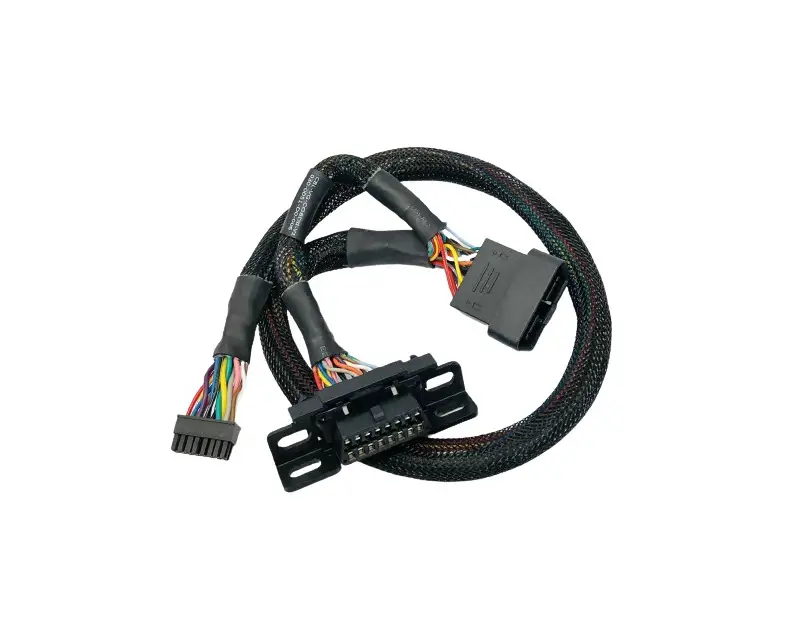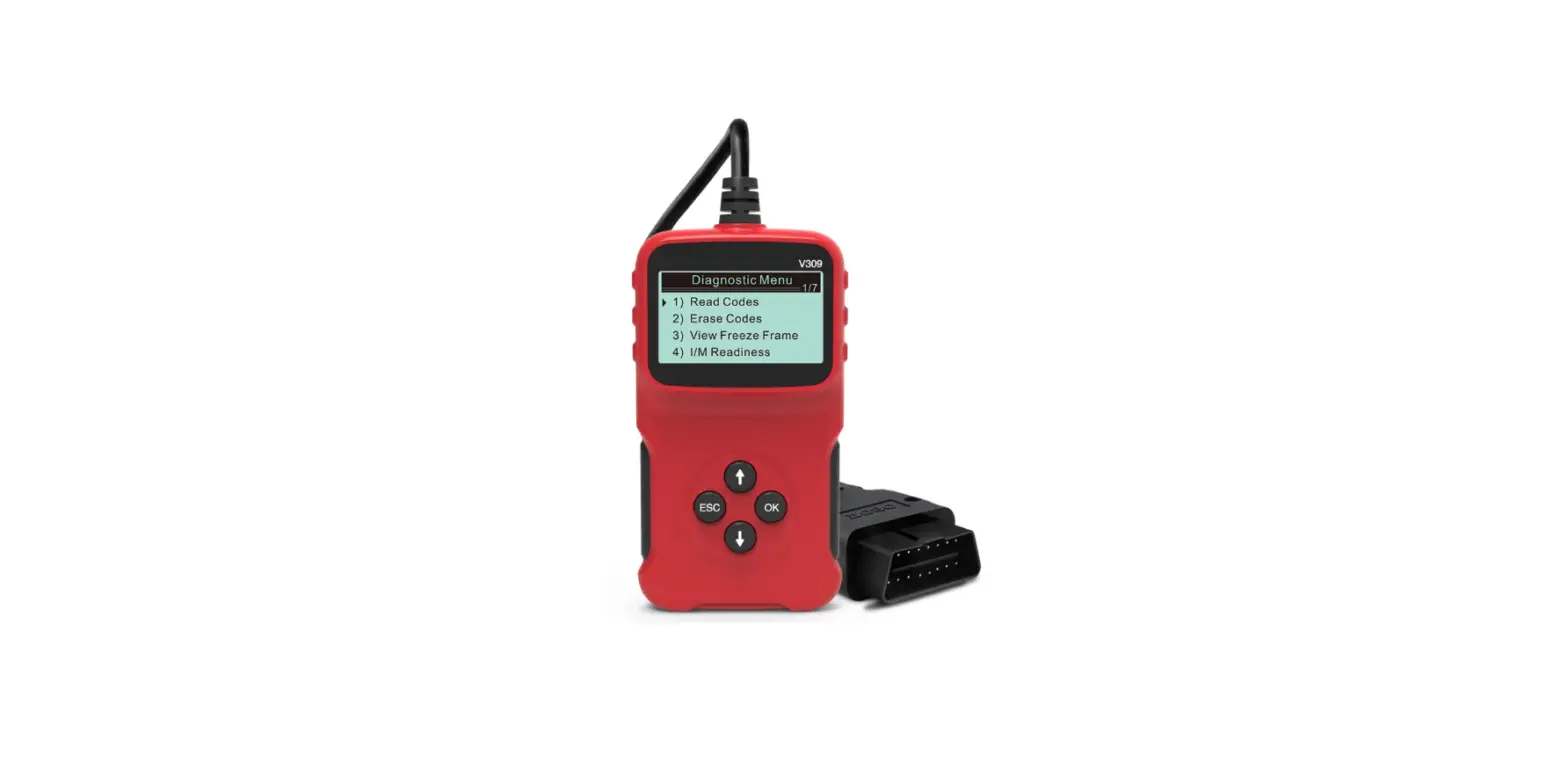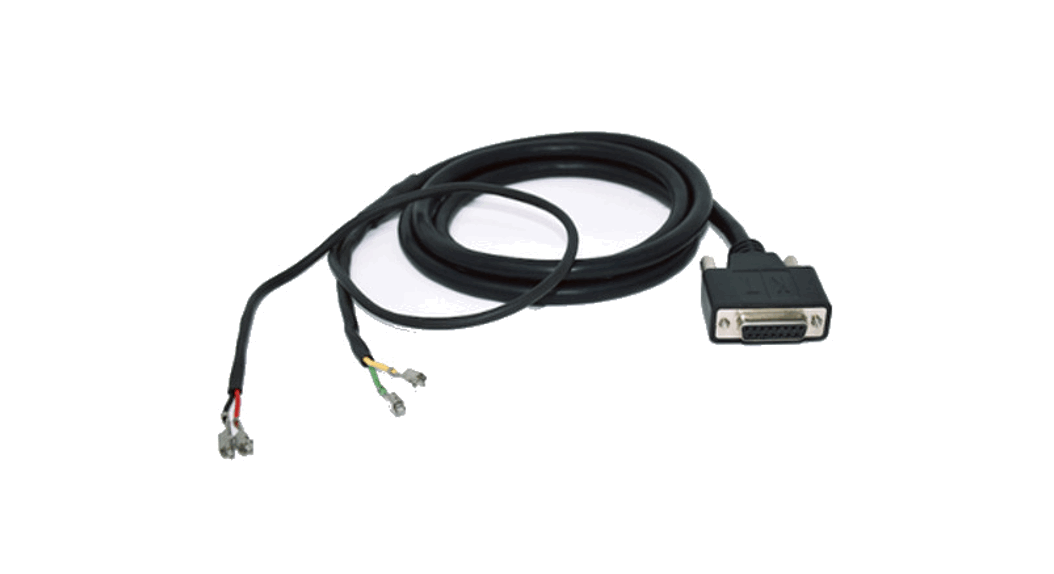
 Cable 3035
Vehicle Gateway installation guide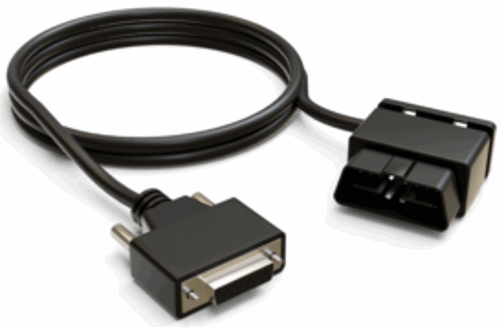
Cable 3035 Vehicle Gateway
Step 1
Ensure the vehicle is safe for the installation of the Vehicle Gateway.
- The parking brake is engaged.
- The engine is turned off.
- The main power switch (if available) is turned off.
Step 2
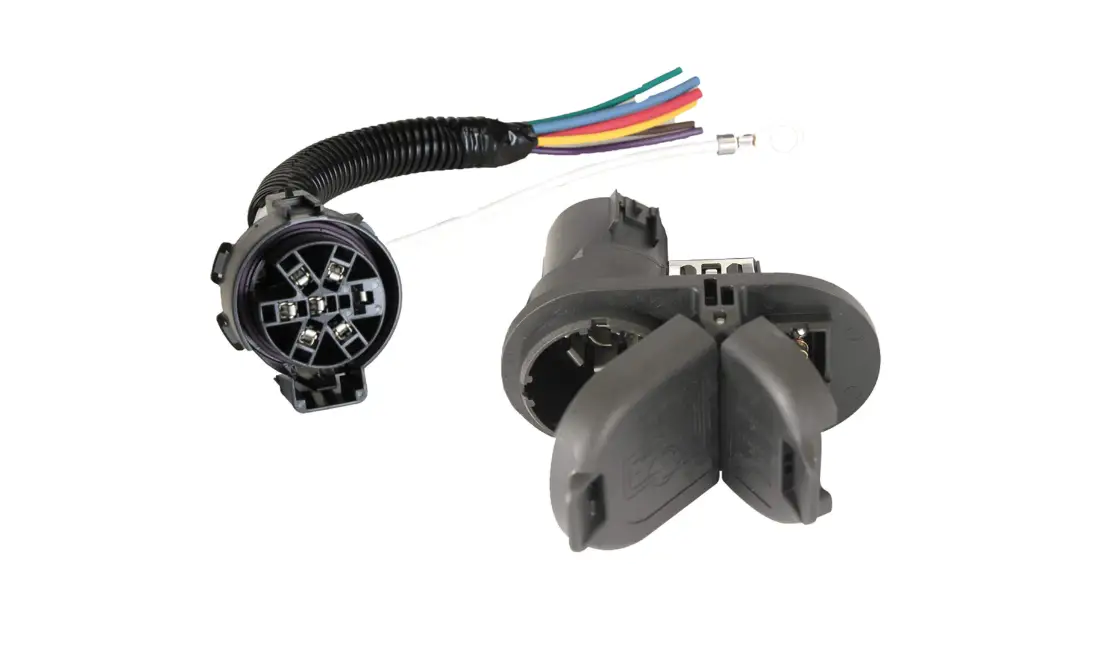
Locate the RP 1226 connector.
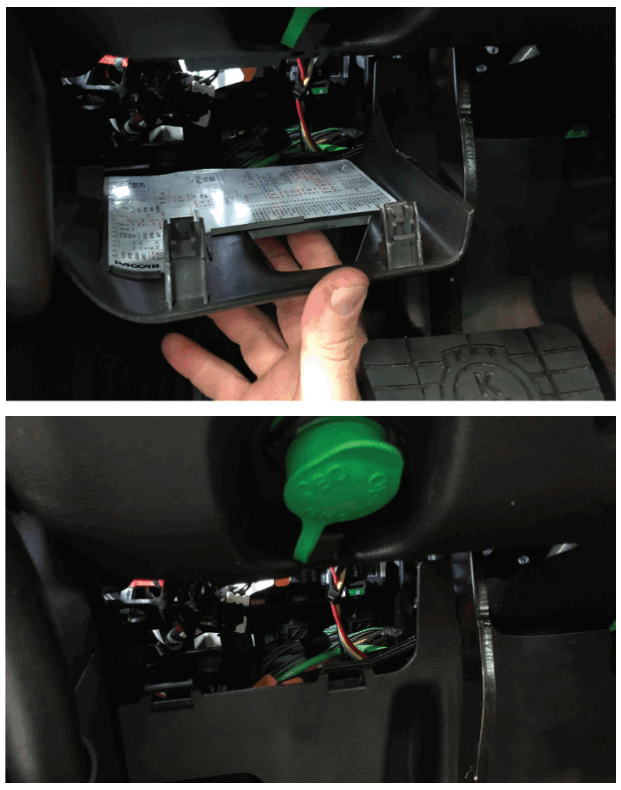
For Kenworth and Peterbilt trucks, it will be on the driver’s side of the cab. Remove the fuse box panel located below the 9-pin port (The panel below the fuse box may also have to be removed to access the VECU connector).
Step 3
The VECU connector will be tucked away behind the fuse box.
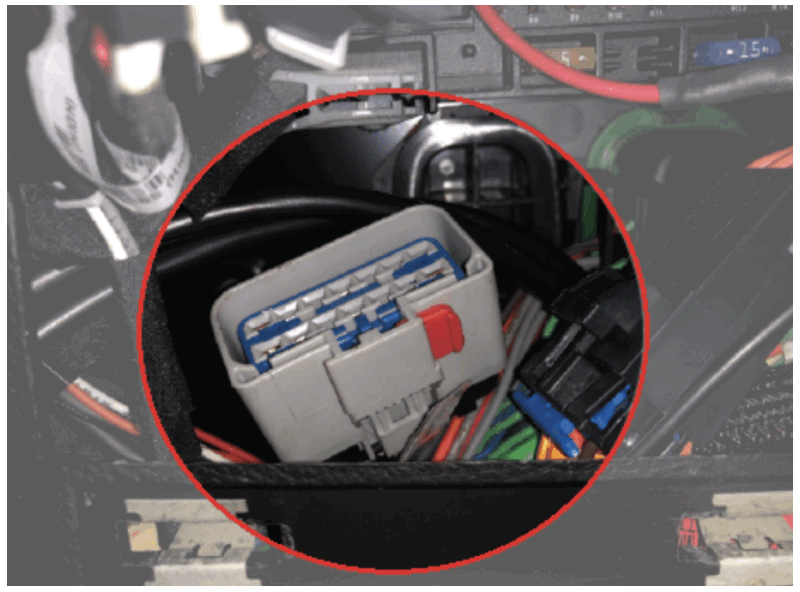
Step 4
For Freightliner models, the RP 1226 connector will be located on the passenger side of the cab. Remove the lower panel shown in the diagram below to access the connector.
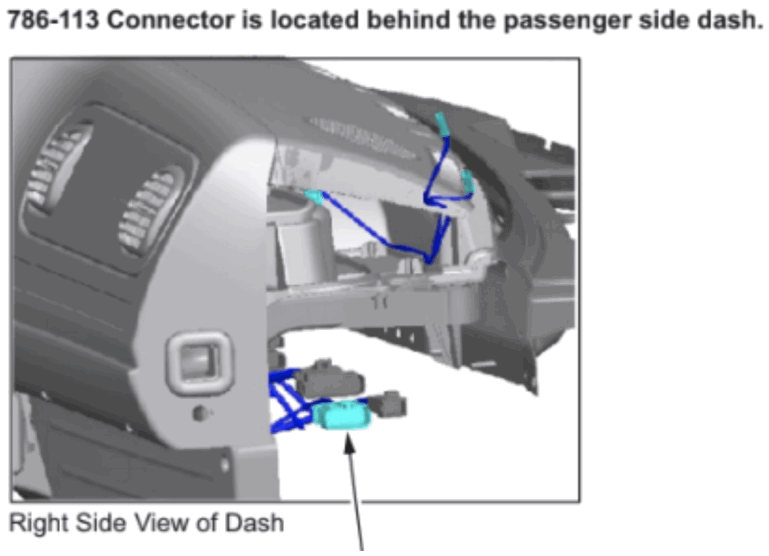
Step 5
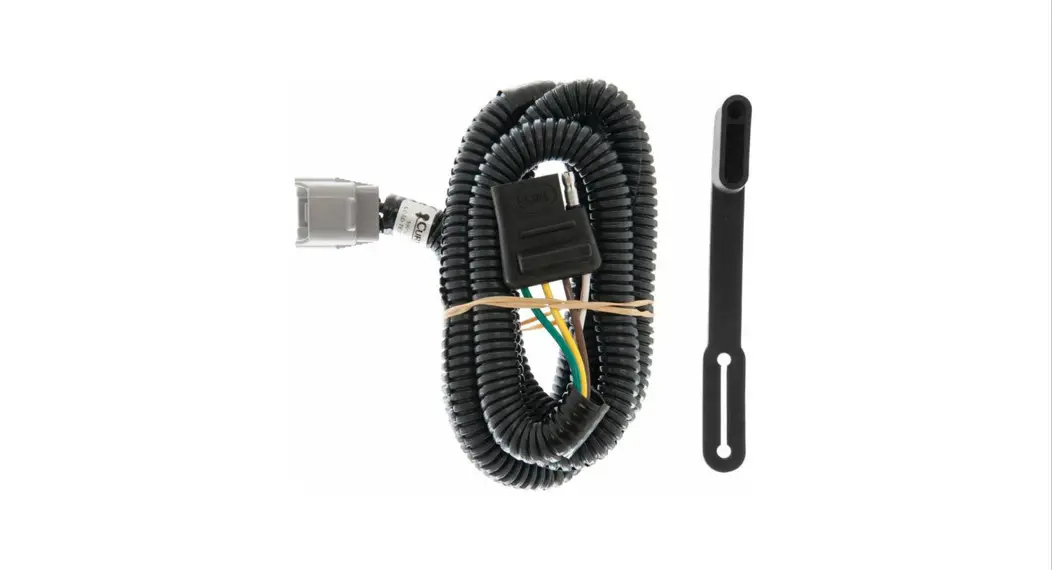
Plug the 3035 cable into this connector. Make sure there is a tight connection on both sides of the cable (you should hear a ‘click’).
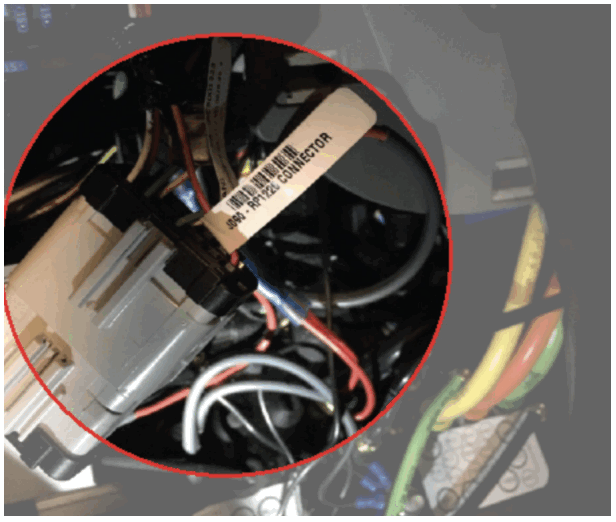
Step 6
Push the orange tab over to lock the connectors.
Step 7
Route the cable up to the Vehicle Gateway using the zip ties provided to secure the cables.
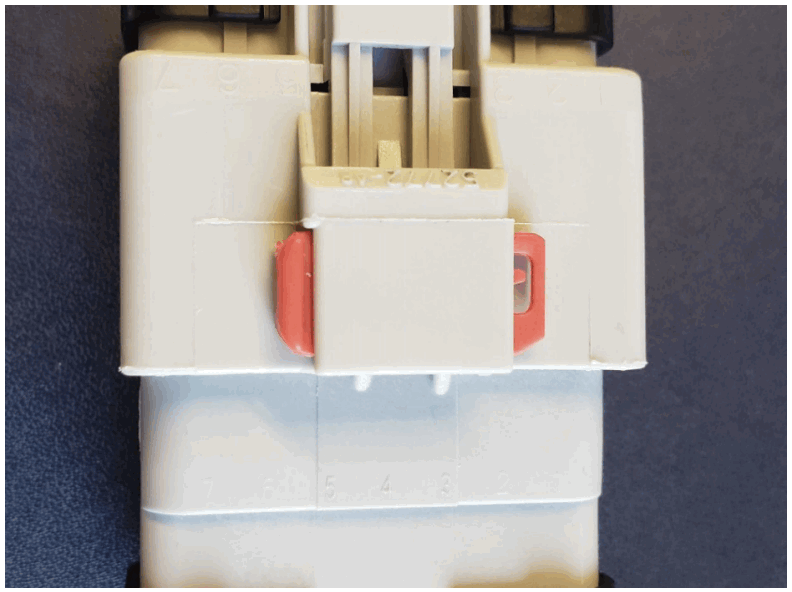
Step 8
Take the DB-15 connector end of the cable and place it on top of the dashboard. Reattach the fuse-box panel.
Note: Depending on the vehicle, the panels may need to be modified in order to run the cable to your desired mounting location. If the panels cannot be modified, then mount the vehicle gateway inside the panel and make sure the cable is not pinched as this will damage the cable.
Step 9
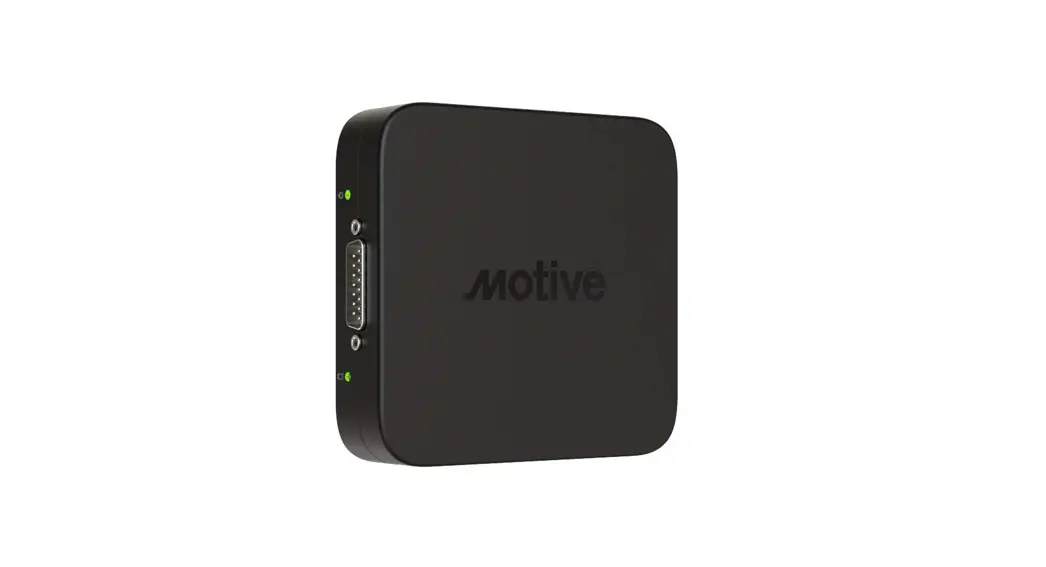
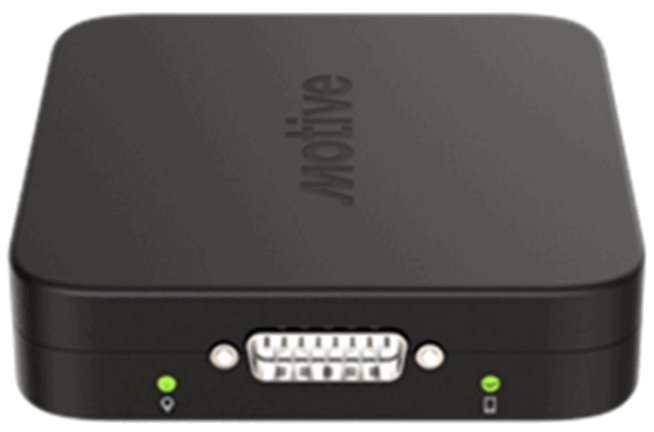
Secure the DB-15 connector to the vehicle gateway using the thumbscrews.
Step 10
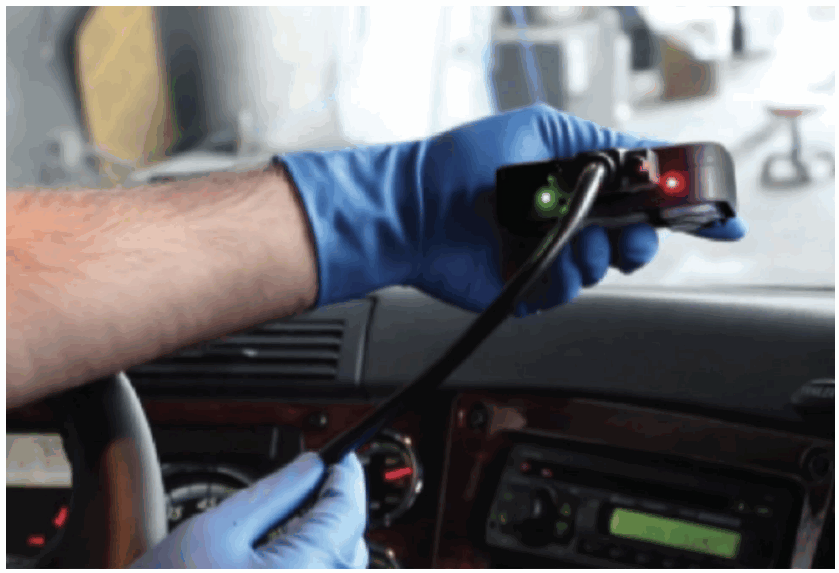
Once plugged in, the indicator lights will flash momentarily before turning solid red. After approximately one minute, the left-side indicator light will turn green indicating a successful GPS/GNSS connection.
Note: GPS/GNSS performance may degrade if the Vehicle Gateway does not have a clear line of sight to the sky.
Step 11
Use the provided alcohol swabs to clean the mounting area.
Step 12
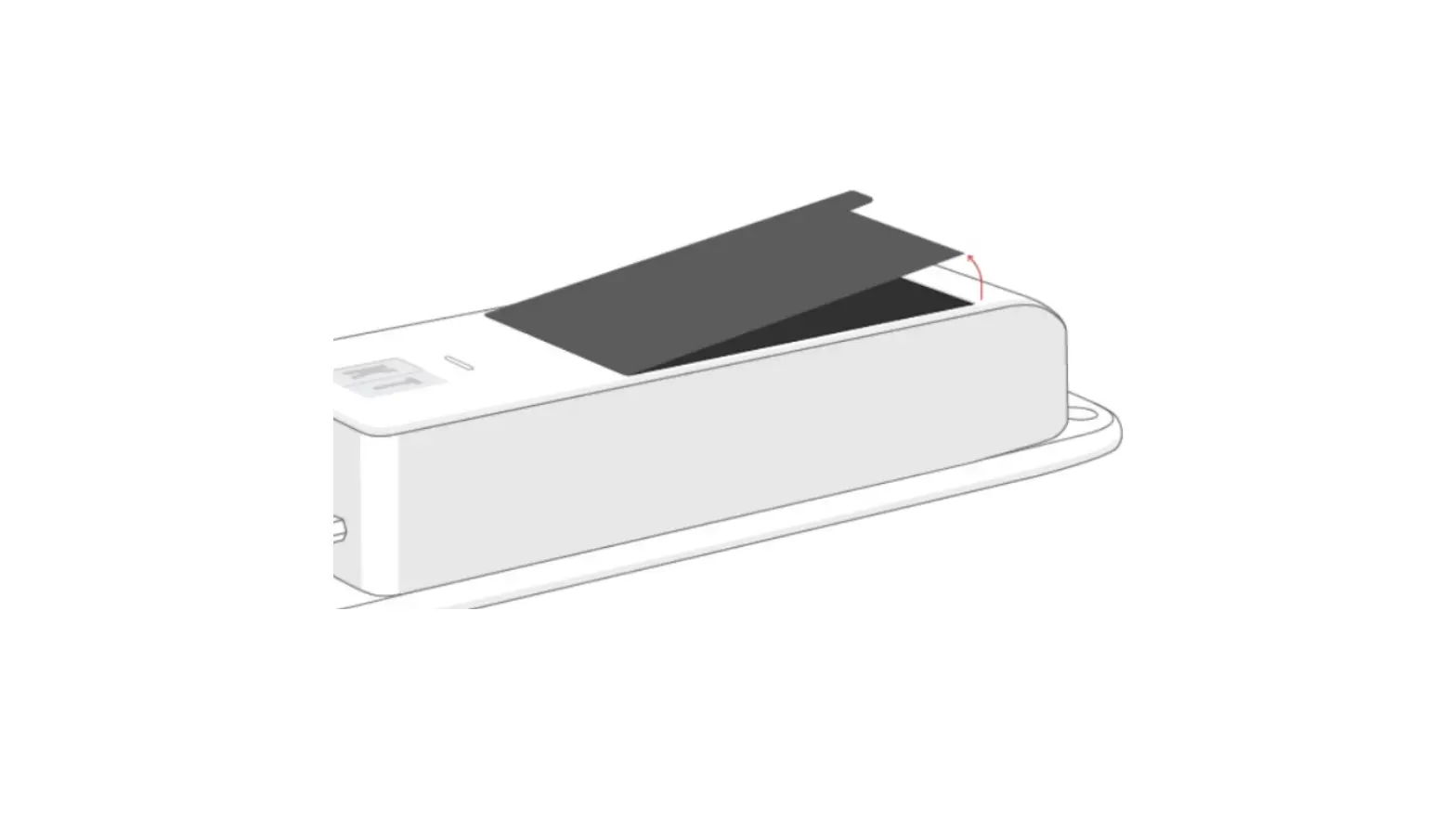
Remove the backing from the adhesive strip on the back of the vehicle gateway and attach it to the mounting area.
Step 13
Mount the vehicle gateway away from vents and electrical components and at least 12 inches away from any metal components.
Step 14
Once the driver connects to the Vehicle Gateway using the Driver App, the right side indicator light will turn green indicating a successful Bluetooth connection.
Please refer to the Motive Driver App Guide for more details on the Motive mobile platform. For any assistance, please contact Motive support at 855-434-3564 or email [email protected].
Potential Unlocked
855-434-3564
[email protected]
gomotive.com
 Motive | All-in-one fleet management