

Quick Start Guide
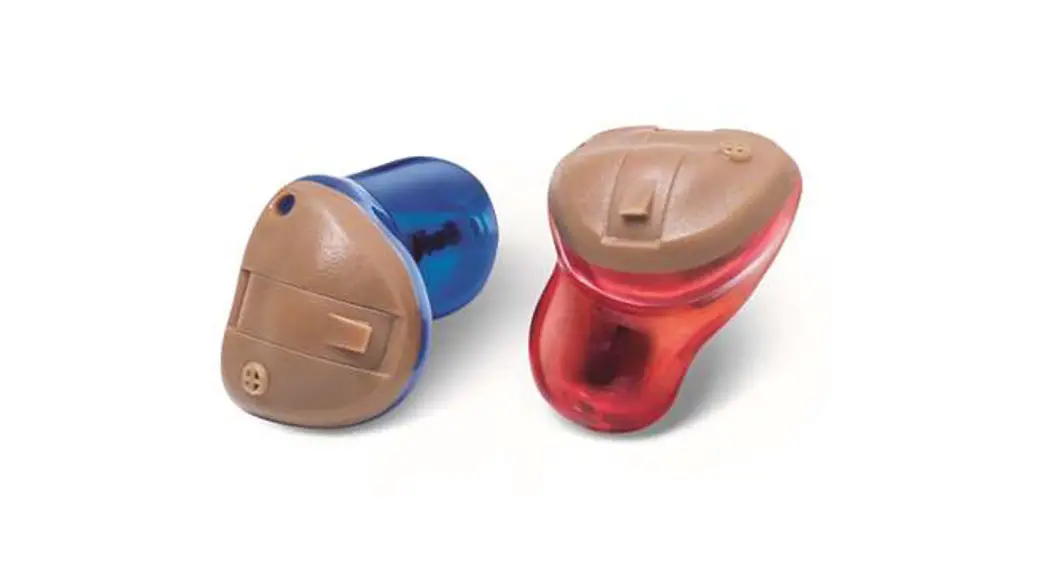
COMPLETELY IN CANAL
OTC HEARING AIDS
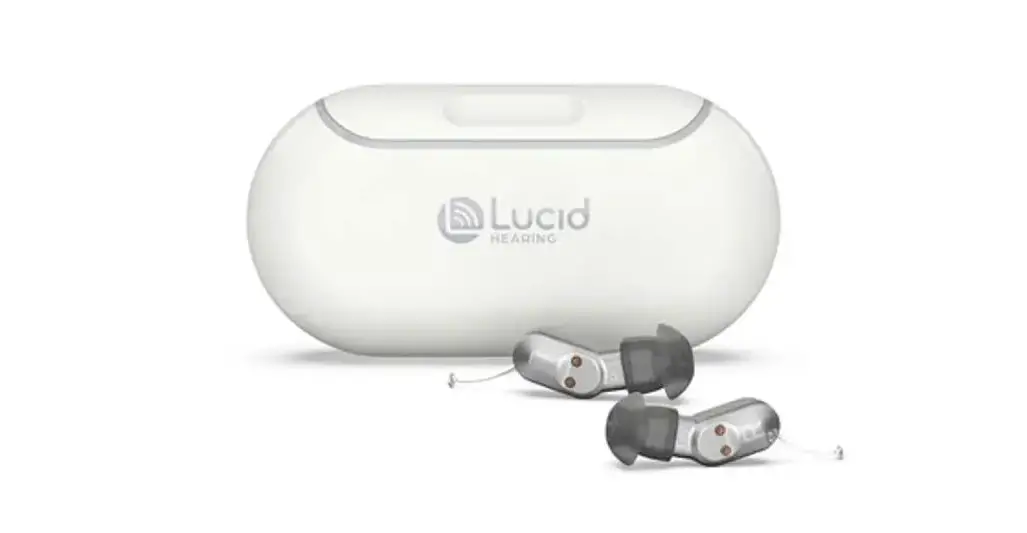
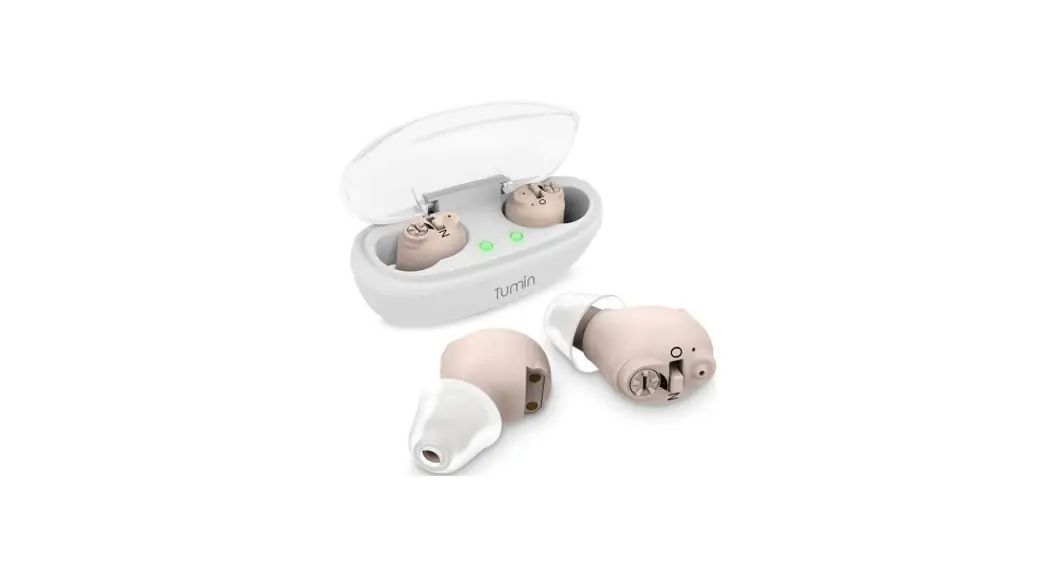
CIC2 Recharge OTC Hearing Aids
For detailed information on how to use your CICs, please refer to the User Manual.
FRONT
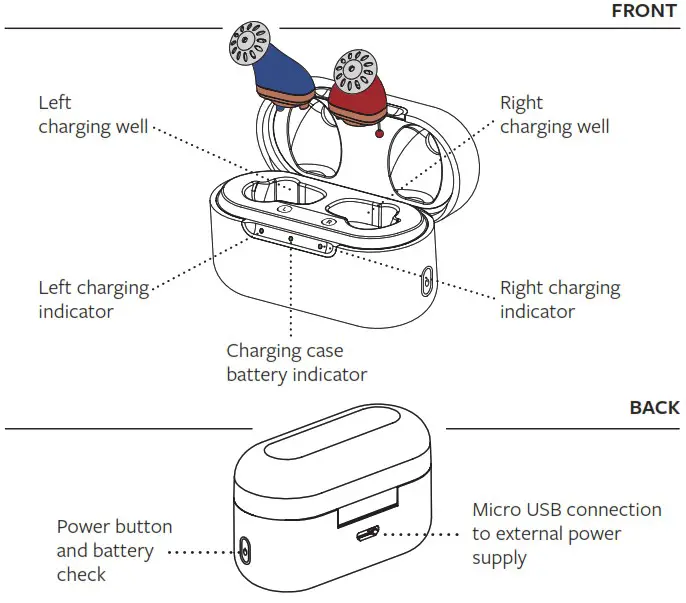
Charge Your Hearing Aids
STEP ONE
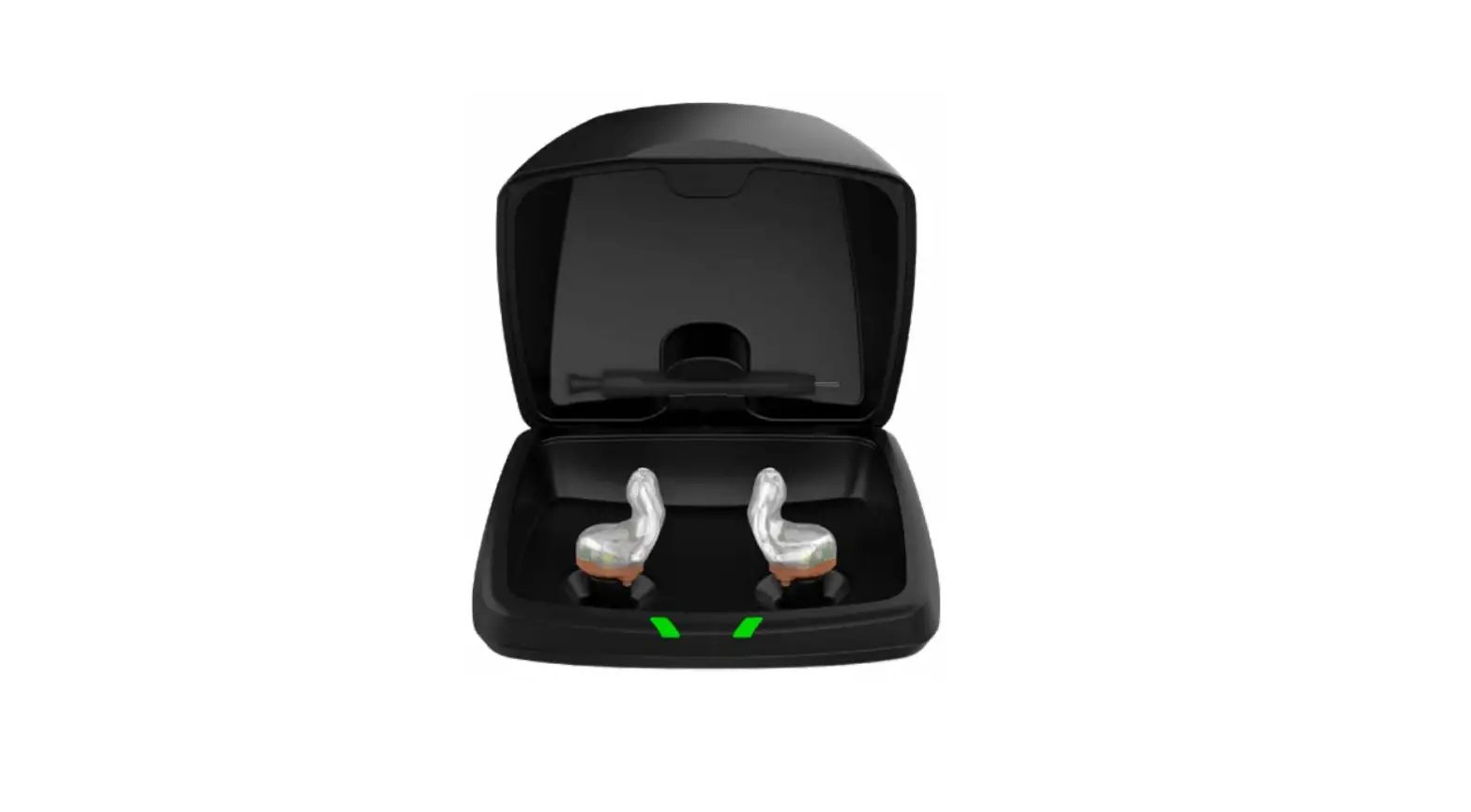
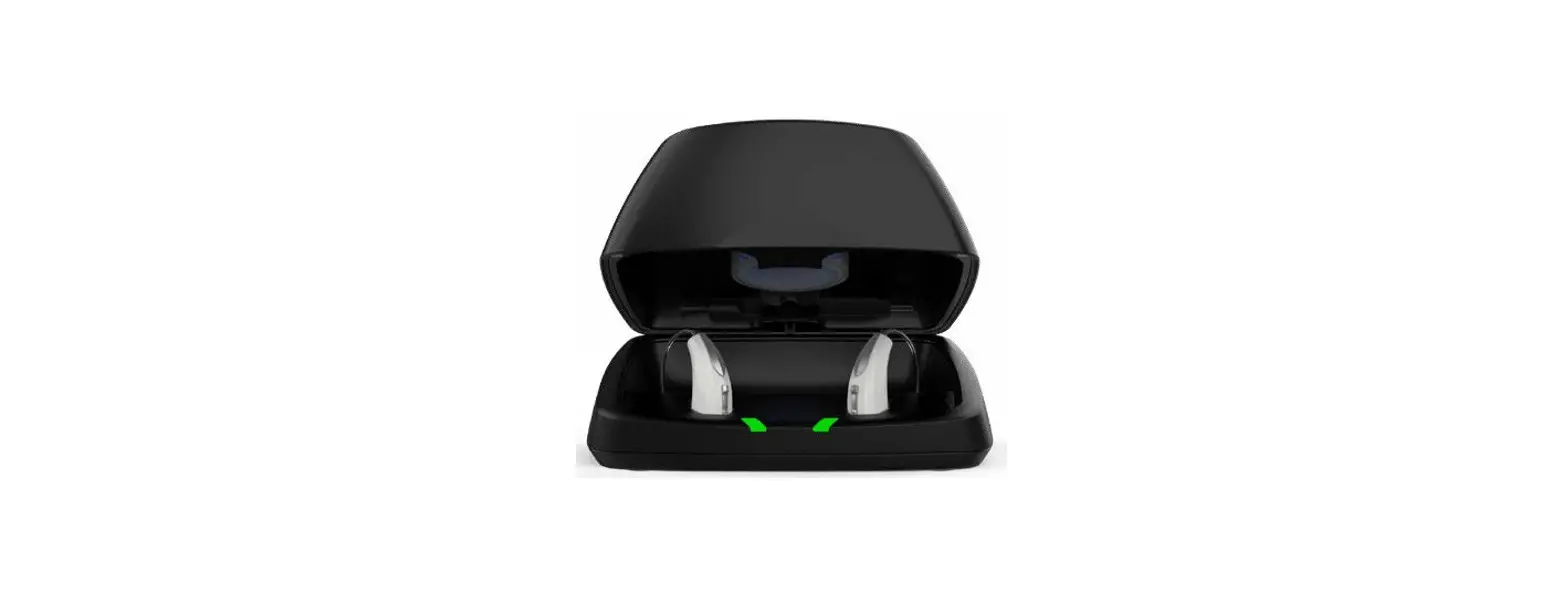
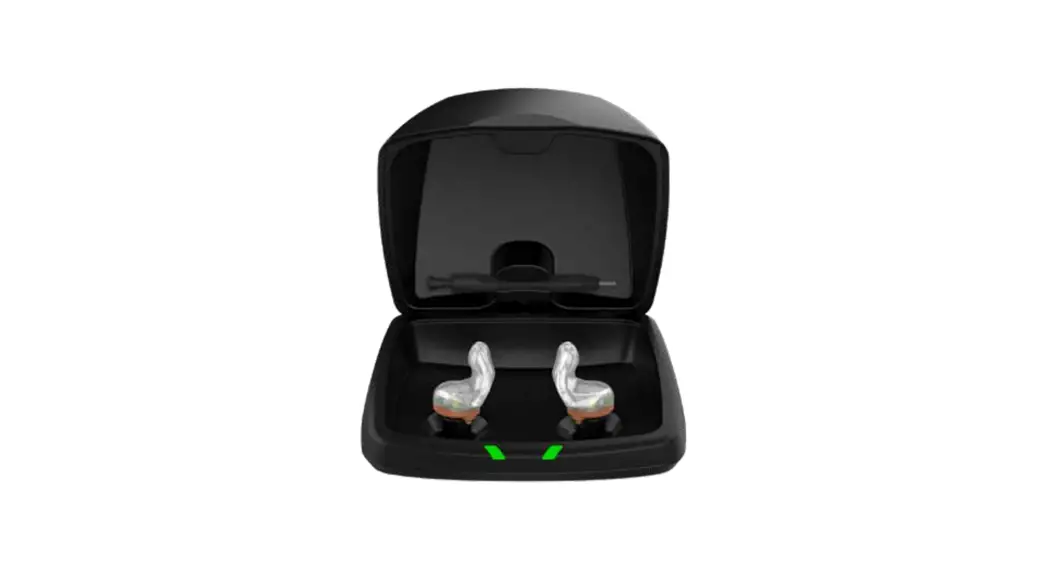
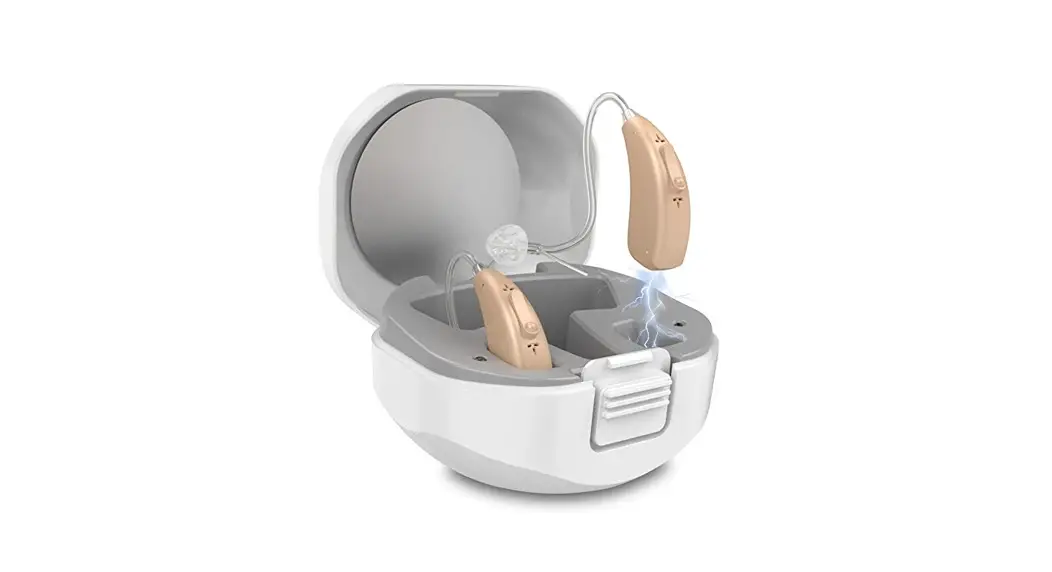
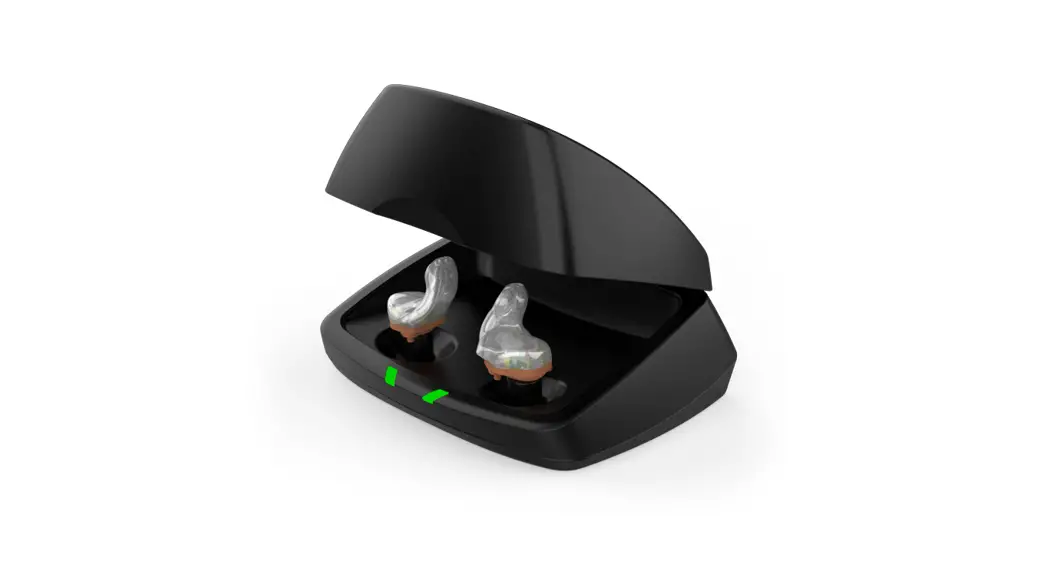
Connect the enclosed power cord to the charging case to charge the hearing aids. Hearing aids should be fully charged before using for the first time.
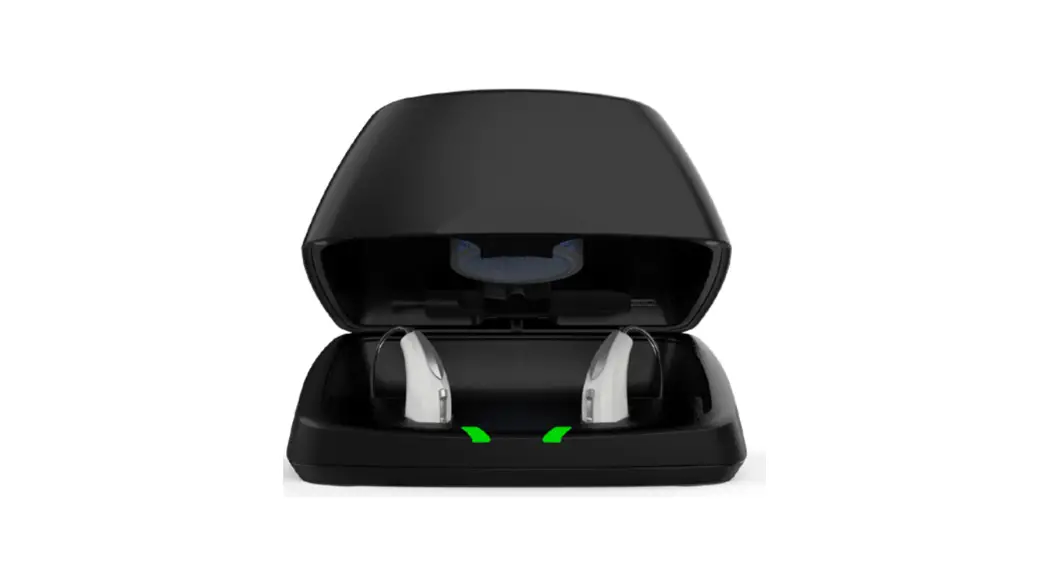
LED lights on the charging case will indicate charge status of hearing aid and charging case.
Indicator Lights
| Orange lights | Hearing aid/charging case is charging |
| Green lights | Hearing aid/charging case is fully charged |
It will take approximately 2 hours to fully charge hearing aids.
Insert Hearing Aids
STEP TWO
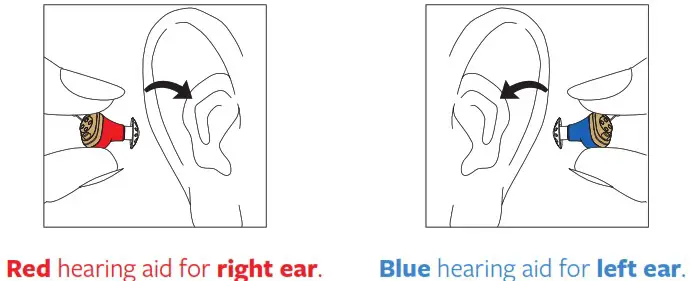
 Tip: If uncomfortable feedback/chirping is experienced during the insertion process, hearing aid may be turned off prior to insertion. Once hearing aid is in the ear, turn hearing aid on.
STEP THREE
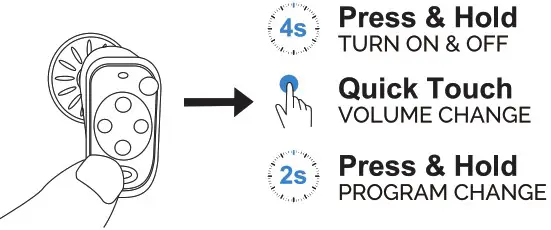
If hearing aid is off, press and hold the button for 4 seconds until it turns on.
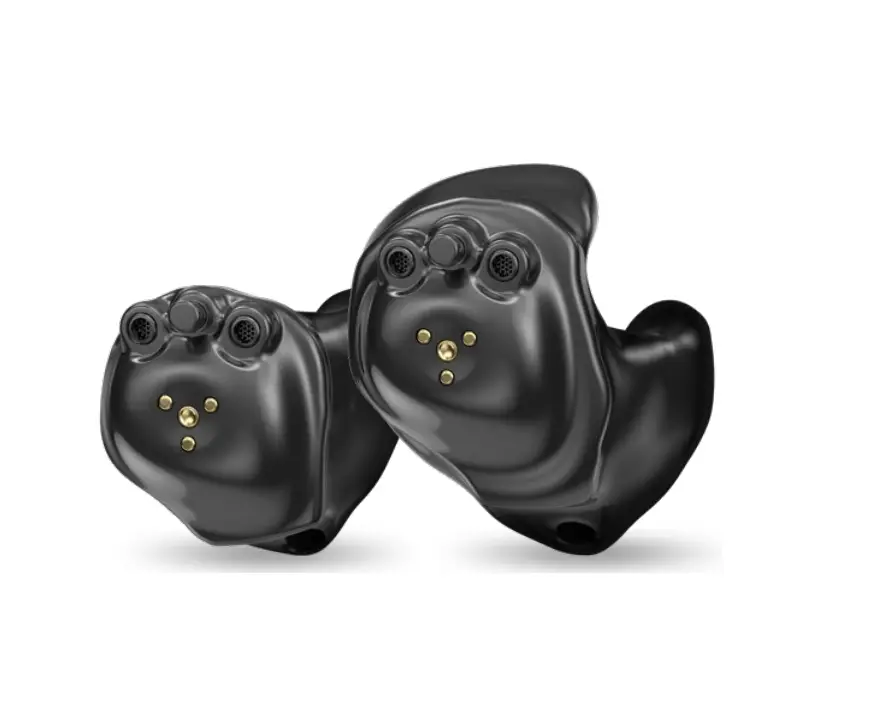
Make adjustments to your hearing aid by using your finger or thumb to control the multi-function button on the faceplate.
Remove Hearing Aid
STEP FOUR
Grasp removal handle and gently pull hearing aid out of ear.
Wipe dome clean from any ear wax, oils, moisture, etc.
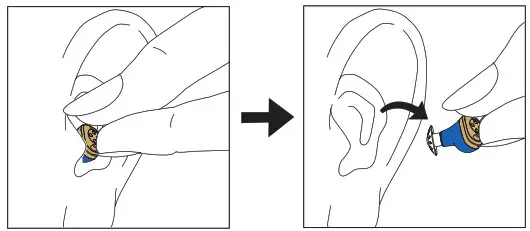 Tip: After removing hearing aids from ears, turn hearing aids off. Return them to charging case when not in use.