 Quick
Quick
Trouleshooting Guide
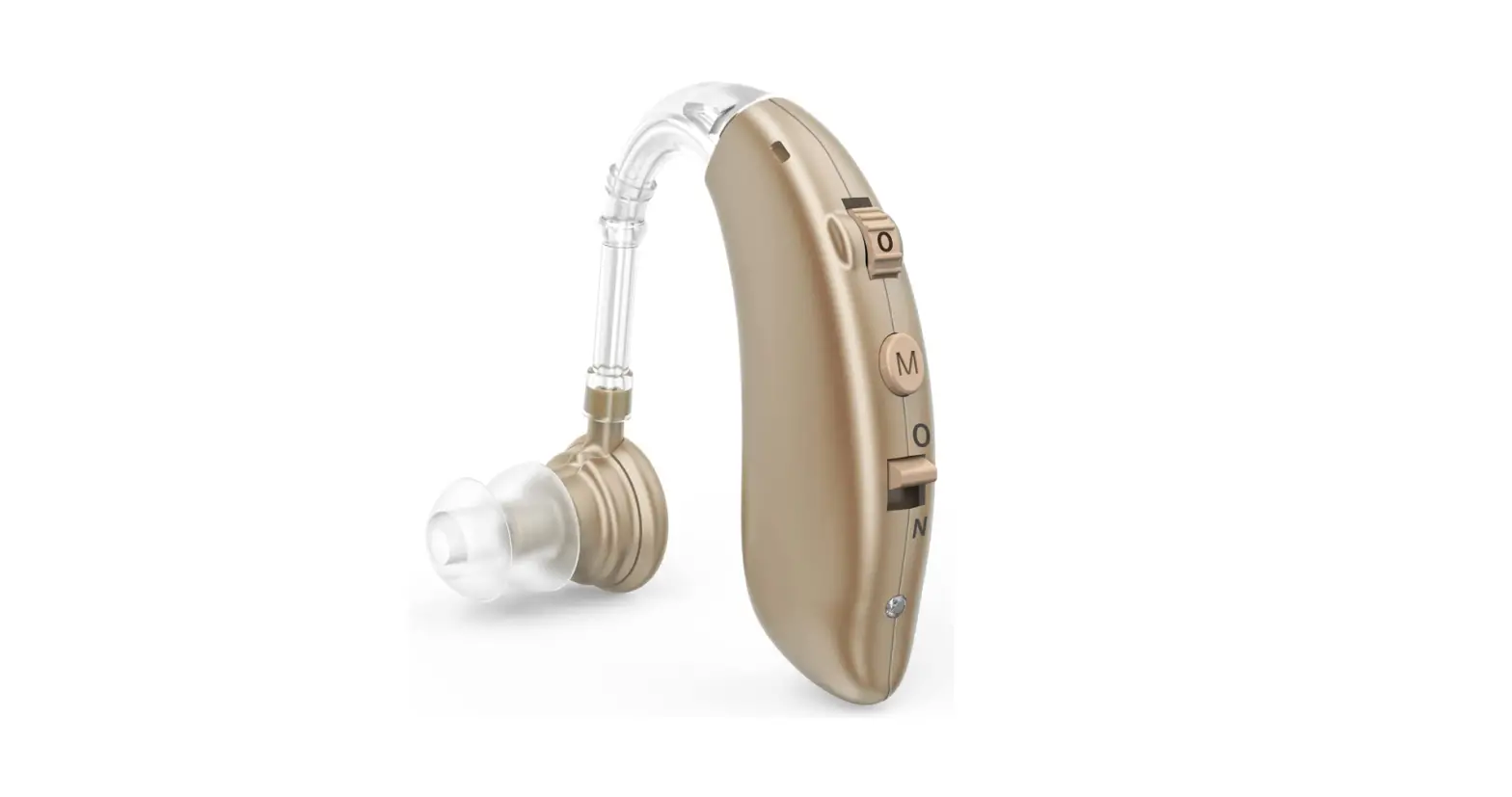
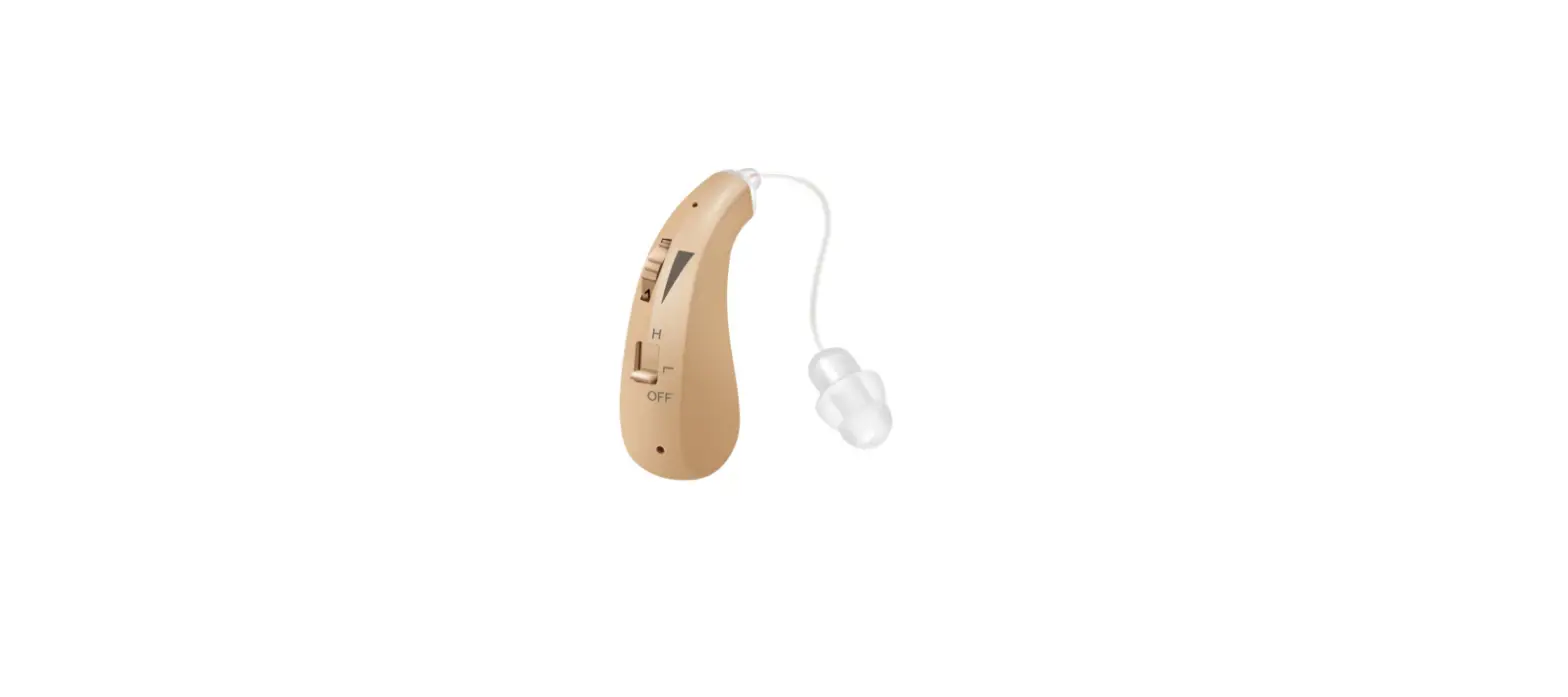
Dragon-B-CF430S
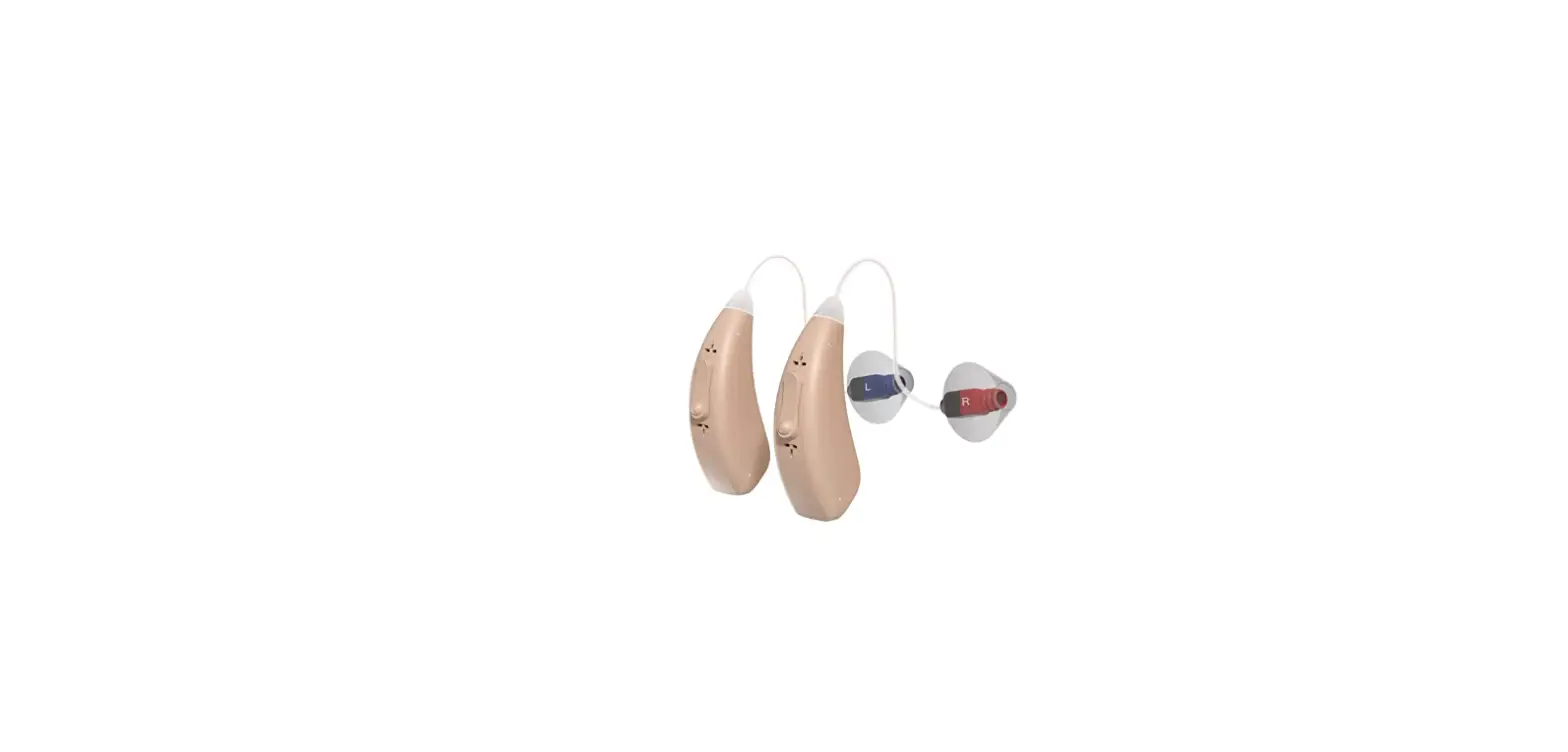
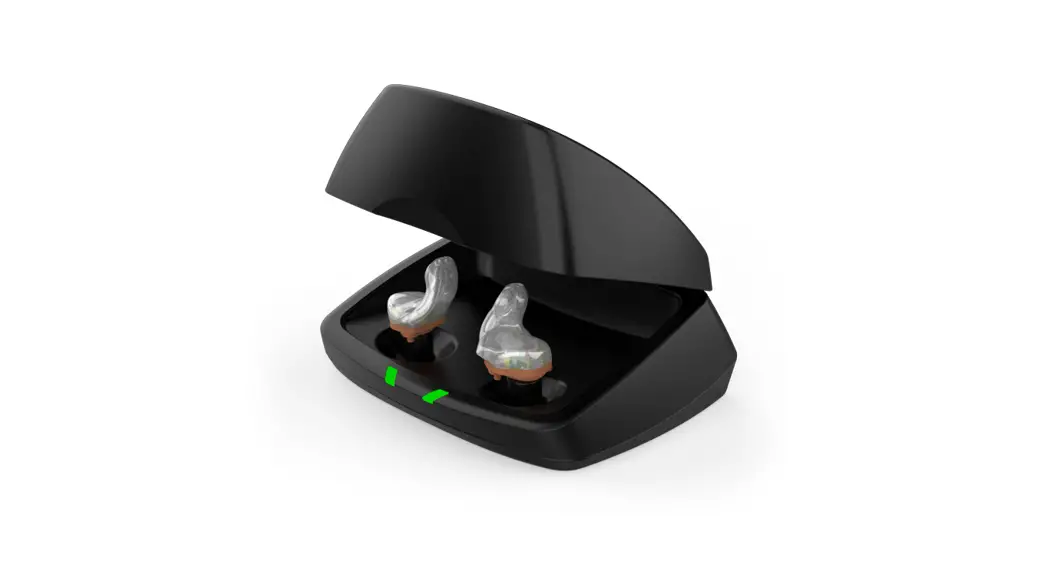
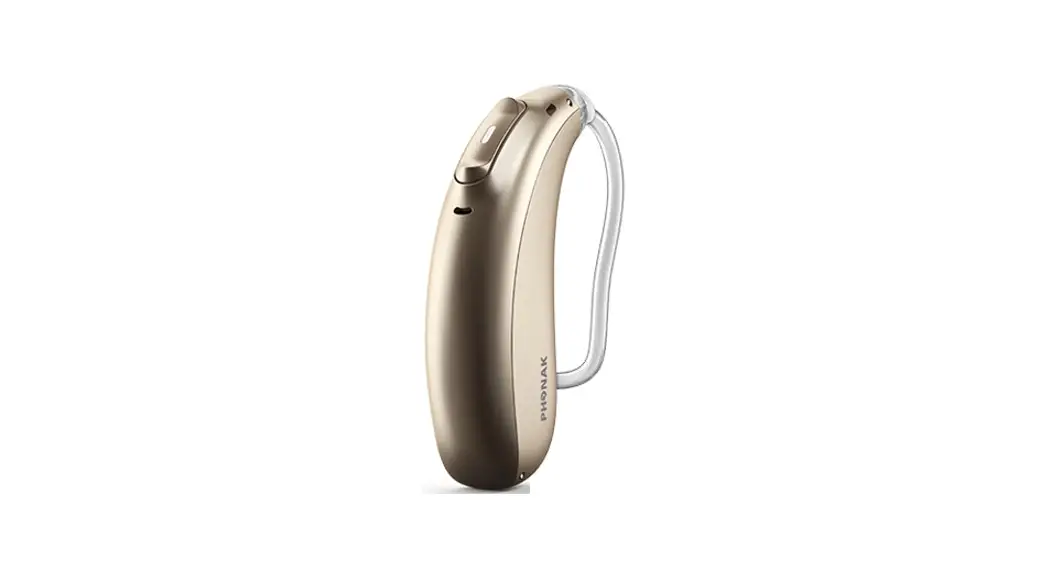
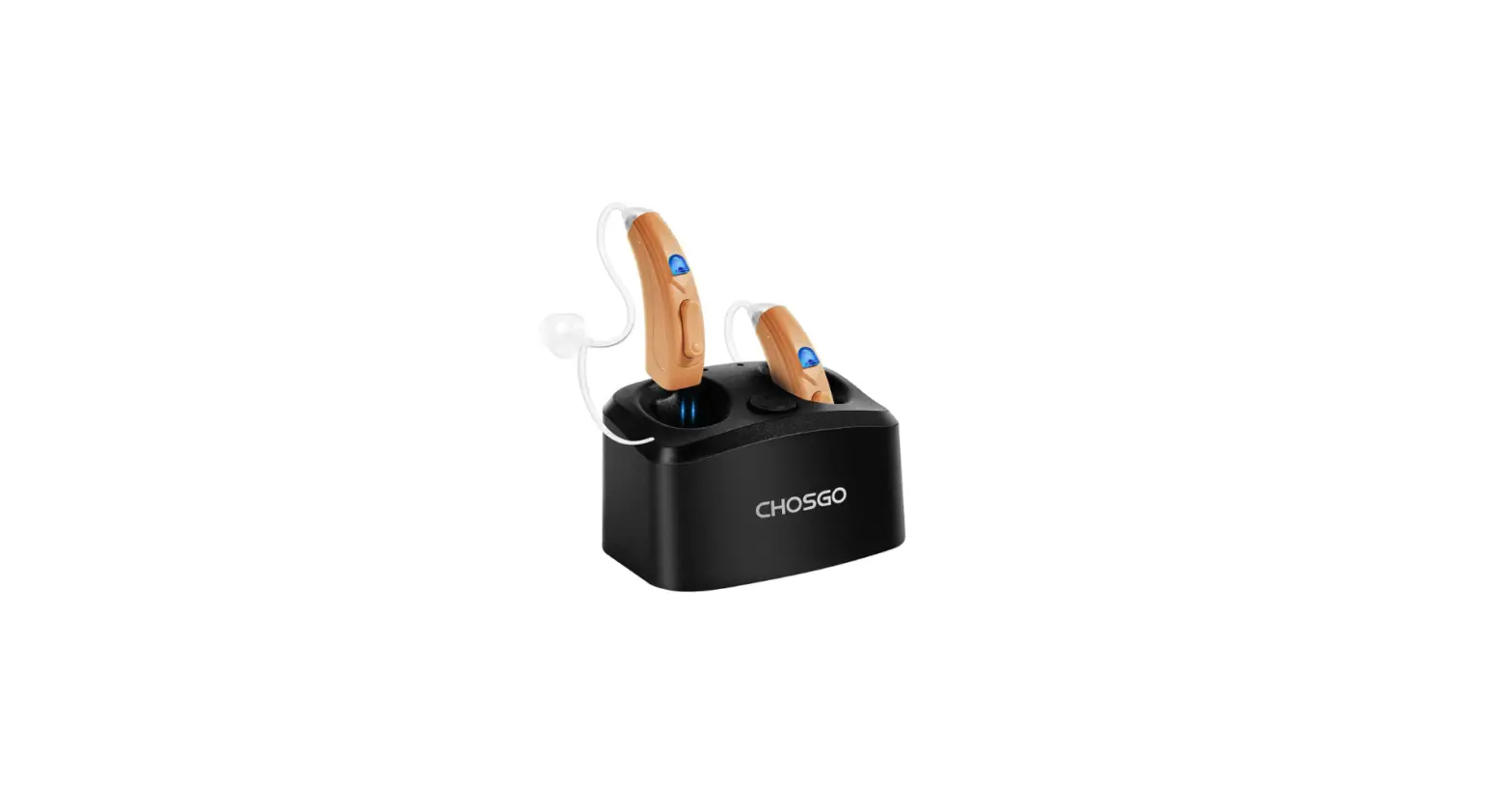
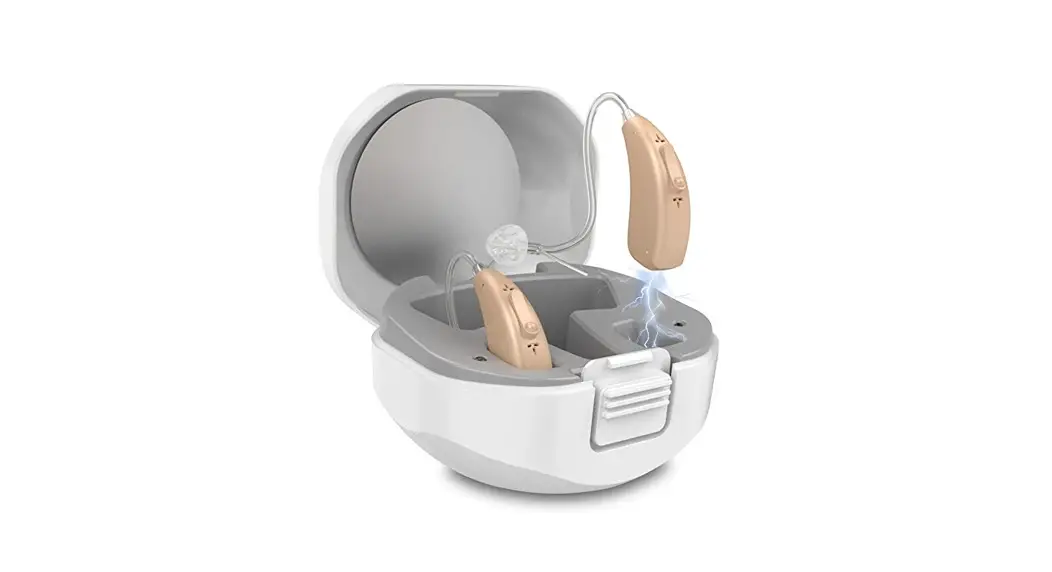
Dragon-B-CF430S Rechargeable Hearing Aids
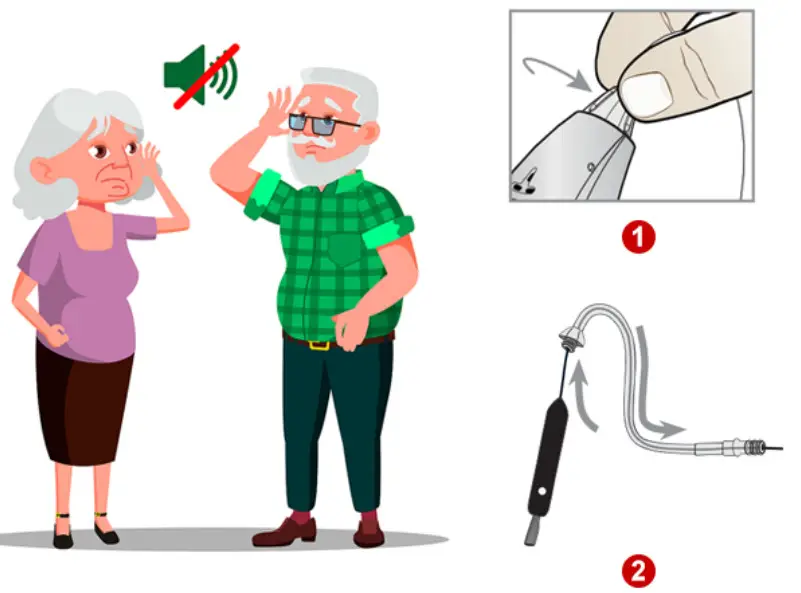
| Power on but No Sounds | |
| POSSIBLE CAUSEA | 1. Receiver Port and micphone OR Sounds tubes are blocked with ear wax, debris or water (condensation) 2. Volume and Battery Power is too low 3. Hearing aids go dead for improper shipment |
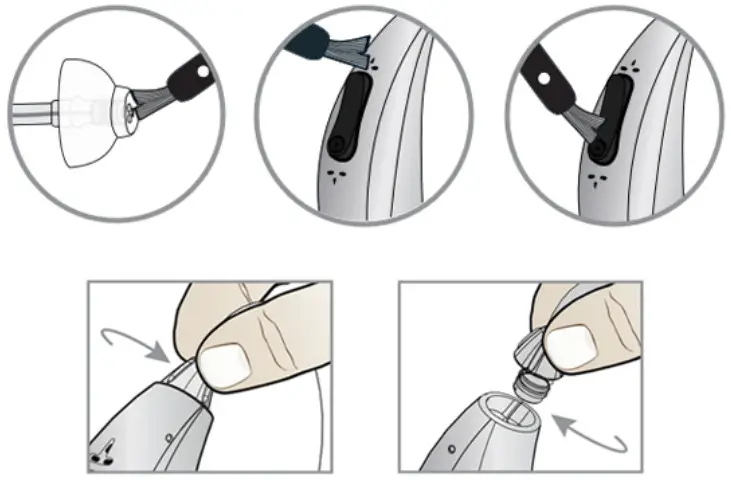
| SOLUTIONS | 1. Please carefully Clean Receiver Port, micphone or Sound Tubes with Brush 2. Trun up volume gradually and Charge it fully 3. Restart to Turn off and Turn on Hearing aids |
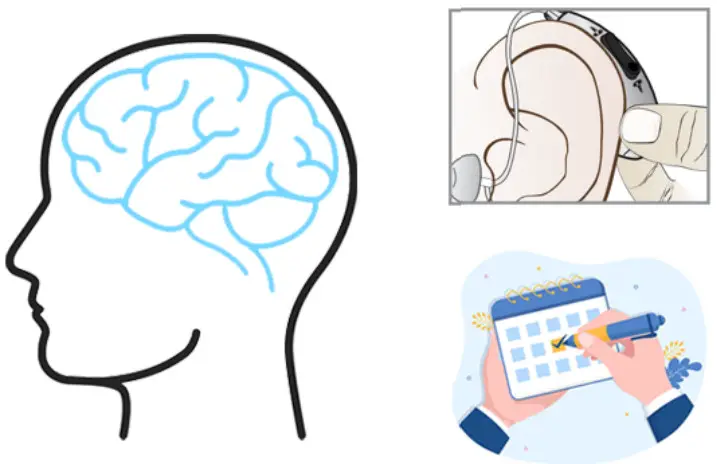
| Uncomfortable or fall off of ear | |
| POSSIBLE CAUSEA | 1. Sound tubes are damaged for long time use 2. Eardomes is not suitable for your ear canal 3. The brain did not adapt to sounds surroundings from hearing aids 4. The Skin Behind the ear become dry for long time wear |
| SOLUTIONS | 1. Replace new pair of sound tubes within the last 6∼9 months 2. Choose appropriate size eardomes 3. Wear hearing aids to go on Hearing Training for 4 weeks at least in order to make your brain has a adaptation process 4. Apply a small amount of the cream behind the ear 1 |
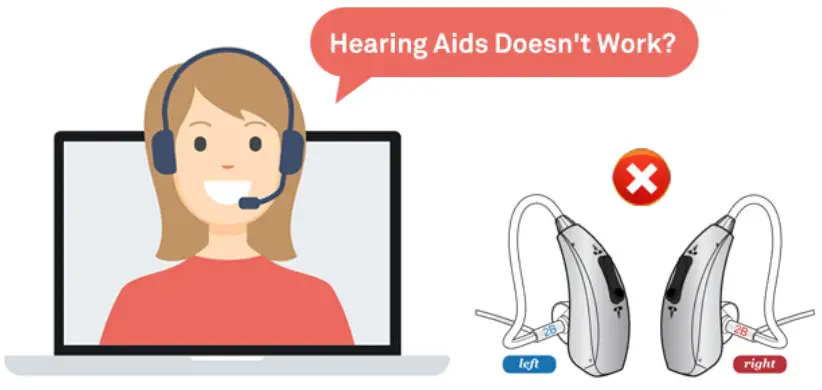
| Hearing aids Stopped Working | |
| POSSIBLE CAUSEA | 1. Battery no power or low power 2. Receiver Port and micphone are blocked with ear wax.debris or water (condensation) OR Sounds tubes are loose.cracked or kinked. 3. Volume is too low 4. Get Hearing aids Wet 5. Make Daily Maintenance and Cleaning in erro |
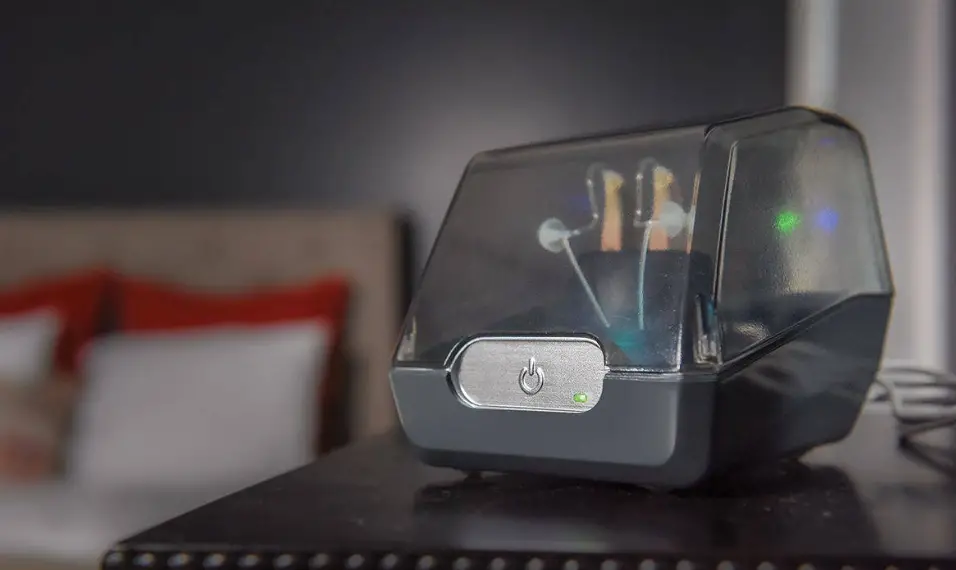
| SOLUTIONS | 1. Please try to charge hearing aids and battery case with USB cable (insure the indicator light is normal in charging) 2. Please carefully Clean Receiver Portmicphone and Sound Tubes with Brush or replace new Sound Tubes 3. Trun up volume gradually 4. Try to Put the moisture hearing device without power into Electric Hearing Aid Dryer Case 5. Pay attention to Daily Maintenance and Cleaning |
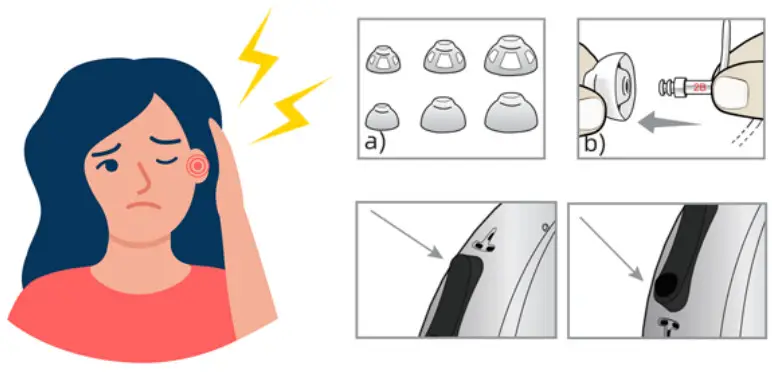
| Hearing aid is whistling or Feedback | |
| POSSIBLE CAUSEA | 1. Didn’t Make eardome fit snugly in the ear canal 2. Sound tube including tone hook and micphone or receiver port are loose. Cracked and blocked 3. Hearing aids is damged and Cracked 4. Too much Ear wax in canal 5. The volume is turned up too high at beginning |
| SOLUTIONS | 1. Choose appropriate size eardomes 2. Please carefully Clean Receiver Port,micphone and Sound Tubes with Brush or replace new Sound Tubes 3. Clean your Ear wax in canal with Earwax Removal Kit 4. Turn down the volume, and then increase gradually |
| Sound is distorted and Works Intermittently | |
| POSSIBLE CAUSEA | 1. Sound tube including tone hook is wetted. Cracked or blocked POSSIBLE 2. Low power battery limit the high output of sounds CAUSES 3. The hearing aids part was damaged for improper shipment or operation 4. The hearing aids away from the speaker over than 3M to 5M. |
| SOLUTIONS | 1. Replace or clean sounds tubes carefully SOLUTIONS 2. Charge hearing aids with Battery case 3. The distance of conversation between hearing aids and speaker should stay in 3M . |

| Hearing aids Sounds noise or Raspy | |
| POSSIBLE CAUSEA | 1. the device is running will produce slight voice 2. Hearing aids can turn down 20% Raspy produced by your environment but it is unable to eliminate completely 3. echo produced by yourself because your ear canal is filled with eardome |
| SOLUTIONS | 1. Aways from noise or Raspy environment such as airport as soon as your possible 2. Turn down the volume of your speaking 3. Spend 4 weeks on making your brain has a adaptation process |
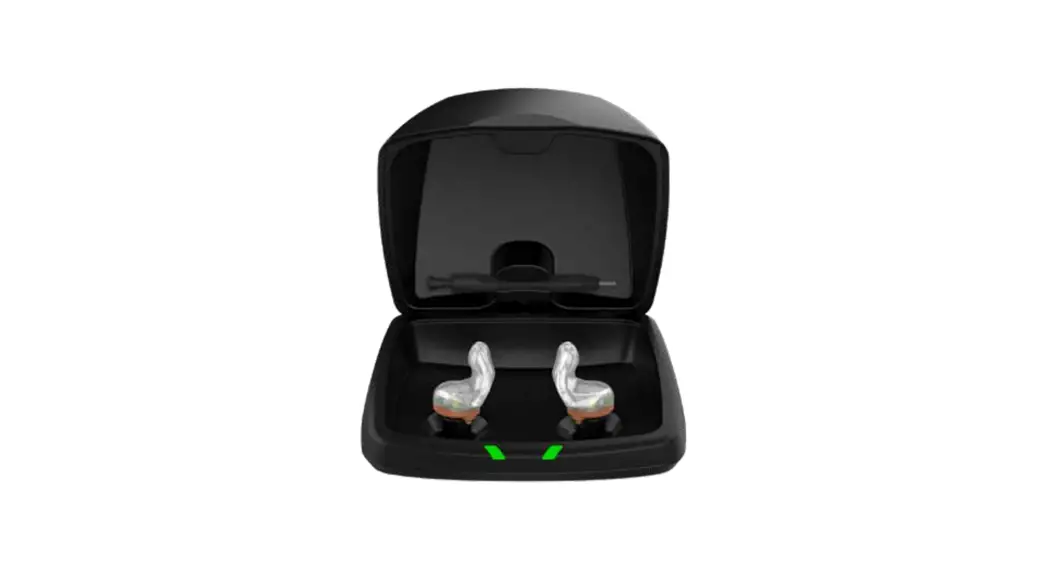
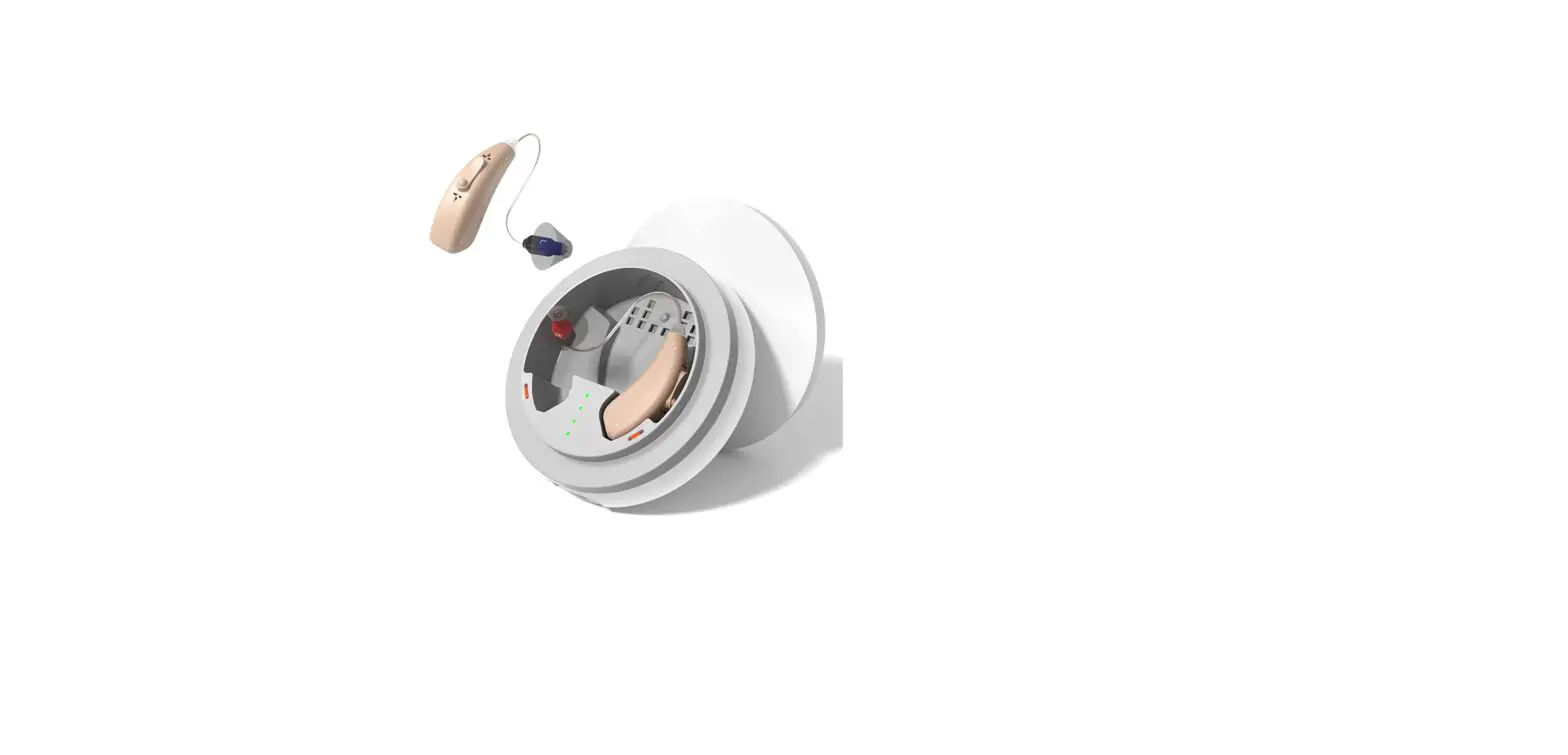
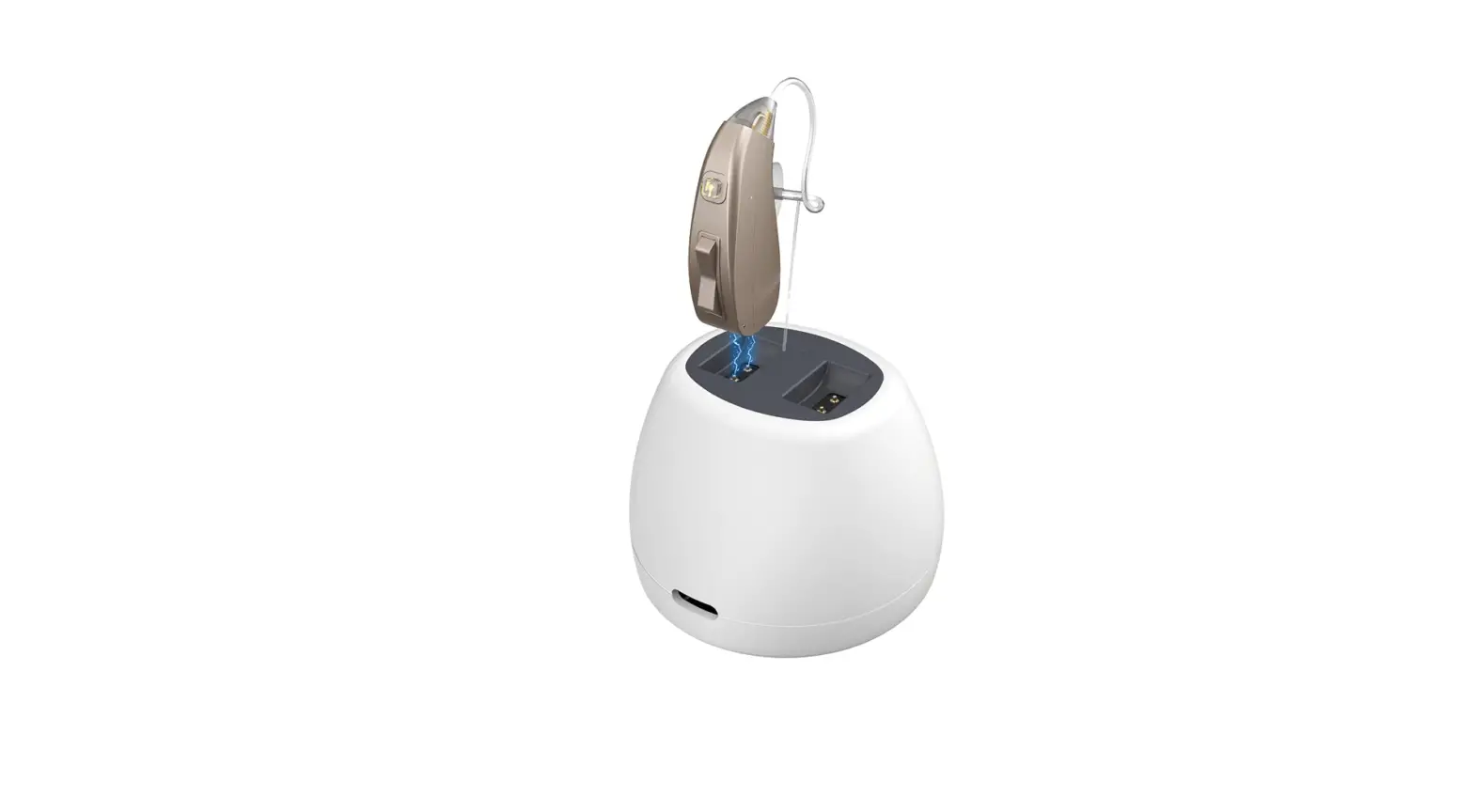
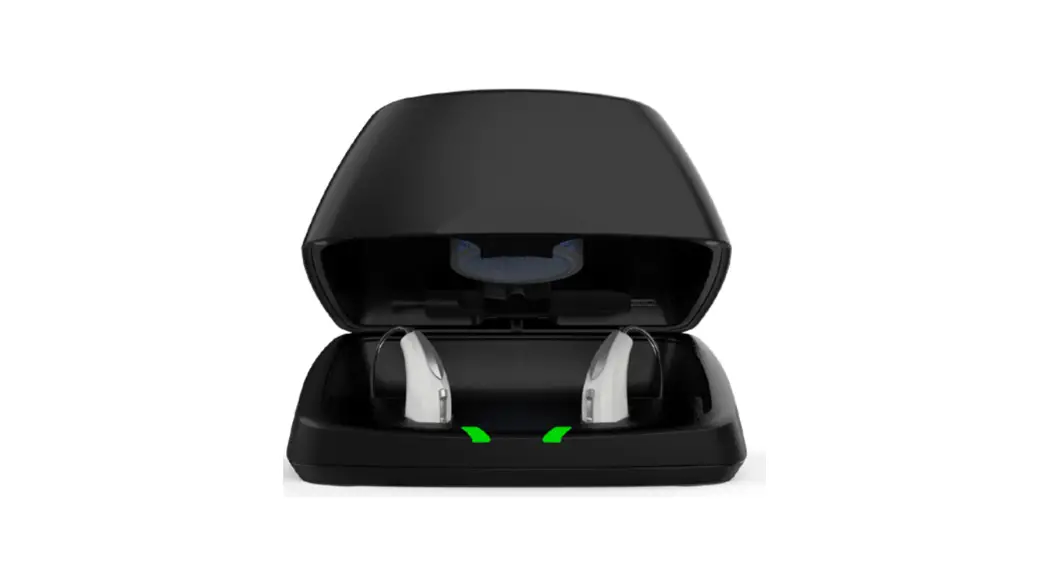
| Hearing aids didn’t charge | |
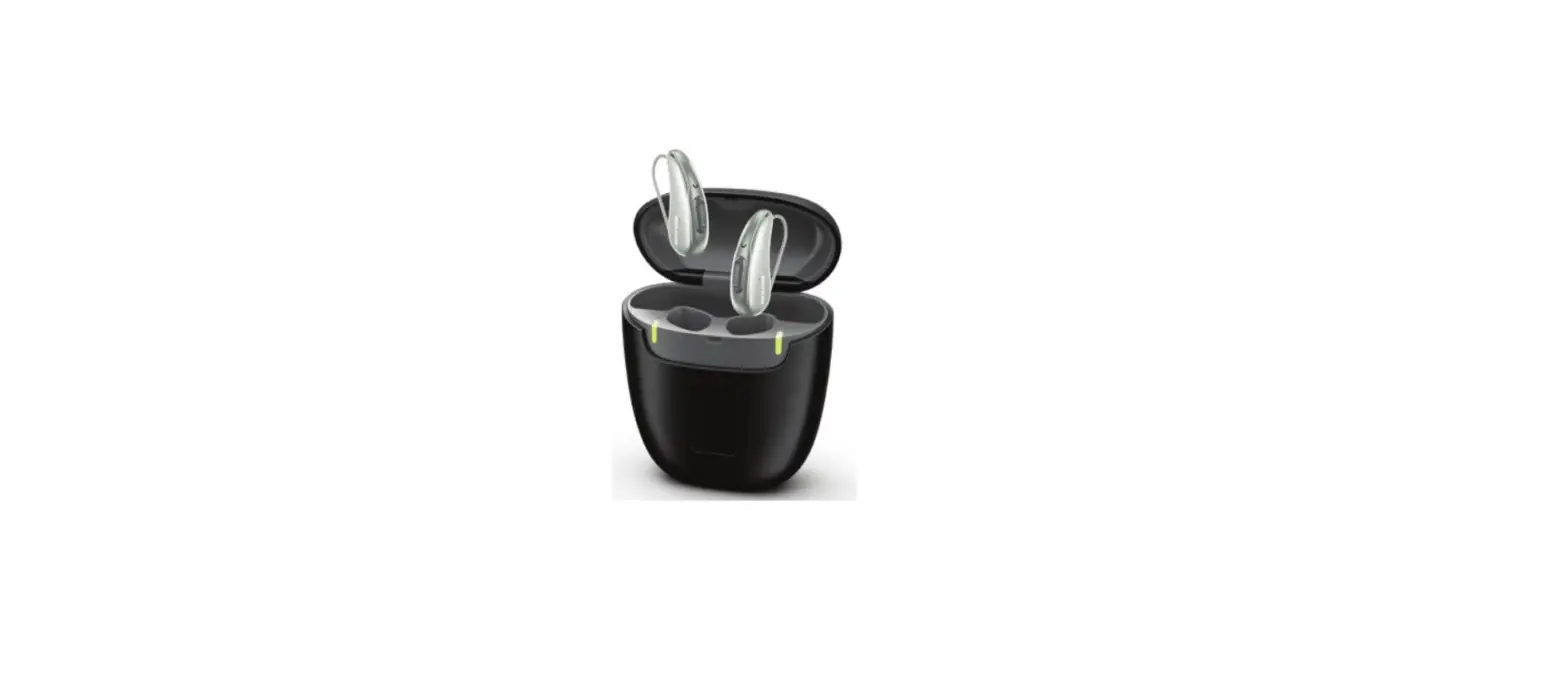
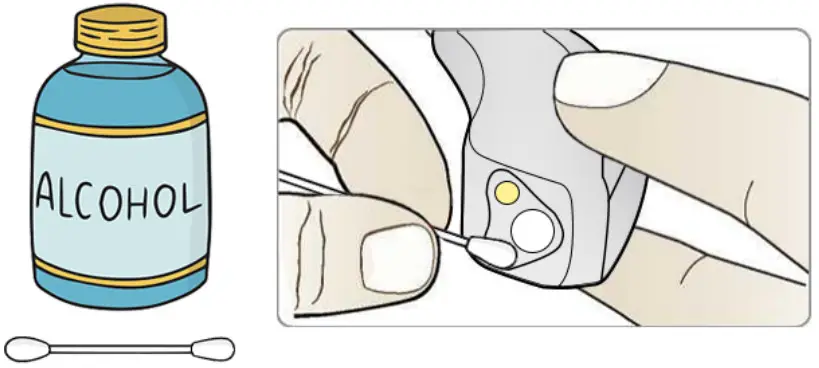
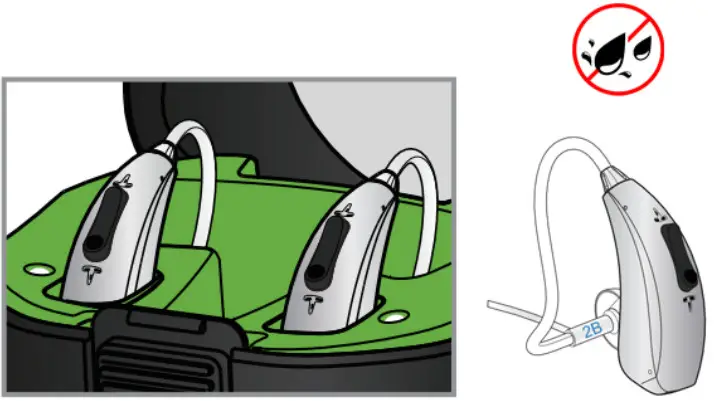
| POSSIBLE CAUSEA | 1. the charging cable is defective 2. The Magnetic contact of hearing aids or battery case is stained 3. Get hearing aids Wet 4. Insert Hearing aids in charging Case in error |
| SOLUTIONS | 1. Exchange other charging cable with type C input 2. Clean the magnetic contact with alcohol cotton swab 3. Try to Put the moisture hearing device without power into drying/dehumidifying 4. Reinsert hearing aids into charging case and reposition device in their slots. |
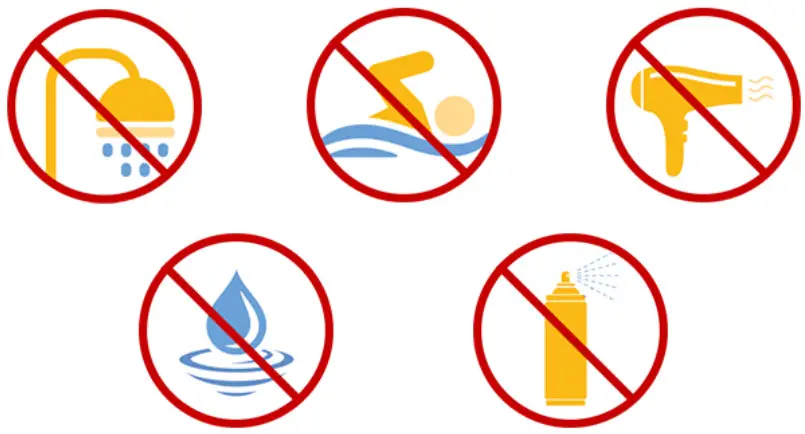 Follow these tips for optimal performance
- Avoid physical shock, such as dropping on the floor.
- Store in a cool dry place when not in use, such as a hearing aid dehumidifier.
- Do not let your device get wet.
- Do not use hair spray or a hair dryer while wearing your device.
- Do not expose your device to excess moisture or heat.
| Can’t Adjust Volume | |
| POSSIBLE CAUSES | 1.Low power battery limit the high output of sounds 2.Program is dead or Wrong Settings 3.hearing aids was storaged in moisture lead to volume button happed short circuit |
| SOLUTIONS | 1.Please charge it with case and turn on again 2.Try to Put the moisture hearing device without power into drying/dehumidifying |
Environmental Conditions
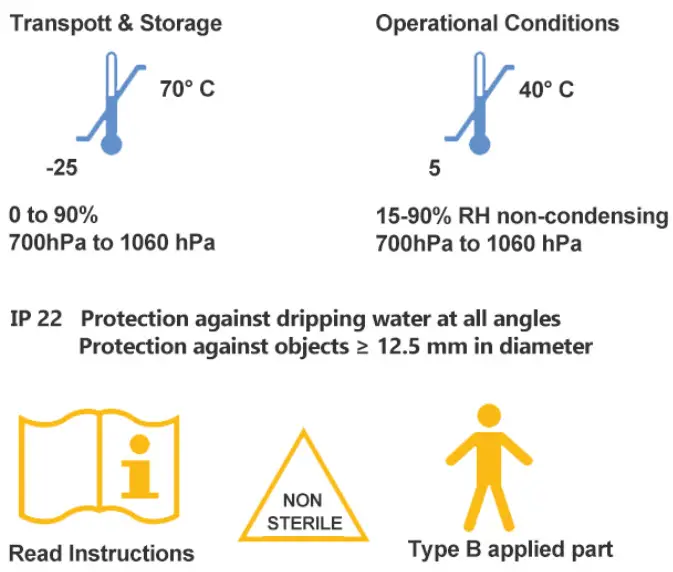
 Thanks for your order from Earrck, Please read carefully about operation. Any question feel free to contact Support. we can help you deal with any replacement or return in 12 months