 Hionec Fresh Rechargeable Hearing Aids
 Hionec Fresh Rechargeable Hearing Aids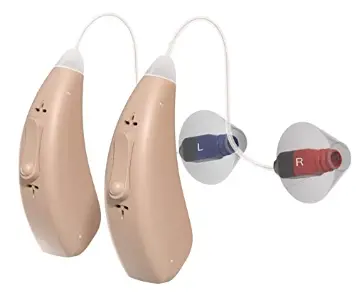
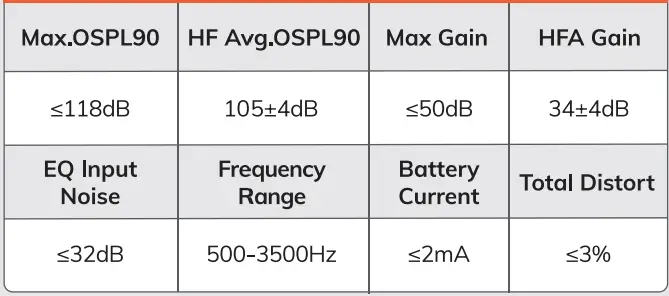
Technical parameters
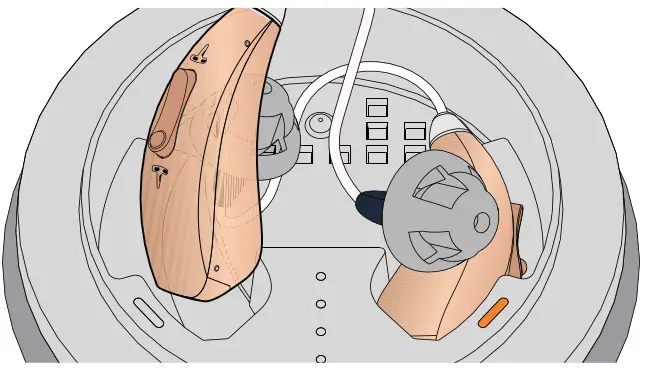
Power On/Off
- Power On: Take the hearing aid out of the charging case or long-press the Volume Down button.
- Power Off: Return the hearing aid to the charging case or long-press the Volume Down button.

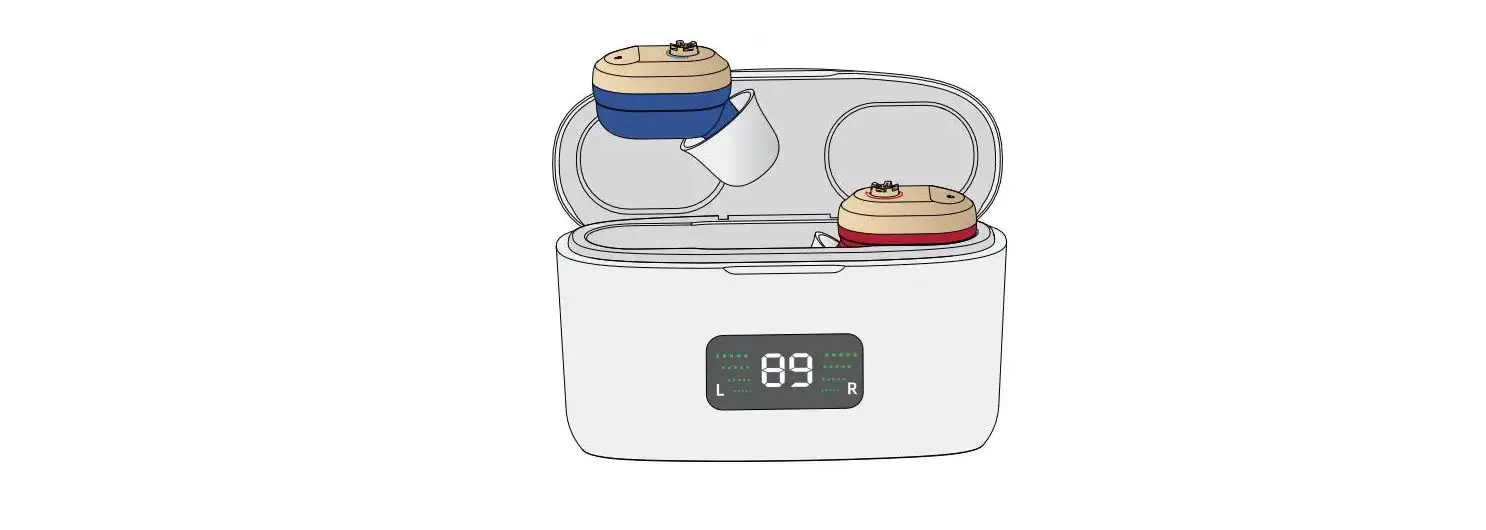
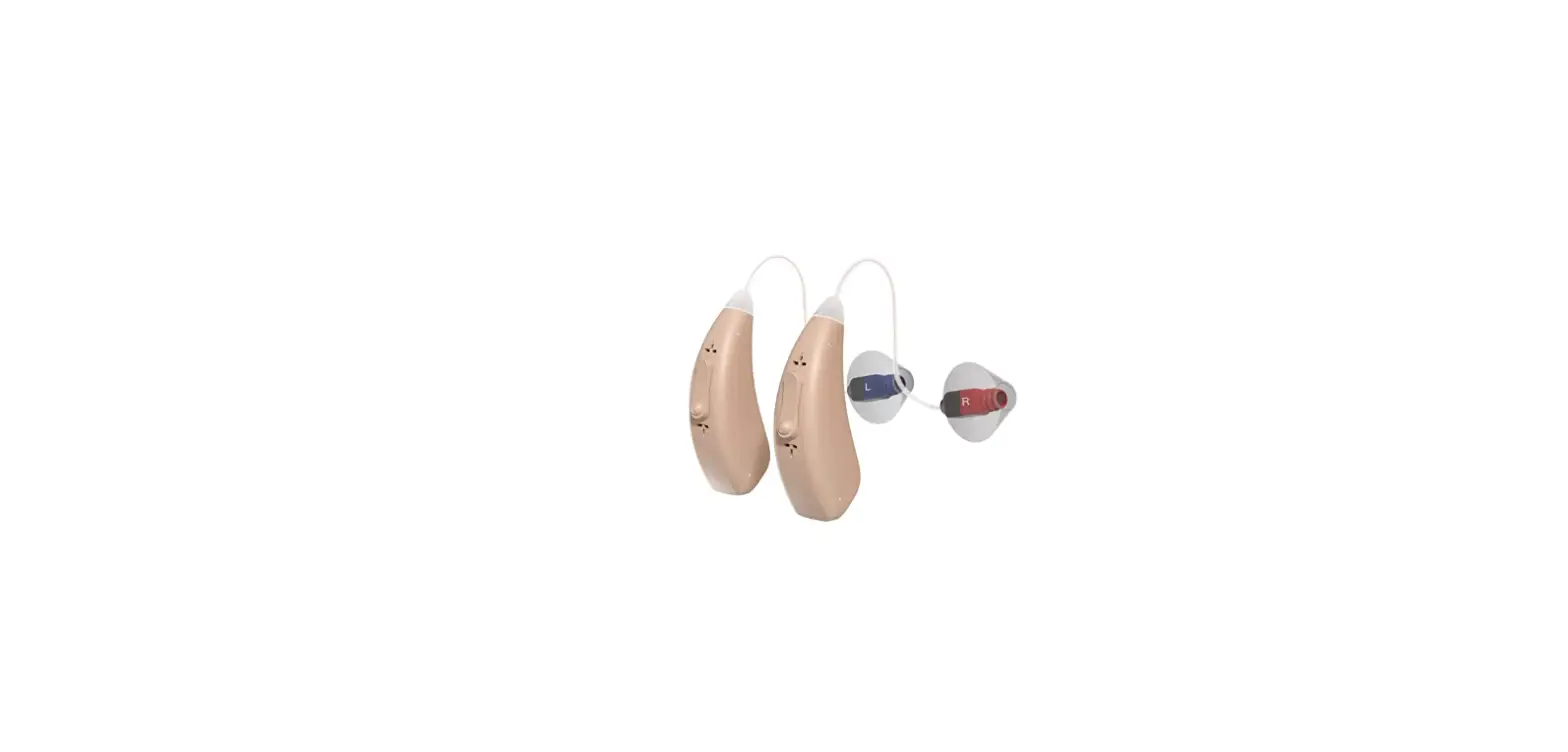
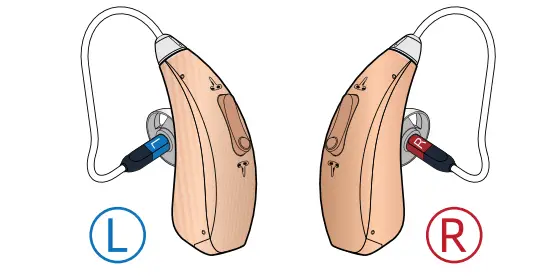
Distinguish left and right hearing aids according to the UR signs on the hearing aids.
- (L) is on the left of the charging case and
- (R) is on the right.

Please remove the film label from the hearing aid before use.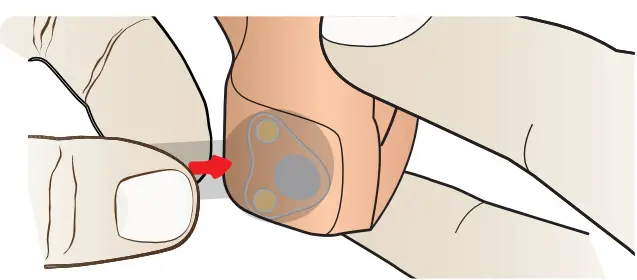
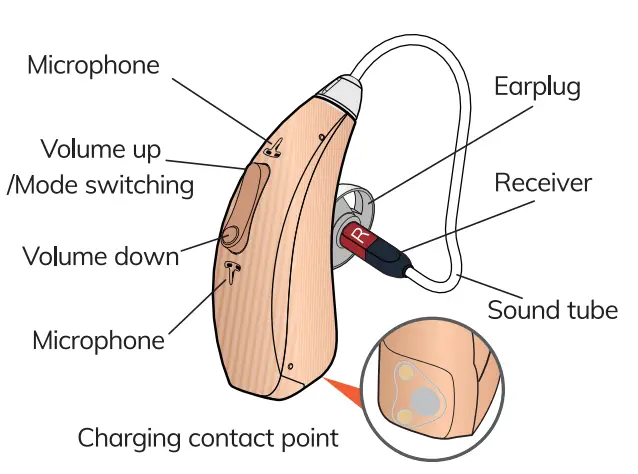
Hionec Fresh overview
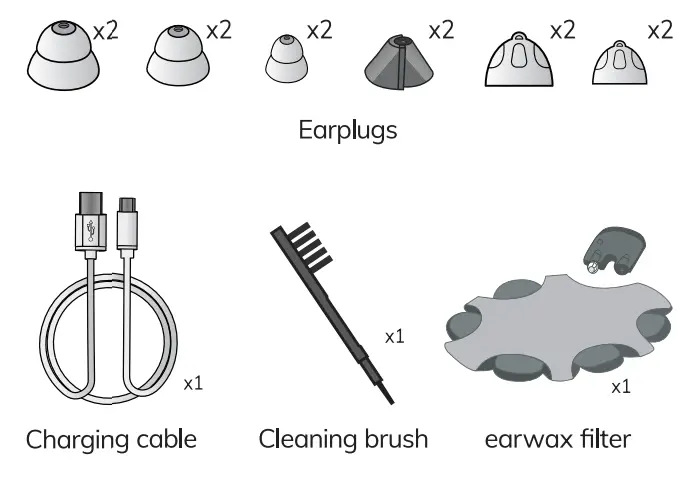
Accessories
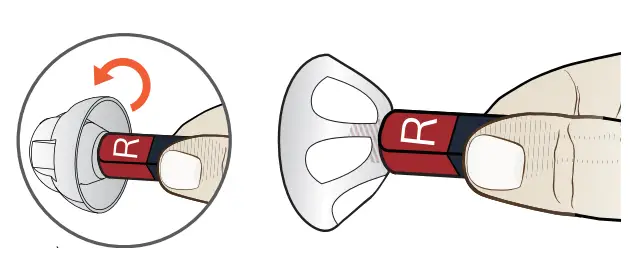
How to replace the earplug
Hearing aids come with M-size earplugs.
Choose a suitable size earplug to fit your ear canal.
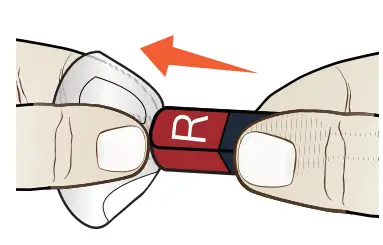
- Turn the edge parts over.

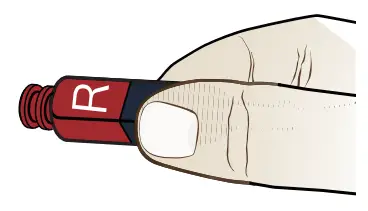
Do not pull on the edge of the earplug to avoid damage. - Hold the hearing aid and pull off the earplug.

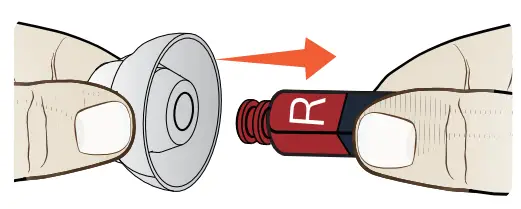
- Hold the hearing aid with one hand.

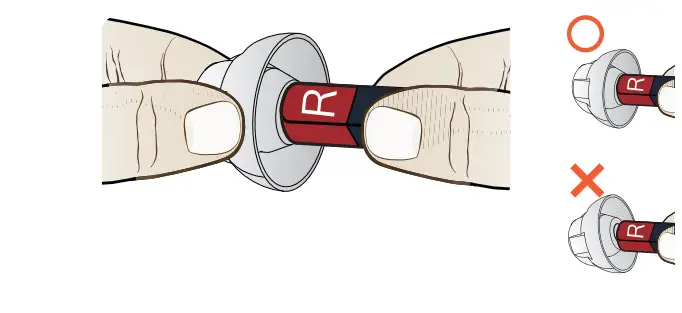
- Insert the earplug gently into the receiver.

- Pull the earplug gently to make sure it is secure.

How to wear the hearing aids
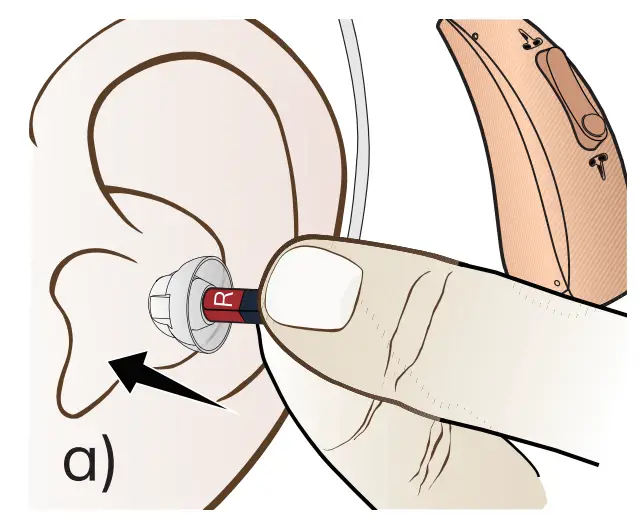
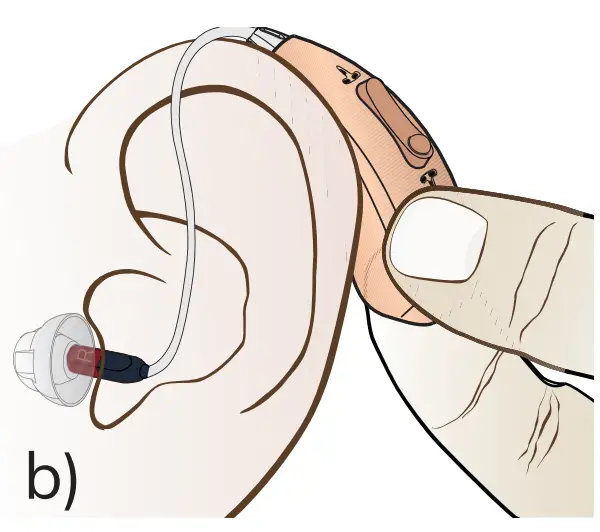
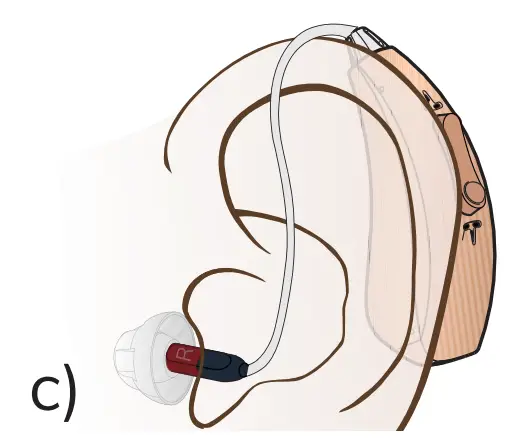
- Gently insert the earplug into the ear canal.

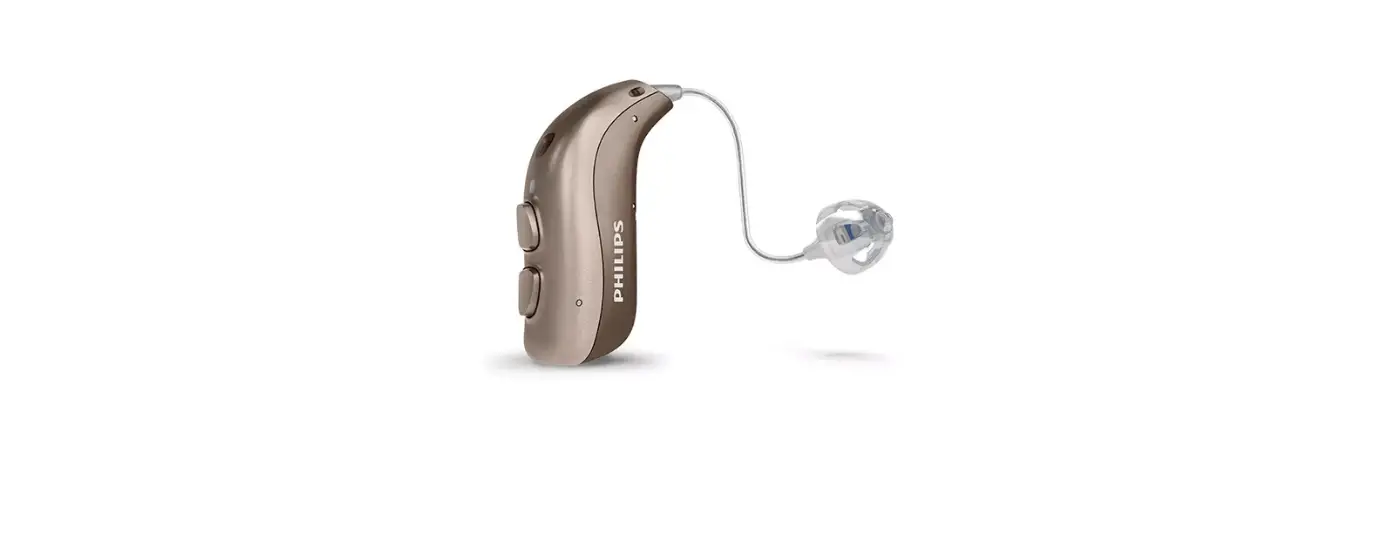
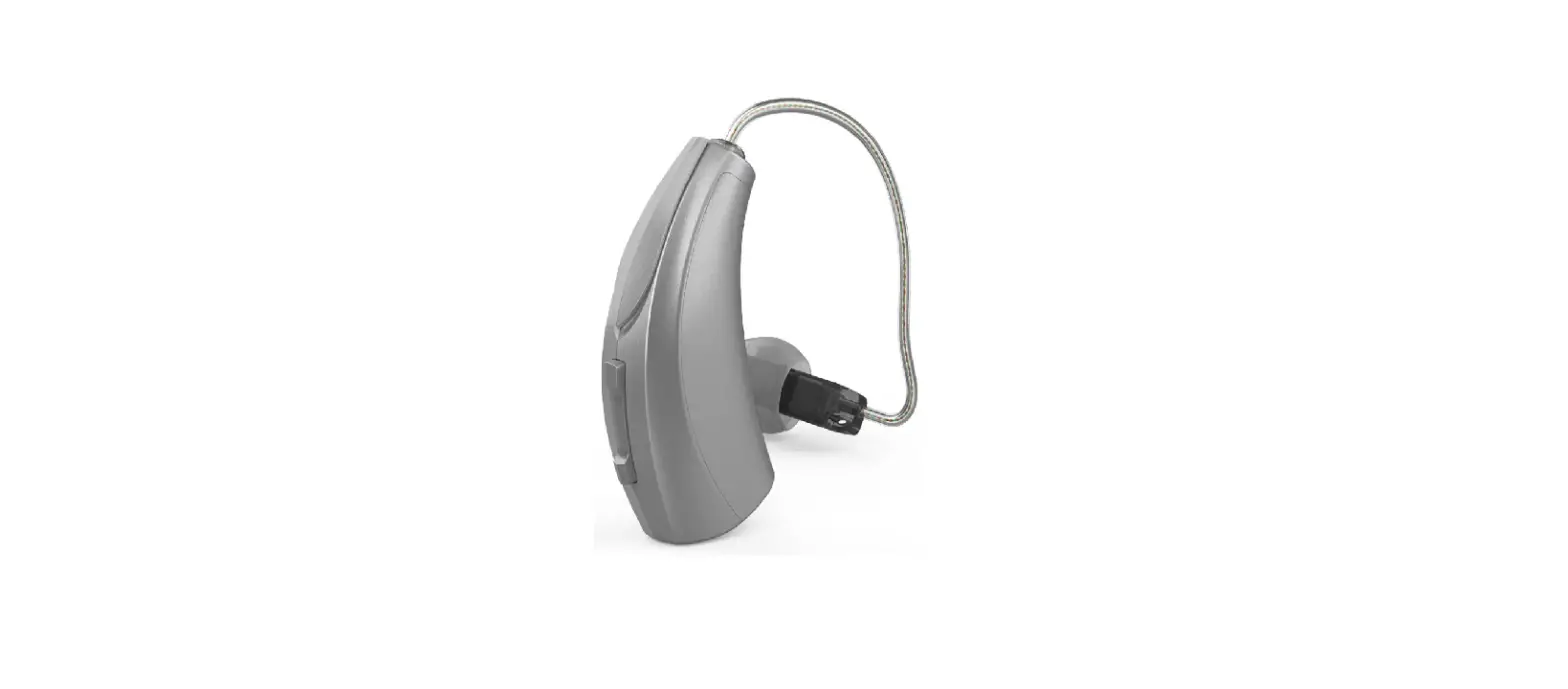
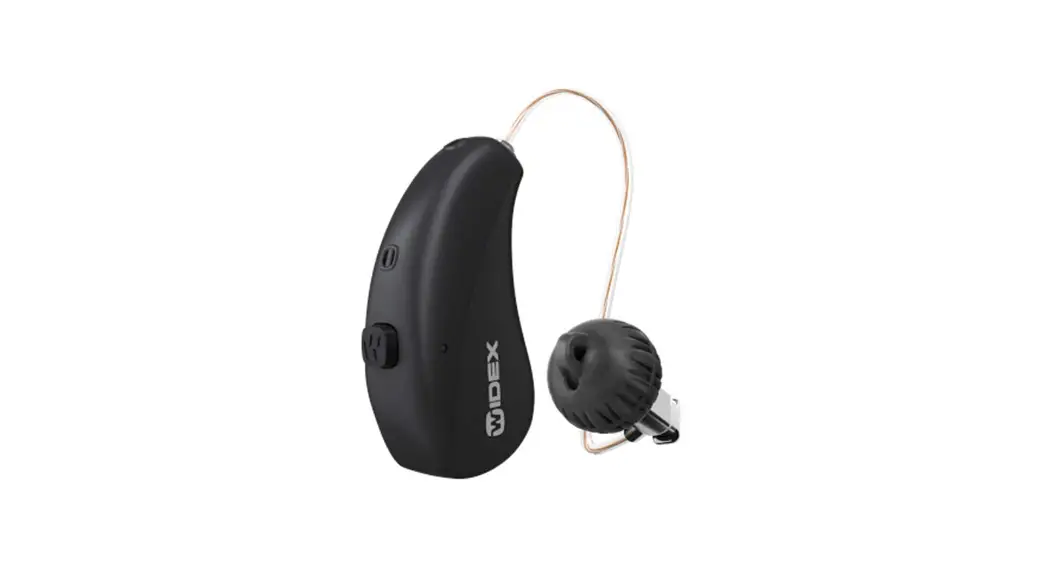
- Place the hearing aid behind the ear. The curve of the sound tube should fit comfortably behind your ear.

- lf the earplug does not fit your ear canal, feedback (whistling sound) will happen. Choose a suitable earplug to avoid feedback.

How to use
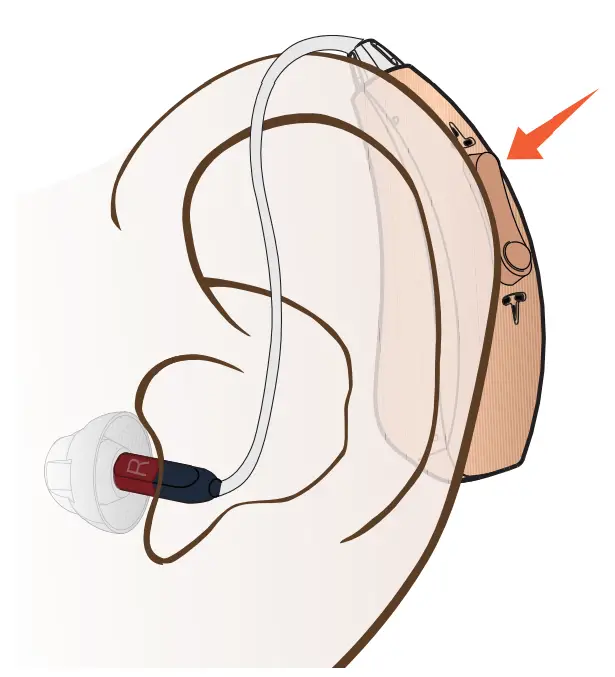
- volume control:
Press the Volume Up button to increase the volume. Press the Volume Down button to decrease the volume. 2 beeps can be heard when the volume is max or min. - mode switching:
Long press the Volume Up button for 3 seconds to switch between 3 scene modes. And the switching sequence is 1-2-3-1.- beep means mode 1 (Normal mode).
- beeps mean mode 2 (Noise cancelling mode).
- beeps mean mode 3 (Outdoor mode).
Restart the hearing aid and it will automatically restore to the volume level and the scene mode set last time.
How to charge
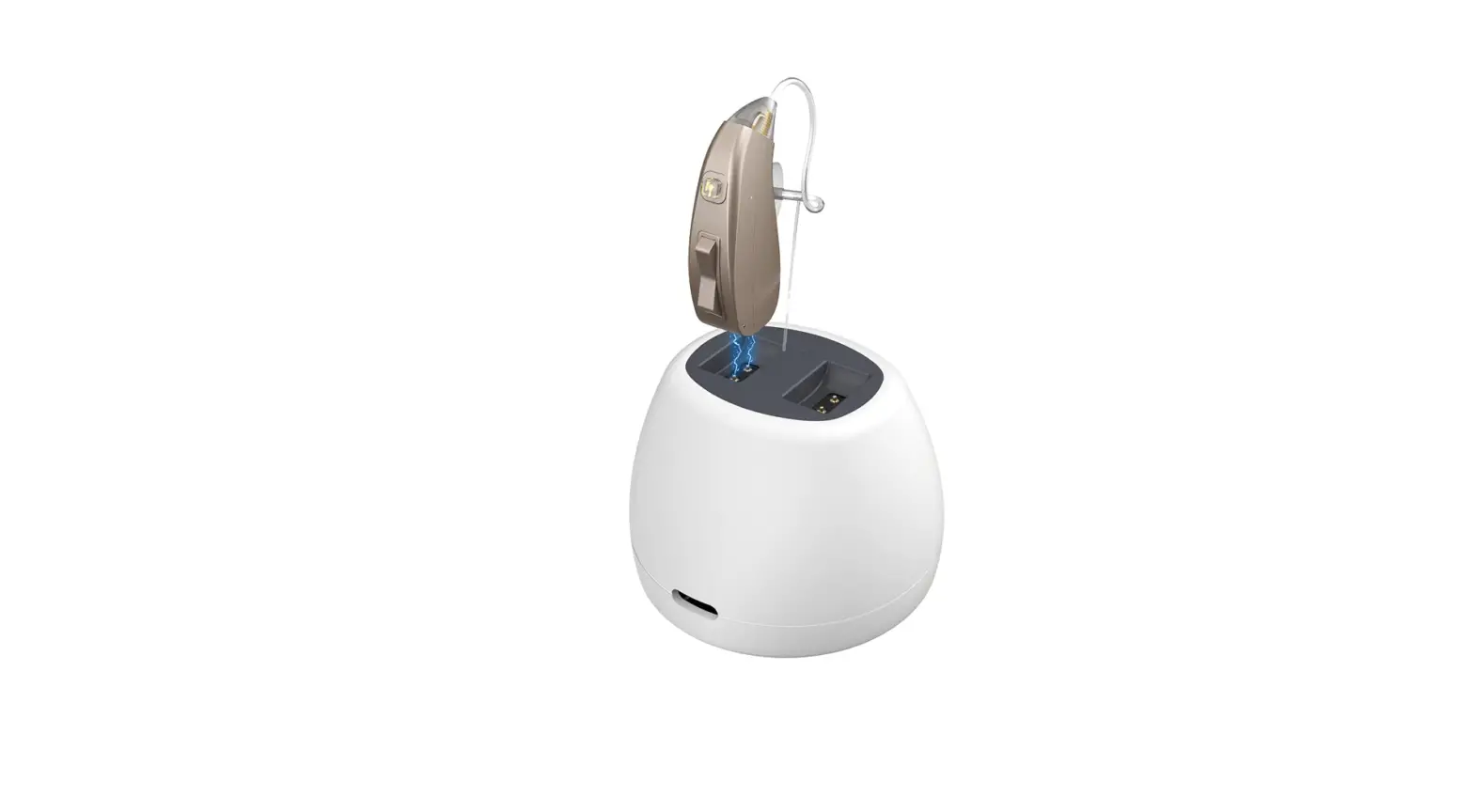
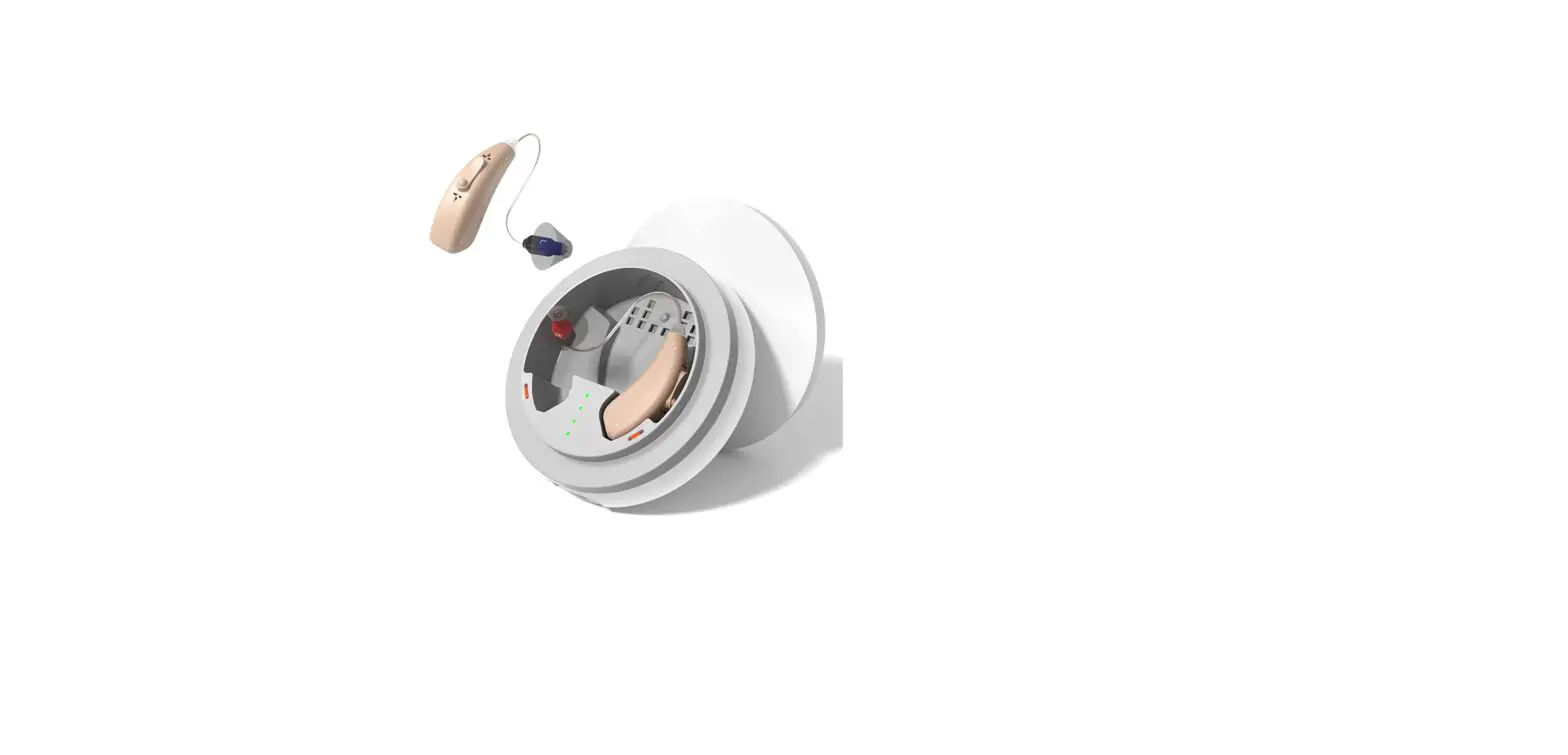
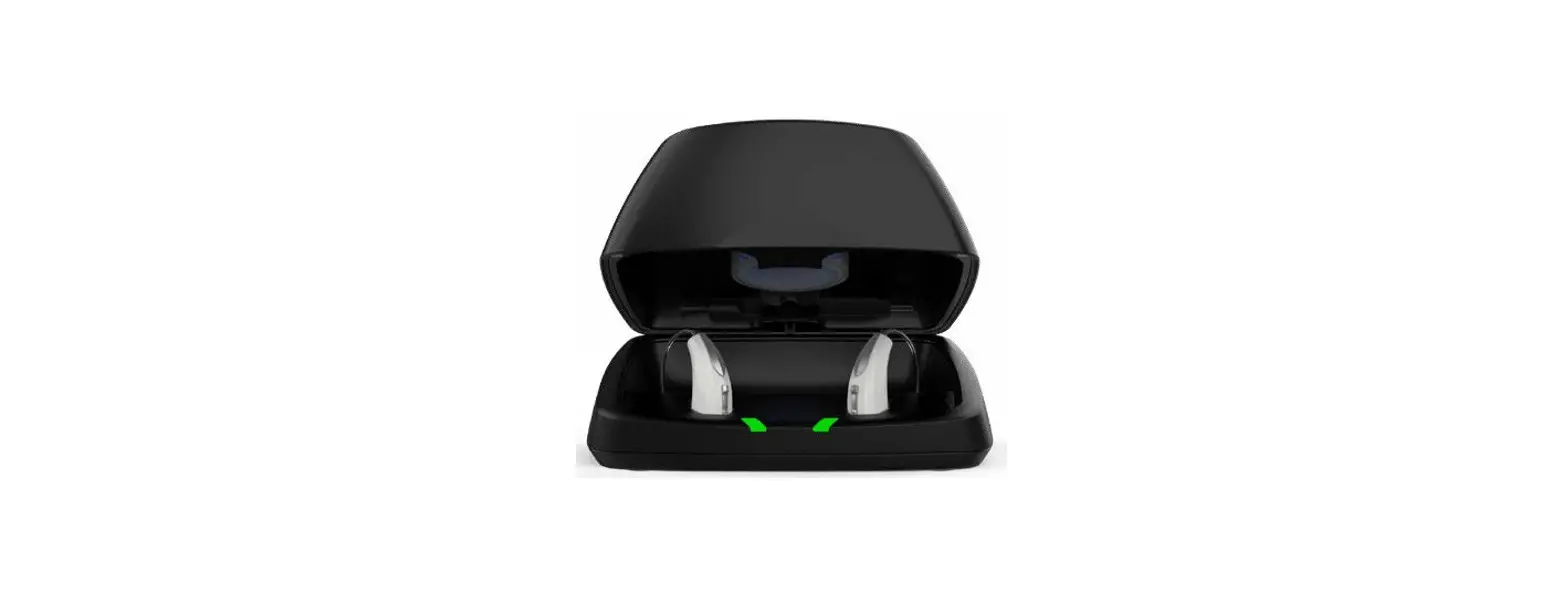
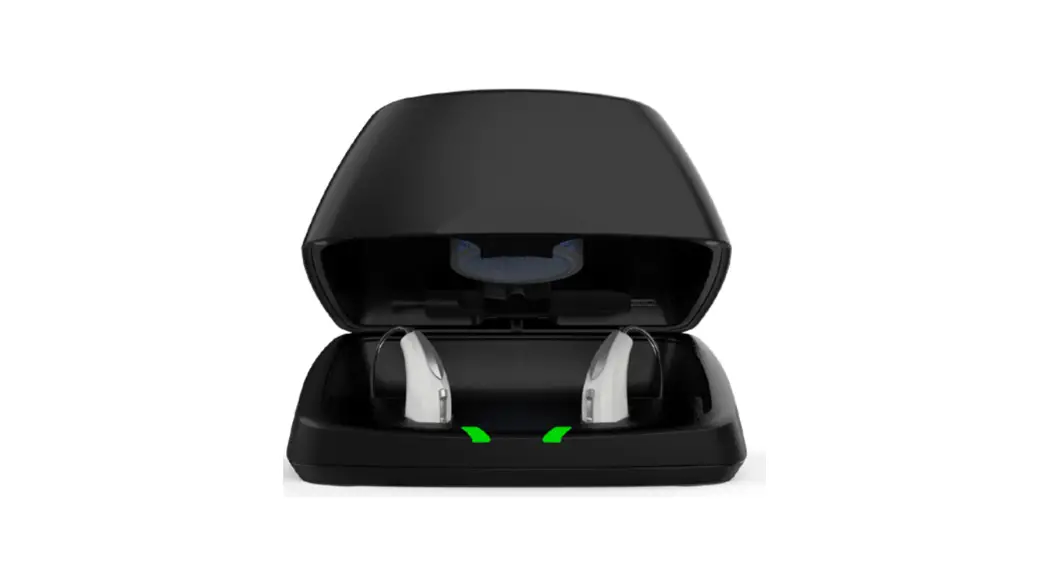
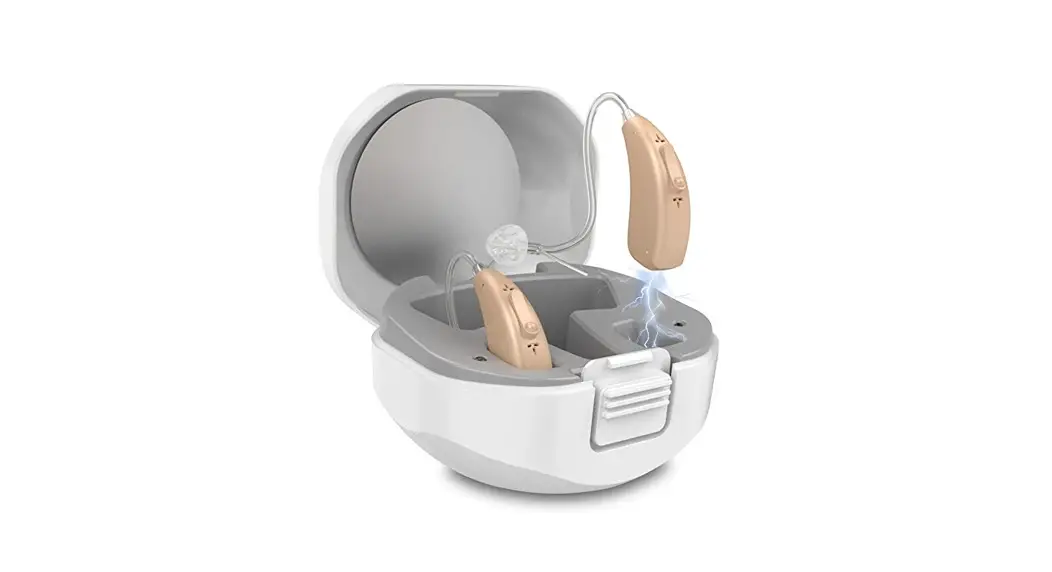
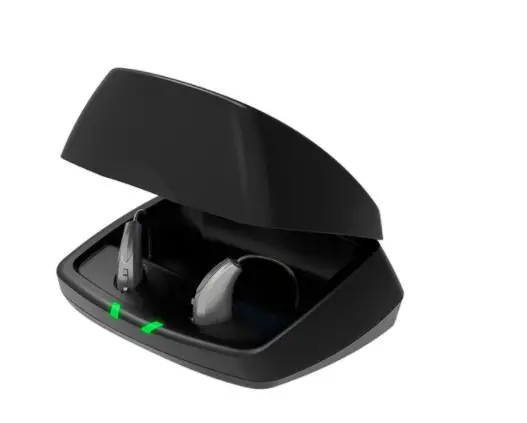
The hearing aid can be charged after being returned to the charging case. The charging case can provide an extra 60 hrs of listening time for 2 hearing aids. When the charging case runs out of power,
use the provided charging cable to charge it.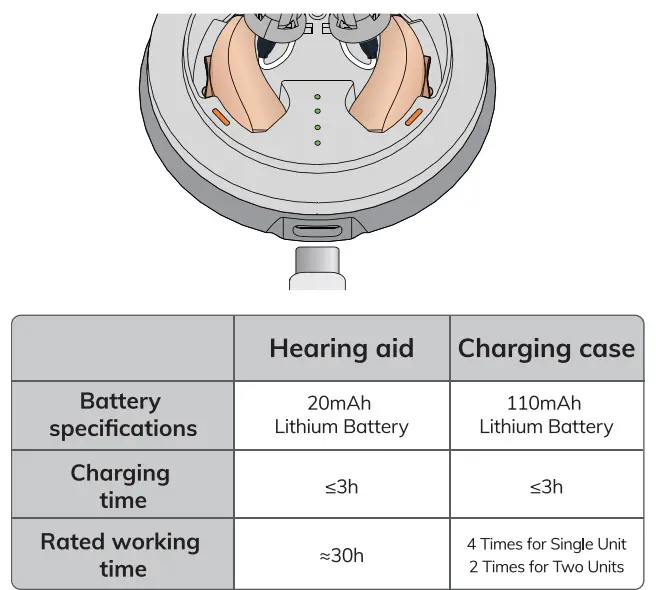
How to replace the earwax filter
Replace the earwax filter every 3 months.
Do not reuse the used filter.
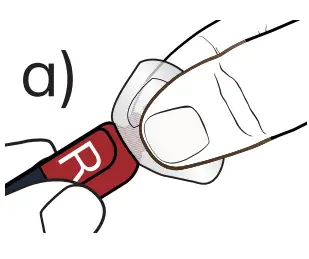
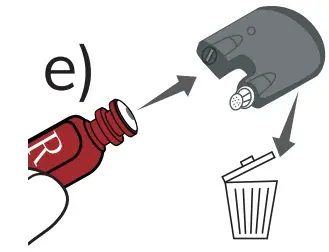
- Remove the earplug first. Refer to “How to replace the earplug”.

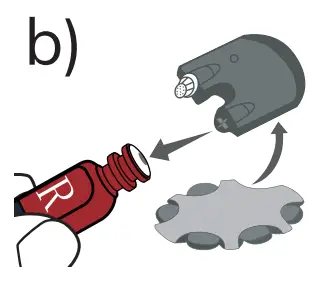
- Gently insert the removal end of the tool into the sound tube.

- Pull out the previous earwax filter and discard it.

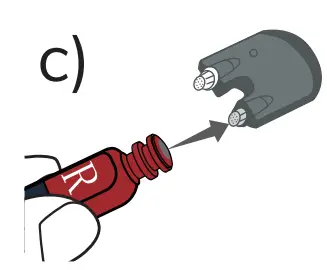
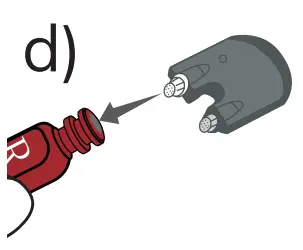
- Insert the new filter into the sound tube.

- Insert the new

Notes and tips
- This product is not waterproof.
- If the hearing aid is not used for a long time, please charge it every 1-2 months to avoid damage to the battery.
- The charging cable provided in the package is only for hearing aids, please do not use it to charge other devices
- Store in a well-ventilated and dry place.
- Do not use in or near an X-ray or MRI machine.
All pictures are for reference only
Maintenance
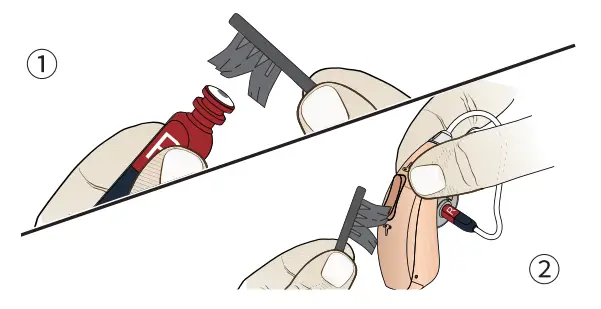
After usage, clean the earplug and the sound tube with the cleaning brush, wipe off dirt with tissue paper, and store in a dry place with good ventilation.
- Clean the sound tube with the cleaning brush.

- Clean the microphone with the cleaning brush.
Troubleshooting
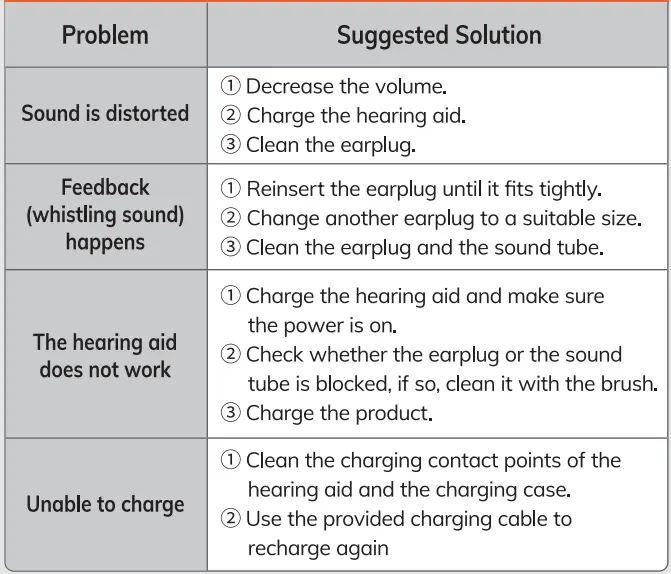
Consult your audiologist or contact us if the problem cannot be solved.
FAQS
Three hearing modes
The volume can be adjusted with the buttons on the hearing aids. I can adjust the volume easily to fit the different conditions.
Hionec Support Team offers unconditional 1-year quality assurance and lifetime customer support.
If you have any other questions about the Hionec Hearing Aids, please contact us at https://www.amazon.com/gp/help/contact-seller/contact-seller.html?marketplaceID=ATVPDKIKX0DER&sellerID=A31X4E207A8083&ref_=v_sp_contact_seller
Hionec Fresh offers 3 modes. Normal Mode, Noise Cancelling Mode, and Outdoor Mode. Long press the Volume Up button for 3 seconds to switch between 3 modes.
If you have any other questions about the Hionec Hearing Aids, please contact us at https://www.amazon.com/gp/help/contact-seller/contact-seller.html?marketplaceID=ATVPDKIKX0DER&sellerID=A31X4E207A8083&ref_=v_sp_contact_seller
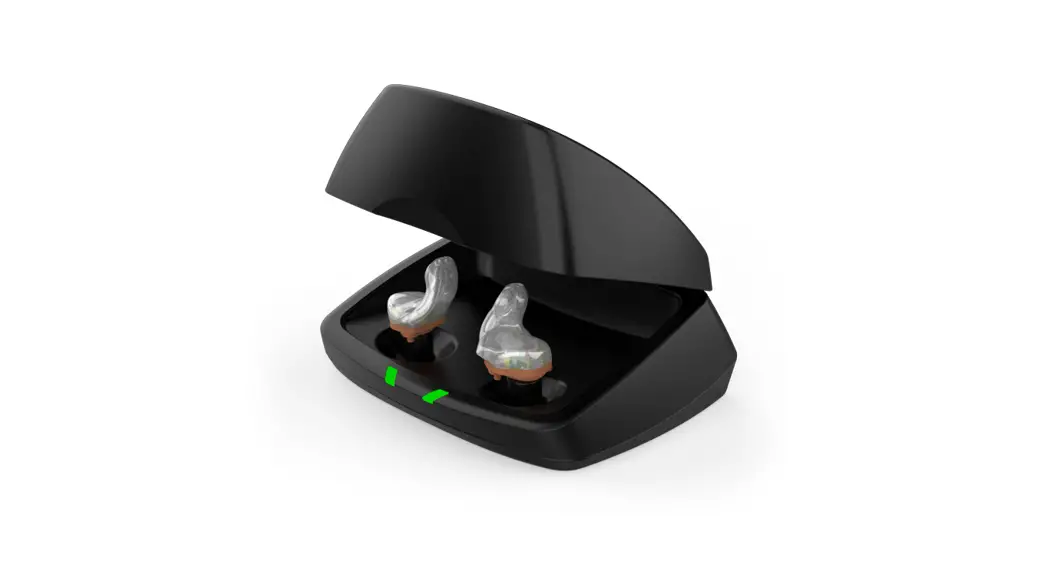
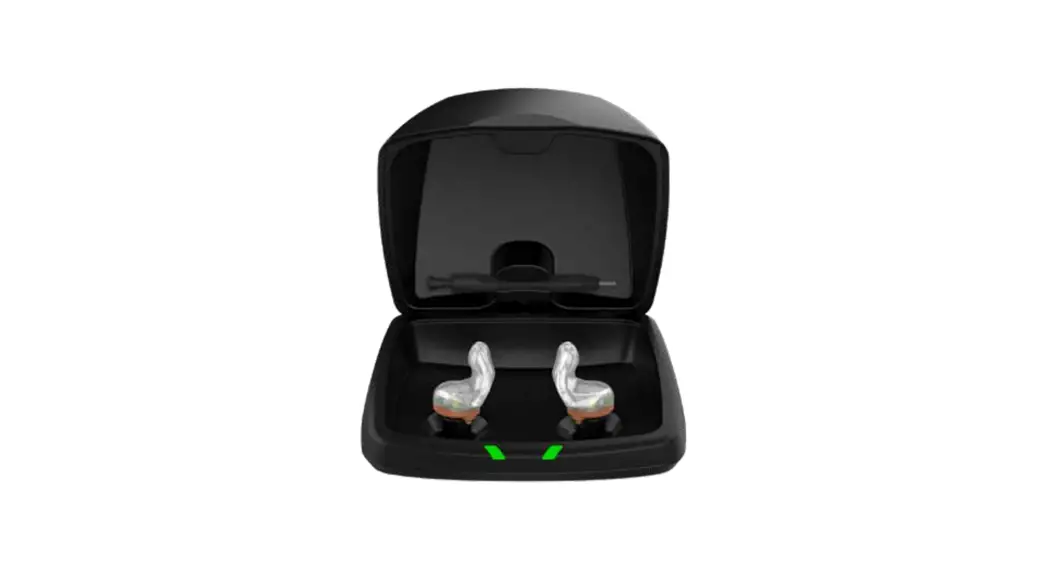
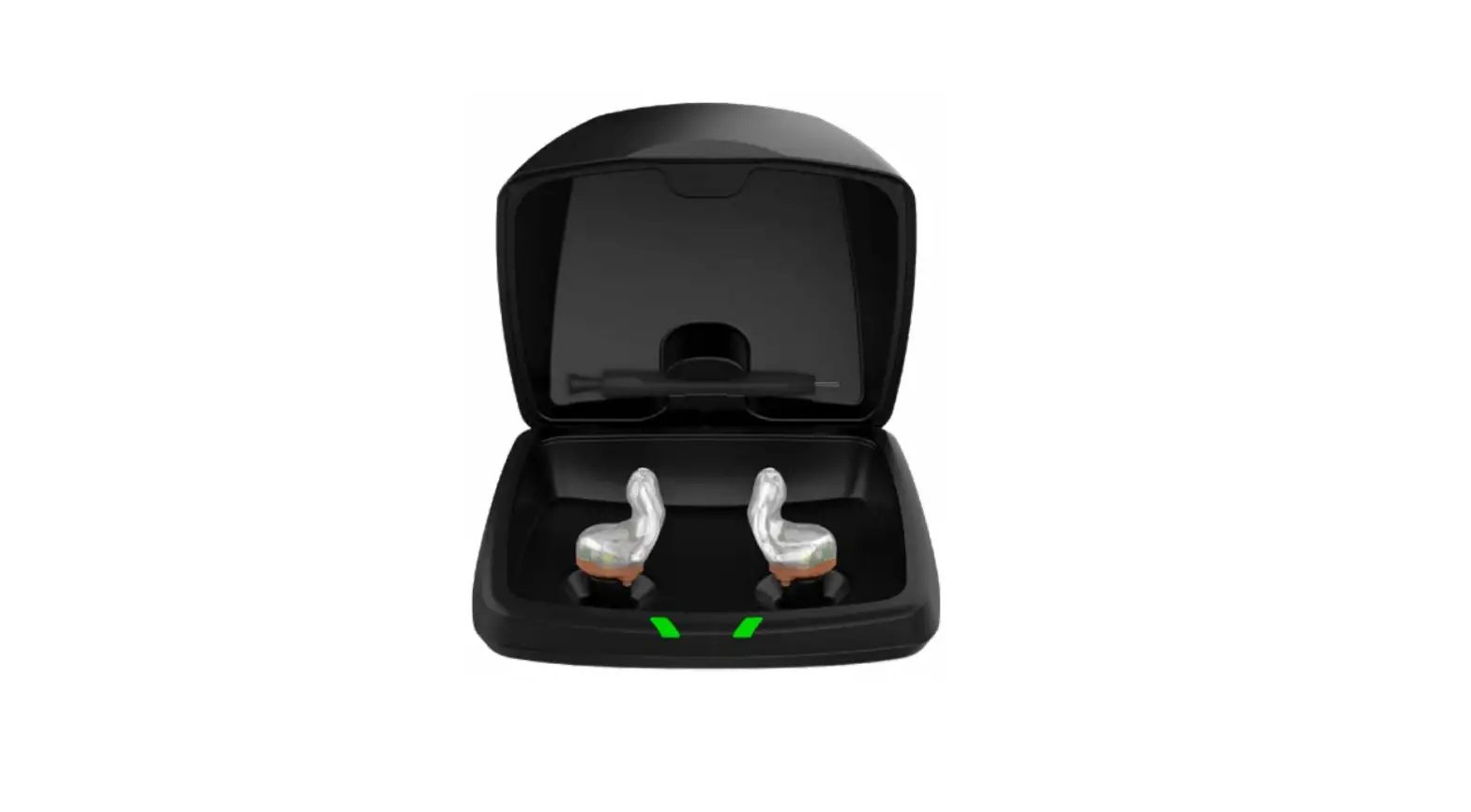
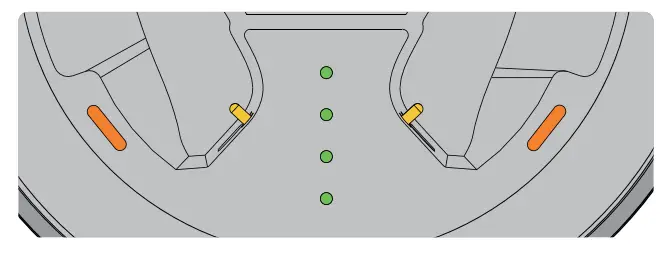
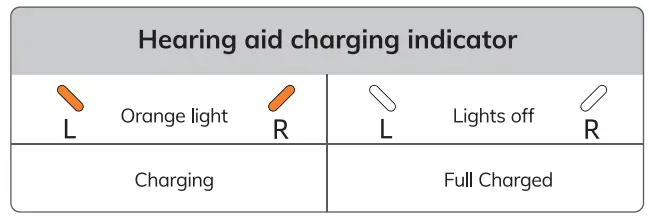
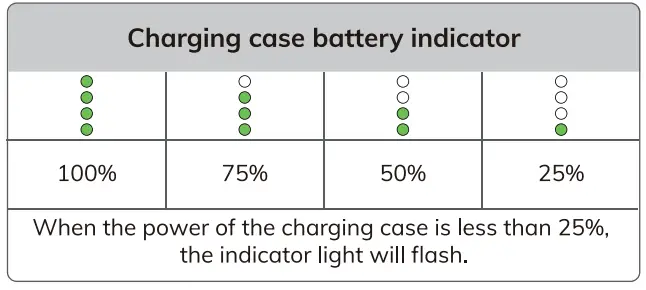
The red lights indicate charging. The green lights indicate levels of charge of the charging case – 1,2,3,4 lights = 25, 50, 75, and 100 percent of charge.
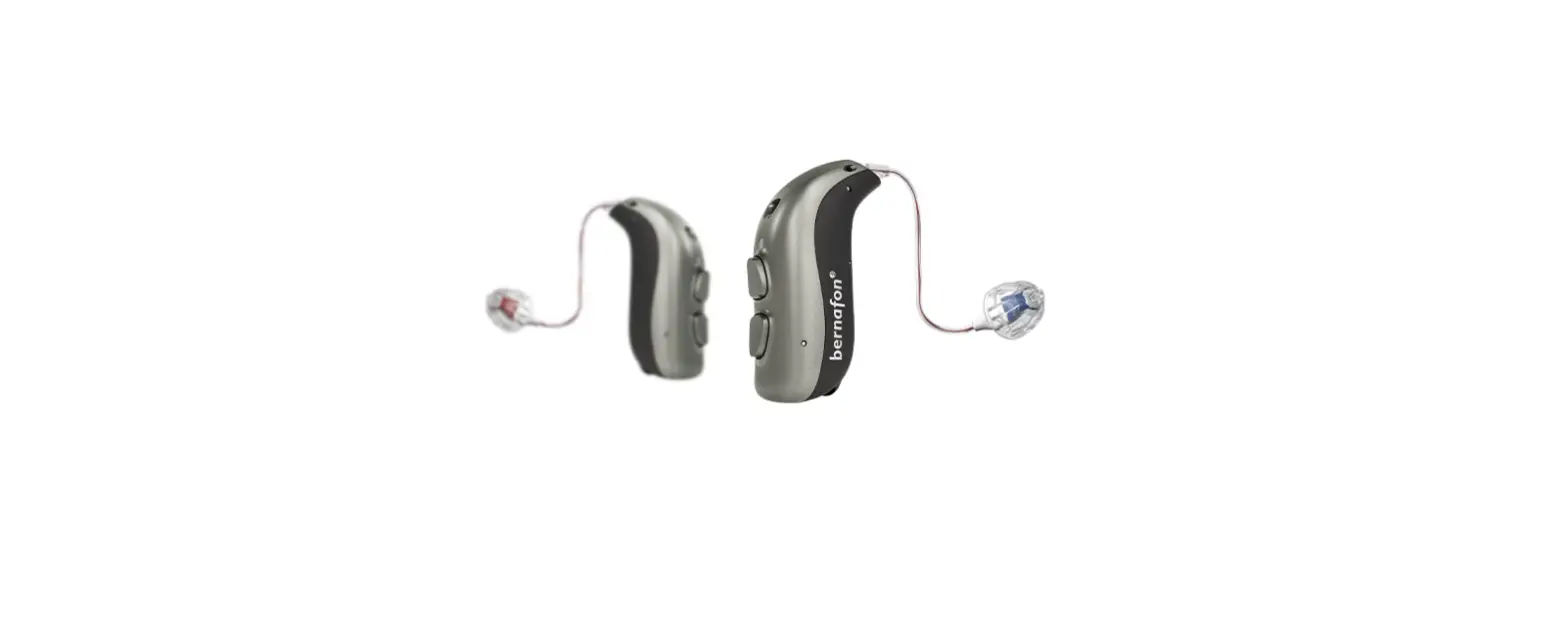
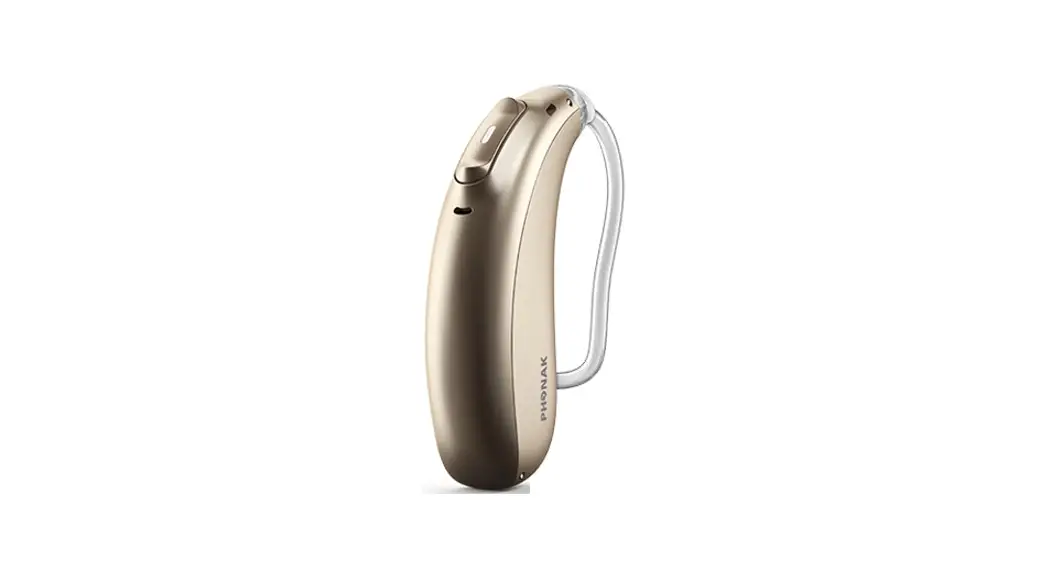
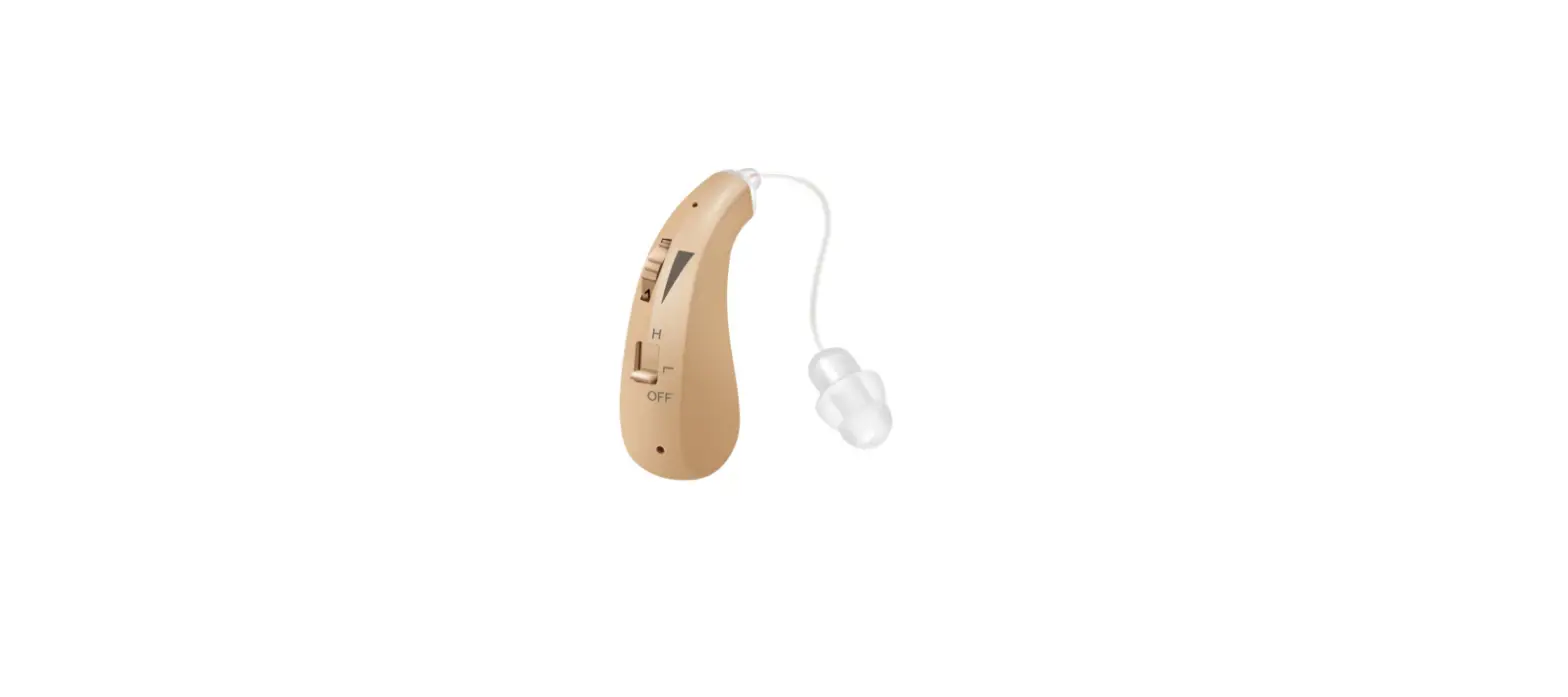
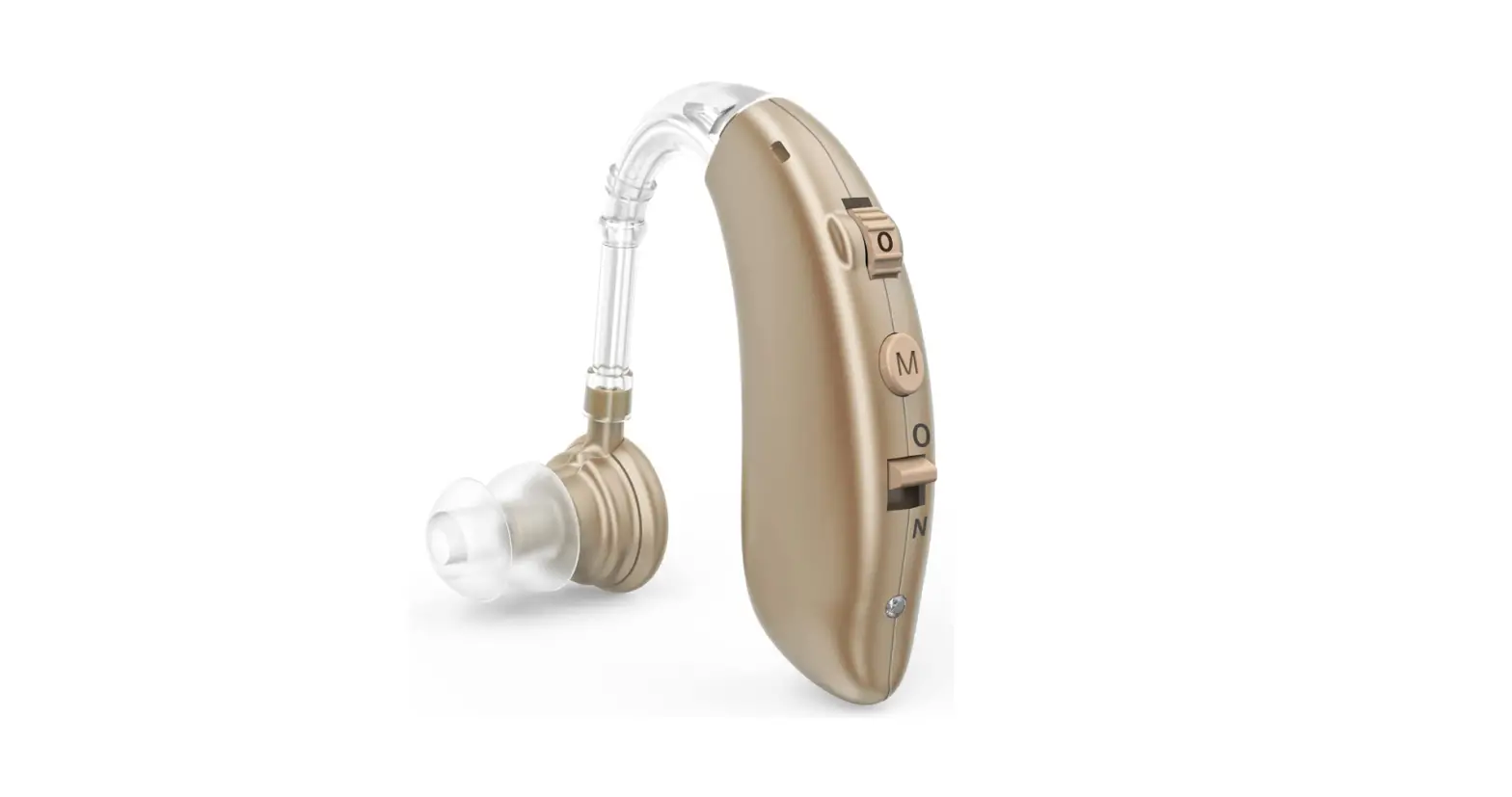
The part behind the ear is flesh colored with clear tubes that go into the ear.
People with normal hearing hear their own voice. You will always hear your own voice when you use a hearing aid.
There are two ways in which a hearing aid can provide discomfort, with regard to one’s own voice: a) Your voice is amplified, just as all other sounds will be amplified by the hearing aid; 2) the presence of the hearing aid, in the ear, can cause your own voice to reverberate within your ear.
There are some methods, and some hearing aid claims as to how these situations can be made more tolerable. There is no point in my going into detail, since there is a great deal on the internet, by audiology professionals, that discusses
these matters.
Do a google search for “hearing aid own voice”, you can also find a particular article entitled “How do I adjust hearing aids for my own voice complaints”.
Keep in mind that all hearing aids take some time for getting used to and for calibrating the settings that are best for you
Yes. The Hionec hearing aids keep the remember my setting after back to charging case or run out of power.
Sure. No problem with using one.
The RIC hearing aids are much smaller than BTE.No problems with glasses.
They turn off when you charge them and back on when you take them out. You can also manually turn them on/off by holding the volume down button a few seconds.
The wire is of course not straight but bend forward over the top of your ear about 1/2″ them down about 1 1/4″ then inward about 1/4″. So a total of about 2″.
The Hionec Fresh frequency response is 500-3500Hz. The HFA Gain is 38 dB.
If you have any other questions about the Hionec Hearing Aids, please contact us at https://www.amazon.com/gp/help/contact-seller/contact-seller.html?marketplaceID=ATVPDKIKX0DER&sellerID=A31X4E207A8083&ref_=v_sp_contact_seller
The RIC hearing aids are much smaller than BTE.No problems with glasses.