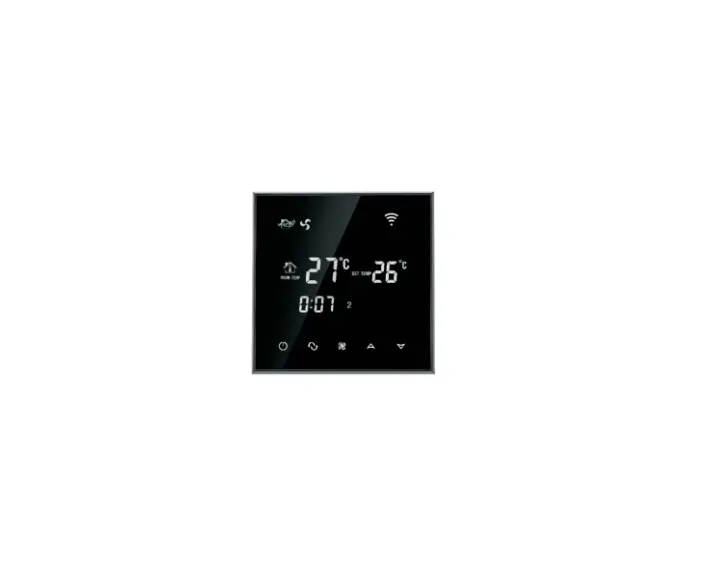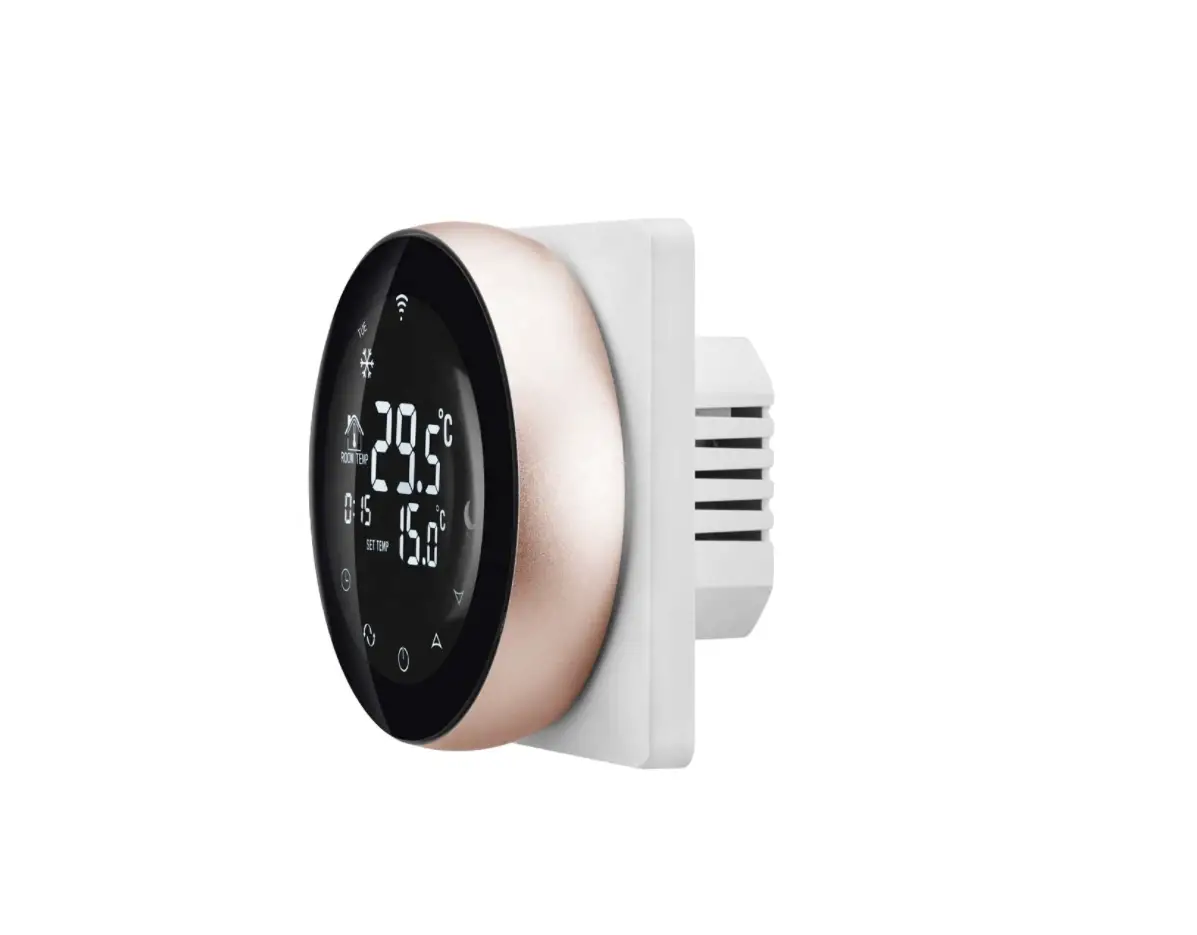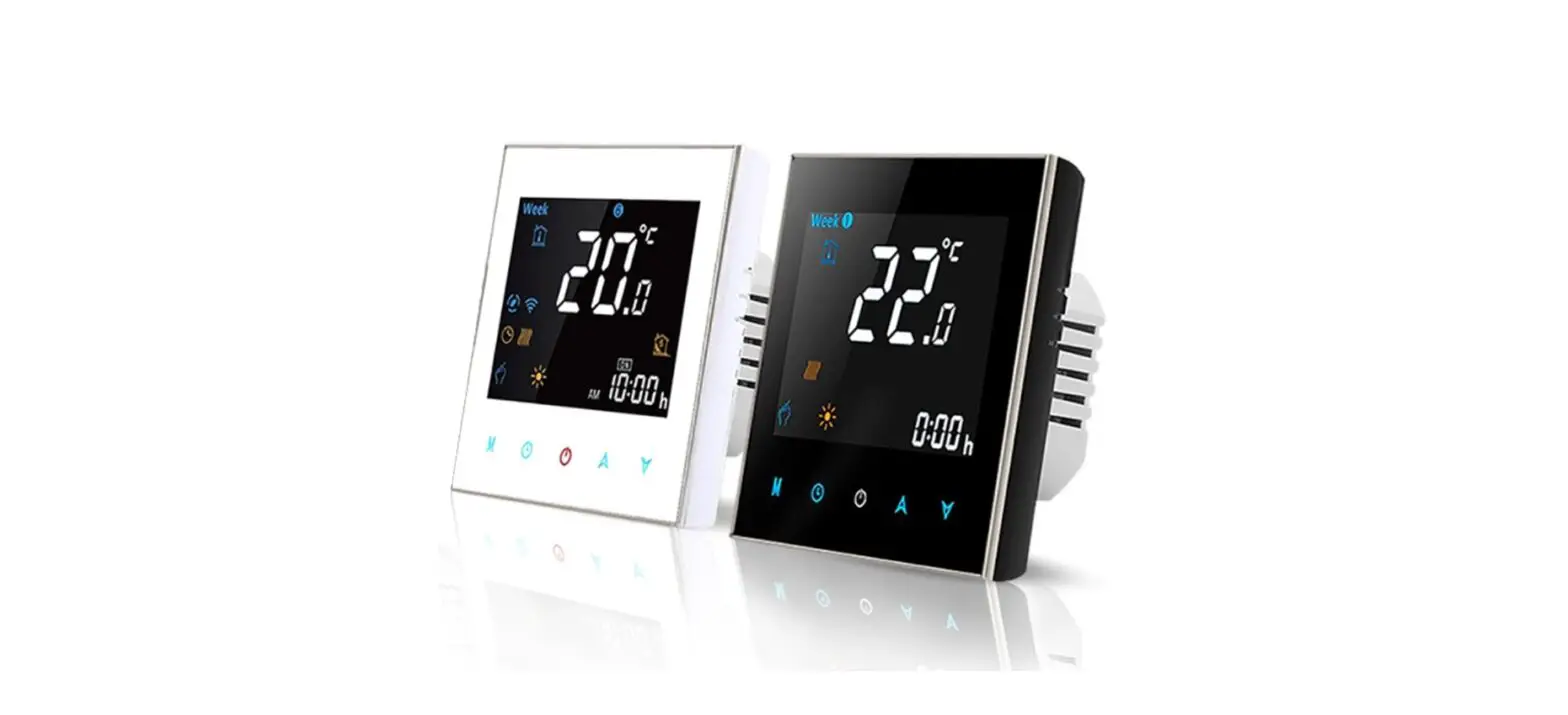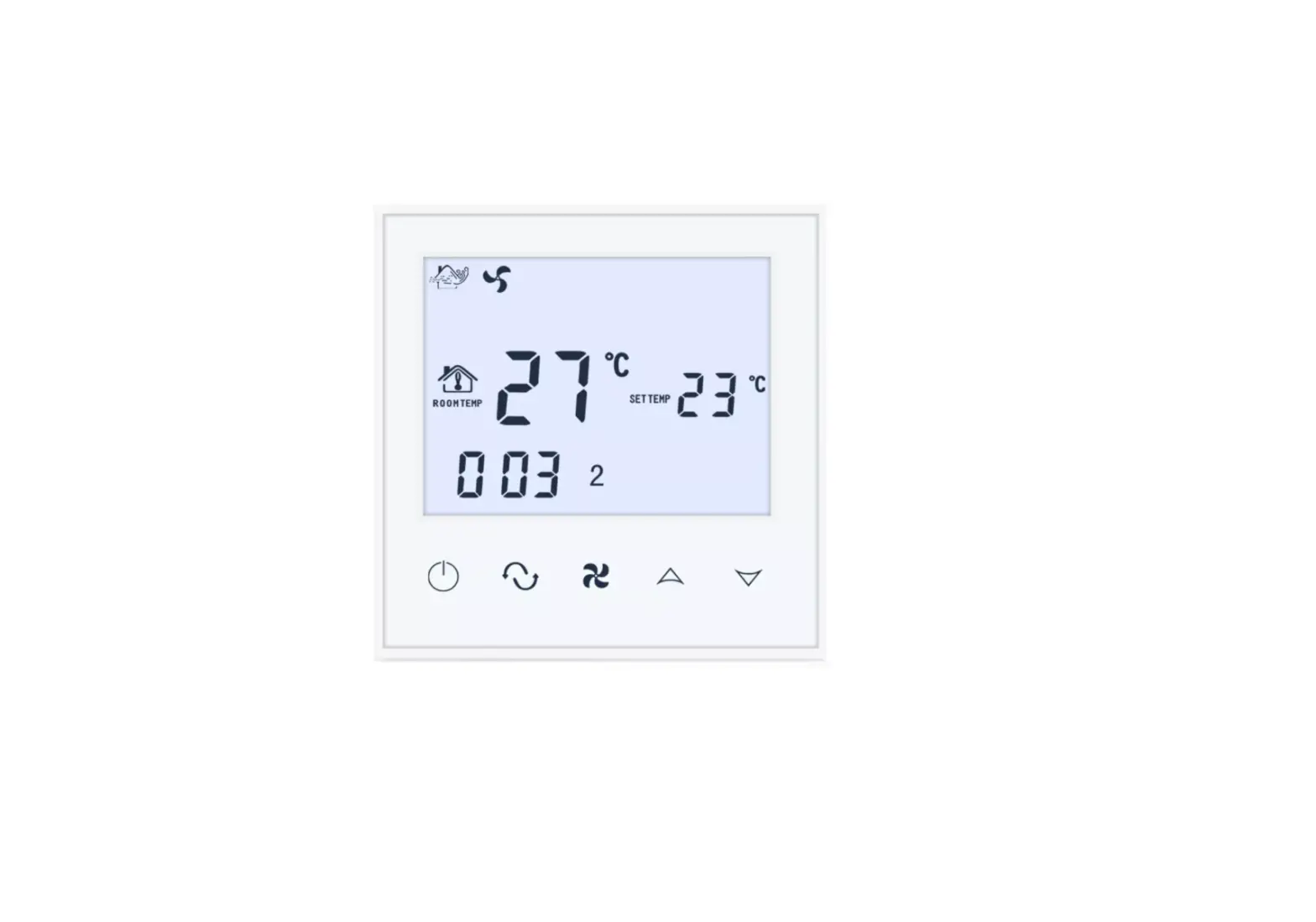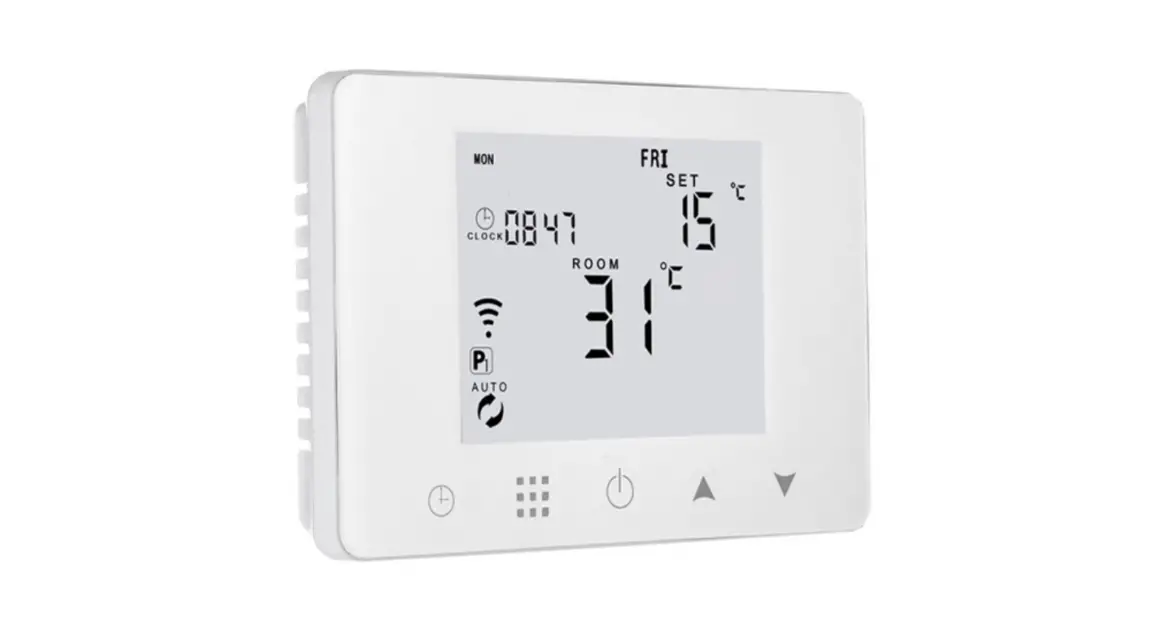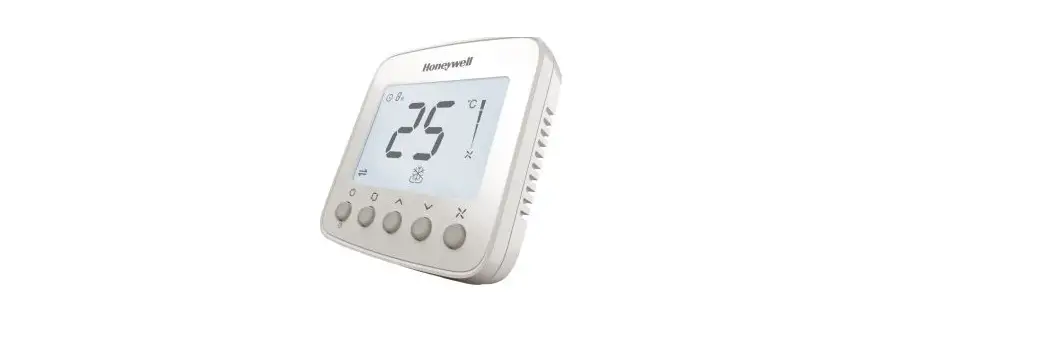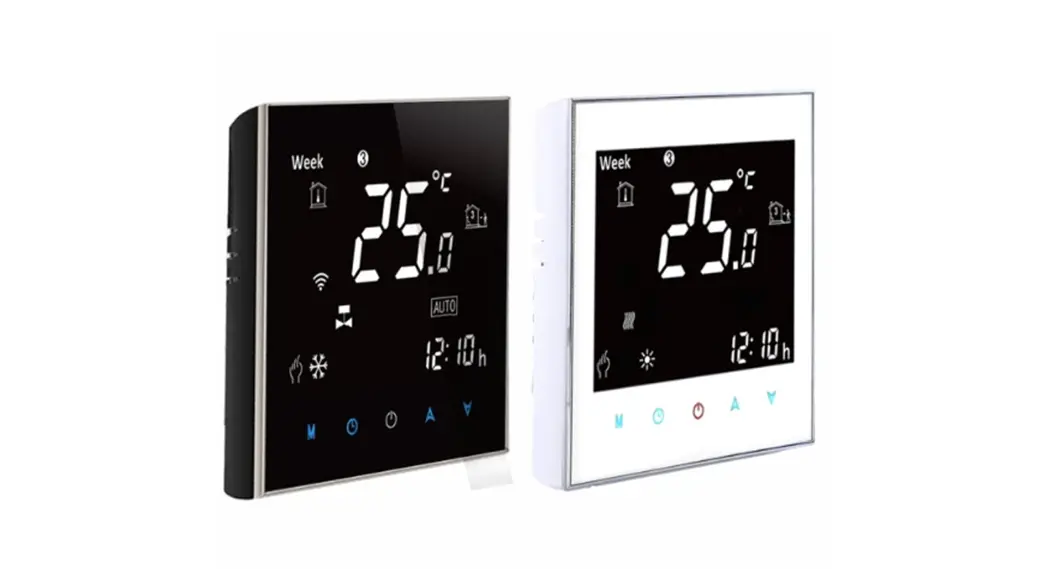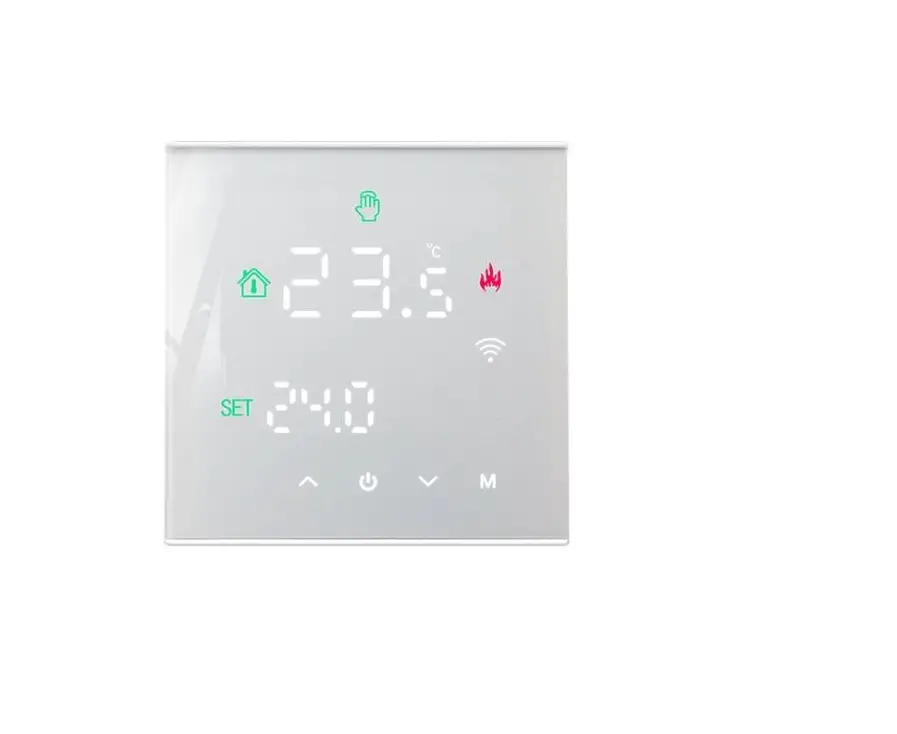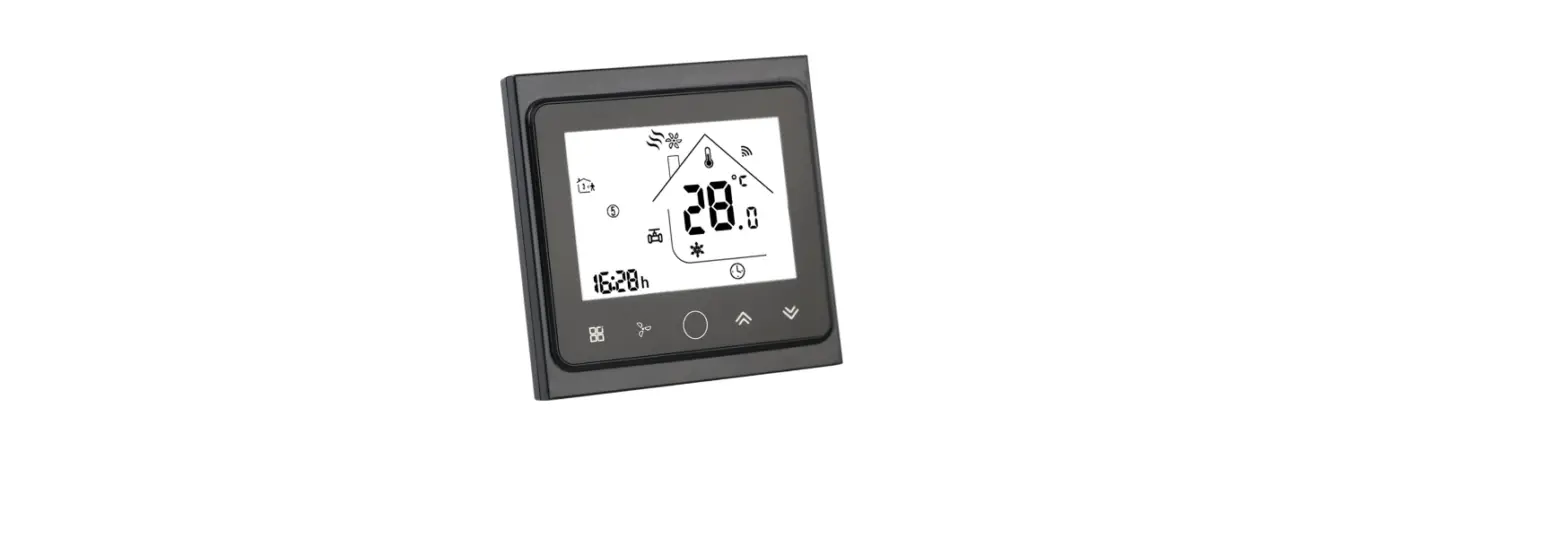

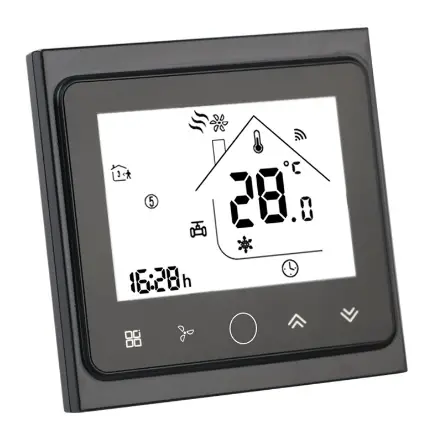
LEDLux LL0167 WiFi Fan Coil Unit Thermostat
| Search for “Smart RM” or “Smart Life” Download the Wifi App from Google Play or APP Store
| Turn on the thermostat, press and hold the key combination Activate WIFI distribution network icon Activate WIFI distribution network icon |
Technical data
Voltage: AC 90 ~240V
Output:On/off type
Current: 3A
Display temperature range:0~70°C
Accuracy: ±0.5ºC
Work environment: -10~60°C
Setting range: 5ºC – 35ºC
SizeSize:86 * 86mm
Sensor:: NTC(10k)1%
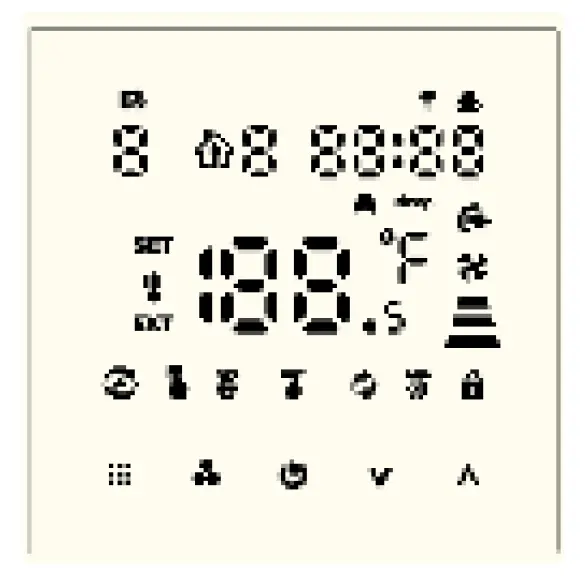
Button
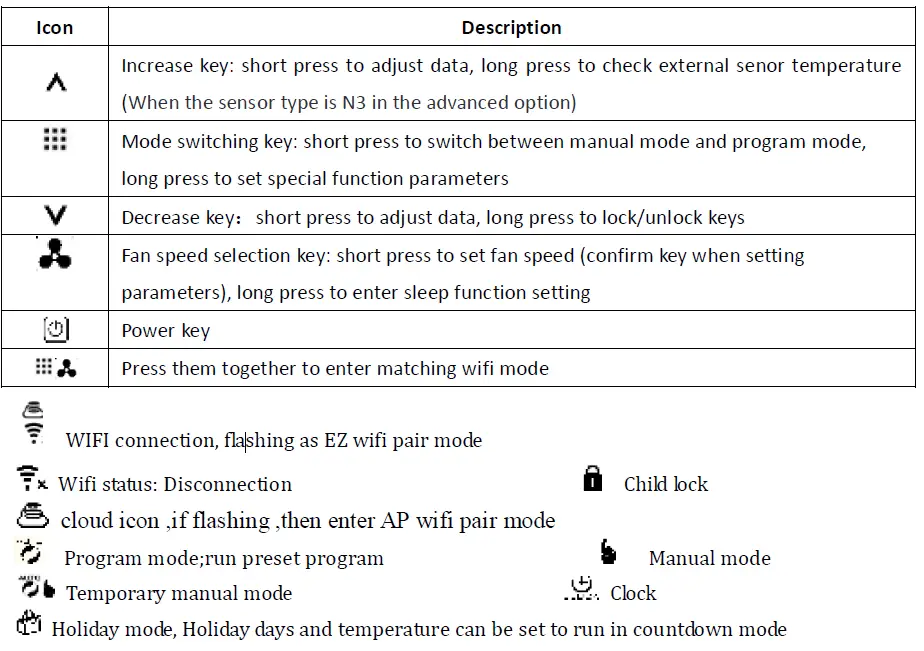
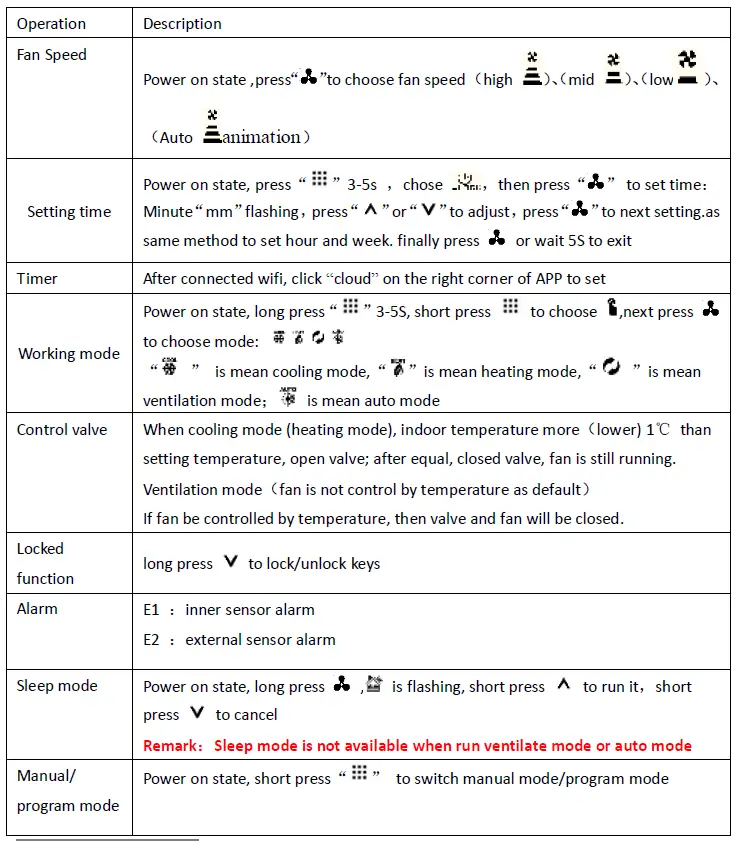
Program mode setting
Thermostat support set different time and different temperature Compatible with 5+2,6+1,7days
Program mode type

| Time section | Icon | Time (default) | Temperature(default) | |||
| Monday to Sunday | 1 | 06:00 | 20°C | |||
| 2 | 08:00 | 15°C | ||||
| 3 | 17:30 | 22°C | ||||
| 4 | 22:00 | 15°C | ||||
Advanced Option
Turn off thermostat, long press 5S to enter advance d setting options, Short press to set next item , press ” or ” to set item data
| Symbol | Item | Parameter | Default |
| A1 | Temperature Calibration | -9-+9℃ | -1℃ |
| A2 | Children Lock | 0:half lock;(It is available to turn on/off and adjust temperature) 1:full lock | 0 |
| A3 | Setting the lowest limit temperature | 5-15℃ | 5℃ |
| A4 | Setting the highest limit temperature | 16-50℃ | 35℃ |
| A5 | Fan energy saving control | 0: valve off, fan off 1: valve off, fan always on | 0 |
| A6 | Programmable | 0=5+2 1=6+1 2=7 (everyday all the same) | 0 |
| A7 | Choose valve output | 2:2pipe 4:4 pipe | 4 |
| A8 | Choose sensor | N1: inner sensor N2: external sensor N3: Double sensor when choose N3,In the heating state, normally only valve is opened, and the fan is turned on when the external temperature is detected to be ≥X°C. When the temperature is detected | N1 |
| to be lower than (X-2) °C, the fan is turned off. | |||
| A9 | Set temperature for external sensor | 20-60°C | 38°C |
| AA | Standby bright | 0: off 1: weak bright 2: brighter | 1 |
| AB | Reset | Display Ao, press key until whole show | Ao |
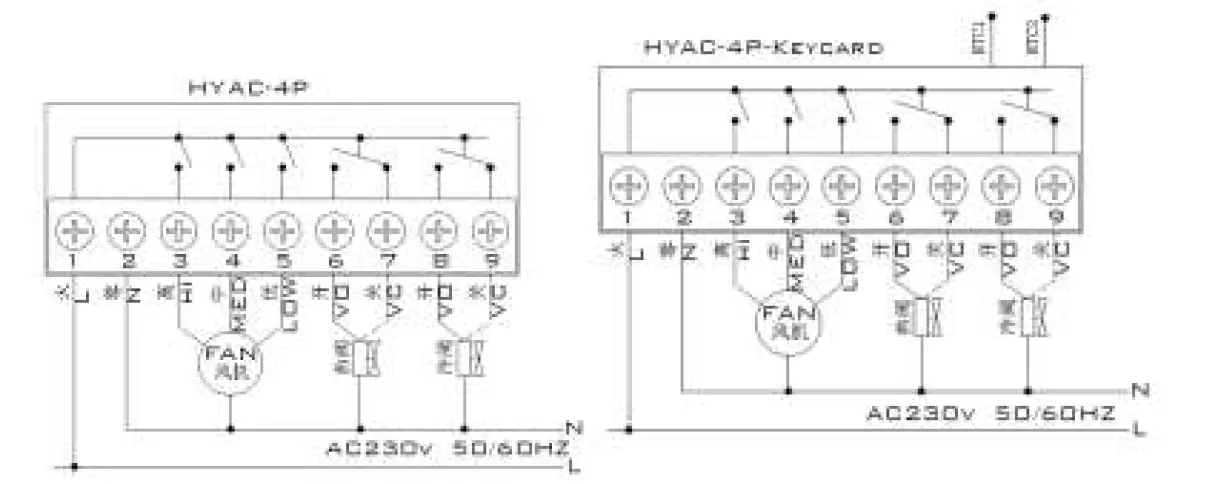
Cautions on Installation
- To prevent the thermostat display from a high fluctuation, special treatment has been made to the program. Therefore, it is normal that the thermostat cannot immediately display a sudden change of temperature.
- The thermostat installed on 1.5m above the ground.
- For the thermostat installed,please take care not to install it to the wall corner, door/window side or behind the door or in such unheated area as exterior wall. Avoid hot/ cold air duct, radiator, flue or thermal pipe
- When install the power supply, make sure that the power cable is well insulated.
- Don’t open the internal circuit board..
- HYAC series thermostat design for the standard 75x75x 35mm wall mount box installed. Follow the instructions to open the rear cover base, mount it on the wall and wire it.
- Before installing the thermostat, make sure that the system is disconnected. The maximum voltage of the system shall meet the requirements specified in the Instruction Manual (Max. AC Voltage: 250V).