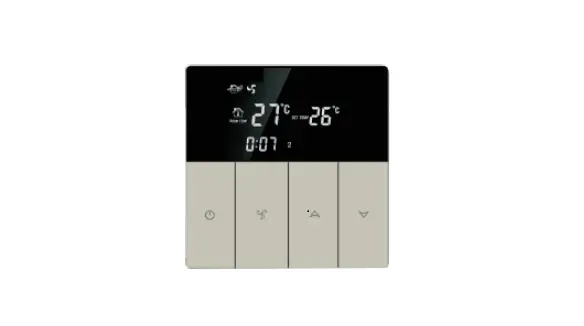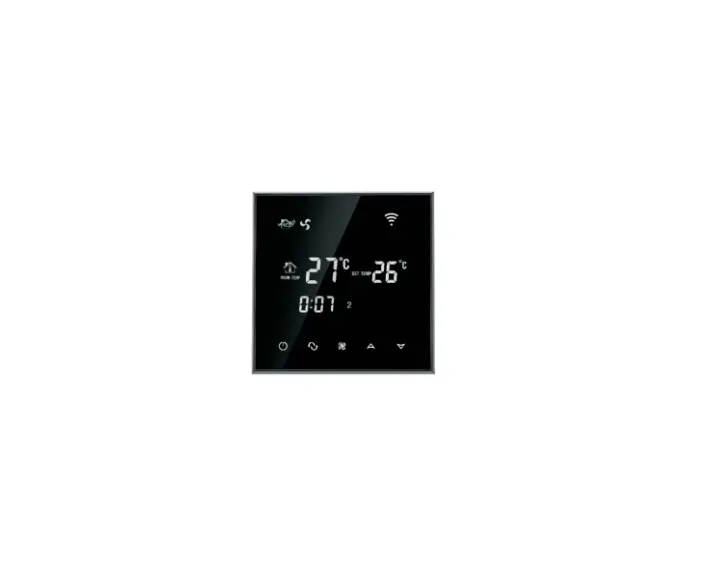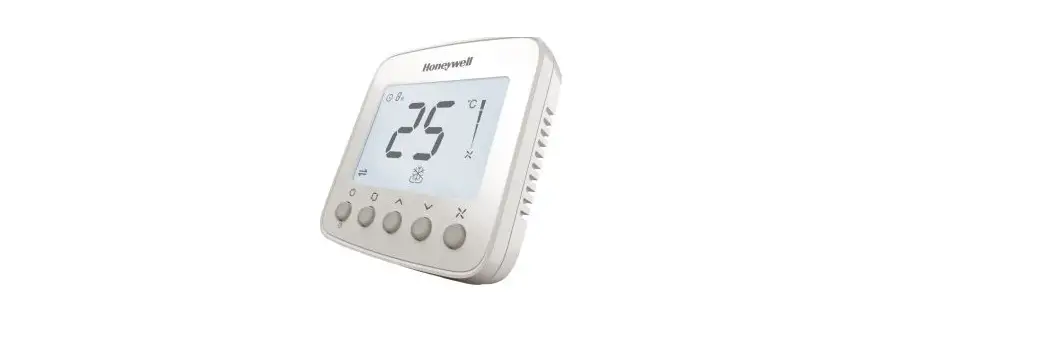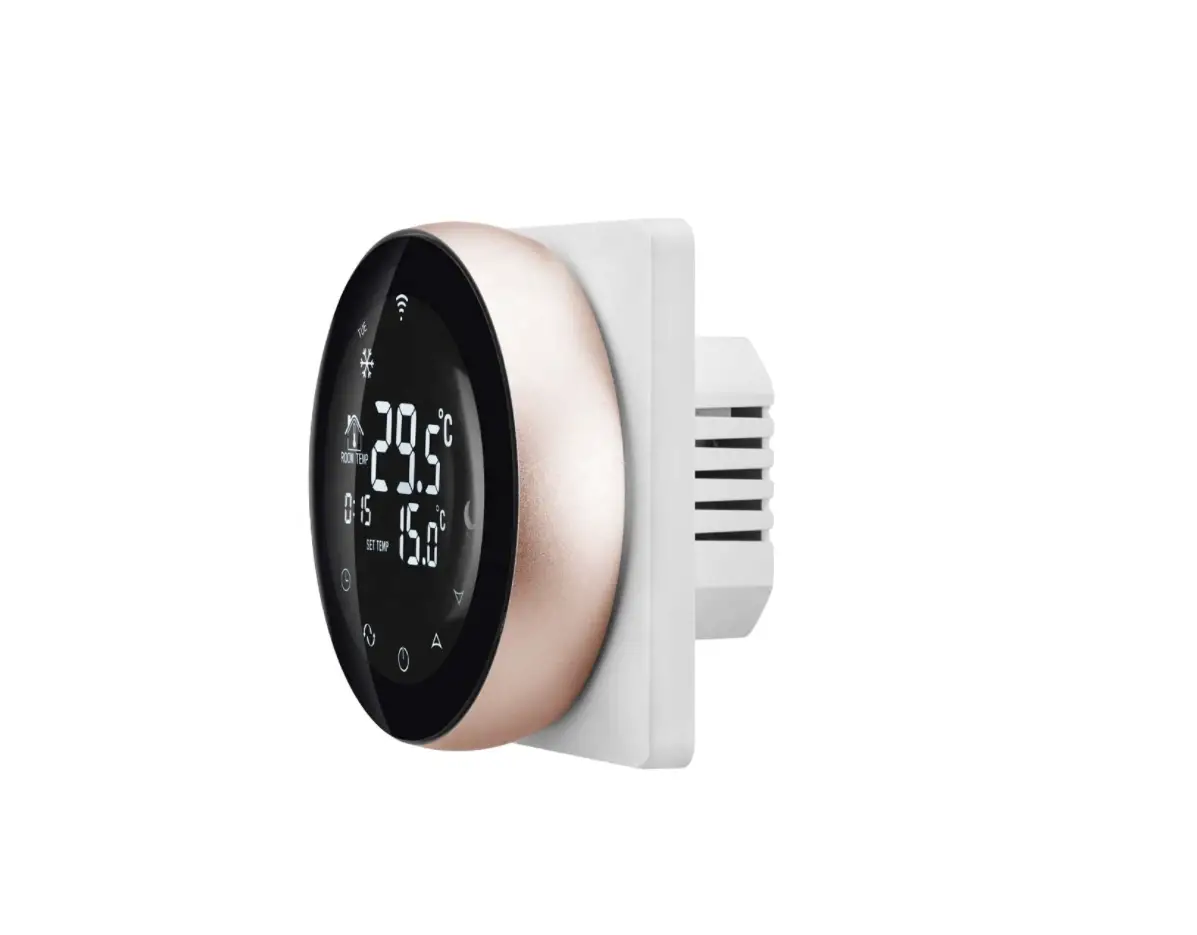
BEOK TGP51WIFI-AC Fan Coil Thermostat
Instruction Manual
I. Product Summary:
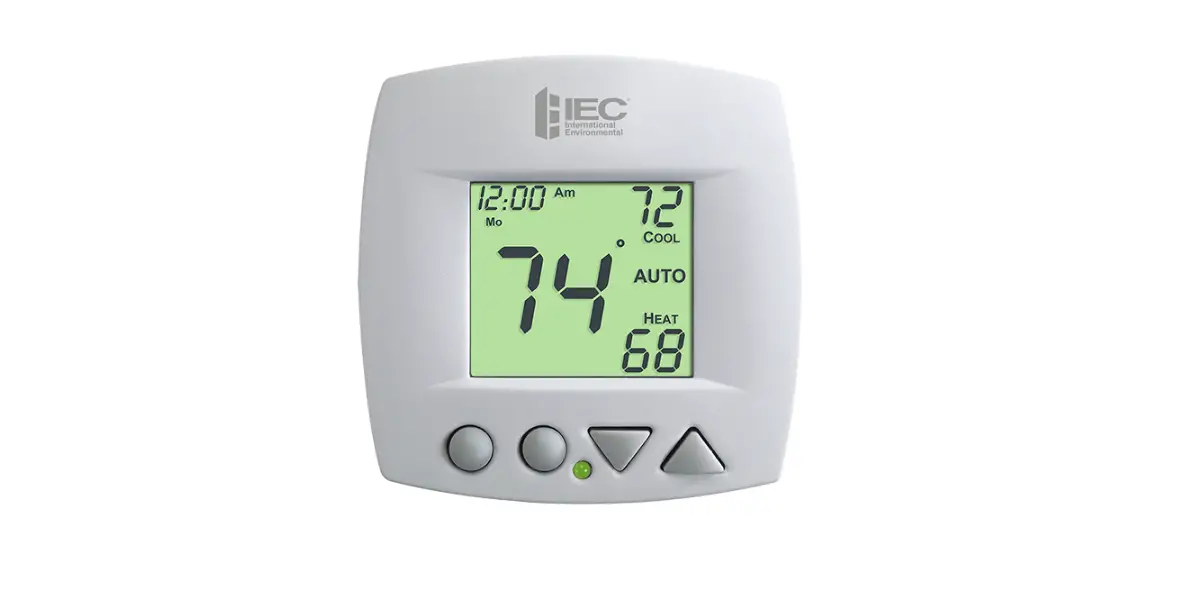
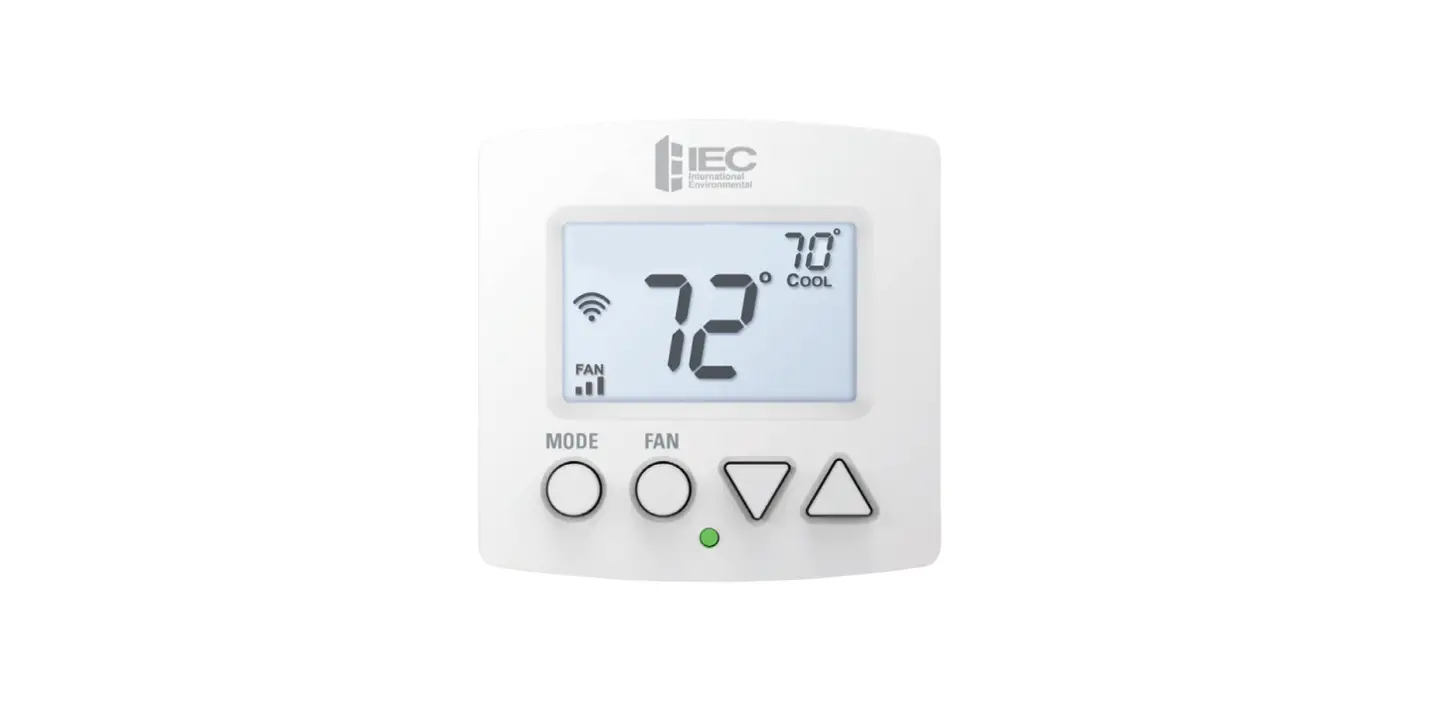
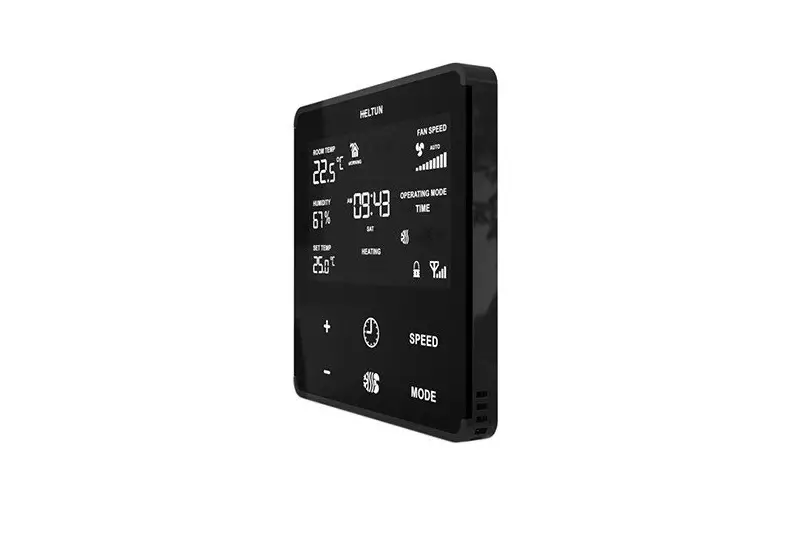
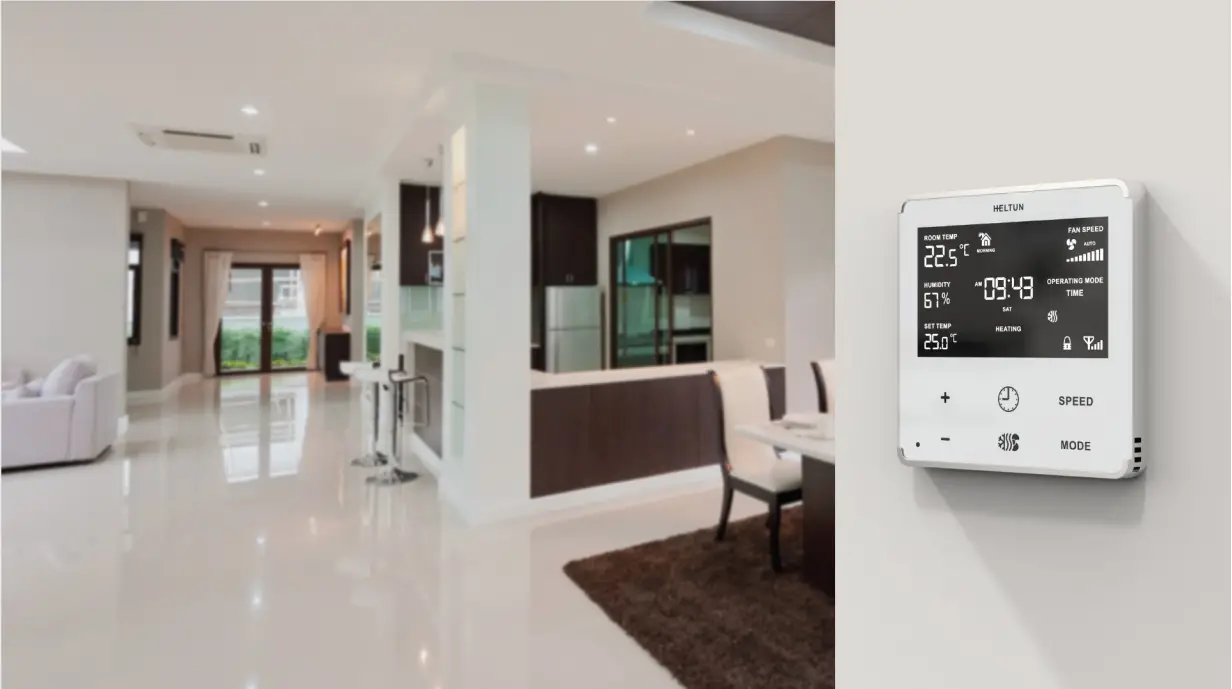
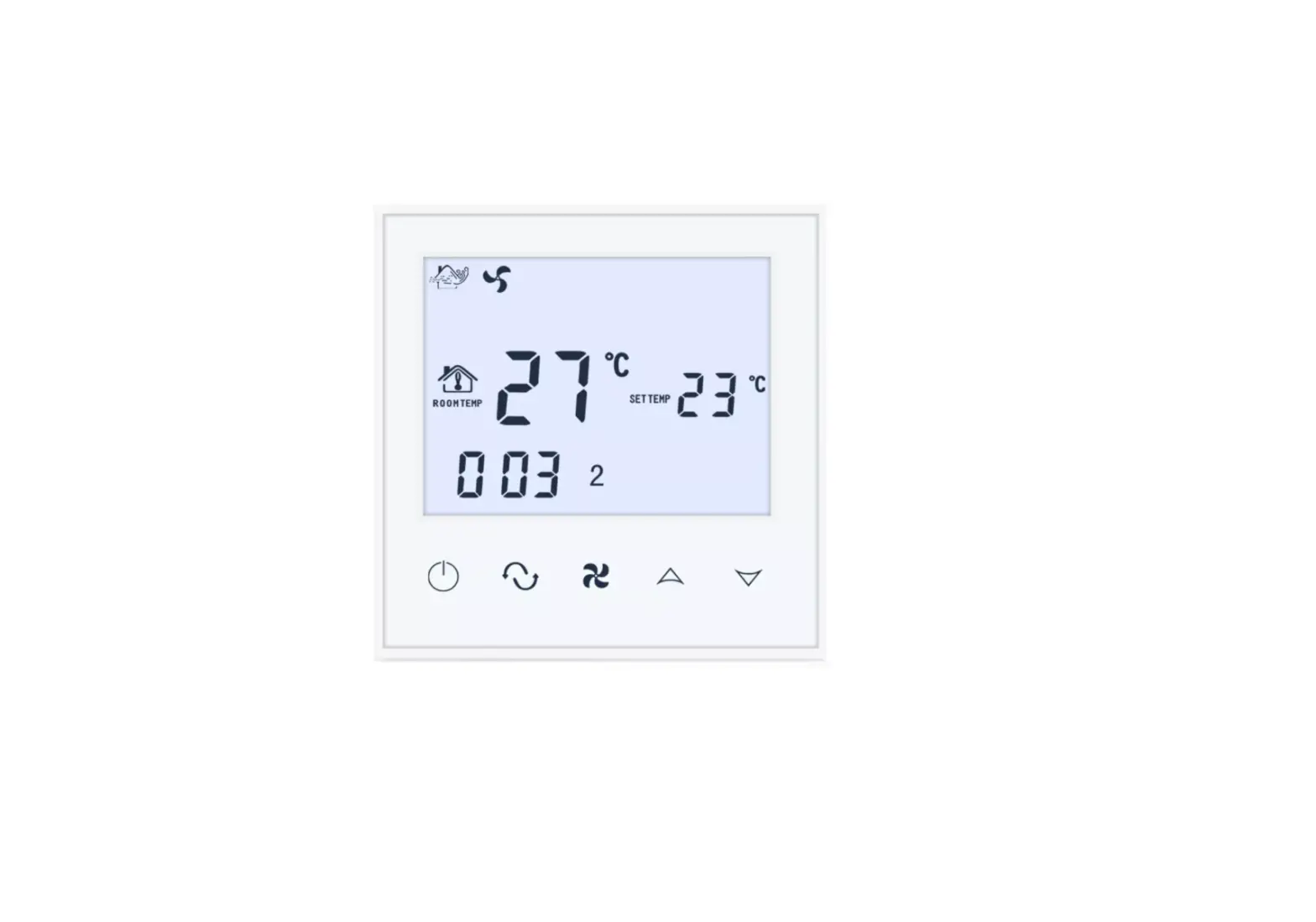
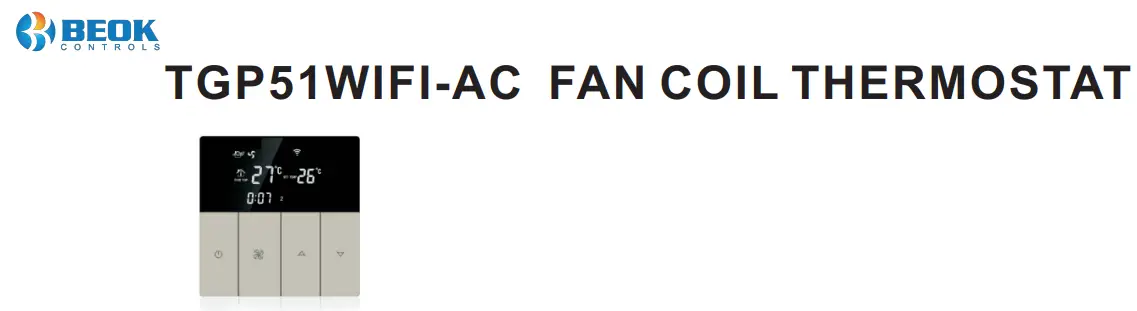
WIFI series Fan Coil Thermostat is touch screen thermostat with WIFI Function, the thermostats can be controlled by phone App.(IOS and Android phone)
It is designed to control the fans and valves in air conditioner applications via comparison of the room temperature an setting temperature as reaching the aim of comfort and saving energy.
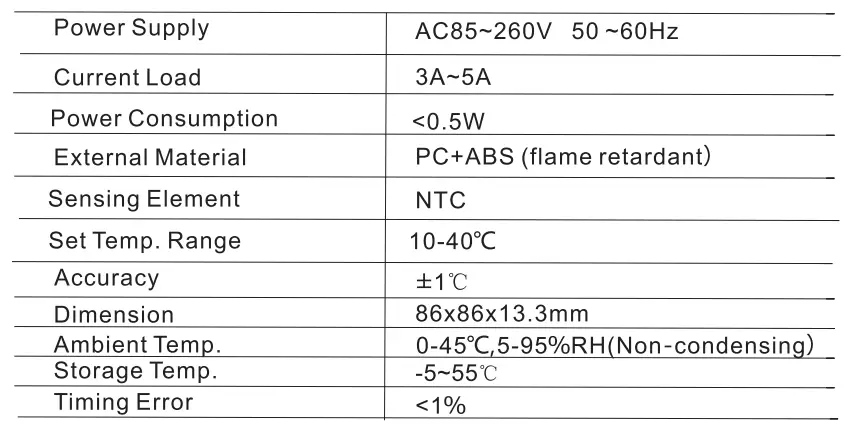
II. Technical Parameter:
III. Main Functions and Characteristics
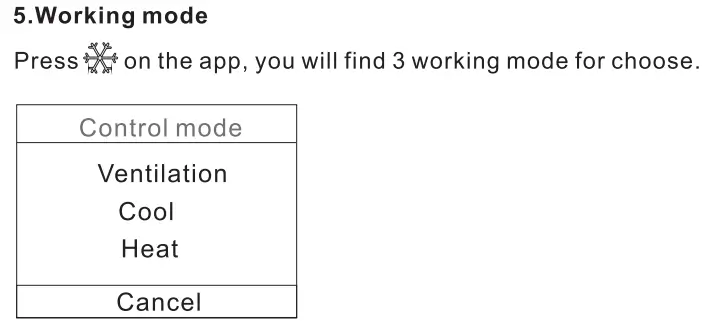
- Heating, cooling, ventilation mode.
- WIFI for Android &Apple IOS phone.
- Large Glass screen display and touch screen type.
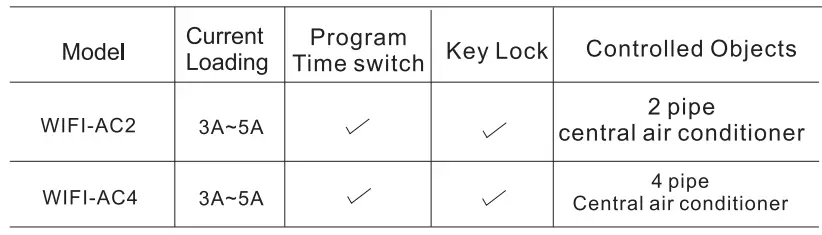
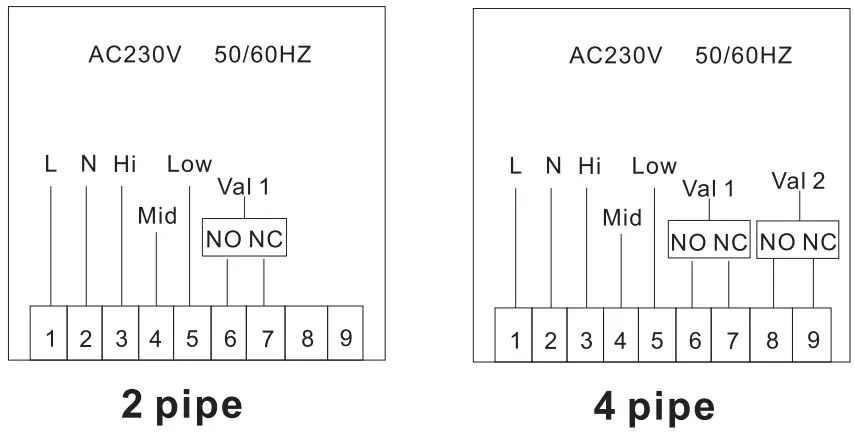
- 2 pipe and 4 pipe for choose.
- 3 fan speed + Auto.
- Programmable timing switch function, 4 period a day setting.
- Temperature compensation when differs from actual temp.
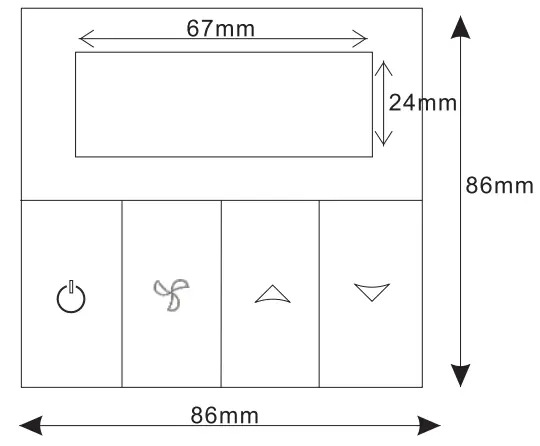
- Selectable 80mmx80mm European hidden box.
- Key Lock function.
- Fan coil in-control and out-of-control adjustable.(onlyfor2 pipe)
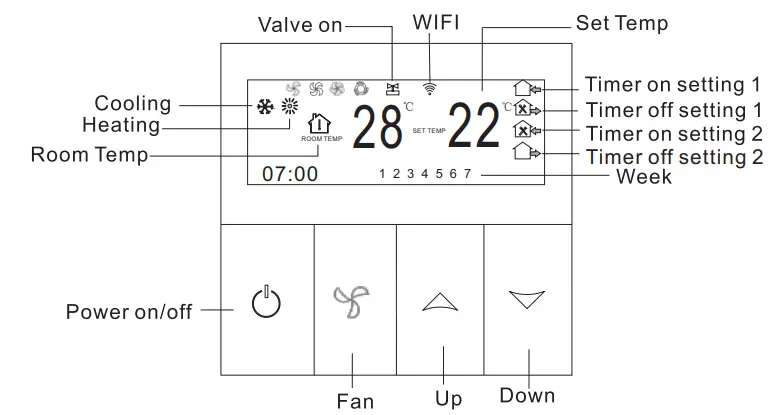
IV. User Interface Explanation(Thermostat Port)
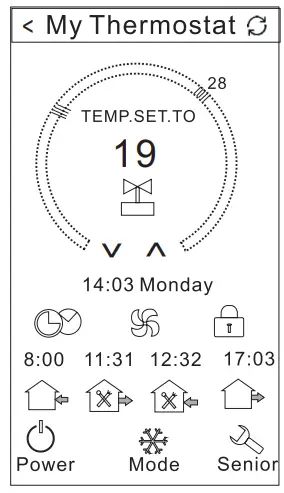
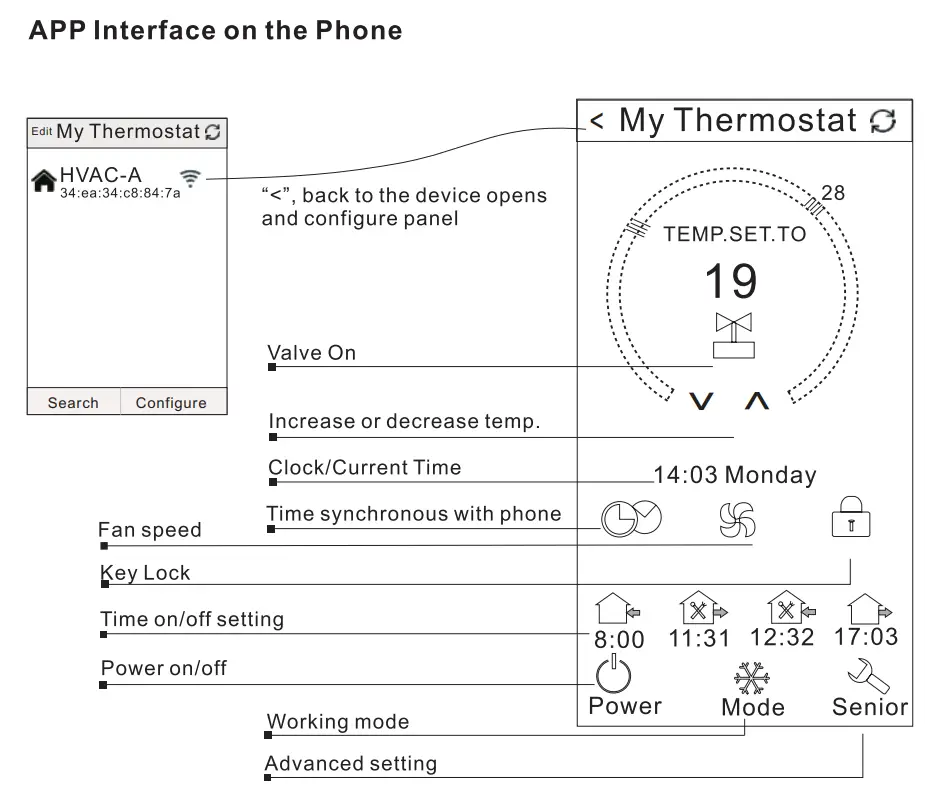
V. User Interface Explanation(Phone Port)
VI. Model Spec
VII. Dimension
VIII. Wiring Diagram
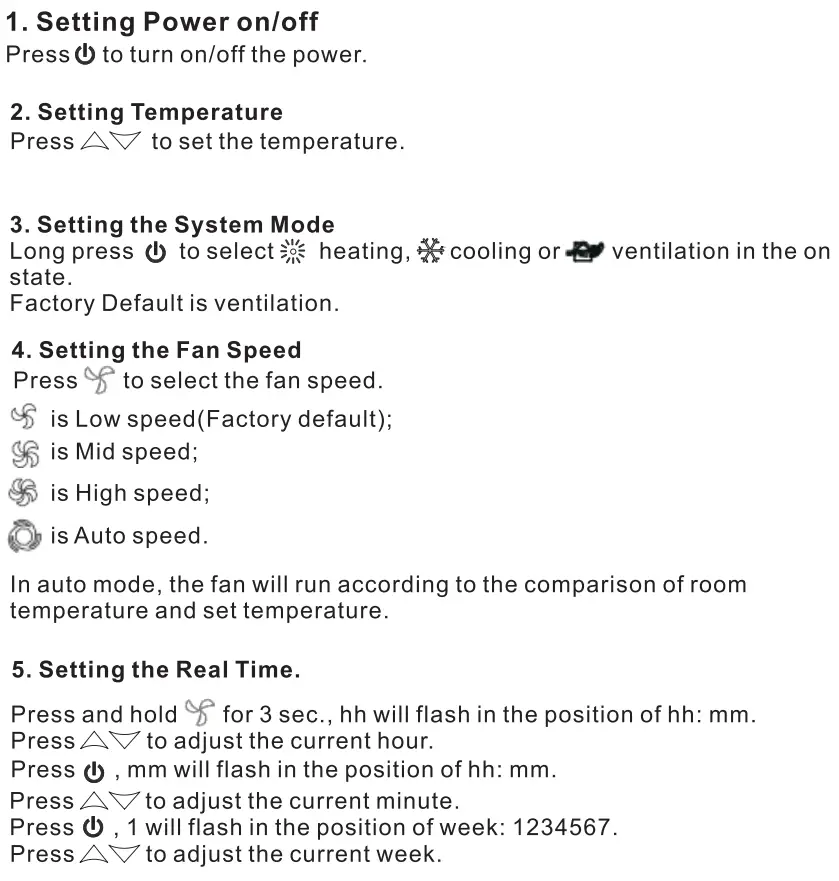
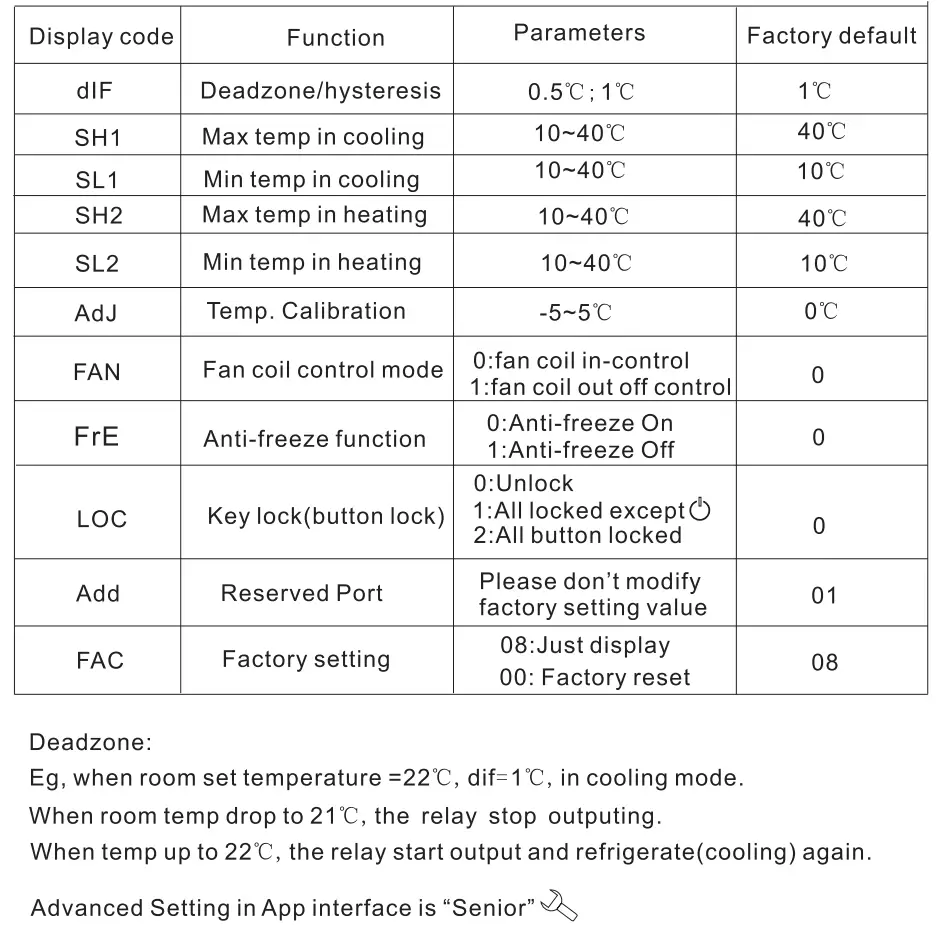
IX. Thermostat Operation Instruction
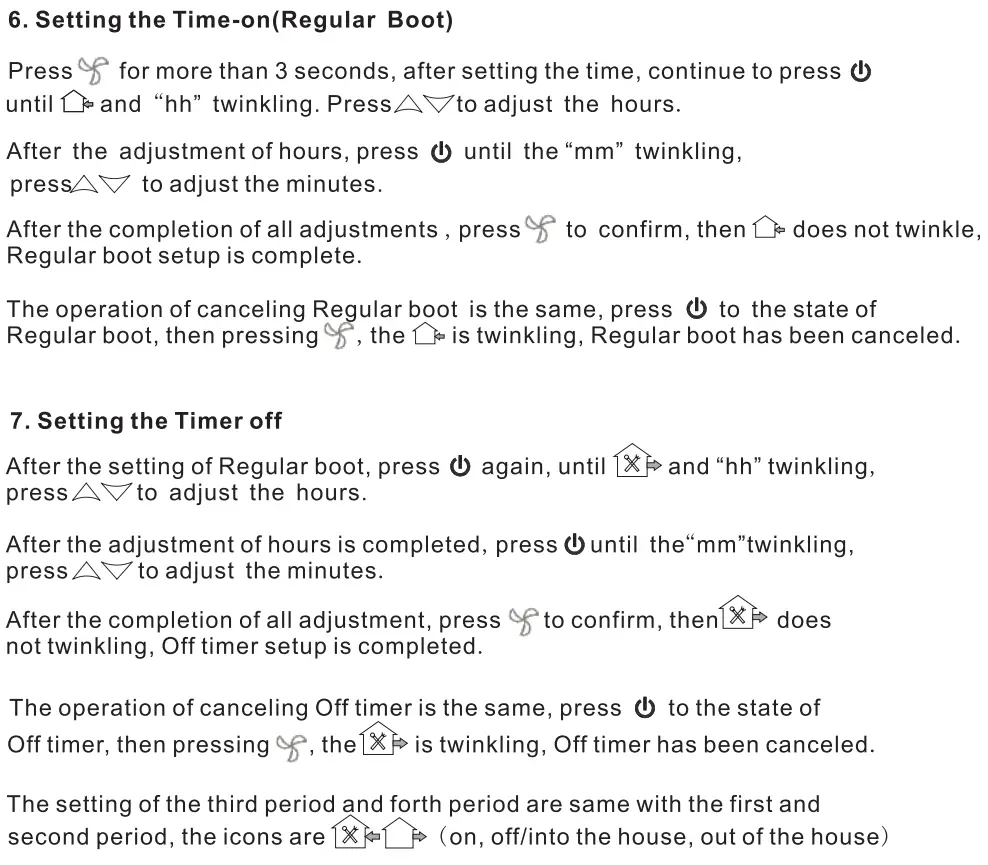
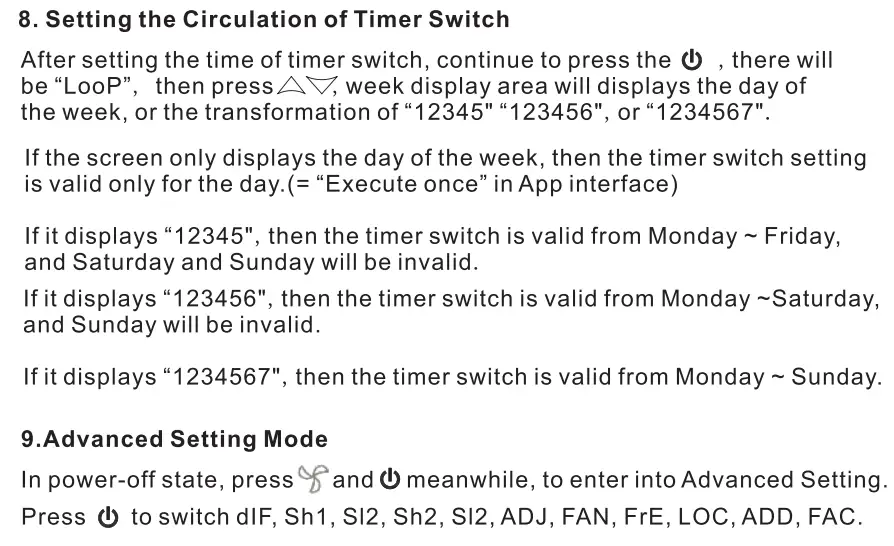
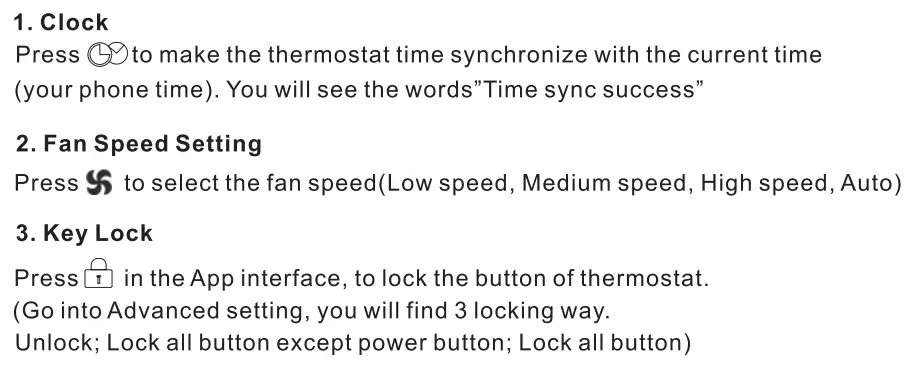
X. Phone Port Operation Instruction
1. Install APP on phone
For IOS system: Login in App Store, search” Beok AC”, you can download it on your iPhone. Or scan below code to download:
For Android System: Login in Google Play, search “Beak AC”, you can download it on your phone. Or scan below code to download:

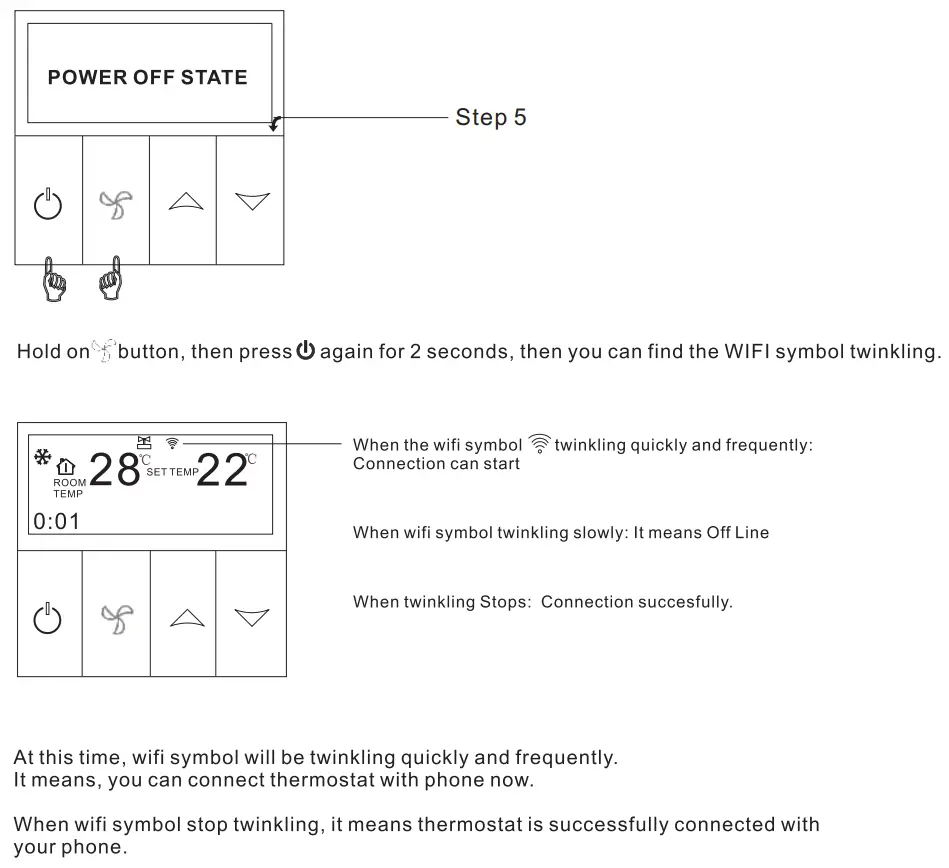
2. Connection Thermostat with Phone
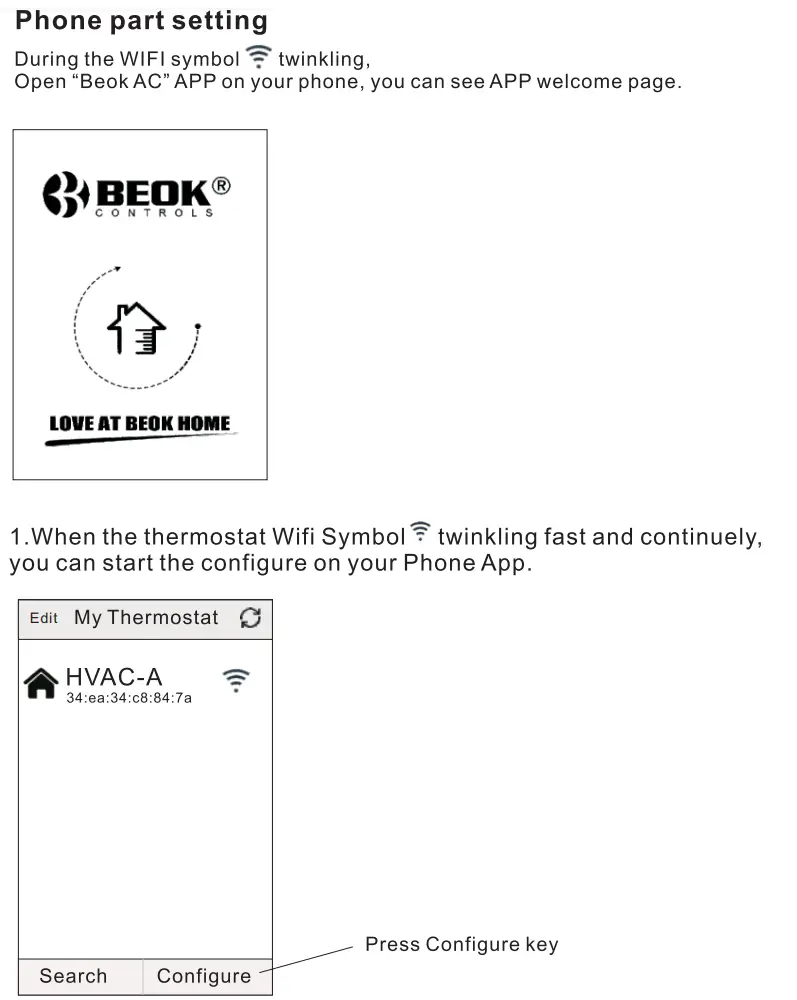
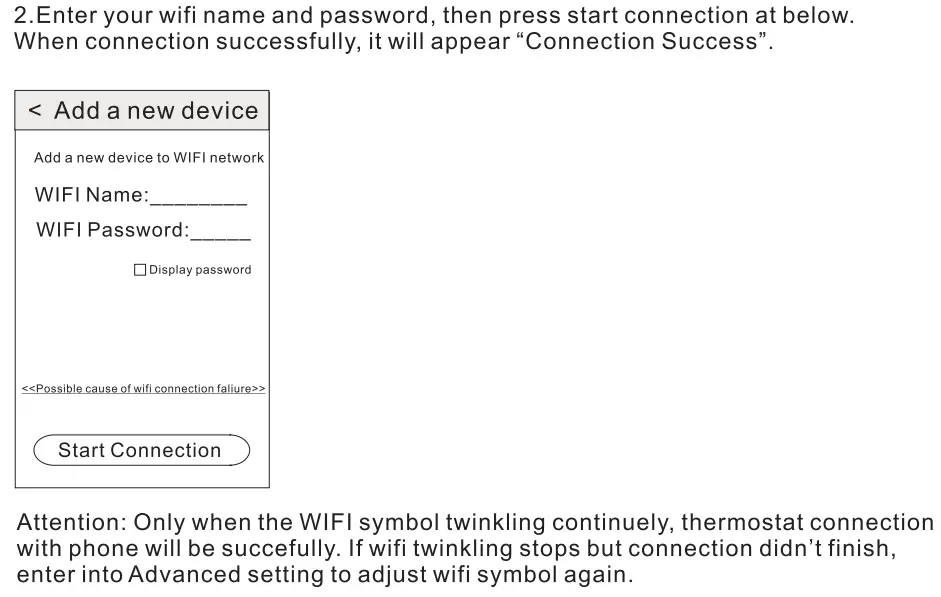
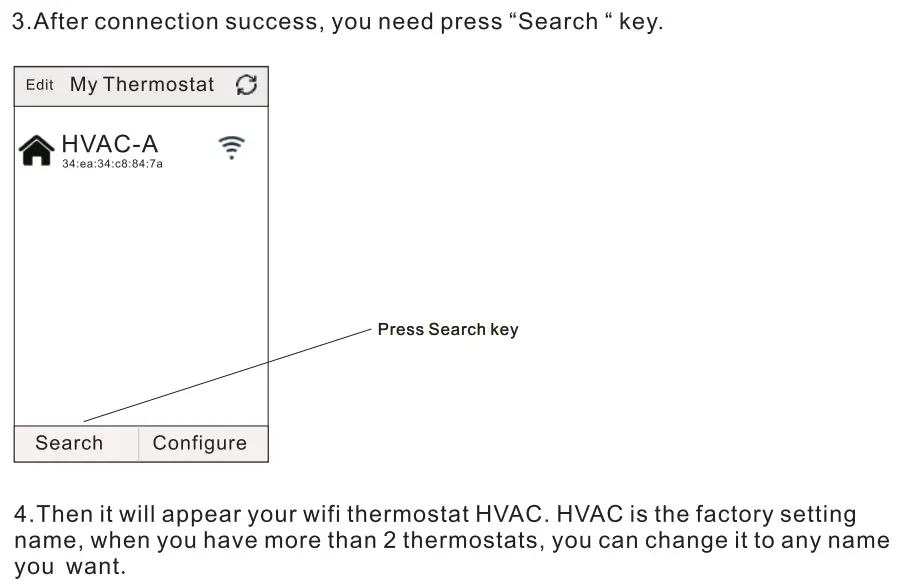
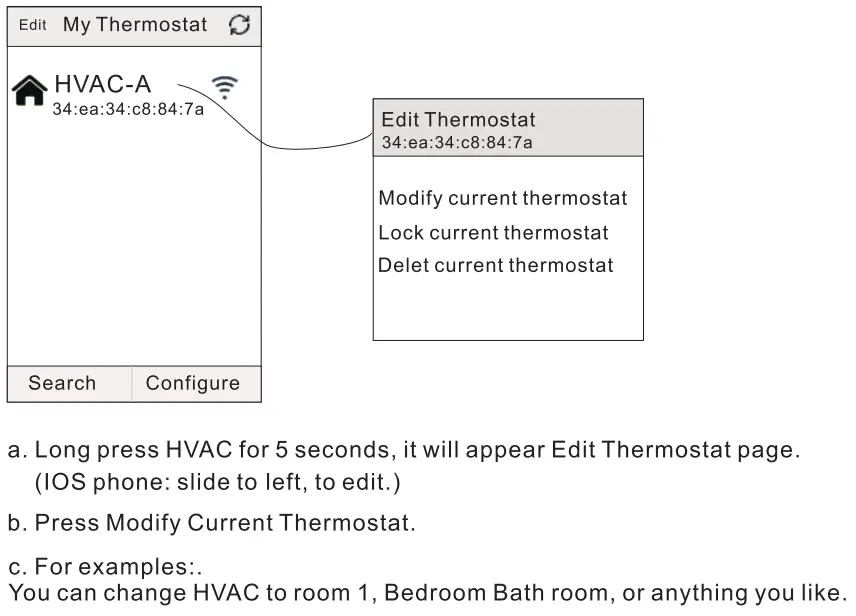
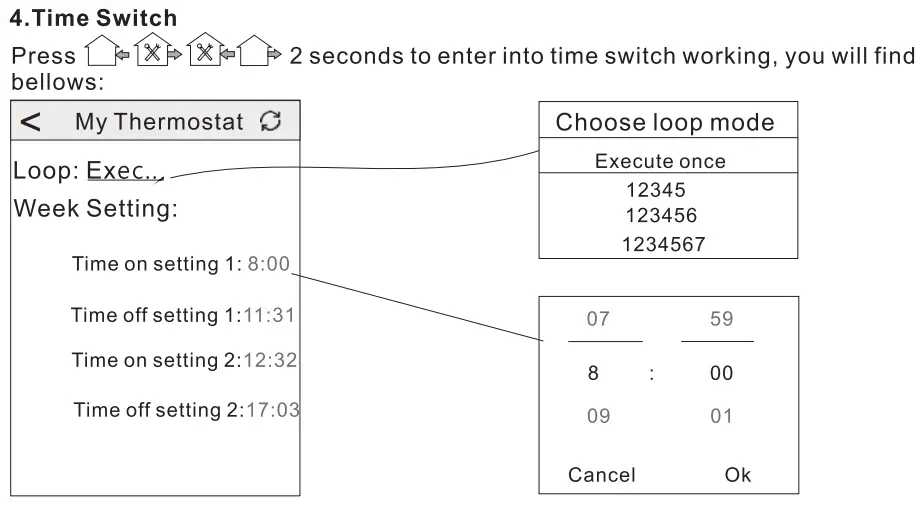
Choose loop mode
Execute once: It means temporary Time on/off for a short time. (serval hours or a day)
12345: It means time on/off setting, from Monday-Friday the same.
123456: It means time on/off setting, from Monday-Saturday the same.
123457: It means time on/off setting, from Monday-Sunday the same.
Week setting
You can set 4 time on/off period. For example, For example:
8:00am time-on, 11 :31 am time-off.(first time switch circle)
Thermostat start working automatically from 8:00am—–11 :31 am
XI. Attention to Phone WiFi Connection:
After you press Configure, if connection fails, please check the bellowing’s:
- The first time connection, please confirm your mobile phone is WLAN mode, and ensure the (mobile data) 3G/4G turned off. Please connect to 2.4G WIFI, not 5G WIFI.
- Please add your WIFI router name, we recommend it does not include space.
- Please check WIFI router password. We recommend< 32 characters, no spaces, no blank password, no special symbols except letters and numbers.
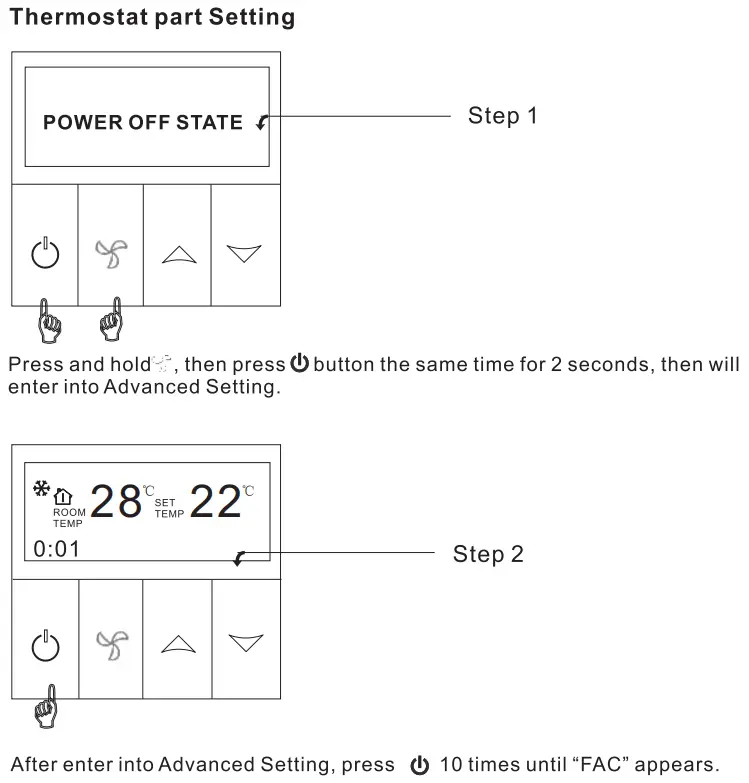
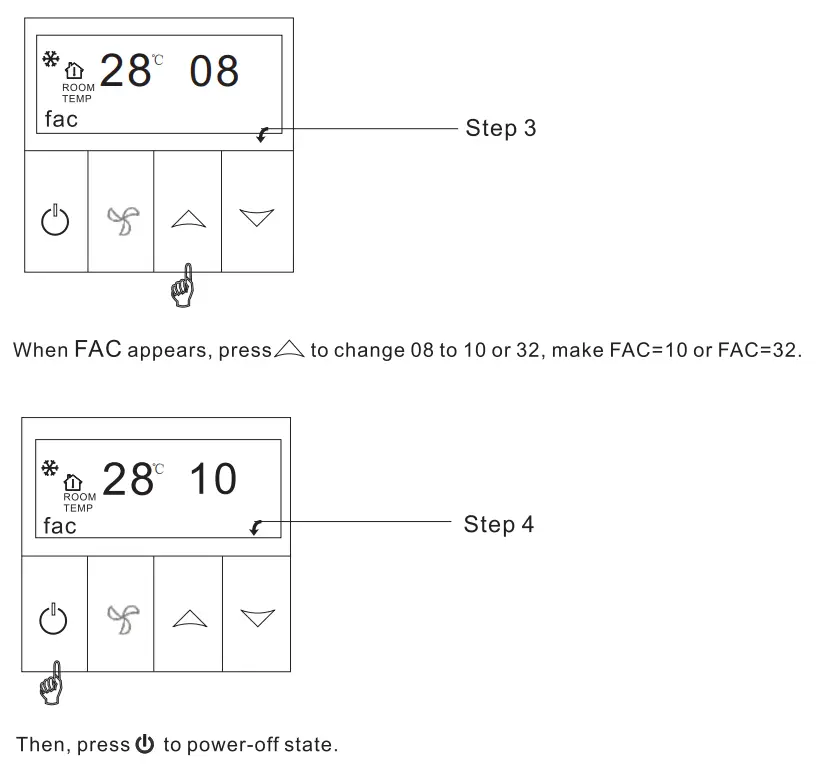
- Please check module is successfully reset. (operate as instruction) In power-off state, Find FAG mode, make FAC=10 or 32, then turn off ….. .
- Please confirm WIFI password is correctly filled. We recommend your WIFI password displayed, thus to check password easily
XII. Installation Instruction
The products suits for standard 80*80 mm wall box or 60mm Europe round box.
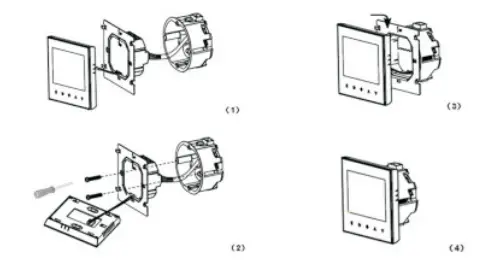
- Connect the line of power and valve into the terminals.
Fix the wall plate into the wall box by a screwdriver. - Connect the lines with the LCD board.
- Connect the LCD board into the wall plate.
XIII. Attention
Thank you for buying this product!
Please read this manual for complete instructions on installing and operating your thermostat. If you require further assistance, please feel free to contact us.
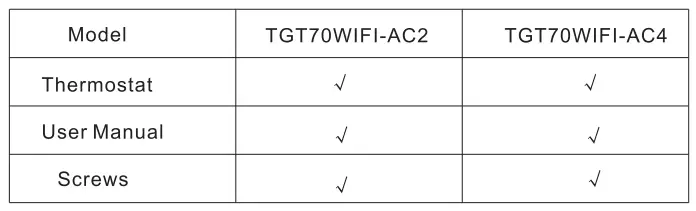
In the box you will find:
Our Service:
We offer the warranty of 24 months from the sales day.
During the warranty, if ii is belong to the quality issue, we will fix or replace by free after testing.
If it is not quality problem or beyond the warranty time, we will charge for the after-sales service.

Warning: The symbol means the unit is being installed, it may cause electrical shock hazard during maintaining, so please make sure it is operated by the professional technical worker.