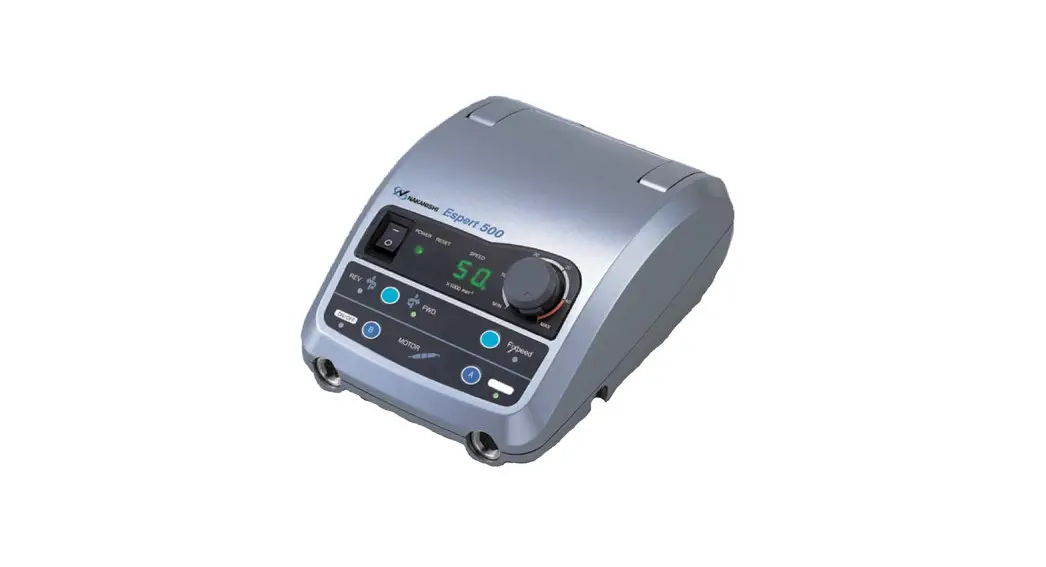
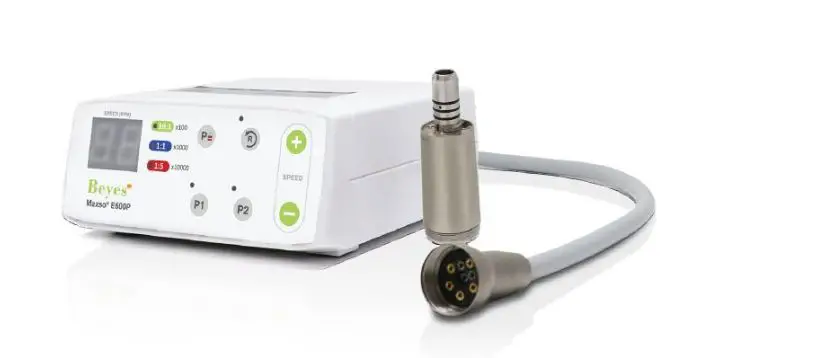
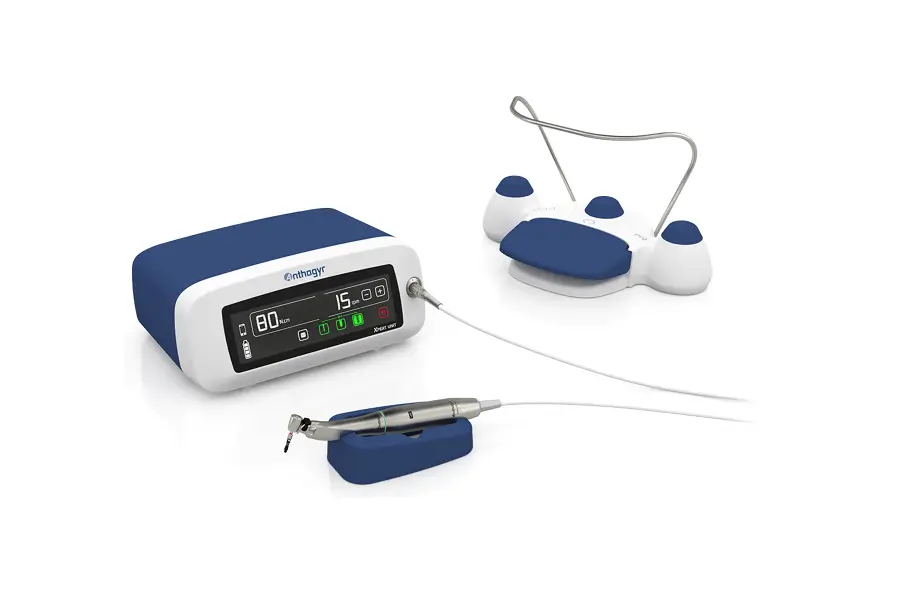
AEU-5000 Electric Operative Motor
AEU-5000 Electric Operative Motor
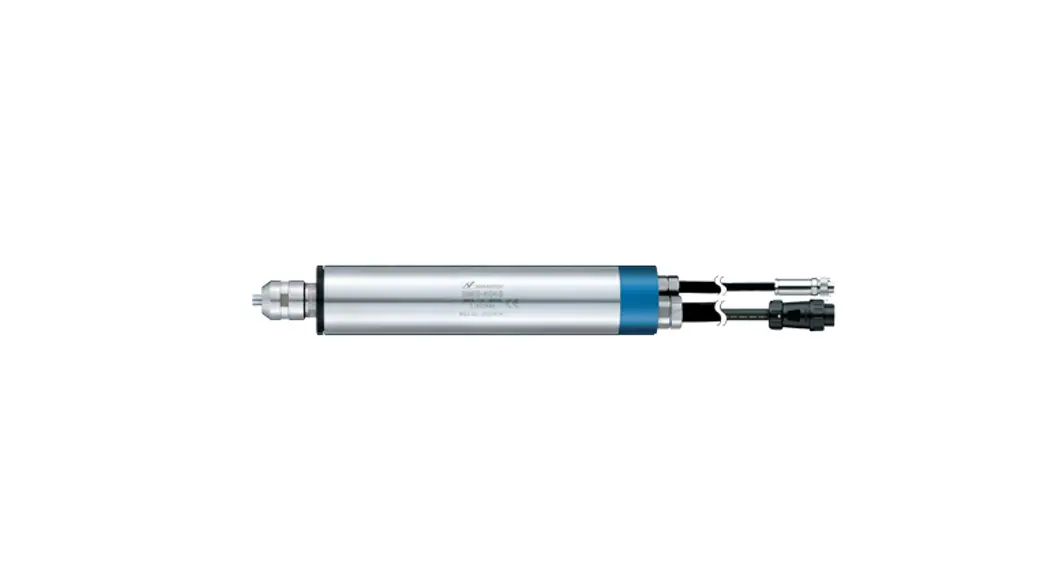
The AEU-5000 Electric Operative Motor is a high-speed electric
sensor-less micromotor system designed for use in a wide range of
dental procedures including endodontic surgeries and general
dentistry. The system comes with an air/electric converter that
allows it to be used with an existing air and water media supply.
It features an intuitive user interface, an easy-to-read LCD
display, and can be used with a Contra Angle Endo Handpiece (sold
separately).
Package Contents:
- AEU-5000 Electric Operative Motor
- Air/Electric Converter
Control Panel Functions:
The control panel for the AEU-5000 Electric Operative Motor
features the following functions:
- Speed Control: Allows you to adjust the speed of the
motor. - Forward/Reverse Switch: Allows you to change the direction of
the motor. - Programmable Preset Buttons: Allows you to save frequently used
speed and direction settings for easy access.
Operation:
Before using the AEU-5000 Electric Operative Motor, make sure
that you have read and understood the operating instructions
provided in the manual. The system is supplied non-sterile and
should be sterilized before use. To use the system, follow these
steps:
- Connect the air/electric converter to your existing air and
water media supply. - Connect the AEU-5000 Electric Operative Motor to the
air/electric converter. - Adjust the speed of the motor using the speed control function
on the control panel. - Choose the direction of the motor using the forward/reverse
switch on the control panel. - If desired, save frequently used speed and direction settings
using the programmable preset buttons on the control panel. - Use the Contra Angle Endo Handpiece (sold separately) for
endodontic surgeries or other dental accessories or subassemblies
for general dentistry procedures.
Safety Precautions:
Before using the AEU-5000 Electric Operative Motor, please heed
the following safety precautions:
- Read and understand the operating instructions provided in the
manual. - Sterilize the system before use.
- Use the system only for its intended purposes.
- Do not use third-party dental accessories or
subassemblies.
Aseptico accepts no liability for injury or damage resulting
from improper use or maintenance of this product.
OPERATION AND MAINTENANCE INSTRUCTION MANUAL
AEU-5000 Electric Operative Motor
TABLE OF CONTENTS:
Introduction………………………………………………………. 3 Package Contents …………………………………………….. 3 Safety Precautions ……………………………………………. 3 Setting Up the Unit ……………………………………………. 5 Control Panel Functions …………………………………….. 7 Operation…………………………………………………………. 9
· Customizing Ratios & Presets…………………..10 Sterilization & Maintenance ………………………………..12 Troubleshooting ………………………………………………..13 Symbol Definitions…………………………………………….14 Specifications …………………………………………………..14 Warranty ………………………………………………………….15
P.O. Box 1548 · Woodinville, WA 98072 8333 216th Street SE · Woodinville, WA
98072 (425) 487-3157 · (800) 426-5913 www.aseptico.com · [email protected]
CLASSIFICATIONS:
· Class II Equipment · Type BF Equipment · Ordinary Equipment – degree of protection against ingress of
water · Not suitable for use in the presence of a flammable anesthetic
mixture with air or with oxygen or nitrous oxide.
INDICATIONS FOR USE:
The AEU-5000 Electric Operative Motor can be used for a wide range of dental procedures including endodontic surgeries, such as drilling into the root canal, and general dentistry, such as removing carious material from the dentin.
To prevent injury to people and damage to property, please heed relevant warnings and remarks. They are marked as follows:
· WARNING: Serious injury or death may result if ignored.
· CAUTION: Damage to property or the environment may result if ignored.
· NOTE: Important additional information and hints.
CONFORMS TO UL STD 60601-1; CERTIFIED TO CSA STD C22.2 NO.
601.1
RX: FEDERAL LAW RESTRICTS THIS DEVICE TO SALE BY OR ON THE ORDER OF A DENTIST
INFORMATION CONCERNING THE ACCURACY AND PRECISION OF THIS PRODUCT MAY BE OBTAINED UPON REQUEST BY CONTACTING ASEPTICO AT THE ADDRESS SHOWN ON THIS PAGE.
This device has been tested and found to comply with the emissions requirements of IEC 60601-1-2:200109. These requirements provide reasonable protection against harmful electromagnetic interference in a typical medical installation. However, high levels of radio-frequency (RF) emissions from electrical devices, such as cellular phones, may disrupt the performance of this device. To mitigate disruptive electromagnetic interference, position this device away from RF transmitters and other sources of electromagnetic energy.
Your new Aseptico AEU-5000 is one of the finest general dental electric motor systems available to the dental profession. The system features a highspeed electric sensor-less micromotor, an intuitive user interface, an easy to read LCD display, and an air/electric converter which enables use with an existing air and water media supply. These features combine to make the AEU-5000 a convenient, more efficient and economical system for general dentistry procedures.
Congratulations!
This system is engineered to provide many years of reliable service. Please read the instructions provided in this manual to receive the best and longest service from your Aseptico equipment.
Separate manuals may be provided to cover the operation and maintenance of handpieces or other accessories for your unit.
PACKAGE CONTENTS:
· AEU-5000 Control Console · Motor/Cable Assy AE-240-40 · 48 VDC Power Supply · Power Cord · Operation and Maintenance Instruction
Manual, P/N 420819 · Under-Cabinet Mounting Bracket, P/N 330569
PURCHASED SEPARATELY:
· AHP-72MB-X 1:5 Increaser Contra Angle Handpiece
· AHP-72MBFO-XL 1:5 Increaser Contra Angle Handpiece with Fiber Optic
· AHP-63MB-X 1:1 Contra-Angle Handpiece · AHP-63MBFO-XL 1:1 Contra-Angle Handpiece
with Fiber Optic · AHP-64 1:1 Straight Handpiece · AHP-77C 1:2 Increaser Handpiece · AHP-56MB-X 5:1 Reduction Contra Angle
Handpiece · AHP-56MBFO-XL 5:1 Reduction Contra Angle
Handpiece with Fiber Optic · AHP-88MN 8:1 Reduction Latch-Head Contra
Angle Endo Handpiece · AHP-88MNP 8:1 Reduction Push-Button Head
Contra Angle Endo Handpiece
To prevent injury to people and damage to property, please heed relevant warnings and remarks. They are marked as follows:
· WARNING: Serious injury or death may result if ignored.
· CAUTION: Damage to property or the environment may result if ignored.
· NOTE: Important additional information and hints.
SAFETY PRECAUTIONS:
Aseptico accepts no liability for direct or consequential injury or damage resulting from improper use, arising in particular through the non-observance of the operating instructions, or improper preparation and maintenance of this product.
CAUTION: The hand motor for the AEU-5000 system is supplied Non-Sterile and should be sleeved or sterilized before use!
WARNING: Use for intended purposes only. Failure to observe the operating instructions may result in the patient or user suffering serious injury or the product being damaged, possibly beyond repair. Before using this product, make sure that you have studied and understood the operating instructions.
CAUTION: Federal law restricts this device to sale by or on the order of a dentist.
CAUTION: Use of other dental accessories or subassemblies from third-party manufacturers is the sole responsibility of the user.
CAUTION: All repairs are to be performed by authorized Aseptico service personnel only.
WARNING: Always follow these guidelines when operating the unit: · Never touch drills, burs, or other handpiece tips when they are still rotating. · Handpieces should only be attached when the motor has stopped running.
WARNING: Do not install where there is a risk of an explosion. The AEU-5000 is not intended for operation in the presence of flammable anesthetics or gases.
WARNING: Always comply with the endodontic handpiece and file manufacturer’s instructions regarding maximum speeds, torques, forward and reverse directions, and use of all instrumentation, drills, burs, etc., used in endodontic applications.
CAUTION: Connect power supply mains cable to a properly grounded outlet only.
WARNING: Use only the type and model external DC power supply certified for use with this system (see Specifications page 15). Aseptico will not be held responsible for damage or injury resulting from use of any other uncertified power supply with this 3.
equipment. CAUTION: The AEU-5000 motor is sensitive to shock and
may be damaged if dropped or impacted against a hard surface. WARNING: Do not disassemble or alter the AEU-5000 motor or console. WARNING: Never use damaged or worn files as they may separate in the root canal. WARNING: Do not use this device in conjunction with an electric scalpel or on patients with pacemakers. CAUTION: It is recommended to always have the patient wear a rubber dam during endodontic and other dental procedures. WARNING: Always use irrigating coolant when using high-speed handpieces. WARNING: Do not use the AEU-5000 for implant surgery or where the cooling air can access an open wound. CAUTION: The AEU-5000 is not recommended for use with endodontic files that have torque limit requirements less than 100 g-cm. CAUTION: The lens for the AE-240-40 motor LED is soft and can be damaged. If the lens needs to be cleaned, use a lint-free swab and isopropyl alcohol – do not use other solvents as they might adversely react with the LED assembly. CAUTION: AEU-5000 input air and water pressures should not exceed 45 PSI.
4.
SETTING UP THE UNIT:
FIG. 1 – System Components
4-HOLE HANDPIECE TUBING FROM OFFICE DENTAL SYSTEM
48 VDC EXTERNAL POWER SUPPLY (100-240 VAC, 50-60HZ, POWER SOURCE)
HANDPIECE (Sold Separately)
CONTROL CONSOLE
LCD DISPLAY
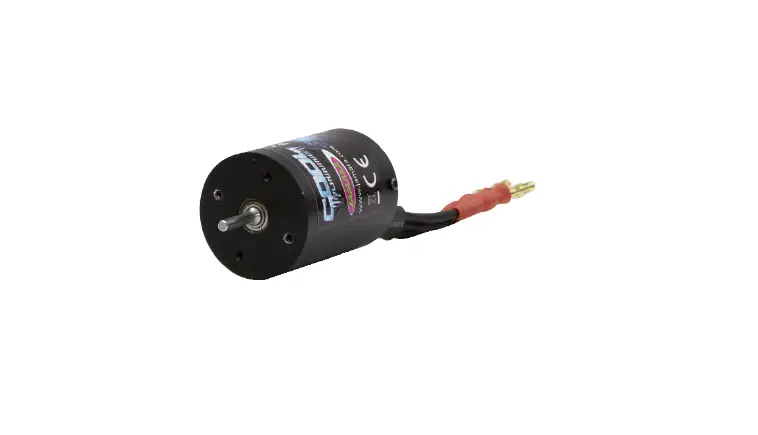
MOTOR w/ CORD
1. Unpack the Console and accessories (see Figure 1).
2. Attach the 4-hole handpiece tubing connector from the office dental system to the receptacle on the back of the AEU-5000 console (refer to INPUT symbol in Figure 2).
FIG. 2 – Console Back
MOTOR/CORD RECEPTACLE
48VDC POWER INLET
4-HOLE HANDPIECE TUBING RECEPTACLE
FIG. 3
DRIVE AIR
CHIP WATER CHIP AIR
(EXHAUST)
CONSOLE AIR/WATER INPUT MOTOR AIR/WATER OUTPUT
MOTOR
OUTPUT
INPUT
3. Note the alignment of the four air/water ports on the AEU-5000 receptacle with the four holes on the handpiece tubing connector.
IMPORTANT: Ensure that all tubing supplying the unit is properly connected and that the air and water are delivered to the console as shown in Figure 3.
HANDPIECE COOLING AIR
HANDPIECE COOLING AIR VENT
LED
NOTE: A portion of the drive air input is used to cool the motor and handpiece. This air vents around the LED and through the E-coupling to the handpiece.
IMPORTANT: Refer to the handpiece manual for recommended pressure for chip irrigation air and water, typically in the range of 10-30 PSI (0.68-2.06 bar). It is recommended to turn off chip air and water when using handpieces that do not support irrigation.
4. Attach the AE-240 motor cord to the motor receptacle on the back of the console (refer to OUTPUT symbol in Figure 2):
a. Align the circular dimple on the motor cord connector with the mark on the top center of the motor receptacle (Figure 4).
5.
b. Push the cord connector body straight into the receptacle to lock it into place. To disconnect connector, pull it straight out.
FIG. 4
ALIGNMENT MARKS
5. Attach the appropriate Aseptico “E-Type” handpiece to the motor as shown in Figure 5.
FIG. 5 – Handpiece/Motor Connection
ALIGNMENT PIN
HANDPIECE
MOTOR
6. Attach the external power supply connector to the back of the console, tightening the locking nut (see Figure 6). Plug power supply into a hospital grade grounded electrical receptacle. Confirm that the type of cord plug is correct for the country of usage and carries the proper certification markings.
FIG. 6 LOCKING NUT
5000 console under a counter or onto a mobile delivery system (see Figures 7 & 8). The adjustable bracket allows chair-side viewing of the LCD and convenient access to the control panel.
FIG. 7 Optional Mounting Board FIG. 5
LOCKING NUT
The bracket comes equipped with all the mounting hardware required for quick and easy installation in a dental office or operatory. Contact Aseptico for ordering information.
FIG. 8 – Under Counter Install
7. Foot Control: The existing foot control used to operate the office dental delivery system will now operate the AEU-5000. For variablepressure foot control, note that the motor speed is proportional to the air pressure delivered within a 20 PSI (1.36 bar) range, e.g., 5 PSI (0.34 bar) provides minimum speed and 25 PSI (1.70 bar) provides displayed speed.
8. Under-Counter Installation: An optional bracket is available for mounting the AEU-
6.
CONTROL PANEL FUNCTIONS:
FIG. 9 – Console Display & Controls
PRESET
SELECTOR 3
w/DISPLAY
MOTOR DIRECTION
(FWD/REV) SELECTOR
w/ DISPLAY
7
ENDODONTIC MODE
(ENDO) SELECTOR w/
DISPLAY
HANDPIECE RATIO
CONTROL PANEL
SELECTOR w/ DISPLAY STANDBY BUTTON
2
1
SPEED
4
(RPM) SELECTOR
w/ DISPLAY
ILLUMINATION ON/OFF 6
& ADJUSTMENT w/ DISPLAY
The intuitive user interface makes it easy to begin using your new AEU-5000. The system operation section follows these control panel function descriptions.
1 Control Panel `Standby’ Button:
Turns control panel on and off. Reactivates System from Sleep Mode.
Depress the Standby button to turn the console display on or off. When the console is turned on, the display should light up and show the default startup screen. If the console was turned off using the Standby button, the Display will darken and all the buttons, except the Standby button, will become inoperative. Press the Standby button again to turn the System on, light up the Display, and restore its last-used settings.
2 Handpiece RATIO Selector w/Display:
Allows user to select ratio of handpiece being used.
Press the Ratio Button repeatedly until the ratio of the handpiece being used is displayed. When displayed, the ratio for that particular handpiece is automatically enabled. The available ratio options are: 1:5, 1:2, 1:1, 5:1, 8:1.
5
TORQUE SELECTOR w/DISPLAY & LED INTENSITY ADJUSTMENT
NOTE: The user can reprogram the unit to display only a preferred set of ratio(s) from the five available options. Refer to page 8 for complete instructions on Customizing Ratios.
3 PRESET Selector w/Display: Allows user to quickly access factory default or customized Presets.
After the handpiece ratio has been selected (ref. para. 2), press the Preset Button repeatedly to cycle through five different Presets (P1 P5). When the desired Preset is displayed, its operating parameters are automatically activated. Each Preset can store the following parameters:
– Bur/Drill Speed – Motor Direction – Torque Setting – LED Light `On’ or `Off’ – Endo Mode Activation (8:1 handpiece ratio only)
Each of the Presets can be user program-med with customized parameters (for complete instructions, refer to Customizing Presets in the Operation Section, page 8).
4 SPEED Selector w/Display:
7.
Allows user to select operating speed (RPM) for the motor/handpiece.
Press the Speed Selector Up/Down keys to select desired speed (RPM). The handpiece/ motor will only operate at this specified speed. (K = 1000)
Note: For display accuracy, the Ratio Selector must match the ratio of the handpiece being used. Speed ranges in Figure 10 are accurate only when the correct handpieces are used.
Fig. 10 – AEU-5000 Speed Ranges
1:5 10,000 – 200,000 RPM
1:2 4,000 – 80,000 RPM
1:1 2,000 – 40,000 RPM
5:1
400 – 8,000
RPM
8:1
280 – 5,500
RPM
*280 – 1300 RPM in ENDO Mode 5 TORQUE Selector w/Display:
Allows the user to select operating torque of handpiece/motor, from 5% minimum, up to 100% of maximum System torque. (NOTE: Actual torque is dependent on motor speed and handpiece used). Press the Torque Selector Up/Down keys to adjust torque percentage to desired setting. The handpiece will only operate up to this specified torque level. 6 ILLUMINATION Adjustment w/Display: Turns handpiece LED illumination On/Off and allows adjustment of intensity, from 10%, to 100%.
8.
Press and release this button to turn LED `On’ or `Off”. To activate the handpiece and LED, press the foot pedal to operate the motor. When the foot pedal is released and the motor has stopped, the light will turn off after approximately 20 seconds. Press and hold Illumination button for three seconds to enter the LED intensity adjustment mode. When in this mode, press the Torque Up/Down buttons to select the desired illumination in 10% increments, from 10% to 100%. The handpiece LED will automatically turn on and change intensity as the adjustments are made. The Display icon will blink as the adjustments are made. To exit the adjustment mode, press and release the Illumination button.
7 MOTOR DIRECTION Selector w/Display:
Sets the rotational direction of the handpiece forward (FWD) or reverse (REV).
Press and release button to toggle between forward and reverse directions. The display indicates which direction (“FWD” or “REV”) is enabled. An audible signal will also indicate reverse rotation.
8 ENDO MODE:
Enables Endodontic (ENDO) Mode when 8:1 handpiece is used.
First, select the 8:1 handpiece ratio, then press the Motor Direction button repeatedly until the word “ENDO” appears in the Motor Direction window.
OPERATION:
After the AEU-5000 System has been set up and the user has become familiar with its control panel functions, the unit is ready to operate:
1. Plug the external power supply into a grounded electrical outlet. The Console Display will turn on.
2. Install the appropriate file or bur into the handpiece.
3. There are two different control modes that can be used to operate the unit: Manual Mode, using the console buttons, or Preset Mode, using the preprogrammed Presets.
A. MANUAL OPERATION – At any time, the user can adjust the ratio, speed, torque, motor direction, and handpiece LED settings using the control panel keypad (the Preset indicator in upper left of LCD will blink on and off, indicating that the Preset was changed):
i. Press the RATIO button repeatedly to select the ratio that corresponds to the handpiece being used.
ii. Press the SPEED Up/Down buttons to select the desired motor speed.
iii. Press the TORQUE Up/Down buttons to select the desired motor torque.
iv. Press MOTOR DIRECTION button repeatedly to cycle through and select the Forward (FWD) or Reverse (REV) settings, or the Endodontic (ENDO) mode. (Note: ENDO mode is only available when an 8:1 handpiece ratio is used.)
v. Press then release the ILLUMINATION button to turn the handpiece LED On/Off. Press and hold to enter intensity adjustment
mode, then adjust using Torque Up/ Down buttons.
B. PRESET OPERATION – The AEU-5000 is shipped with five preprogrammed factory Presets for each ratio (see Figure 12, page 10). This allows the user to instantly access a wide range of settings. Each Preset can be customized by the user with its own unique set of operating parameters (refer to “Customizing Presets” on page 9).
The unit will retain the factory default settings in memory until changed by the user. To recall the original factory defaults, press and hold both the PRESET and RATIO buttons simultaneously for 3 seconds. IMPORTANT: When factory defaults are recalled, all user-customized Ratio and Preset settings will be overwritten.
4. Press the foot pedal to activate the motor and begin operation. The motor speed is proportional to the air pressure delivered within a 20 PSI range, e.g., 5 PSI provides minimum speed and 25 PSI provides displayed speed.
5. ENDO MODE:
When the 8:1 handpiece ratio is used, the Endodontic (ENDO) Mode can be enabled:
A. Press the Motor Direction button repeatedly until the word “ENDO” appears in the Motor Direction window.
B. Select the desired Torque level using the UP/Down Torque buttons.
C. The unit is ready to operate – The rotation of the handpiece will automatically alternate between forward and reverse when the selected torque is reached, in order to free the instrument.
9.
CUSTOMIZING RATIOS:
The user can enable or disable individual handpiece ratio options, so that only preferred or commonly used ratios are displayed during the ratio selection process. Follow these steps to reprogram the unit with customized ratio options:
1. Press and hold the Ratio button to enter the Ratio Customization Mode.
2. Press the Ratio button repeatedly to switch between the available ratio options. Each Ratio displays in the Ratio window as the user cycles through the five options.
3. When the desired ratio is displayed, press the Preset button to toggle the ratio to either enabled or disabled status. The word “On” will appear in the Preset display window when enabled, and two dashes “_ _” will appear when disabled (see Figs. 11a & 11b). FIG. 11a – Enabled
FIG. 11b – Disabled
4. Repeat Step 3 above for the remaining four ratio options until only the desired ratios are enabled.
5. Press and hold the Ratio button to exit the Ratio Customization Mode: Only the enabled ratios can be displayed when selecting Ratio options; any ratio that has been disabled will not be displayed.
NOTE: The system must always have at least one ratio option enabled. If the user attempts to disable the last operational ratio, the system will emit a beep sound and ignore the user’s command to disable this remaining option.
NOTE: If the factory defaults are restored, all customized Ratio option settings will be overwritten.
CUSTOMIZING PRESETS:
1. First select the Ratio, then select the Preset number of the Preset you wish to customize.
2. Adjust the Preset’s speed, torque, illumina-tion On/Off, and motor direction as desired. The Preset indicator will blink on and off, indicating that a change is in process.
NOTE: The ENDO Mode feature can only be enabled when an 8:1 ratio is selected.
3. Press and hold the Preset button to save its new settings (a beep will sound).
NOTE: The unit is programmed at the factory to initially start up with Ratio 1:5/Preset 1 active. Subsequently, when the power is turned on, the last settings used will be activated.
SLEEP MODE:
After 20 minutes of motor inactivity, the AEU-5000 automatically enables an energy-saving Sleep Mode which turns off the Display. When in this mode, three square symbols will blink consecutively across the darkened LCD.
To turn the unit on again and light up the Display, the user can either press the Standby button on the Control Panel or press on the foot pedal. The last used settings will be restored.
10.
Figure 12 – Factory Default Presets
RATIO 1:5
1:2
1:1
5:1
8:1 (ENDO MODE)
PRESET NO.
1 2 3 4 5 1 2 3 4 5 1 2 3 4 5 1 2 3 4 5 1
2
3
4
5
SPEED (RPM)
200,000 150,000 150,000 100,000 100,000 80,000 60,000 60,000 40,000 40,000 40,000 40,000 20,000 10,000
8,000 2,000 1,500 1,200 800 400 300
300
300
300
300
DIRECTION
FWD FWD FWD FWD FWD FWD FWD FWD FWD FWD FWD FWD FWD FWD FWD FWD FWD FWD FWD FWD FWD
FWD
FWD
FWD
FWD
TORQUE
100% 100% 50% Torque Limit 100% 50% Torque Limit 100% 100% 50% Torque Limit 100% 50% Torque Limit 100% 50% Torque Limit 100% 100% 100% 100% 100% 100% 100% 100% 100%
70%
50%
30%
10%
ENDO MODE (8:1 Ratio Only)
YES
YES
YES
YES
YES
HANDPC LED
On On On On On Off Off Off Off Off On On On On On On On On On On Off Off Off Off Off
11.
STERILIZATION & MAINTENANCE:
HANDPIECES – Thorough cleaning and lubrication
of handpieces after each use and before sterilization
is very important to ensure proper operation and
service life of the handpiece. Follow the instructions
provided with the handpiece for complete
maintenance instructions.
FIG. 13
IMPORTANT! Protect motor
from excess oil draining from
handpiece. After lubricating
and before autoclaving, stand
handpiece by its base on a
paper towel and allow excess oil
to drain (see Figure 13).
MOTOR & CORD ASSEMBLY – The entire AE-24040 motor and cord assembly is fully autoclavable. Steam autoclave motor/cord assembly at 132° C (270° F) for ten minutes. Loosely coil the motor cord when autoclaving. Avoid sharply bending the cord when autoclaving. Alternatively, wipe down the motor cord with disinfecting solution, and/or sleeve the cord between each patient.
FIG. 14 – MOTOR & CORD STERILIZATION
The entire motor & cord assembly is steam autoclavable.
MOTOR O-RINGS – Replace motor O-rings when worn or damaged (see Fig. 15). Gently peel old O-rings out of grooves and replace with new rings (PN 520069). Occasionally apply non-toxic (preferably containing PTFE) lubricant to O-rings to maintain flexibility.
12.
FIG. 15
O-RINGS (3)
LED
WARNING
· Do not attempt to disassemble the motor or motor connector.
· Do not oil or lubricate the motor. · Do not attach a handpiece to the motor while the
motor is running. · Do not bend motor cord sharply.
Failure to comply with any of the above instructions may void your warranty.
CAUTION: The AE-240-40 Motor is sensitive to shock. Do not drop or impact motor against a hard surface.
CAUTION FOR ALL STERILIZATION: · Do not exceed 135° C or 275° F · Do not submerge in any solutions · Do not use ultrasonic cleaners
MOTOR LED LENS CLEANING – The lens of the LED light on the motor (see Fig. 15) is soft and can be damaged. It should not be exposed to dust and debris. Excessive dust and debris may cause a drastic decrease in optical output. In the event that the light requires cleaning, first try a gentle swabbing, using a lint-free swab. If needed, use a lint-free swab and isopropyl alcohol to gently remove dirt from the lens. Do not use other solvents as they may adversely react with the LED assembly. MOTOR/CORD RECEPTACLE O-RINGS – The O-rings for the three water/air ports in the motor/ cord receptacle should be replaced if damaged
or worn. Use the provided O-ring installer pin and sleeve to replace the O-rings:
1. Remove old O-ring from water or air port fitting.
2. Slide new O-ring over pointed end of installer pin, onto the pin’s shank (see Figure 16).
FIG. 16
O-RING
INSTALLER PIN
3. Insert pointed end of installer pin into open end of installer sleeve until O-ring stops against end of tool.
4. Position concave end of installer pin against end of water/air port fitting (see Figure 17).
FIG. 17
INSTALLER PIN
O-RING
INSTALLER SLEEVE
5. Push installer sleeve inward, until new O-ring seats into groove on fitting (see Figure 18).
FIG. 18
O-RING
WATER/AIR FITTING
CONSOLE – The exterior of the console may be cleaned by wiping with a soft cloth moistened with mild detergent or disinfecting solution.
INTERNAL WATER LINE FLUSH – Thoroughly flush the water line inside the unit with clean water for about 5 seconds after every patient, and about 20 seconds at the beginning of each day. After flushing the line, use compressed air to purge any fluid in the the line and leave the line dry until next clinical use.
TROUBLESHOOTING:
Console does not light up when on.
Check console to power connection.
Press Standby button on front panel.
Console does not light up when on, and chirping sound occurs. Unplug power connector from back of unit, wait 5 seconds, then reattach connector. If above procedure doesn’t correct the problem, then return unit to the factory for repair. Console lights up when turned on, but handpiece does not turn. Check motor plug connection.
Depress foot switch.
Increase Speed.
Increase Torque setting.
Check that a file is properly seated in the handpiece and the latch is closed. Motor slowing down or sluggish.
Check for dirty, under-lubricated handpiece.
Check if handpiece lubricant is draining into motor. After lubricating and before autoclaving, stand handpiece on its base to let excess lubricant drain out. Handpiece motor light does not turn on.
Press Illumination button to turn light on.
Increase light intensity setting.
Display information inconsistent with operating characteristics of motor/handpiece. Verify that ratio setting matches handpiece ratio.
Unplug Unit from power source, wait 5 seconds, then plug Unit back in to reset.
13.
SYMBOL DEFINITIONS:
Attention, consult accompanying documents Dangerous Voltage Type BF Equipment Alternating current Class II Equipment
Footswitch
Do Not Throw In Trash
Protective Earth (Ground)
Manufacturer Temperature Limitation
Humidity Limitation
Motor Direction Atmospheric Pressure Limitation Light Controls Serial Number
SPECIFICATIONS:
Console Dimensions: 4.7″W x 6.8″L x 2.4″H (11.9cm x 17.3cm x 6.1cm)
Console Weight: 1.38 lb (0.62 kg)
Motor & Cord Weight: 0.7 lb (0.32 kg)
Power Supply Input: 100-240V 1.6 A max. 50-60 HZ
Power Supply Output: 48VDC, 1.25A, 50 to 63 Watt
Duty Cycle: 1 minute ON / 5 minutes OFF
NOTE: The power supply inlet is the mains disconnect means.
Qualified Power Supplies – TrumPower: TRM60-S48-4G-510 TRM60-S48-
4G-5095RG – Astec: DPS58-M DPS58-M-760K – Advanced Power Solutions: MPU50A-8
Environmental Conditions: – Operating Temperature 10 to 28°C (50 to
82.4°F) – Transportation & Storage Temperature -20 to
60°C (-4 to 140°F)
OPERATING TRANSPORT & STORAGE
TEMPERATURE
TEMPERATURE
28°C (82.4 °F)
60°C (140 °F)
10°C (50 °F)
-20°C (-4 °F)
– Relative Humidity 10 to 90% non-condensing
– Altitude 0 to 3048 meters (0 to 10,000 feet)
90%
1013.3 hPa
10%
697
hPa
14.
WARRANTY:
Aseptico Inc. warrants its new products against defects in material and workmanship under normal and proper use, care, and maintenance for a period of two (2) years from date of original invoice. This two (2) year warranty does NOT apply nor is it extended to products that are not manufactured by Aseptico. These products may be covered by a separate limited warranty provided by the particular manufacturer, and all claims and questions regarding the same are to be directed to the particular manufacturer.
Expendable components, such as batteries, fuses, light bulbs, and tubing sets installed on Aseptico products are specifically excluded and have no warranty. Consumable goods are warranted for the stated expiration date of such goods.
Repair or replacement of any product(s) or part(s) under this warranty does not extend the term of this warranty, and such product(s) or part(s) shall remain covered by the unexpired portion of the warranty period, or for ninety (90) days from the date of return to Aseptico, whichever is later. This limited warranty applies only to the initial or first installation of the product or part.
During the specific warranty periods set forth above, Aseptico will, at its option, repair or replace the product(s) or particular part(s) that are found to be defective in either material or workmanship in part or whole. Aseptico shall be the sole arbiter of such action. In the event of alleged defect under warranty, the purchaser is to notify Aseptico’s Customer Service department promptly. Customer Service will provide Return Material Authorization (RMA) instructions, usually directing that the product be returned for service, shipping prepaid by the buyer or end user, to Aseptico or its designated and authorized warranty service center.
This warranty shall not apply to products (1) that have been subjected to neglect, abuse, misuse, improper installation, inadequate maintenance, or damage due to improper use of cleaning materials or chemicals, or non-compliance with Aseptico’s storage, installation, operation, maintenance or environmental requirements; (2) that have undergone any modification or repair not previously authorized by Aseptico in writing, or service, repair or modification by or from any facility other than an authorized Aseptico service center or technician, or that use non-authorized software or spare or replacement parts; or (3) that fail due to reasonable and normal use or wear and tear, or materials made, furnished or specified by the buyer or end user.
Aseptico does not assume under this warranty any risks or liabilities arising from the clinical use of its products, whether or not such use involves coincidental utilization of products manufactured by others. Under no circumstances will Aseptico be liable or responsible for special, compensatory, incidental, consequential or punitive damages, lost profits, lost sales, or loss of use or loss of business opportunity by or through the use of the product. Aseptico’s sole and maximum liability with respect to the product, other than its obligations set forth above, shall be the total purchase price paid for the product.
NOTES:
15.
P/N: 420819 Rev. H ECO 15685 04/2023
P.O. Box 1548 · Woodinville, WA 98072 8333 216th Street SE · Woodinville, WA 98072
(425) 487-3157 · (800) 426-5913 www.aseptico.com · [email protected]
PRINTED IN THE U.S.A.
 Aseptico Inc | Dental Motors, Portable Dental Equipment, OEM