Product Information:
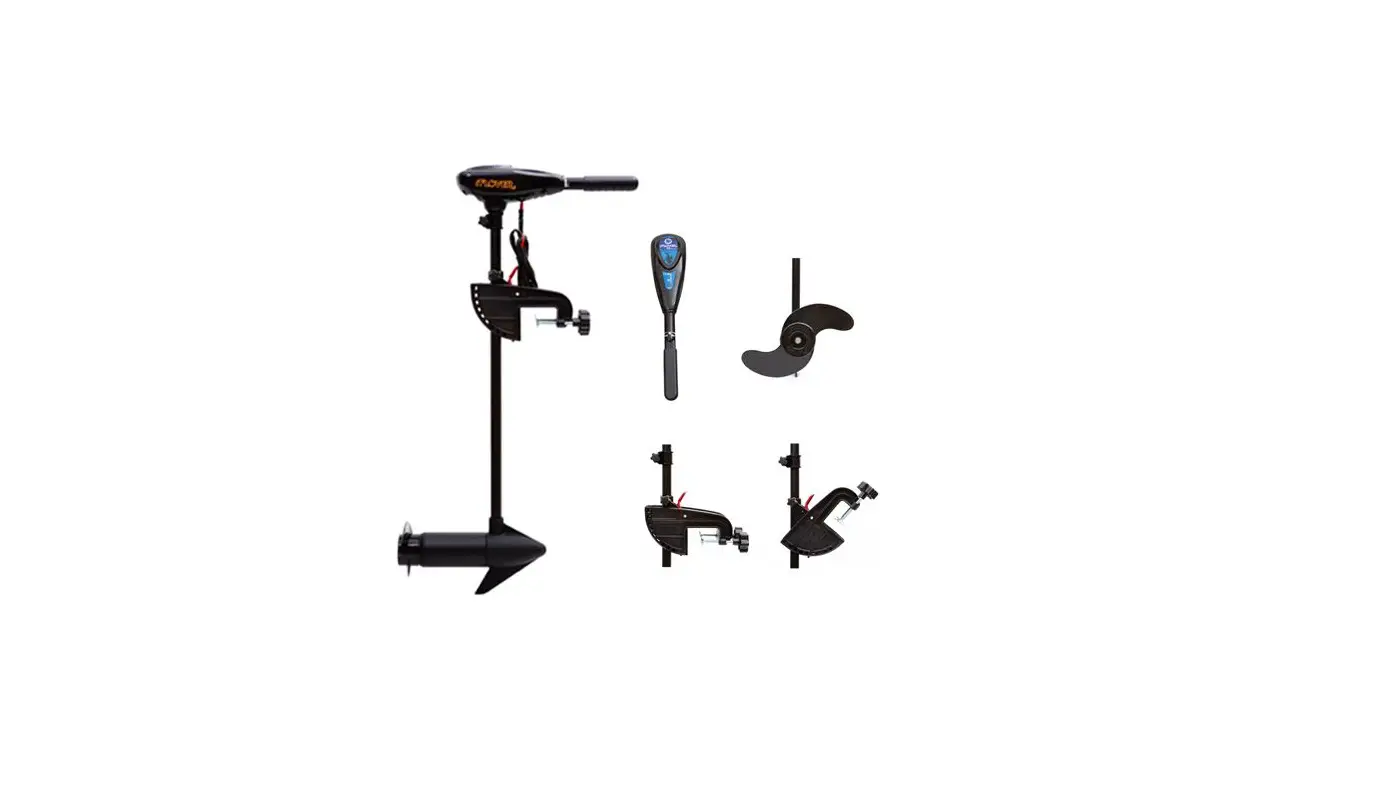
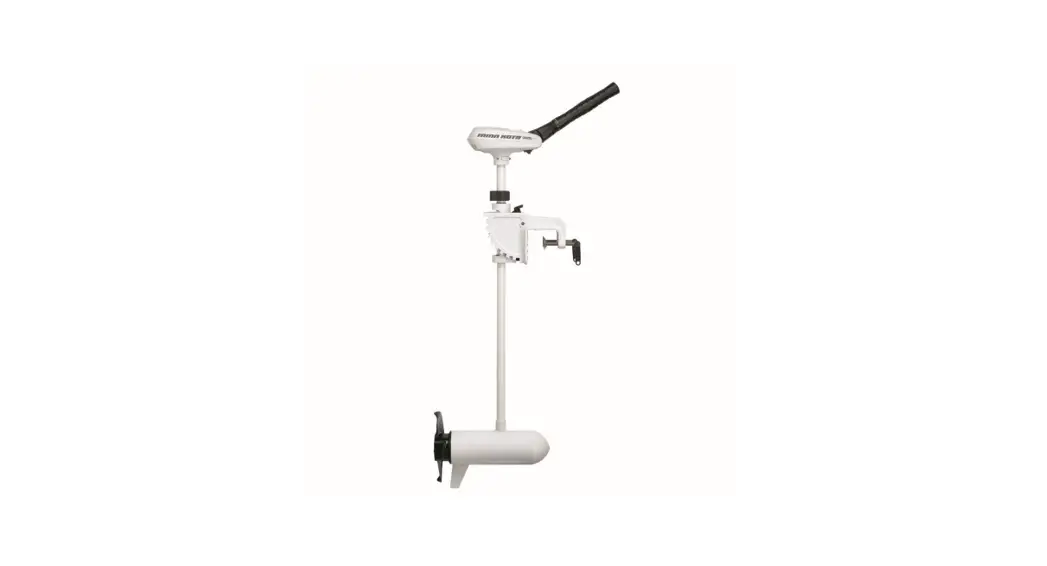
The product is a NAVY outboard motor system that can be paired
with a NAVY Battery for power supply. It comes with a main switch,
communication cables, a remote control, and a tiller handle. The
system supports both wireless and wired communication between the
remote control/tiller handle and the outboard motor. The LCD panel
on the remote control/tiller handle provides status information and
alerts.
Product Usage Instructions:
Step 1: Connect the main switch cables to the NAVY Battery.
Step 2: Connect the main switch cables with the power cables
from the outboard.
Step 3: Connect the NAVY outboard motor to the NAVY Battery with
the communication cable.
Step 4: Connect the NAVY Control System to the NAVY Battery with
the communication cable.
Remote Control/Tiller Handle Pairing:
To pair the remote control/tiller handle with the outboard
motor:
– After pairing, it can switch between wireless and wired
communication automatically.
Troubleshooting:
If the Control System or the outboard is replaced with a new
one, the original wireless link will break and wireless
communication failure will occur. In this case, users should
conduct pairing again.
If the LCD panel on the Remote Control/Tiller Handle displays an
error message as shown in Figure 5-17:
– Make sure the Remote Control is not far from the outboard
motor.
– Make sure all the equipment involved is normally powered
on.
If the error message persists, it indicates an error has
occurred. Please contact your dealer for repair.
5.6.2 Pairing to the Outboard with a NAVY Battery by Wire
Step1: First connect the main switch cables to the NAVY Battery. Step2: Connect the main switch cables with the power cables from the
outboard. Step3: Connect NAVY outboard motor to the NAVY Battery with the
communication cable. Step4: Connect the NAVY Control System to the NAVY Battery with the
communication cable.
Remote Control
Communication
Cable
Tiller Handle
+-
Main Switch
Communication Cable
+
–
Figure 5-16
Do not short-circuit the main switch with other power supplies. The main switch should be mounted on the boat, and the back plate of the main switch should not be removed.
If ”
” shows on start-up, it indicates system initialization.
After pairing Remote Control/Tiller Handle to the Outboard, it can switch between wireless and wired communication automatically.
35
If the Control System or the outboard is replaced with a new one, the original wireless link will break and wireless communication failure will occur. The main page of the LCD panel on the Remote Control/Tiller Handle will display as below. In this case, users should conduct pairing again.
Figure 5-17 However, if the Remote Control/Tiller Handle and the outboard motor are not replaced, but the LCD panel still displays like this, you should check and: 1) Make sure the Remote Control is not far from the outboard motor; 2) Make sure all the equipment involved is normally powered on. If the Remote Control/Tiller Handle still displays like Figure 5-17 after check, it indicates an error has occurred. Please contact your dealer for repair.
36