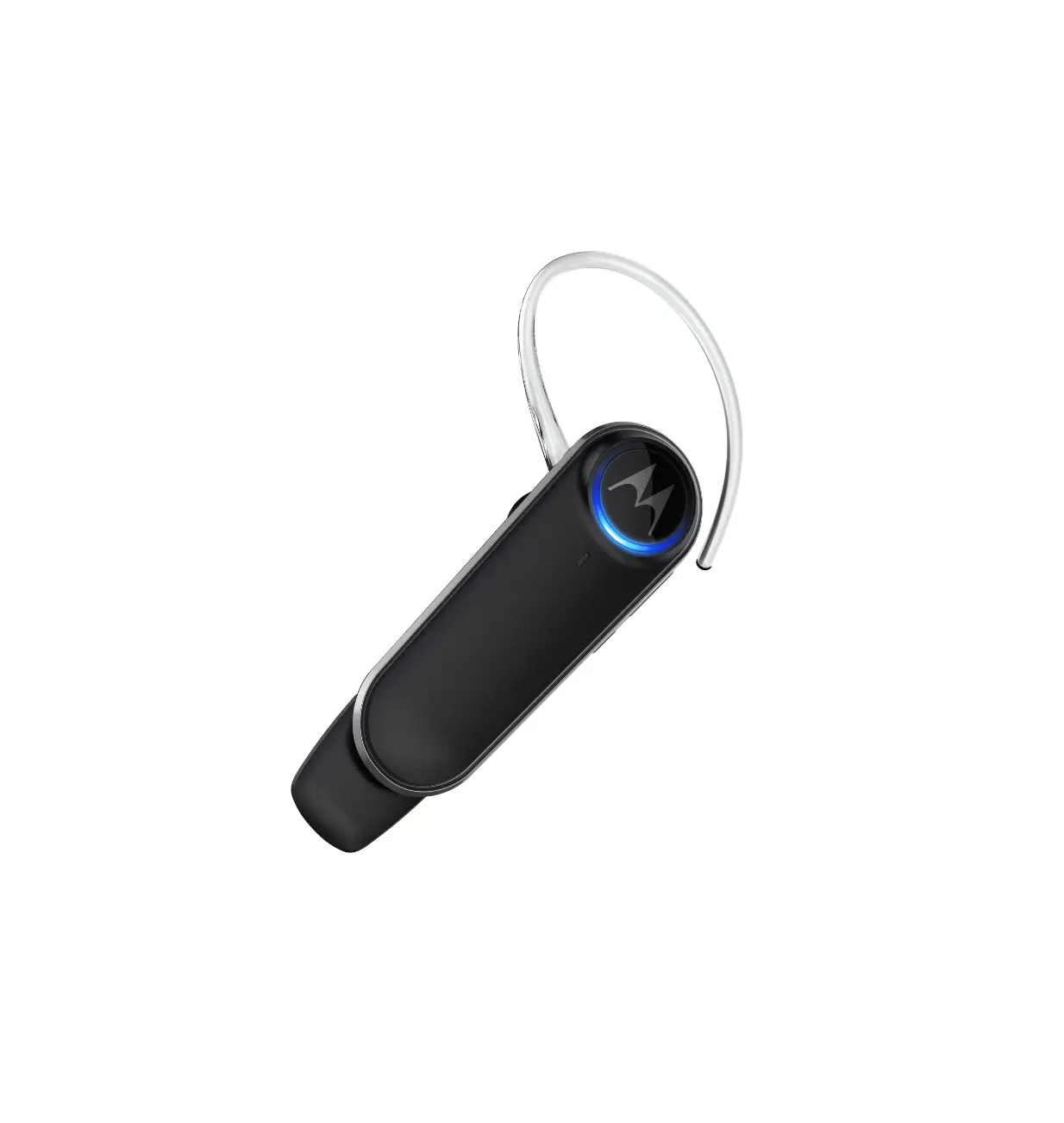
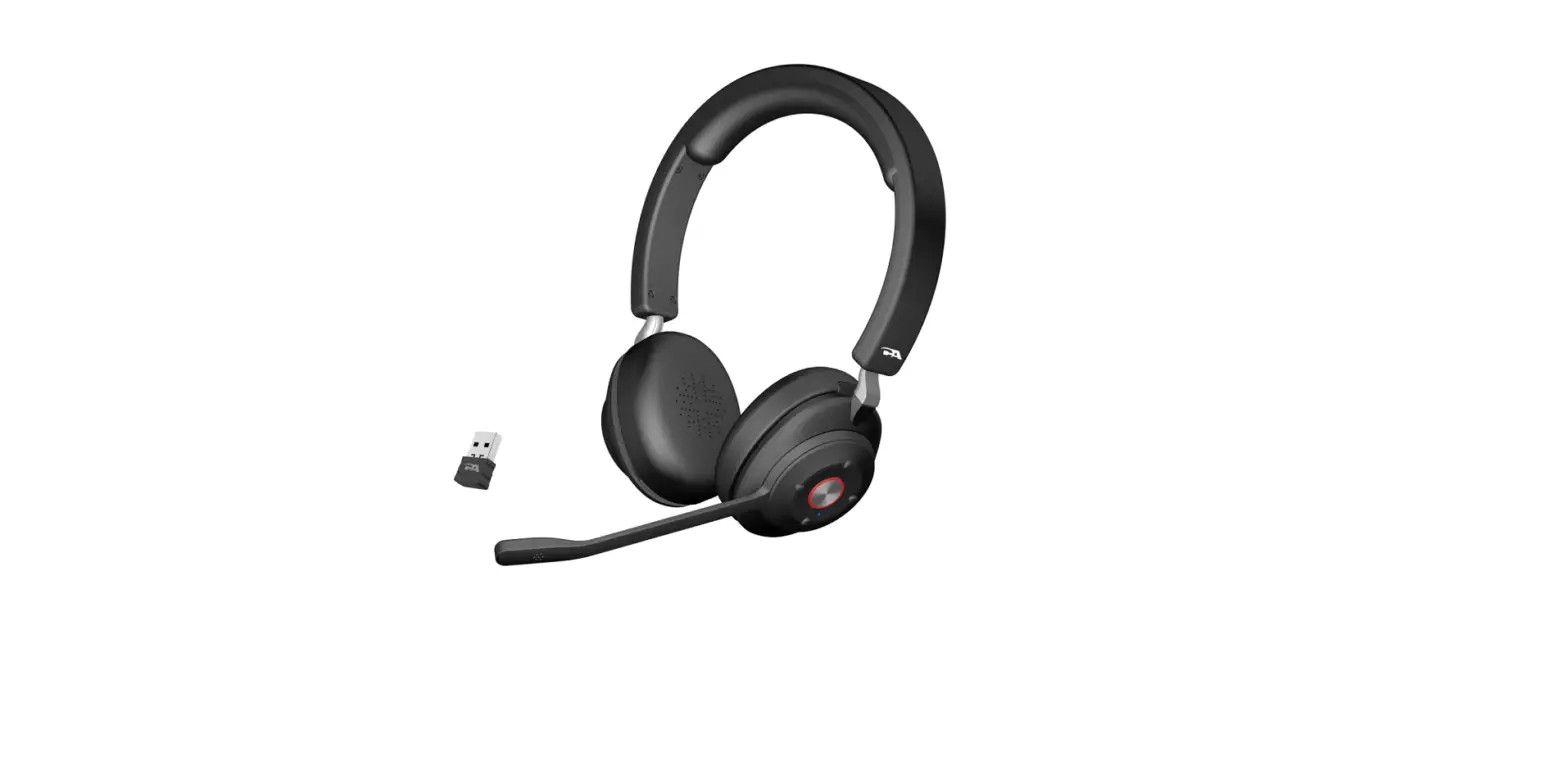
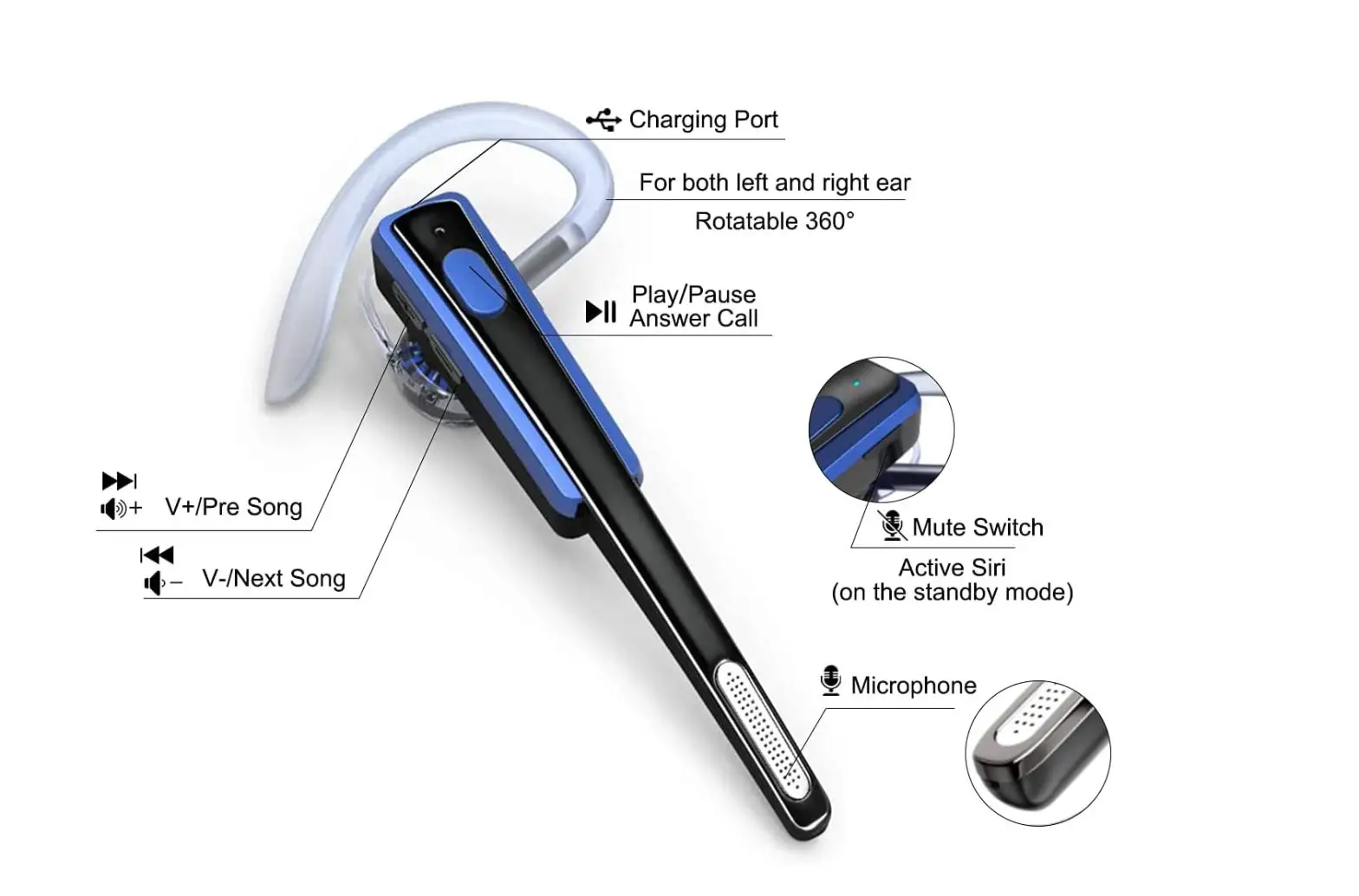
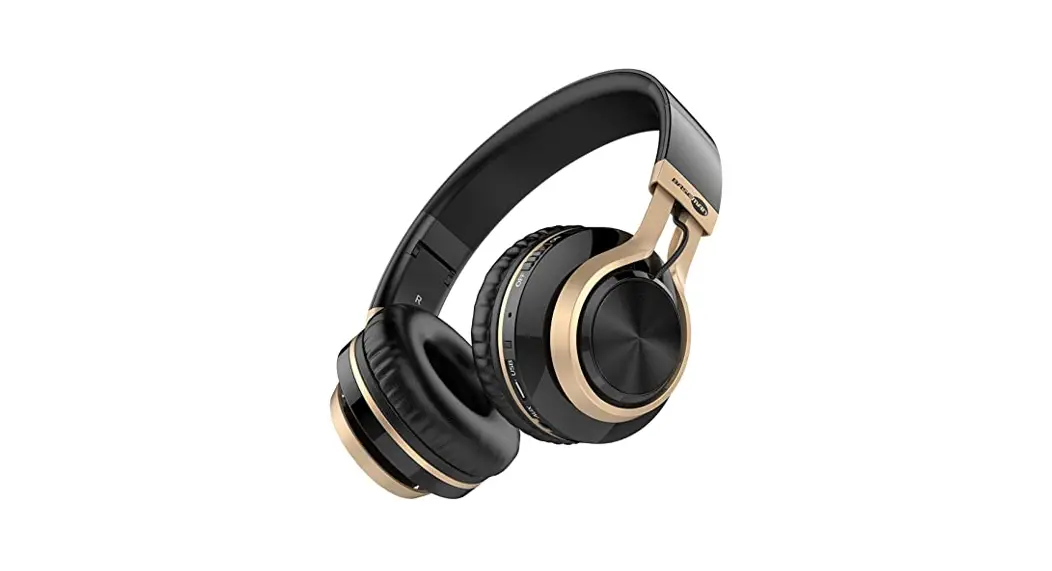
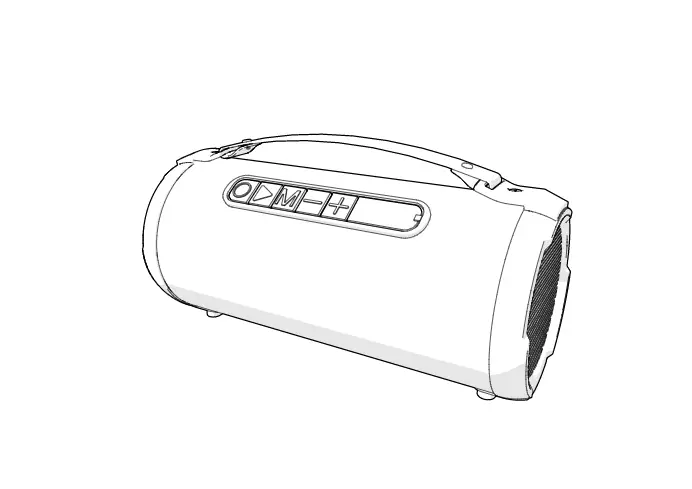
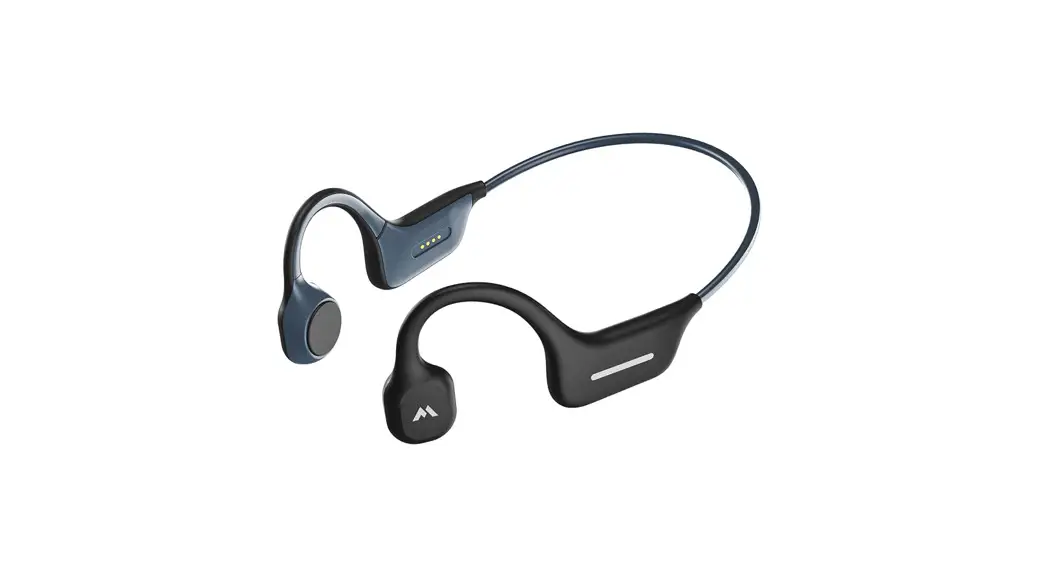
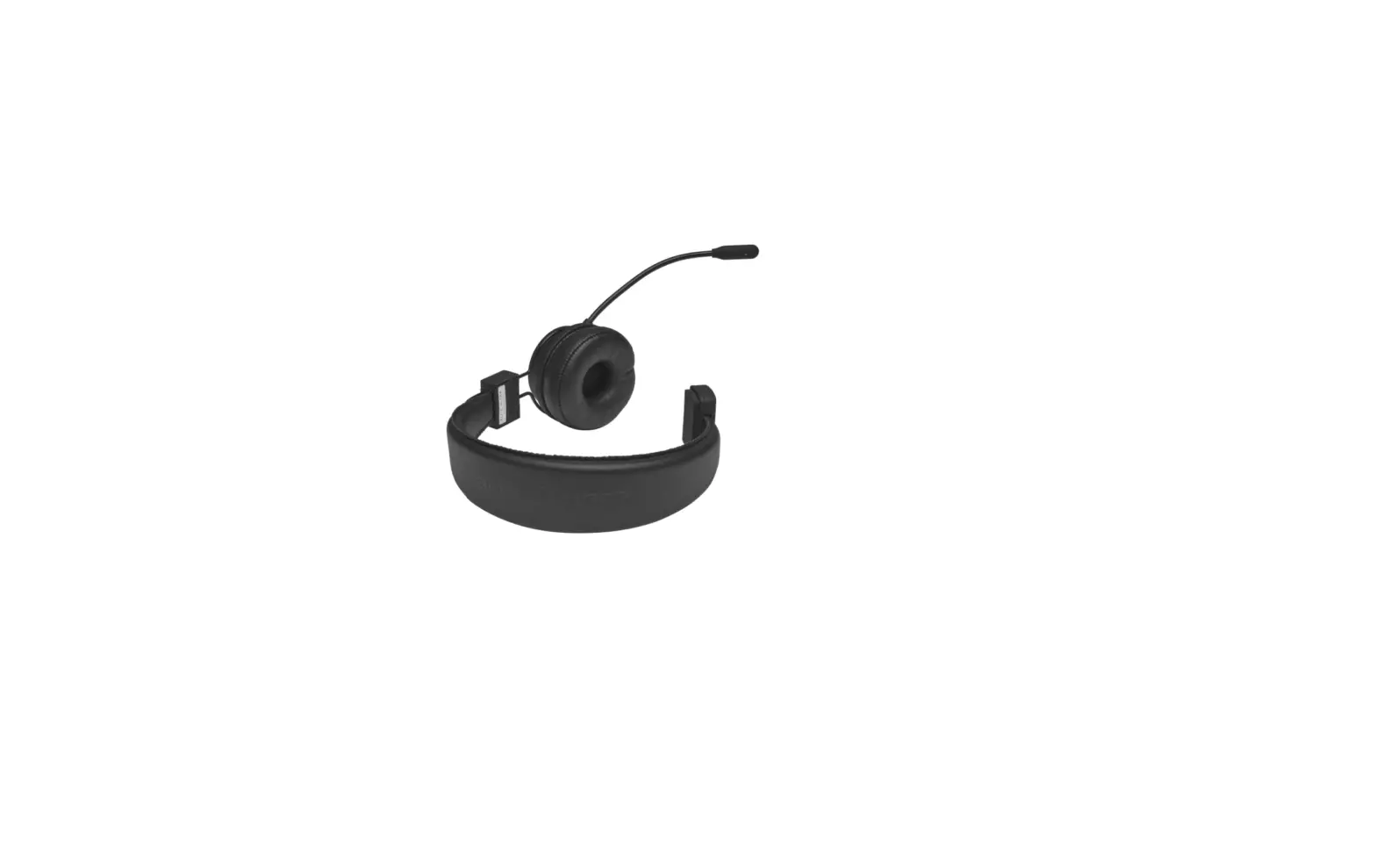
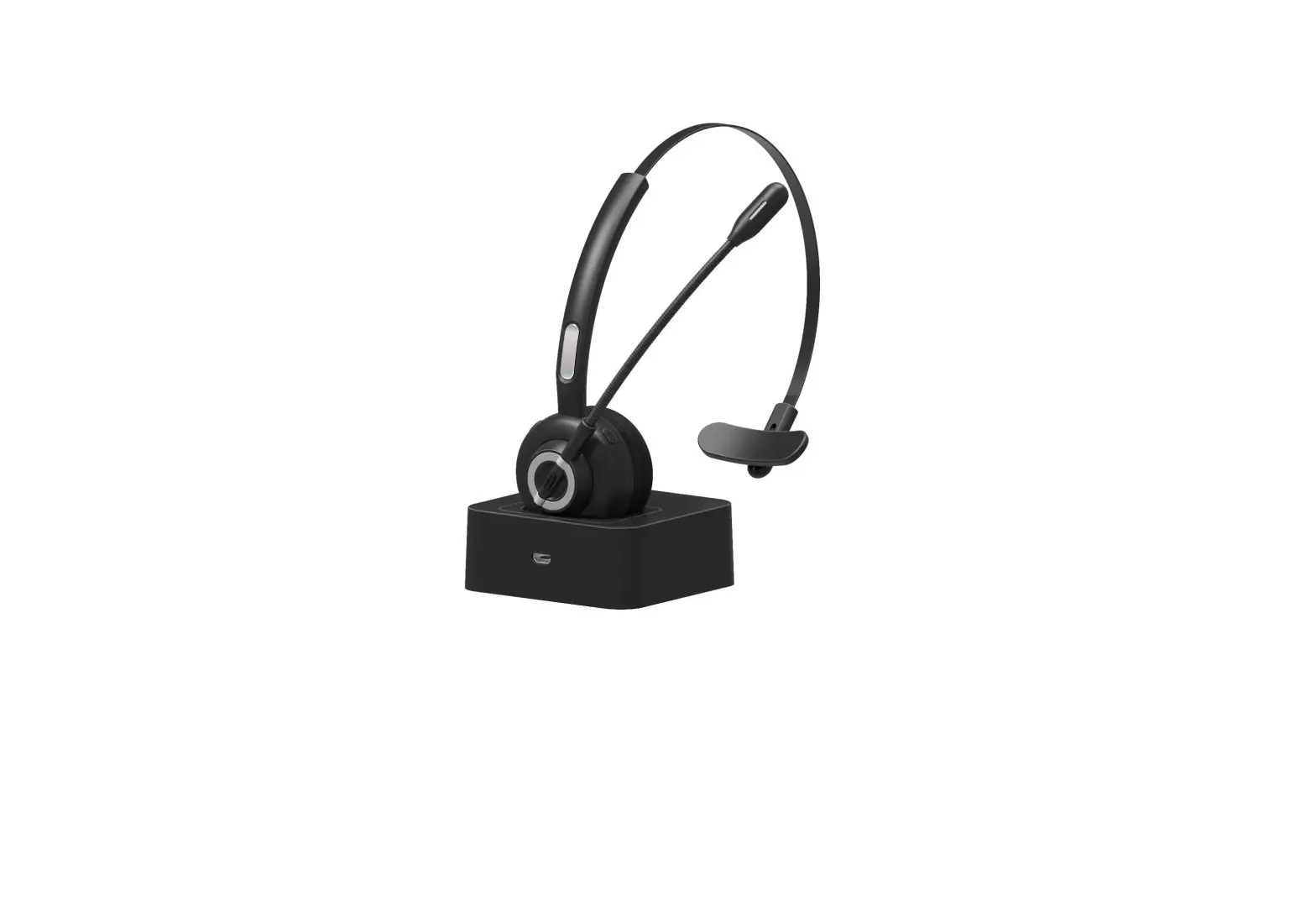
NB02 Boom Boom Pro+ Bluetooth Headset
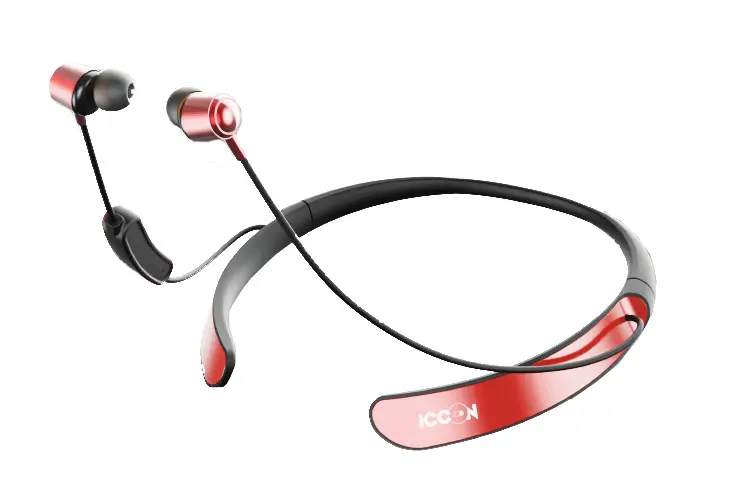

User Manual
Powering On
Press the MFB(Multi function button) for 3 seconds
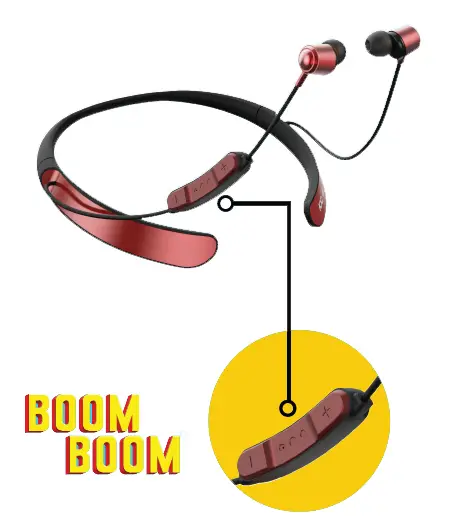
Fitting
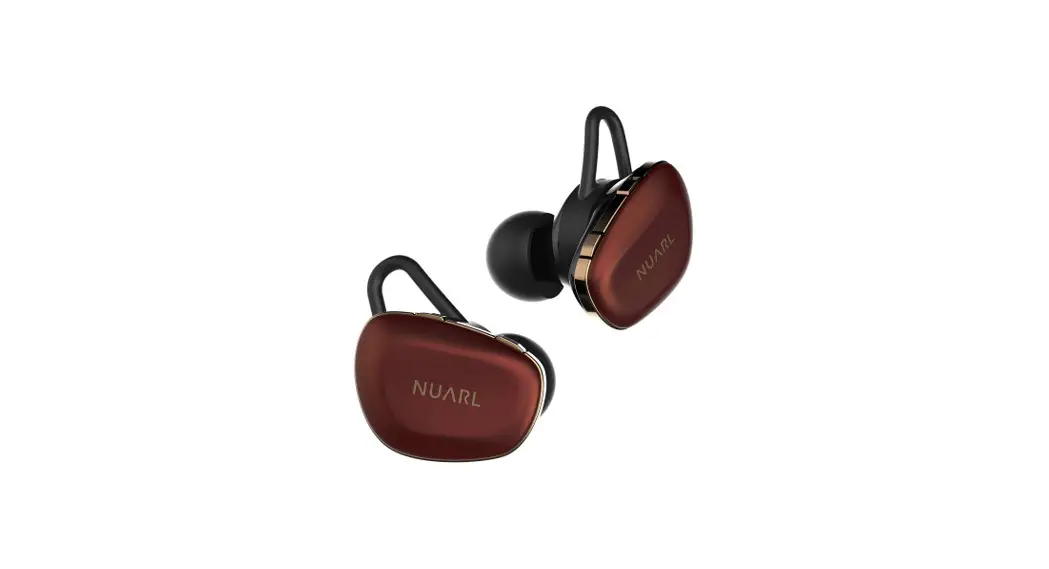
ICCON BOOM BOOM PRO+ comes with 3 different sizes of earbuds for your added comfort and fit.

Pairing (first time)
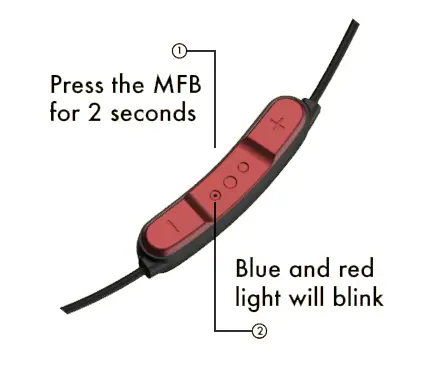
You will hear the pairing done.
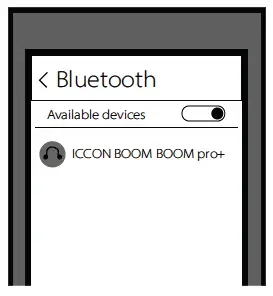
Select ICCON BOOM BOOM PRO+ on your phone
Pairing (Subsequent time)
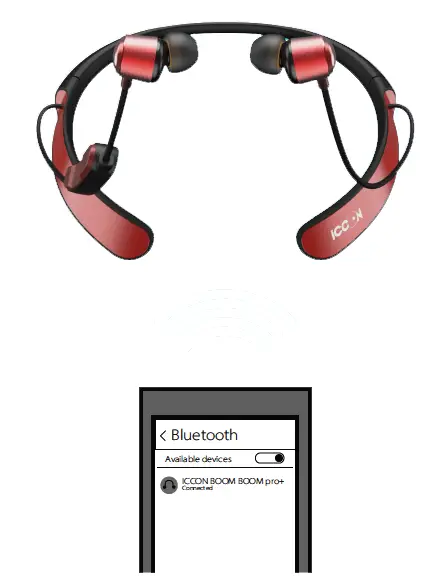
Your ICCON BOOM BOOM device will auto-connect on starting
Charging
We suggest charging your ICCON BOOM BOOM PRO+ device 100% before first use.
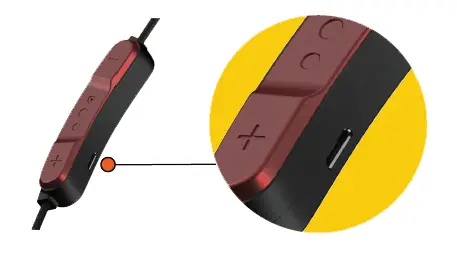
You can charge your ICCON BOOM BOOM PRO+ with in the box charging Micro USB charging cable or universal 2A micro usb charging cable for optimal charging speed.
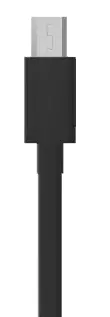
Ideal charger would be a 5W charger (5V 1A) to charge without any fluctuation at optimal speed.
General functions
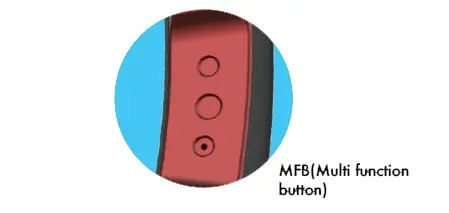
MFB – Long press for 3 seconds to start the device
MFB – Long press for 2 seconds to enter pairing mode
MFB – Single click to pick up the call
MFB – Single click to hang up the call
MFB – Single click to play music
MFB – Single click to pause music
MFB – Double click to redial the last number
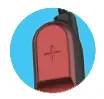 Long Press “+” to increase the volume
Short press the “+” button to play next song
 Long Press “-” to decrease the volume
Short press the “-” button to play previous song
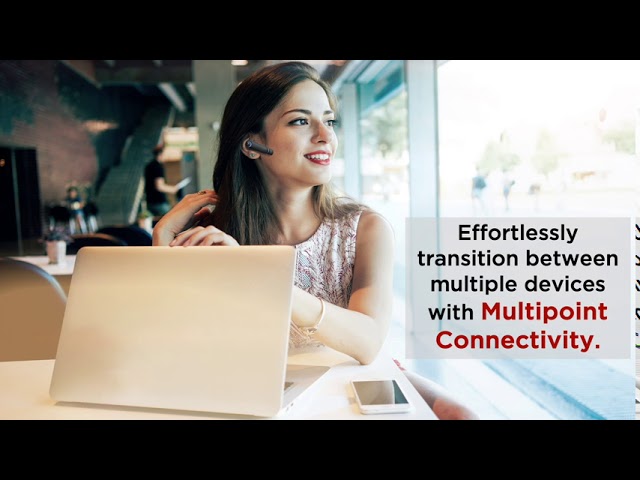
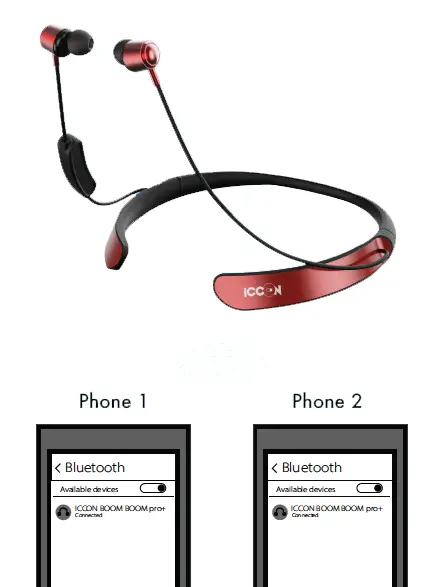
Dual pairing
- Pair your ICCON BOOM BOOM PRO+ with your first device.
- Then switch off your ICCON BOOM BOOM PRO+ and turn the Bluetooth of on your first device
- Restart your ICCON BOOM BOOM PRO+ and turn the Bluetooth of on your second device
- Pair your ICCON BOOM BOOM PRO+ with your second device.
- Now switch on the Bluetooth on your first device and select ICCON BOOM BOOM PRO+
You have now entered dual pairing mode
Features
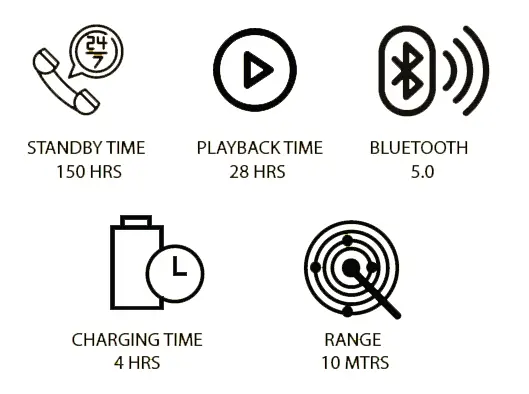
Product details
- Frequency Response: 20~20KHz
- Operation frequency: 2402~2480MHz
- Sensitivity (Speaker) 107+3db
- Sensitivity (MIC) -15 (+3dB)
- Weight (51 grams)
- Driver (8mm)
- Battery capacity 200mAh
- Battery weight 4.84 gms
Voice assistance
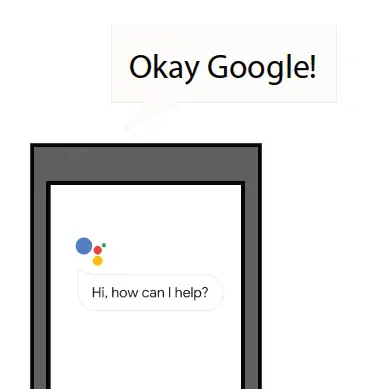
Once the Voice Assistance is activated on your device, you can give your AI the commands from your ICCON BOOM BOOM PRO+
The speaking window needs to be started from your device and cannot be remotely accessed via ICCON BOOM BOOM PRO+
Please mail us on [email protected] for warranty activation with the invoice, your name, email id, phone number and address.
For complaints: do get in touch with us at [email protected] we will initiate the resolve within first 24 hours.