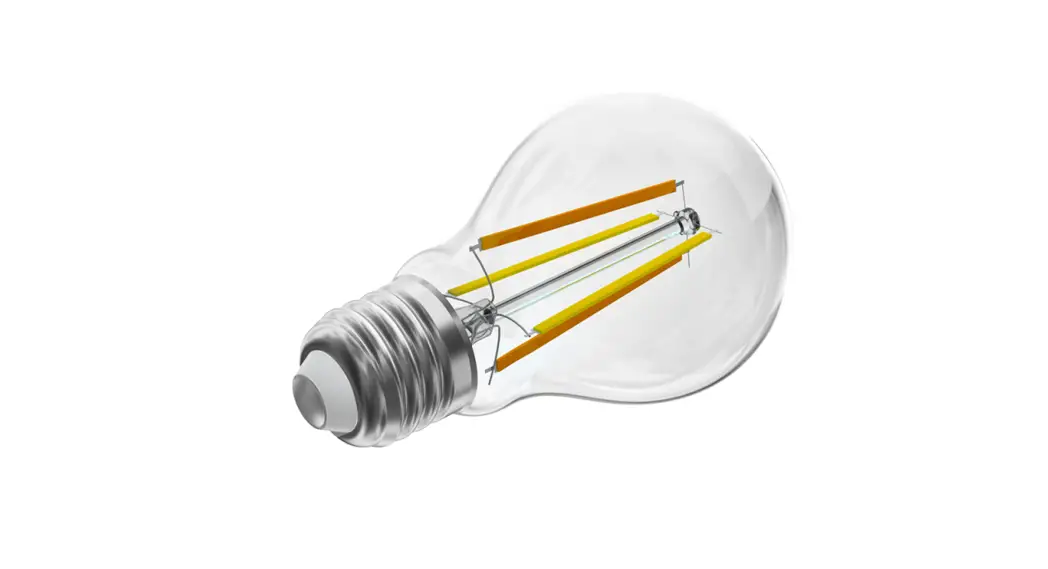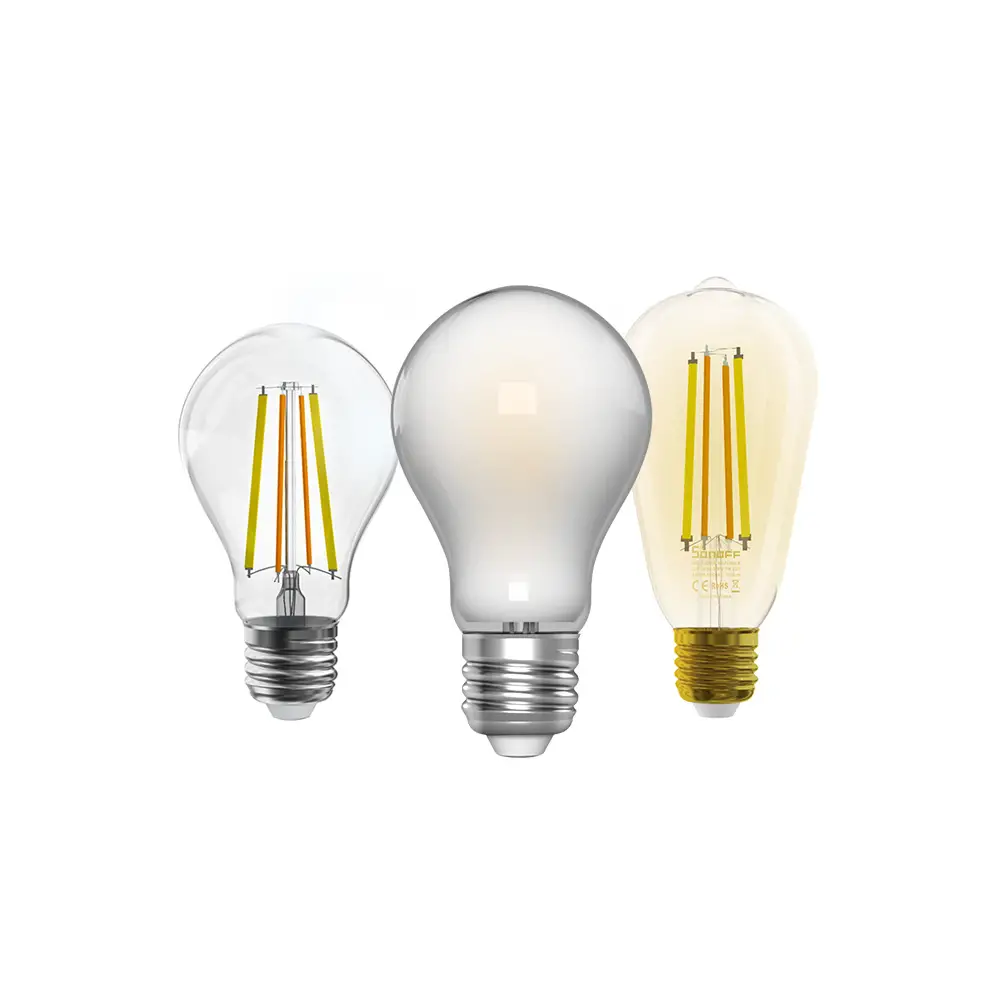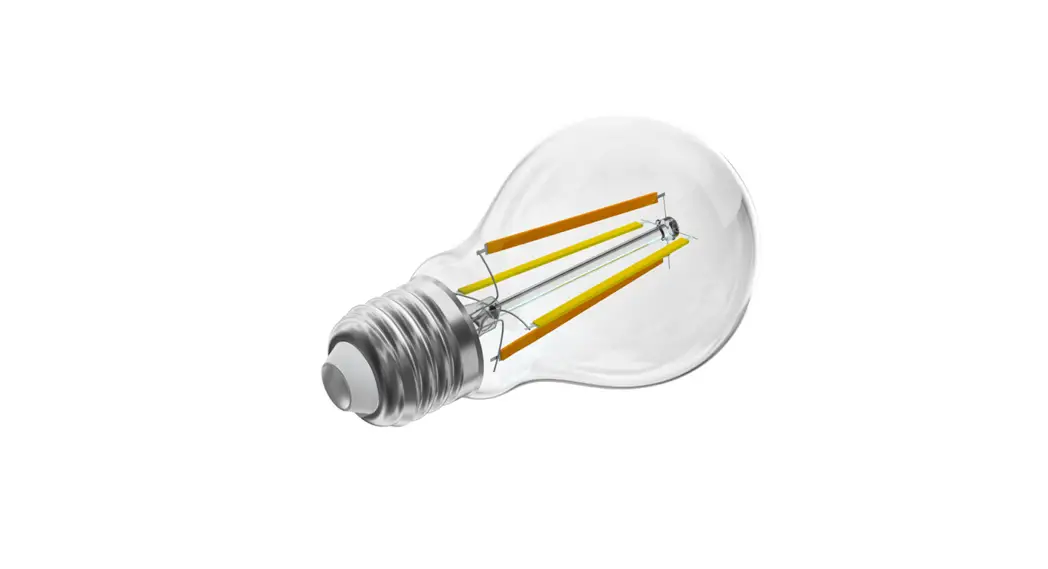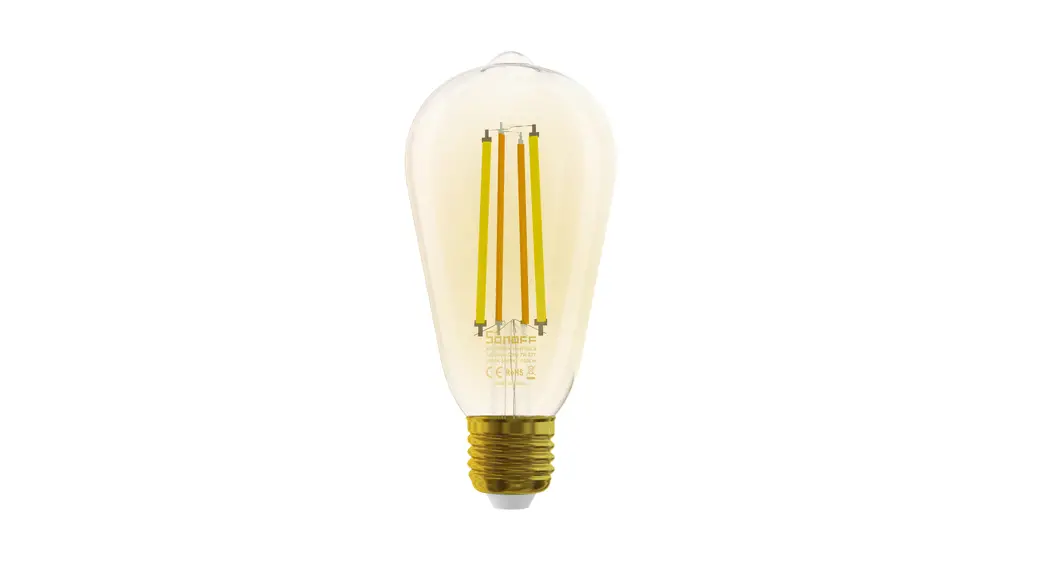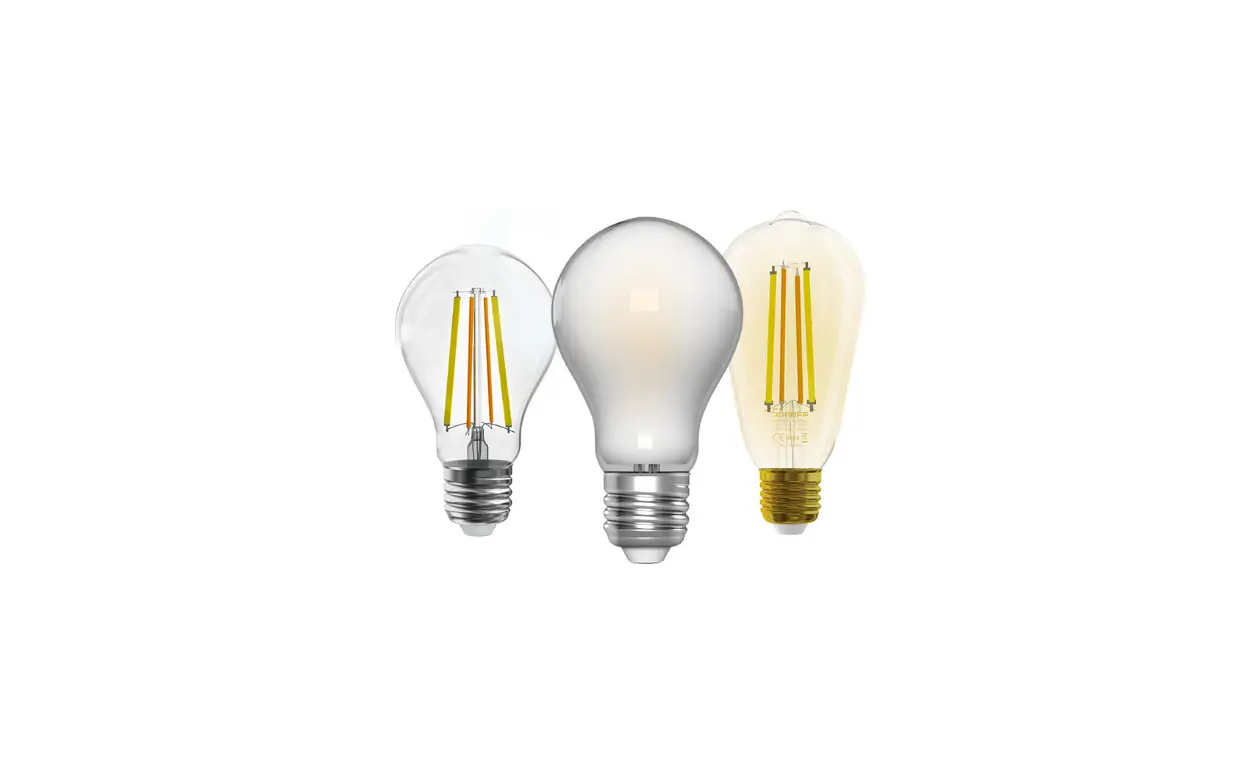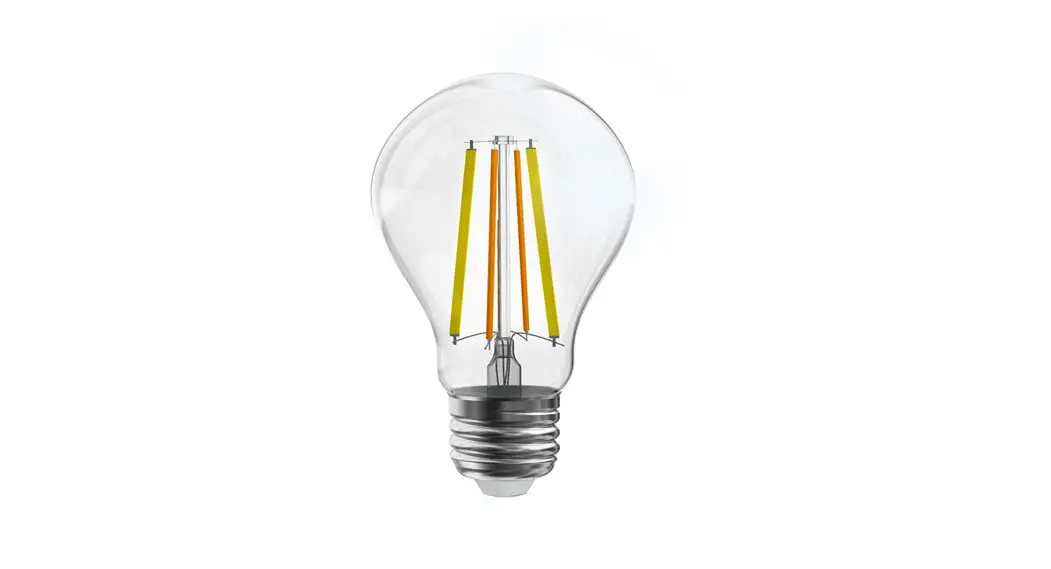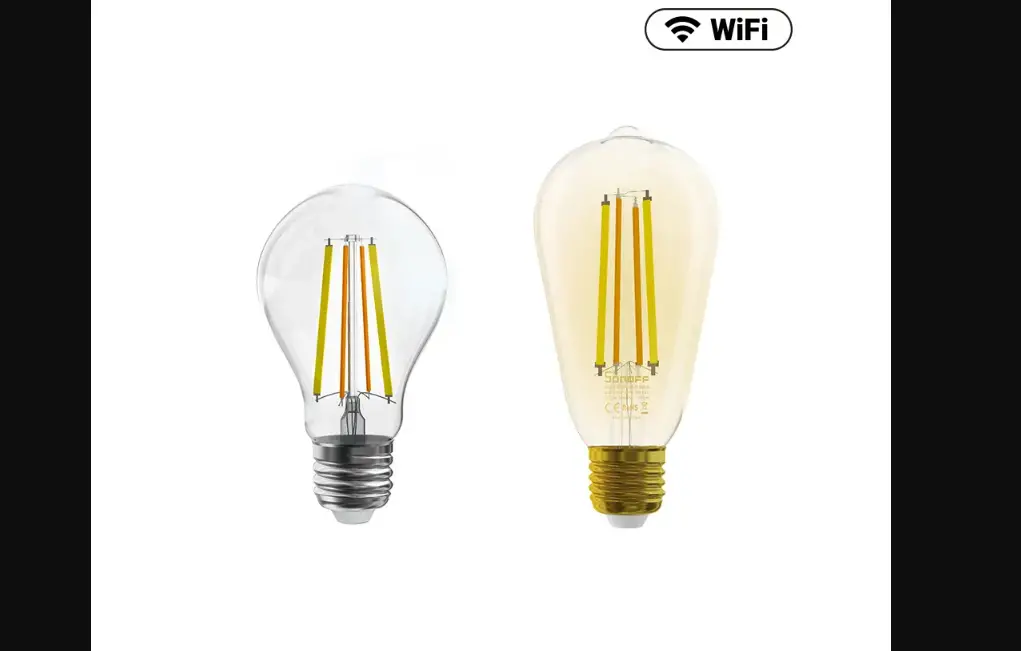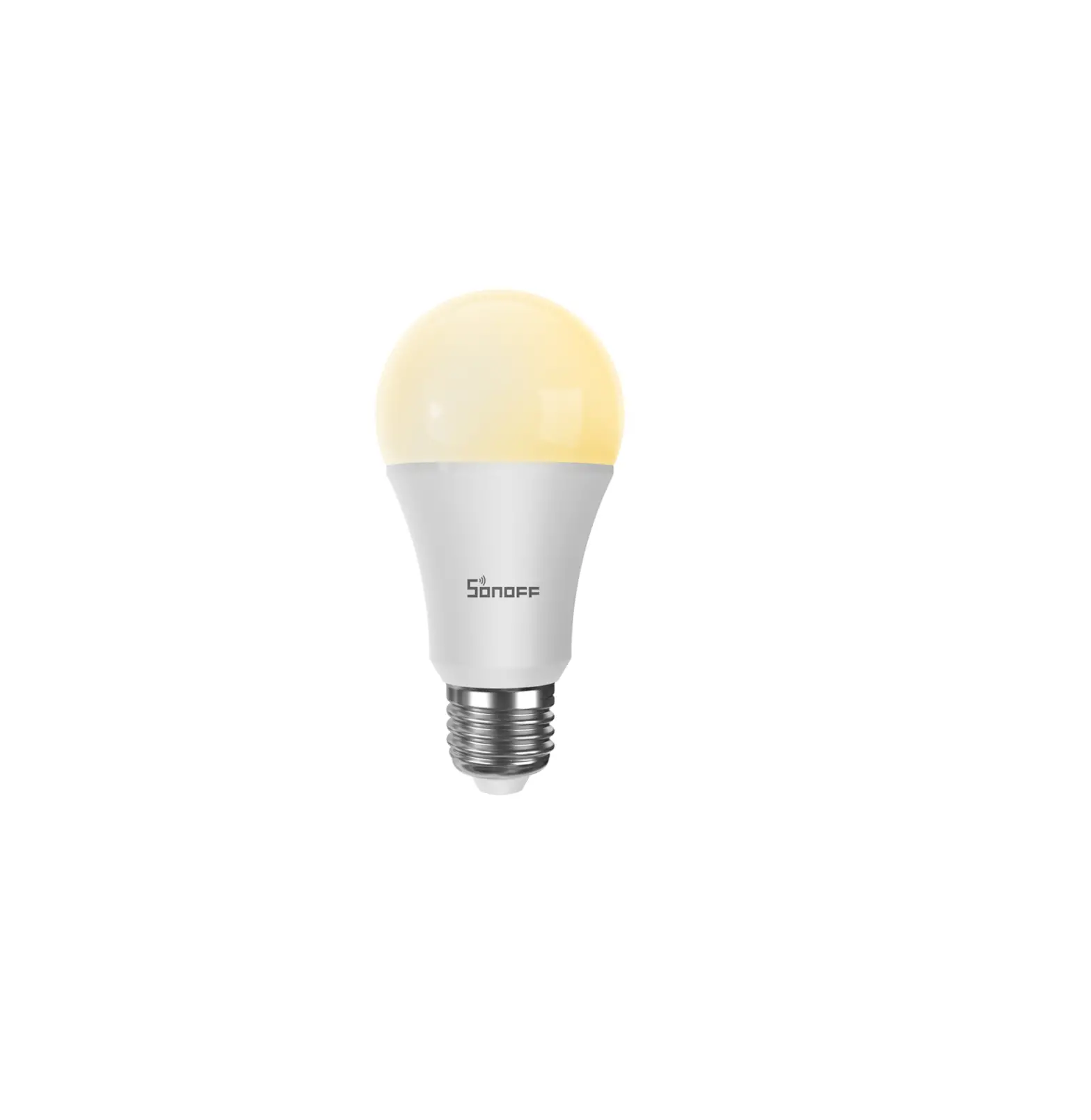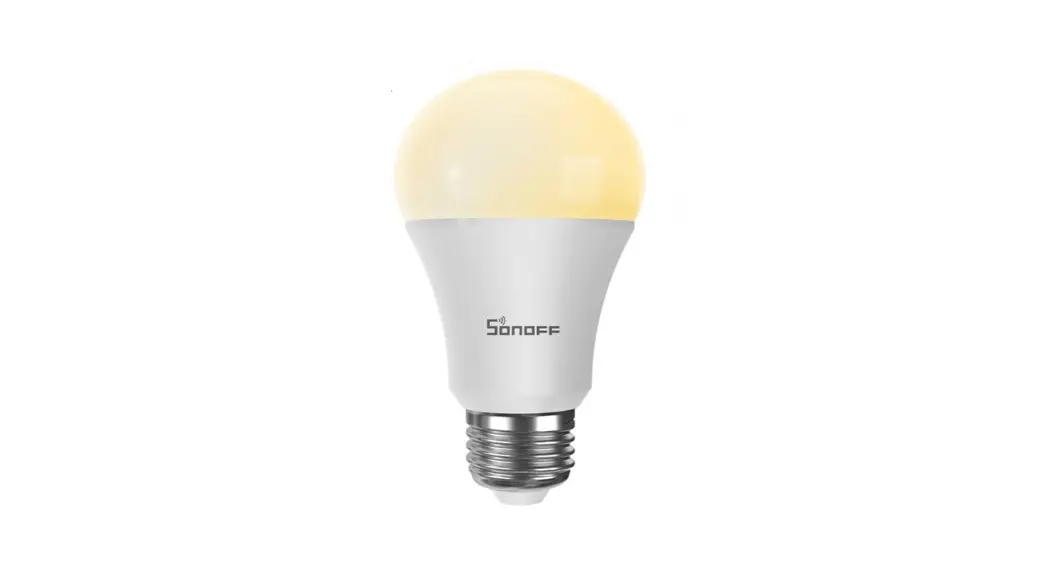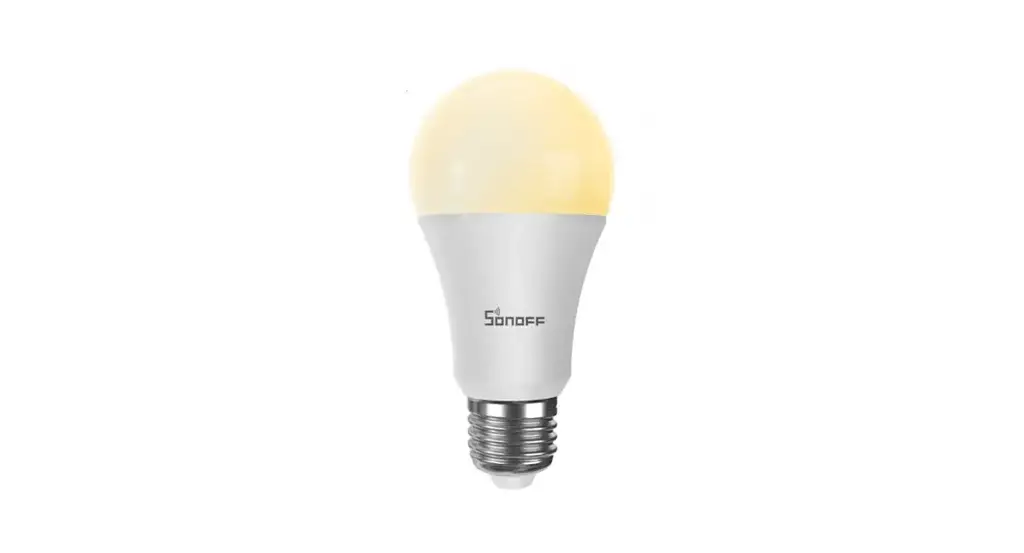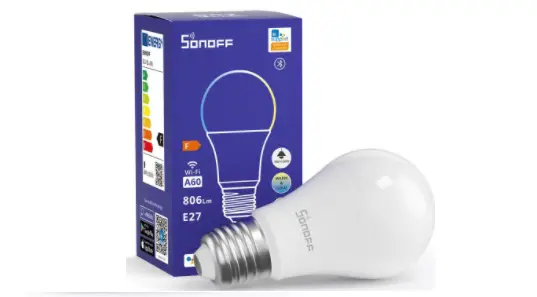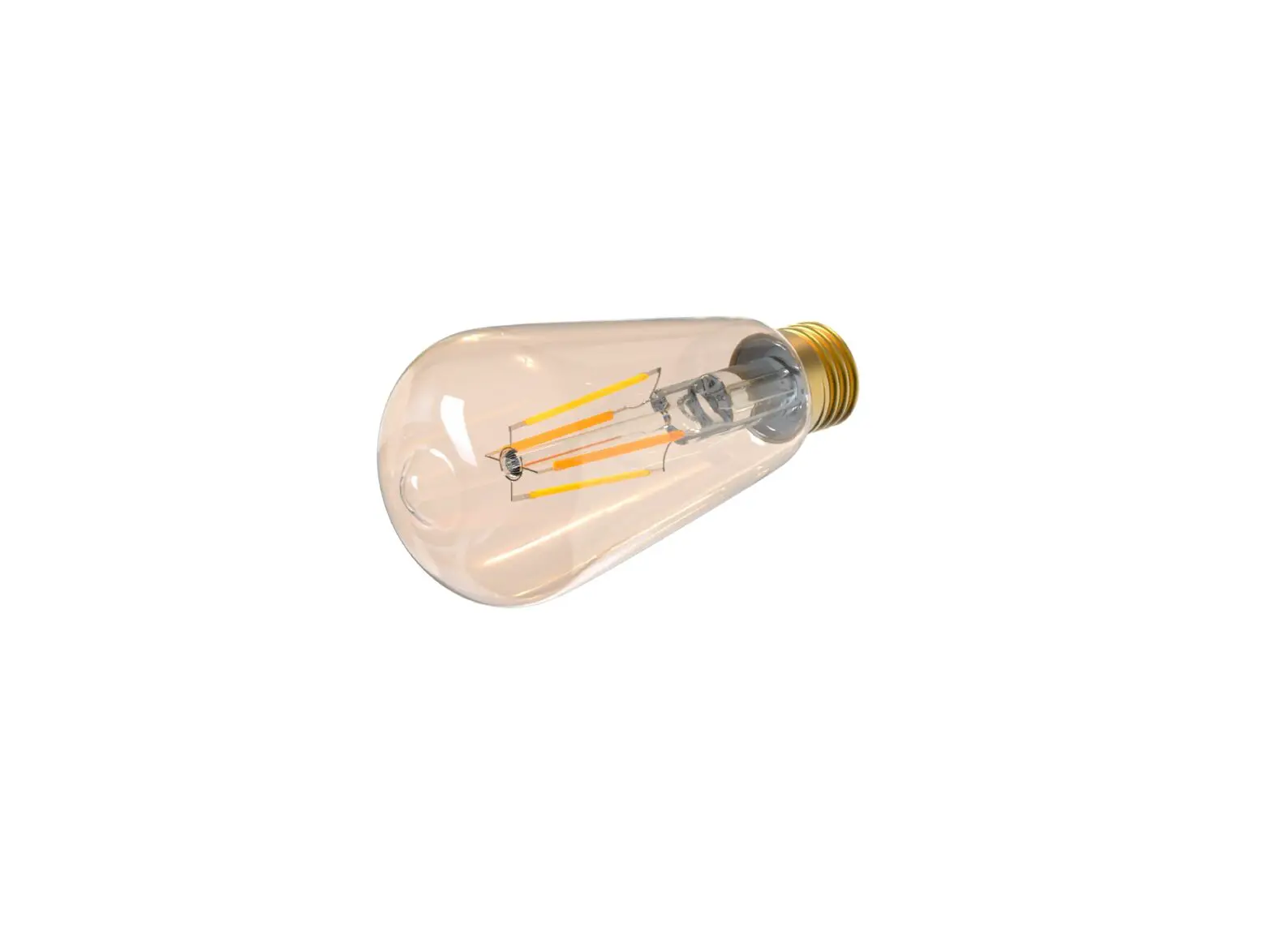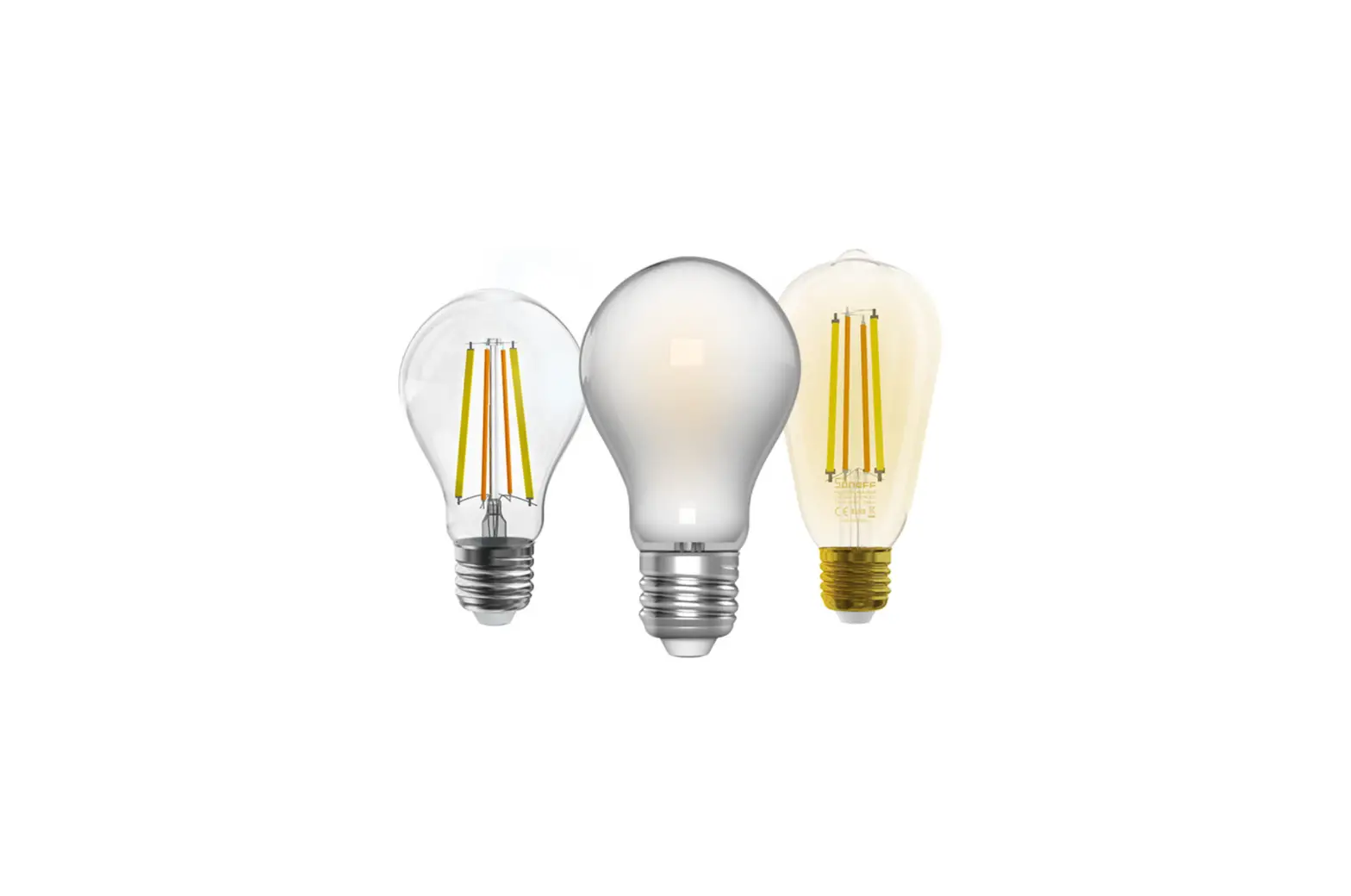
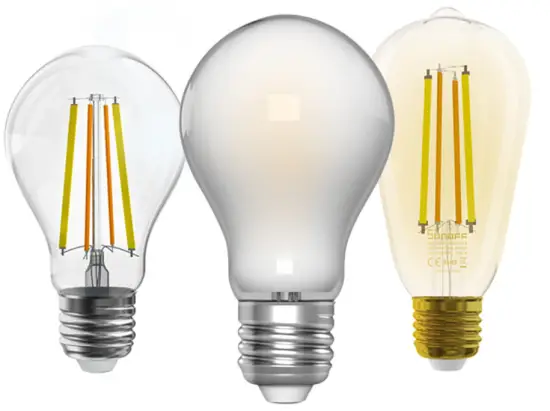
SONOFF B02-F LBS Wi-Fi Smart LED Filament Bulb
Operating Instruction
Install the device
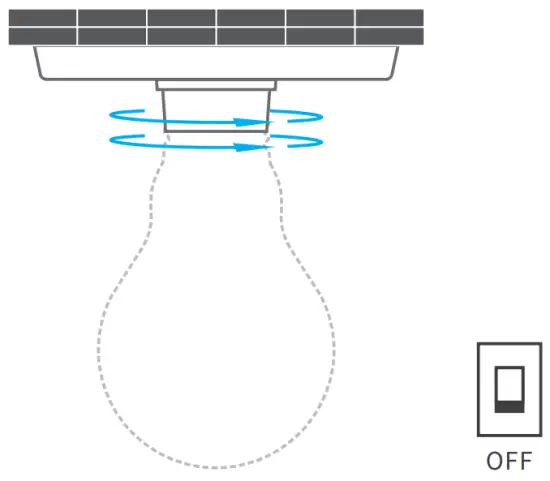
 To avoid electric shock, please turn off the power before installing the device. The device works under 220-240V AC only.
Download APP
 |  |
 | |
 |
Power on
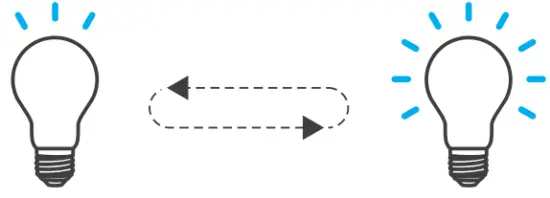
After powering on, the device will enter the quick pairing mode (Touch) during the first use. The device enters the “breathing mode”.
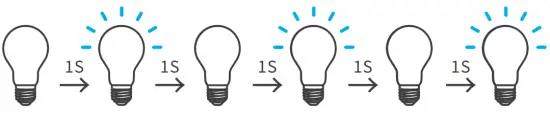
 The device will exit the quick pairing mode (Touch) if not paired within 3mins. If you want to enter this mode, please press the manual switch three times repeatedly at an interval of every 1s (Off-ON-Off-ON-Off-ON). The “breathing mode” indicates the light enters quick pairing mode.

Add the device
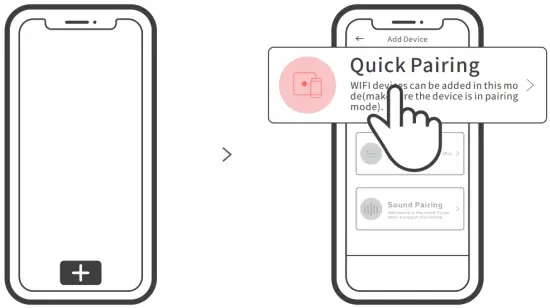
Tap “+” and select “ Quick Pairing ”, then operate following the prompt on the app.
Compatible Pairing Mode
If you fail to enter Quick Pairing Mode (Touch), please try “Compatible Pairing Mode ” to pair.
- Press the light switch 5 times repeatedly at an interval of every 1s (Off-ON-Off-ON-Off-ON-Off-ON-Off-ON) when the light is on. The “quick flash” indicates the device enters the compatible pairing mode.
- Tap “+” and select “ Compatible Pairing Mode ” on APP.
Select Wi-Fi SSID with ITEAD-****** and enter the password 12345678, and then go back to eWeLink APP and tap “Next”. Be patient until pairing completes.
Usage of being an ordinary bulb
Power on the bulb, it will enter quick pairing mode (The bulb change from bright to dim and cycle the mode), after 10s, if power off, it will go solid and keep warm light at the highest brightness.
Specifications
| Model | B02-F-A60/B02-F-ST64 |
| Input | 220-240V AC 50Hz |
| Luminous Flux | B02-F-A60: 806Lm / B02-F-ST64: 700Lm |
| Color temperature | B02-F-A60: 2200K-6500K / B02-F-ST64: 1800K-5000K |
| Rated power | 7W |
| Lamp base | E27 |
| CRI | ≥Ra80 |
| Life Expectancy | 15000h |
| Wi-Fi | IEEE 802.11 b/g/n 2.4GHz |
| Operating systems | Android & iOS |
| Dimension | B02-F-A60: 60x104mm / B02-F-ST64: 64x138mm |
| Weight | B02-F-A60: 35g / B02-F-ST64: 50g |
Product Introduction
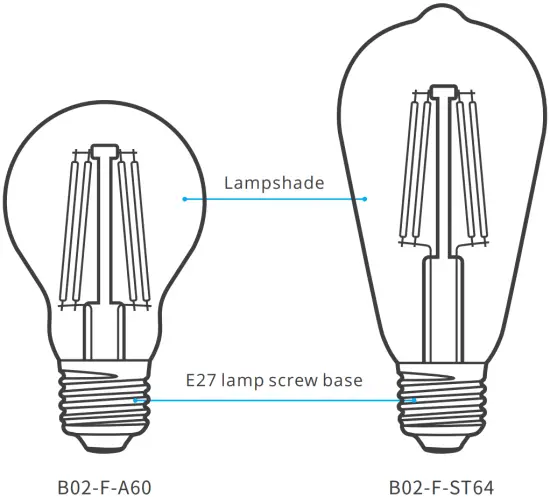
Features
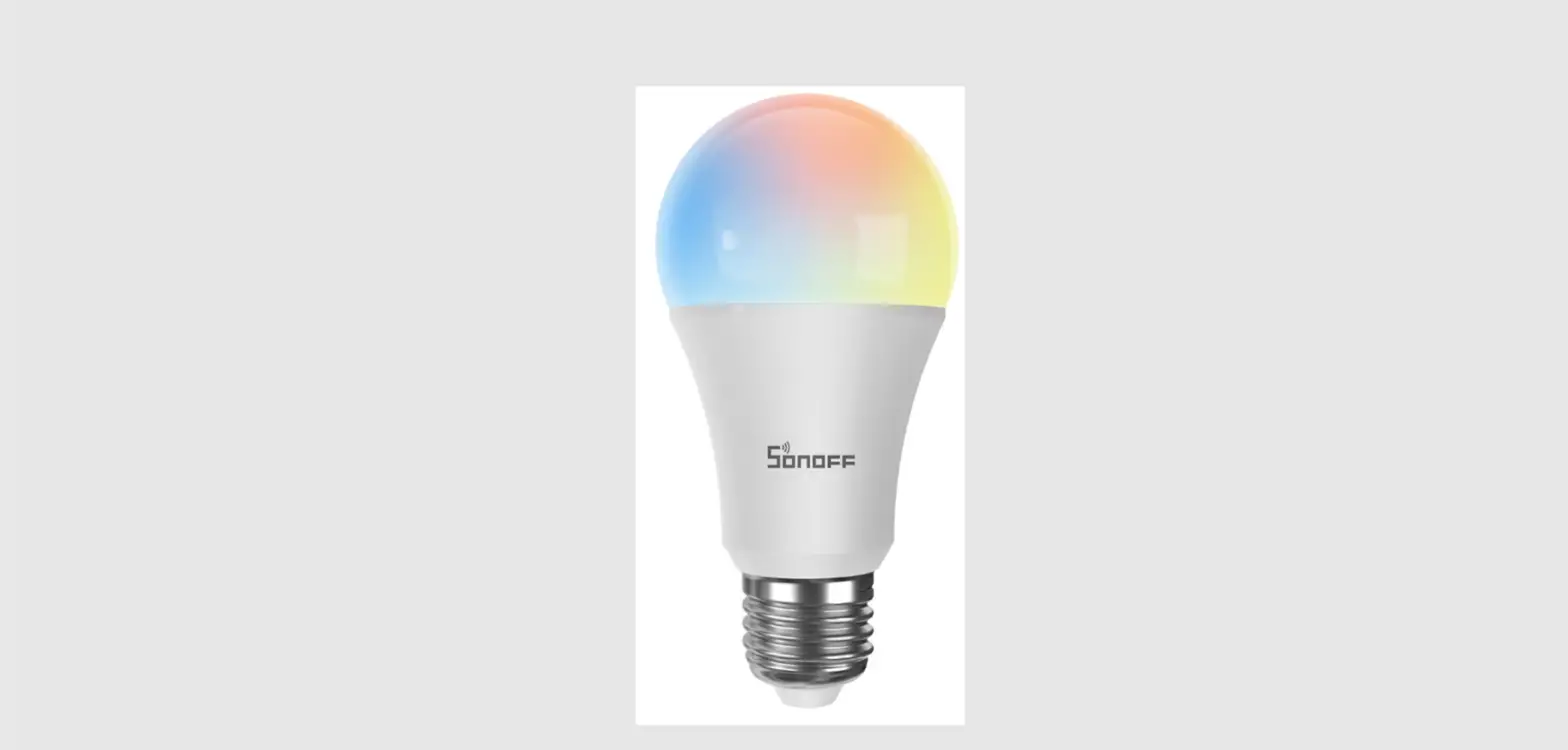
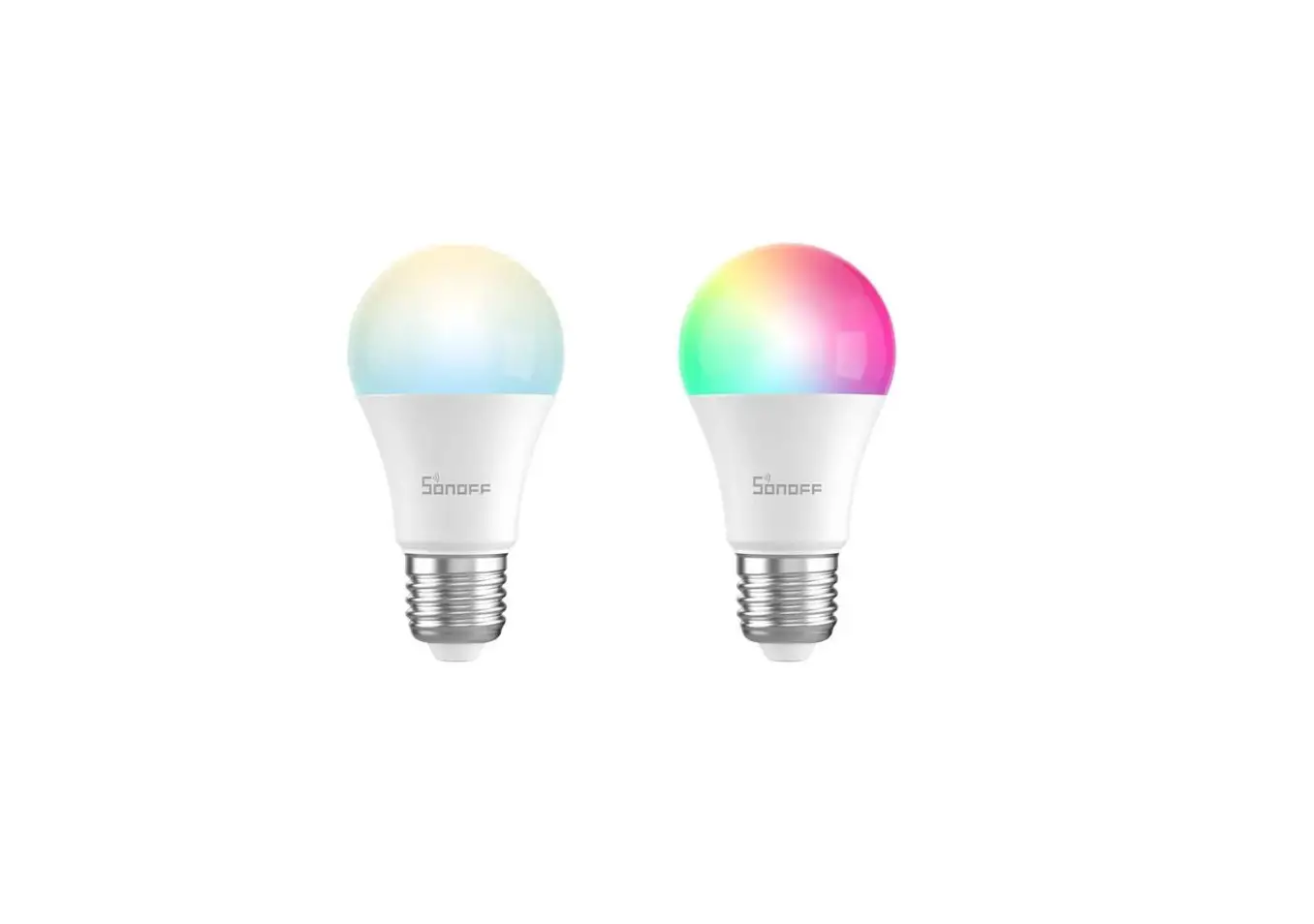
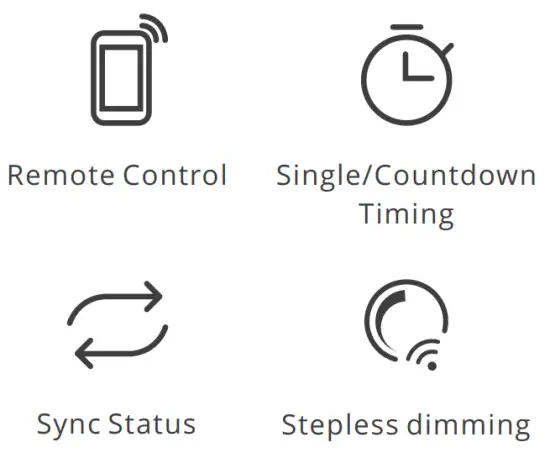
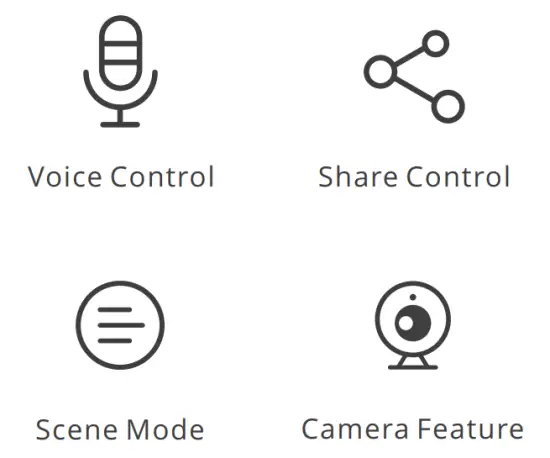
SONOFF LED is a LED smart bulb that allows users to adjust the brightness and color, and remotely turn on/off the connected devices via your smartphone, schedule it on/off and share it to your family to control together.
Factory Reset
Press the light switch 3 times repeatedly at an interval of every 1s (Off-ON-Off-ONOff-ON) when the light is on. The “breathing mode” indicates the device enters the quick pairing mode (Touch).
Please reset the device to factory defaults if you want to use other Wi-Fi networks, then reconnect the network.
Common Problems
Why my device stays “Offline”?
① Maybe you have entered a wrong Wi-Fi password.
② Maybe there’s too much distance between the switch your router or the environment causes interference, consider getting close to the router. If failed, please add it again.
③ The 5G Wi-Fi network is not supported and only supports the 2.4GHz wireless network.
④ Maybe the MAC address filtering is open. Please turn it off.
If none of the above methods solved the problem, you can open the mobile data network on your phone to create a Wi-Fi hotspot, then add the device again.
Shenzhen Sonoff Technologies Co., Ltd.


1001, BLDG8, Lianhua Industrial Park, shenzhen, GD, China
ZIP code: 518000
Website: sonoff.tech