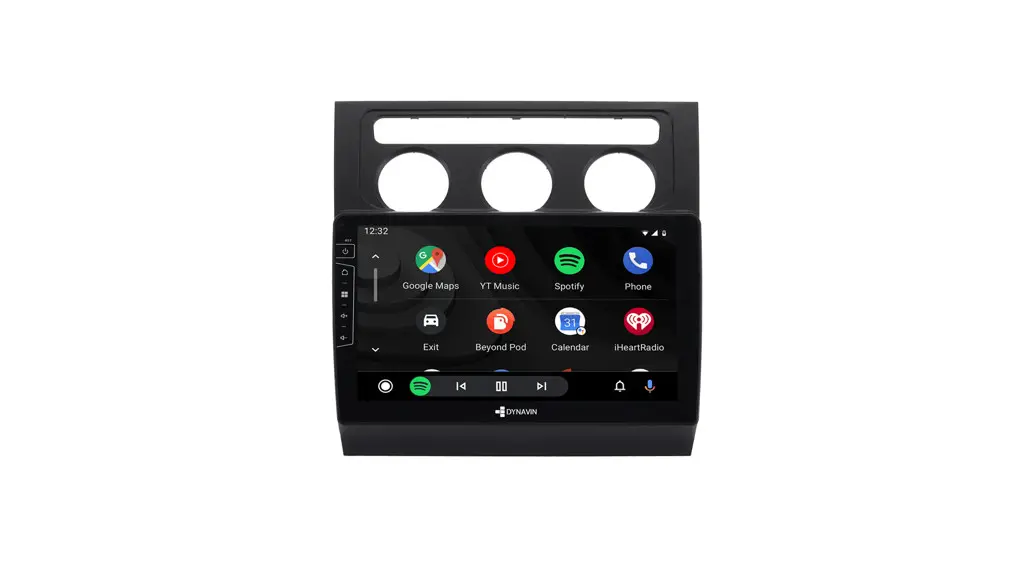
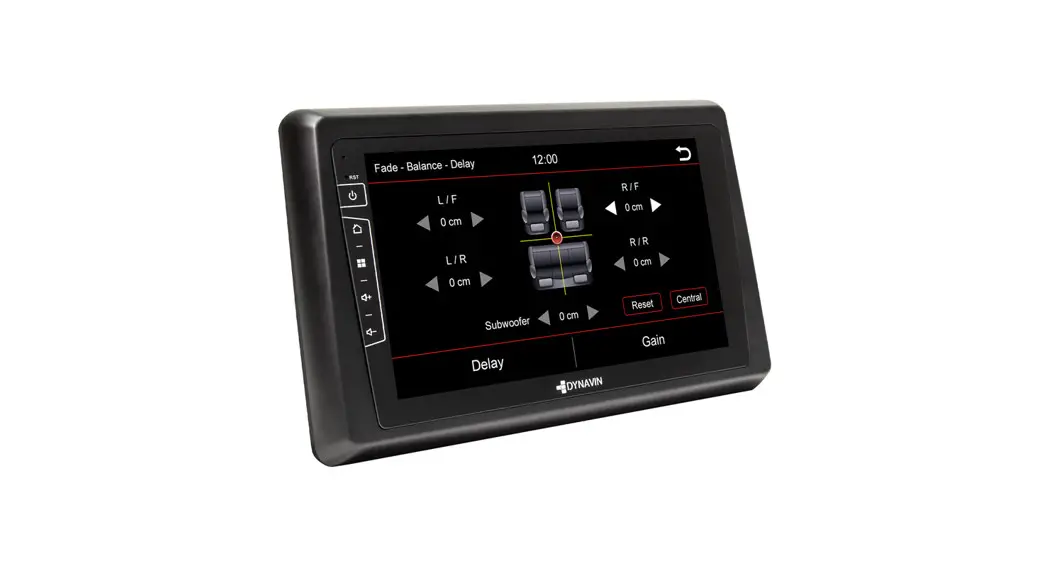
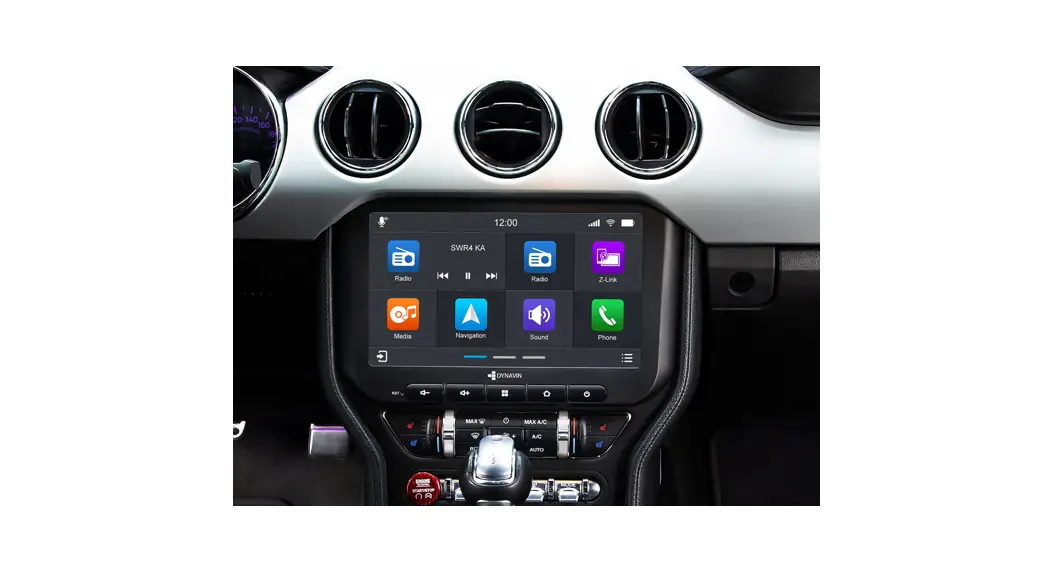
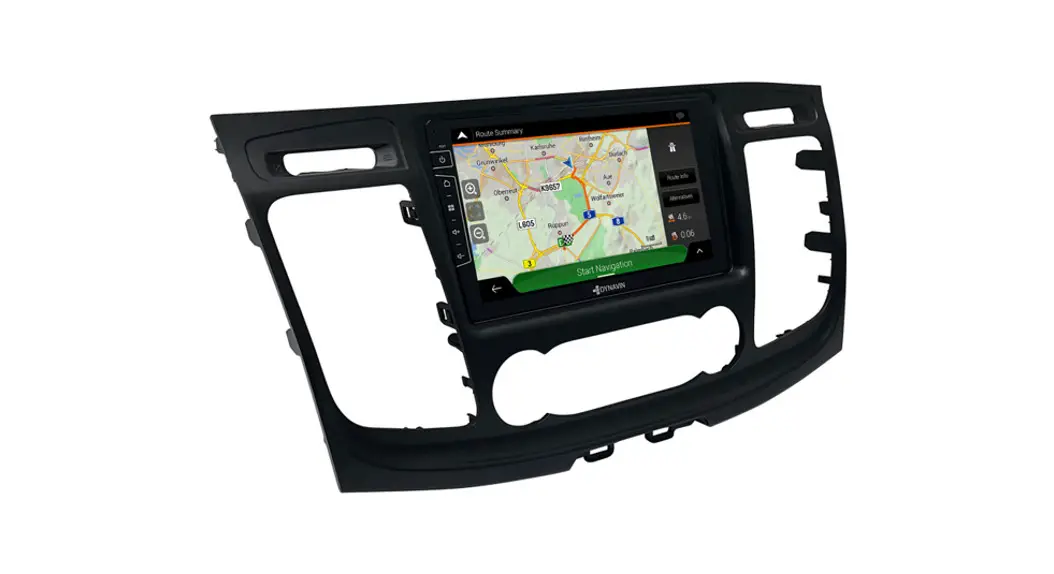
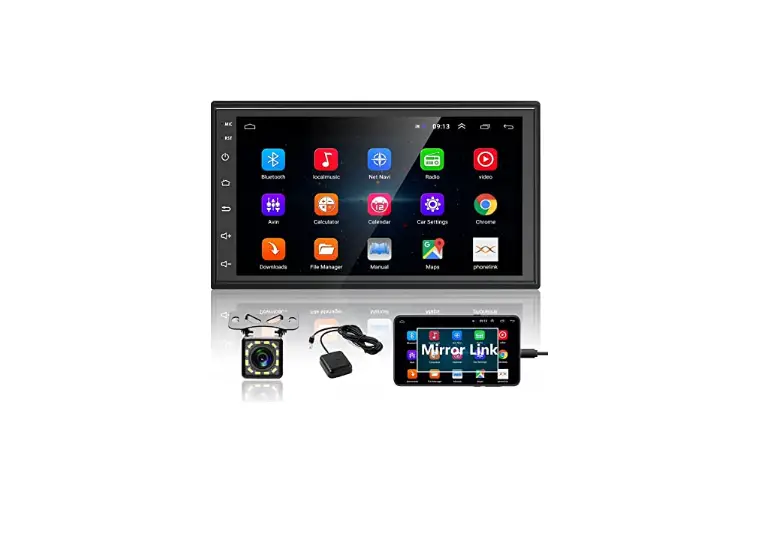
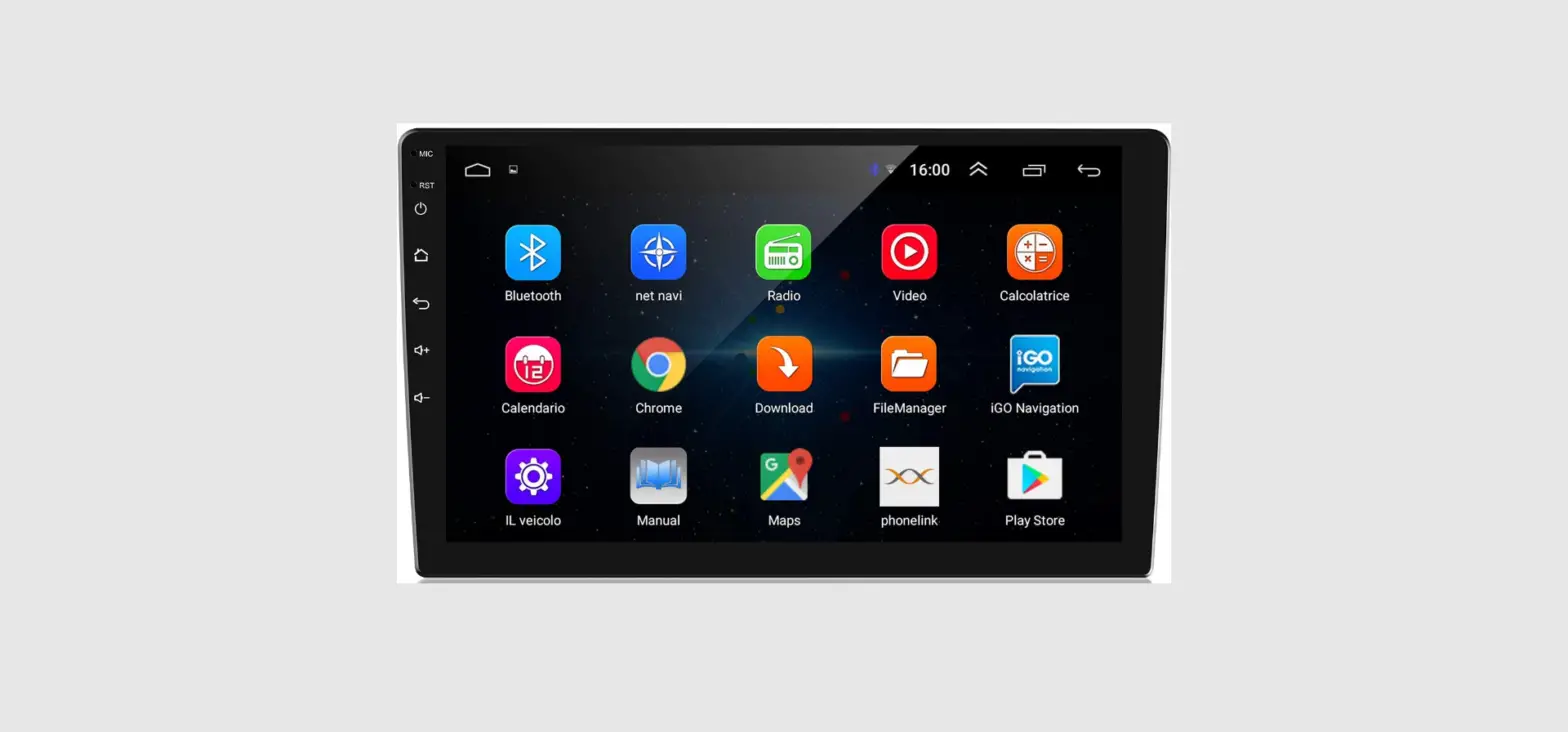
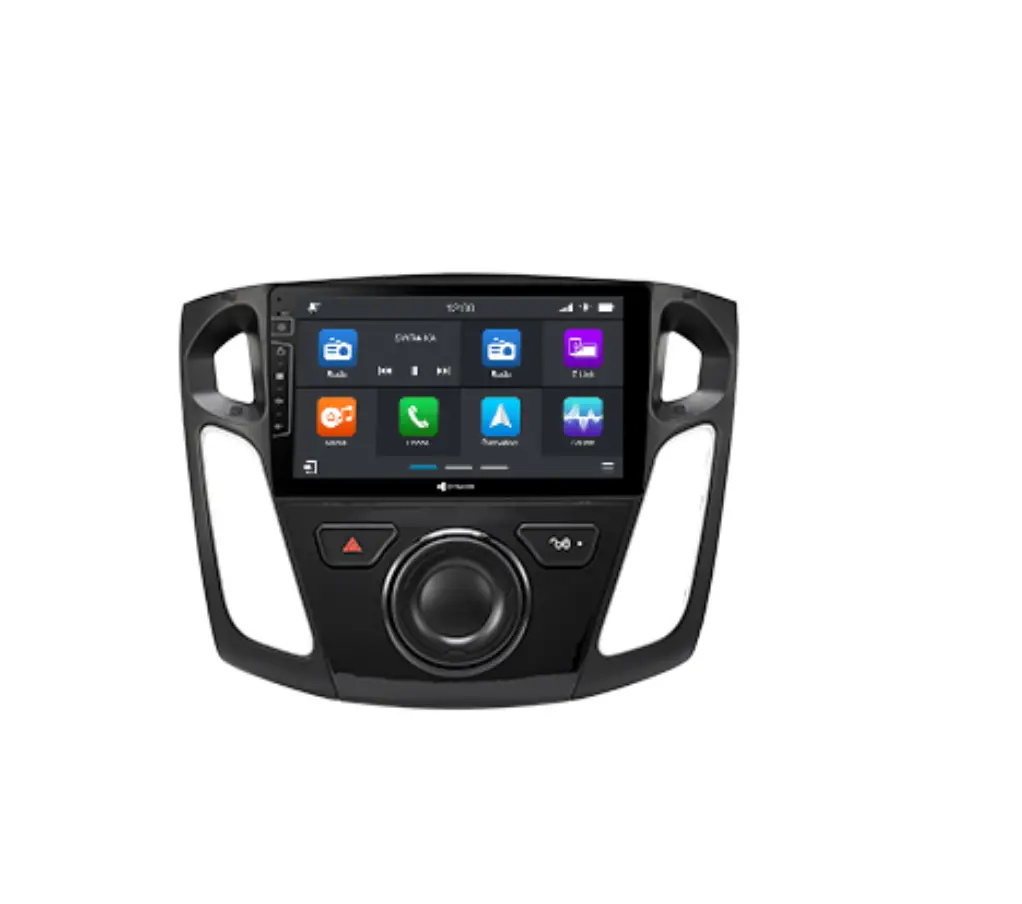
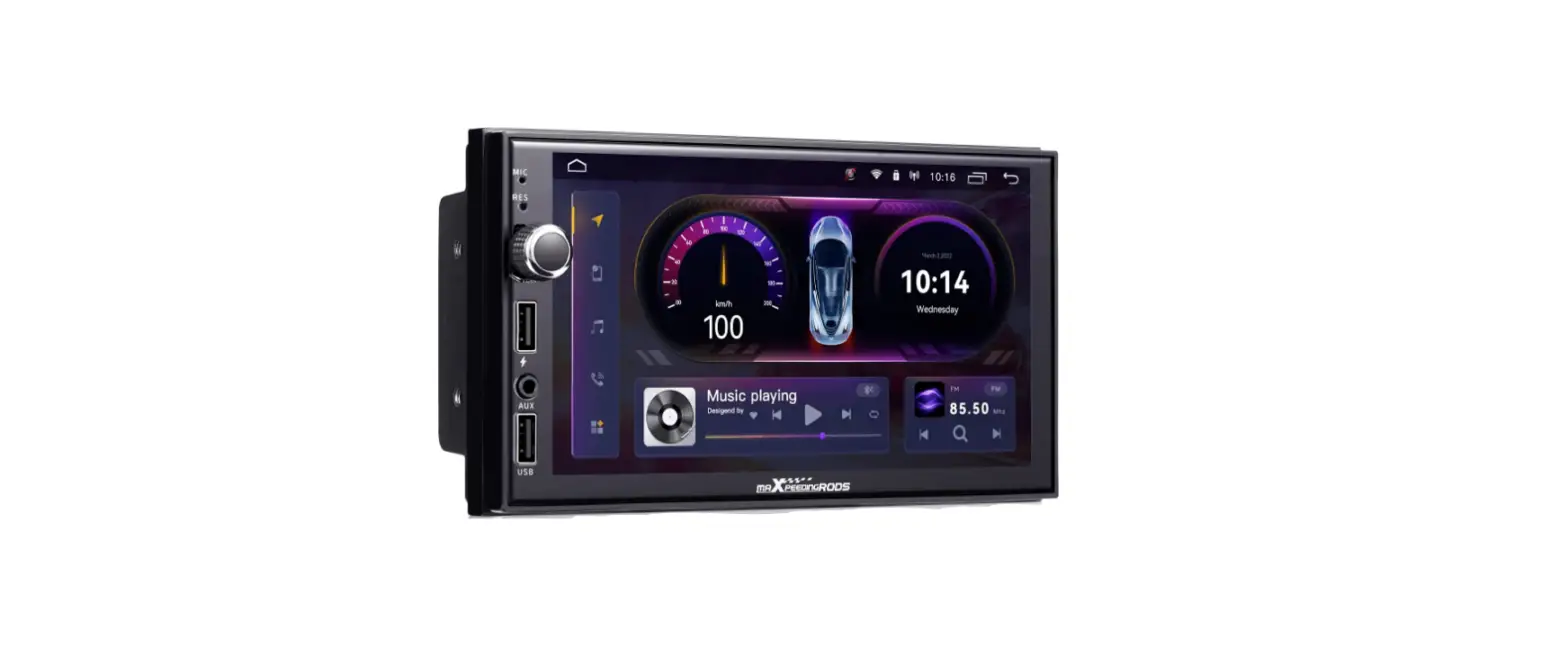
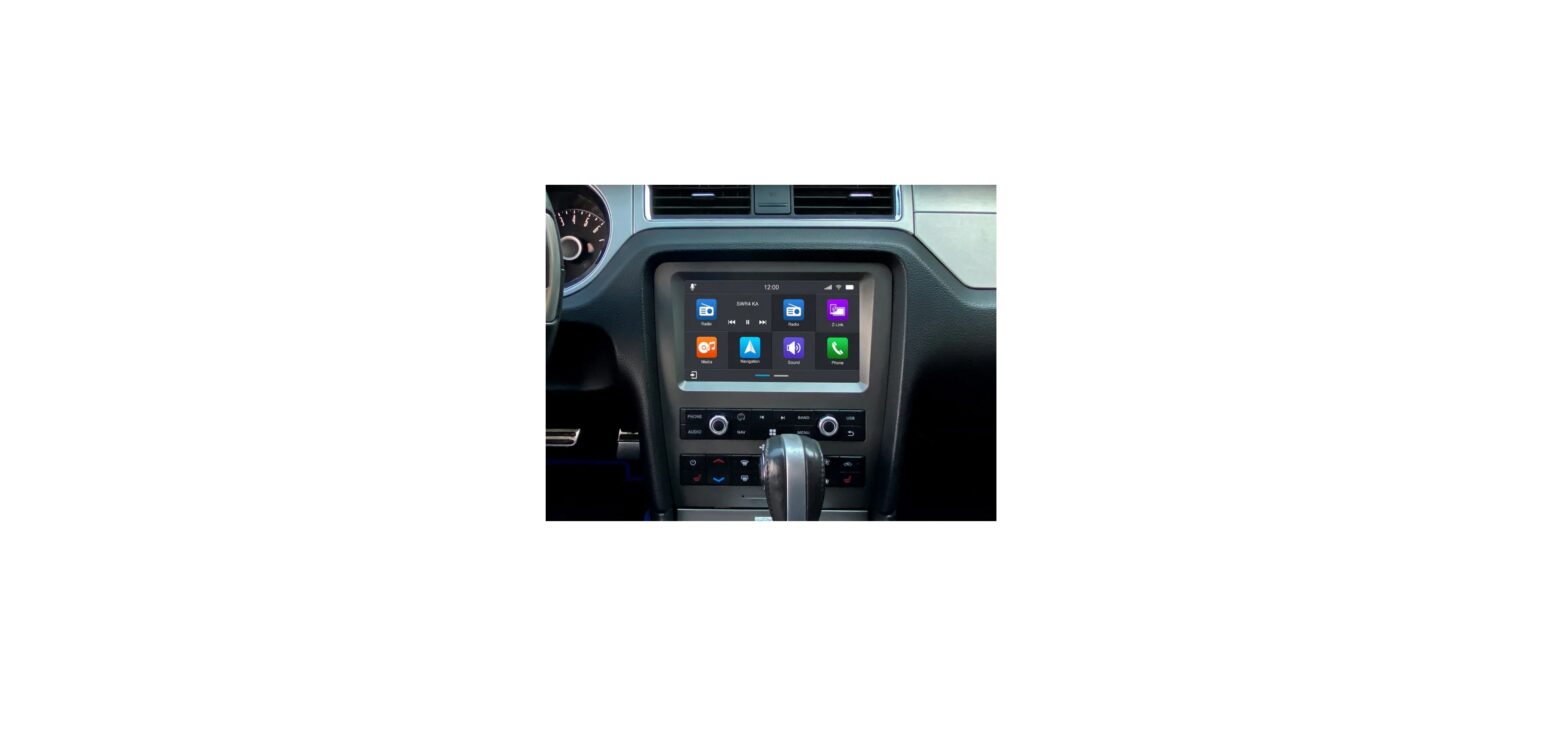
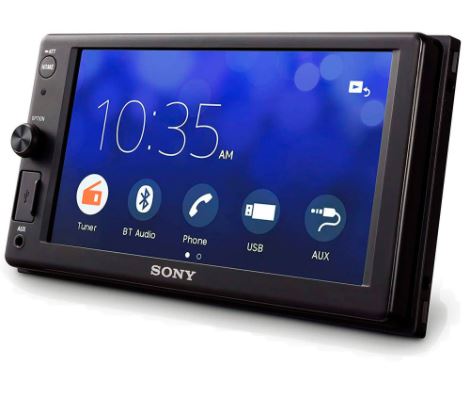
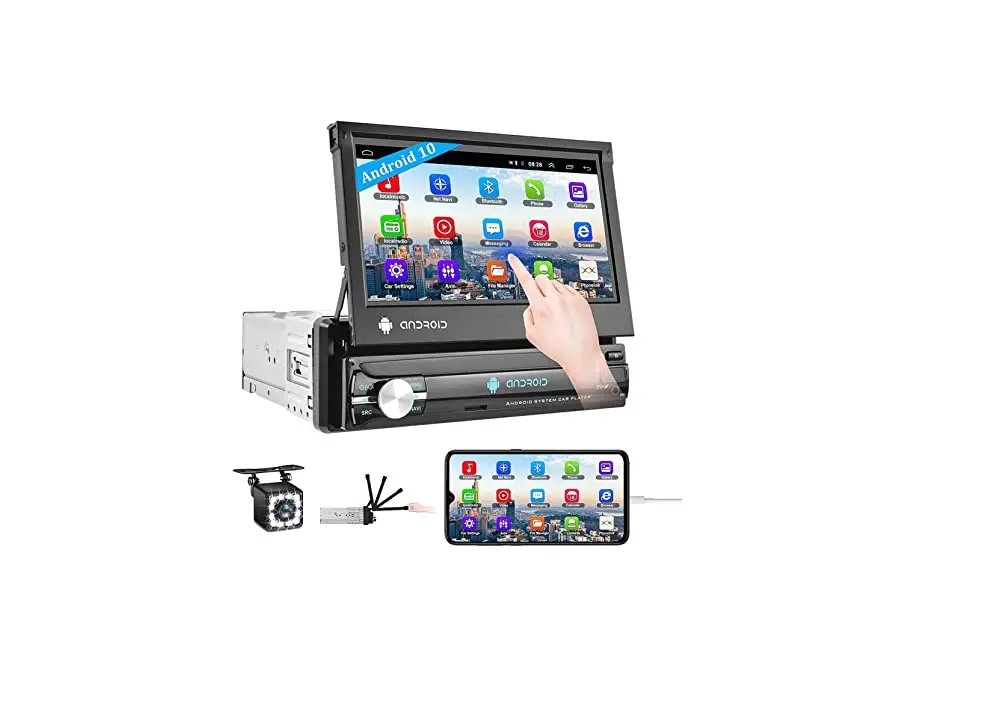
D8-SP 10.1-inch Android Car Radio
Product Information
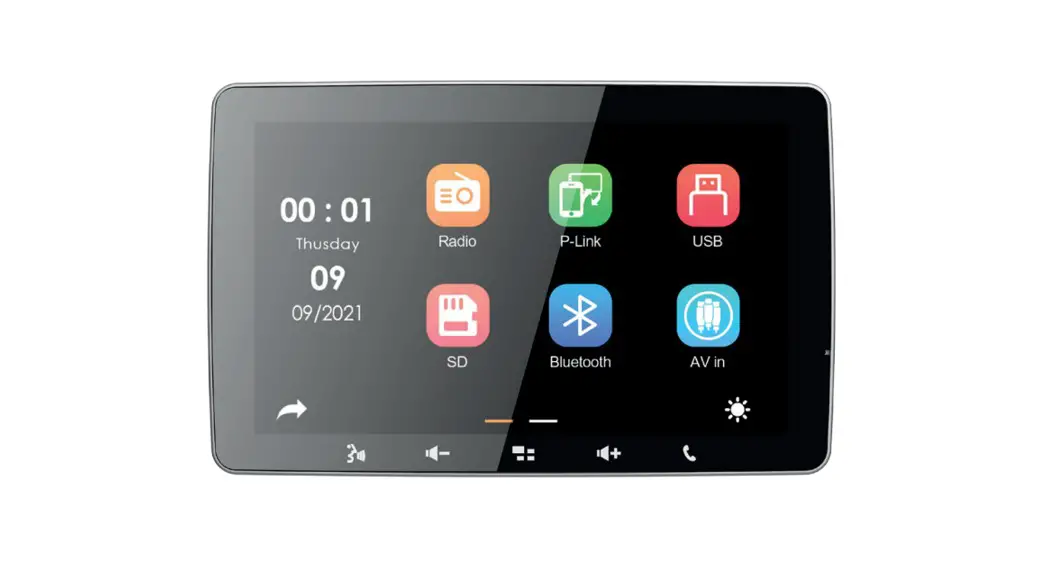
The product is a display panel with a bezel. It comes with
screws and connection cables for assembly. The panel also has a
metal bracket for additional support. The screen mounting bracket
allows for adjustable chassis height position.
Product Usage Instructions
- Attach the bezel to the panel using the provided screws.
- Connect the connection cable directly to the panel.
- Attach the metal bracket to the panel using screws.
- Connect the connection cable directly to the head unit.
- Adjust the chassis height position using the screen mounting
bracket to suit your installation application.
Note: Please refer to the EINBAUANLEITUNG section for
instructions in German.
AssemblyInstructions E
01
Panel
Bezel
02
03
04
05
PA3.0*8
Attachthebezelonthepanel withscrews,thenconnectthe
connection cable directly to the panel
PM5.0*6
PM2.5*5
PM2.5*5
Attachthemetalbracketon thepanelwithscrews
PM5.0*6
Connecttheconnection cable directly to the the headunit
Thescreenmountingbracket hasseveraloptionstoallow the
installer to adjust the chassis heightposition.Pleaseusethe chassis position that best suits
the installation application.
01
02
03
04
How tousefish tape?
EINBAUANLEITUNG E
01
Display
Blende
02
03
04
05
PA3.0*8
PM2.5*5 PM2.5*5
BefestigenSiedieblendemit SchraubenanderSchalttafelund Verbinden Sie das Anschlusskabel
direktmitdem Panel
BefestigenSiedieMetallbügel mitSchraubenandasDisplay
PM5.0*6
Schließen Sie das Verbindungskabeldirektan
dieHeadunitan
PM5.0*6
DieBildschirmhalterungverfügt übermehrereOptionen,
dieesdem Monteurermöglichen, dieHöhenpositionderHalterung zubestimmen.BittewählenSie dieEinbauposition,dieam besten
für die Installation geeignet ist.
01
02
03
04
W ofüristdieKabel-Durchziehhilfe?