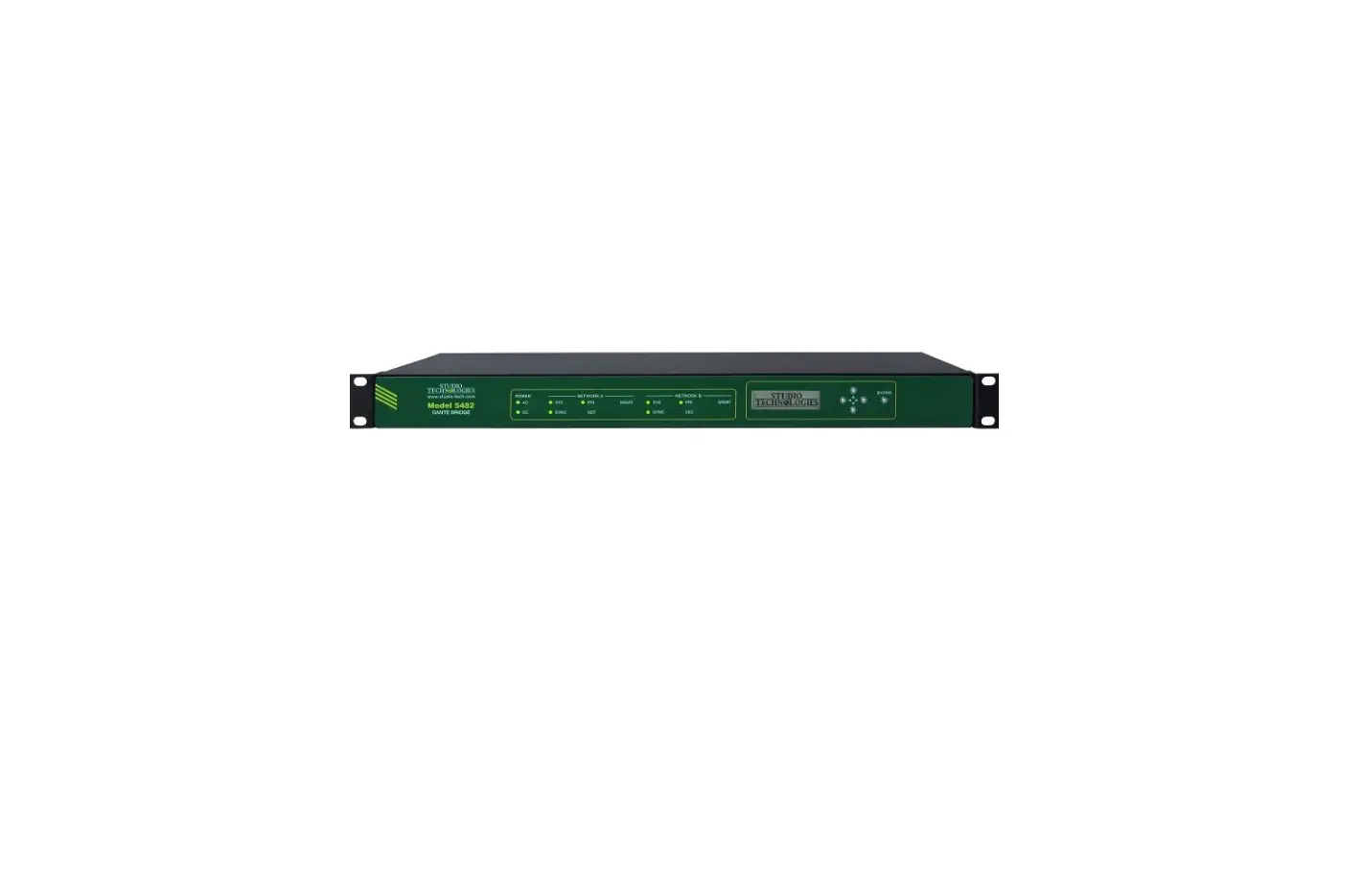
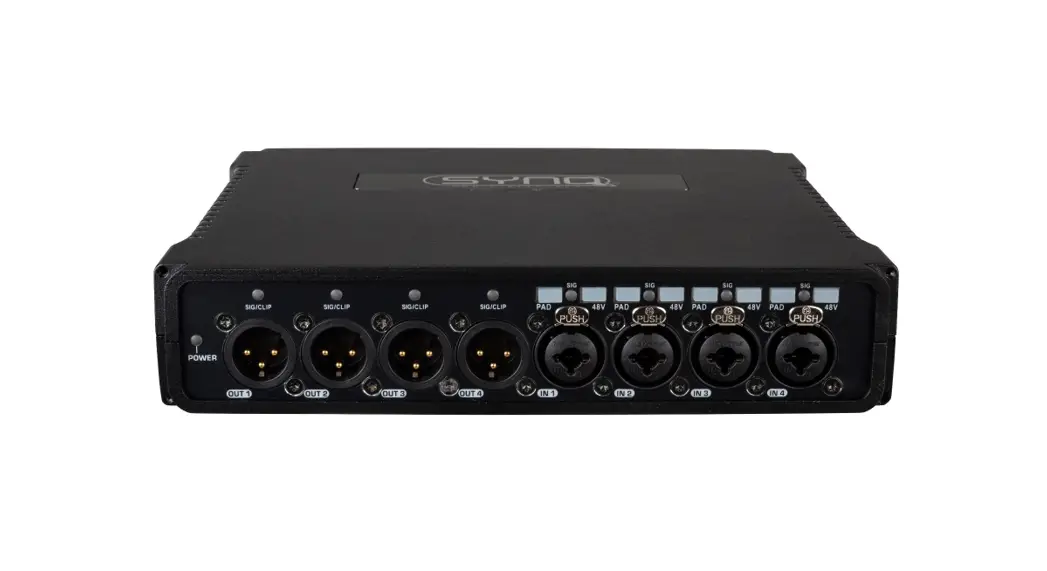
48D Dante Bridge
Product Information: Rack Mounting the Model 48D Dante
Bridge
The Model 48D Dante Bridge can be rack-mounted using different
installation kits depending on the desired configuration.
Panel Cutout or Surface Mounting One Model 48D Unit
The RMBK-10 installation kit allows for panel cutout or surface
mounting of one Model 48D unit. The kit includes two
standard-length brackets and four 6-32 thread-pitch Phillips-head
machine screws. It is suitable for mounting the unit into an
opening or onto a flat surface.
Left- or Right-Side Rack Mounting One Model 48D Unit
The RMBK-11 installation kit enables left or right-side rack
mounting of one Model 48D unit in a standard 19-inch rack
enclosure. The kit consists of one standard-length bracket, one
long-length bracket, and four 6-32 thread-pitch Phillips-head
machine screws.
Rack-Mounting Two Model 48D Units
To rack-mount two Model 48D units, an installation kit is
required. The kit should include the necessary brackets and machine
screws for securing the units to the rack.
Product Usage Instructions: Rack Mounting the Model 48D Dante
Bridge
Panel Cutout or Surface Mounting One Model 48D Unit
- Remove the four machine screws and associated bump-on
protectors from the bottom of the Model 48D’s chassis using a #1
Phillips screwdriver. Keep these components for future use if
needed. - Install the two standard-length brackets onto the Model 48D
unit. - If mounting into an opening, secure the unit into the top left
and right edges of the opening using two mounting screws per
side. - If mounting onto a flat surface, secure the unit to the surface
using two mounting screws per side.
Left- or Right-Side Rack Mounting One Model 48D Unit
- Remove the four machine screws and associated bump-on
protectors from the bottom of the Model 48D’s chassis using a #1
Phillips screwdriver. Keep these components for future use if
needed. - To mount in the left side of a rack enclosure:
- Use a #2 Phillips screwdriver and two 6-32 machine screws to
attach the standard-length bracket onto the left side of the
enclosure. The screws should mate with the threaded fasteners on
the side of the Model 48D’s enclosure, near the front of the
unit. - Attach the long-length bracket onto the right side of the Model
48D’s enclosure using two additional 6-32 machine screws.
- Use a #2 Phillips screwdriver and two 6-32 machine screws to
- To mount in the right side of a rack enclosure:
- Use a #2 Phillips screwdriver and two 6-32 machine screws to
attach the long-length bracket onto the left side of the
enclosure. - Attach the standard-length bracket onto the right side of the
Model 48D’s enclosure using two additional 6-32 machine
screws.
- Use a #2 Phillips screwdriver and two 6-32 machine screws to
- Once the brackets have been installed, the Model 48D unit is
ready to be mounted into the designated equipment rack. One space
(1U or 1.75 vertical inches) in a standard 19-inch equipment rack
is required. Secure the unit into the equipment rack using two
mounting screws per side.
Rack-Mounting Two Model 48D Units
- Remove the four machine screws and associated bump-on
protectors from the bottom of each chassis using a #1 Phillips
screwdriver. Keep these components for future use if needed. - With the assistance of a #2 Phillips screwdriver, attach one of
the standard-length brackets onto the left side of one of the Model
48D units using two 6-32 machine screws. The screws should mate
with the threaded fasteners on the side of the Model 48D’s
enclosure, near the front of the unit. - Attach the second Model 48D unit to the first one using the
same procedure described in step 2. - Once both units are securely attached, follow the rack-mounting
instructions for a single unit as mentioned above.
Rack Mounting the Model 48D Dante Bridge
Panel Cutout or Surface Mounting One Model 48D Unit
Installation kit RMBK-10 allows one Model 48D to be mounted in a panel cutout or onto a flat surface. The kit contains two standard-length brackets and four 6-32 thread-pitch Phillips-head machine screws.
Get ready to install the kit by first removing the four machine screws and associated “bump on” protectors from the bottom of the Model 48D’s chassis. They are removed using a #1 Phillips screwdriver. Store the four machine screws and four bump on protectors for possible later use.
To prepare the unit to mount in a cutout or other opening in a panel, use a #2 Phillips screwdriver and two 6-32 machine screws to attach one of the standard-length brackets onto the left side (when viewed from the front) of the Model 48D’s enclosure. Orient the standard-length bracket such that its front is parallel to the Model 48D’s front panel. The screws will mate with the threaded fasteners that can be seen on the side of the Model 48D’s enclosure, near the front of the unit. Using two additional 6-32 machine screws, attach the other standard-length bracket onto the right side of the Model 48D’s enclosure.
Once the two standard-length brackets have been installed the Model 48D will be ready to be mounted into an opening. Secure the unit into the top left and right edges of the opening using two mounting screws per side.
To prepare the unit to be mounted onto a flat surface simply requires the standard-length brackets be attached to the Model 48D at 90 degrees from how they are mounted for use in a panel cutout. Use a #2 Phillips screwdriver and two 6-32 machine screws to attach one of the standard-length brackets onto the left side (when viewed from the front) of the enclosure. Orient the bracket such that its front is parallel with the top surface of the Model 48D’s enclosure. The screws will mate with the threaded fasteners that can be seen on the side of the Model 48D’s enclosure, near the front of the unit. Following the same orientation, use two additional 6-32 machine screws to attach the other standard-length bracket onto the right side of the Model 48D’s enclosure.
Once the two standard-length brackets have been installed the Model 48D will be ready to be mounted onto a flat surface. Secure the unit to the surface using two mounting screws per side.
December 2022
Issue 1
Left- or Right-Side Rack Mounting One Model 48D Unit
Installation kit RMBK-11 allows one Model 48D to be mounted in the left or right side of one space (1U) of a standard 19-inch rack enclosure. The kit contains one standard-length bracket, one long-length bracket, and four 6-32 thread-pitch Phillips-head machine screws.
Get ready to install the kit by removing the four machine screws and associated bump on protectors from the bottom of the Model 48D’s chassis. They are removed using a #1 Phillips screwdriver. Store the four machine screws and four bump on protectors for possible later use.
To prepare the unit to mount in the left side of a rack enclosure, use a #2 Phillips screwdriver and two 6-32 machine screws to attach the standard-length bracket onto the left side (when viewed from the front) of the enclosure. The screws will mate with the threaded fasteners that can
be seen on the side of the Model 48D’s enclosure, near the front of the unit. Using two additional 6-32 machine screws, attach the long-length bracket onto the right side of the Model 48D’s enclosure.
To prepare the unit to mount in the right side of a rack enclosure, use a #2 Phillips screwdriver and two 6-32 machine screws to attach the long-length bracket onto the left side of the enclosure. Using two additional 6-32 machine screws, attach the standard-length bracket onto the right side of the Model 48D’s enclosure.
Once the standard-length and long-length brackets have been installed the Model 48D will be ready to be mounted into the designated equipment rack. One space (1U or 1.75 vertical inches) in a standard 19-inch equipment rack is required. Secure the unit into the equipment rack using two mounting screws per side.
Studio Technologies, Inc.
Issue 1, Page 2
Rack-Mounting Two Model 48D Units
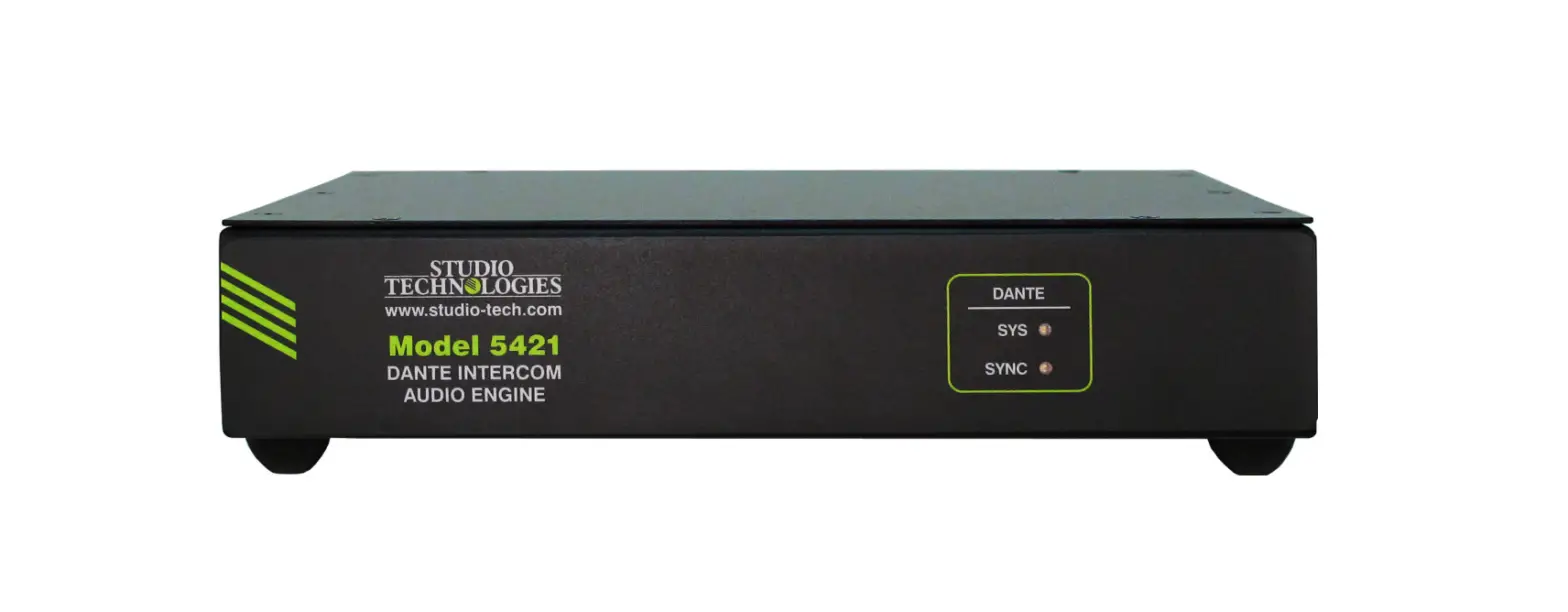
Installation kit RMBK-12 is used to allow two Model 48D units to be mounted in one space (1U) of a standard 19-inch equipment rack. The kit can also be used to mount one Model 48D and one other Studio Technologies’ product that is compatible with the RMBK-12, such as the Model 5421 Dante Intercom Audio Engine. The RMBK-12 installation kit contains two standard-length brackets, two joiner plates, eight 6-32 thread-pitch Phillips-head machine screws, and two 2-56 thread-pitch TorxTM T7 thread-forming machine screws.
Get ready to install the kit by removing the four machine screws and associated bump on protectors from the bottom of each chassis. They are removed using a #1 Phillips screwdriver. Store the eight machine screws and eight bump on protectors for possible later use.
With assistance from a #2 Phillips screwdriver, use two of the 6-32 machine screws to attach one of the standardlength brackets onto the left side (when viewed from the front) of one of the Model 48D units. The screws will mate with the threaded fasteners that can be seen on the side of the Model 48D’s enclosure, near the front of the unit. Using two more of the 6-32 machine screws, attach
one of the joiner plates onto the right side of that same Model 48D unit.
Again using two of the 6-32 machine screws, attach the second standard-length bracket onto the right side of the second Model 48D or another compatible unit. Using the final two 6-32 machine screws, attach the second joiner plate onto the left side of the second Model 48D or other compatible unit with an orientation of 180 degrees from the way in which the first plate was installed.
To complete the assembly, “join” the units together by sliding each joiner plate through the other. The grooves in each joiner plate will carefully align with each other and form a relatively tight bond. Line up the two units so that the front panels form a common plane. With the aid of a Torx T7 screwdriver, use the two 2-56 Torx machine screws to secure the two joiner plates together. The screws should fit snugly into the small openings formed by the mating of the two joiner plates.
The 2-unit assembly is now ready to be mounted into the designated equipment rack. One space (1U or 1.75 vertical inches) in a standard 19-inch equipment rack is required. Secure the assembly into the equipment rack using two mounting screws per side.
Studio Technologies, Inc.
Issue 1, Page 3
Center Rack Mounting One Model 48D Unit Installation kit RMBK-13 allows one Model 48D to be mounted in the center of one space (1U) of a standard 19inch rack enclosure. The kit contains two medium-length brackets and four 6-32 thread-pitch Phillips-head machine screws.
Get ready to install the kit by removing the four machine screws and associated bump on protectors from the bottom of the Model 48D’s chassis. They are removed using a #1 Phillips screwdriver. Store the four machine screws and four bump on protectors for possible later use.
To prepare the unit to mount in the center of a rack enclosure, use a #2 Phillips screwdriver and two 6-32 machine
screws to attach one of the medium-length brackets onto the left side (when viewed from the front) of the enclosure. The screws will mate with the threaded fasteners that can be seen on the side of the Model 48D’s enclosure, near the front of the unit. Using two additional 6-32 machine screws, attach the other medium-length bracket onto the right side of the Model 48D’s enclosure.
Once the two medium-length brackets have been installed the Model 48D will be ready to be mounted into the designated equipment rack. One space (1U or 1.75 vertical inches) in a standard 19-inch equipment rack is required. Secure the unit into the equipment rack using two mounting screws per side.
Studio Technologies, Inc.
Studio Technologies, Inc.
Skokie, Illinois USA © by Studio Technologies, Inc., December 2022
studio-tech.com
Issue 1, Page 4
 Home - Studio Technologies, Inc.