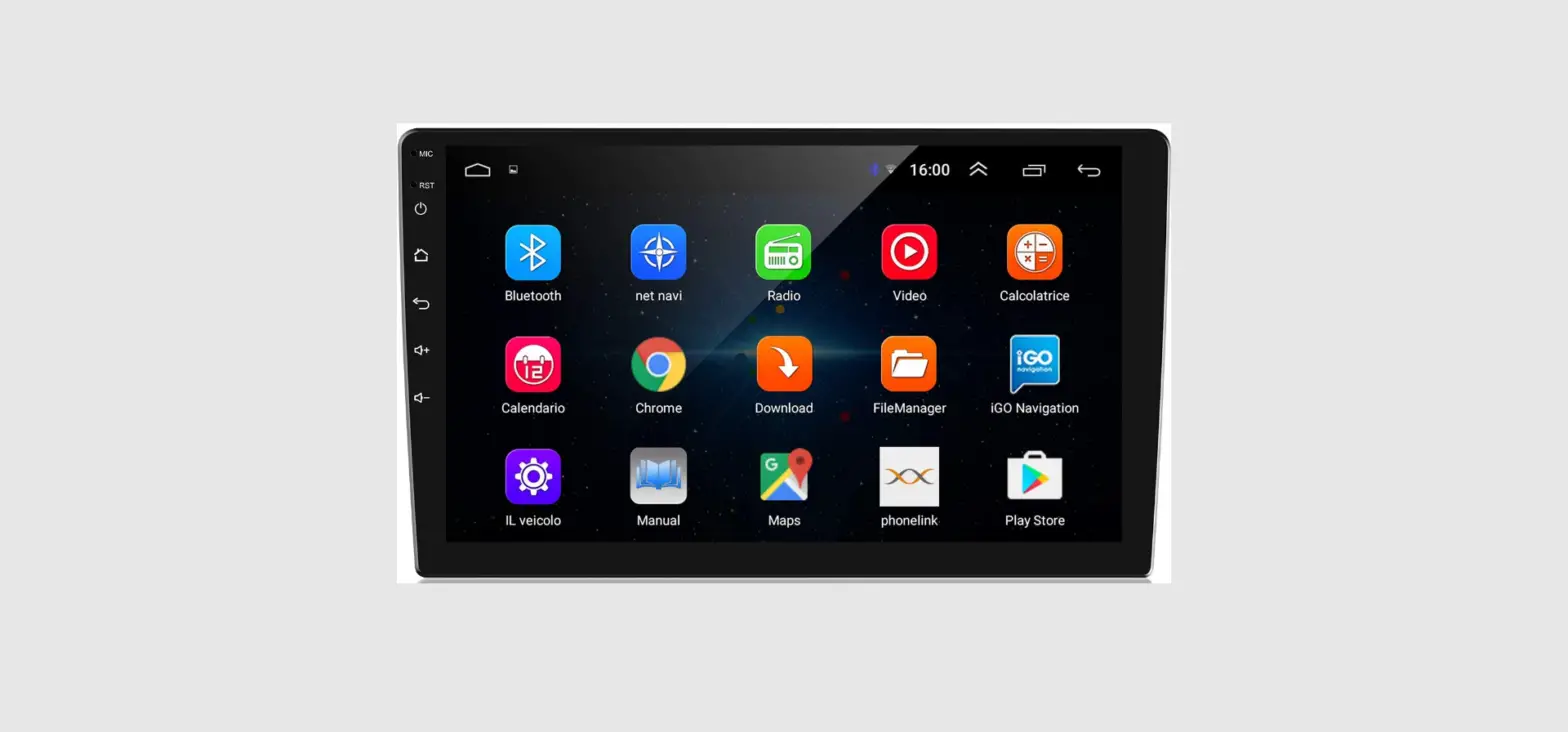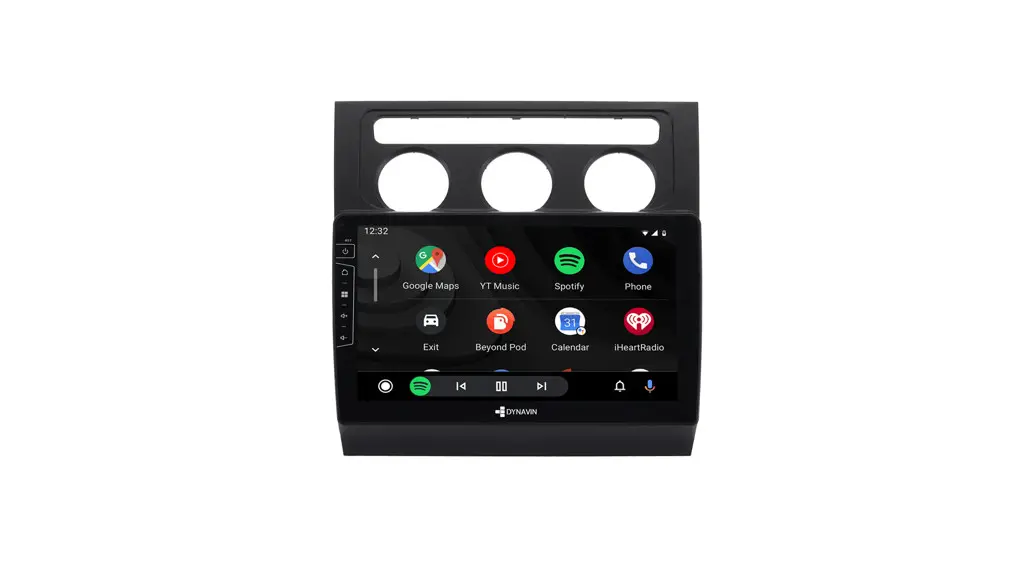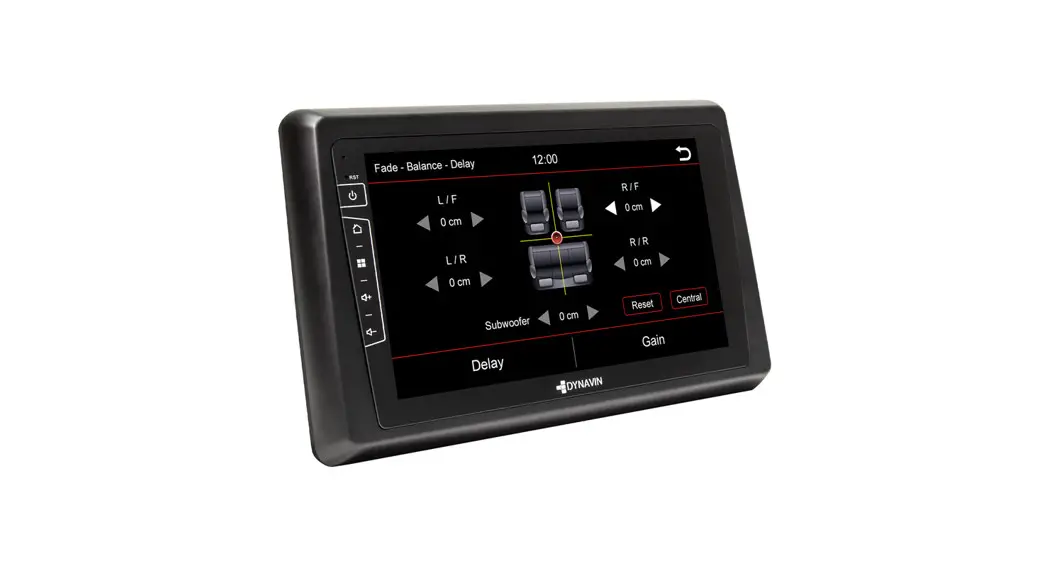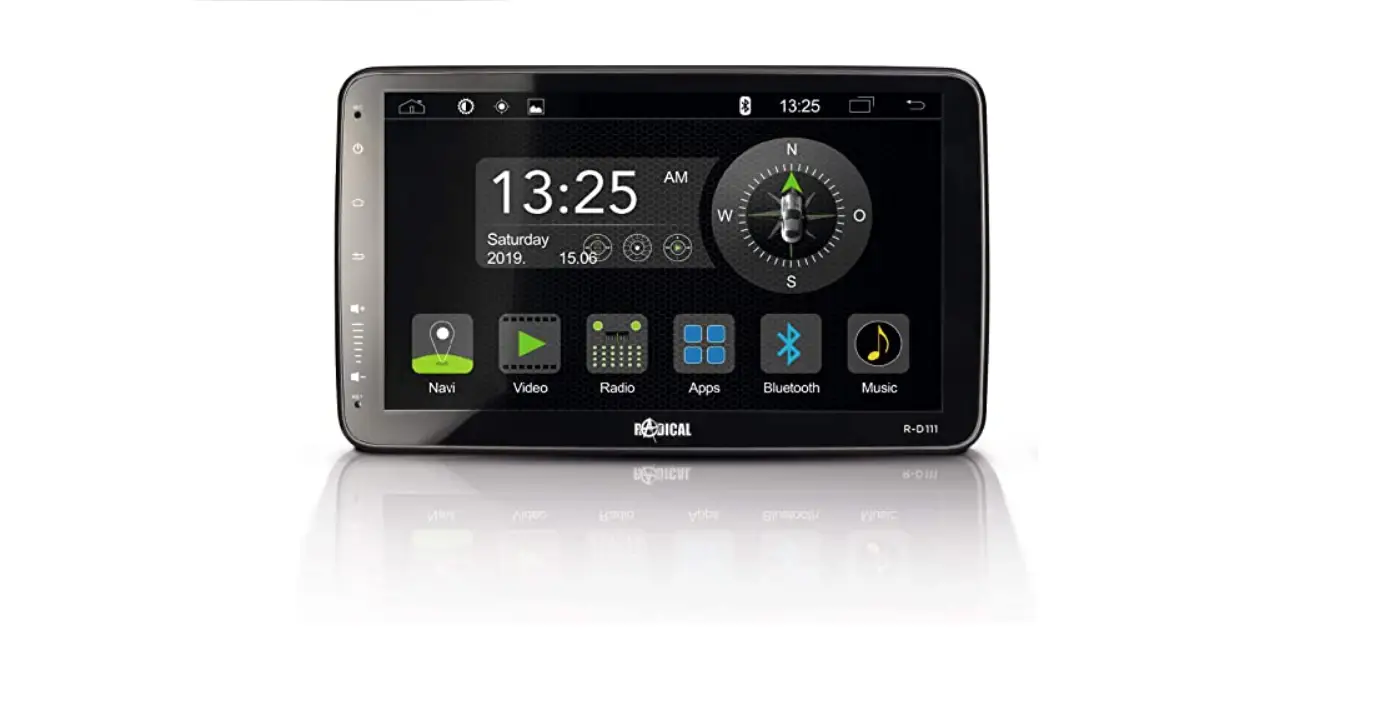

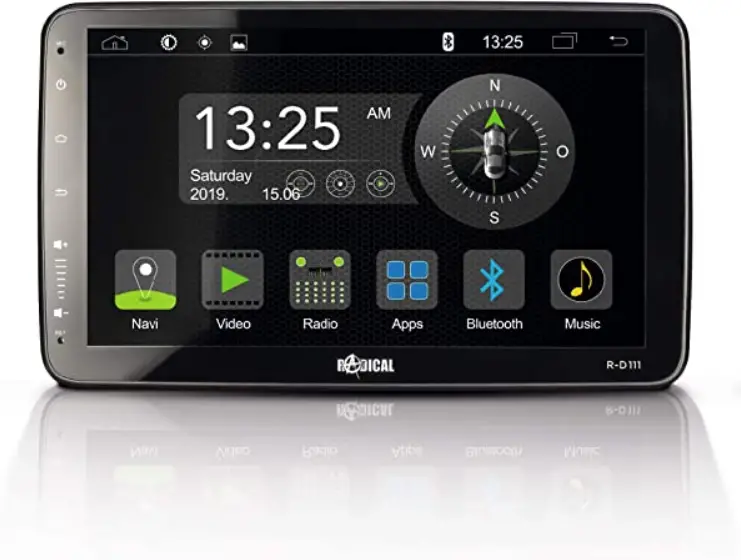
RADICAL R- C12OP2 Android car radio 
COMPATIBILITY LIST
| BRAND | MODEL | TYPE | MODEL YEAR |
| OPEL | Corsa | D | 2006 > 2014 |
| OPEL | Zafira | B | 2008 > 2012 |
| OPEL | Astra | H | 2007 > 2010 |
| OPEL | Antara | N.A. | 2007 > 2015 |
PLEASE NOTE:
- The installation of the Radical device should be carried out by an authorized installer. Specific knowledge and tools are required to do the installation. Incorrect installation can cause damage to the vehicle and the Radical device.
CAUTION:
- The target vehicle must factory configured with an OE radio or navigation systems. The Radical device is not compatible with vehicles, which are equipped with a hybrid or electro drive.
This device installation manual applies to vehicle platforms appearing in the compatibility list on the previous page, and in a condition as offered by the respective vehicle manufacturer. Other differing configurations and installations may result in complications and malfunctions.
THE KIT INCLUDES
| Nr. | Artikel | Menge |
| 1 | Radical device | 1 |
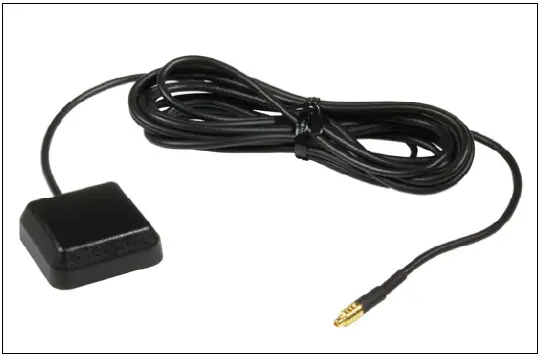
| 2 | GPS antenna | 1 |
| 3 | WIFI Antenna | 1 |
| 4 | External BT MIC and Cable | 1 |
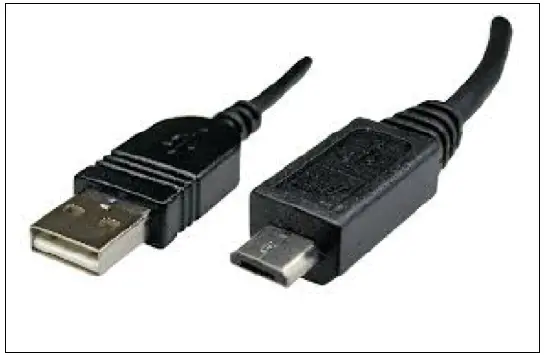
| 5 | USB extension cable, USB-B Female, Purple | 1 |
| 6 | USB extension cable , USB-B Female, Brown | 1 |
| 7 | AUX+RCA Cable 10PIN | 1 |
| 8 | AUX+RCA Cable 6PIN | 1 |
| 9 | Fuse 15A250V | 1 |
| 10 | Installation Tool Plastic Handle | 1 |
| 11 | Power Cables for OPEL | 1 |
| 12 | CAN BUS for OPEL | 1 |
| 13 | FM antenna adapter single FAKRA | 1 |
| 14 | Unit Discharge Key | 2 |
| 15 | 3M double Sticker | 1 |
| 16 | Quick start guide | 1 |
| 17 | DAB Antenna | 1 |
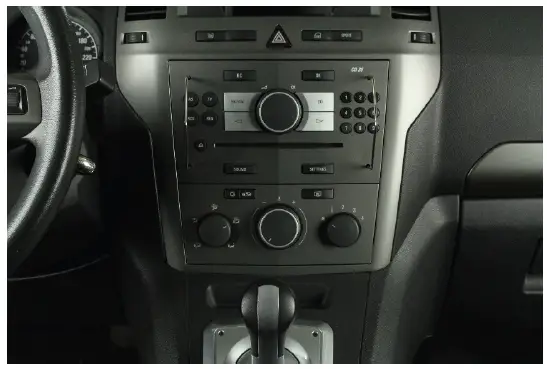
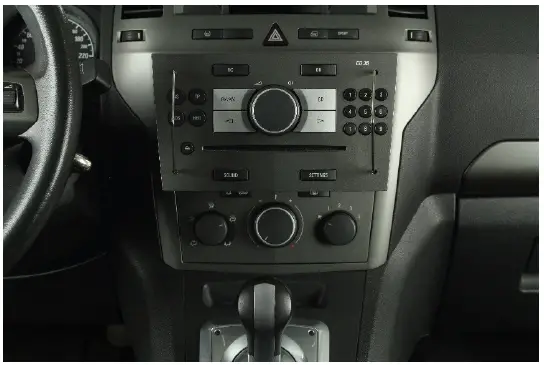
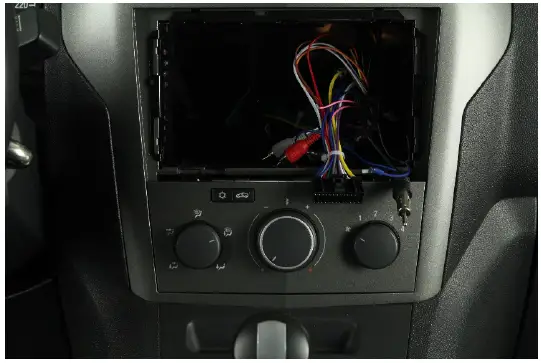
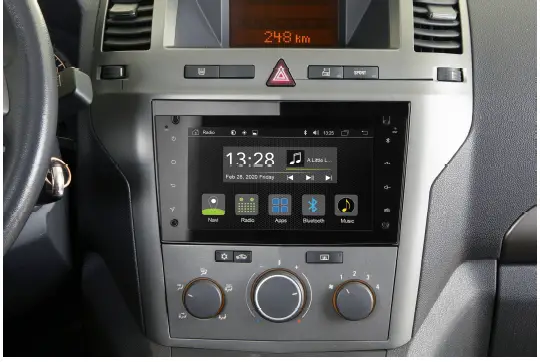
EXAMPLE OF INSTALLATION OPEL Zafira
REMOVAL WORK AND PREPARATION:
- Unlock the OE radio with the unlock tool (No. 14) contained in the set. You need to insert two keys.

- It should be possible to pull out the radio without applying brute force.

- To completely remove the OE radio, all the cables (i.e. main wire harness, antenna cable etc.) must be unplugged on the backside of the device. Put the radio aside in a safe place, to protect it from damage.
INSTALLATION: - Install the GPS antenna (No. 2) in a suitable position, making sure that the GPS reception is not adversely affected by unwanted shielding of metallic vehicle parts (thermal insulation glazing, etc.). Then route the connection cable into the radio bay.

- Route the USB extension cable´s (No. 5, 6) from the radio bay to your preferred position.

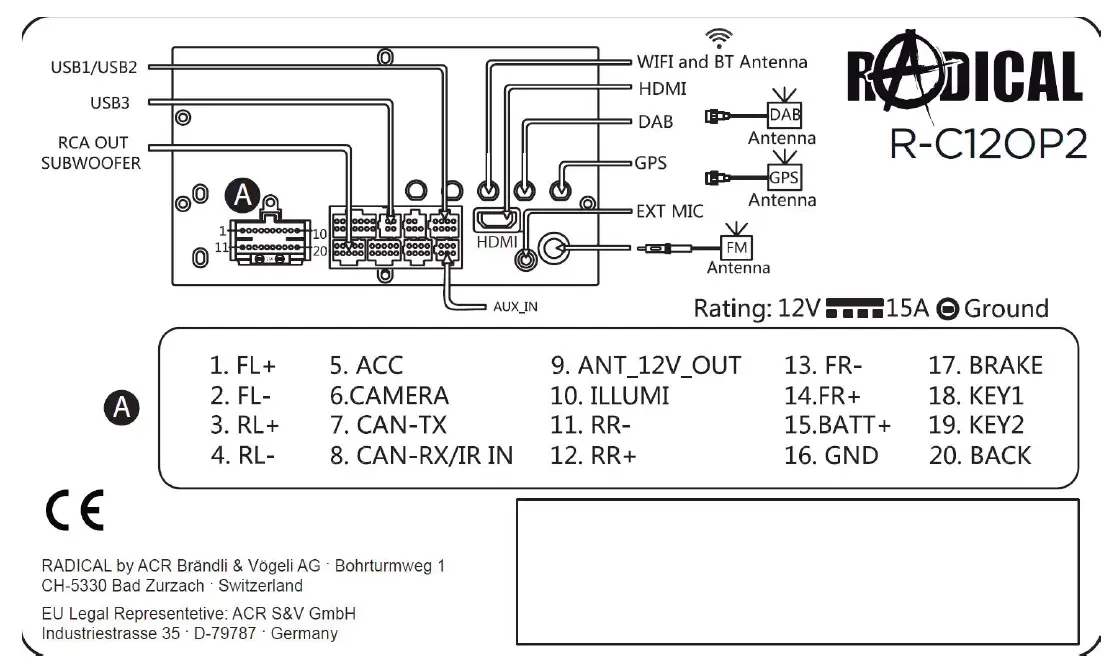
- Connect the main harness (No. 11) of the Radical device (No. 1) to the Fakra connector of the car and close its locking mechanism. Connect the CAN bus interface (No. 12) to the main harness. Connect all the cables to the Radical device (No. 1), and the original antenna cables.

- Neatly arrange the wires to the side, making room for the Radical device. Carefully slide it into the radio slot. Push back the R-C12OP2 until you hear the clicking sound of the latching mechanism.
The installation of your R-C12OP2 is now complete.
DAB antenna
Route the antenna cable downwards along the A-pillar, along the dashboard and into the radio bay. 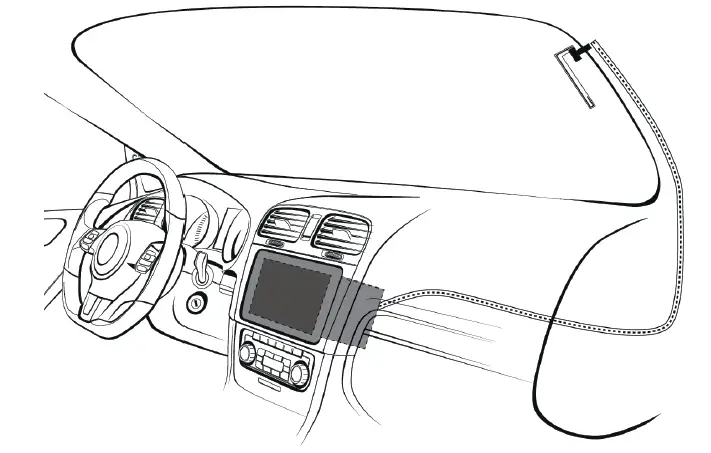
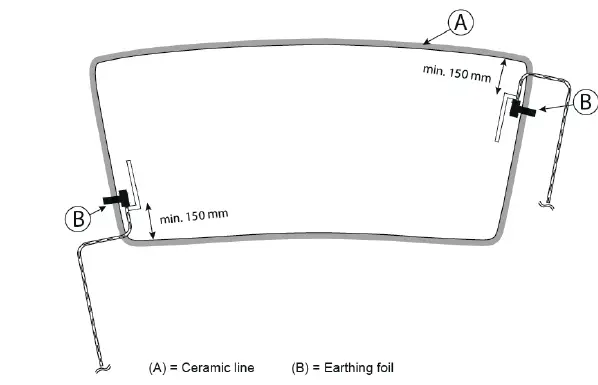
WORKING OUT THE INSTALLATION POSITION OF THE ANTENNA 
CONNECTION DIAGRAM
My-Radical.com
EU Legal Representative:
ACR S & V GmbH ∙ Industriestraße 35 ∙ D-79787 Lauchringen ∙ Germany
RADICAL ∙ Bohrturmweg 1 ∙ CH-5330 Bad Zurzach ∙ Switzerland
 Autoradios mit Navigation, DAB+ und Bluetooth kaufen