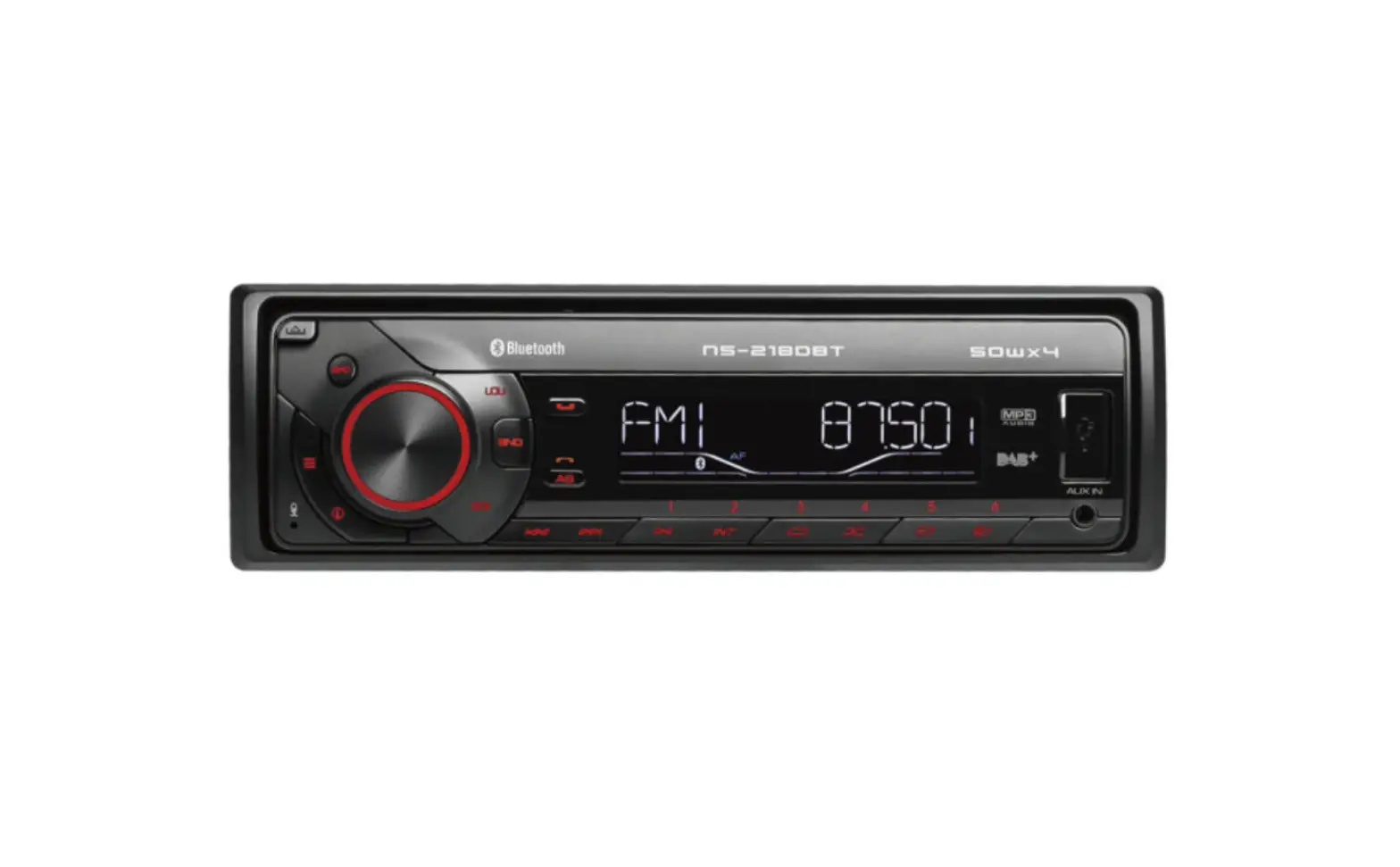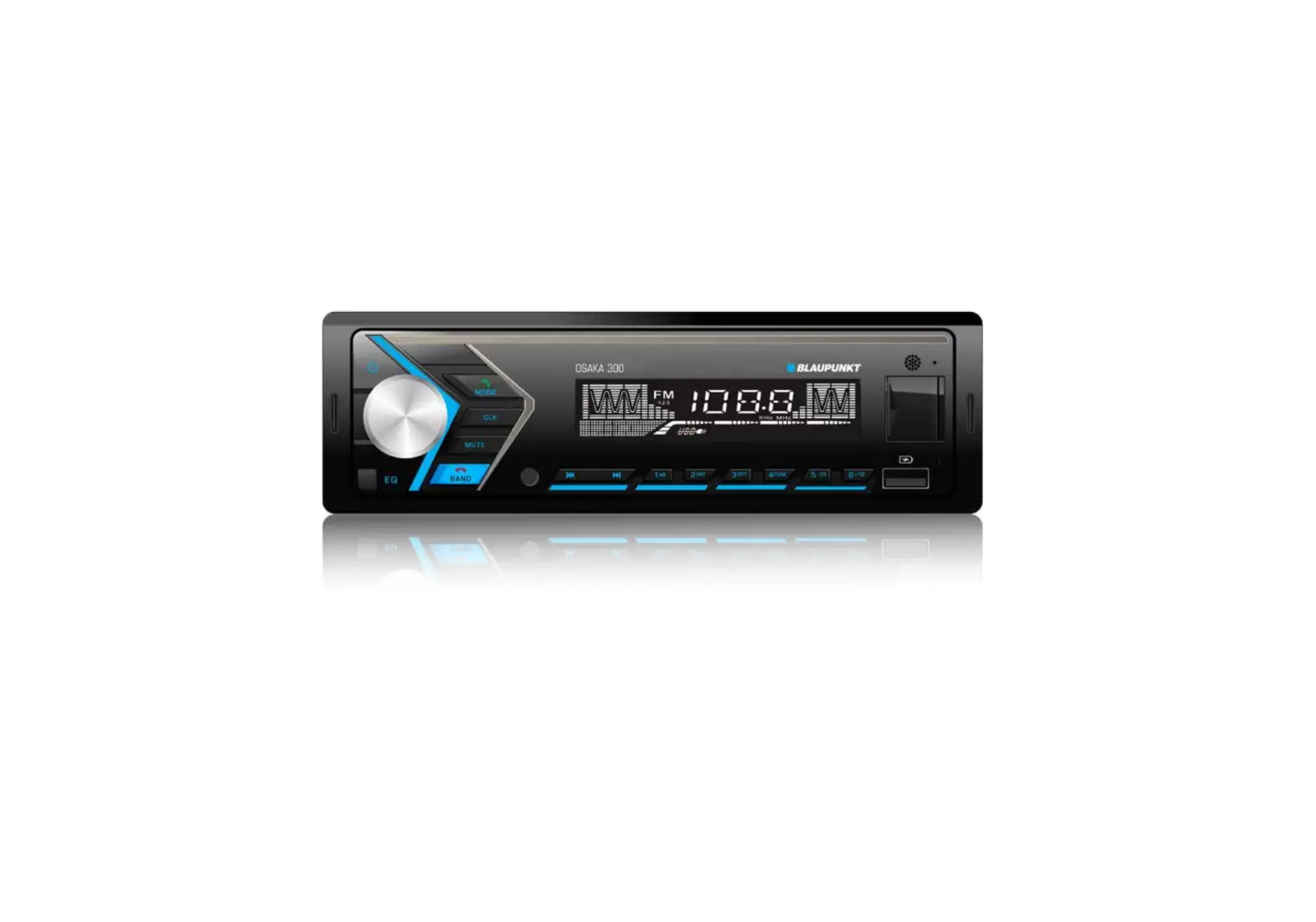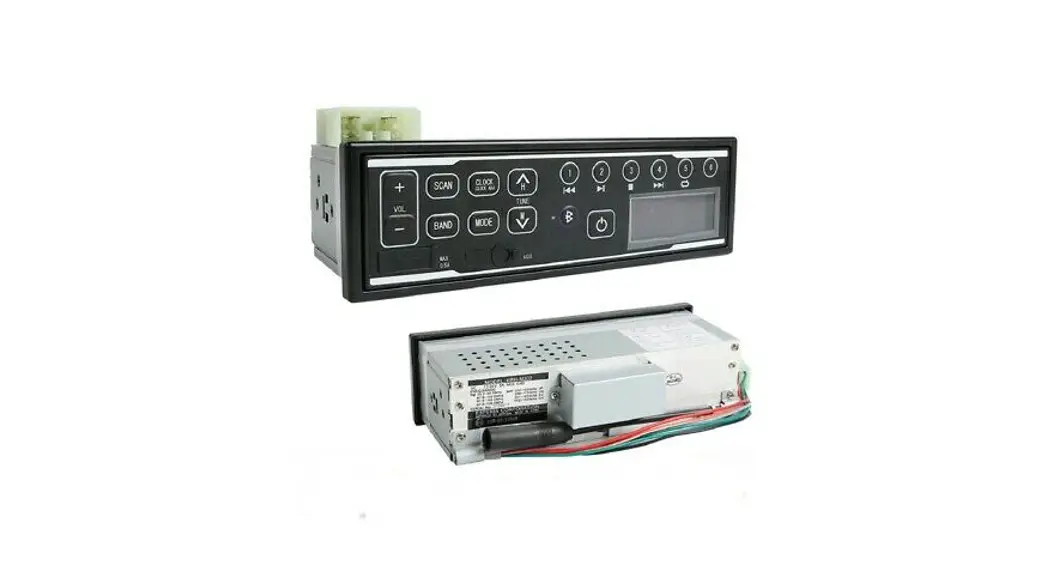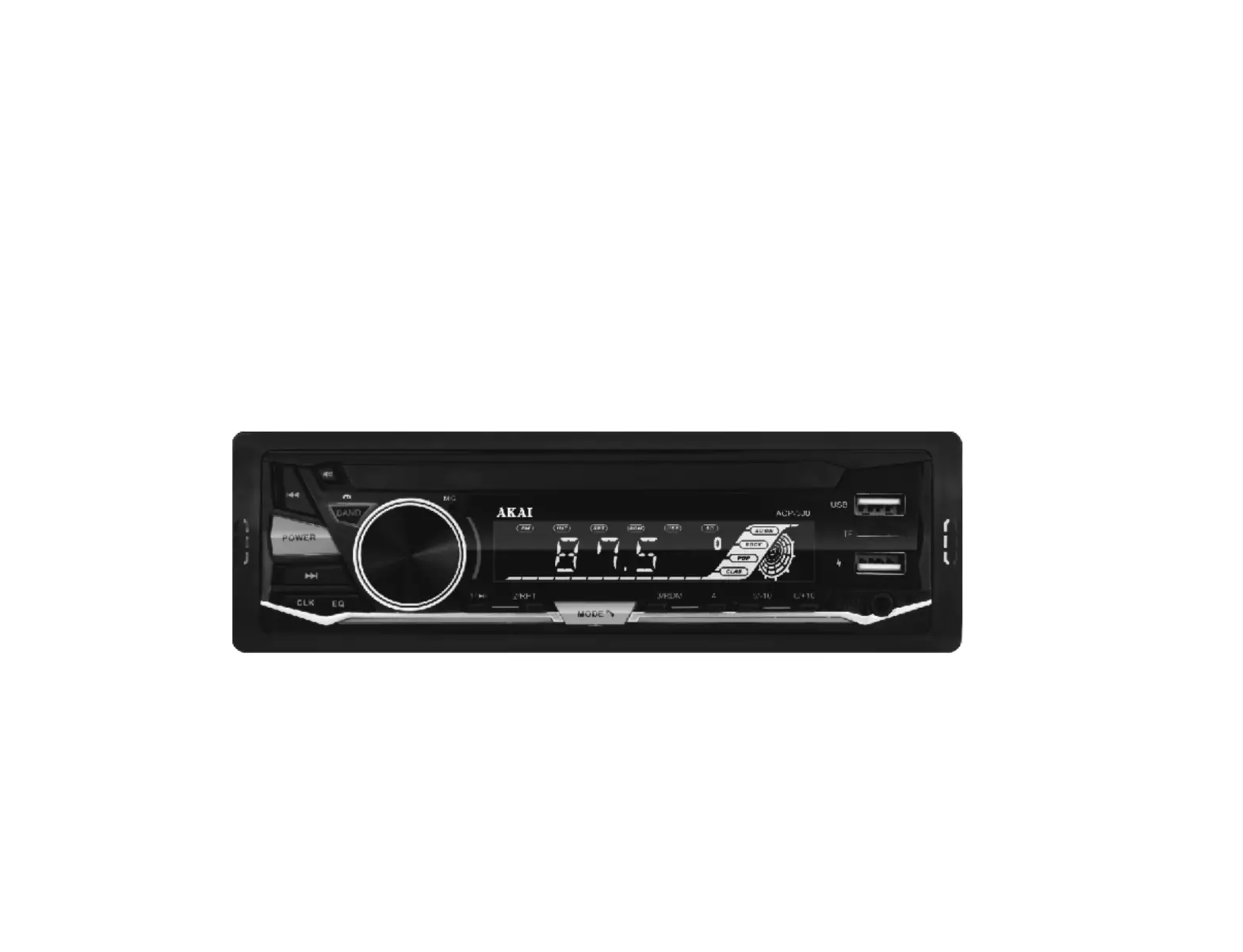
AKAI ACP-300 Car Radio
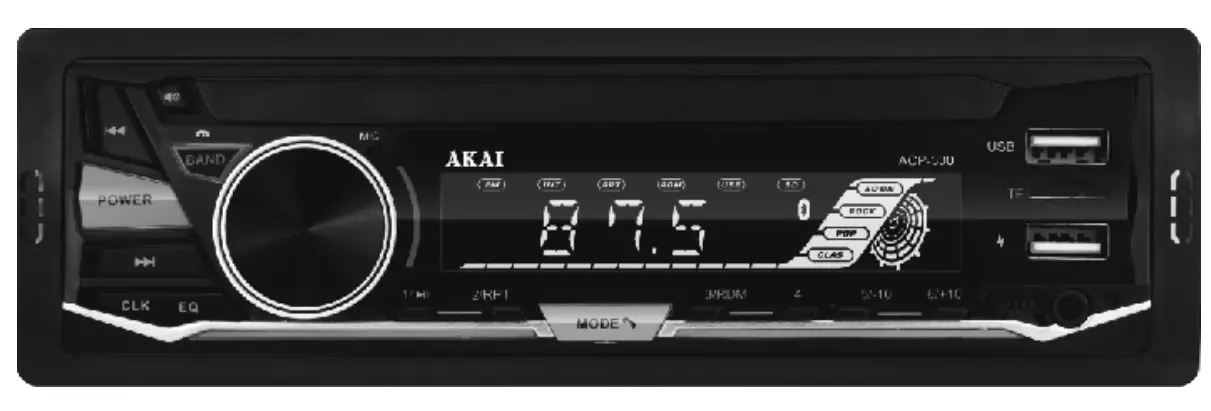
 Power On/Off
In any mode press shortly CLK button to display the clock. Press and hold CLK button to go to clock adjustment mode. Hour digits will blink. Rotate VOLUME regulator to adjust hours. Press CLK button to go to minute adjustment; minute digits will blink. Rotate VOLUME regulator to adjust minutes.
Radio receiving:
Short press to automatically tune to lower frequency radio. Long press to manually tune to lower frequency radio.
Mp3 playing: Short press to play the previous song. Long press to manually fast rewind.- Radio receiving:
Short press to automatically tune to higher frequency radio.
Long press to manually tune to higher frequency radio.
Mp3 playing:
Short press to play the next song.
Long press to manually fast forward. 
Radio receiving:
Short press for radio pre-stored in channel 1.
Long press to store current radio channel.
Mp3 playing:
Short press for pause/ play function. Mp3 playing:
Short press for radio pre-stored in channel 2.
Long press to store current radio channel.
Radio receiving:
ort press for repeat play function.
Mp3 playing:
Short press for radio pre-stored in channel 3.
Long press to store current radio channel.
Radio receiving:
Short press for random play function.
Radio receiving:
Short press for radio pre-stored in channel 4.
Long press to store current radio channel.
Radio receiving:
Short press for radio pre-stored in channel 5.
Long press to store current radio channel.
Mp3 playing:
Short press to fast backward 10 tracks.
Long press to access the previous folder.
Radio receiving:
Short press for radio pre-stored in channel 6.
Long press to store current radio channel.
Mp3 playing:
Short press to fast forward 10 tracks.
Long press to access the next folder.
Switch between Radio / MP3 Play / AUX IN/Bluetooth. MUTE
MUTE- Press LOUD button shortly and repeatedly to set loudness on or off.
 Rotate the volume knob to adjust the volume. Short press to select the following functions and rotate the knob to adjust the parameters:
VOLUME 0- – – 40 BAS -7—+7 TRE -7—+7 BAL Ll0—Rl0 FAD Rl0—Fl0 LOUD ON—OFF EQ OFF-FLAT-ROCK-POP-CLASSIC- JAZZ LOCAL LOCAL-DX STEREO STEREO-MONO 
Radio receiving:
Short press to switch the radio band.
Long press to automatically search and store.
Mp3 playing:
Short press BD to enter track search mode. SCH will be displayed. Press number buttons (1″‘6) to
input the number of needed track. Or rotate VOLUME regulator to select figures of the track
number. Press VOLUME(SELECT) button to start playback of the selected track.
 Power On/Off


 Mp3 playing:




 MUTE
MUTE Press LOUD button shortly and repeatedly to set loudness on or off.
 Rotate the volume knob to adjust the volume. Short press to select the following functions and rotate the knob to adjust the parameters:
BLUE TOOTH
- Open the machine and use the Bluetooth on your mobile phone
 to search for connect and enter “0000” AKAI9008
 - When Bluetooth is successfully paired will be displayed. Short press 1 to PLAY/PAUSE mobile phone music.
Short press to answer the phone .
Short press . to switch between Bluetooth and mobile phone whencallin
Short press to call back the last call record.
Long press to call back the last call record.
Long press to connect/disconnect Bluetooth. - When Bluetooth disconnects,
 will be displayed.
 to search for connect and enter “0000” AKAI9008
 to answer the phone .
 to switch between Bluetooth and mobile phone whencallin
 will be displayed.
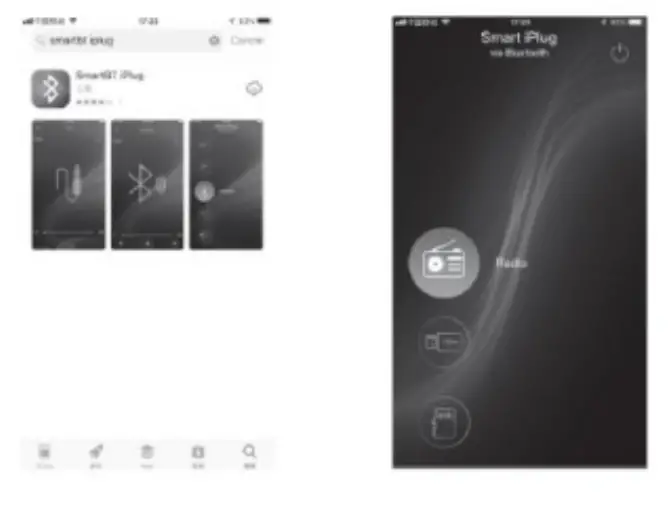
APP OPERATION
The SmartBTiplug App is the ultimate wireless controller of your Product.
Youkan search “SmartTag plugs” on Apple Store or Google Play Store and install into your Smart phone.
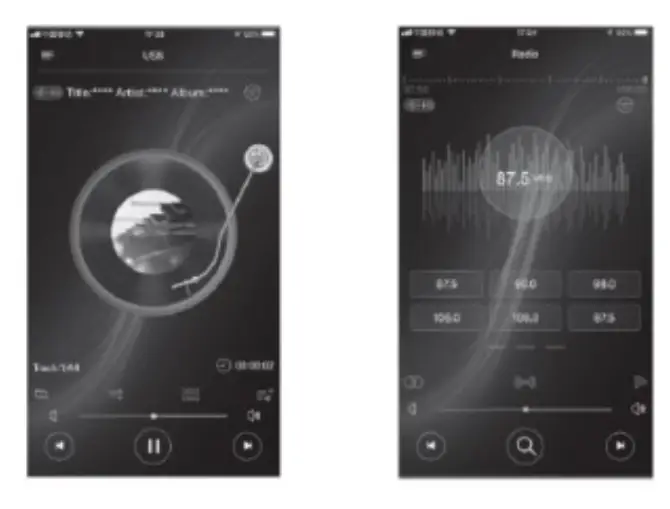
Bluetooth version : 5+
Bluetooth channel emission power : + 2dbm
BT frequency: 2.4 – 2.483 GHz
INSTALLATION
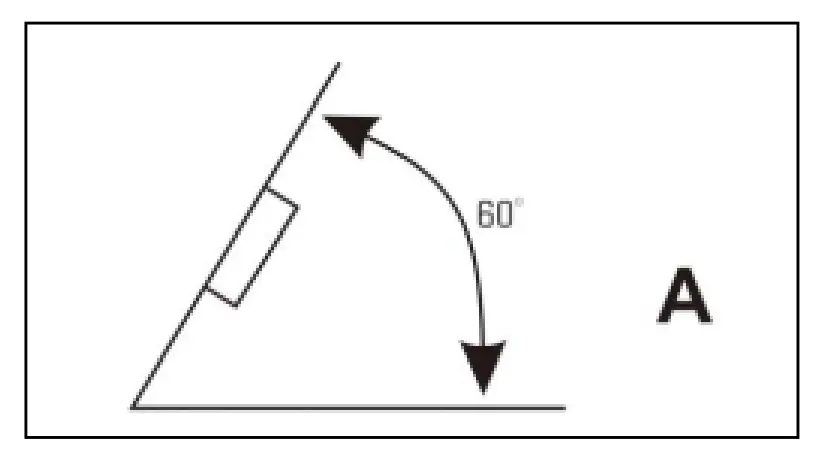
If the angle of the unit is greater than 60 degrees, this unit may not reach optimum performance. (A)
Front installation ( B)
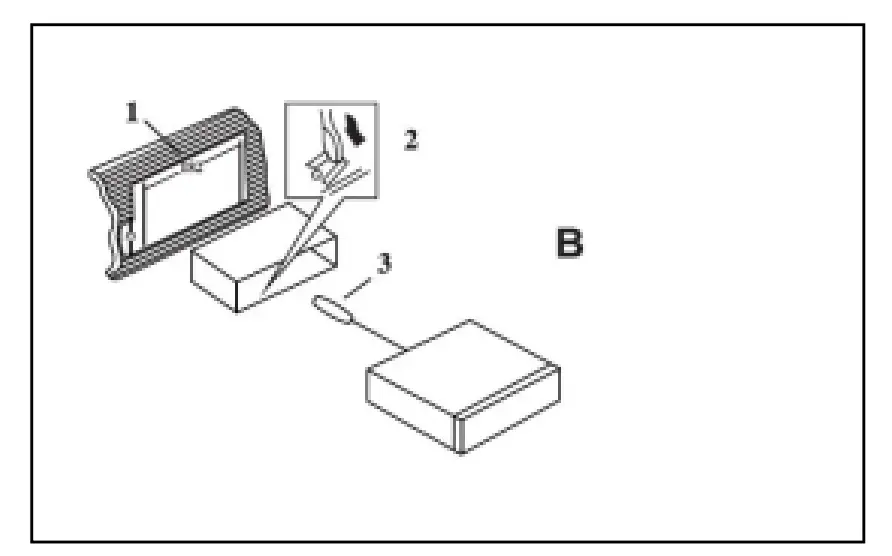
- lnstrument board
- Metal mantle. After putting the mantle into the instrument board, bend the steel of the mantle and fix it onto instrument board.
- Fastening bolt
Rear Installation (C)]
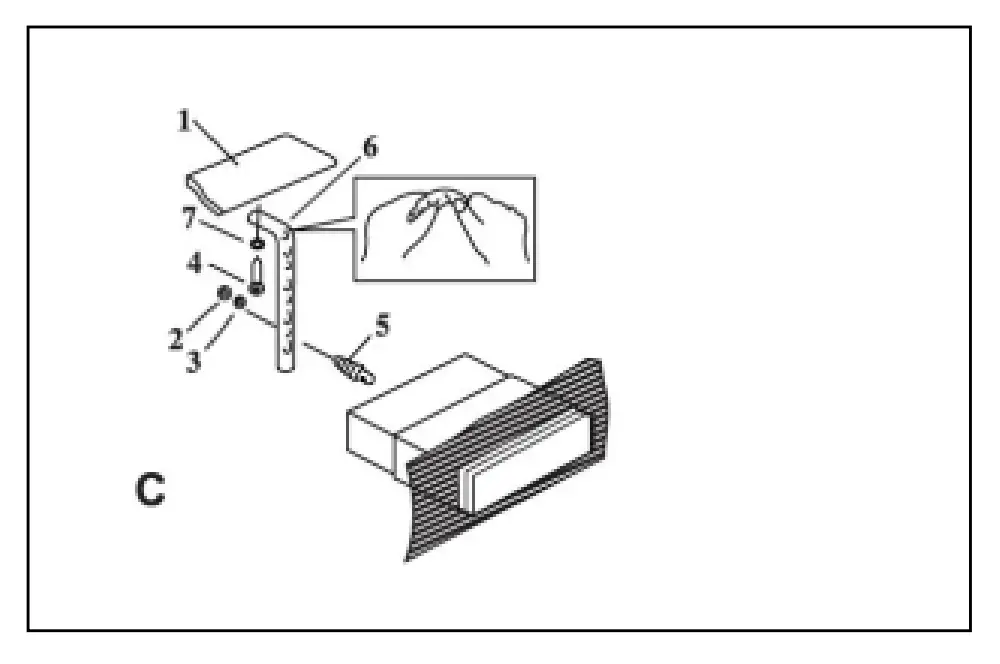
- instrument board
- Nut
- Spring washer
- Bolt
- Fastening bolt
- Fixed steel
- Flat washer. In order to improve the anti-interference, please fix onto the under-frame of the car. Bend the steel if necessary.
UNLOAD THE UNIT
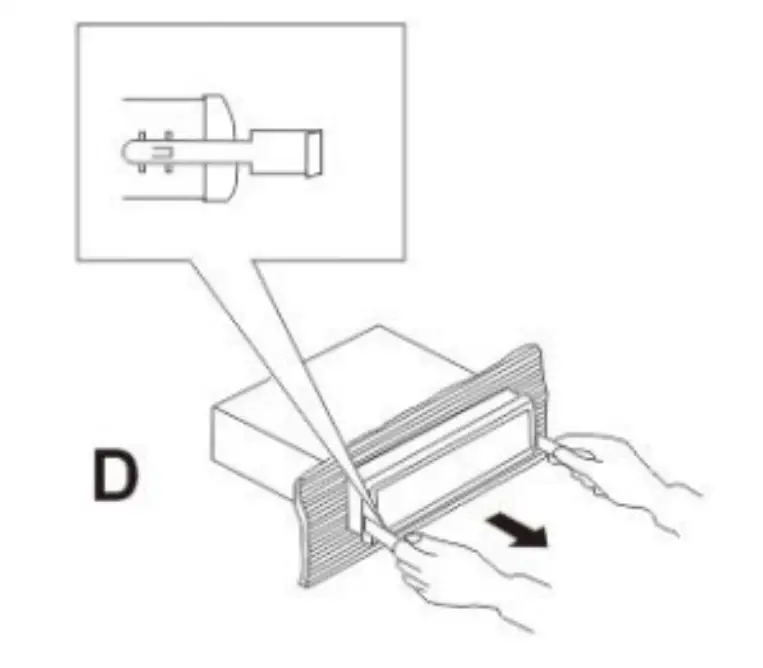
- Please remove the front frame, when removing this model.
- lnsert the keys into the slots on both side until a locking sound is heard. (D)
- Pull out the keys and the unit.
TROUBLESHOOTING
Before resorting to service, check the following troubleshooting guide.
Ensure that all connections are correct and secure and that all operating procedures have been followed.
| PROBLEMS | CAUSES AND SOLUTION |
| No power | Check the fuse. Replace if necessary. |
| The display or the buttons do not work | Switch off. Check all connections and then power on again. |
| Cannot receive radio | Check antenna connection. |
| Radio reception is poor | Check that the antenna is fully extended and that it is not broken. Extend or replace if necessary. |
| Cannot read USB and SD card | The file format is not available / USB and SD card have been damaged. |
Note: If you are unable to resolve the problem after checking this guide, please call the supplier or an authorized service center. NEVER attempt to repair or service this unit yourself.
TECHNICAL DATA
| The unit | ||
| Power source | 12V(10.8-15.1V) DC Neqative pole earth | |
| Speaker | 4-80 | |
| High power machines | Max output | 25Wx4 |
| Output rating | 20Wx4 | |
| FM | |
| Frequency scope | 87.5-108MHZ |
| Sensitivity | 26dB |
| MP3 | |
| Sensitivity | 35dB |
| Frequency | (100HZ-10KHZ) +6dB |
| Harmonic voltage distortion(1KHz) | 5% |
| Channel separation | 35dB |
| Stereophonic reproduction channel balancing | 3d8 |
DISPOSAL OF ELECTRICAL AND ELECTRONIC EQUIPMENT
 This symbol on the product or packaging means that the product should not be treated as household waste. Do not throw garbage at the end of its life, but take it to a collection center for recycling. in this way you will help to protect the environment and be able to prevent any negative consequences that it would have on the environment and human health. To find your nearest collection center:
- Contact local authorities
- Access the website: www.mmediu.ro
- Request additional information from the store where you purchased the product.
Producer: SC lntervision Trading RO SRL
Pitesti city, Bdv. I.C. Bratianu, no. 48-52, building A, floor. 5, room 504-505, Arges county, Romania, post code:
110121; www.akai.com.ro
EU DECLARATION OF CONFORMITY
Nr. INT282 We, INTERVISION TRADING RO SRL, default importer (manufacturer), with registered office in Mosoaia
Commune, Smeura Village, 8 Fagetului Alley, declare under sole responsibility that the following products:
Brand name: AKAi
Type: ACP-
Descriptions: 300DUAL USB CAR RADIO
Lot: ACP30022100XXXX to which this declaration related is in conformity with the essential requirements of the following directives of the Council of the European Communities:
EUROPEAN COMMUNITY DIRECTIVE 2014/35/EC
EUROPEAN COMMUNITY DIRECTIVE 2014/53/EC
EUROPEAN COMMUNITY DIRECTIVE 2011/65/EU Amd 2015/863/EU
The products are compliant with the following standards and safety regulations:
Signature:
Printed name and Position: CIOBANU DORIN – GENERAL MANAGER
Date: 22nd September, 2022
Place: Pitesti, Romania