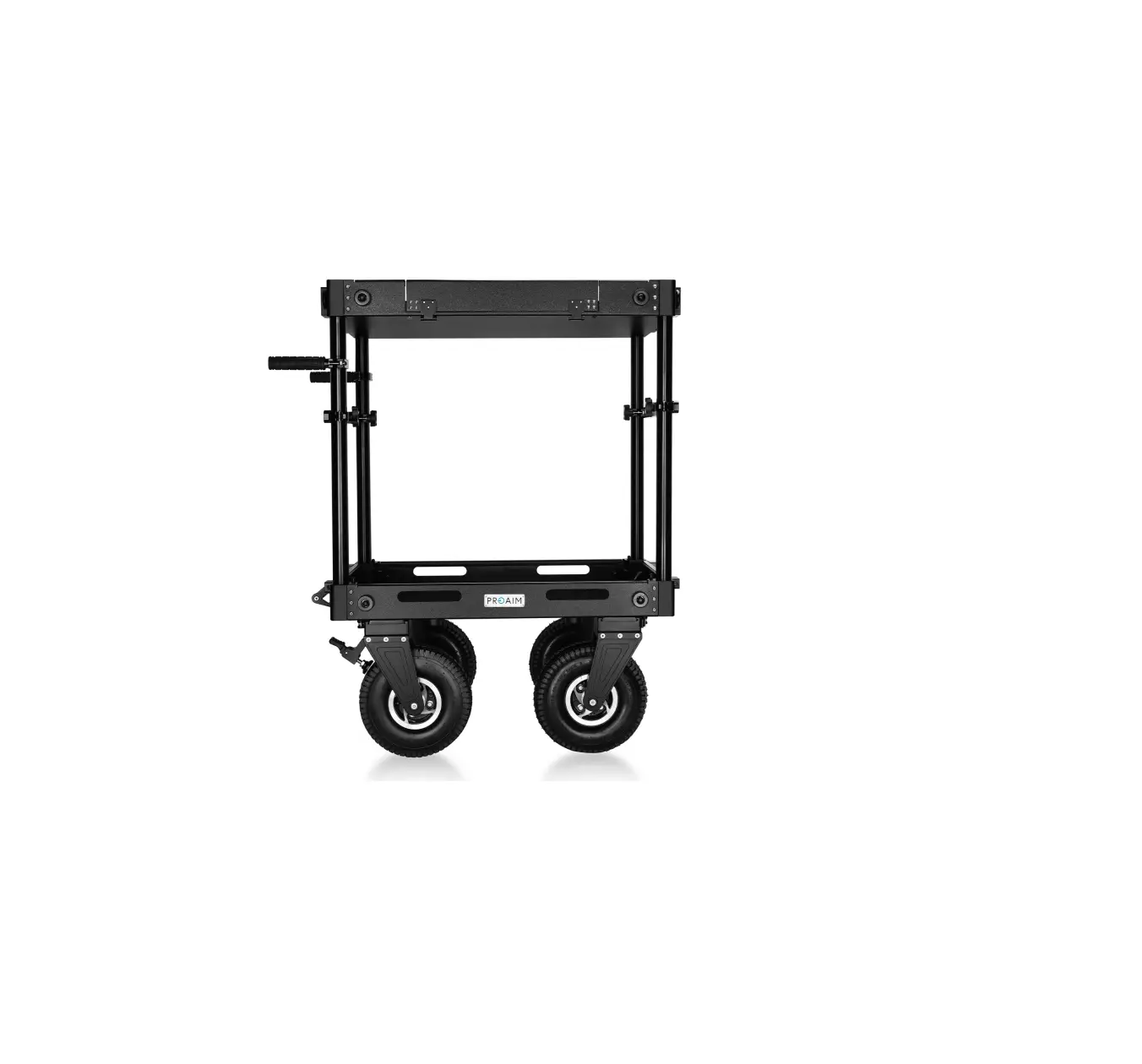
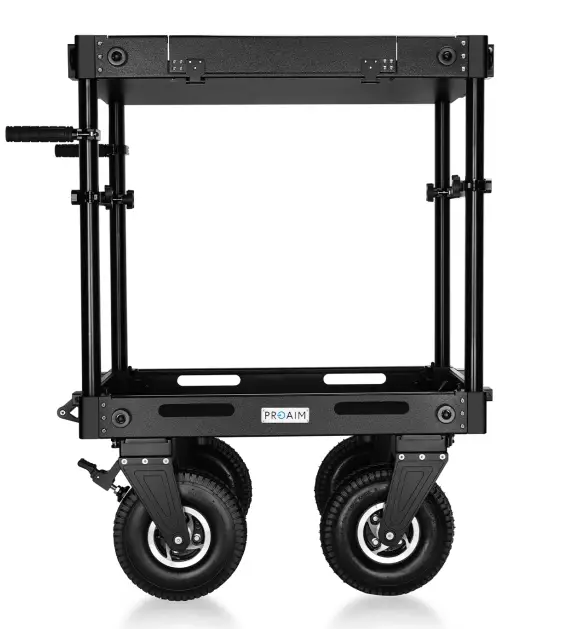
PROAIM CT-VCTR-PRO-32 Victor Pro Video Production Camera Cart
What’s In The Box
Please inspect the contents of your shipped package to ensure you have received everything that is listed below.
- Top Shelf
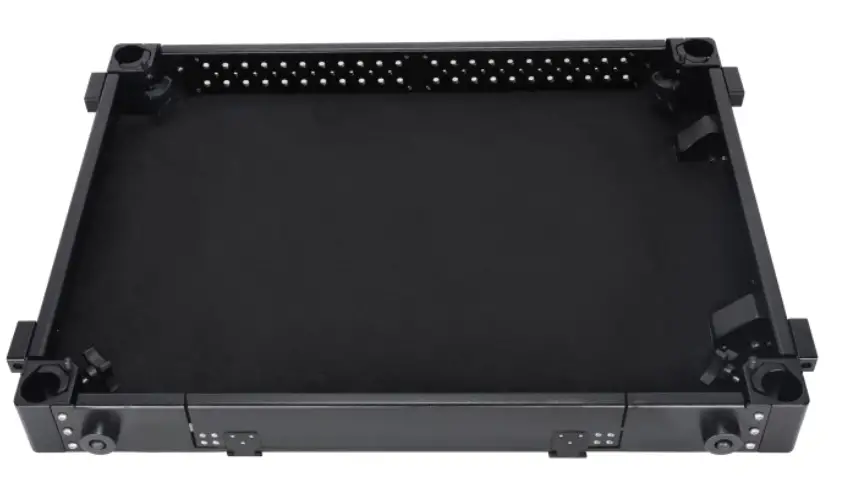
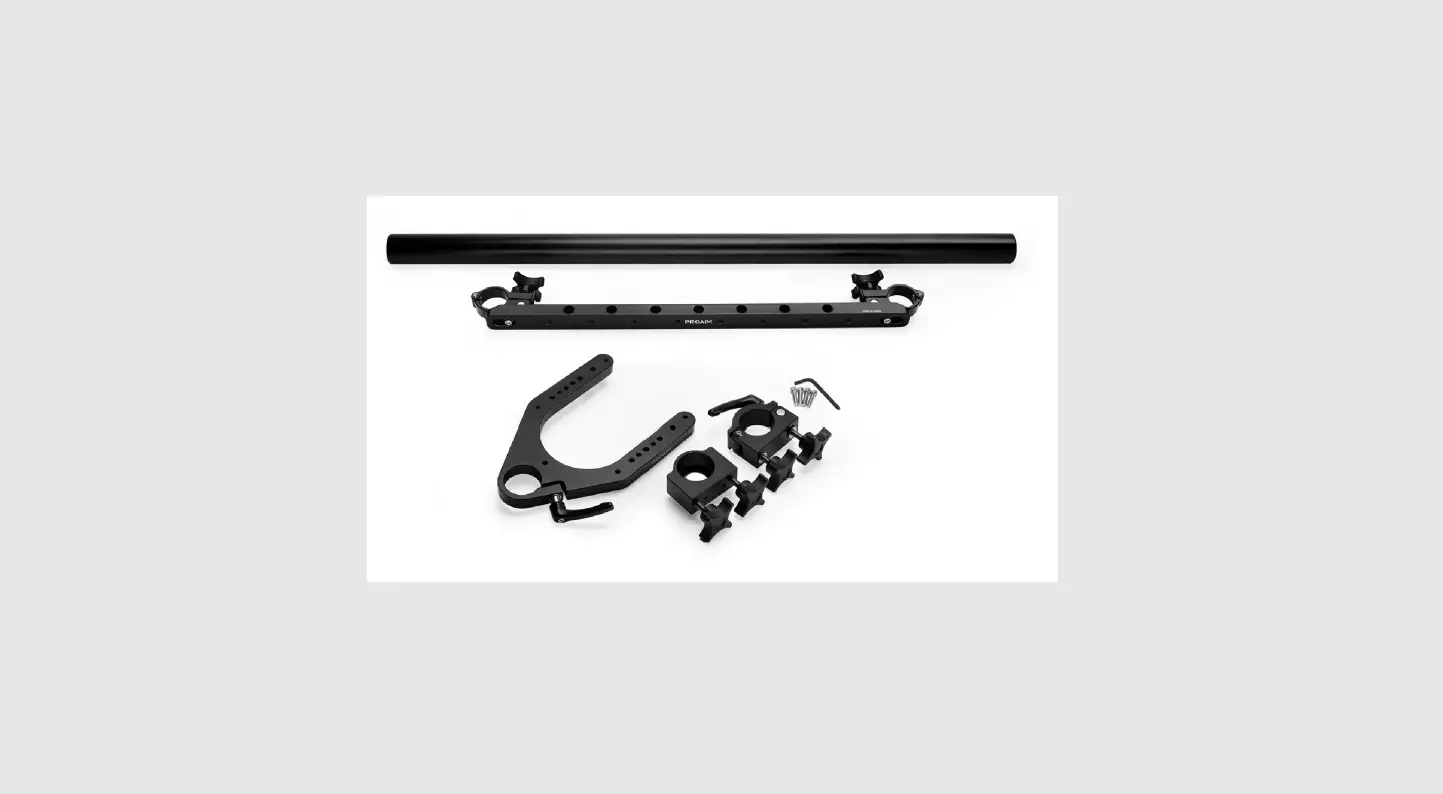
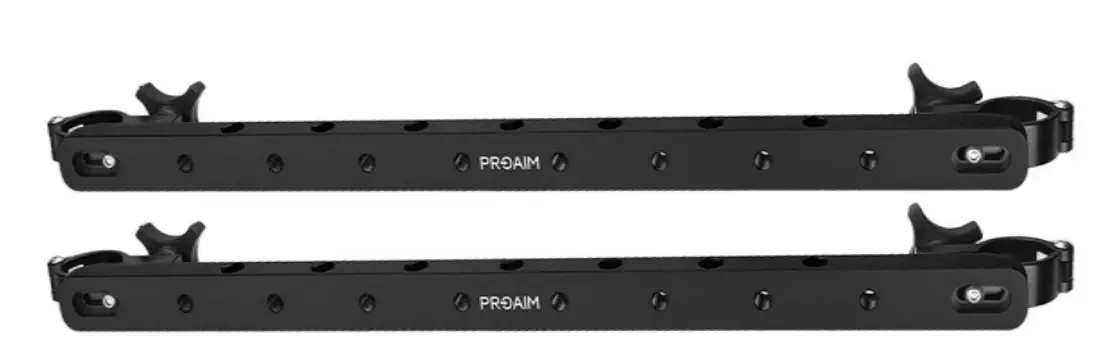
- 2 x Crossbars
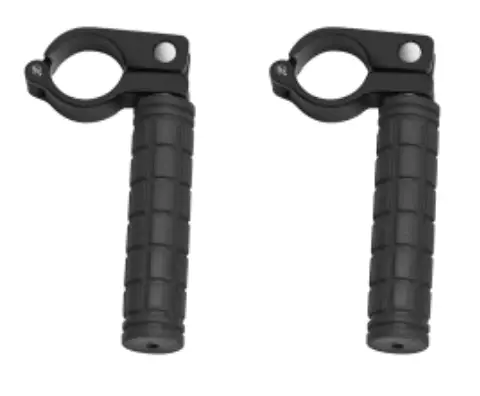
- 2 x Hinge Handle
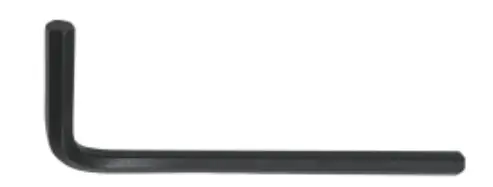
- Allen key L–Type (Size 4mm) 4 x Screws
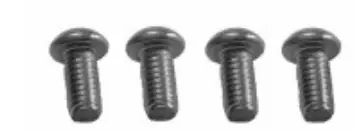
- Lower Shelf
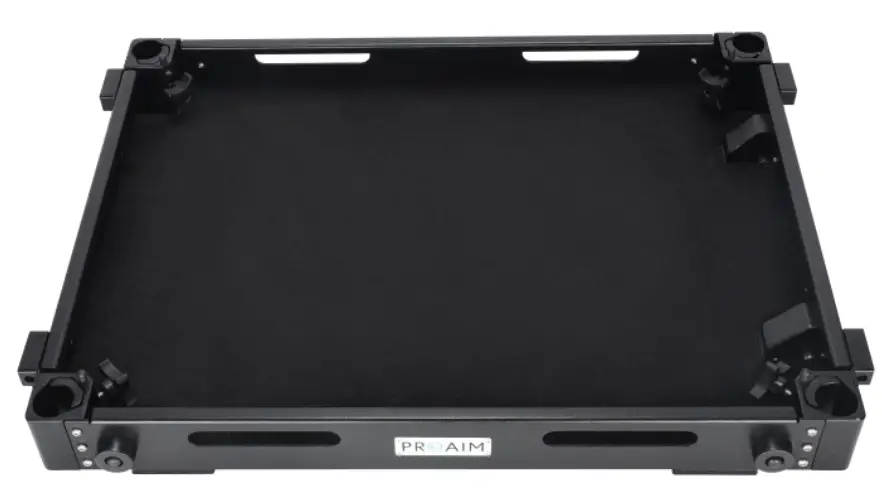
- Carrying Handle
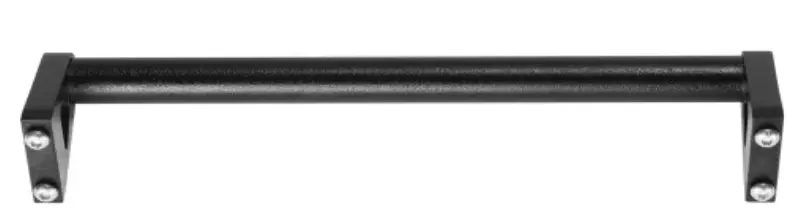
- 4 x Knobs
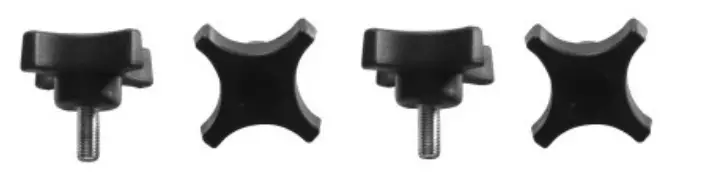
- 2 x Pneumatic Tires With Break With Packing Pouch
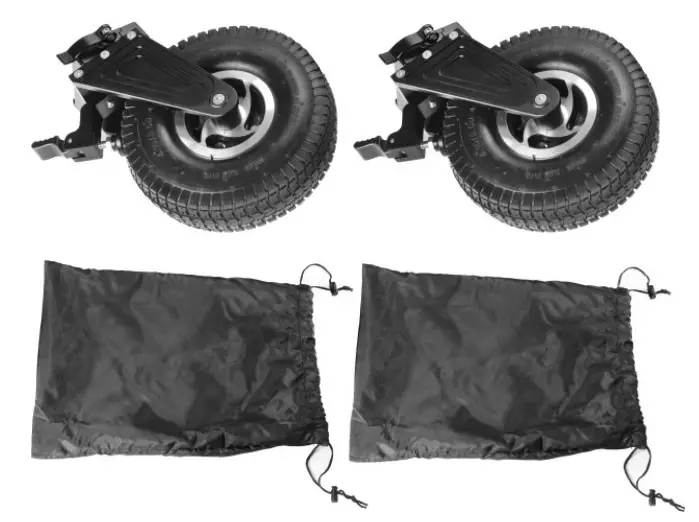
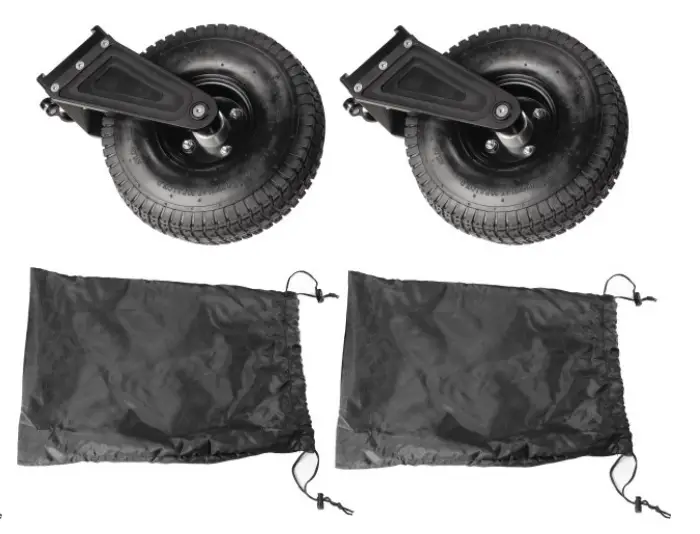
- 2 x Pneumatic Tires Without Break With Packing Pouch
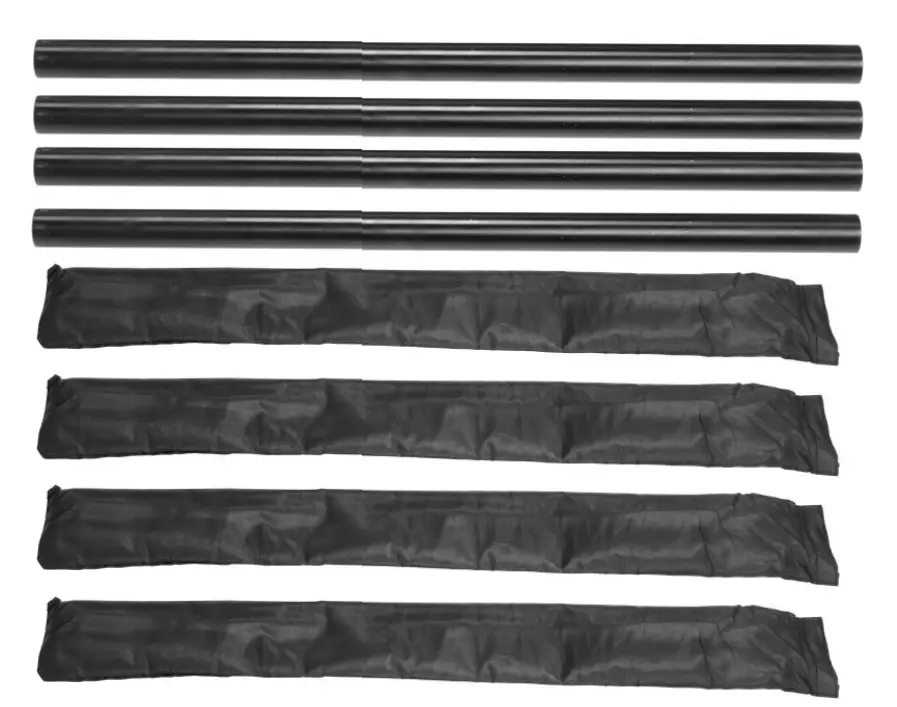
- 4 x (31” Length) Rods With Packing
All rights reserved.
No part of this document may be reproduced, stored in a retrieval system, or transmitted by any form or by any means, electronic, mechanical, photo-copying, recording, or otherwise, except as may be expressly permitted by the applicable copyright statutes or in writing by the Publisher.
Victor Pro Camera Cart Setup
NOTE: Two peoples are needed to assemble the cart.
- Firstly, open all 4 locks present on each side of the cart.
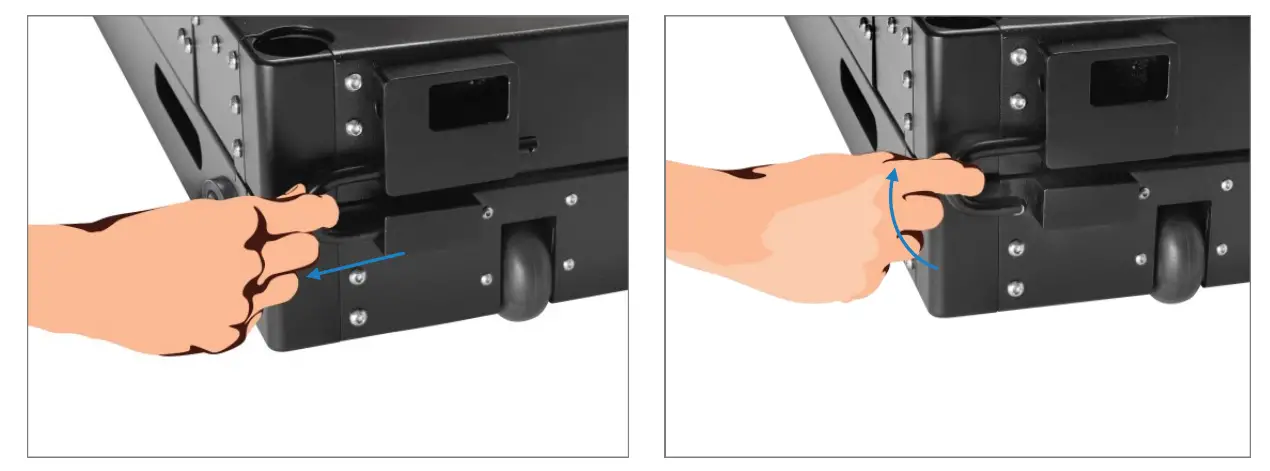
- Pull and flip the locking pin from downward to upward direction to open locks.
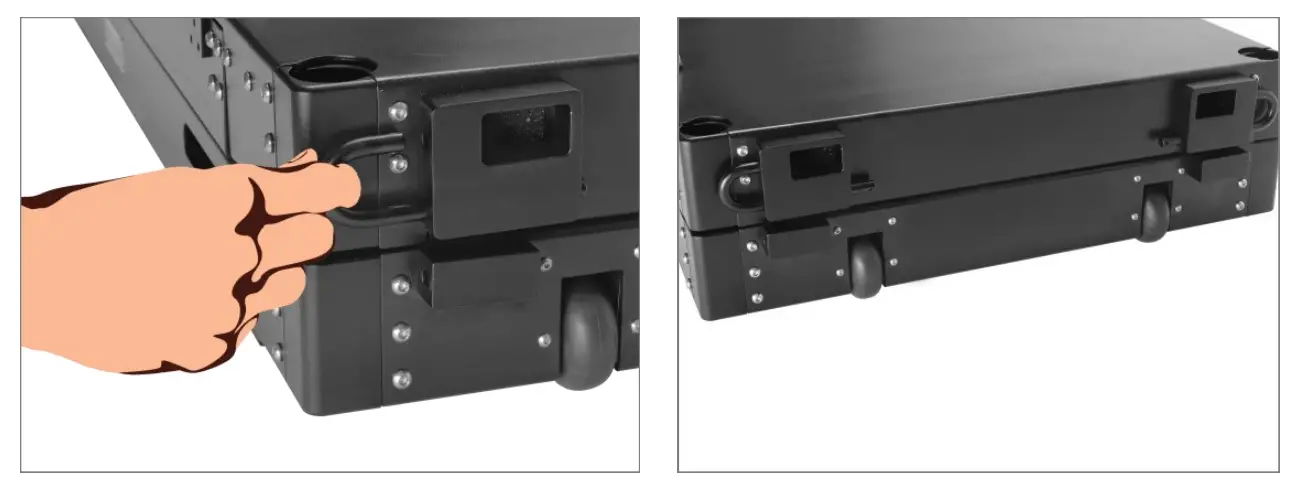
- After unlocking, separate the top and lower shelf apart.
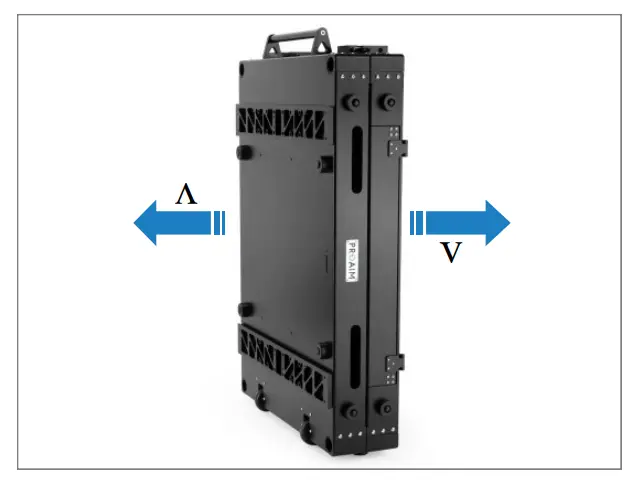
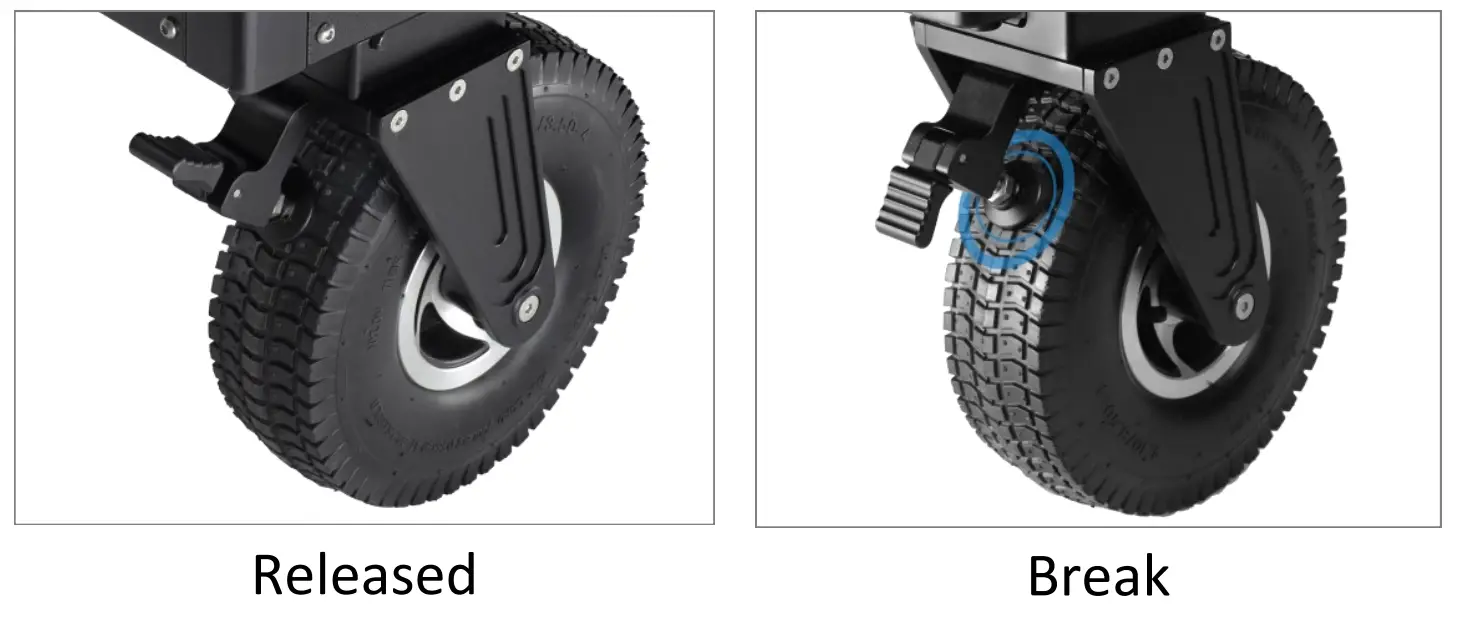
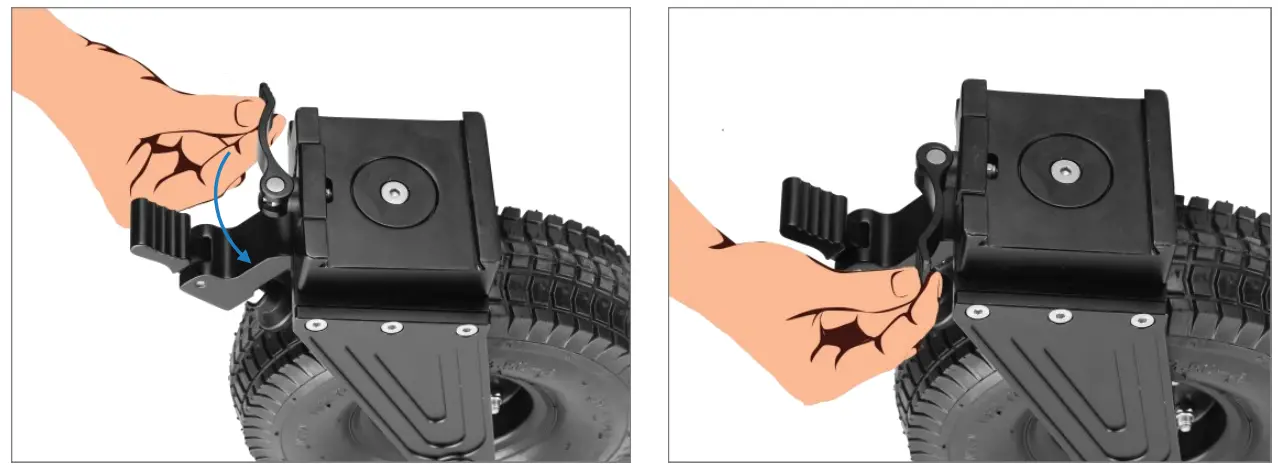
Pneumatic Tires With break
- Unlock the tier (With break) by flipping the given knob.
- Attach the unlocked tire (with break) with lower shelfs dovetail bracket by sliding it, as shown in the image.
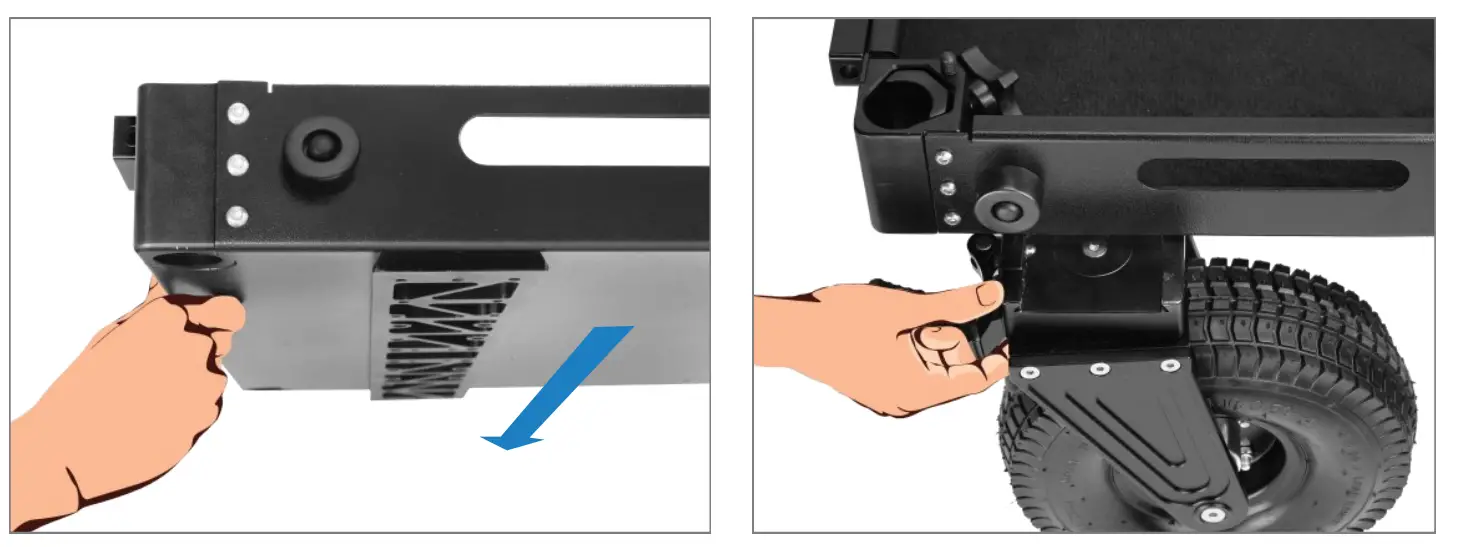
- Secure the tire using the knob
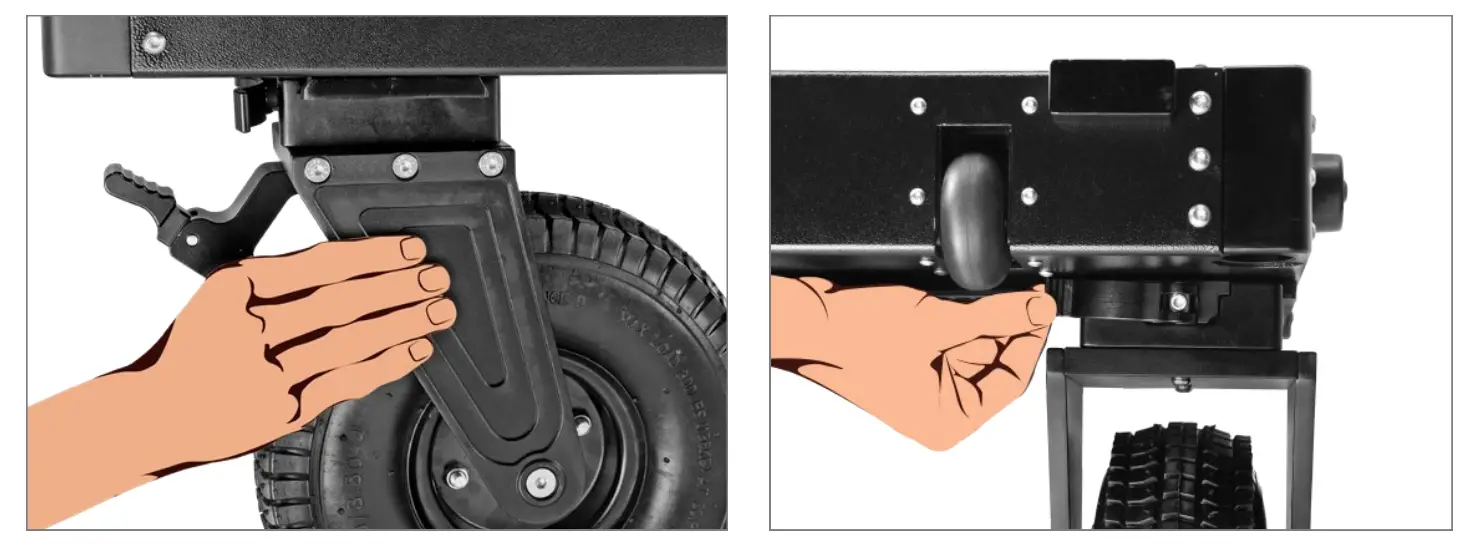
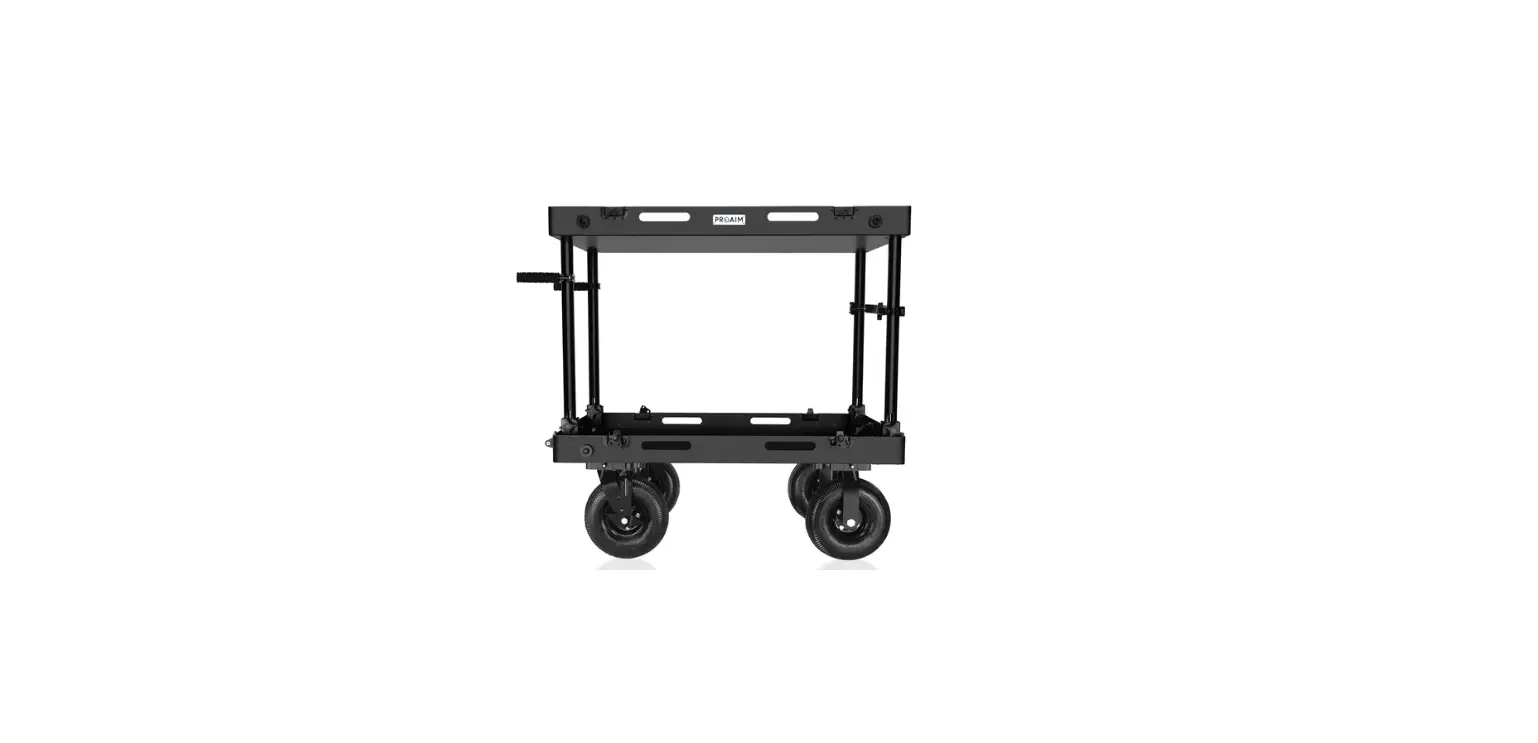
- The cart would look like this after attaching both the tires (With break).
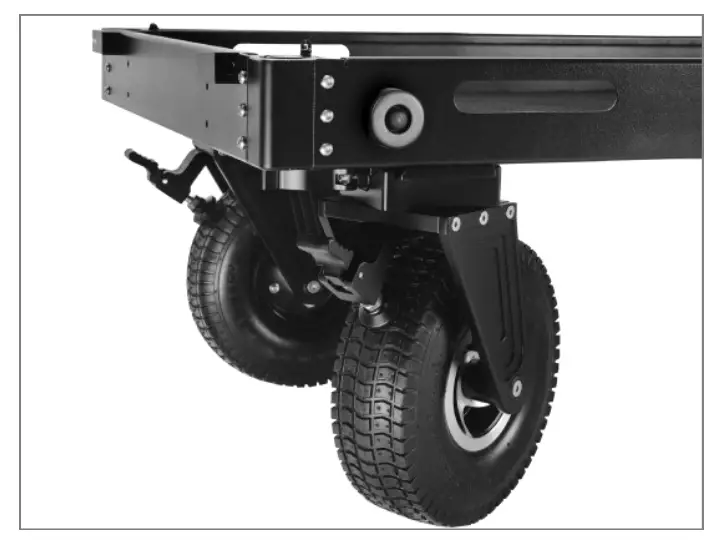
- NOTE: To keep the cart in static position, lock the wheels by pushing down the lever