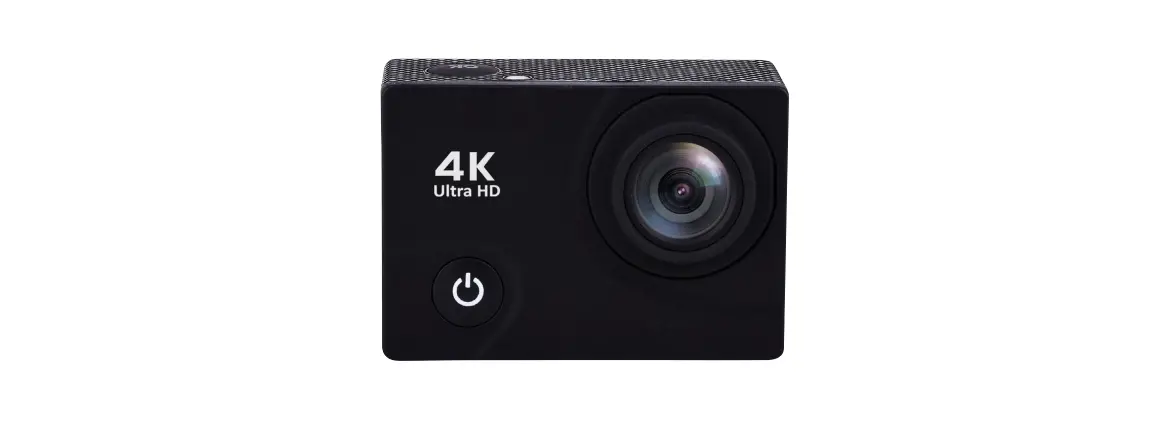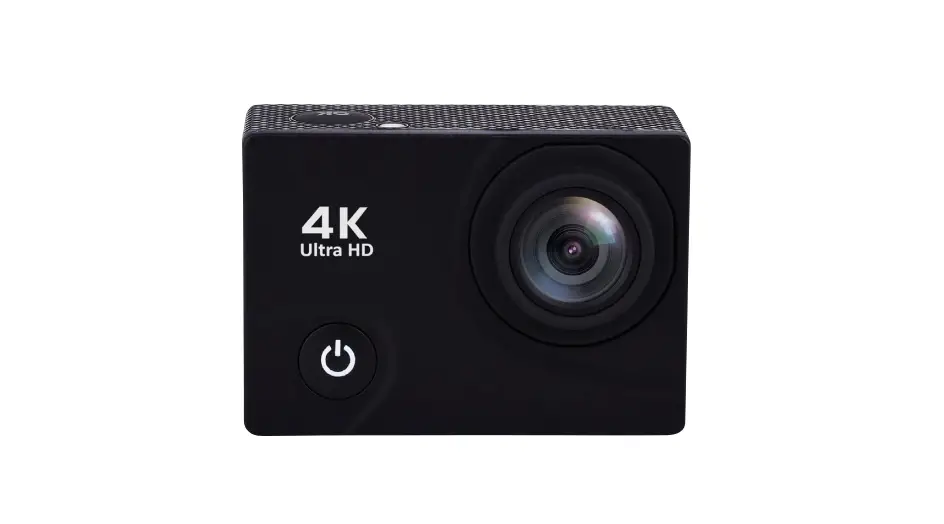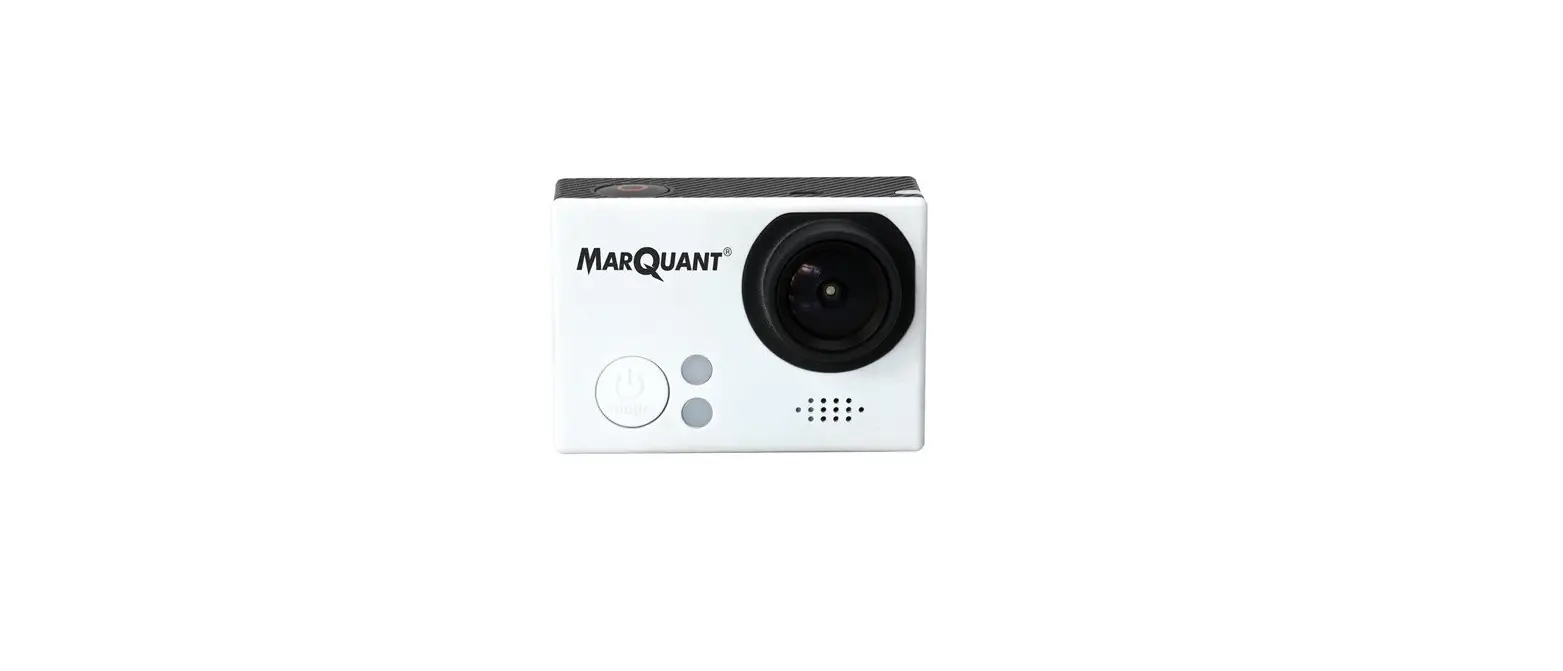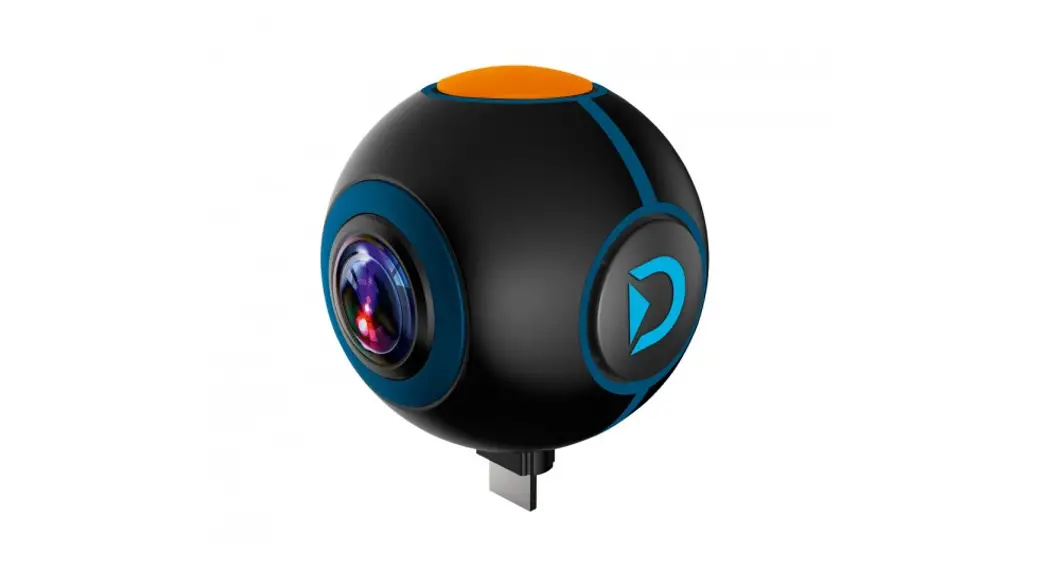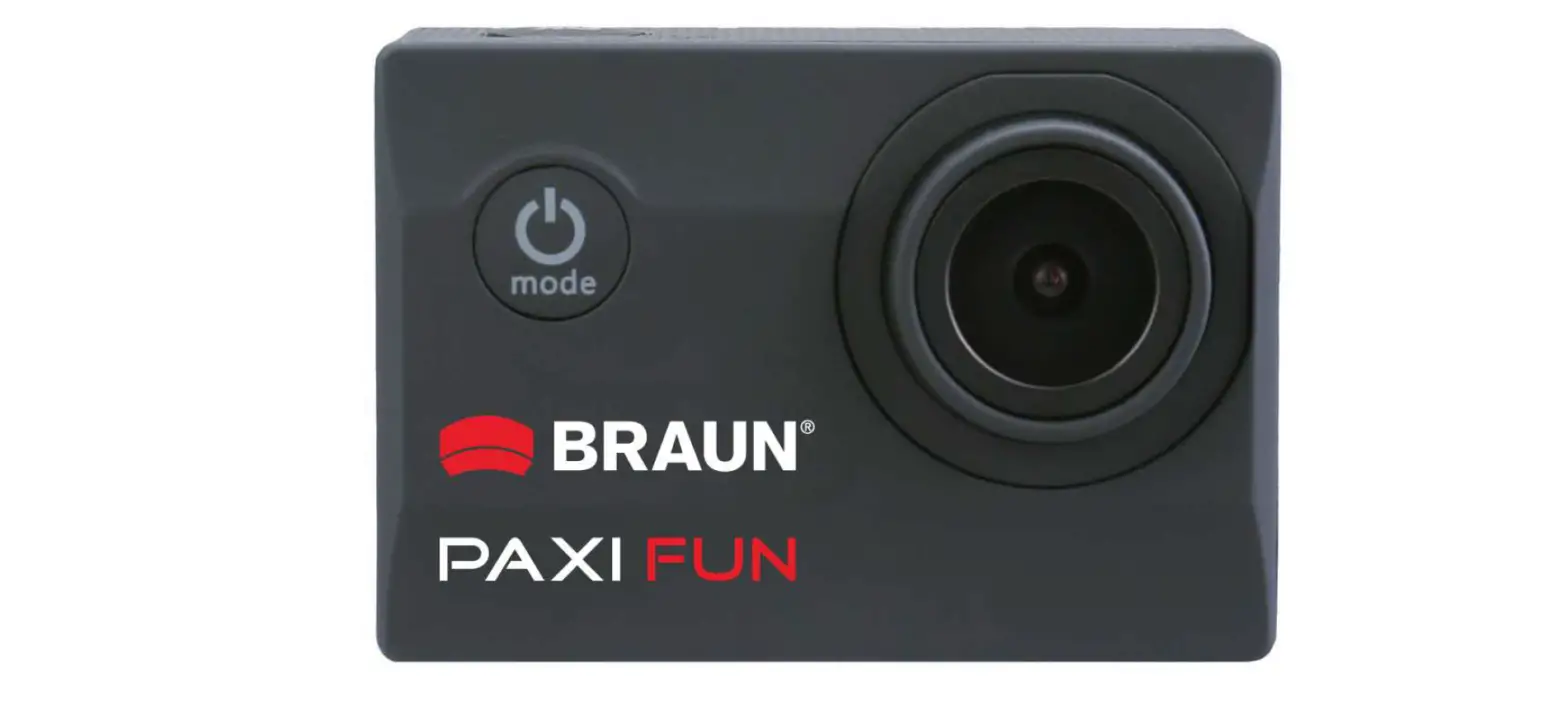

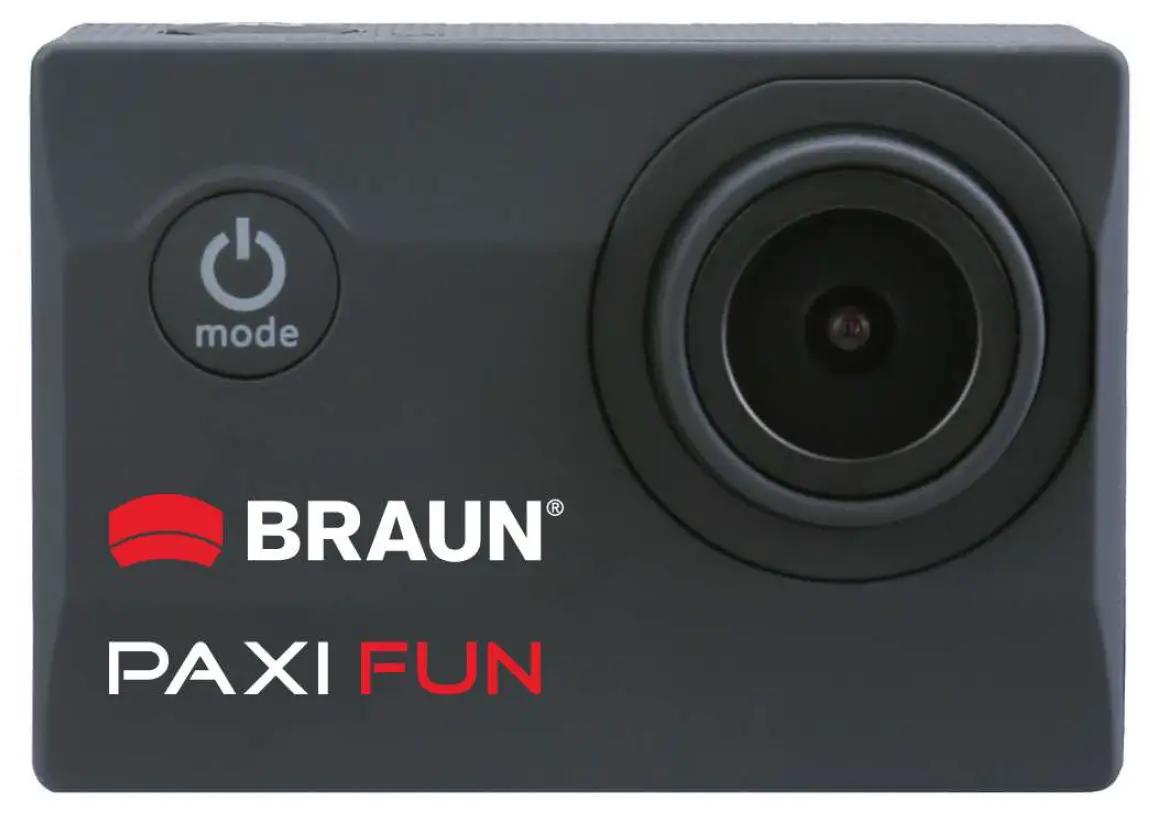
BRAUN 57674 Compact Action Cam Paxi Fun Video Camera
Basics
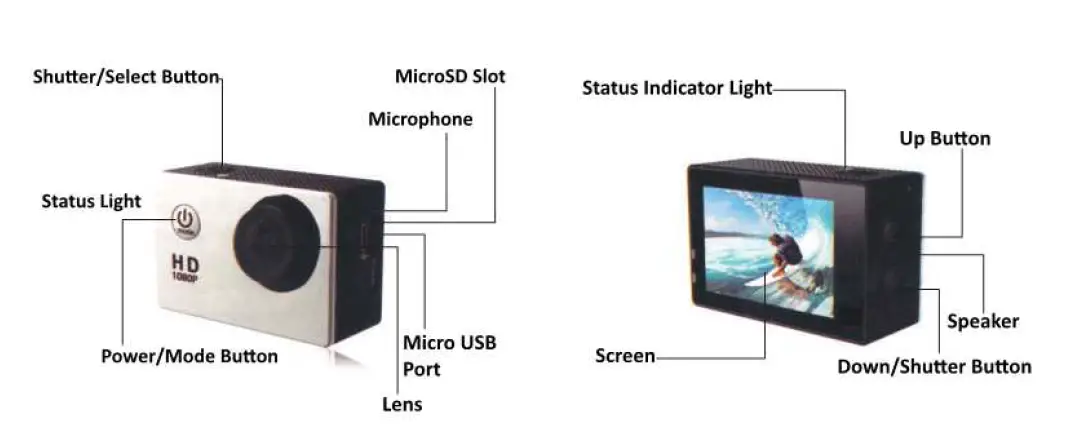
| EN | |
| Shutter/Select Button | |
| Status Light | |
| Power/Mode Button | |
| MicroSD Slot | |
| Microphone | |
| Micro USB Port | |
| Lens | |
| Status Indicator Light | |
| Screen | |
| Up Button | |
| Speaker | |
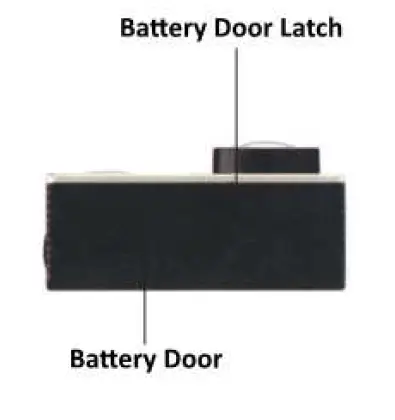
| EN | |
| Battery Door Latch | |
| Battery Door |
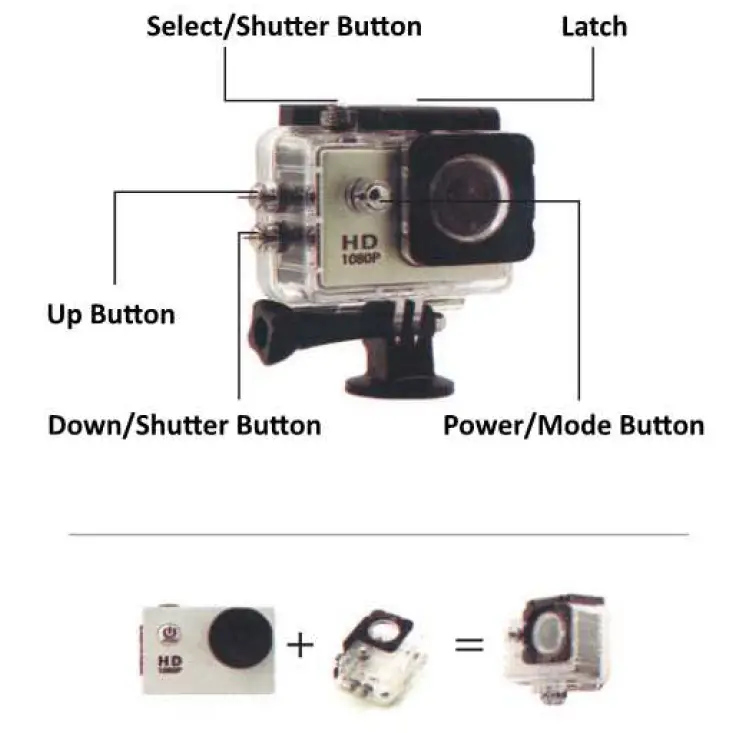
| EN | |
| Select/Shutter Button | |
| Up Button | |
| Down/Shutter Button | |
| Latch | |
| Power/Mode Button |
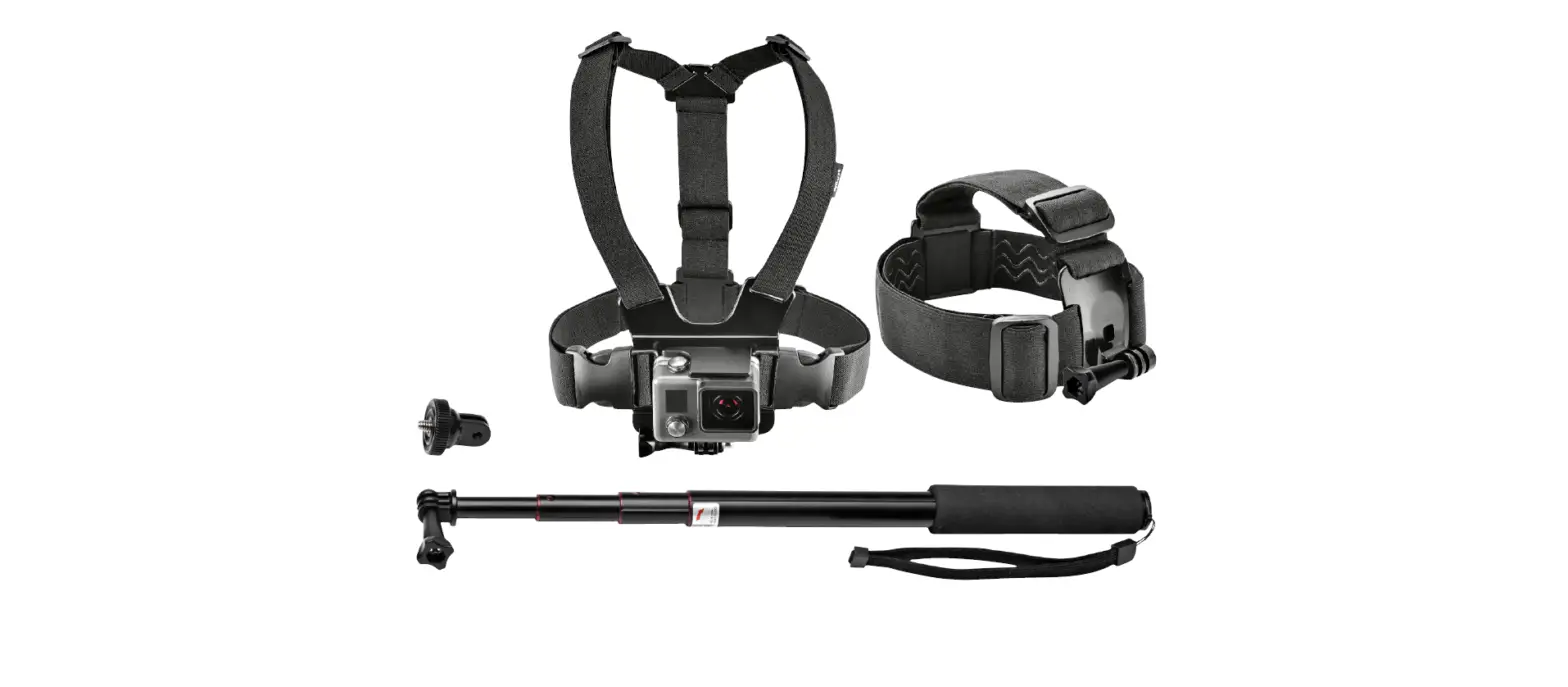
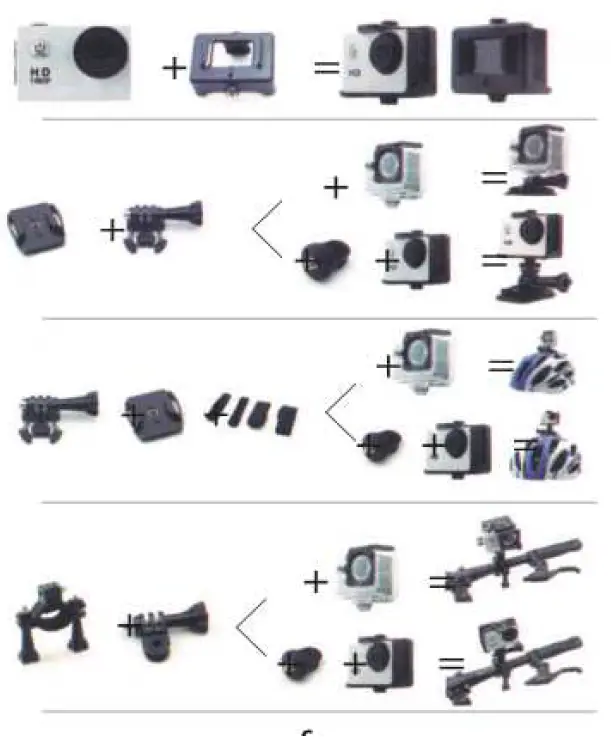
ACCESSORIES
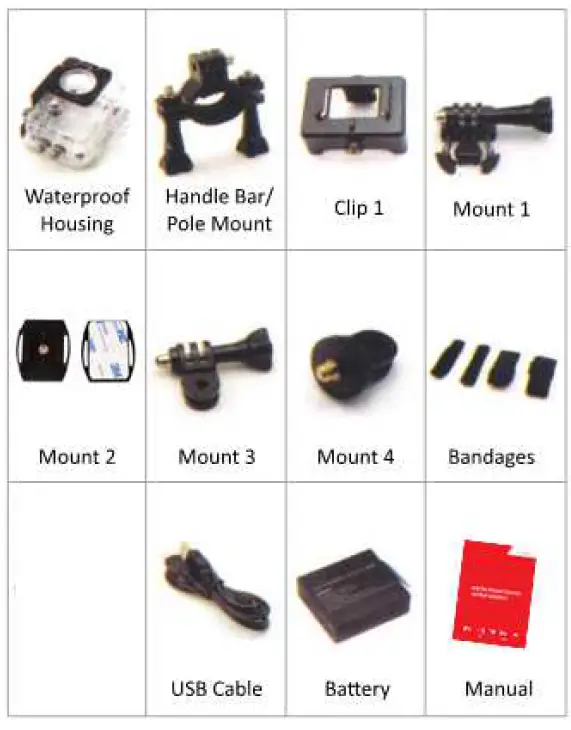
Mounting your camera
Attach your camera to helmets, gear and equipment
Introduction
Hello and congratulations on your new camera! This user manual will help you learn the basics of recording images with this camera, enabling you to capture some of life’s most incredible moments.
Getting Started
- Press switch/mode button to turn on the camera, hold 1-2 seconds to turn if off
- Press switch/mode button to switch between video recording/photo shooting/display back page
Video Setting
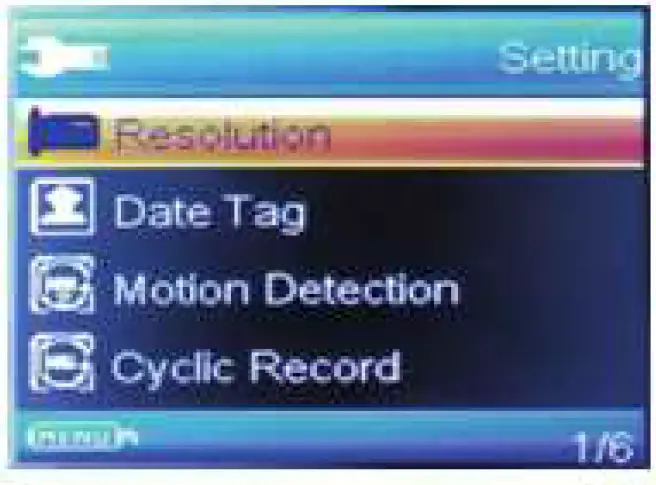 1920×1080/1280×960/640×480/x320x240
- Date tag: off/on
- Motion detection: OFF/ON
- Cyclic Record: off/3 mins/5mins/10mins
- Audio: off/on
- EV:
Photo setting
- Resolution: 12M/5M/3M/2M/1M
- Fast view
- OFF/2S/5S
- Delay pictures:
- OFF/2S/5S/10S
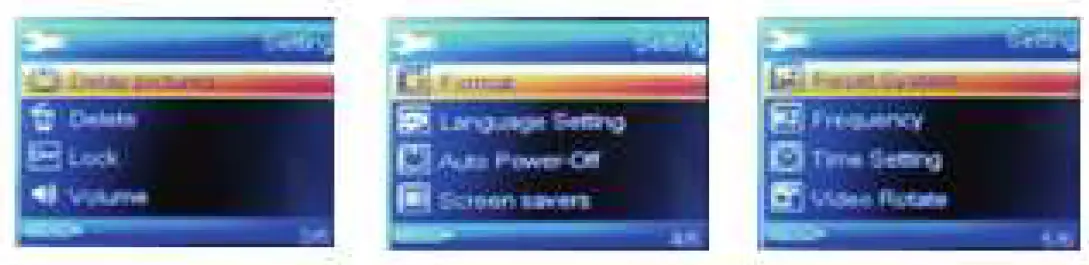
System Setting:
Capturing video & photo
- Press the mode button to select the video mode, press the OK
- button to start/stop recording.
- Press the mode button to select the photo mode, press the OK
- button to start taking photos.
- You also can change the video or the photo setting in the settings menu.
Storage/Micro SD cards
This camera is compatible with 8GB 16GB and 32GB capacity Micro SD, Micro SDHC and Micro SDXC memory card, You must use a Micro SD card with class 10 speed rating. We recommend using brand name memory cards for maximum reliability in high-vibration activities.
Battery Life
If recording is on when the battery reaches 0%, the camera will save the file and power off.
Battery Charging
- Connect the camera to a computer or USB power supply.
- The charging status light remains on while the battery is charging.
- The charging status light will turn off when the battery is fully charged.
- Charging time : 4 hours
Declaration CE-Provisions
This device has been tested and complies with the limitations of a digital device according to the CE regulations. These limit values are intended to provide adequate protection against detrimental disturbances in domestic installations. The Declaration of conformity is visible on our homepage.
Braun Phototechnik GmbH Merkur Str. 8 72184 Eutingen / Germany
Phone: + 49 (0) 7457/ 9465-60