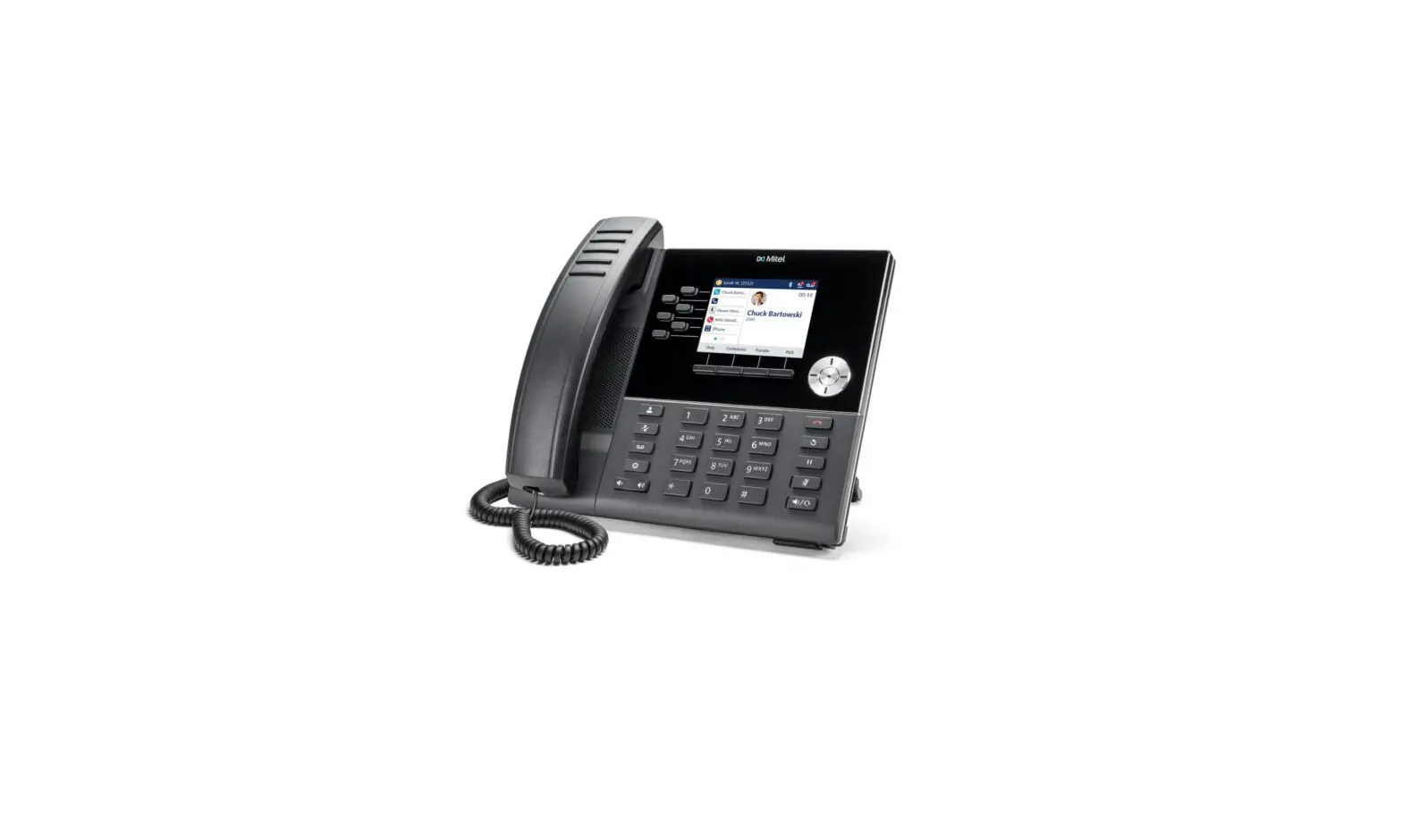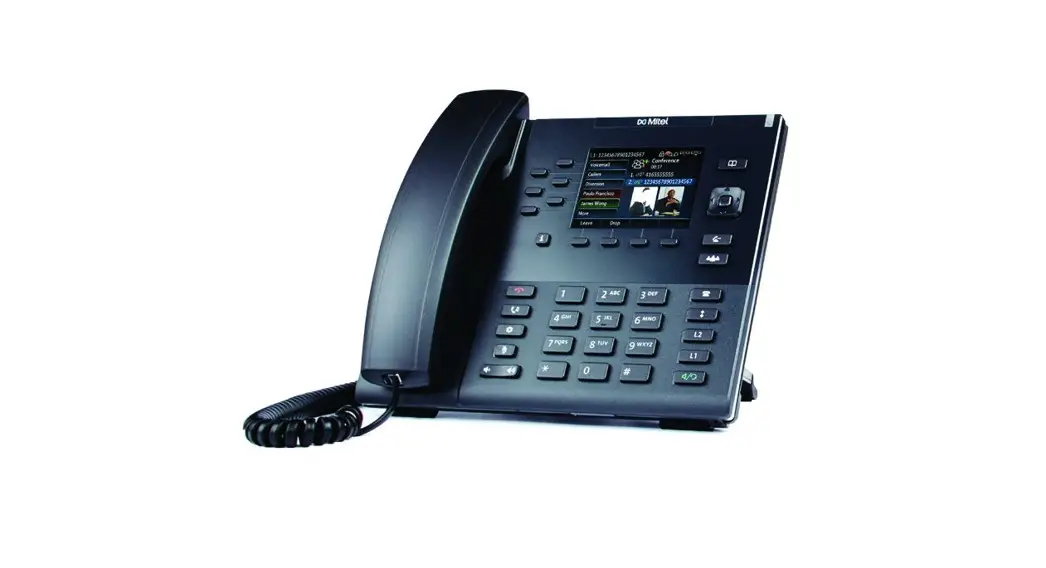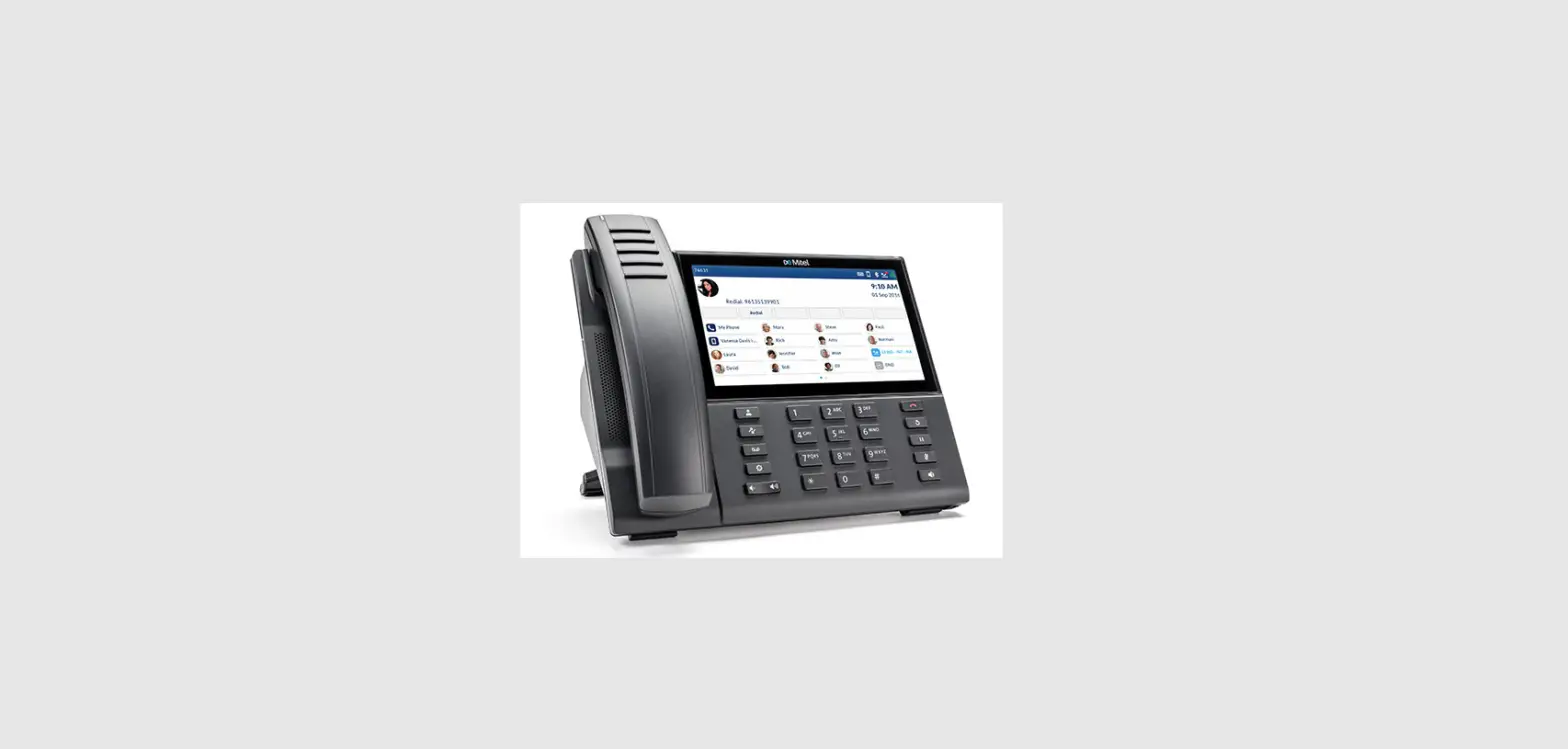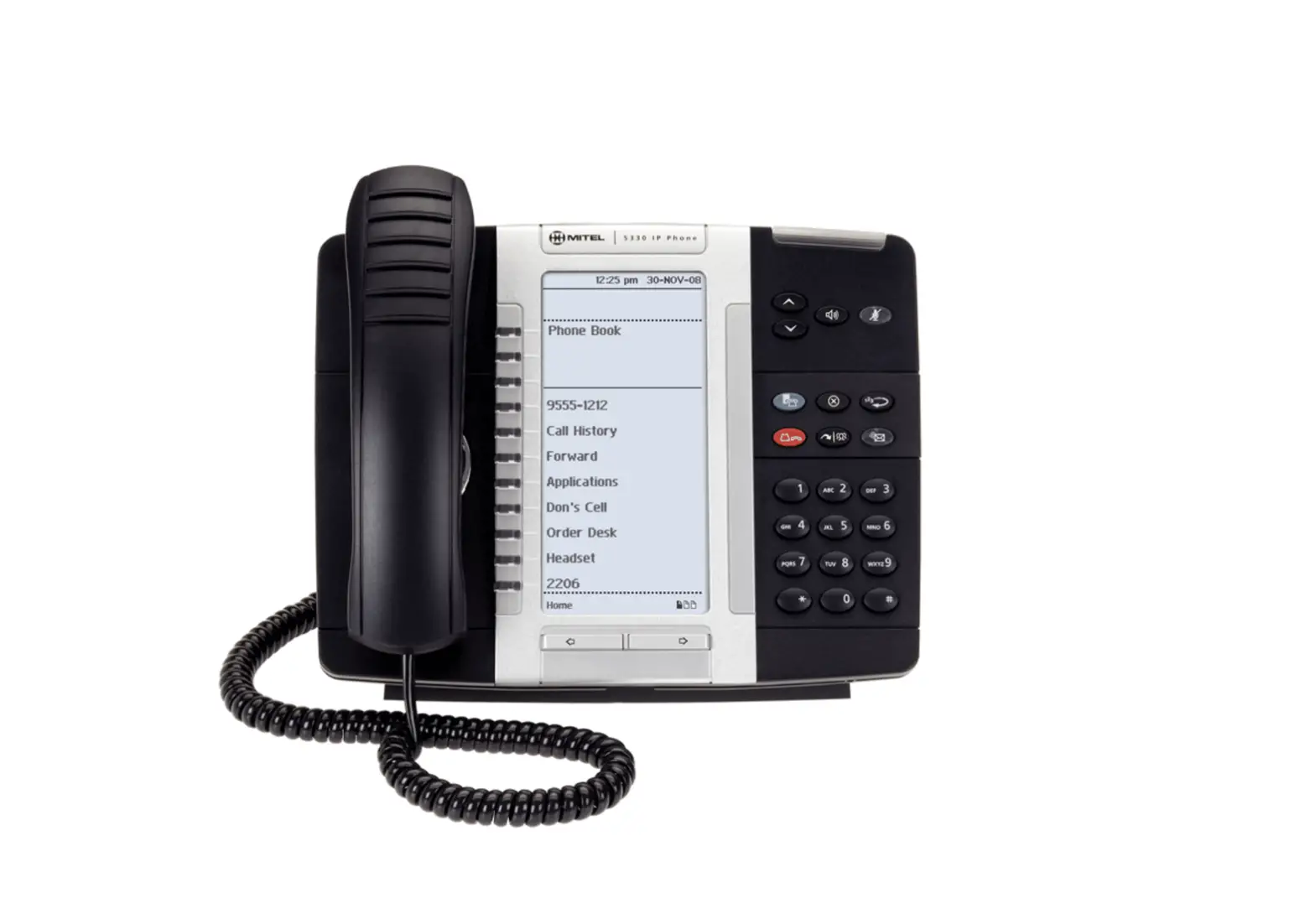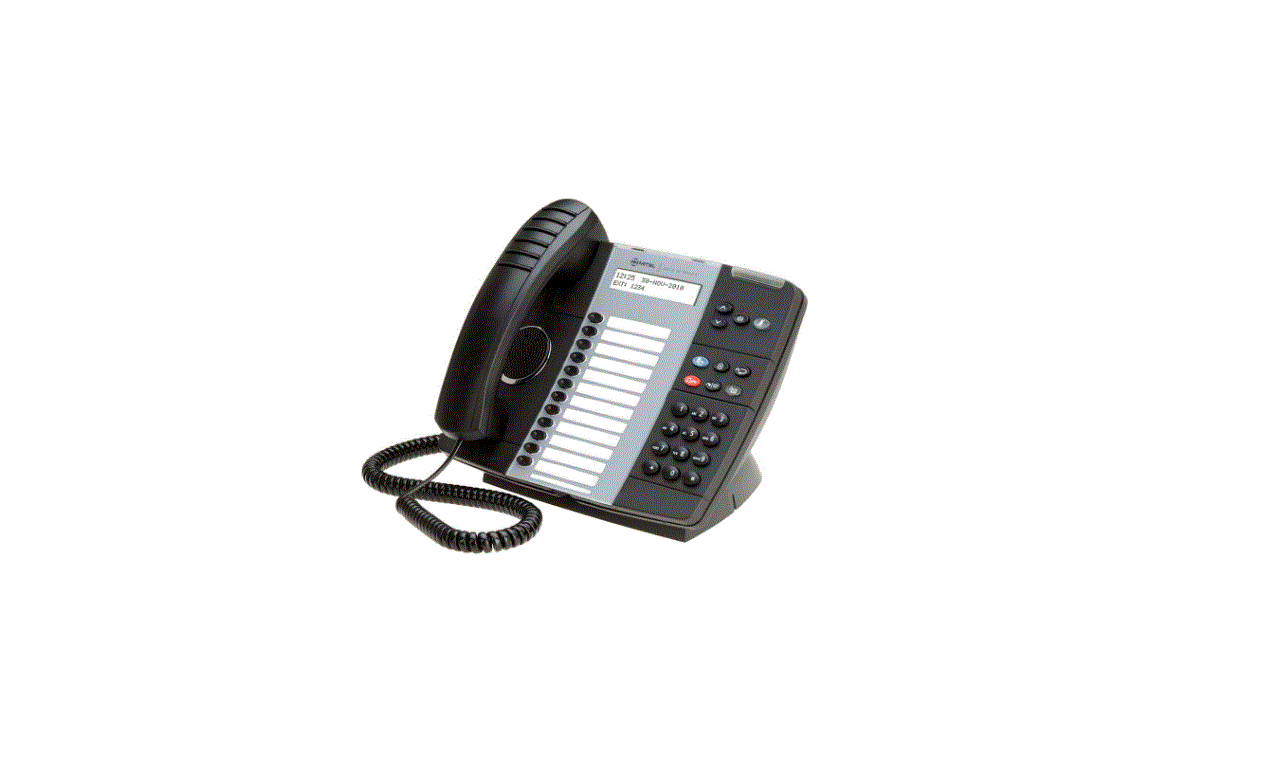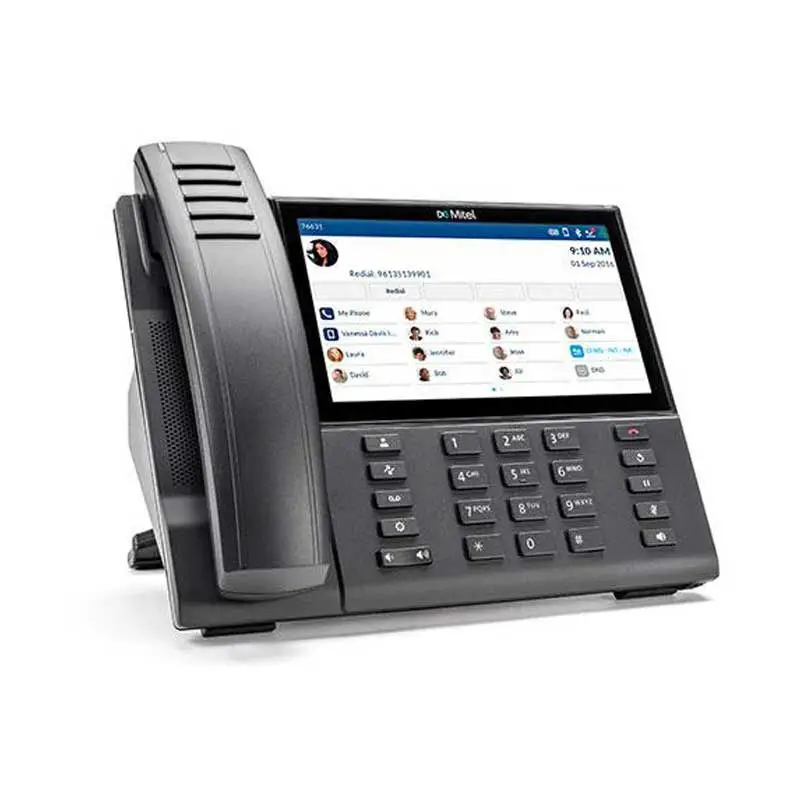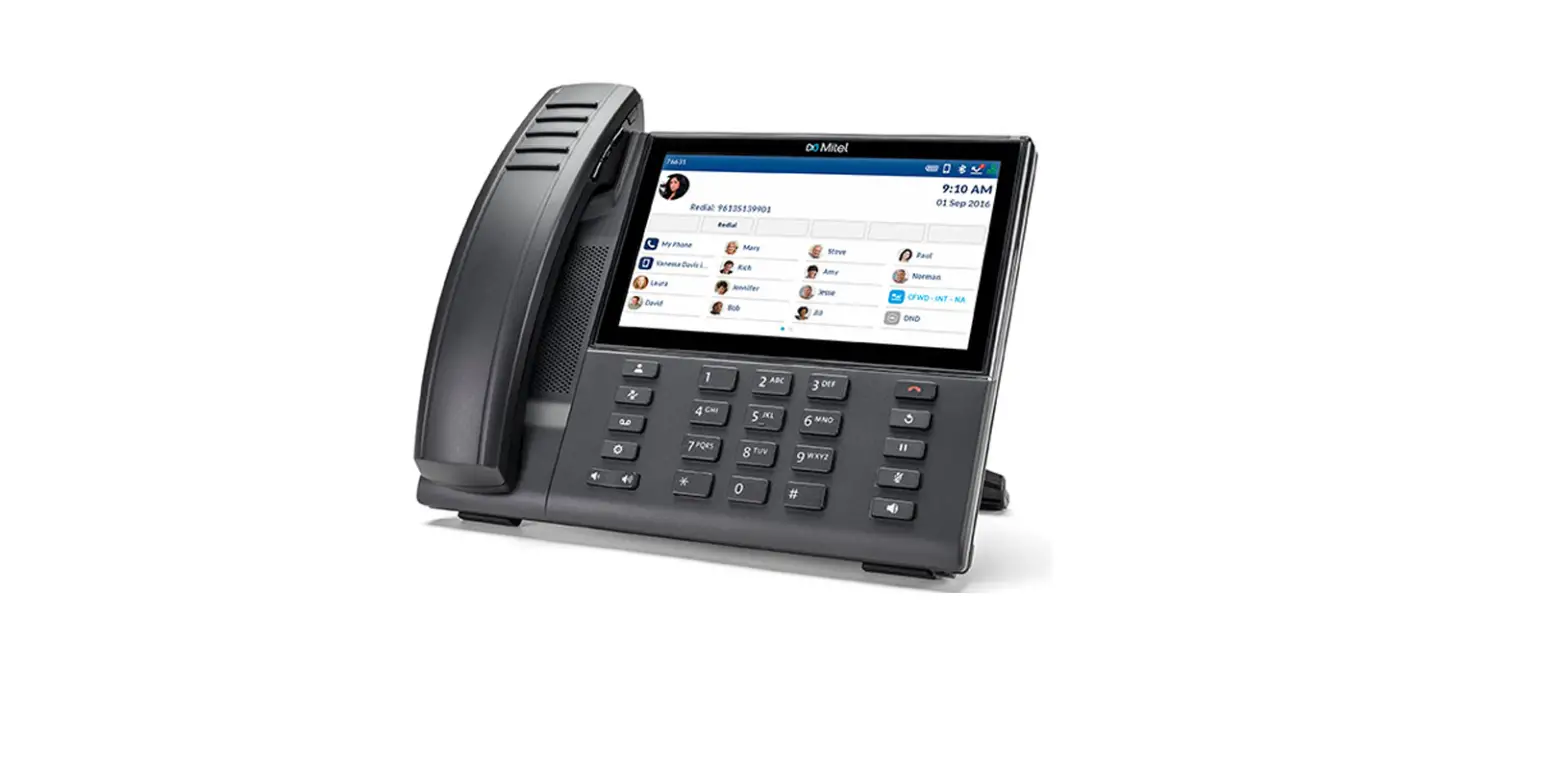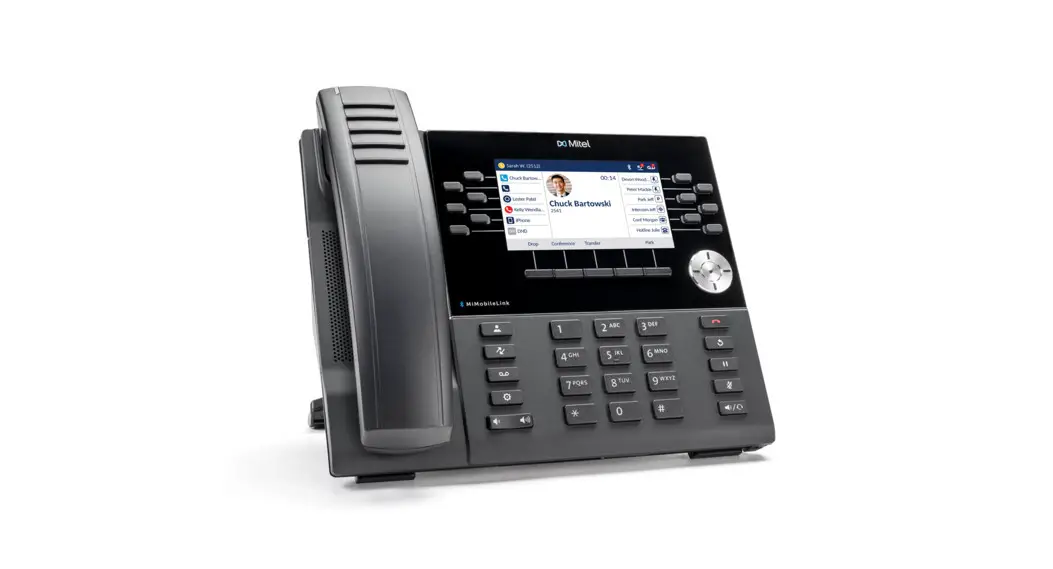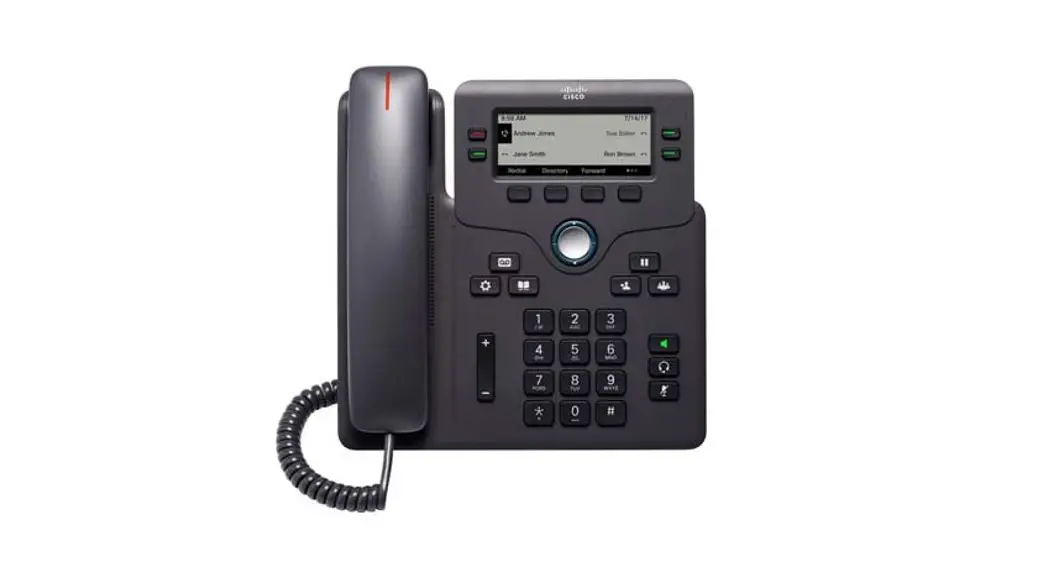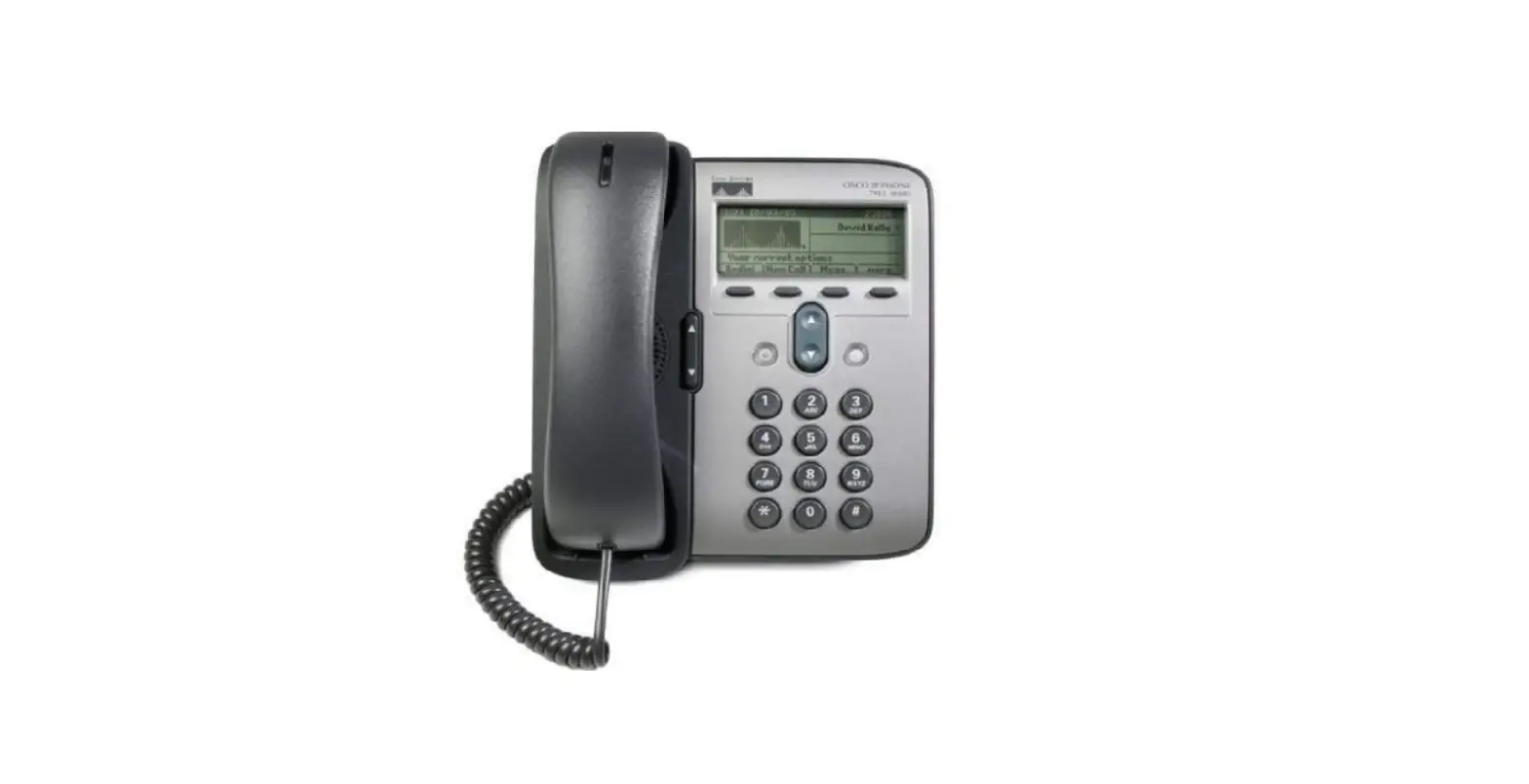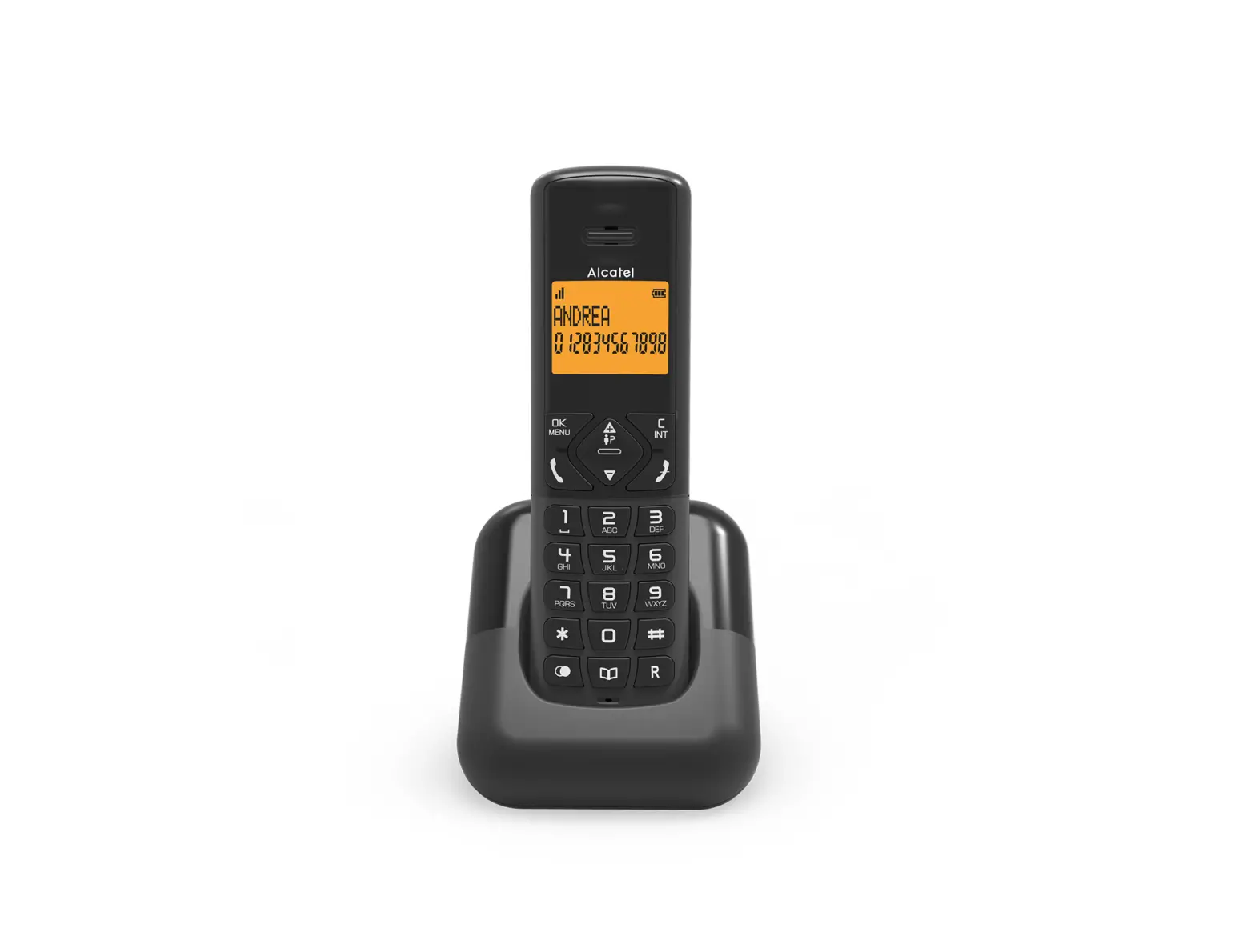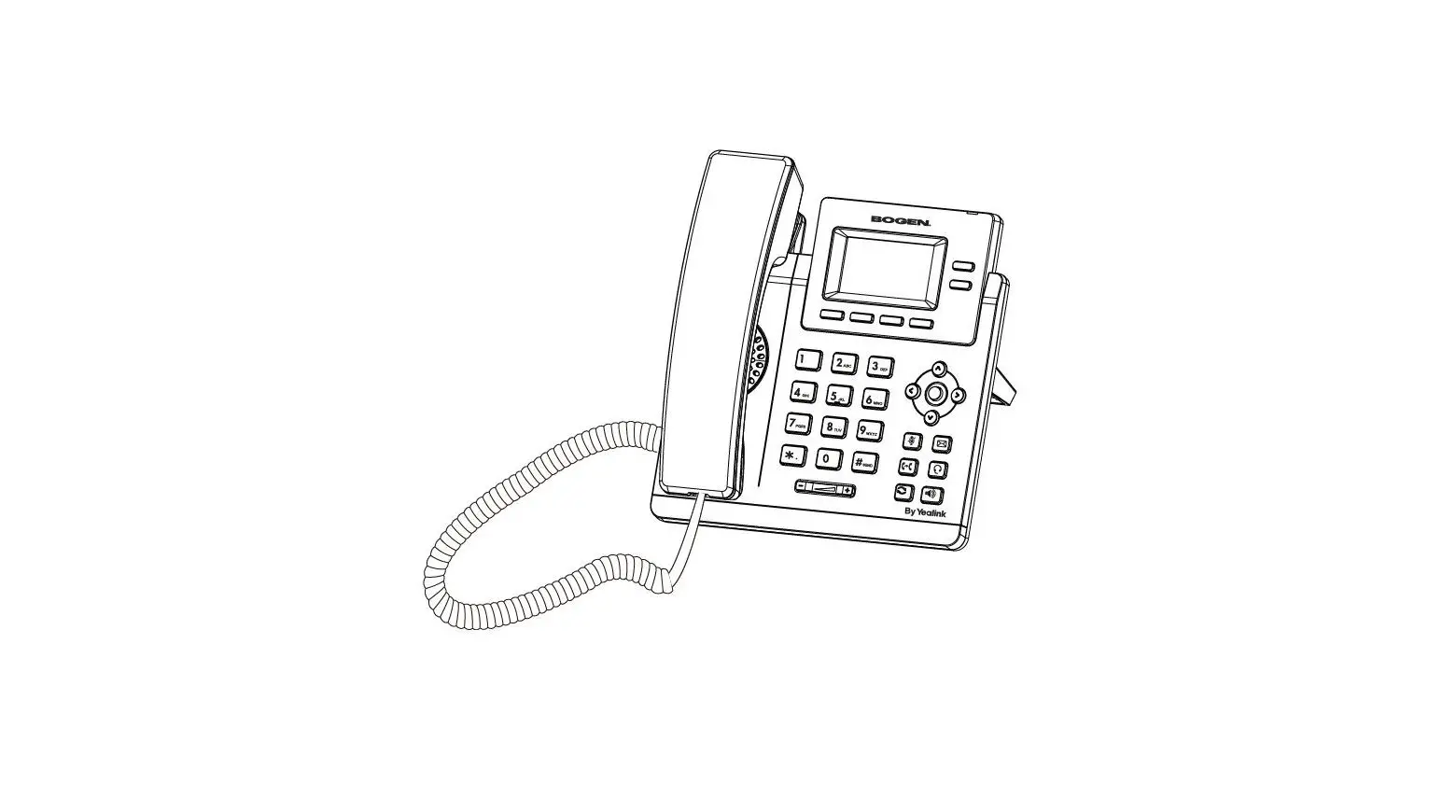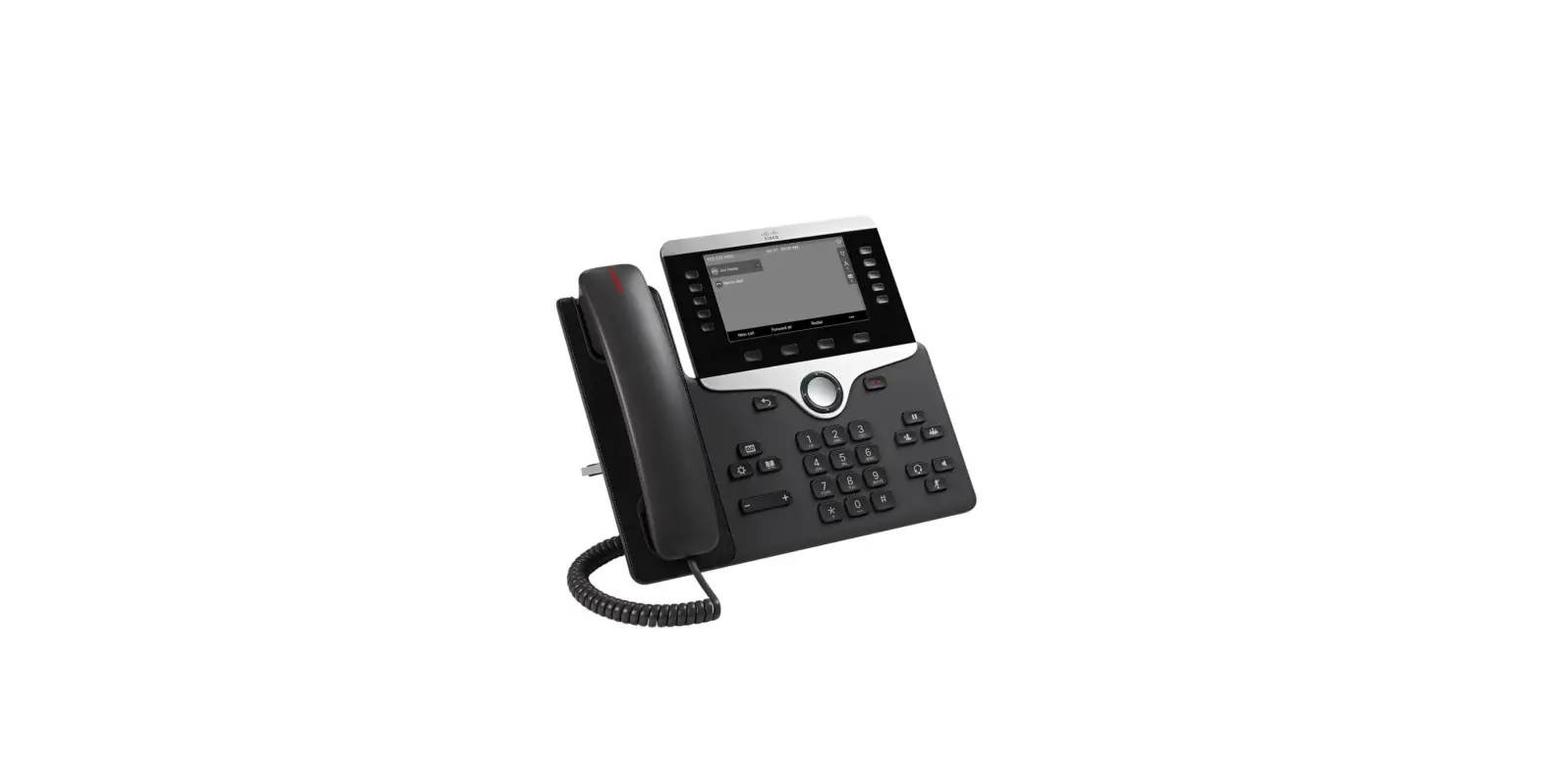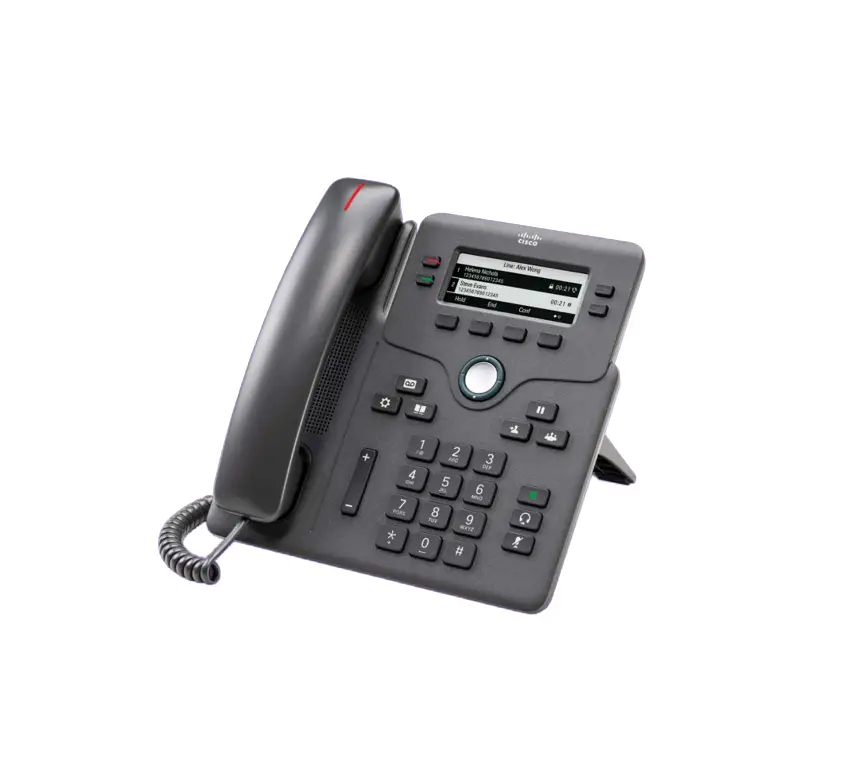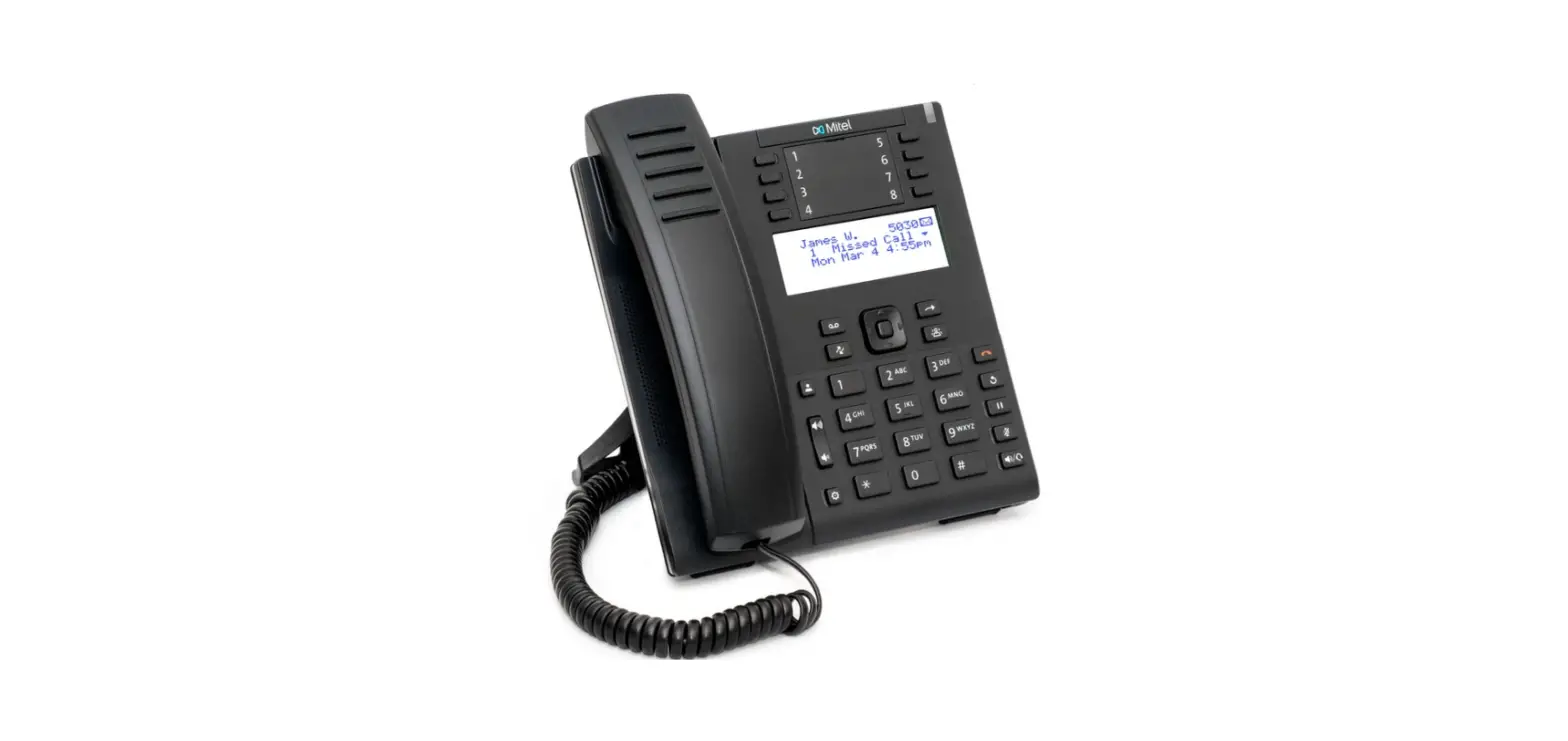

Mitel 6910 IP Phone
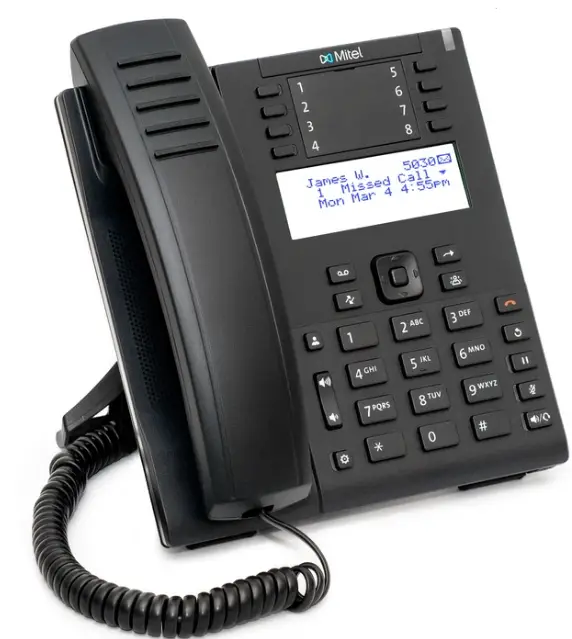
Placing an Internal Call
- Lift handset or press

- Dial extension or press a speed dial

Answering a Call
- Lift handset OR Press
Placing a Call on Hold
- While on a call press

- Line key will flash
Note: A held call will ring back after 1 minute
Retrieving a Held Call - Press OR the flashing line key

Redial
- Press
 twice to call back the last number dialed
 twice to call back the last number dialed
Message Waiting Light
Located in the Top Right-Hand Corner of the phone, when you have a voicemail, this will be lit up red
Changing Availability State
- Press

- Enter your voicemail password followed by #
- Press 7 for mailbox options
- Press 2
- Press 1 for Available
- Press 2 for In a meeting
- Press 3 for Out of office
- Press 4 for Vacation
- Press 5 for Custom
- Press 6 for Do not disturb

Park
Parking a Call
- While on a call press
- Open a new line and dial *11 followed by the extension number where you want to park the call.
Retrieving a Call
- To unpark the call, dial *12 followed by the extension number where the call is parked
Transferring a Call
Blind Transfer
- While on a call, press

- Dial 9 + number or press a speed dial or dial an extension
- Press
- Hang up

Consult Transfer
- While on a call, press
- Dial 9 + number or press a speed dial or dial an extension
- Wait for an answer, then announce the call
- Hang up to complete the transfer
Conference Calls
- While on a call, press

- Dial 9+ number or press a speed dial or dial an extension
- Press again and all parties will be connected

Note: You can hang up the call and the other two parties will still be connected
Hot-Desking
Allows you to assign another phone as your phone
Logging In
- Press
- Press #
- Enter you Extension
- Enter your Password
- Press 7 for mailbox options
- Press 3
- Press 1 to assign yourself
- Press 2 to unassign yourself
Hard Keys
 Directory
 Call History
- Voice mail
 Settings- Change Ringtone, program buttons, enable headsets
 Volume down and up
 End Call
 Redial
- Hold
 Mute
Mute Transfer Key
 Conference Key
 Speaker/Headset, flips back and forth between to two
 Navigation Keys and Select Button- Multidirectional navigation keys that allow you to scroll through contacts, call history or directory
 Directory
 Call History
 Settings- Change Ringtone, program buttons, enable headsets
 Volume down and up
 End Call
 Redial
 Mute
Mute Transfer Key
 Conference Key
 Speaker/Headset, flips back and forth between to two
 Navigation Keys and Select Button- Multidirectional navigation keys that allow you to scroll through contacts, call history or directory
Programming Buttons
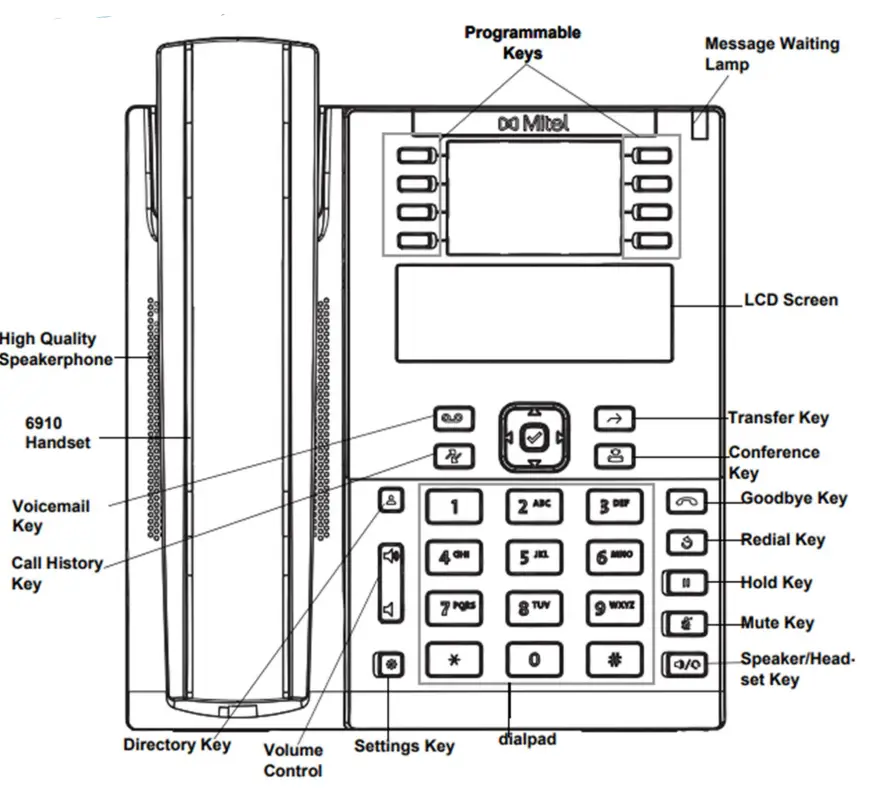
Any button on your phone that does not have a designated feature or line appearance may be programmed as a speed dial Your system admin will program keys for you if needed.