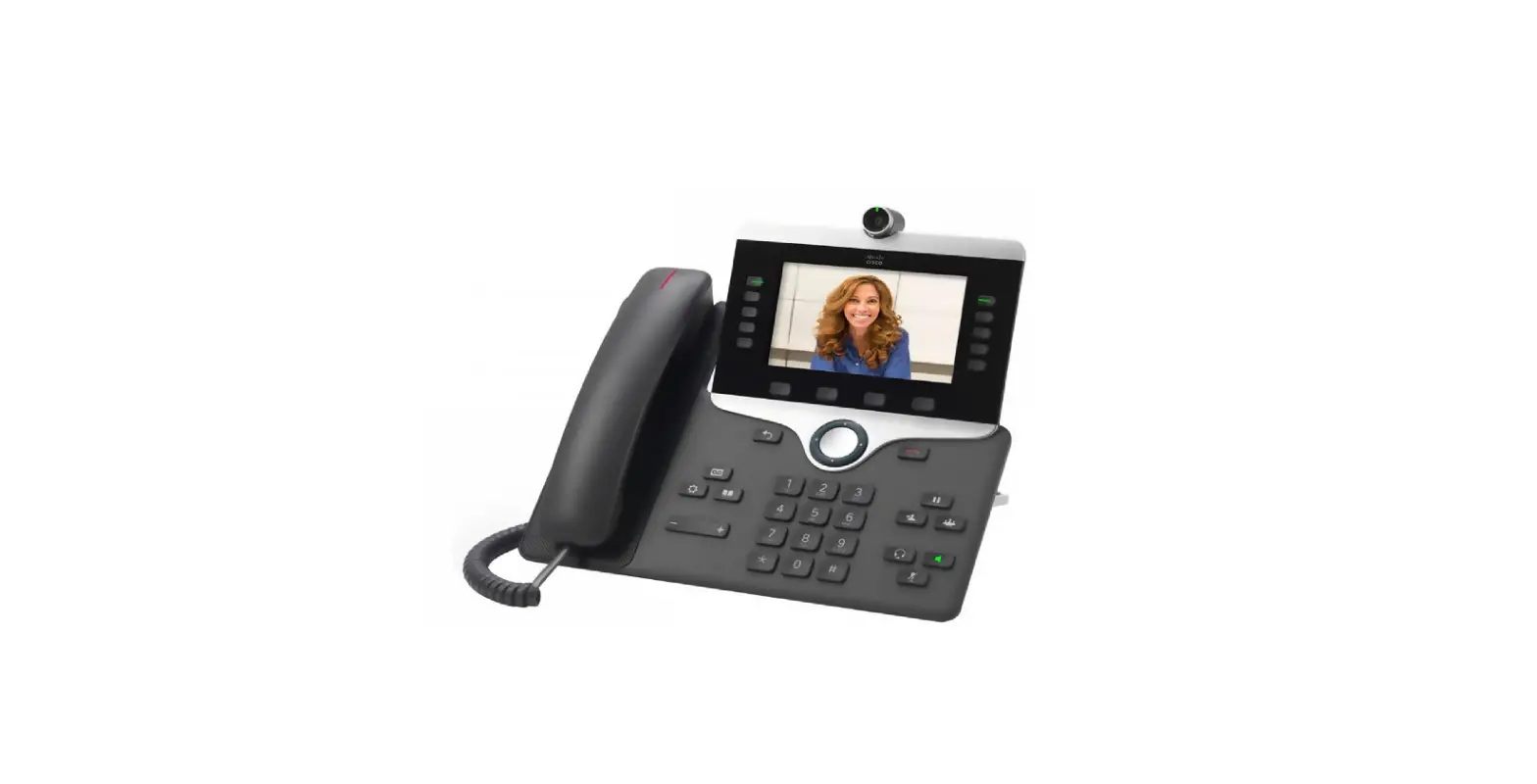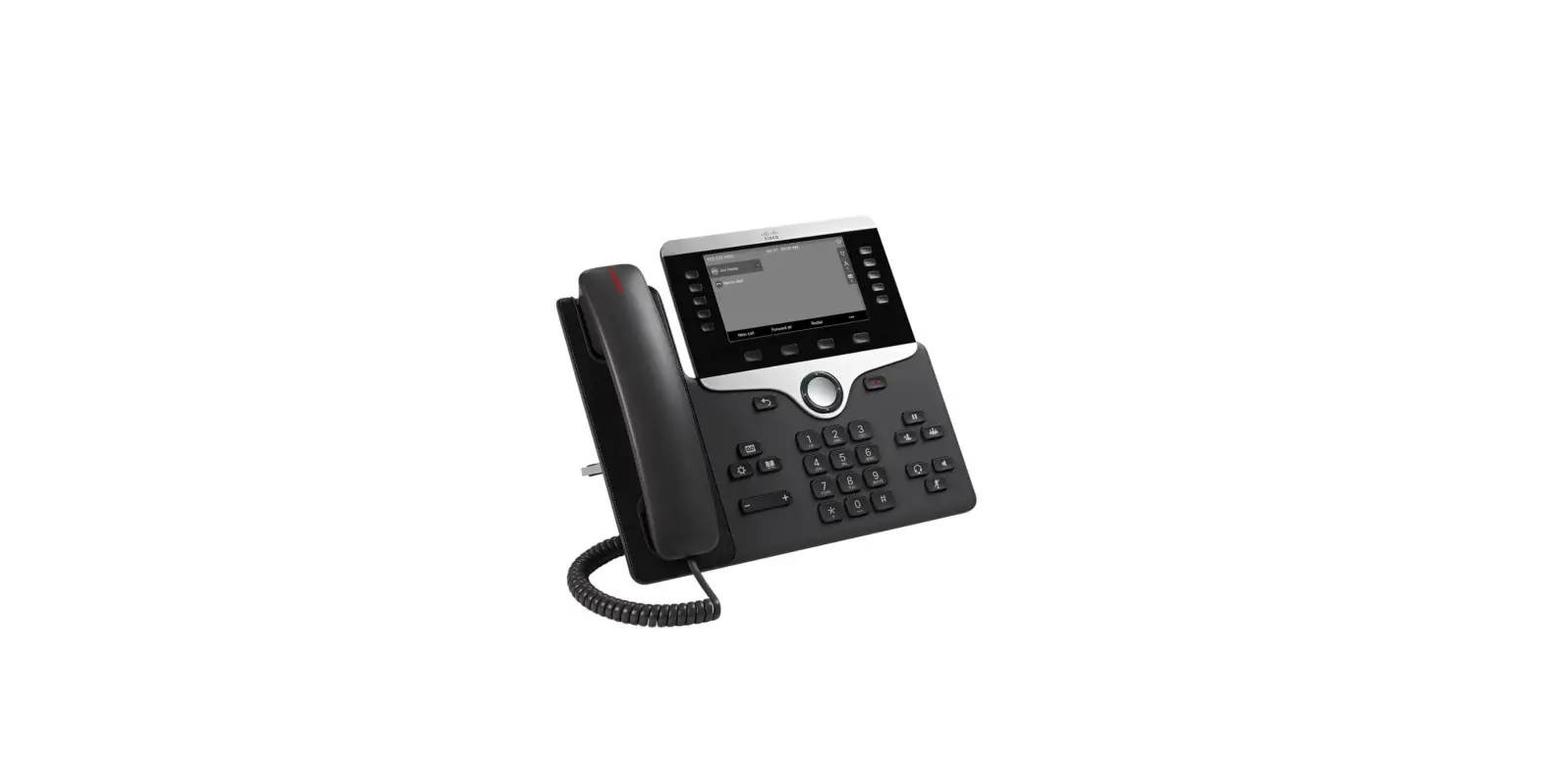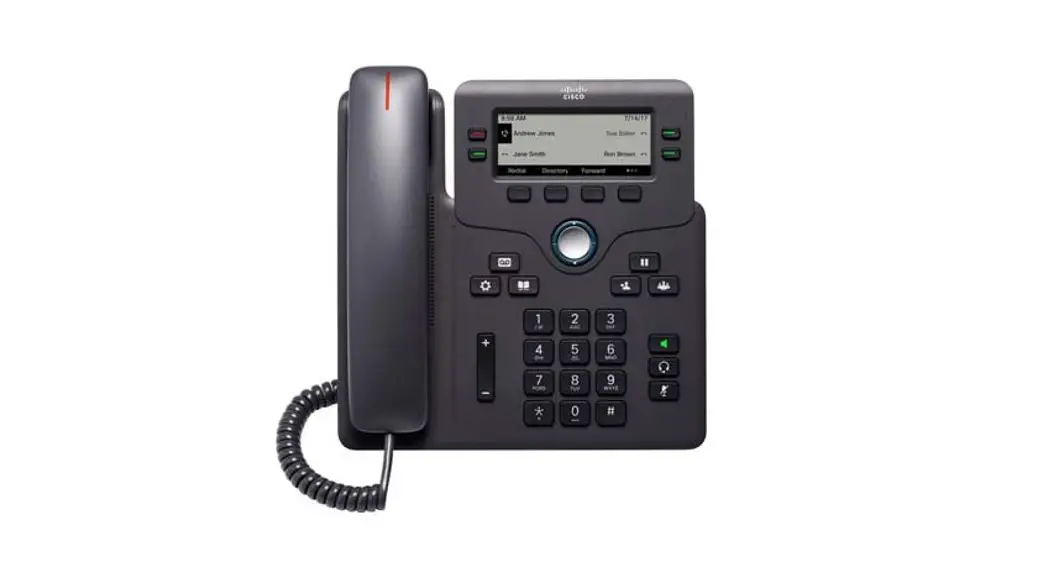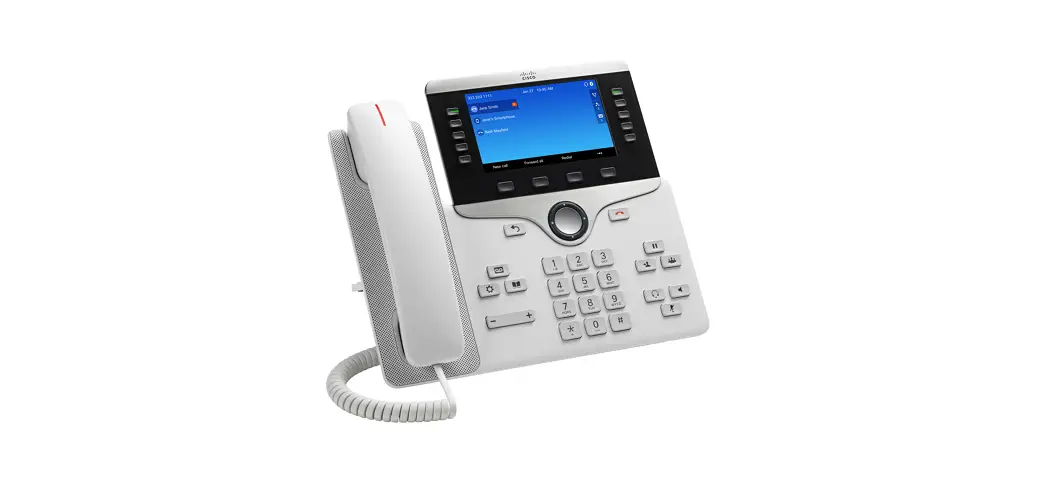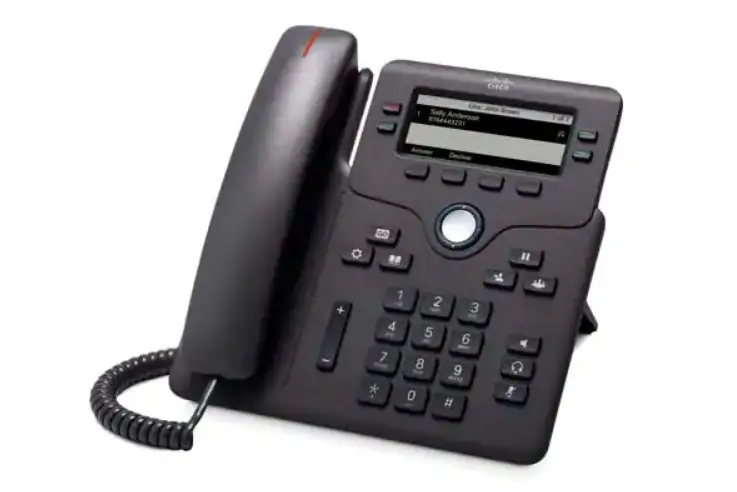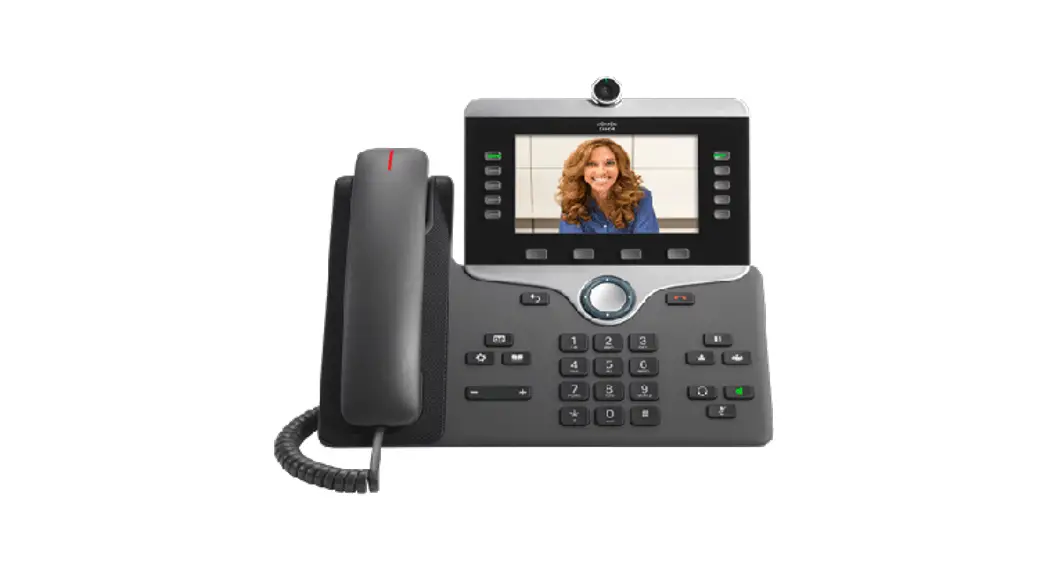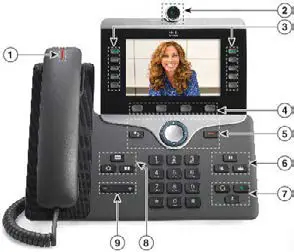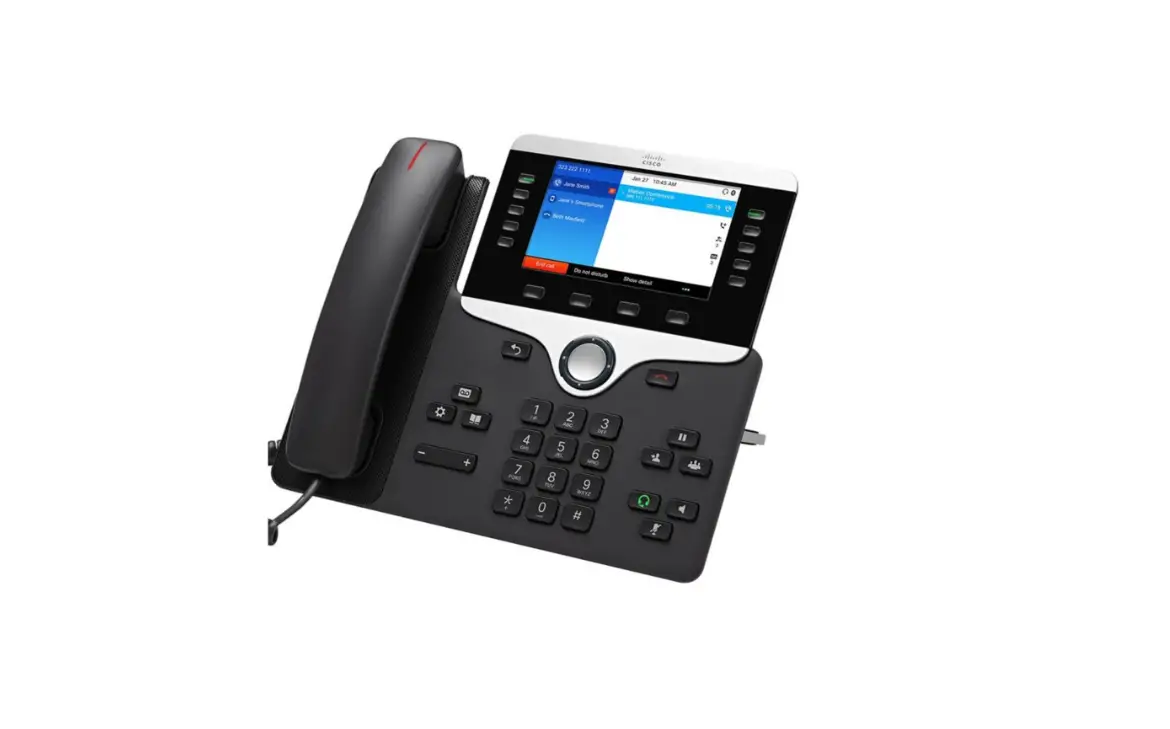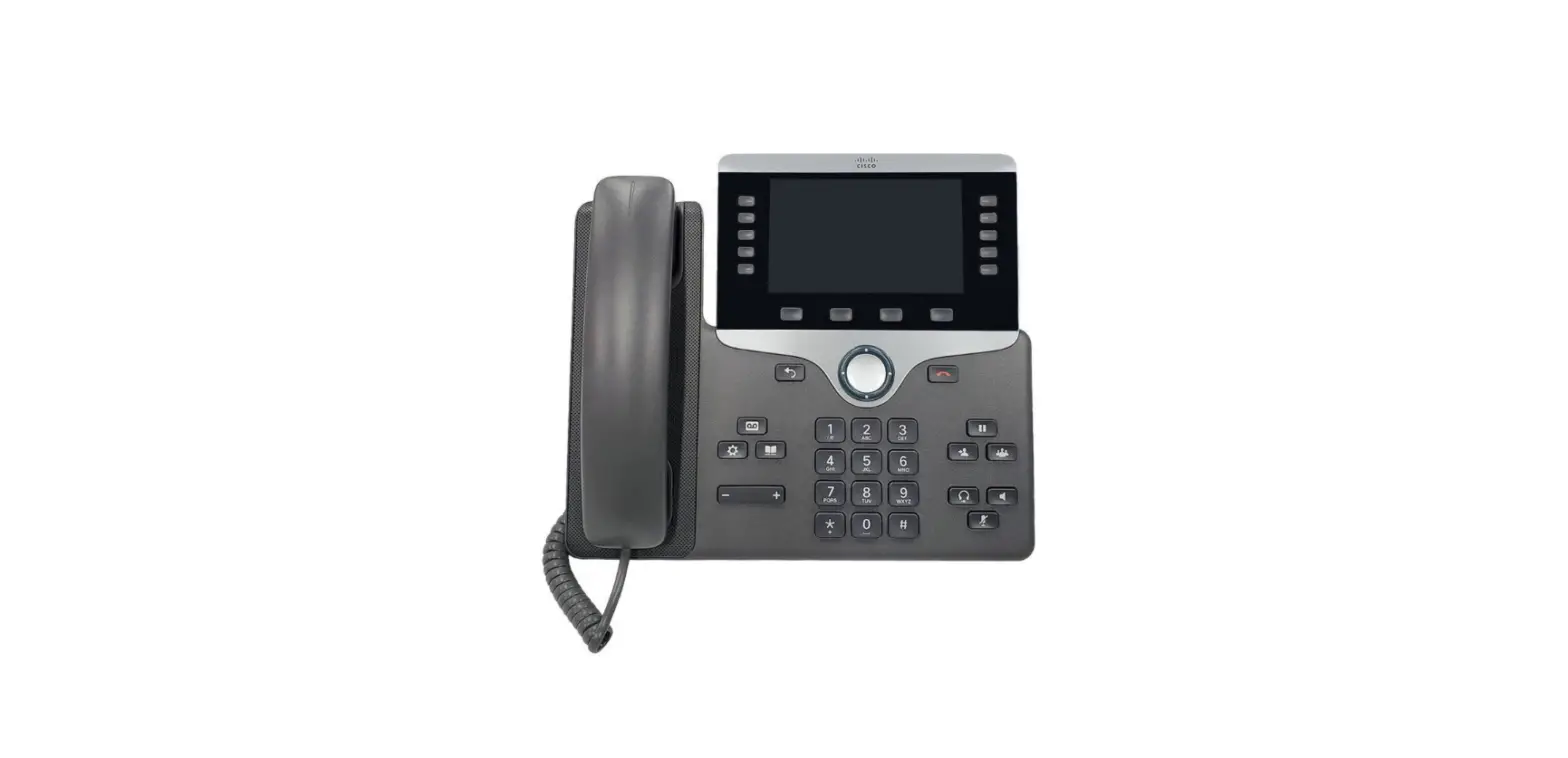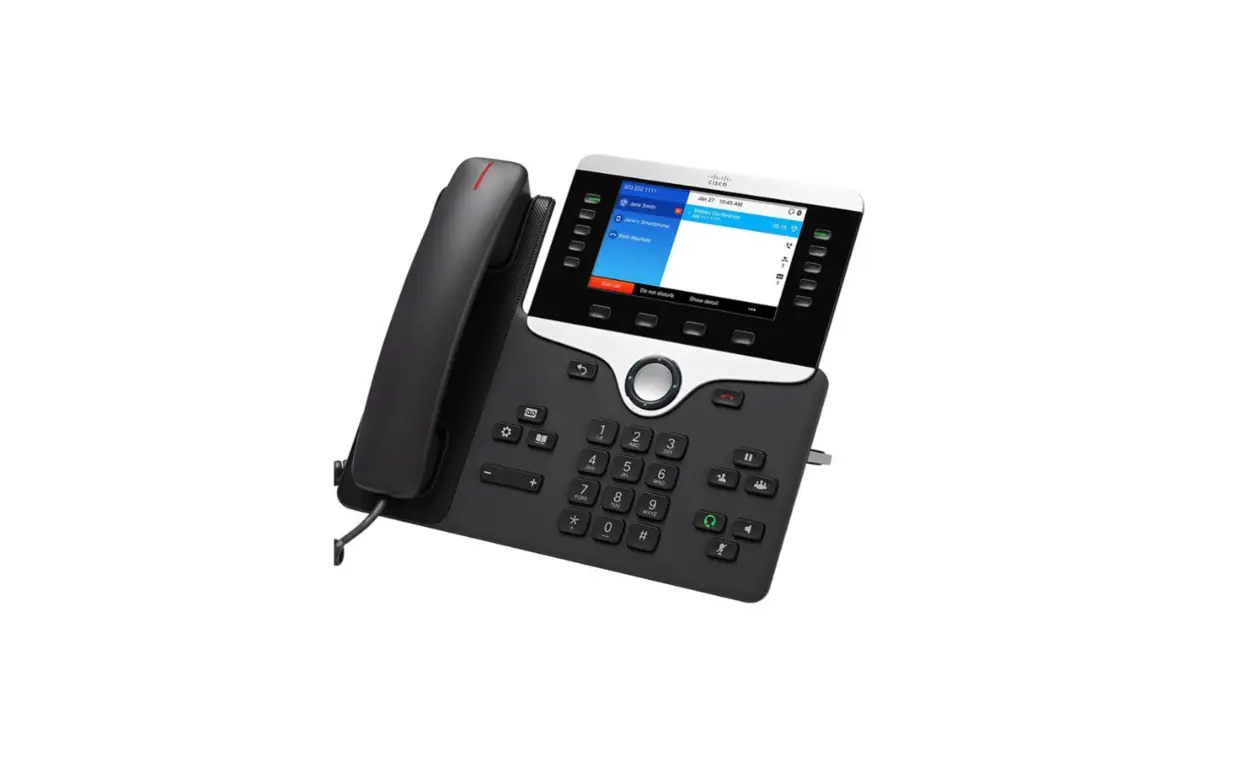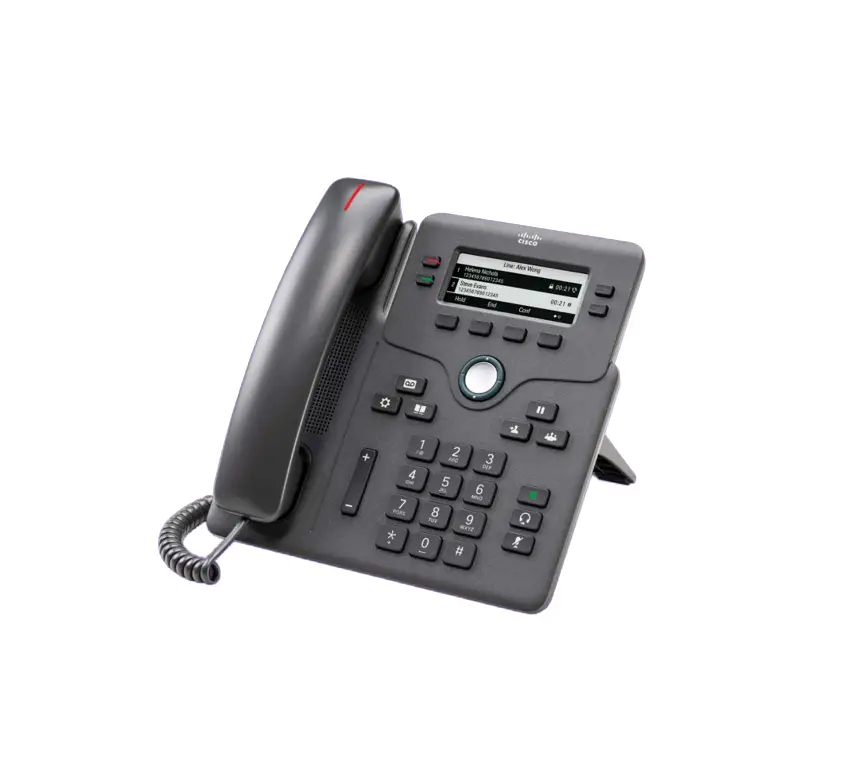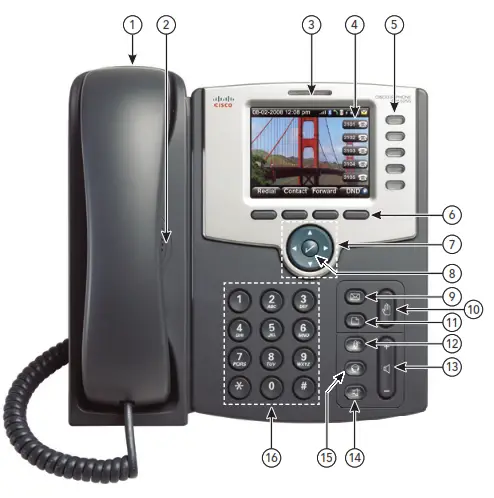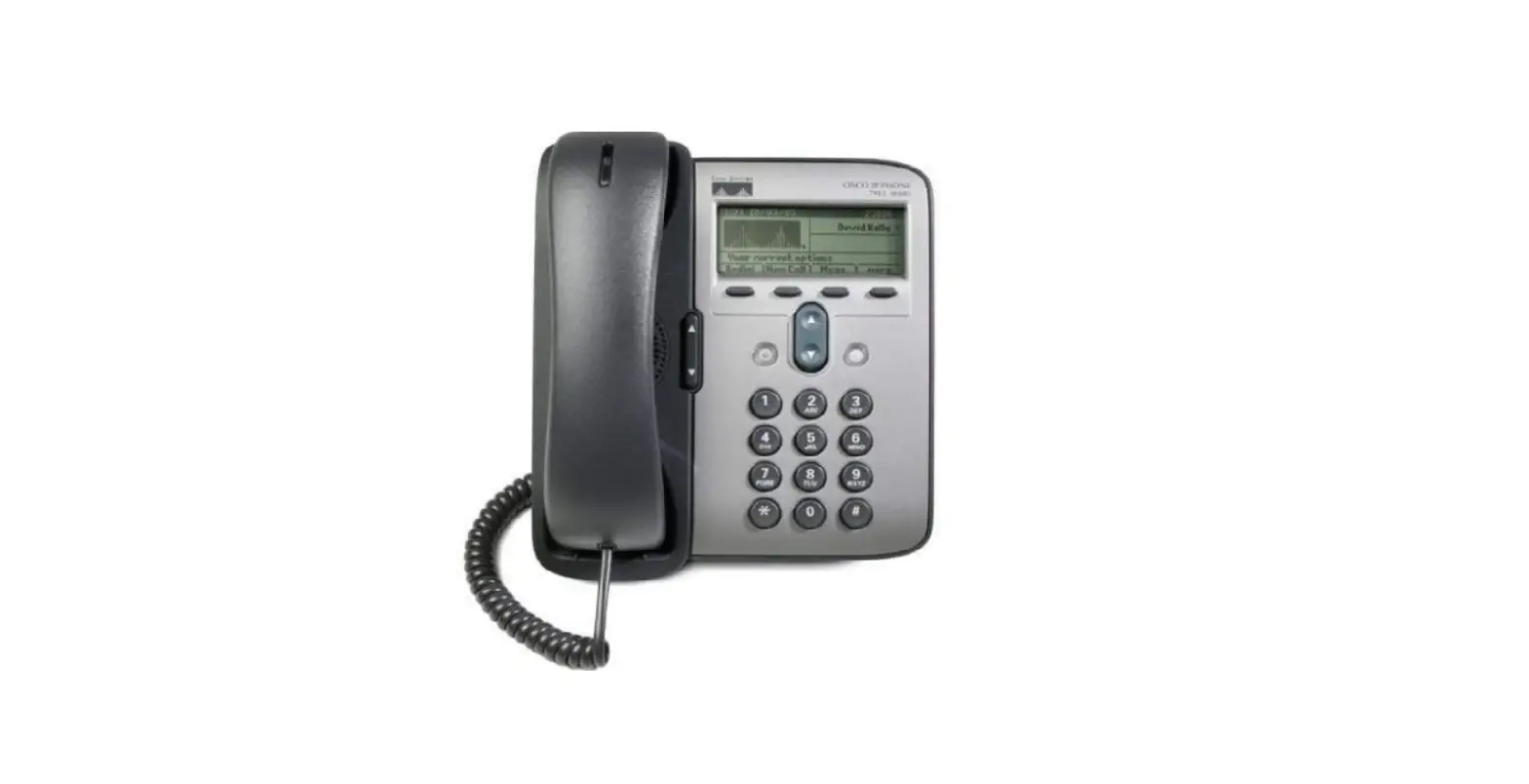

cisco 7906G Unified IP Phone
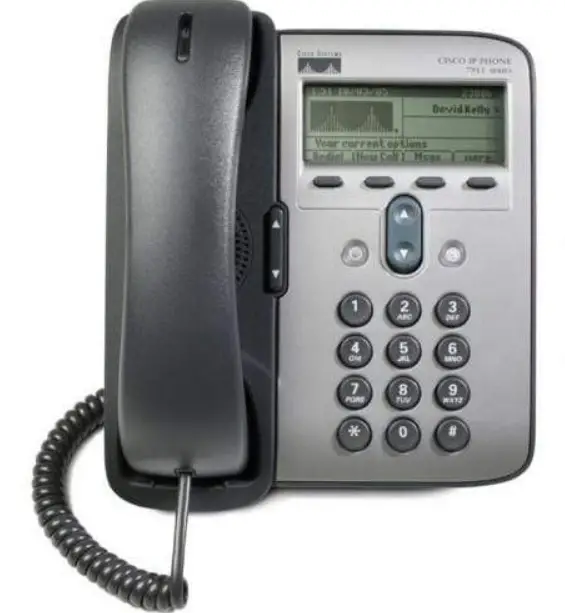
Common Phone Tasks
| Place a call | Go off-hook before or after dialing a number. |
| Redial a number | Press Redial. |
| Talk using the handset and listen on the speaker | (Group Listens mode only.) Press GListen. |
| Listen on the speaker only | (Monitor mode only.) Press Monitor. |
| Use your call logs | Press  and select Directories > Missed Calls, Placed Calls, or Received Calls. Select a number and press Dial. and select Directories > Missed Calls, Placed Calls, or Received Calls. Select a number and press Dial. |
| Edit a number | Press EditDial, << or >>. |
| Hold/resume a call | Highlight a call to put on hold or resume from hold, and press . . |
| Transfer a call to a new number | Press Transfer, enter the number, then press Transfer again. |
| Start a standard (ad hoc) conference call | Press more > Confrn and dial the participant, then press Confrn again. |
Softkey Definitions
| AbbrDial | Dial using a speed-dial index number |
| Answer | Answer a call |
| Barge | Add yourself to a call on a shared line |
| CallBack | Receive a notification when a busy extension becomes available |
| Cancel | Cancel an action or exit a screen without applying changes |
| cBarge | Add yourself to a call on a shared line and establish a conference |
| CFwdALL | Setup/cancel call forwarding |
| Clear | Delete records or settings |
| Close | Close the current window |
| ConfList | View conference participants |
| Confrn | Create a conference call |
| Delete | Remove characters to the right of the cursor when using EditDial |
| Dial | Dial a phone number |
| DND | Turn on/off Do Not Disturb (DND) |
| EditDial | Edit a number in a call log |
| EndCall | Disconnect the current call |
| Erase | Reset settings to their defaults |
| Exit | Return to the previous screen |
| GListen | Talk using the handset and listen on the speaker (Group Listen) |
| GLOff | Disable Group Listen |
| GPickUp | Answer a call that is ringing in another group or on another line |
| iDivert | Send or redirect a call to a voice message system |
| MeetMe | Host a Meet-Me conference call |
| Monitor | Listen to a call on the speaker |
| MonOff | Disable the Monitor function |
| more | Display additional softkeys |
| Msgs | Access voice mail system |
| Mute | Turn on/off microphone |
| New Call | Make a new call |
| OPickUp | Answer a call that is ringing in an associated group |
| Park | Store a call using Call Park |
| PickUp | Answer a call that is ringing on another phone in your group |
| QRT | Submit call problems to the system administrator |
| Redial | Redial the most recently dialed number |
| Remove | Remove a conference participant |
| RMLstC | Drop the last party added to a conference call |
| Search | Search for a directory listing |
| Transfer | Transfer a call |
| Update | Refresh content |
| VidMode (SCCP only) | Choose a video display mode |
| << | Delete entered characters |
| >> | Move through entered characters |
Phone Screen Icons
Line and Call Status
 | Call Forwarding enabled |

| Call on hold; remote call on hold |
 | Connected call |
 | Off-hook |
| On-hook |
 | Incoming call |
 | Shared line in use |
 | Authenticated call |
 | Encrypted call |
Other Features
 | Speed Dial configured |
 | Message waiting |
 | Option selected |
 | Feature enabled |
 | URL entry in call log is ready to edit (SIP only) |
Audio or Video Mode
 | Handset in use |
 | Speaker in use (Monitor on) |
 | Video enabled (Cisco Unified IP Phone 7911G only with SCCP) |
 Volume
 Navigation
 Hold
Hold Applications Menu
 Volume
 Navigation
Cisco and the Cisco Logo are trademarks of Cisco Systems, Inc. and/or its affiliates in the U.S. and other countries. A listing of Cisco’s trademarks can be found at www.cisco.com/go/trademarks. Third-party trademarks mentioned are the property of their respective owners. The use of the word partner does not imply a partnership relationship between Cisco and any other company. (1005R)
© 2010 Cisco Systems, Inc. All rights reserved.
 Cisco Trademarks - Cisco