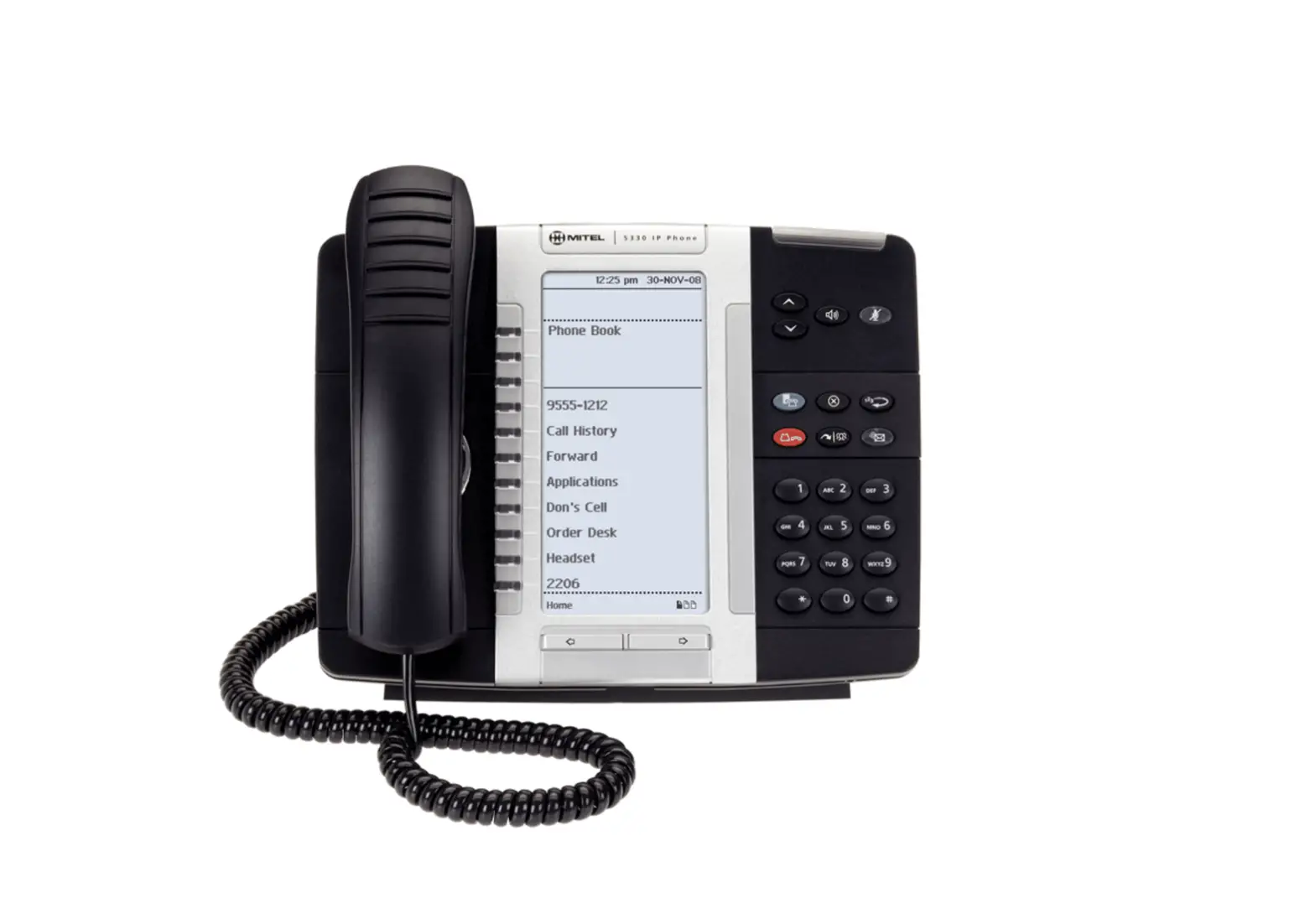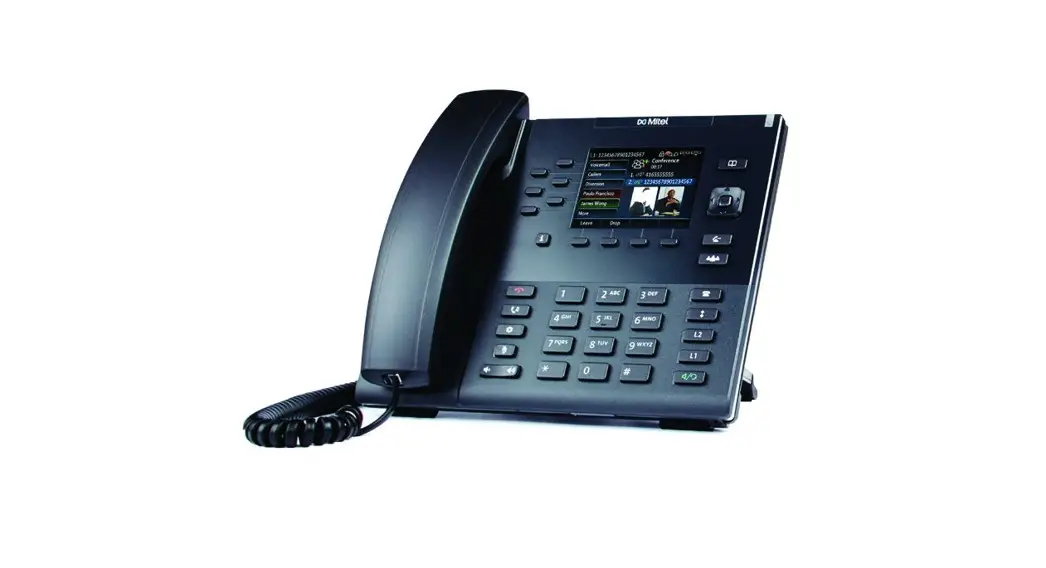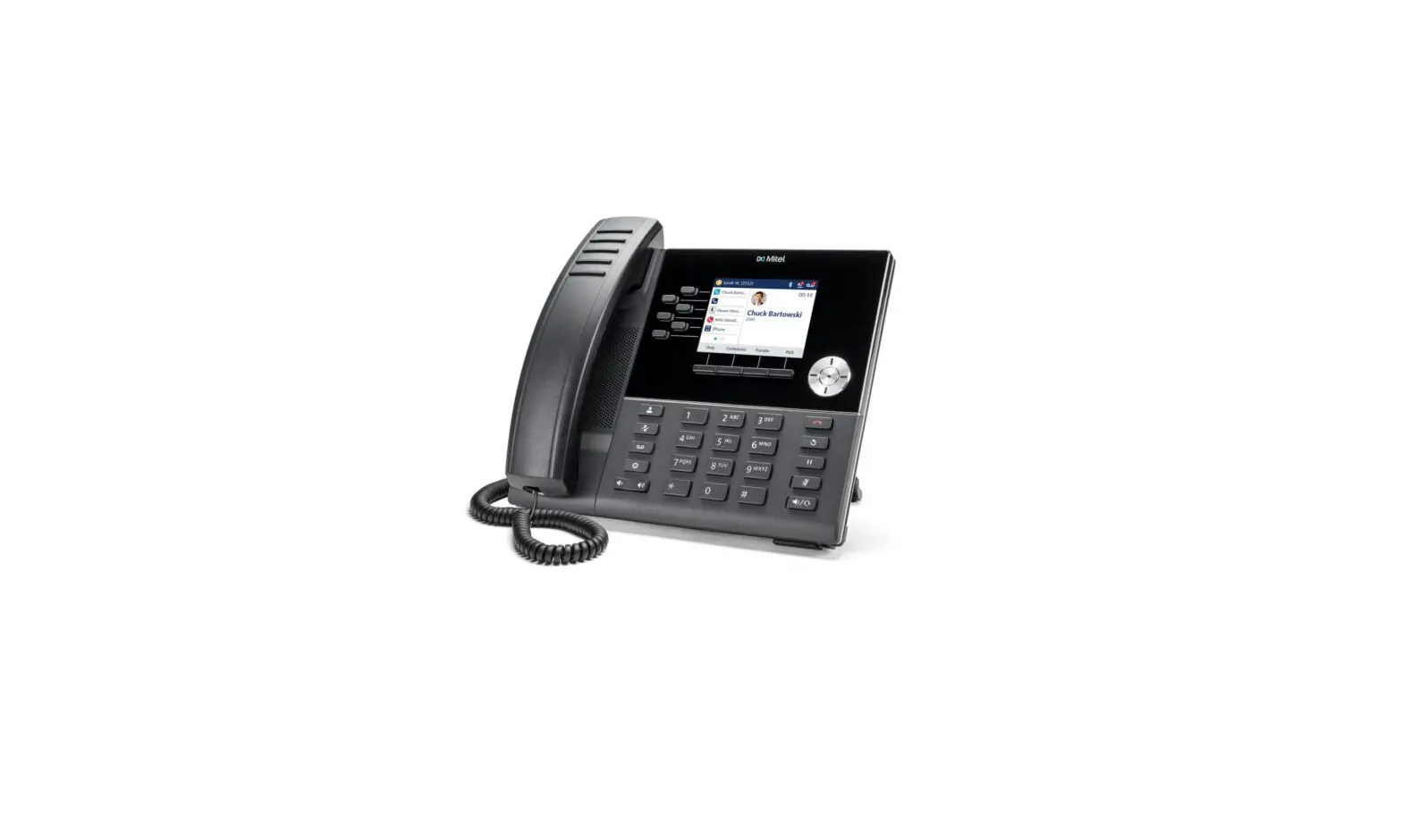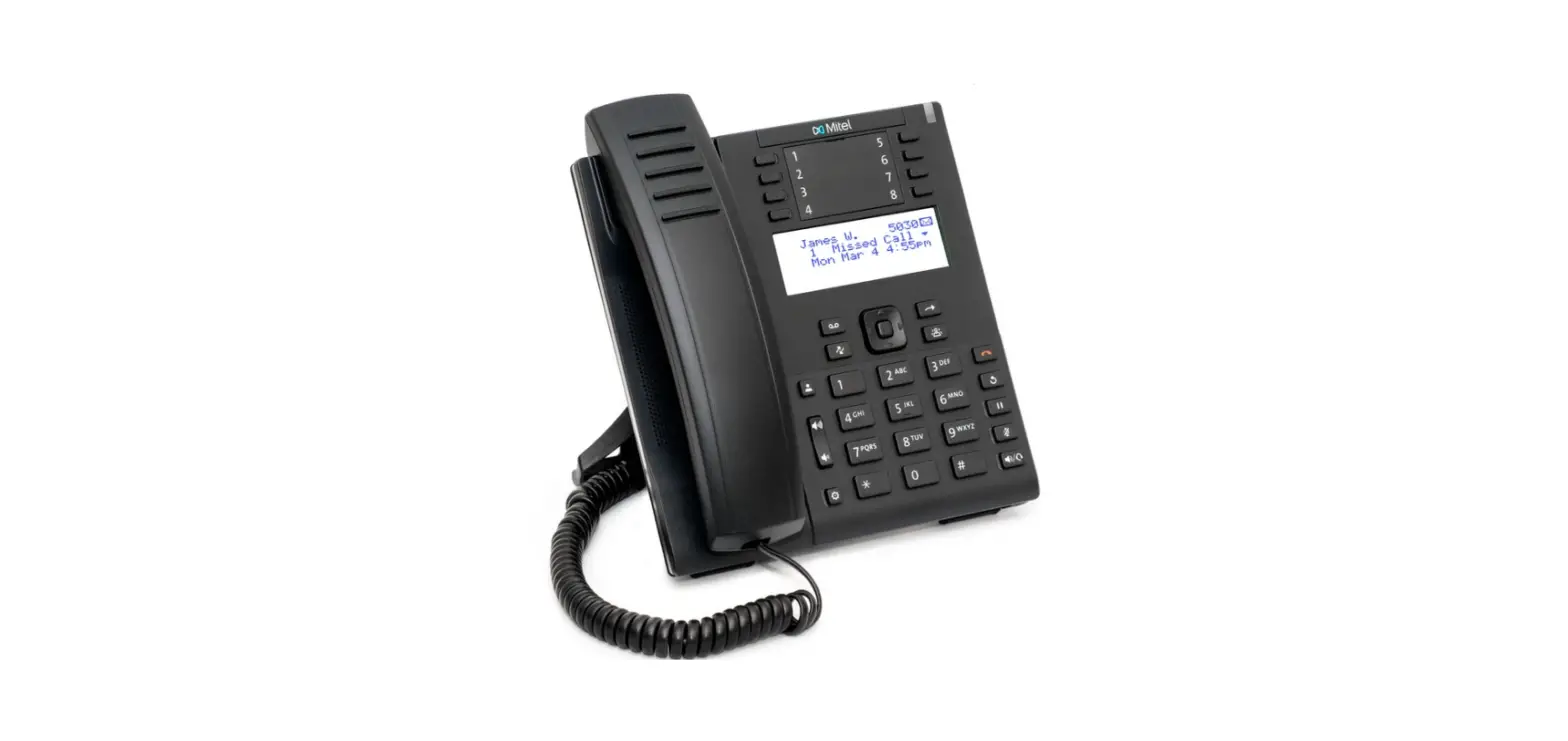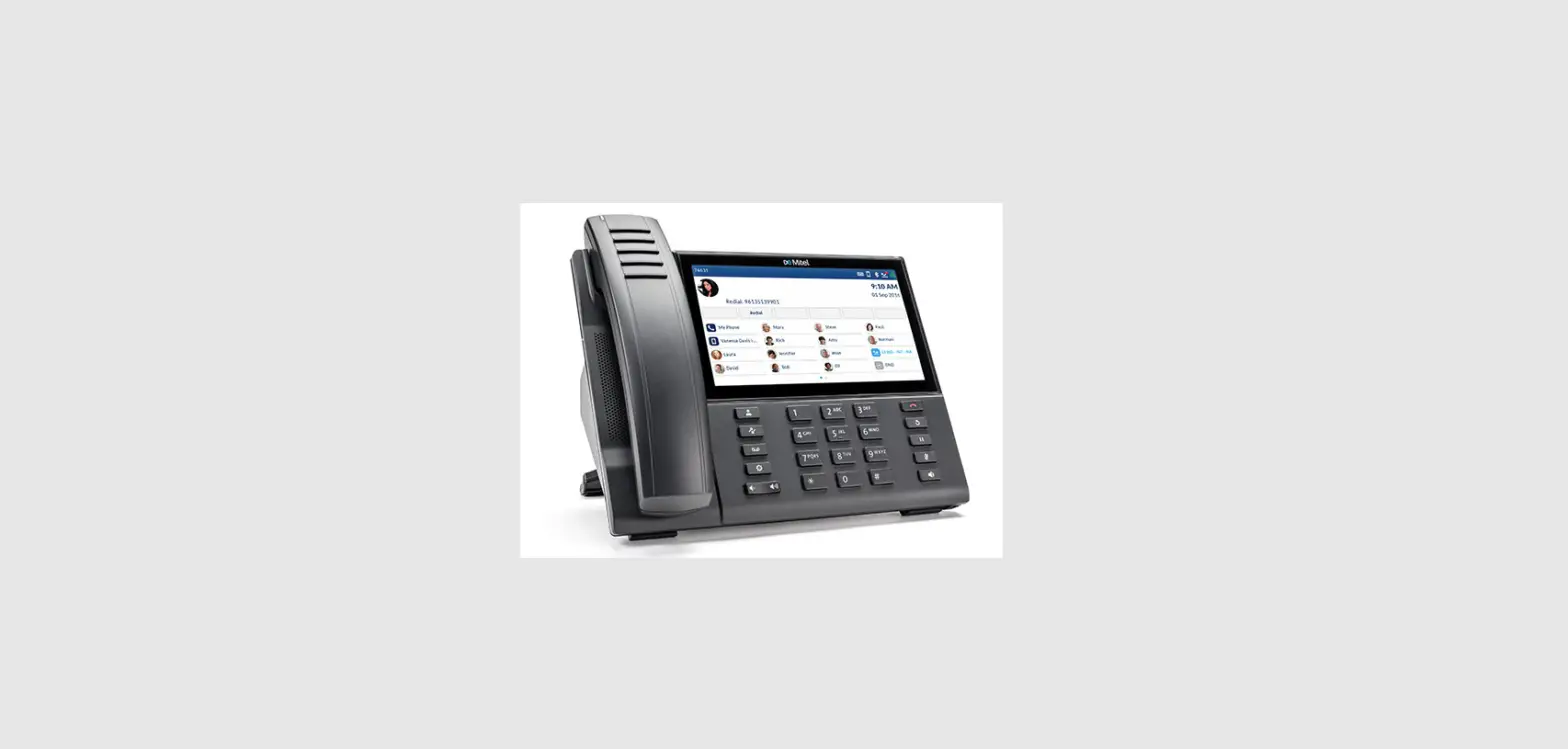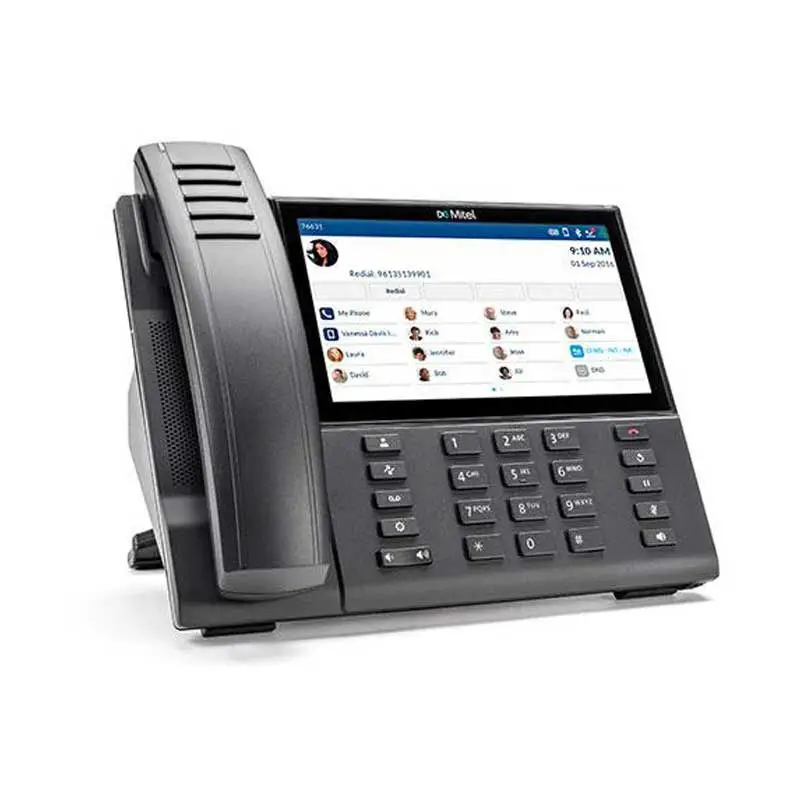

Mitel 5312 ip phone User Manual
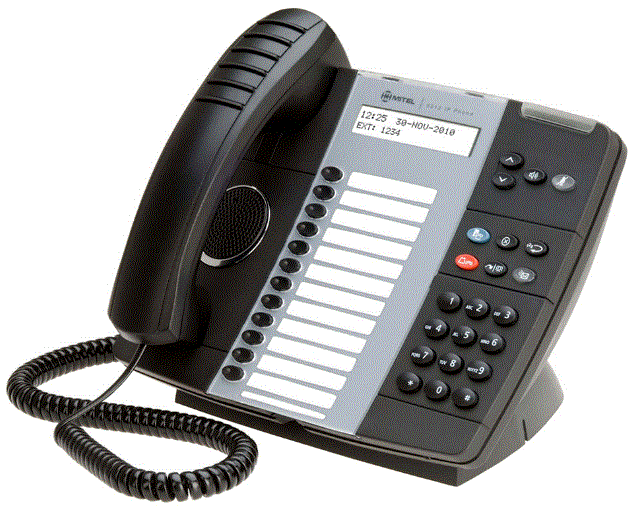
Product Description
This guide provides information for frequently used features. For more information about these and other features, refer to the user guide. For voice mail information, refer to the voice mail user guide for your system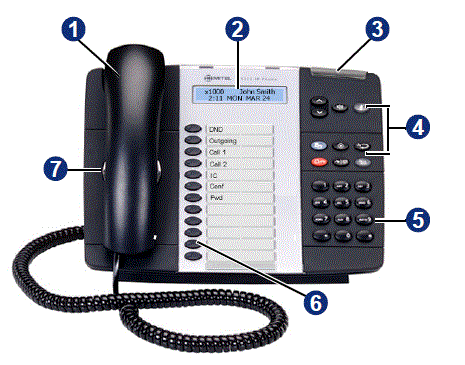
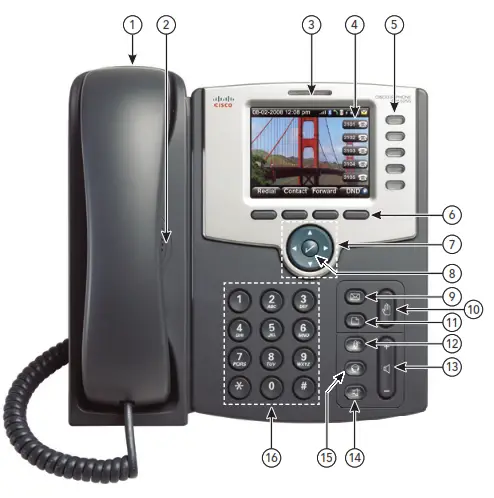
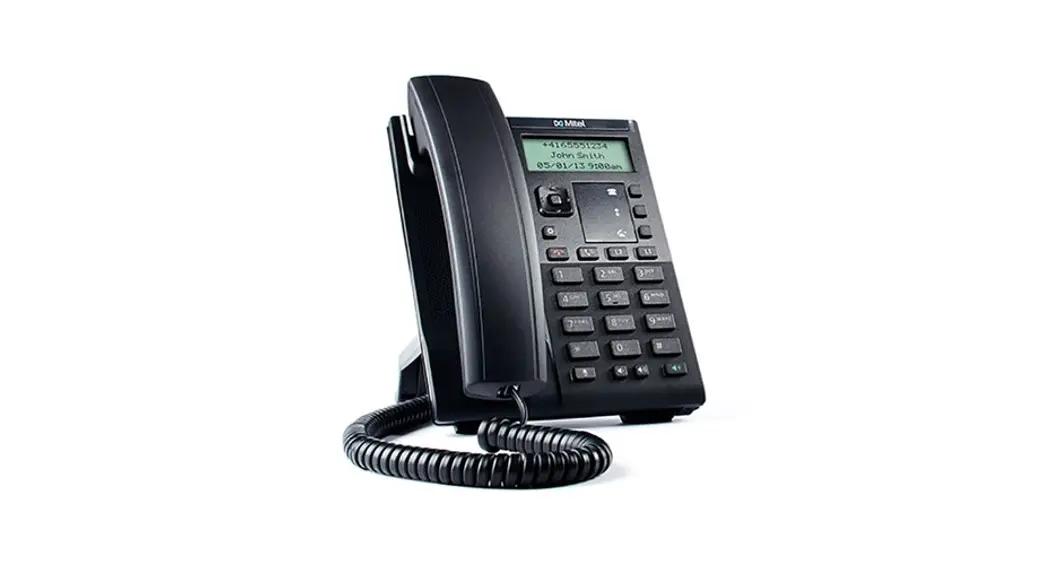
| No. | Name | Description | ||||||||||
| 1 | Handset | The handset is hearing aid compatible (HAC). If you are using a headset or in Handsfree Mode, you do not need to use the handset. | ||||||||||
| 2 | Display | Provides a two-line, 20-character viewing area for using features and identifying callers. When idle, the display shows user information and the time and date. | ||||||||||
| 3 | Ring/Message Indicator | Flashes or stays lit to indicate call, message, and feature activity.
| ||||||||||
| 4 | Feature Buttons | Provide quick access to commonly used features. See “Feature Buttons” on page 2 for descriptions. | ||||||||||
| 5 | Dialpad Buttons | Use the dial pad buttons to dial phone numbers, enter feature codes, and to enter characters when using features that require text input. | ||||||||||
| 6 | Programmable Buttons | Provide 12 programmable buttons. The top seven buttons on both models are programmed by the system administrator and cannot be reprogrammed. However, you can program the remaining buttons to quickly access features or speed-dial entries. | ||||||||||
| 7 | External Speaker | Provides audio for hands-free calls and background music. |
Feature buttons provide quick access to commonly used features. See the following table for descriptions.
| Button | Action |
 (Up) (Down) (Up) (Down) | Provides volume control. Scrolls through feature options. |
 (Speaker) (Speaker) | Activates Handsfree Mode. Activates features. |
 (Mute) (Mute) | Mutes the microphone during a call. |
 (Directory) (Directory) | Activates the contact and feature DIrectory. |
|
| Activates features while on a call. The (Special) button does not cancel features. To cancel features, press the Star button (*). |
 (Redial) (Redial) | Calls the last external number dialed. You cannot redial internal numbers. |
 (Hold) (Hold) | Places the current call on hold. Left/Backspace when entering dial-pad characters. |
 (Transfer) (Transfer) | Transfers the current call. Right/Forward when entering dial-pad characters. |
 (Message) (Message) | Connects to the voice mailbox and notifies when you have messages. Toggles between Alpha Mode and Numeric Mode when entering dialpad characters. |
Commonly Used Feature Codes
Most of the following feature codes work when your IP phone is idle. However, if you are on an active call or if the IP phone is off-hook, you may need to press (Special) to activate the feature before you enter the feature code.
If you make a mistake when entering numbers or characters, you can press (Hold) to move the cursor to the left and delete the characters entered, or you can press * to cancel the feature.
Contact your system administrator for more information about system features.
| Feature | Code |
| ACD Agent – Log In/Out | 328 |
| Automatic IC Call Access – On/Off | 361 |
| Automatic Trunk Call Access – On/Off | 360 |
| Background Music – On/Off | 313 |
| Call Forward – All Calls | 355 |
| Call Logging | 333 |
| Conference | 5 |
| Default Station | 394 |
| Directory | 307 |
| Display Time And Date | 300 |
| Do-Not-Disturb – On/Off | 372 |
| Dynamic Extension Express – On/Off | 364 |
| Dynamic Extension Express Handoff | 388 |
| Handsfree – On/Off | 319 |
| Headset – On/Off | 317 |
| Hold – Individual | 336 |
| Hold – System | 335 |
| Hot Desk On/Off | 348 |
| Hunt Group – Remove/Replace | 324 |
| Message – Cancel Left Message | 366 |
| Message – Delete Message | 368 |
| Message – Leave Message | 367 |
| Message – View Messages Menu | 365 |
| Microphone Mute – On/Off | 314 |
| Page Receive – On/Off | 325 |
| Program Buttons | 397 |
| Program Station Passcode | 392 |
| Programmable Buttons – Default | 395 |
| Queue (Callback) Request | 6 |
| Record-A-Call | 385 |
| Reverse Transfer (Call Pick-Up) | 4 |
| Ring Tone Selection | 398 |
| Station Speed Dial | 382 |
| Station Speed Dial – Programming | 383 |
| Switch Keymap | 399 |
| System Forward – On/Off | 354 |
| System Speed Dial | 381 |
| View Button Assignments | 396 |
- Answering Calls
Lift the handset, or press (Speaker) to answer a call while using a headset or to answer a call in Handsfree Mode.
 - Placing Emergency Calls
Dial the emergency number (911 U.S. or 999/112 Europe). The system immediately places the emergency call as soon as you dial the number, even if you do not select an outside line. - Placing Internal (Intercom) Calls
With or without the handset lifted, dial the extension number. If you enter incorrect digits, you can press (Hold) to move the cursor backward, deleting the last digits entered. If you are using Handsfree Mode, listen for the double tone, and then begin to speak.
 - Placing External Calls
Press the Outgoing button, an unlit Call button, or enter the Outgoing Call access code (8 is the default code), and then dial the number. - Redialing External Numbers
With or without the handset lifted, press the
(Redial). The system automatically selects a line and dials the number. - Transferring Calls to Other Extensions
- While on the call, press
 (Transfer), and then enter the extension number.
 - Do one of the following:
- Wait for an answer, announce the call, and then hang up. If the extension is unavailable, press the flashing IC or Call button to return to the caller.
- Hang up to transfer the call and disconnect the call from your IP phone.
- While on the call, press
- Forwarding Calls
- Press the Fwd button, and then enter the feature code, if applicable. ENTER FORWARD DEST appears.
- Enter the extension number, or press the Outgoing button or enter the Outgoing Call access code (8 is the default code), and then dial the telephone number.
- Placing Ad Hoc Conference Calls
- While on the first call, press the Conf button to place the call on hold. CALL NEXT PARTY TO CNF appears.
- Place a call to the next conference party. For external calls, press the Outgoing button or enter the Outgoing Call access code (8 is the default code), and then dial the number.
- After the party answers, announce the conference and then press the Conf button to place the call on hold. If necessary, repeat this step to add the remaining conference party.
- Press the Conf button again to start the conference. CNF IN PROGRESS appears.
- Viewing and Responding to Messages
- With the handset on-hook, press
 (Message). Messages are displayed as first in/first out. If there is more than one message, you can repeatedly press (Message) to scroll through the messages.
 - When the desired message is displayed, press #, or lift the handset for privacy, and then press # to respond. (If your handset is off-hook and you press (Message), you automatically place a call to the party or message center who left the message.)
- With the handset on-hook, press
- Using Do-Not-Disturb
- Press the DND button, and then do one of the following:
- Press
 (Up) or
 (Down) to scroll through the messages.
 - Enter the two-digit number for the DND message.
- Press
- After selecting the message, enter the additional text for the DND description, if applicable.
- Press
 (Speaker), or lift and replace the handset.
- Press the DND button, and then do one of the following:
- Placing a Page Announcement
- Press 7.
- Enter the page-zone number (0 to 9).
- After the tone, make your announcement and then hang up.
 (Speaker) to answer a call while using a headset or to answer a call in Handsfree Mode.
 (Up) or
 (Down) to scroll through the messages.
Download PDF: Mitel 5312 ip phone User Manual