InWin Jupiter AJ140 High Airflow ARGB Case Fan User Manual
Product Video Information
- Jupiter Series Product Video

- Jupiter Series Installation Video


Product Story
Specially designed for RGB enthusiasts who desire superior performance from their case fans.
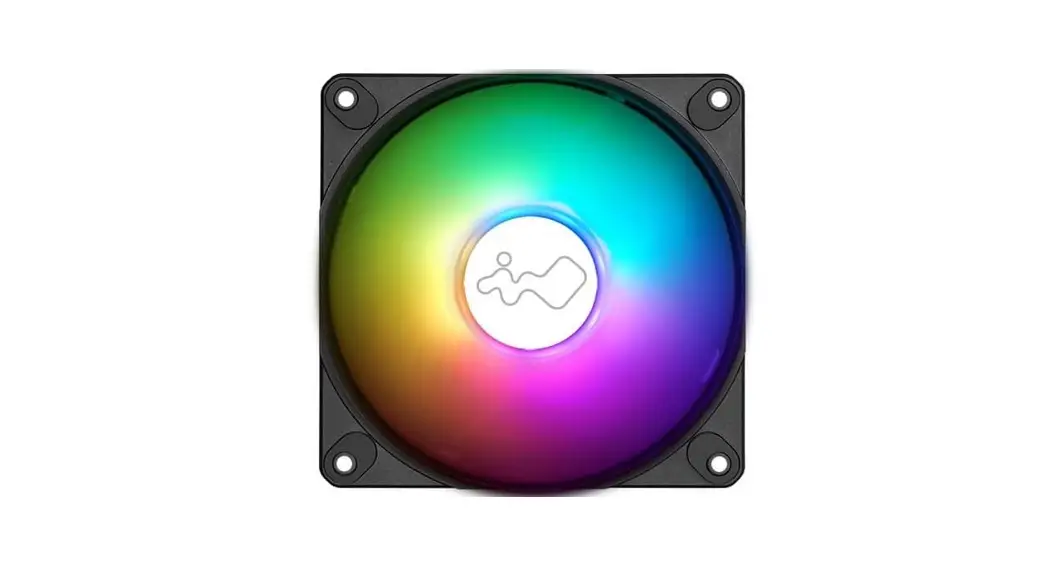
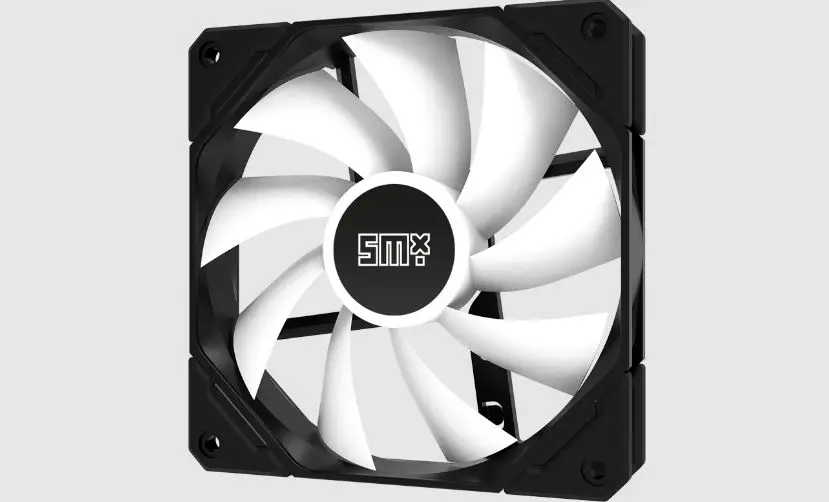
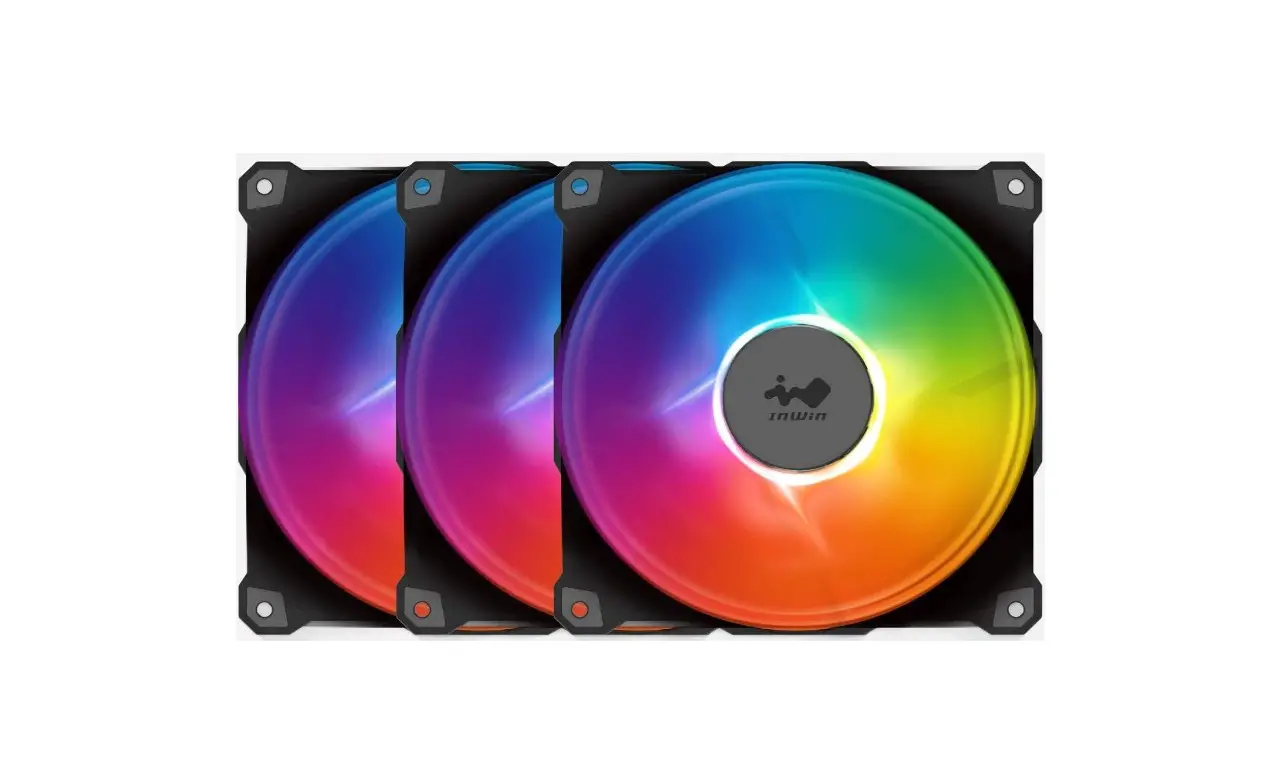
The Jupiter AJ140 fans feature nine blades, sleeve bearings with a long lifespan, ARGB LEDs with 16.8 million color options and a ARGB One-Click Controller.
Package Contents
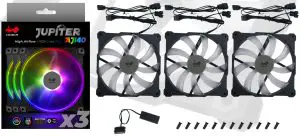
Triple Pack
- Jupiter AJ140 Fans x 3
- ARGB One-Click Controller x 1
- Screws x 12

Single Pack
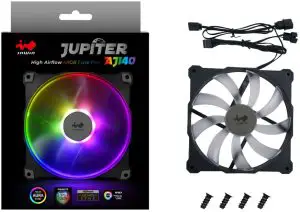
- Jupiter AJ140 Fan x 1
- Screws x 4

Cable Information
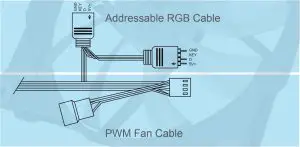
PWM Fan Cable, Addressable RGB Cable
ARGB One-Click Controller
Note: Only in Triple Pack
Installation
- Please make sure the power is off.
- Install the fans in your PC case and mountthem in the designated areas.
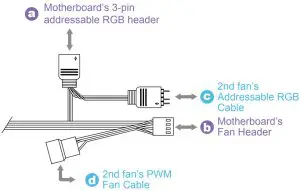
- The PWM Fan Cable, Addressable RGB Cable and their counterparts are attached to each fan.
Please connect as followed:
Connect the fan’s Addressable RGB Cable to a- (A) motherboard’s 3-pin addressable RGB header.
- (B) Connect the attached PWM Fan Cable to the motherboard’s fan header.
Installing the 2nd fan: Connect the Addressable - (C) RGB Cable and connect it to the available 3-pin Addressable RGB header on the previous fan.
- (D) Connect the fan to the available fan header from the previous fan.
- Installing the 3rd fan: Repeat (C) (D)
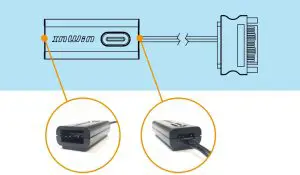
If your motherboard does not support an addressable header, please use the included ARGB Controller to connect to your PSU’s SATA cable and the fan’s Addressable RGB Cable in order to use the 14 different lighting effects. (Only in Triple Pack)
Hold the button to turn on or off the lights.
Tap the button to change the lighting modes.
1 | Rainbow | 8 | Two-Tone Ring |
2 | LED-Red Breathing | 9 | Diagonal Transition |
| 3 | LED-Green | 10 | Rotating LED Trio |
4 | LED-Blue | 11 | Full Circle |
| 5 | LED-Purple | 12 | Flow-Red |
6 | LED-White | 13 | Flow-Green |
| 7 | Light at the endof the Tunnel | 14 | Flow-Blue |
- InWin reserves the right to change the lighting modes.
- For more installation instructions, please scan the QR Code below or watch the video in the website link: https://youtu.be/i_YuNmbGS44
Troubleshooting
If your fan does not operate properly, please follow the instructions below:
- Please check your system’s power.
- Please make sure all the connectors are connected properly.
Important Notes
- Please install the fans by following our instructions.
- When storing the fans, please keep this product away from high temperatures. Keep it away from machines such as heaters that might cause high temperatures.
- Please do not put anything in the impeller.
- Please do not modify the wires or the connectors provided by InWin.
- Please do not touch the fan blades when the fan is in operation.
- Please only use your fan in a computer case.
- Please keep this product away from any liquids.
Specifications
Product Name | Jupiter AJ140 |
Quantity Included | Single Pack Triple Pack |
| Model Number | IW-FN-AJ140-1PK |
Colors | Black |
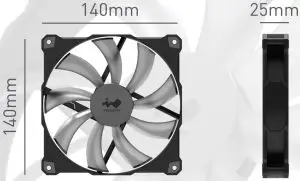
| Fan Size | 140 x 140 x 25mm |
Materials | PBT, PC |
| Rated Voltage | DC 12V |
Rated Power | 2.52W |
| Rated Current | 0.21A |
ADD RGB Rated Voltage | DC 5V |
| ADD RGB RatedPower | 1.1W |
ADD RGB Rated Current | 0.22A (max.) |
| Speed Mode | PWM 500~1400 RPM |
Air Flow | 100.45 CFM |
| Air Pressure | 1.56mm/ H2O |
LED | Addressable RGB |
| Connector (Fan to Fan) | Original Cable |
Connector to M/B | 4 Pin (PWM, 12V), 3 Pin (ARGB, 5V) |
| Noise Level | 34 dB(A) |
Bearing Type | Long Lifespan Sleeve Bearing |
| Gross Weight | 190g |
Package Dimensions (L x W x H) | 205 x 147 x 28mm 216 x 144 x 90mm |
| Warranty | 2 Years |
- Specifications may vary based on different regions.
- Our products comply with RoHS regulations