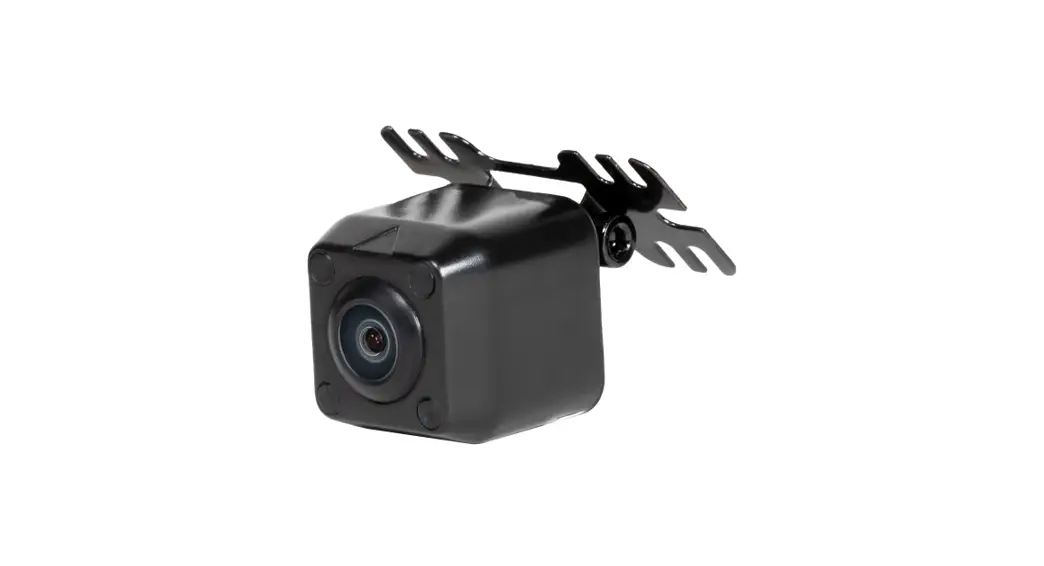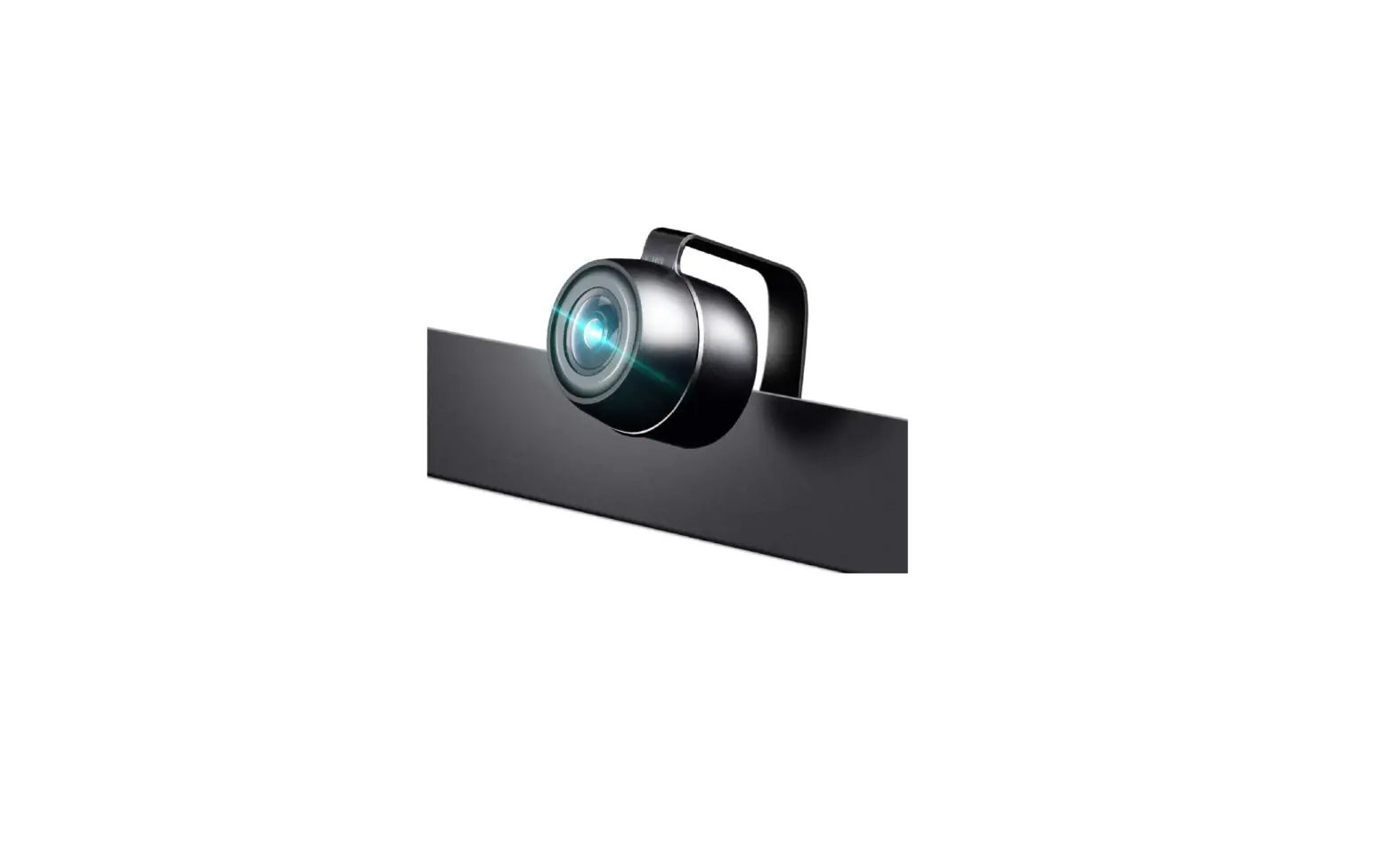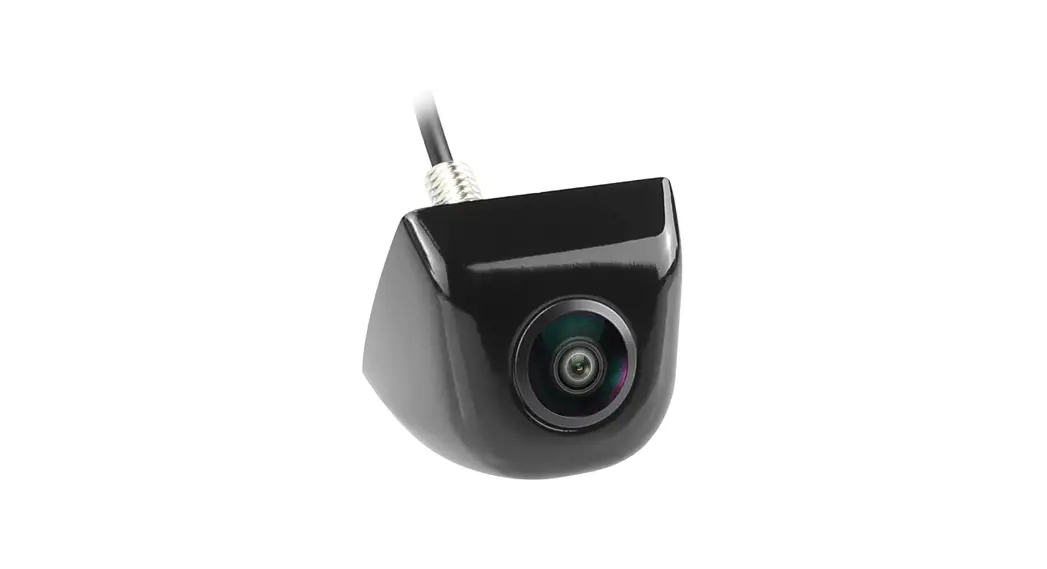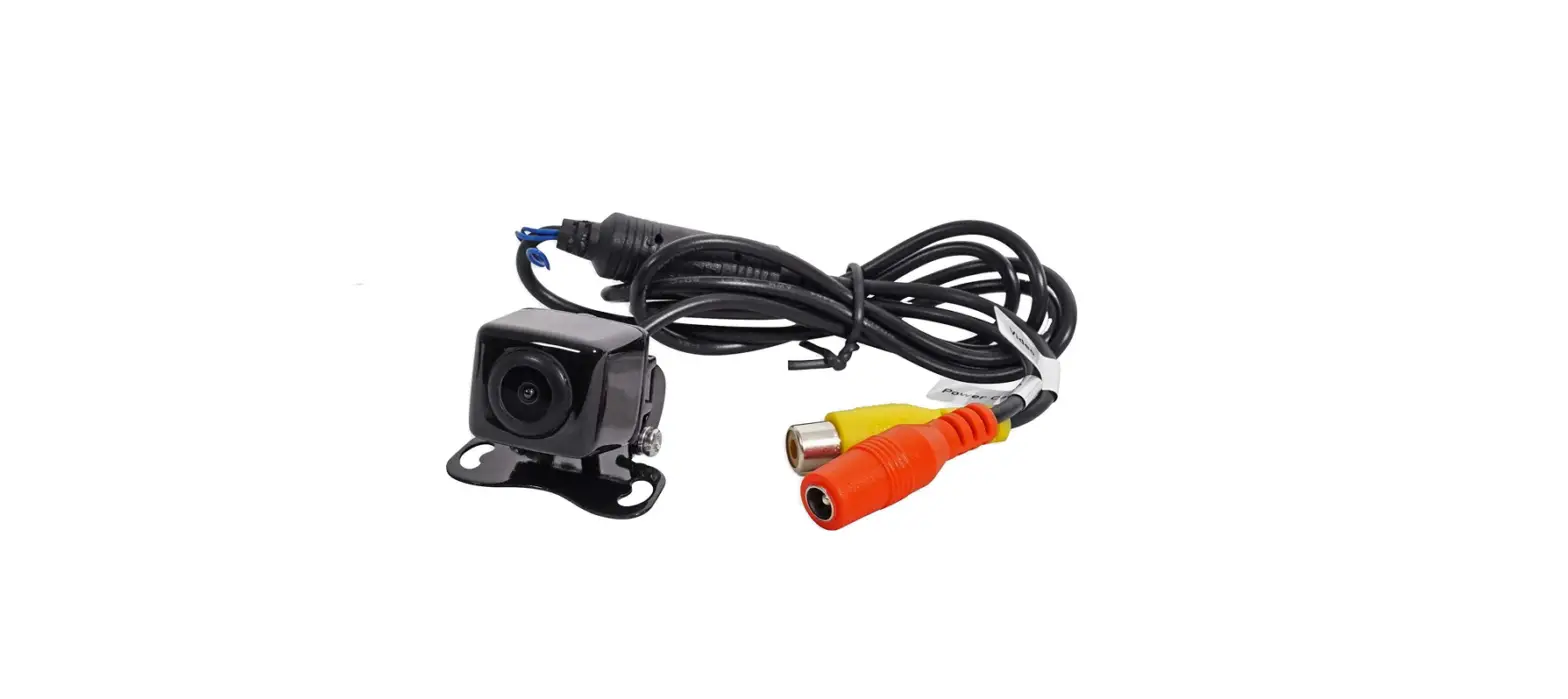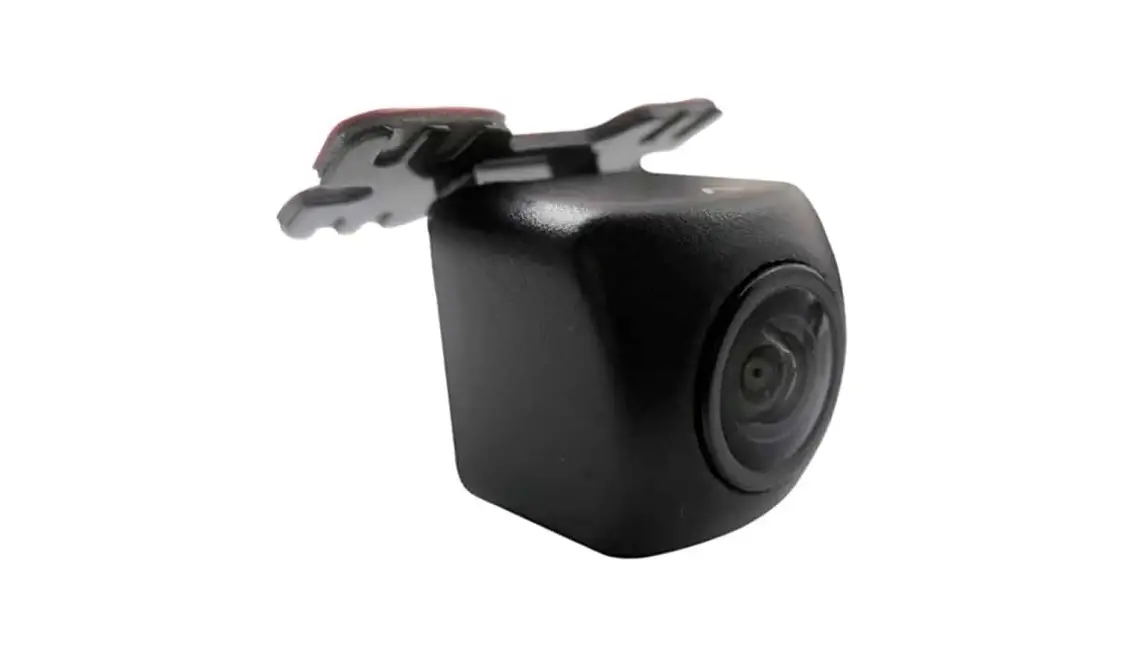

Universal MINy Backup Camera
Owner’s Manual
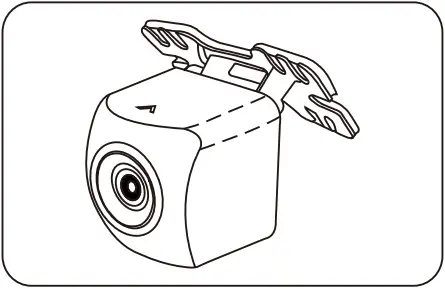
Model No.: CM-MINy5
Embedded Type CMOS IV Camera
Specification:
| Sensor | Super CMOS IV |
| Resolution | 648*488 |
| TV Line | 480 |
| Min Illumination | <0.3 Lux |
| Angle | 170° |
| Voltage & Max Current | 9~16V, 100mA |
| Video System | NTSC(Color) |
| Image | Mirror Image(default) |
| Parking Line | Parking ON(default) |
| Body Color | Black(B) |
| Water Proof | IP67-IP68 |
| Operation Temp | -30°C ~ +70°C |
| Storage Temp | -40°C ~ +105°C |
| Compliance Statement | FMVSS 111 |
Product Features:
- MINy Camera with Super CMOS IV Sensor
- Mirror/ standard Image Selectable
- Parking Line ON/OFF Selectable
- Wider view angle up to 170 degrees
- Waterproof: IP67-IP68 approved
Precautious:
- Remove Protective lens covering prior to use.
- Be cautious when mounting camera and wiring near fuel tank.
- System is designed for +12 volt DC systems only.
Electrical Connection:
Scenario A)Backup Camera configuration Only

- Reverse trigger input
- ACC/ING OUTPUT
- Reverse Lamp
- White loop disconnected For rear installation(Default) White loop connected: For front installation
- Green loop Disconnected: Parking line On (Default) Green connected: Parking line Off
- Camera
Scenario B)ACC/IGN Backup Camera Configuration

- Reverse trigger input
- ACC/ING OUTPUT
- Reverse Lamp
- Camera
Scenario C)Front Camera Configuration

- Reverse trigger input
- ACC/ING OUTPUT
- Camera
- Connected
- Not Connected
Camera Installation Position Options:
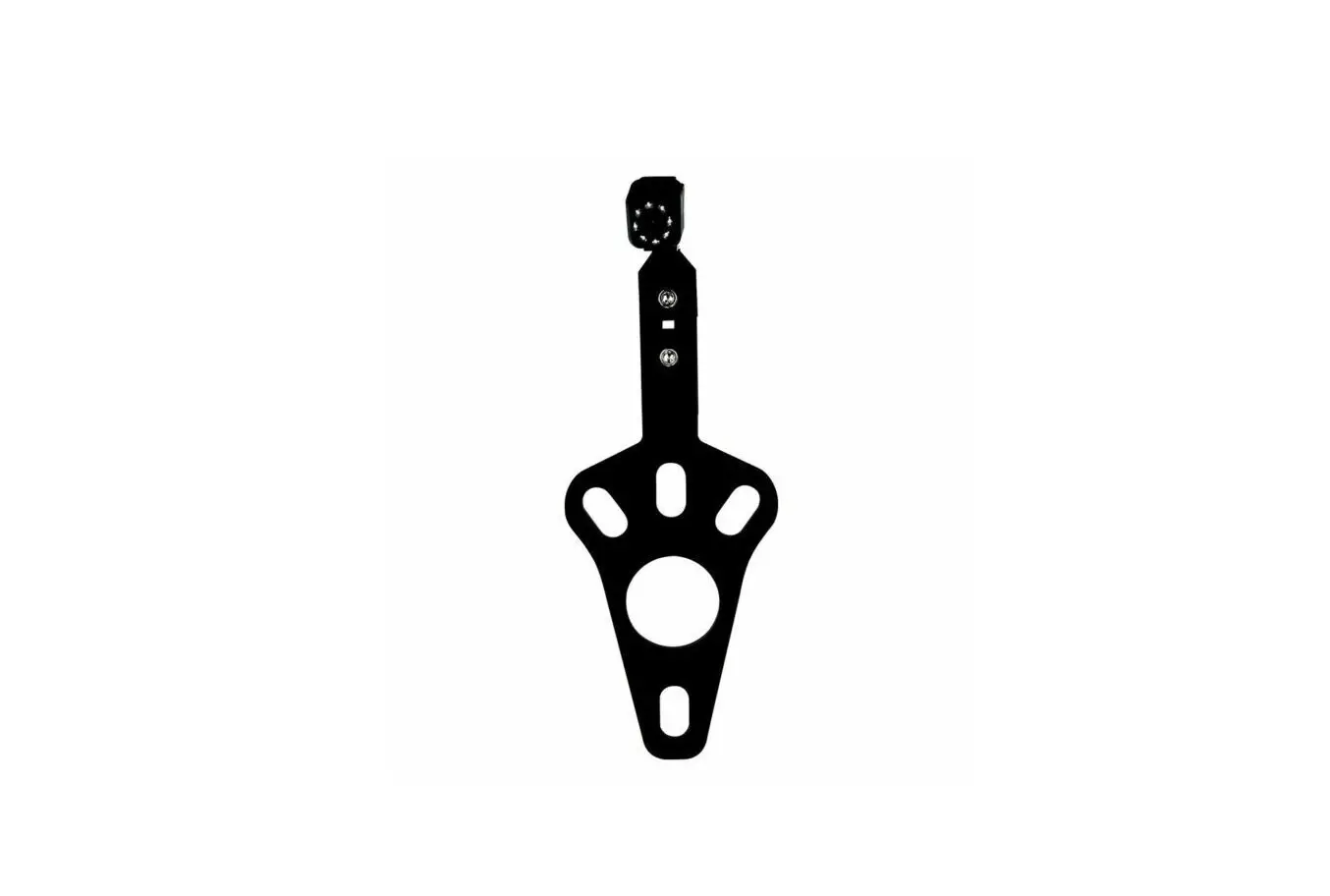
- The camera can be positioned either on the bottom side of the trunk lid or the face side of the rear trunk lid.
- Camera can be mounted using either double sided adhesive tape or by drilling into deck lid with short sheet metal screws.
- See Images(1) and (2).
- Note: Disassembly of the camera mounting bracket may be necessary depending on mounting.
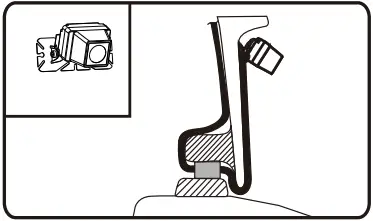
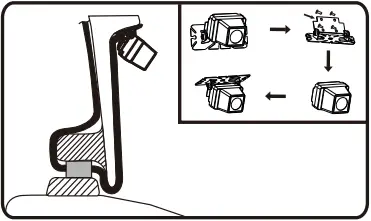
Image(1) Image(2)
Angle adjustment:
- Once camera has been mounted you will need to adjust camera for best results.Secure parking brake, shift vehicle into reverse and adjust camera as noted in images(3) and (4).
- Once desired angle is set tighten bolt on camera.
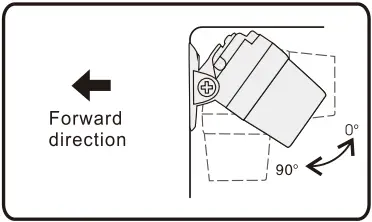
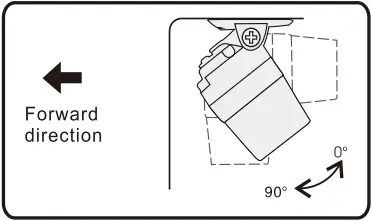
Image(3) Image(4)
Technical Support Contact Info:
If you have other questions about RYDEEN Camera products, please contact your retailer or Technical Support:
- Telephone: 1-877-777-8811(within USA only)
- Email: [email protected]
- Web address: www.rydeenmobile.com
- For more detail instructions please visit: www.rydeenmobile.com/camerahelp