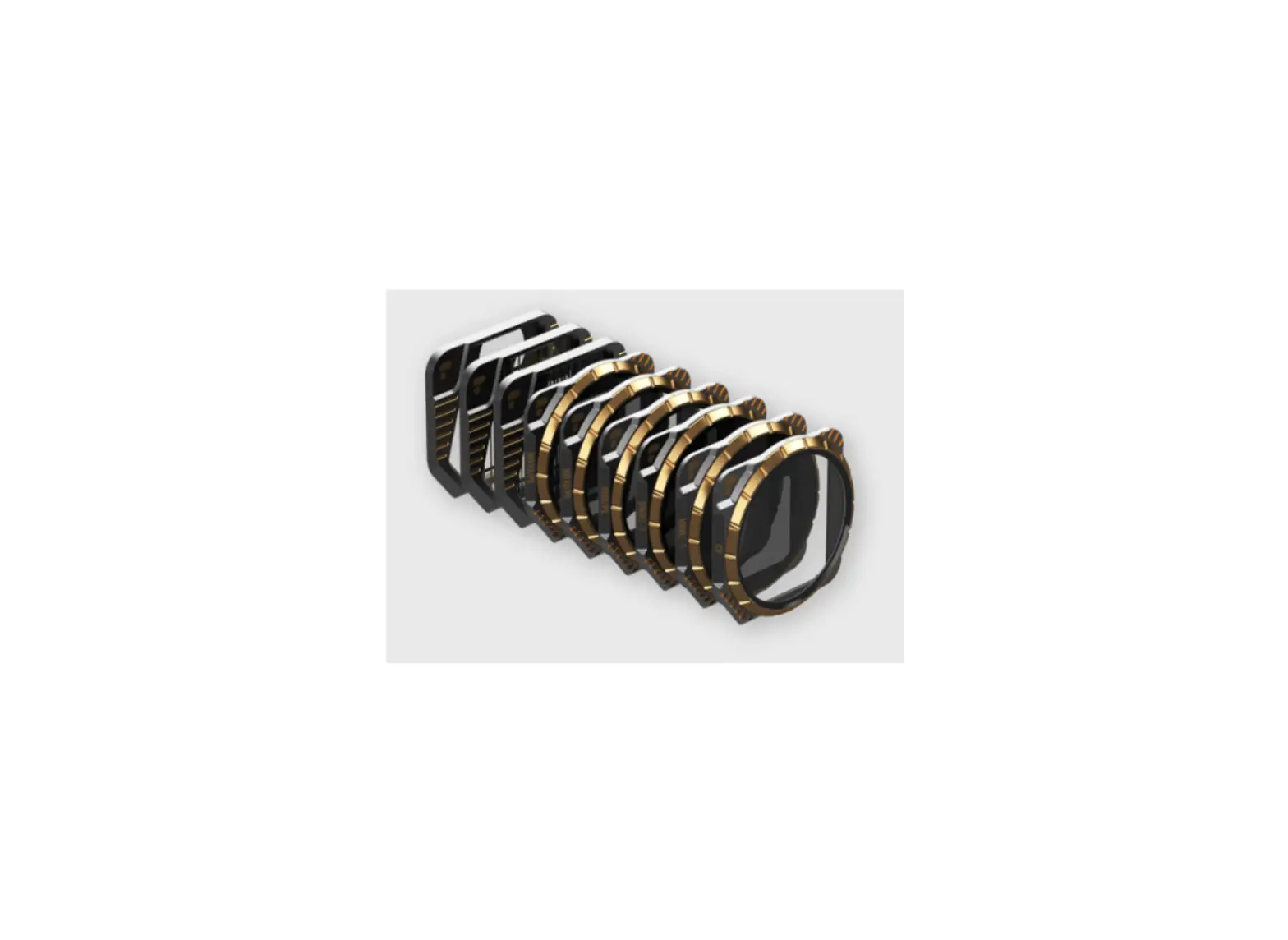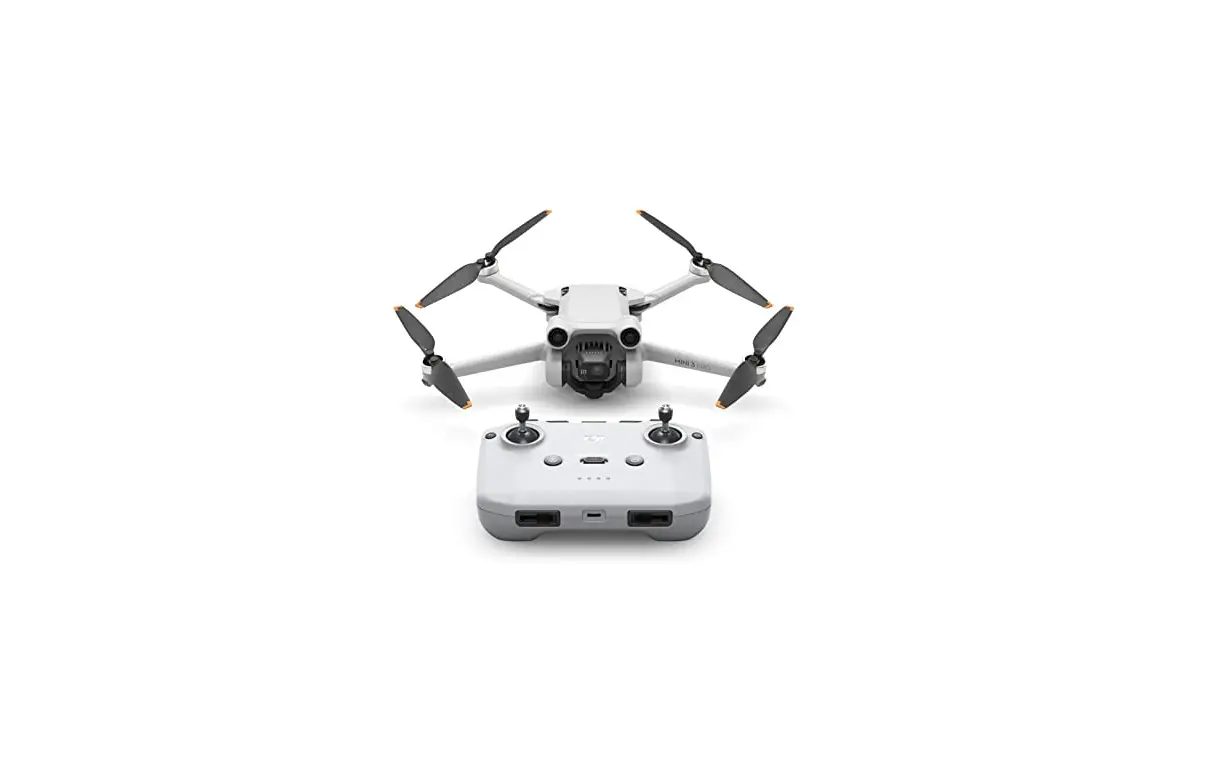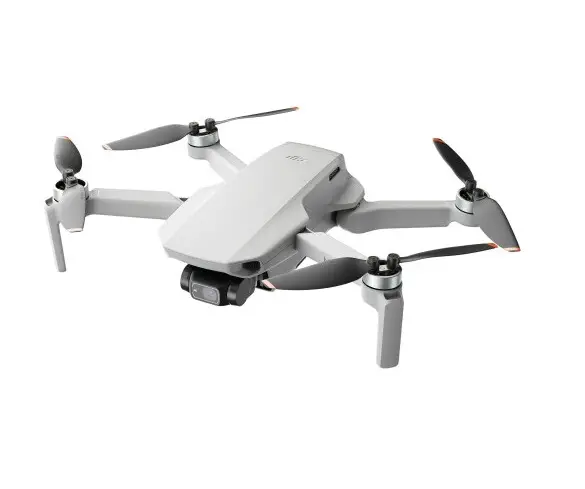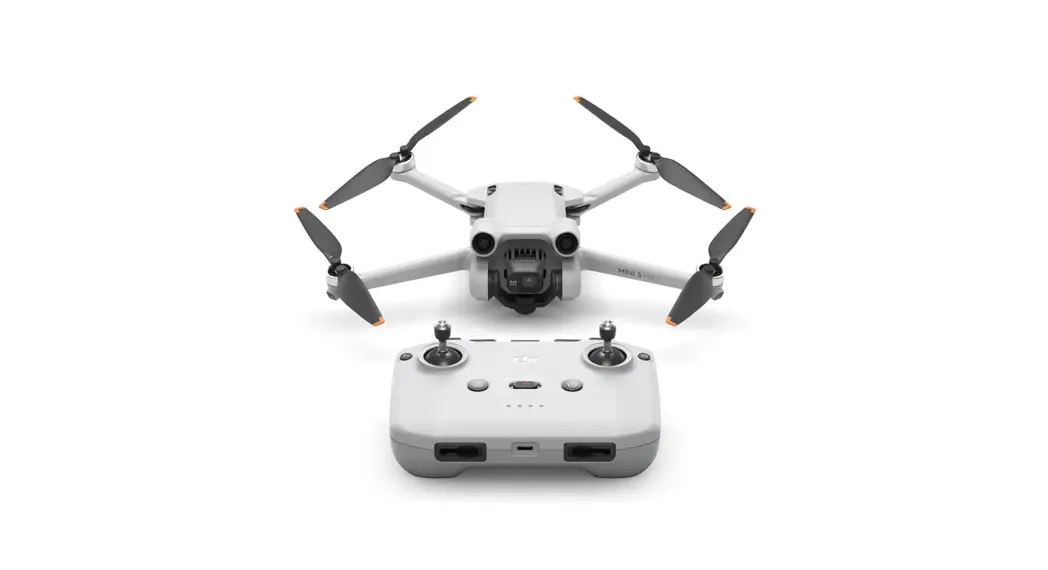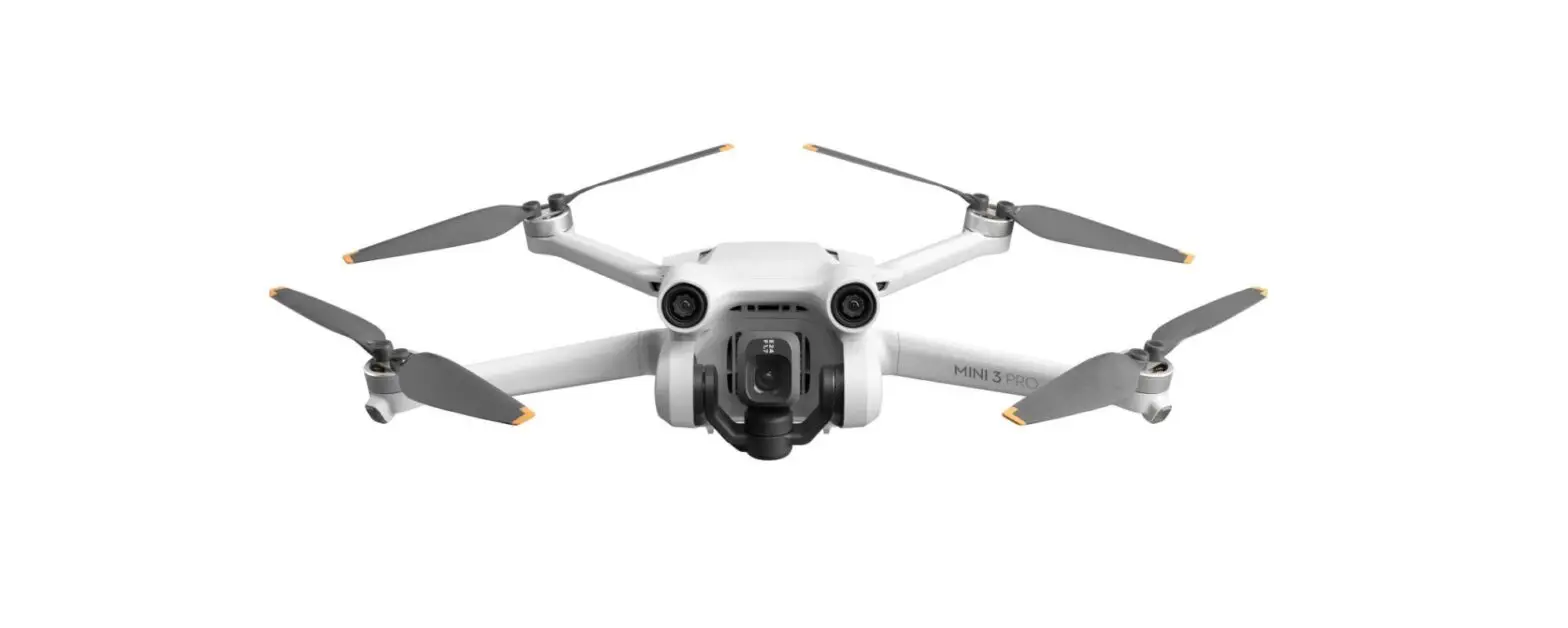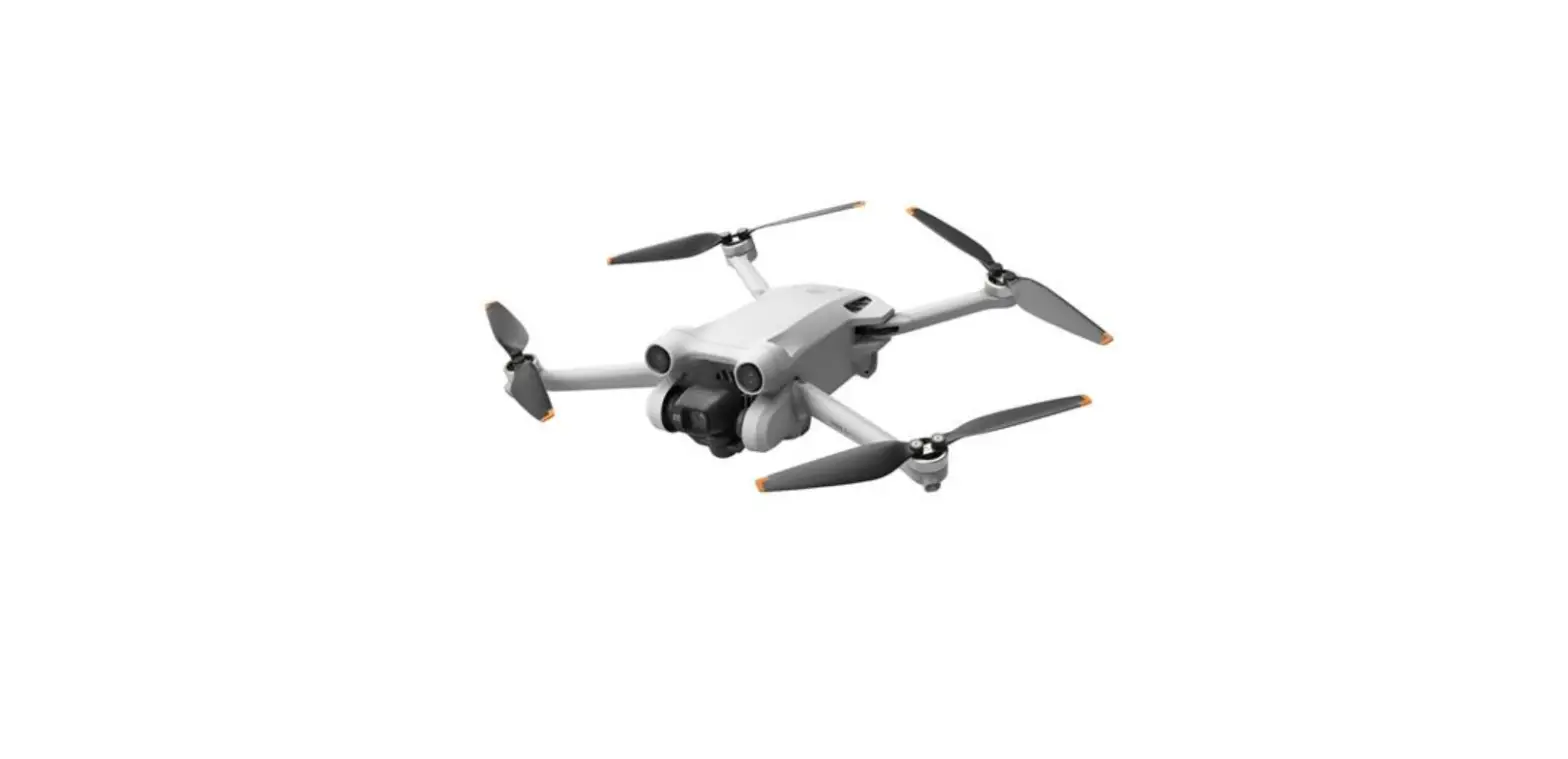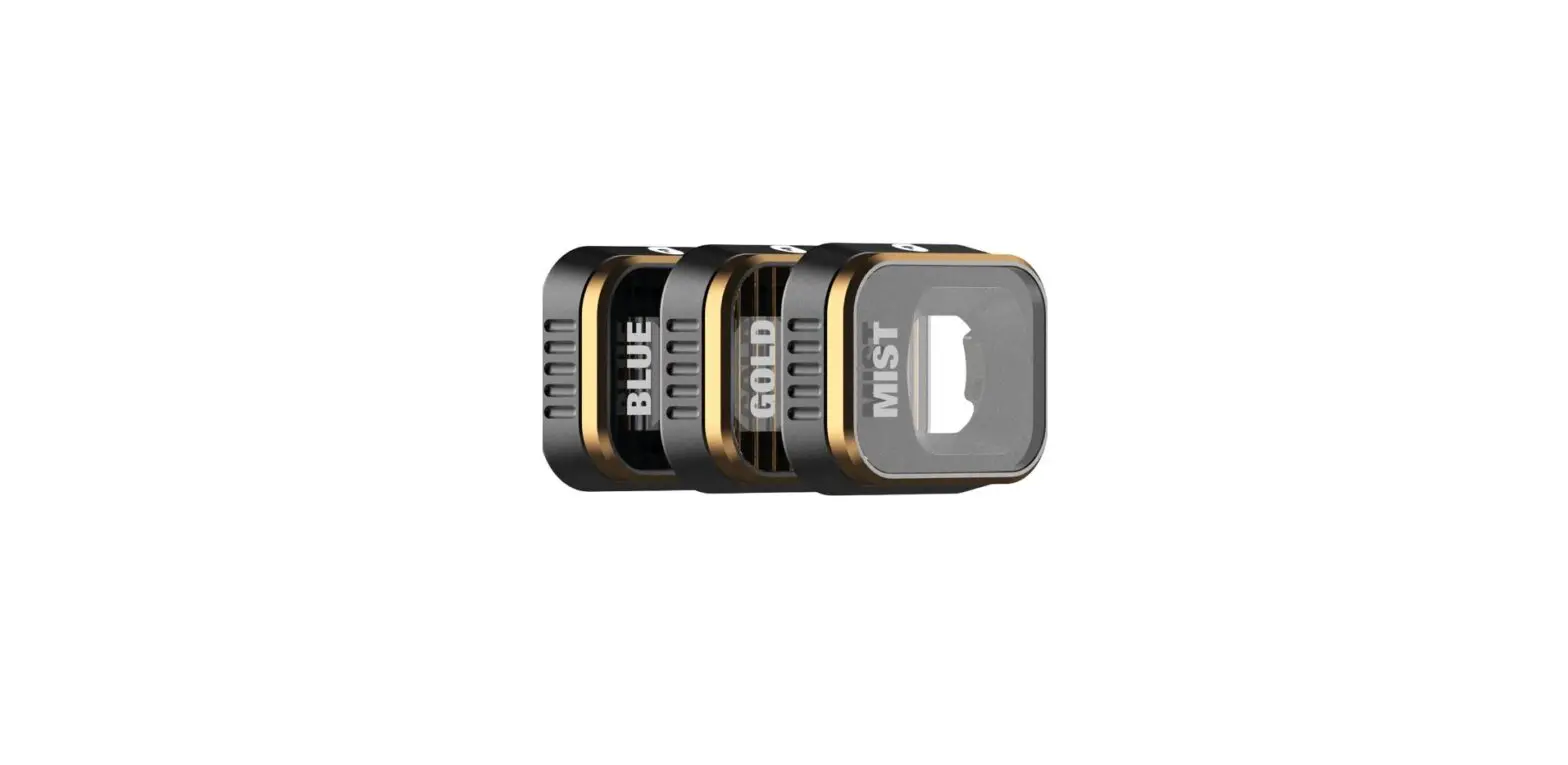

polarpro MINI3-PRO-FX-3PK FX Filters for DJI Mavic Mini 3 Pro
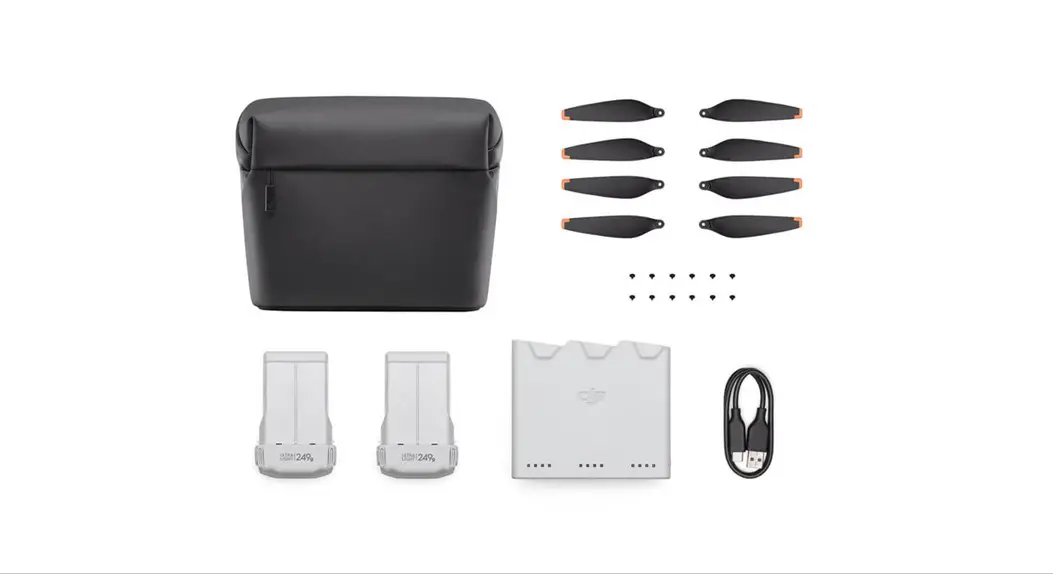
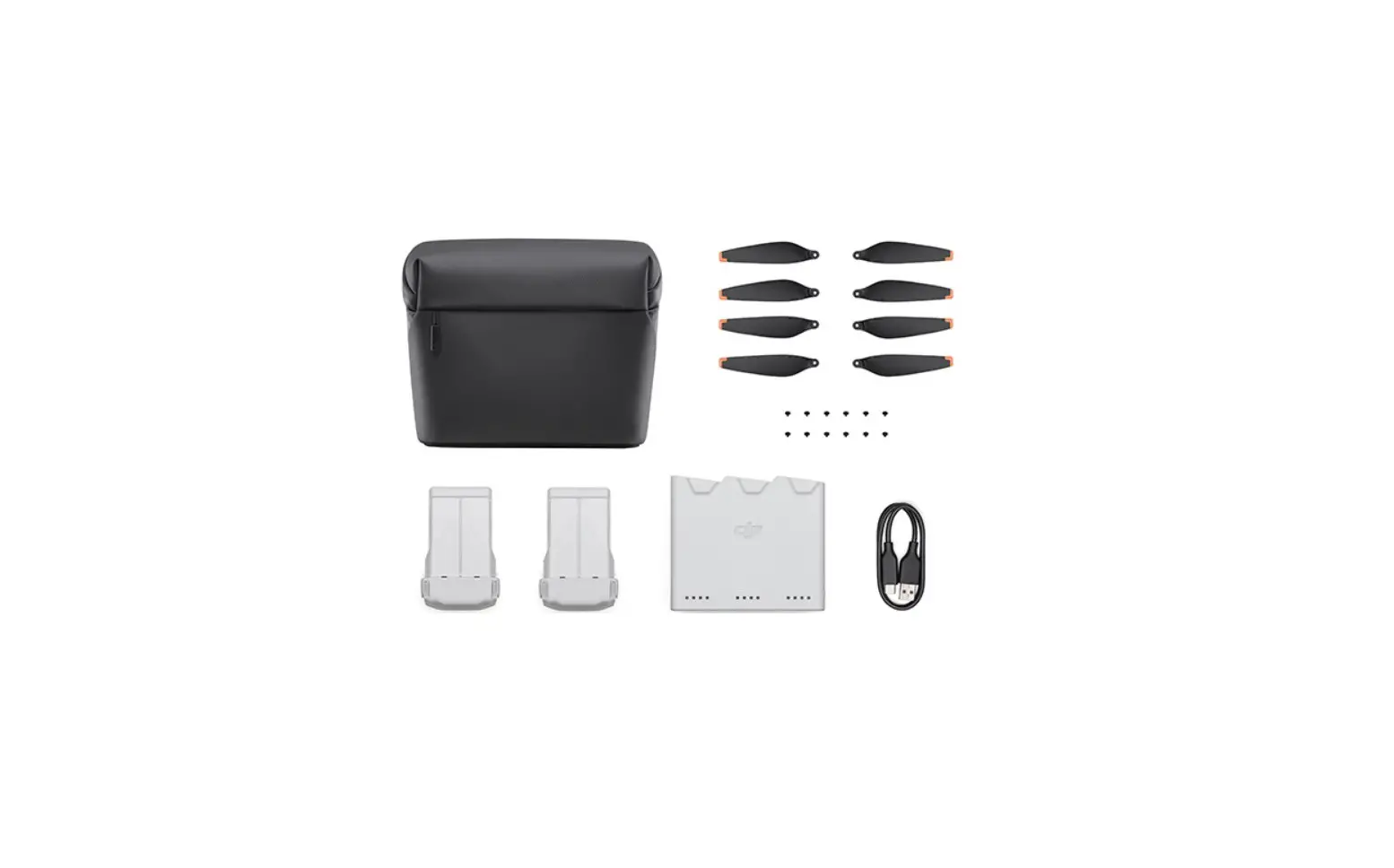
What’s Included
Combo sets and single filters.
- Vivid Collection
- ND8PL
- ND16PL
- ND32PL
- Storage Case
- Shutter Collection
- ND8
- ND16
- ND32
- Storage Case
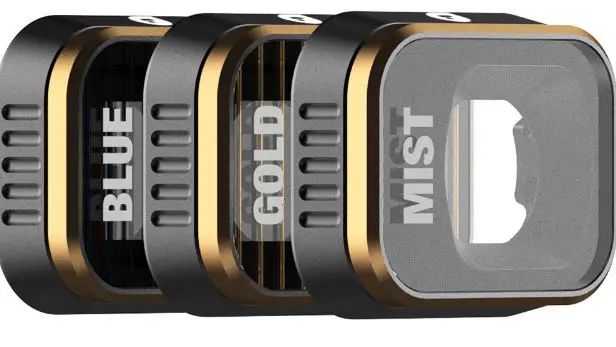
- FX 3-Pack
- BlueMorphic
- GoldMorphic
- Mist [1/4]
- Storage Case
- Circular Polarizer Filter
- CP
- Storage Case
Filter Installation
Attaching filters to the drone camera.
- Step 1:
Filter installation must be done prior to powering on the drone - Step 2:
Support the gimbal in one hand. Using your other hand, press gently and turn the stock UV counter-clockwise and remove. - Step 3:
Align the filter tabs with the corresponding lens slots on the Mini 3 Pro camera. When seated flush to the lens, press lightly and turn clockwise until the filter clicks into place.
REMOVAL
Step 1:
Follow steps 2 and 3 above to replace the stock UV or change filters.
More Info
Questions and support
Reach out any time via live chat on our website, or shoot us an email. We’re happy to help!
- polarpro.com
- [email protected]
- 949.220.9395
 PolarPro® | Innovative Gear for Content Creators