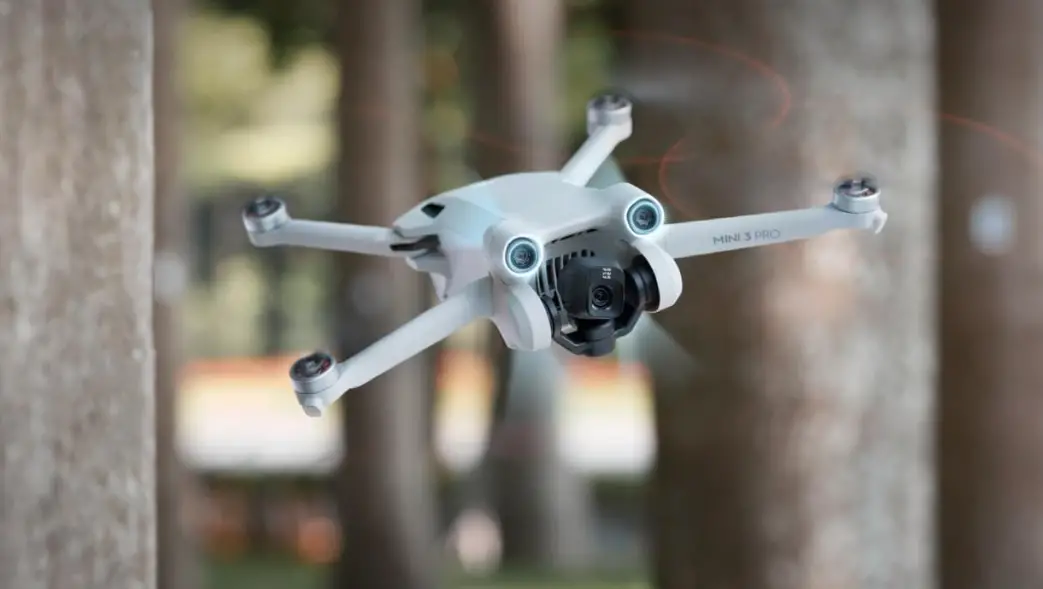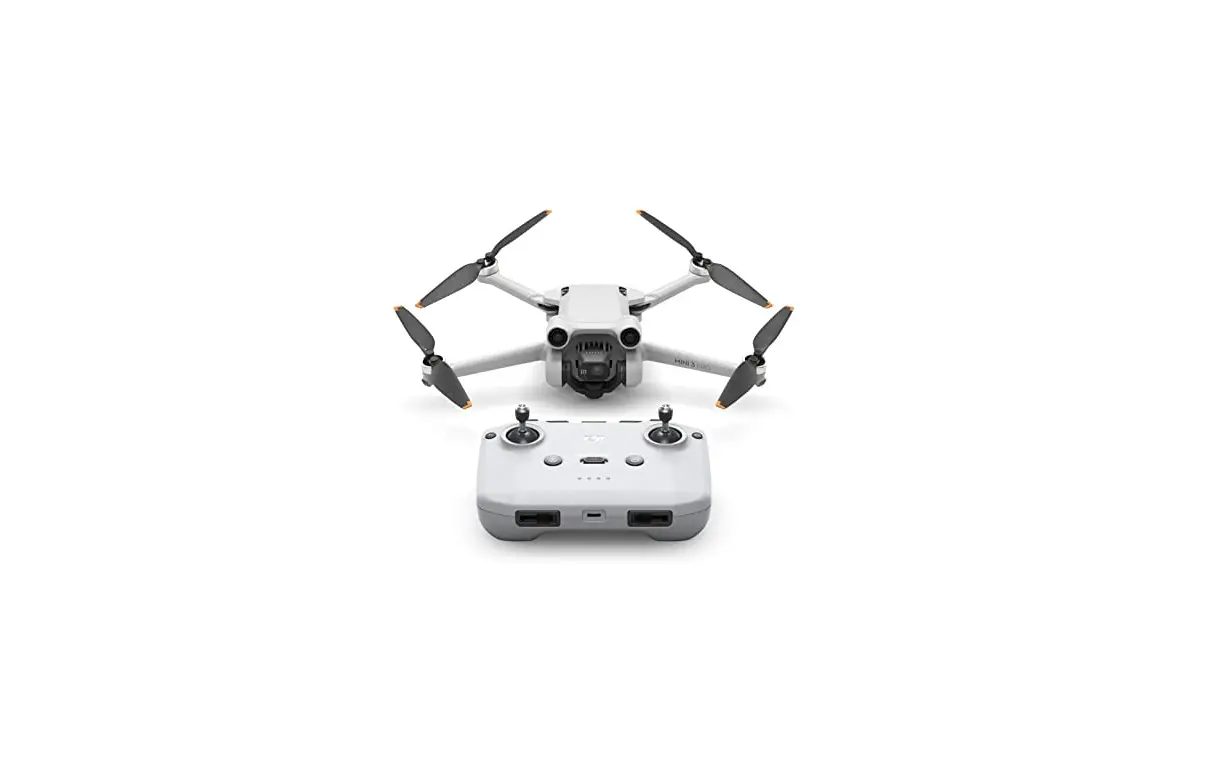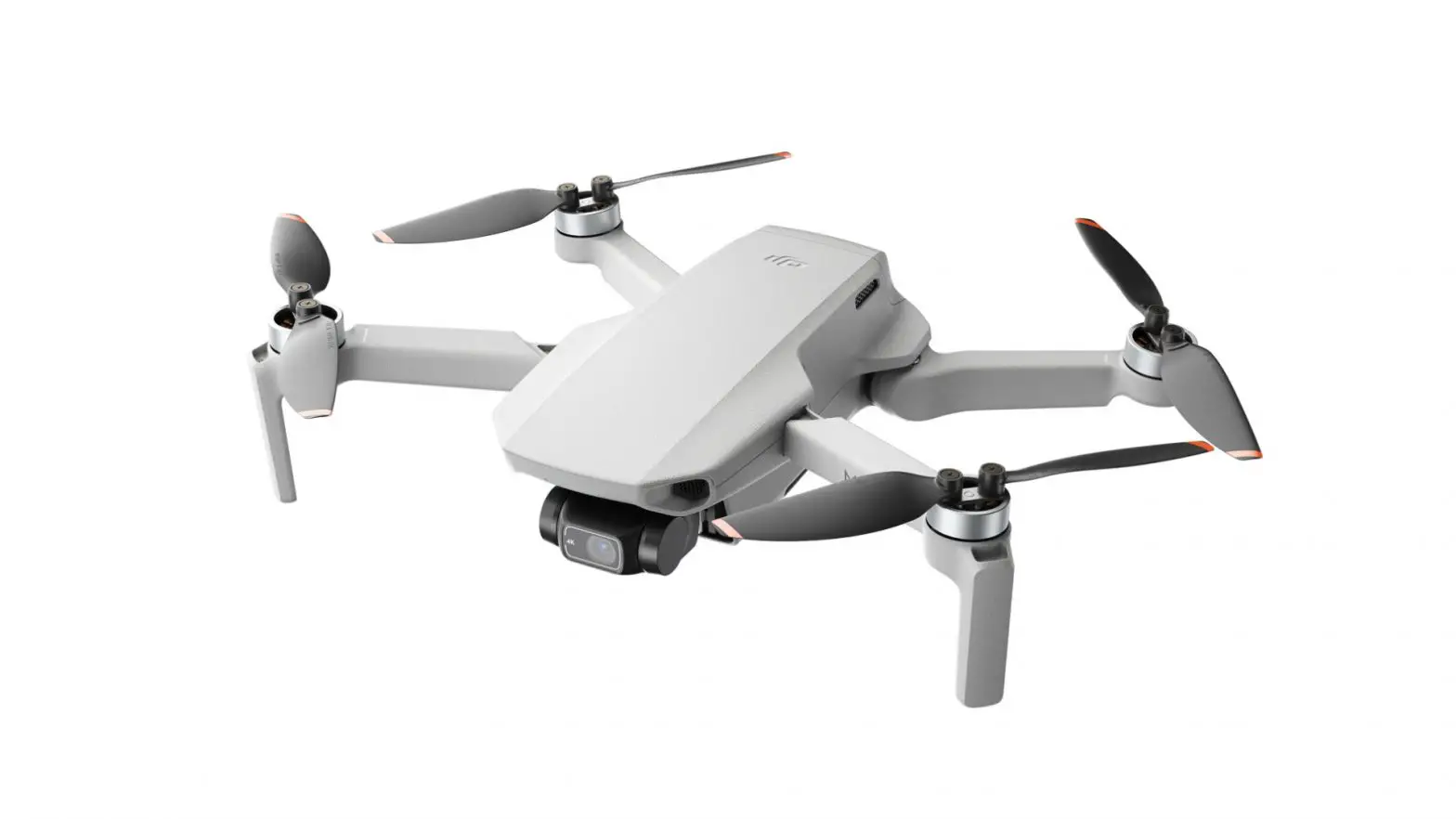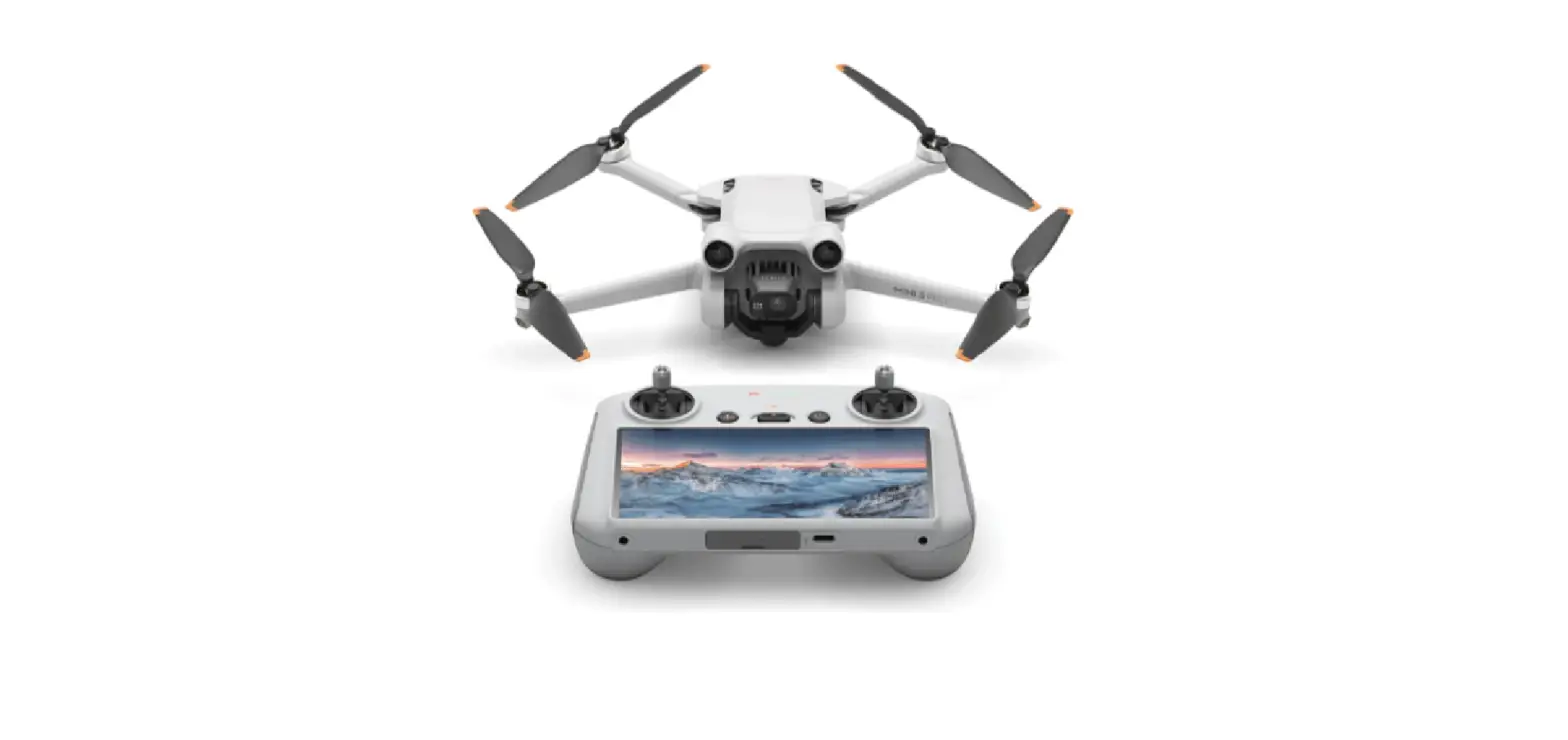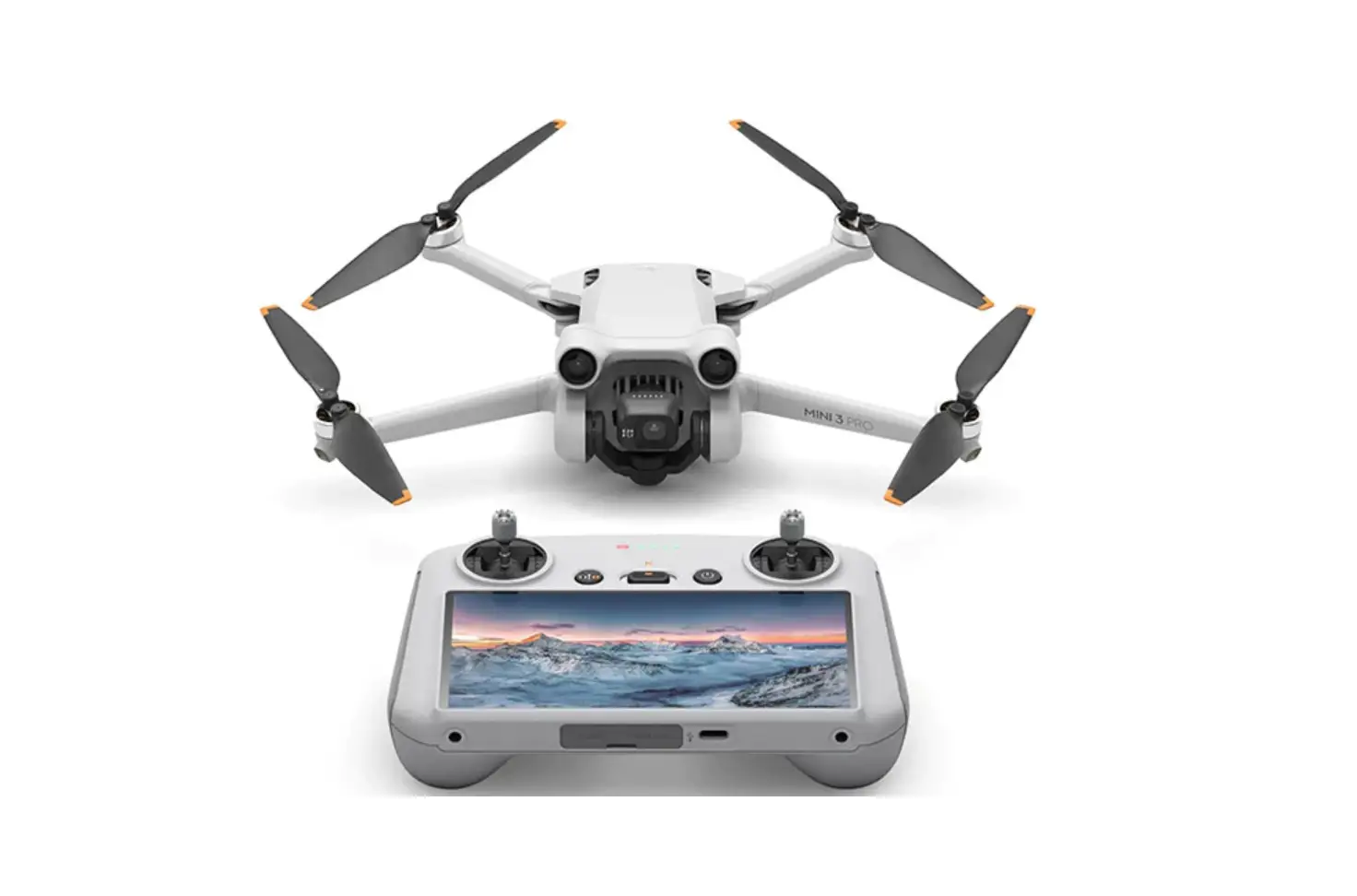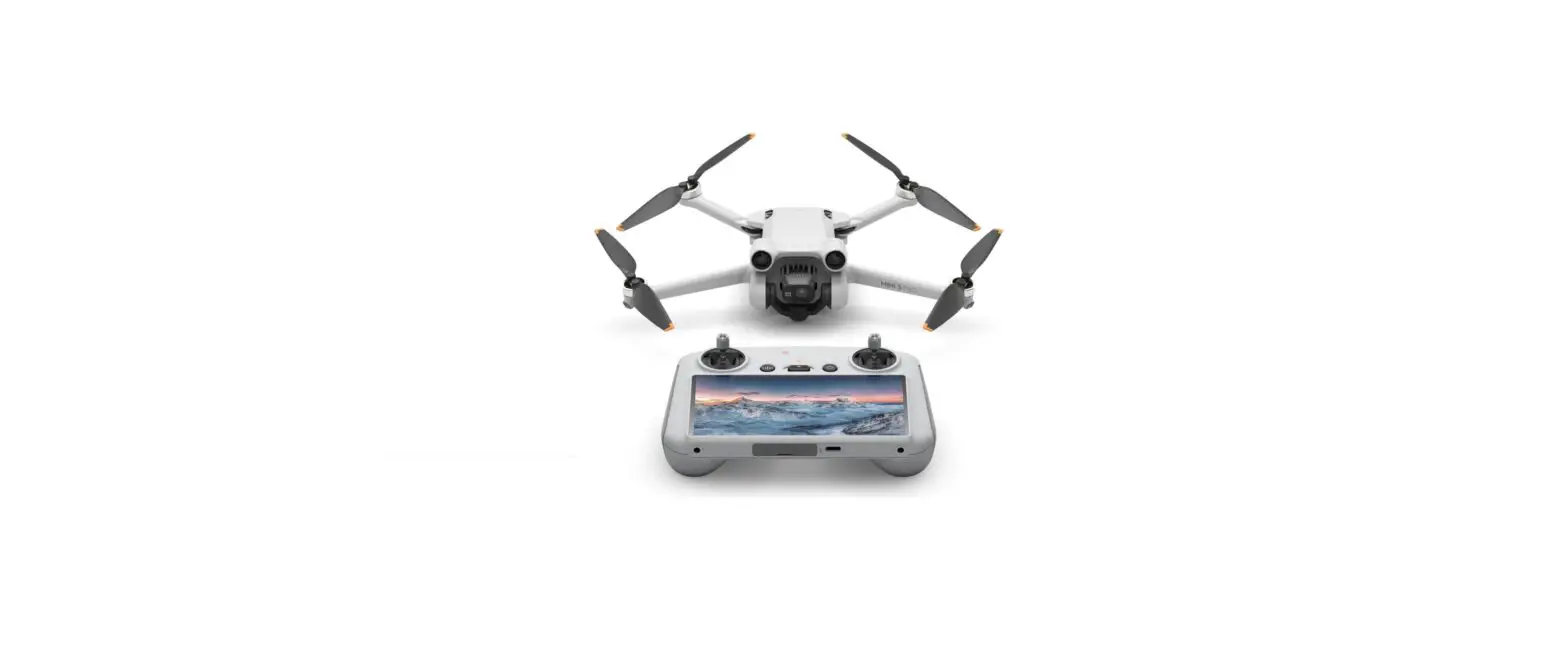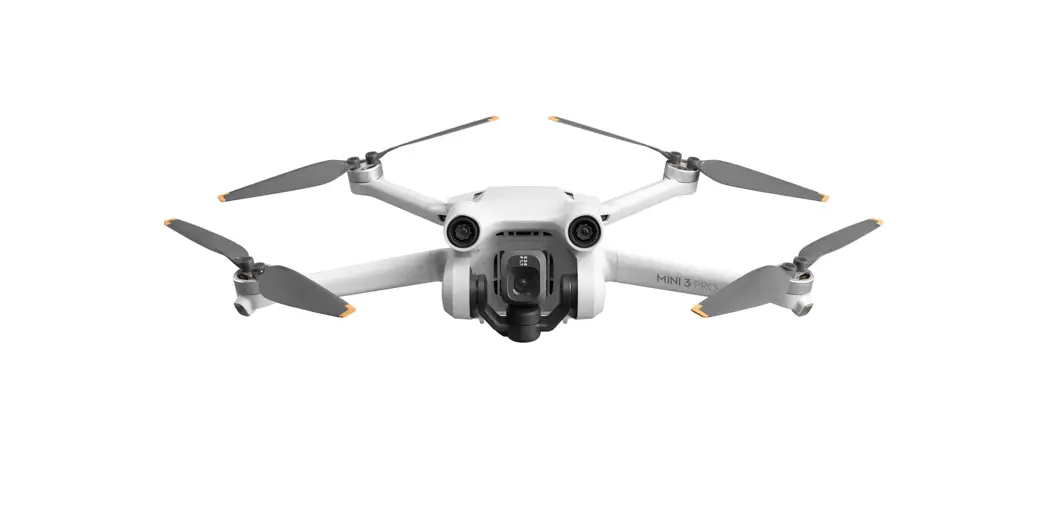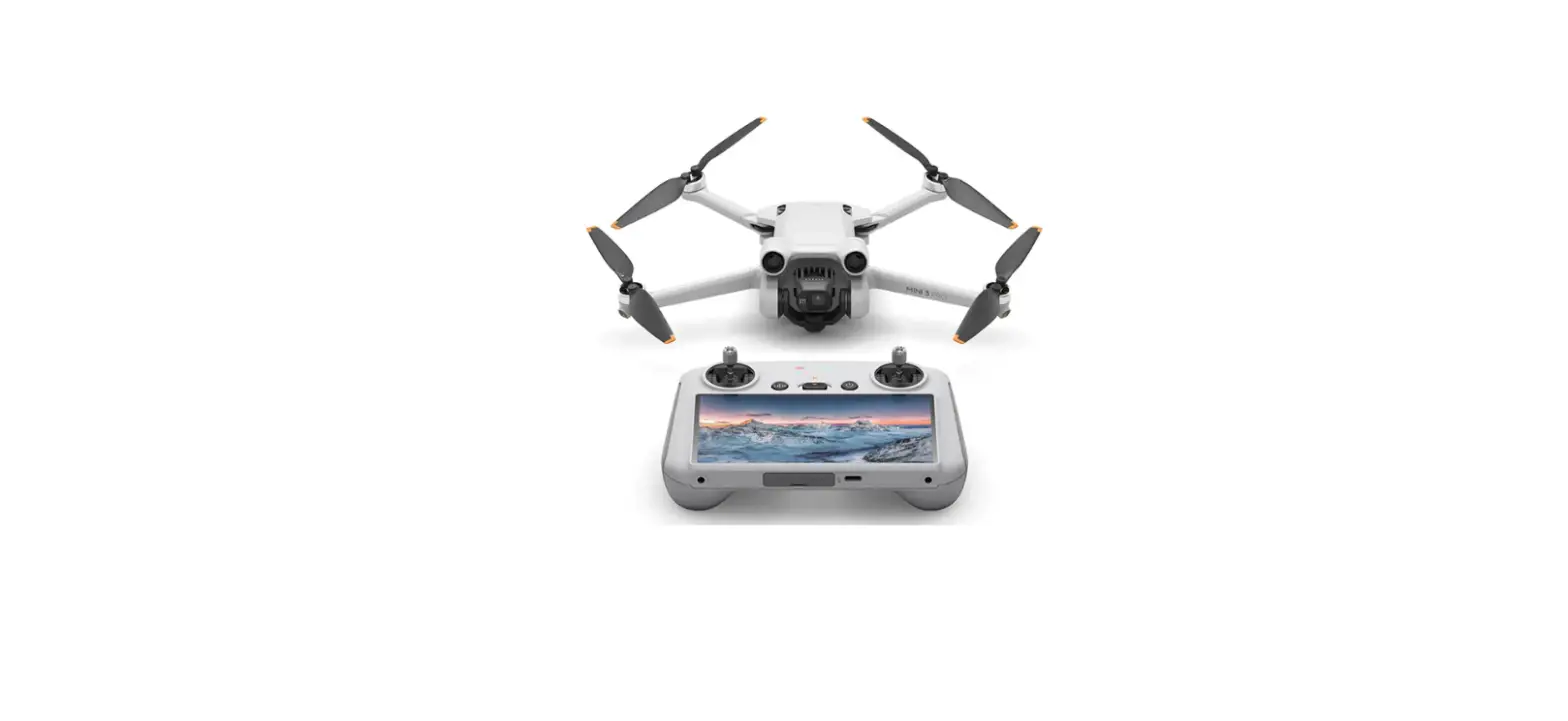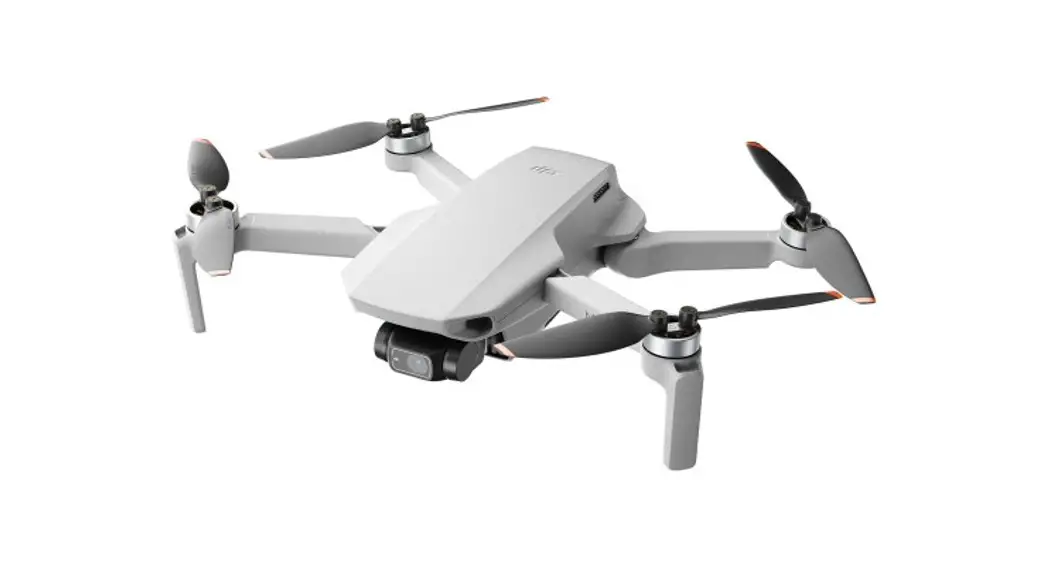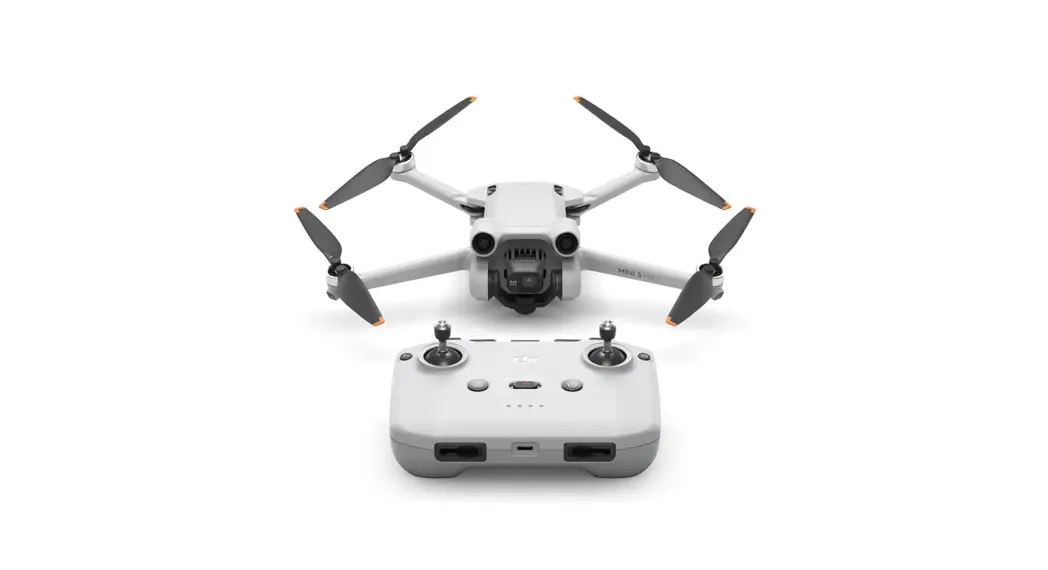
 Mini 3 Pro Drone
User Guide
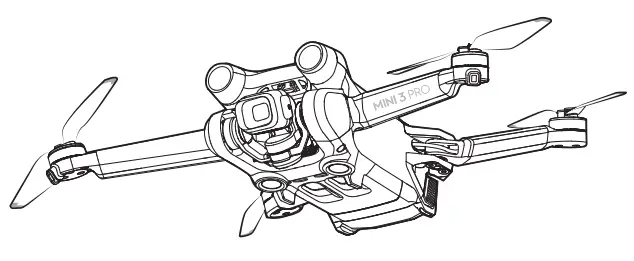
Mini 3 Pro Drone
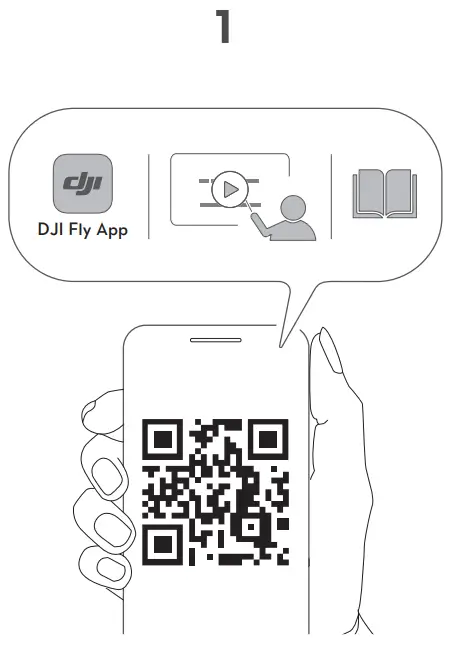
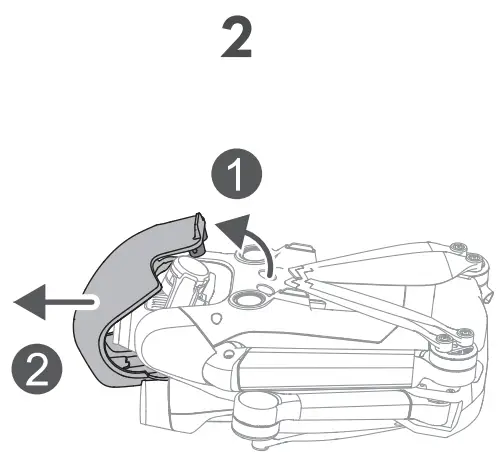
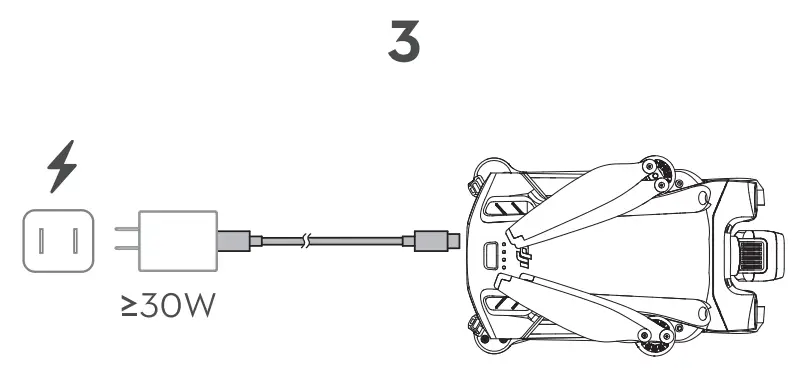
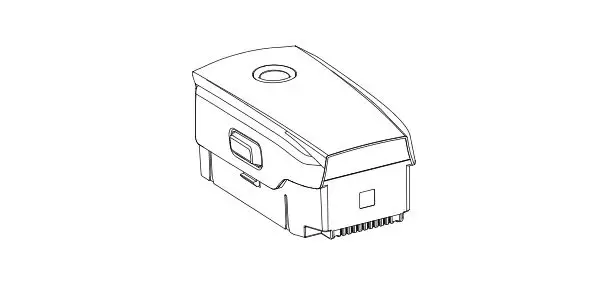
Charge to activate the Intelligent Flight Battery before using it for the first time.
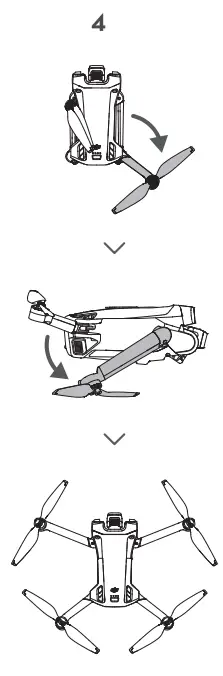
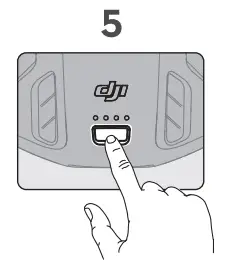
Check battery level: press once.
Power on/off: press, then press and hold.
WE ARE HERE FOR YOU
 |  |
| https://www.dji.com/support | http://weixin.qq.com/q/02flVqYu_2eF410000003a |
 https://www.dji.com/mini-3-pro/downloads
is a trademark of DJI.
Copyright © 2022 DJI All Rights Reserved.

 Anatel — Agência Nacional de Telecomunicações
 DJI - Official Website