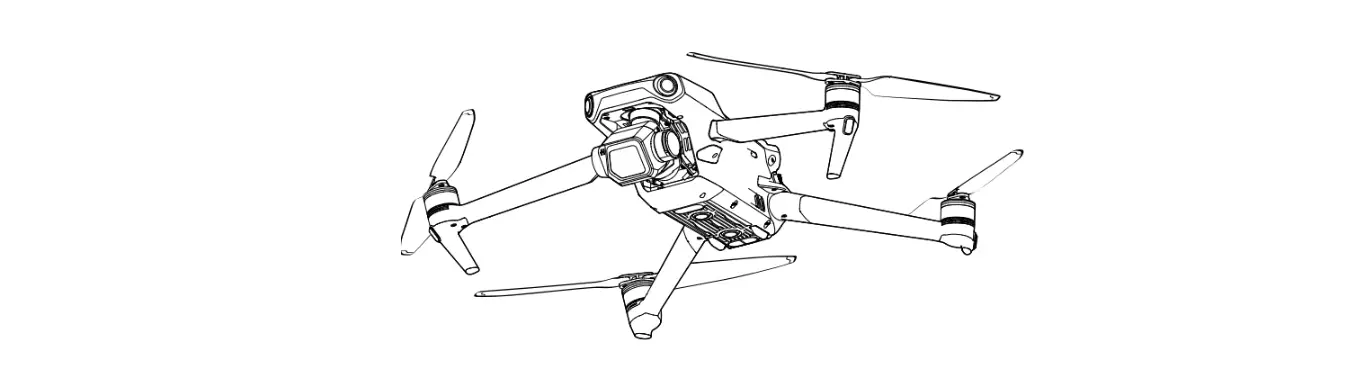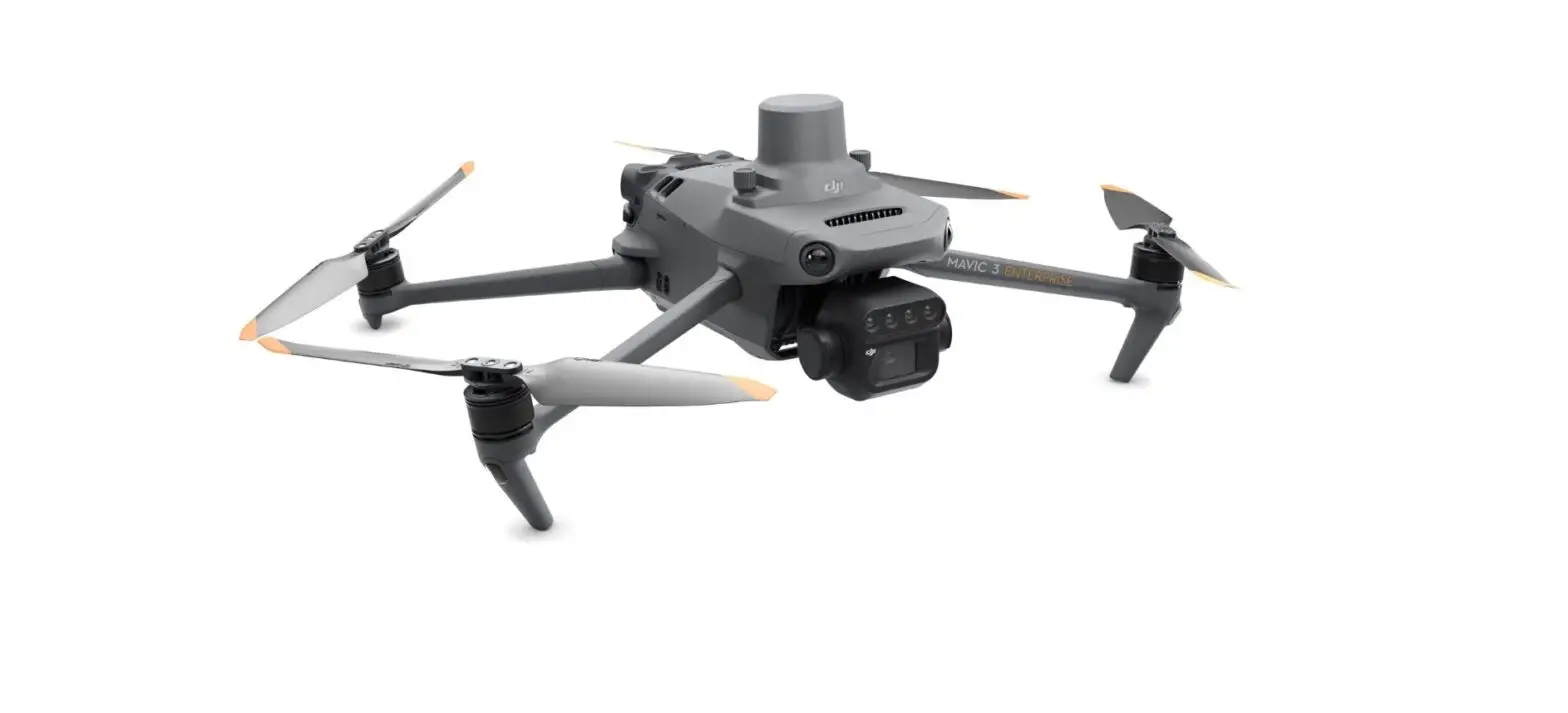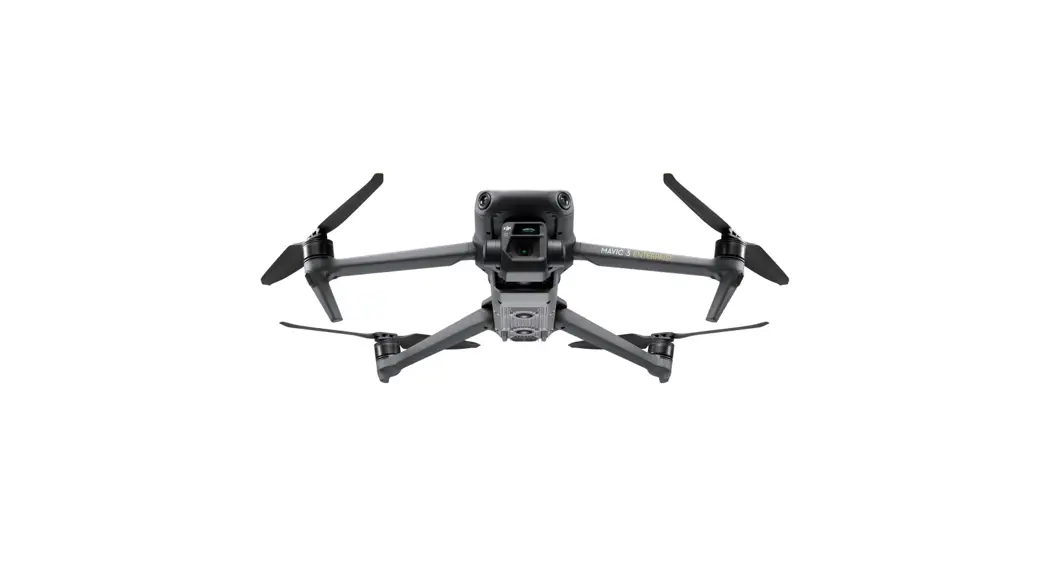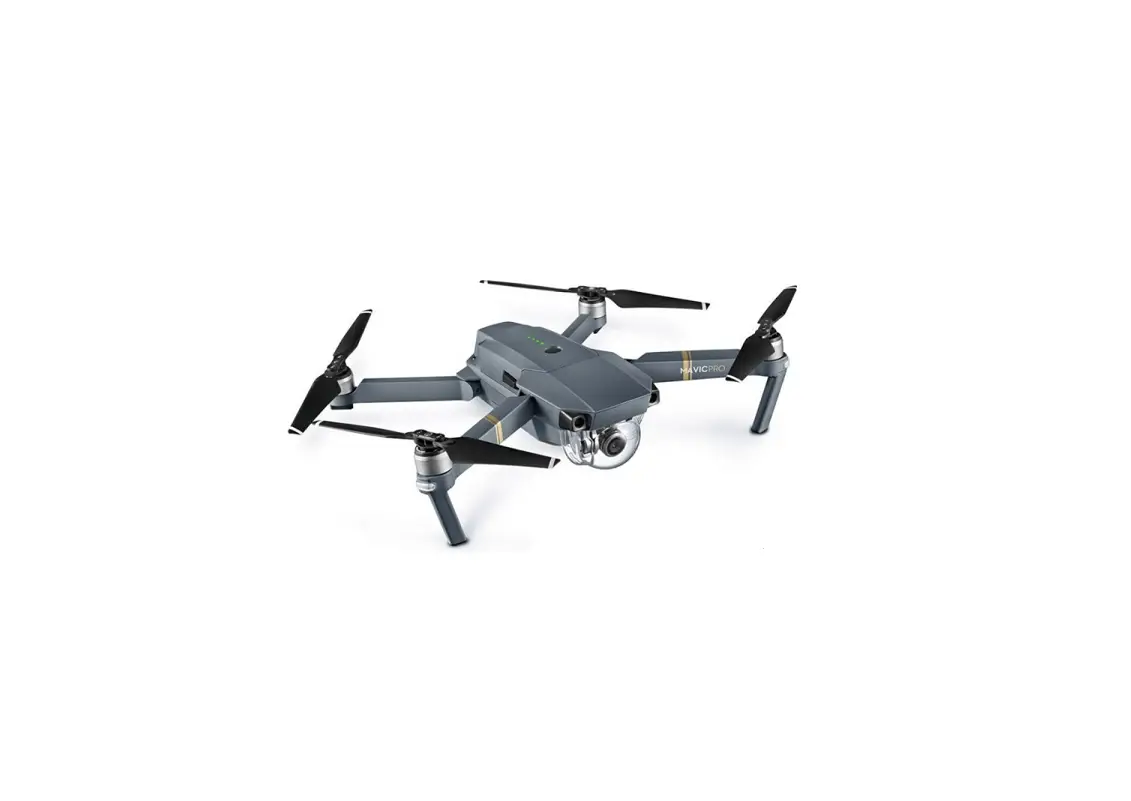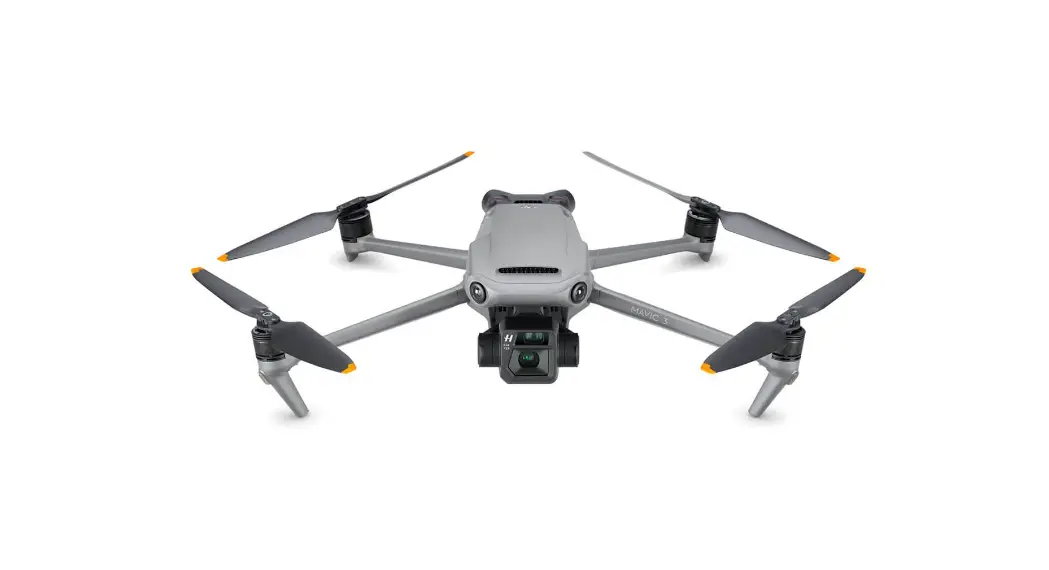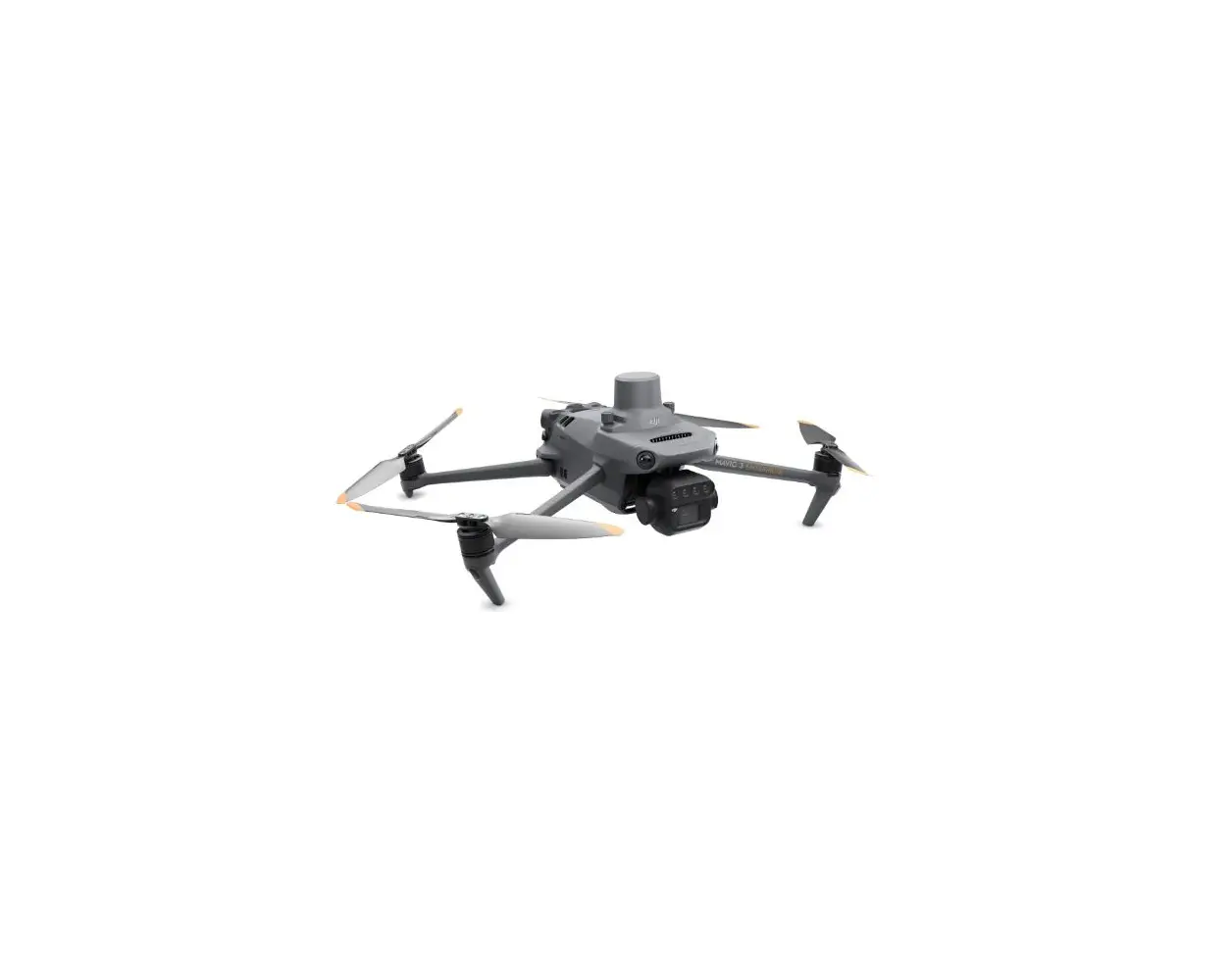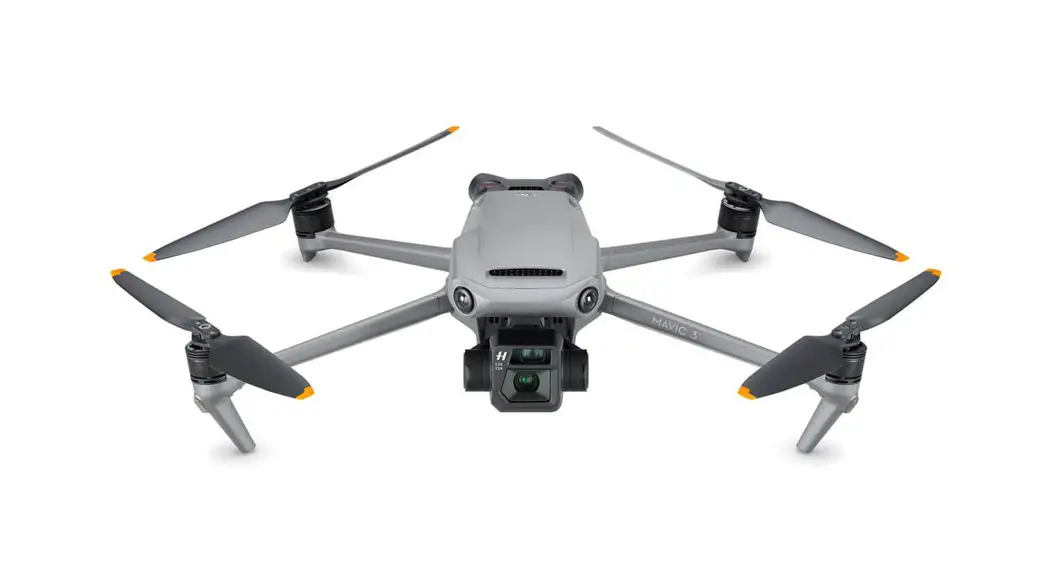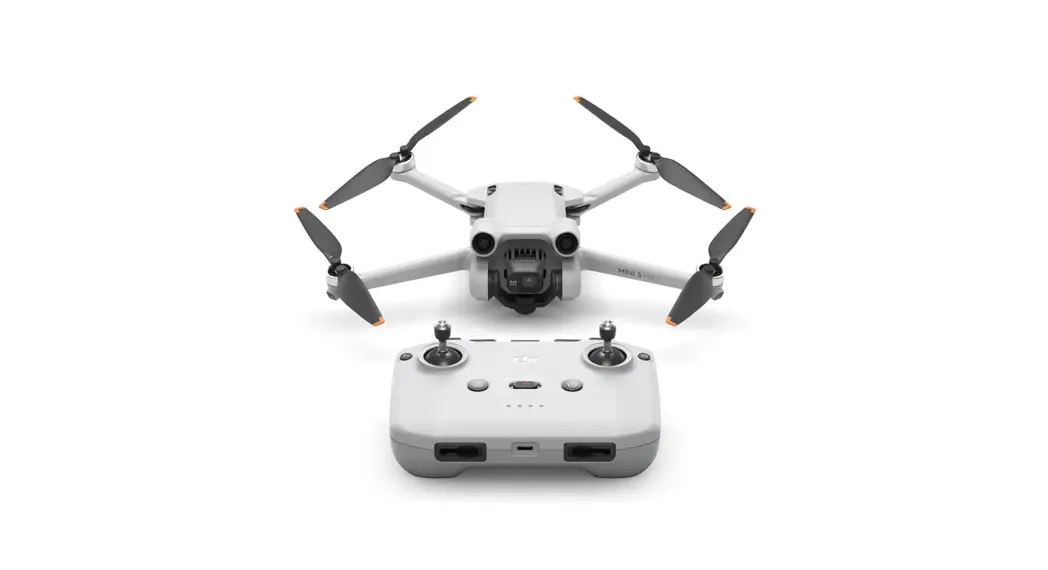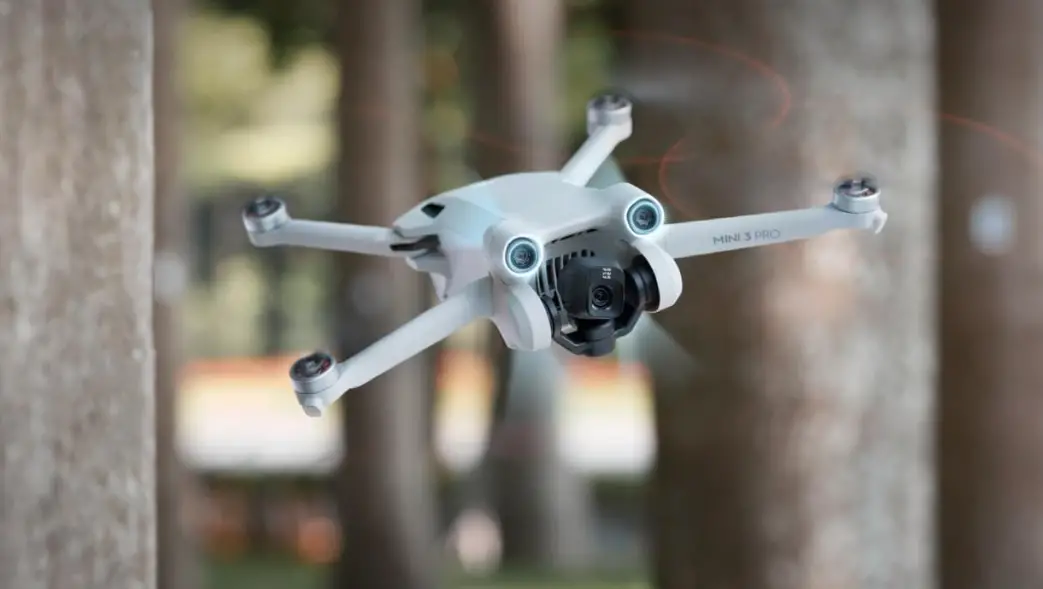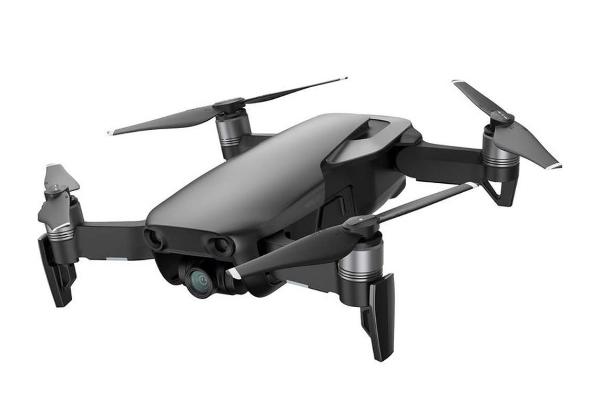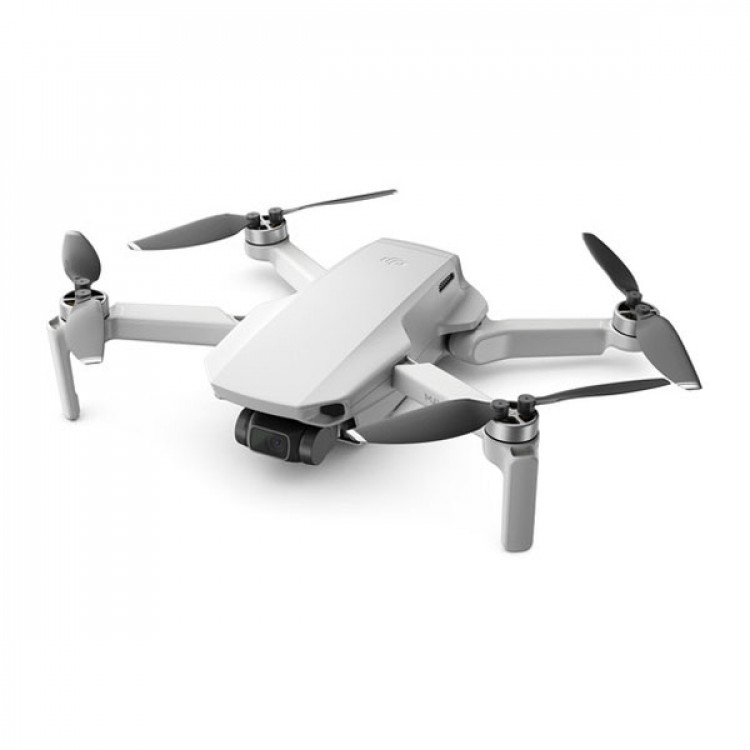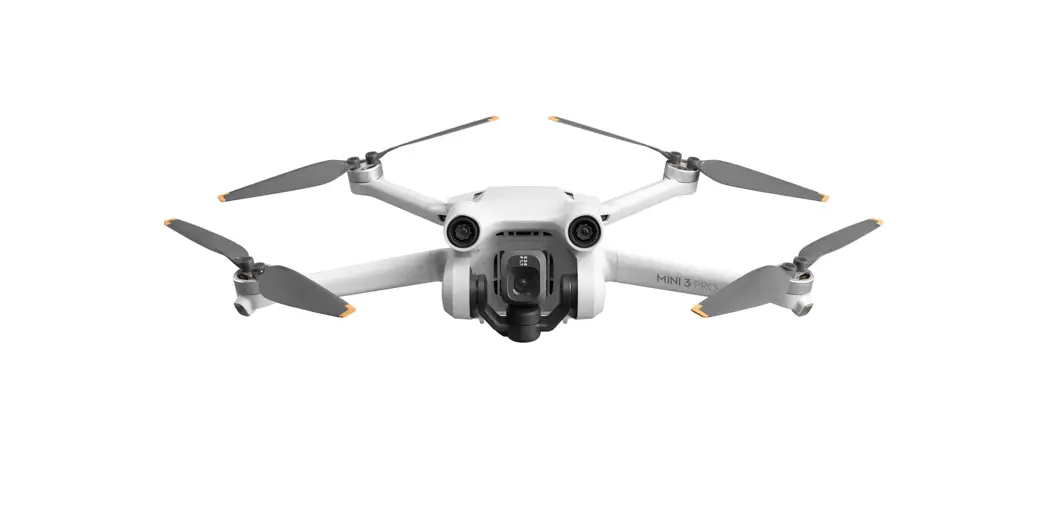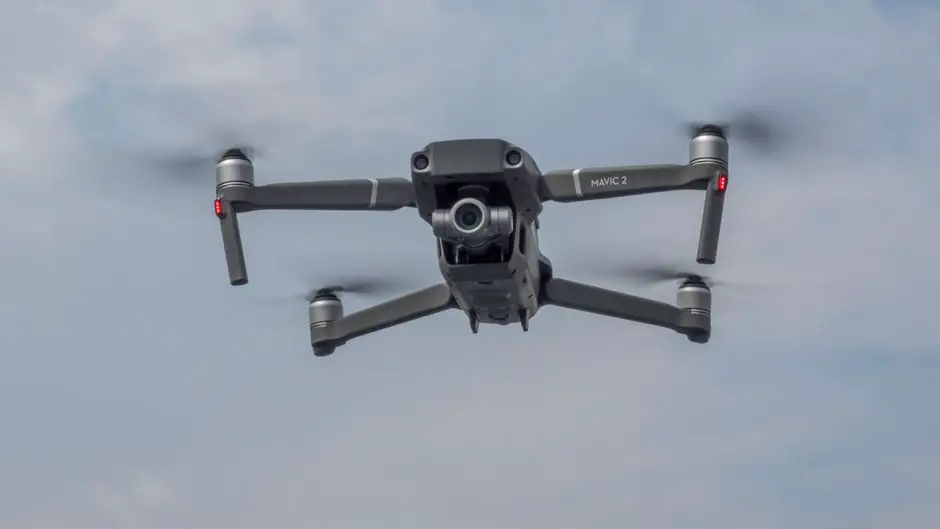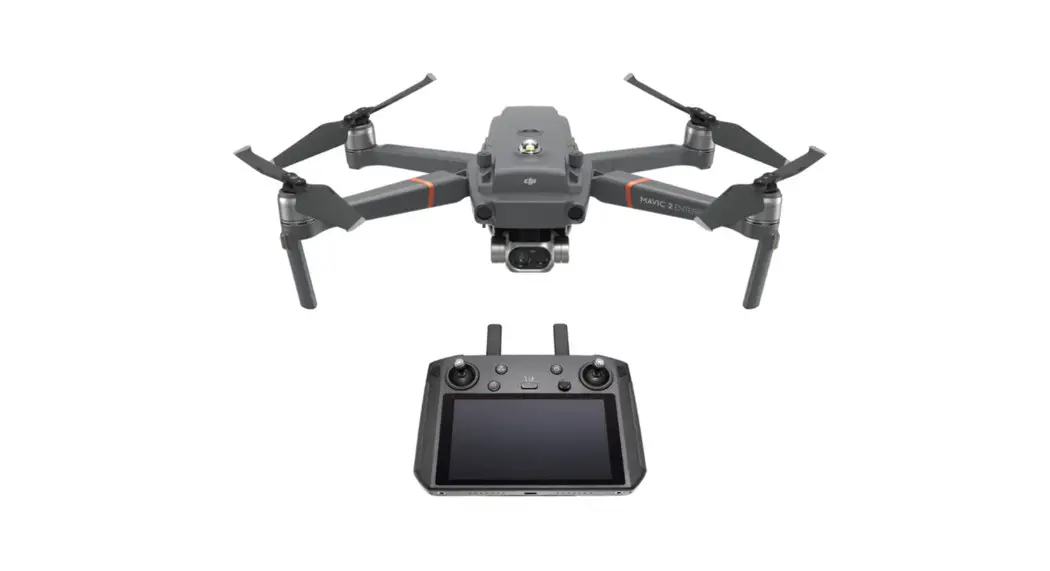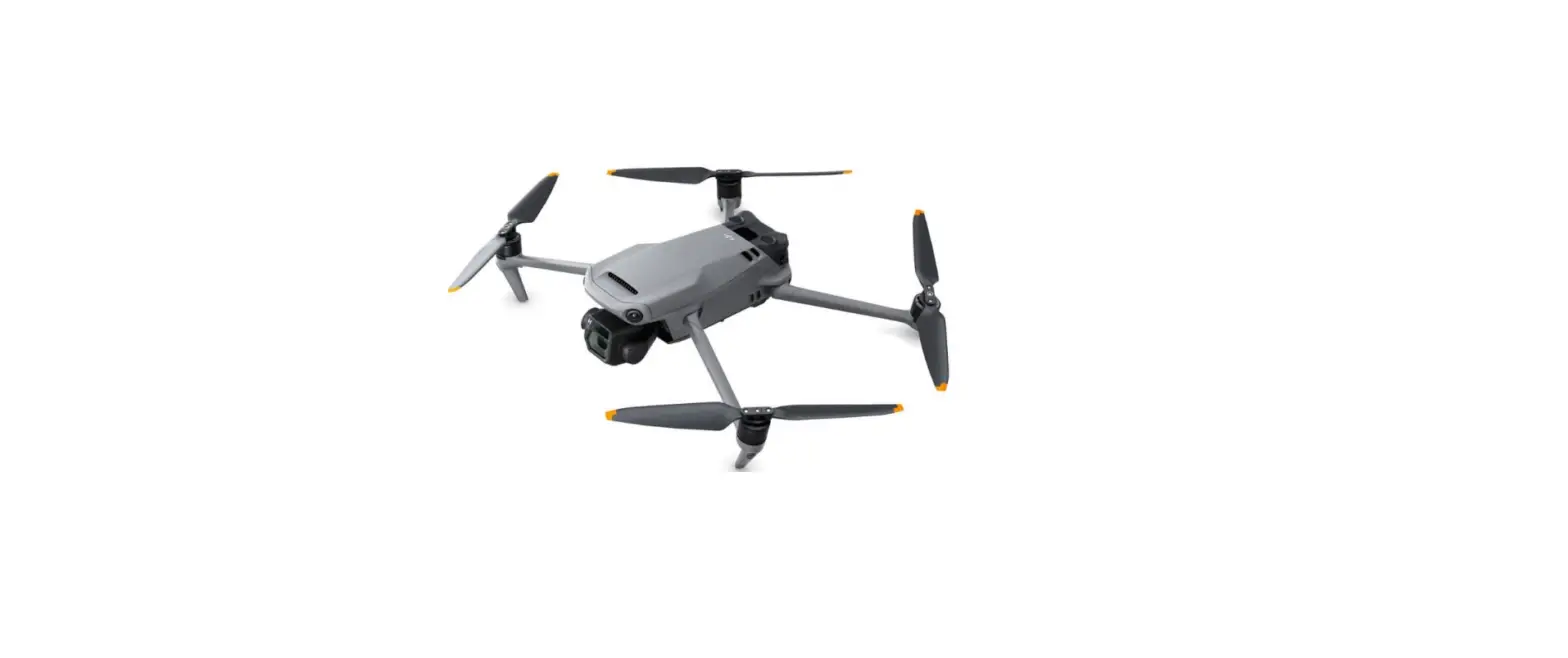

dji Mavic 3 Pro Drone
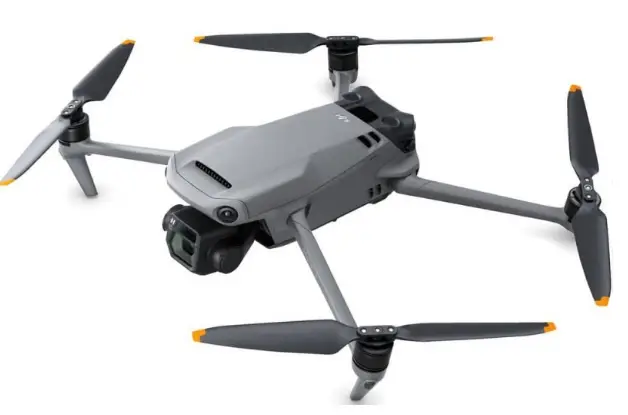
Product Information
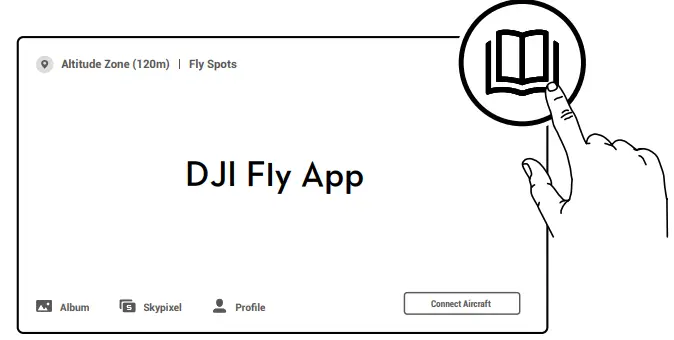
The product is a drone that can be controlled through a mobile application called DJI Fly App. It can be charged through a power source of either 100W or 65W. The drone has multiple language options for checking the battery level and powering it on/off. It also has an altitude zone of 120m and can be connected to various features of the DJI Fly App such as Academy, Album, Skypixel, and Profile.
Product Usage Instructions
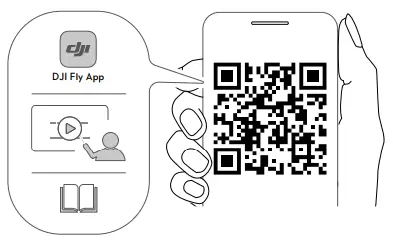
- Download the DJI Fly App from the link provided in the user manual.
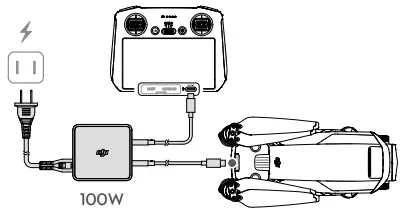
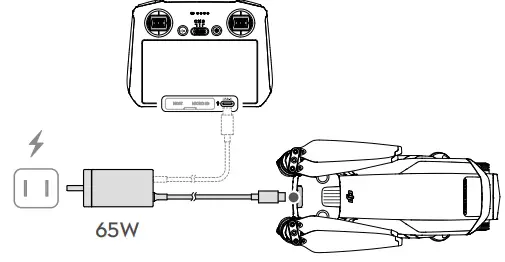
- Charge the drone using a power source of either 100W or 65W.
- Select the language of your choice for checking the battery level and powering it on/off.
- To check the battery level, press the button once.
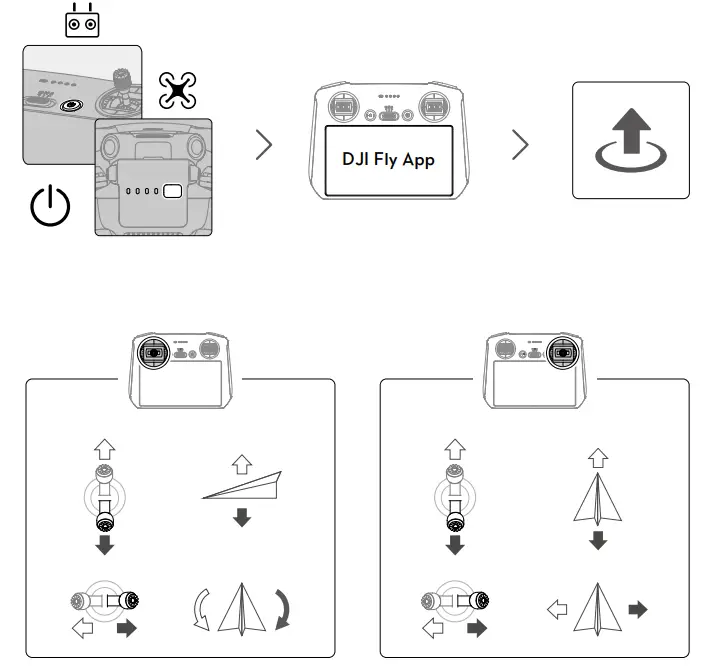
- To power on the drone, press the button once. To power off the drone, press and hold the button.
- Connect the drone to the DJI Fly App and navigate through the various features such as Academy, Album, Skypixel, and Profile.
- Use Mode 2 for controlling the drone.
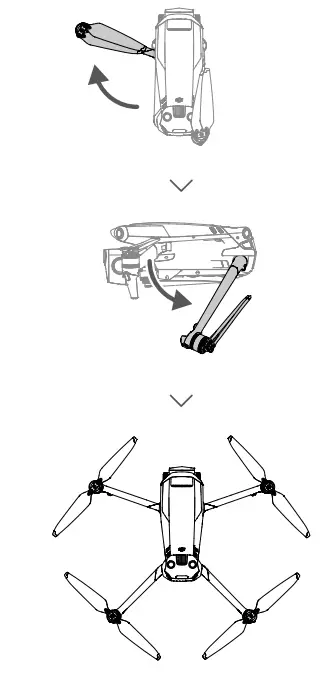
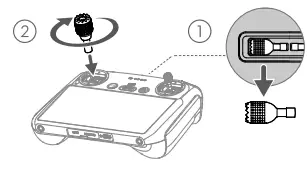
INSTALLATION
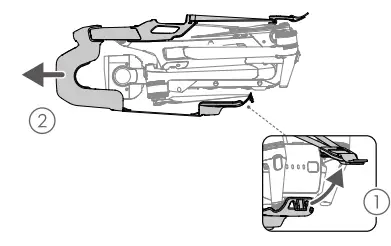
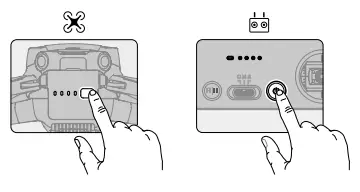
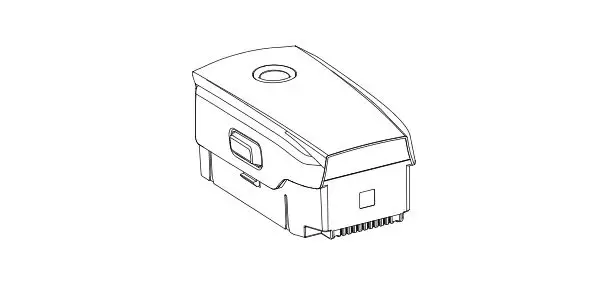
- Check battery level: press once:
- Power on/off: press, then press and hold.
WE ARE HERE FOR YOU
- Contact
- DJI SUPPORT
SUBSCRIBE FOR MORE INFO
QR SCAN
https://www.dji.com/mavic-3-pro/downloads
DJI and MAVIC are trademarks of DJI.
Copyright © 2023 DJI AIl Rights Reserved.