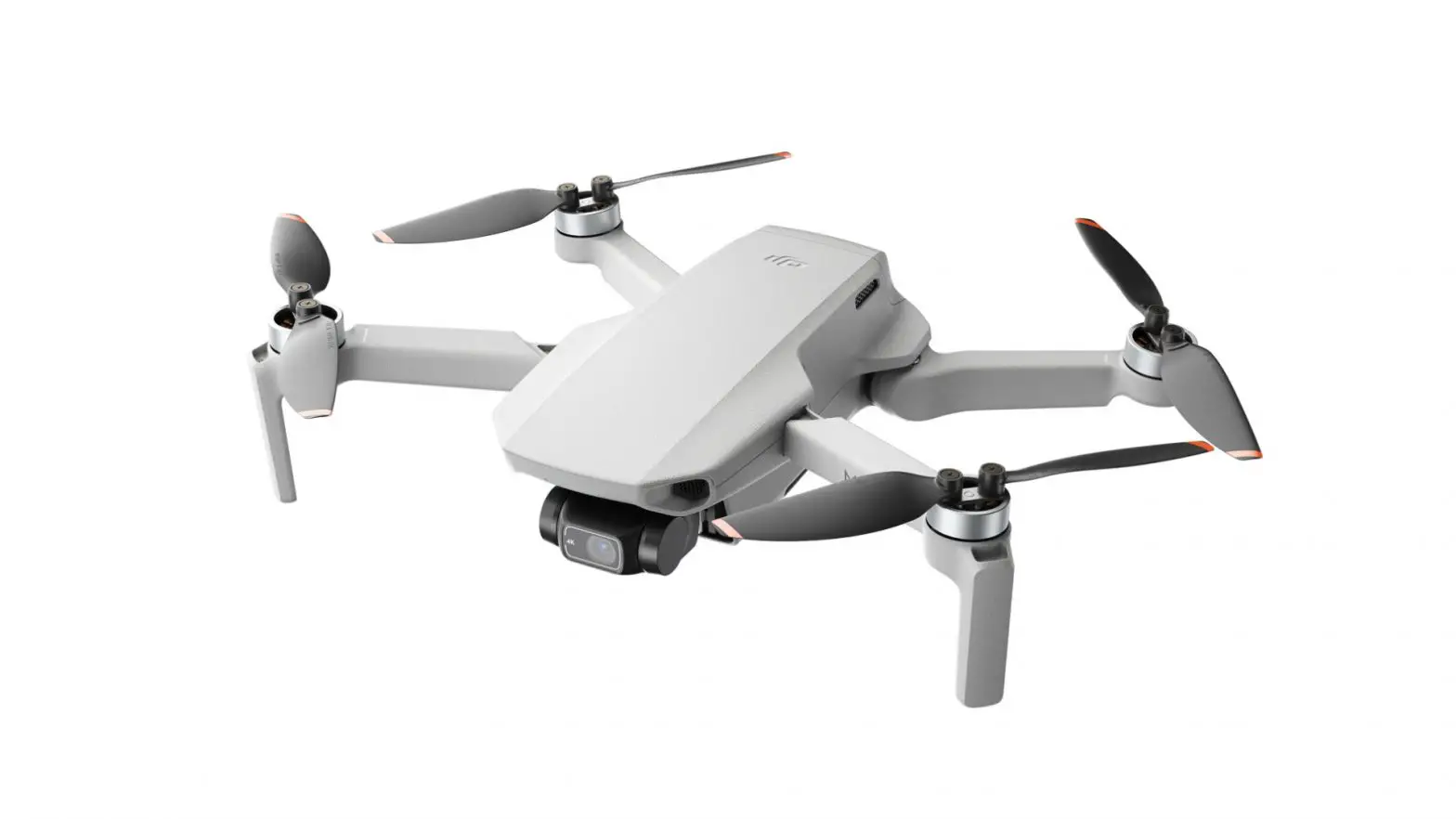
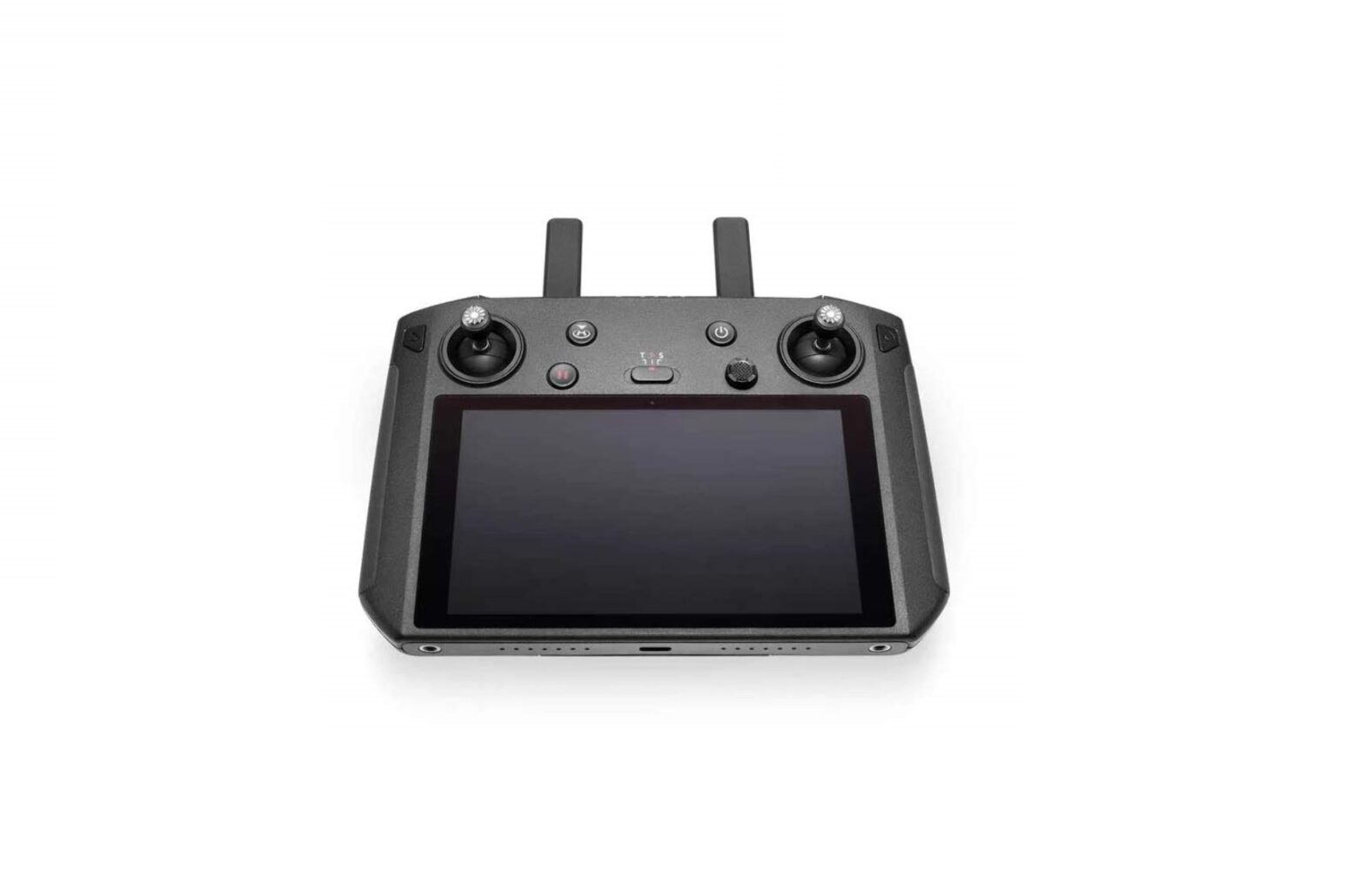
DJI Mini 2 User Guide
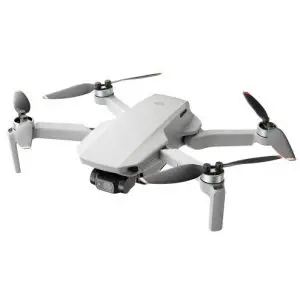
Steps:
Step 1: 
 |  |  |
| DJI Fly APp | ||
Step 2:

Step 3:

Step 4:
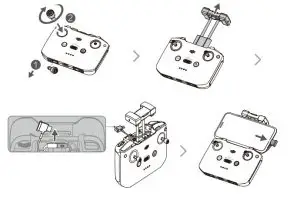
Step 5:

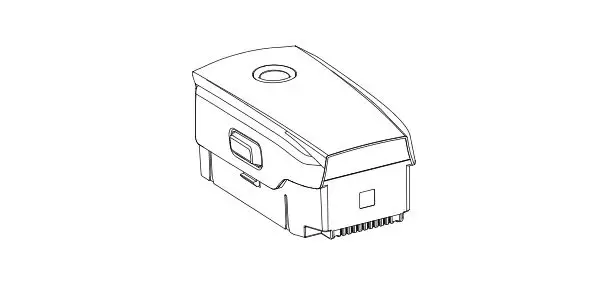
Check battery level: press once.
Power on/off: press, then press and hold.
Step 6:


New to Flying Drones?
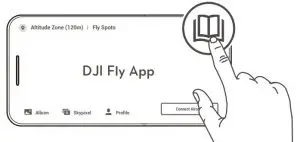
 |  |
Contact DJI Support | WeChat scan Get technical support |

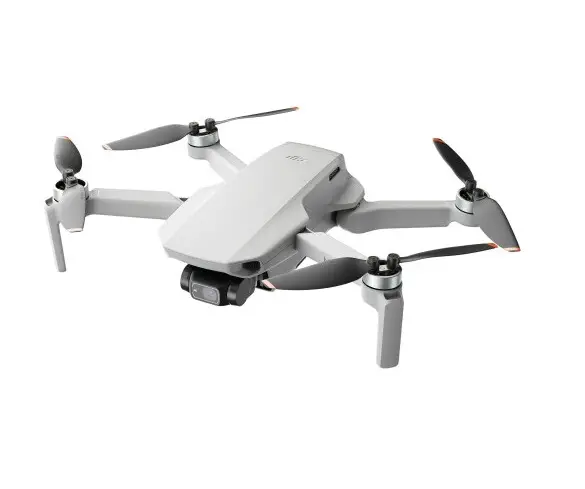
DJI Mini 2 User Guide
Step 1:
| | |
| DJI Fly APp | ||
Step 2:
Step 3:
Step 4:
Step 5:
Check battery level: press once.
Power on/off: press, then press and hold.
Step 6:
| |
Contact DJI Support | WeChat scan Get technical support |
Download manual
Here you can download full pdf version of manual, it may contain additional safety instructions, warranty information, FCC rules, etc.
 DJI Mini 2 - Downloads - DJI