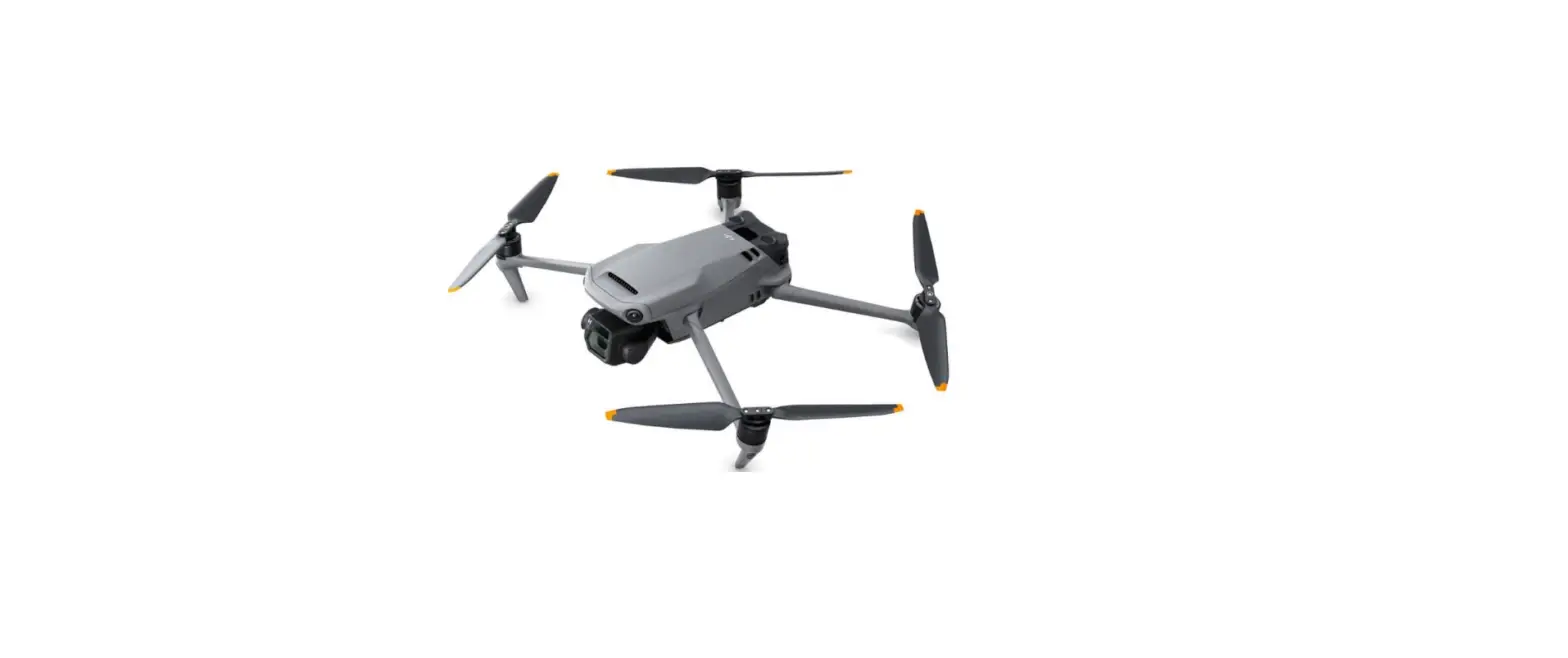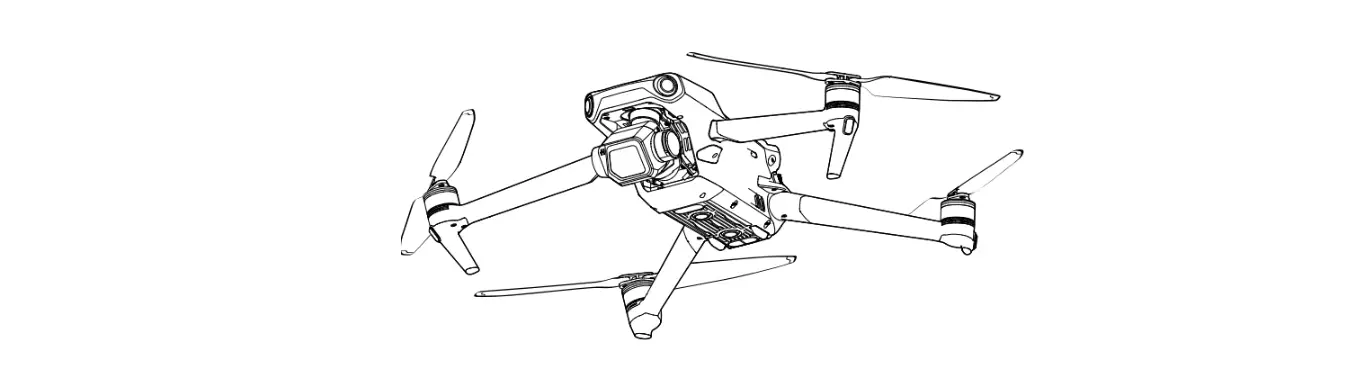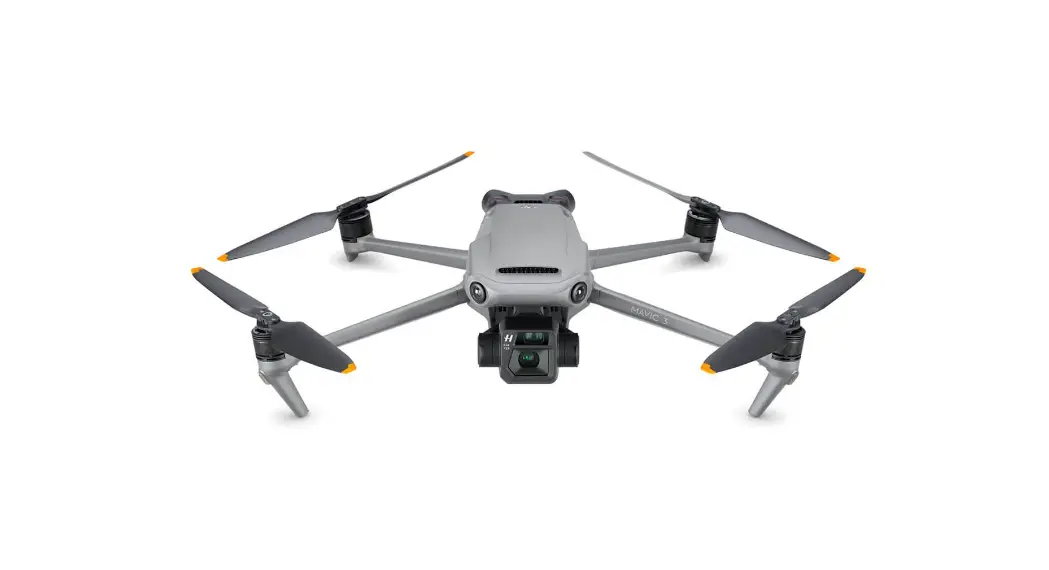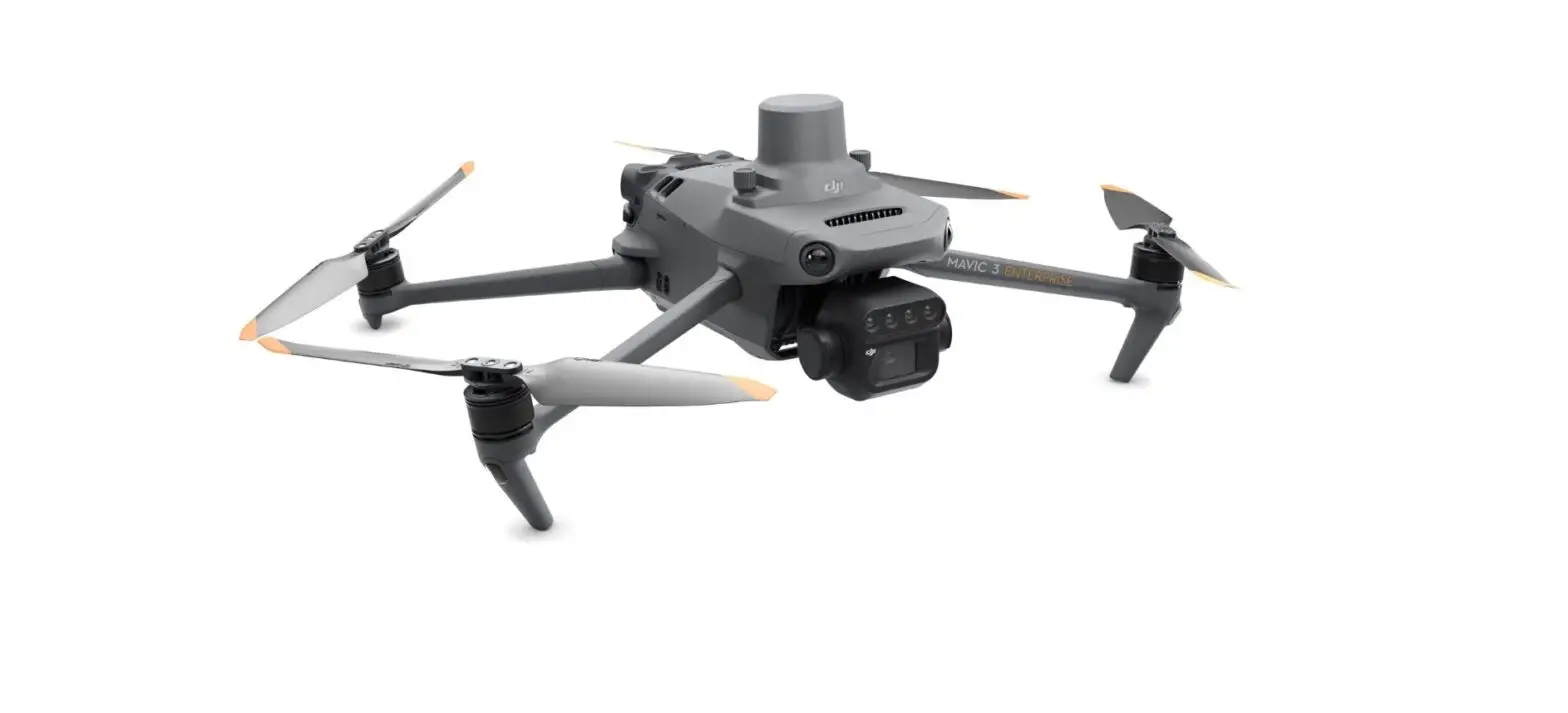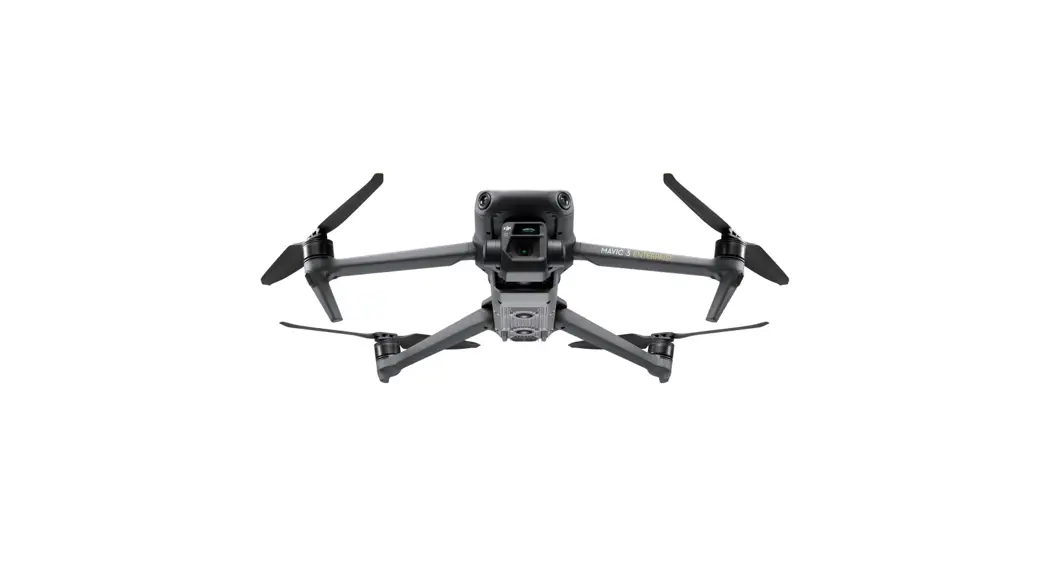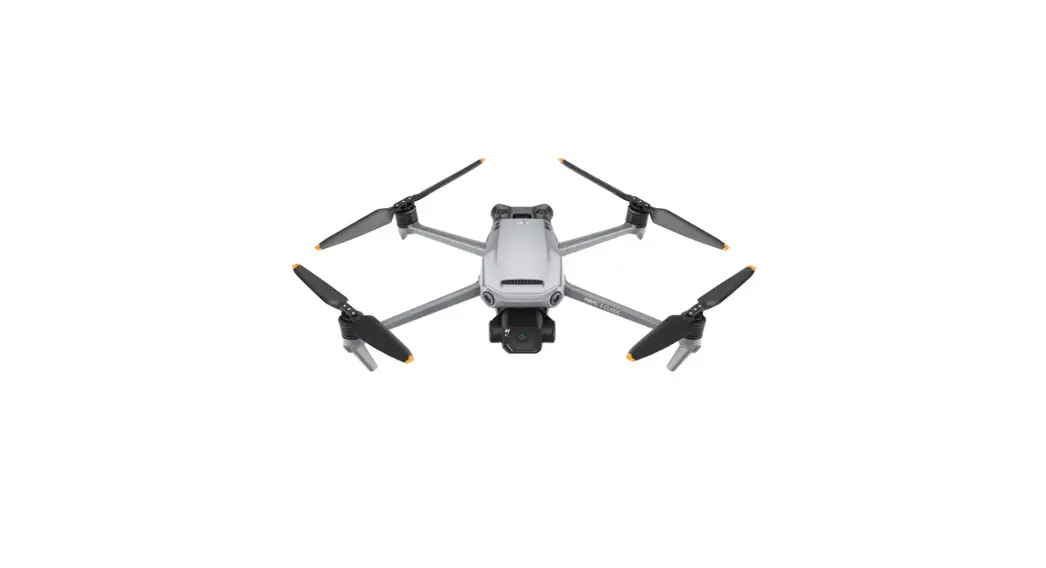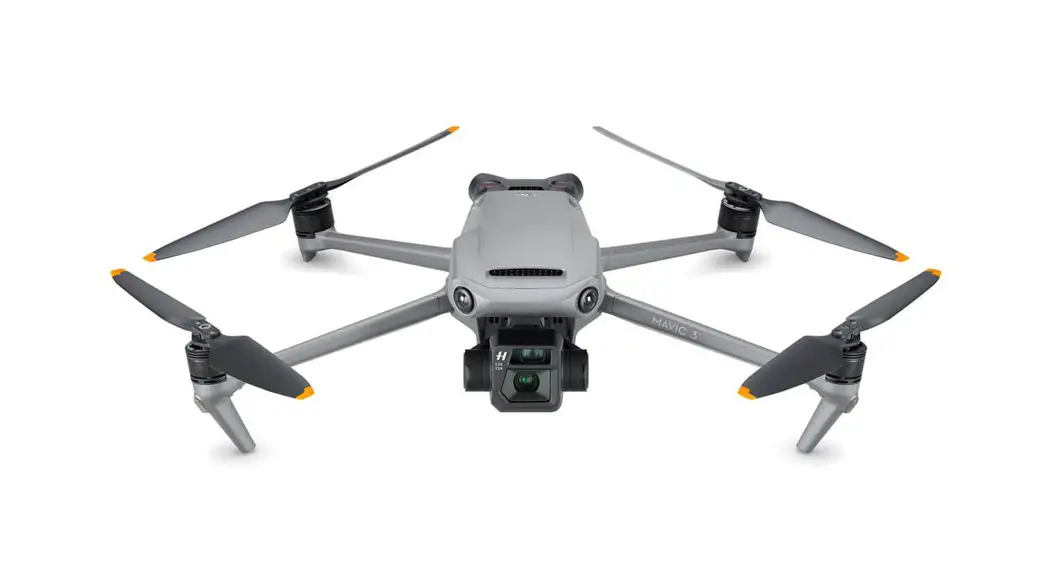
polarpro Directors Filter Kit for DJI Mavic 3 and Mavic 3 Cine
What’s Included
Combo set s and single filters.
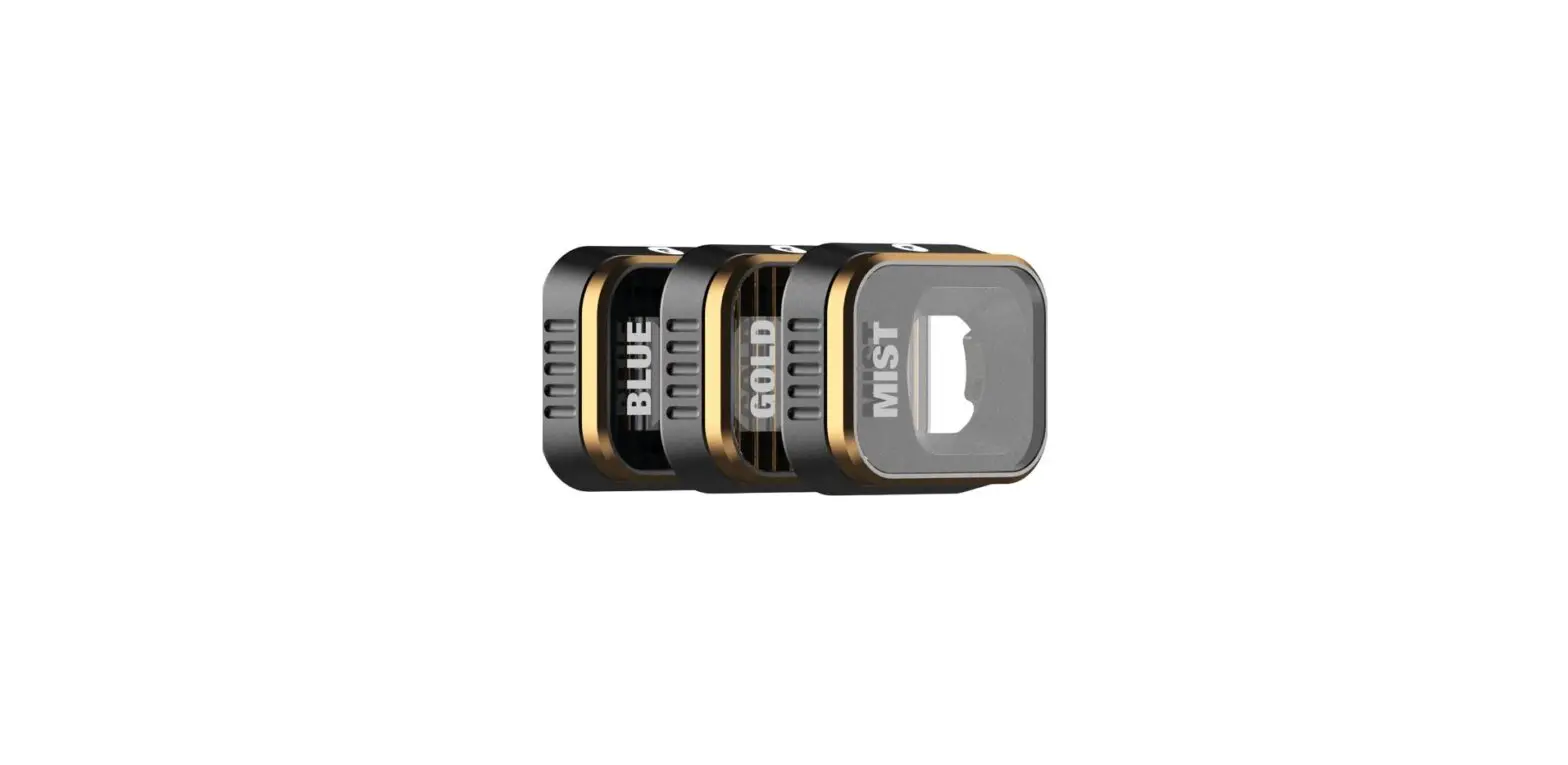
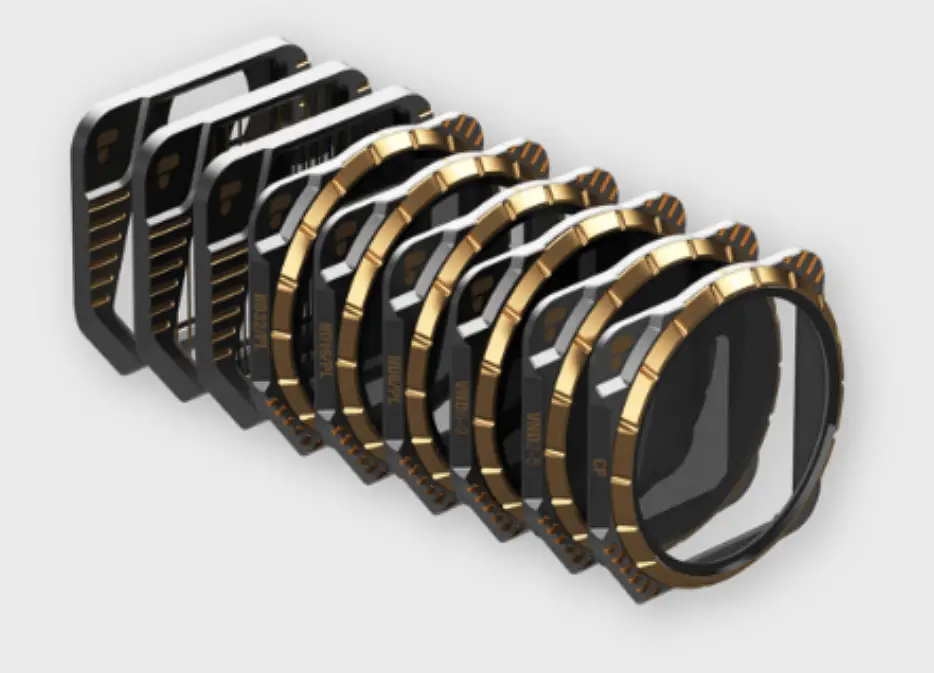
- Directors Collection I Edition 1 [MVC3-DRCT-CLLTN-ED1]
VND2-5 I VND6-9 I Mist [1/4] I BlueMorphic I GoldMorphic I GP I NDBPL I ND16PL I ND32PL I Edition 1 Case - Directors Collection [MVC3-DRCT-CLLTN]
VND2-5 I VND6-9 I Mist [1/4] I BlueMorphic I GoldMorphic I GP I NDBPL I ND16PL I ND32PL I Storage Case - Cinema Kit [MVC3-CINEMA]
VND2-5 I VND6-9 I VND2-5 Mist [1/4] I VND2-5 BlueMorphic I VND2-5 GoldMorphic I Storage Cases - Vivid Collection [MVC3-VIVID]
NDBPL I ND16PL I ND32PL I Storage Case - FX 3-Pack [MVC3-FX-3PK]
BlueMorphic I GoldMorphic I Mist [1/4] I Storage Case - VND 2-Pack [MVC3-VND-2PACK]
VND2-5 I VND6-9 I Storage Case - Single Filters [CP / VND2-5 Mist [1 /4] / VND2-5 BlueMorphic / VND2-5 GoldMorphic]
Filter I Storage Case
Filter Installation
Attaching filters to the drone camera.
INSTALLATION
Step 1:
Filter installation must be done prior to powering on the drone*
Step 2:
Support the gimbal in one hand. Using your other hand, press genUy and turn the stock UV counter-clockwise and remove.
Step 3:
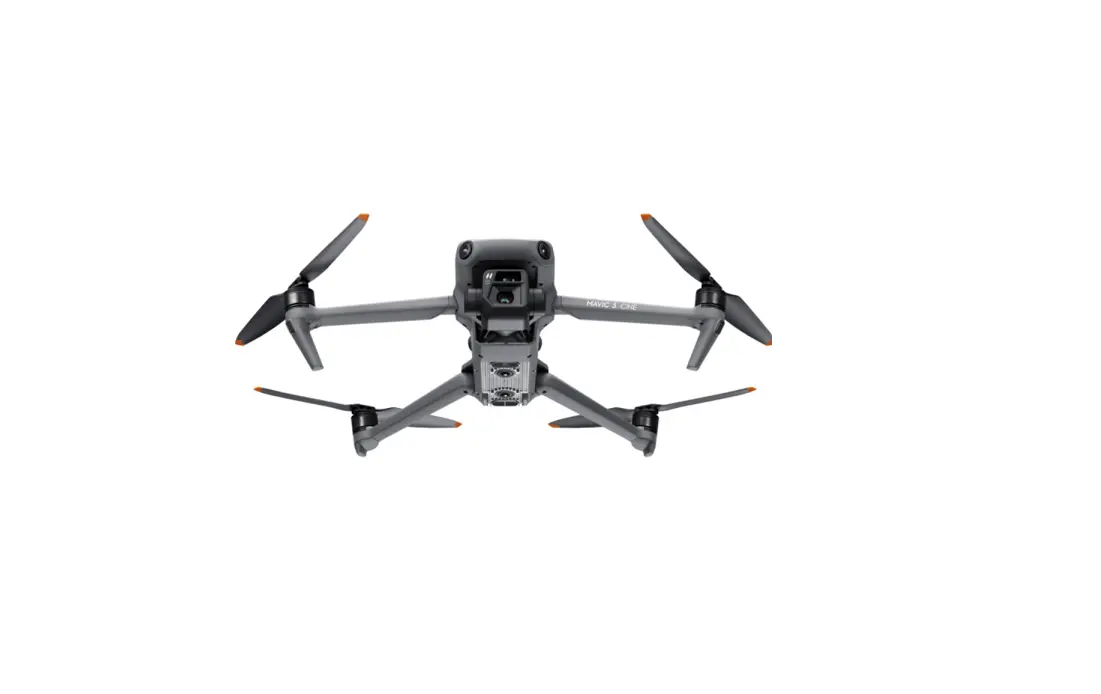
Align the filter tabs with the corresponding lens slots on the Mavic 3 camera. When seated flush to the lens, press lightly and turn clockwise until the filter clicks into place.
REMOVAL
Step 1:
Follow steps 2 and 3 above to replace the stock UV or change filters.
More Info
Questions and support.
QUESTIONS?
Reach out any time via live-chat on our website, or shoot us an email. We’re happy to help!
polarpro.com | [email protected] | 949.220.9395