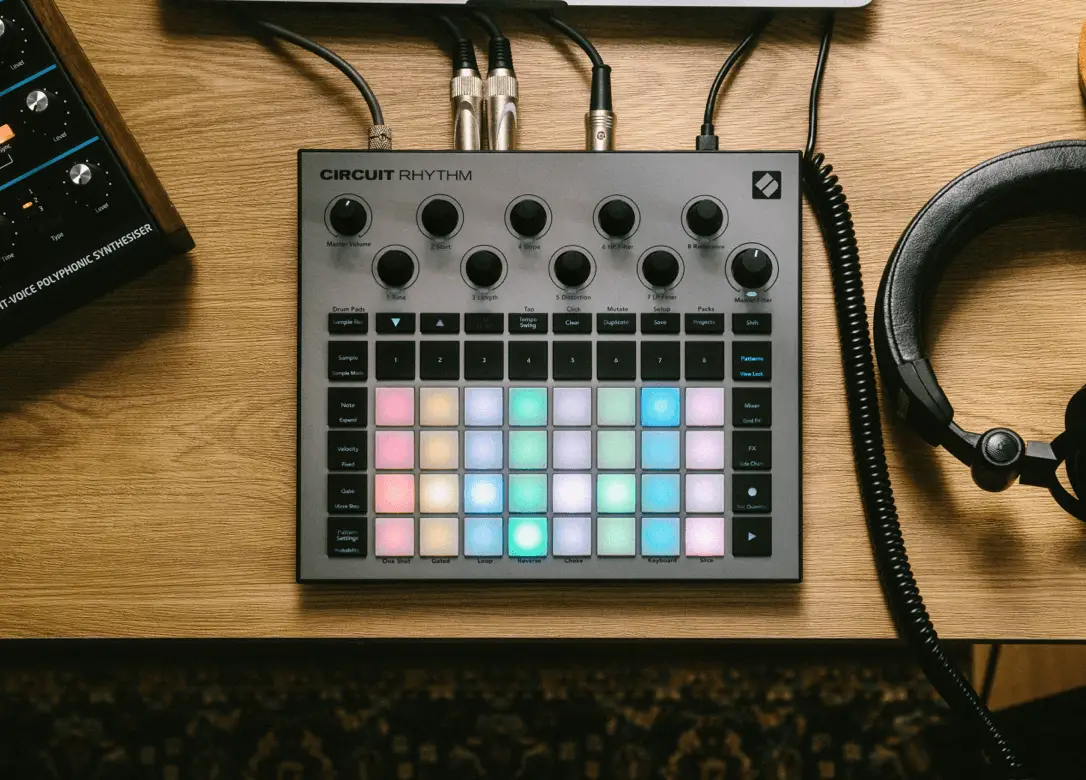
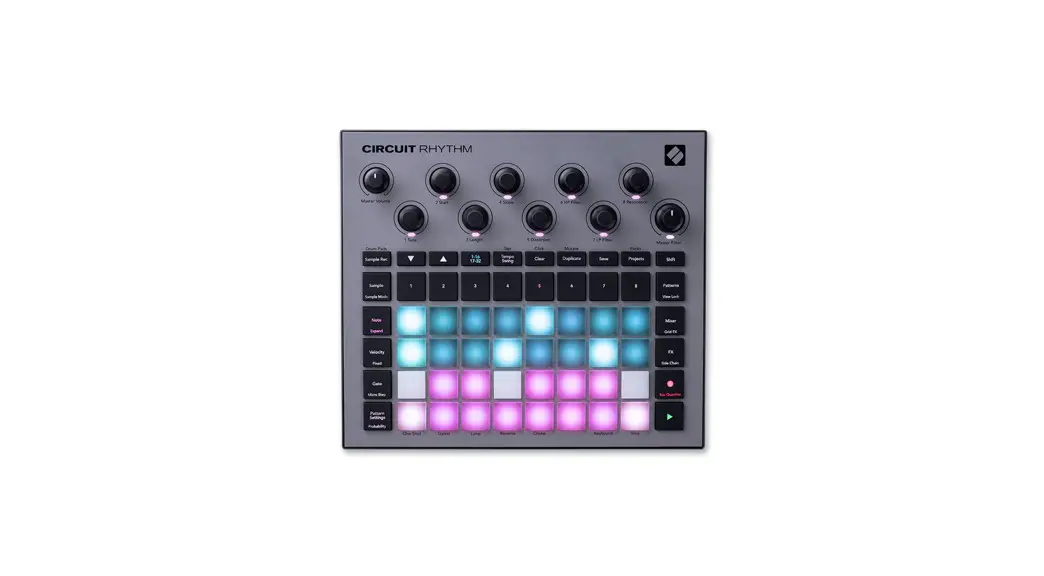
CIRCUIT Rhythm Standalone Groove Sampler
Product Information
| Section | Parameter | Control Type | Control No. | Range | Default Value | Notes |
|---|---|---|---|---|---|---|
| Circuit Rhythm MIDI Parameters | Tune | CC | 21 | 0 – 127 | Send on appropriate channel 1-8 | |
| Circuit Rhythm MIDI Parameters | Start | CC | 22 | 0 – 127 | Send on appropriate channel 1-8 | |
| Circuit Rhythm MIDI Parameters | Length | CC | 23 | 0 – 127 | Send on appropriate channel 1-8 | |
| Circuit Rhythm MIDI Parameters | Slope | CC | 24 | 0 – 127 | Send on appropriate channel 1-8 | |
| Circuit Rhythm MIDI Parameters | Distortion | CC | 25 | 0 – 127 | Send on appropriate channel 1-8 | |
| Circuit Rhythm MIDI Parameters | HP Filter | CC | 26 | 0 – 127 | Send on appropriate channel 1-8 | |
| Circuit Rhythm MIDI Parameters | LP Filter | CC | 27 | 0 – 127 | Send on appropriate channel 1-8 | |
| Circuit Rhythm MIDI Parameters | Resonance | CC | 28 | 0 – 127 | Send on appropriate channel 1-8 |
Product Usage Instructions
To use the Circuit Rhythm, follow these instructions:
- Connect the device to your computer or MIDI controller using a
MIDI cable. - Open your preferred MIDI software or DAW.
- Set the appropriate MIDI channel for the Circuit Rhythm.
- Adjust the parameters using the corresponding MIDI
controls:
| Parameter | MIDI Control Type | MIDI Control No. | Range |
|---|---|---|---|
| Tune | CC | 21 | 0 – 127 |
| Start | CC | 22 | 0 – 127 |
| Length | CC | 23 | 0 – 127 |
| Slope | CC | 24 | 0 – 127 |
| Distortion | CC | 25 | 0 – 127 |
| HP Filter | CC | 26 | 0 – 127 |
| LP Filter | CC | 27 | 0 – 127 |
| Resonance | CC | 28 | 0 – 127 |
Note: Make sure to consult the user manual for further
information on the Circuit Rhythm’s MIDI parameters and their
default values.
Version 5
1
Contents
Circuit Rhythm MIDI Parameters 3 Macro Knobs 3 Sampler Parts 18 3 Effects 4
Global Control Data 5 Patch and Project Select 5 Supported Realtime Messages5 Supported System Common Messages5
Triggering Drums 5 FX Parameters 6 Setup View 6
2
Circuit Rhythm MIDI Parameters
Macro Knobs
These are identical to the parameters in the `Sampler Parts’ section.
Section Parameter Macro Knobs
1 Tune 2 Start 3 Length 4 Slope 5 Distortion 6 HP Filter 7 LP Filter 8 Resonance
CC/NRPN
CC CC CC CC CC CC CC CC
Control No
21 22 23 24 25 26 27 28
Range
Default Value Notes
0 127 64 0 127 0 0 127 127 0 127 64 0 127 0 0 127 0 0 127 127 0 127 0
Send on appropriate channel 1-8 Send on appropriate channel 1-8 Send on appropriate channel 1-8 Send on appropriate channel 1-8 Send on appropriate channel 1-8 Send on appropriate channel 1-8 Send on appropriate channel 1-8 Send on appropriate channel 1-8
Sampler Parts 18
Section Voice
Parameter SampleChoice
PlaybackMode
Reverse
Choke
Slice
Number of Slices
Sampler Pitch
StartCoarse
LengthCoarse
Slope
Distortion
HPF
LPF
Resonance
StartFine
LengthFine
Mixer
Level
Pan
ReverbSend
DelaySend
Dipper Source
Attack
Hold
Decay
Depth
CC / NRPN Control No
CC
8
CC
12
CC
14
CC
15
CC
16
CC
17
CC
21
CC
22
CC
23
CC
24
CC
25
CC
26
CC
27
CC
28
CC
86
CC
87
CC
29
CC
30
CC
31
CC
32
NRPN
1:0
NRPN
1:1
NRPN
1:2
NRPN
1:3
NRPN
1:4
Range
0 127 0 2 0 1 0 1 0 1 1 16
Default Value Notes
0 0 0 0 0 16
4 124 (60 60) 0
0 127
0
0 127
127
0 127 (64 63) 0
0 127
0
0 127
0
0 127
127
0 127
0
0 127
0
0 127
127
Controllable/Automatable using Macro Knobs Controllable/Automatable using Macro Knobs Controllable/Automatable using Macro Knobs Controllable/Automatable using Macro Knobs Controllable/Automatable using Macro Knobs Controllable/Automatable using Macro Knobs Controllable/Automatable using Macro Knobs Controllable/Automatable using Macro Knobs Controllable/Automatable using Macro Knobs Controllable/Automatable using Macro Knobs
0 127
100
64 63
0
0 127
0
0 127
0
0 7
0
0 127
0
0 127
0
0 127
0
0 127
0
3
Effects
Section Reverb
Parameter Type
Decay
Damping
Delay
Time
TimeSync
Feedback
Width
LRRatio
SlewRate
Effects Bypass
BeatRepeat OnOff
Rate
DryWet
Reverser
OnOff
Rate
Gator
OnOff
Rate
Autofilter
OnOff
FilterType
Frequency
LFOamount
LFOshape
LFOrate
Resonance
DigitalLofi
OnOff
Bits
SampleRate
Phaser
OnOff
Rate
Depth
Feedback
Centre
Vinyl
OnOff
Filter
Wobble
Crackle
Hiss
CC / NRPN Control No
NRPN
1:18
NRPN
1:19
NRPN
1:20
Range
0 5 0 127 0 127
NRPN NRPN NRPN NRPN NRPN NRPN
1:6
0 127
1:7
0 35
1:8
0 127
1:9
0 127
1:10
0 12
1:11
0 127
NRPN
1:21
0 1
CC
39
0 1
CC
40
0 10
CC
41
0 127
CC
42
0 1
CC
43
0 3
CC
44
0 1
CC
45
0 11
CC
46
0 1
CC
47
0 3
CC
48
0 127
CC
49
0 127
CC
50
0 2
CC
51
0 13
CC
52
0 127
CC
53
0 1
CC
54
0 127
CC
55
0 127
CC
56
0 1
CC
57
0 13
CC
58
0 127
CC
59
0 127
CC
64
0 127
CC
60
0 1
CC
61
0 127
CC
62
0 127
CC
63
0 127
CC
65
0 127
Default Value Notes
2 64 64
64 20 64 127 4 5
0
0 5 0
0 2
0 5
0 0 80 40 0 8 63
0 30 30
0 7 64 0 0
0 64 64 64 64
4
Global Control Data
Section Parameter LP HP Filter
Frequency Resonance Compressor On/Off Attack Release EnvelopeFollow SoftClip Master Volume Click On/Off Volume Rate Choice Audio Input GainPadding Routing Threshold Monitor Level
CC / NRPN Control No. Range
Default Value Notes
CC
79
CC
71
NRPN
1:22
NRPN
1:23
NRPN
1:24
NRPN
1:25
NRPN
1:26
0 127 (64 63) 64
0 – 127
30
0, 1
1
0, 127
0
0, 127
0
0, 127
0
0, 1
1
Affects Master filter Affects Master filter Controls for main output compressor
NOT SUPPORTED
NRPN
1:27
NRPN
1:28
NRPN
1:29
NRPN
1:30
CC
90
0, 1 0, 127 0, 3 0, 127
0, 1 0, 1 0, 1 0, 1 0, 127
0
NOT SUPPORTED
100
NOT SUPPORTED
1
NOT SUPPORTED
0
NOT SUPPORTED
0 0 1 1 100
Patch and Project Select
MIDI Channel Parameter Value
Notes
16
PGM
0 63
select project (instant)
16
PGM
64 127 select project (queued)
*PGM = Program Change Note, for drum patch selection see Drum Control table
Supported Realtime Messages
Message start stop continue timing clock
Supported System Common Messages
Triggering Sample Tracks
Table of notes used to trigger sample tracks from a single MIDI channel.
Sample Track Notes Part
1 2 3 4 5 6 7 8
on global channel Note Name
C1 D1 E1 F1 G1 A1 B1 C2
Note Number 36 38 40 41 43 45 47 48
Message song position pointer song select
Channel 16 16 16 16 16 16 16 16
5
FX Parameters
FX Select 0 1 2 3 4 5 6
FX Name Beat Repeat Reverse Gator Autofilter Digital_Lofi Phaser Vinyl
Param1 Rate Rate Rate Rate Bits Rate Filter
Param2 wet/dry x x FiltType Sample Depth Wobble
Param3 x x x
Freq x FB
Crackle
Param4 x x x
Shape x x
Hiss
Param5 x x x
Amount x x x
Param6 x x x
Resonance x x x
Setup View
You can enter setup view by holding down Shift and Pressing save. For a full description of setup view please see the full Circuit Rhythm user guide on the Novation Downloads page.
Track 1 is currently selected: the track number lights brightly.
Pad 1 is brightly illuminated, indicating that the currently selected track (Track 1) is assigned to MIDI Channel 1 (the default)
1
2
3
4
5
6
7
8
1
2
3
4
5
6
7
8
MIDI channels 1 -16
Default external clock sync rate
is 2 ppqn
9
10
11
12
13
14
15
16
1 ppqn
Rx On/Off
Clock sync rates
2 ppqn
4 ppqn
8 ppqn
24 ppqn
Tx On/Off
Rx On/Off
MIDI data control
Tx On/Off
Rx On/Off
Tx On/Off
Rx On/Off
Tx On/Off
Tracks 2 to 8 are assigned to MIDI Channels 2 to 8 by default. The pads for these Channels illuminate dimly in the colour of the track that is assigned to them.
MIDI Channel 16 is reserved for the Project
Brightness adjustment
MIDI Note data
MIDI CC data
MIDI Program Change data
MIDI Clock control
6