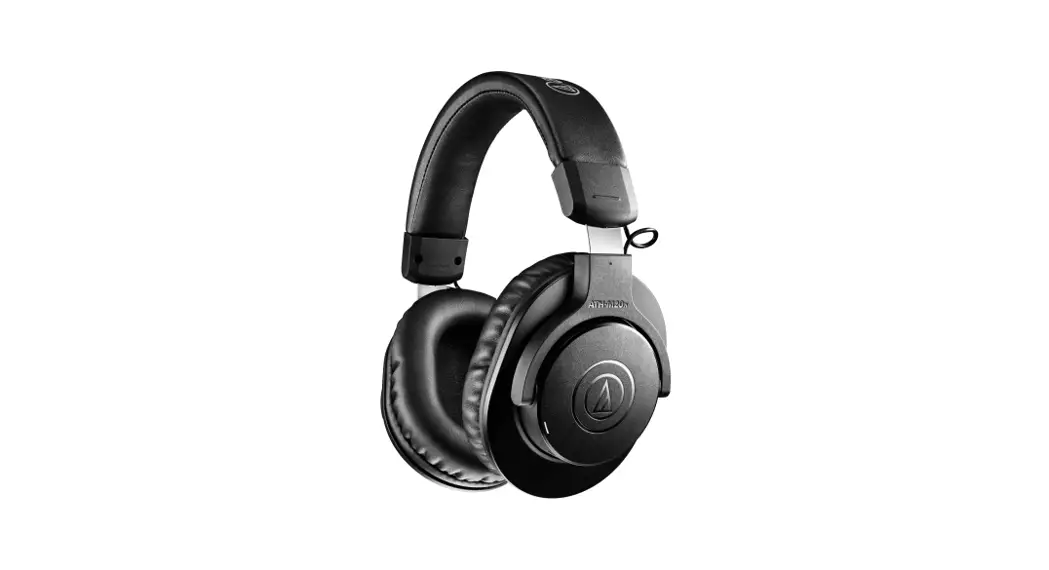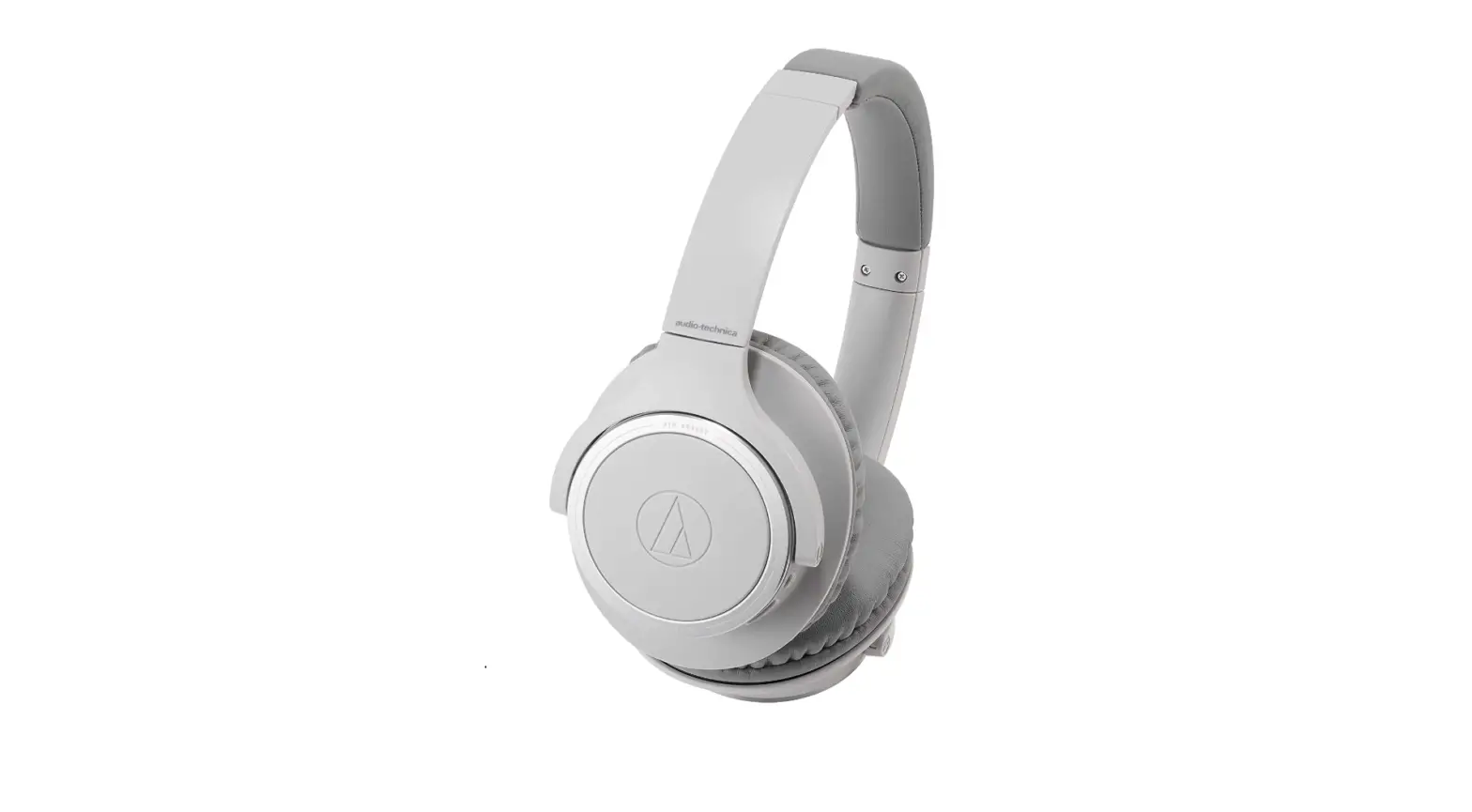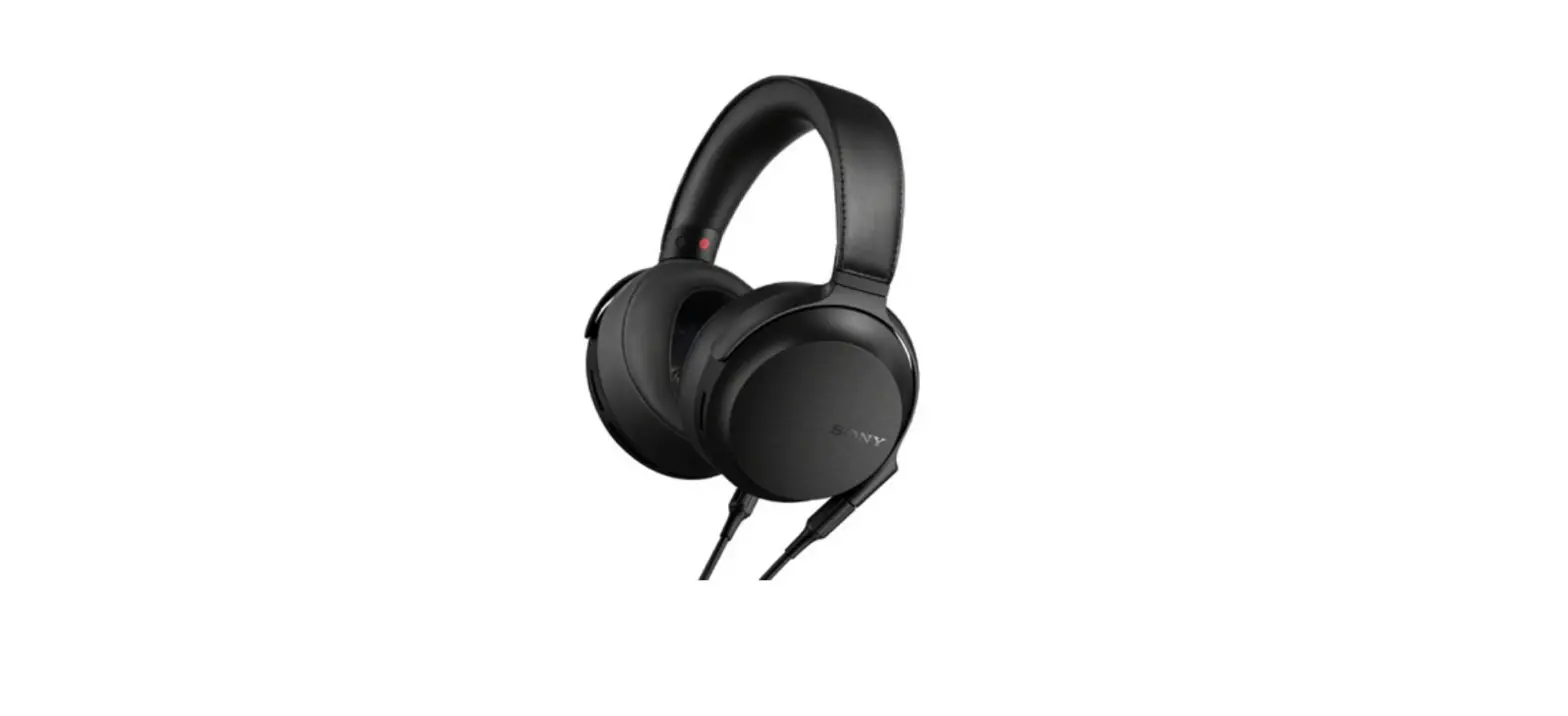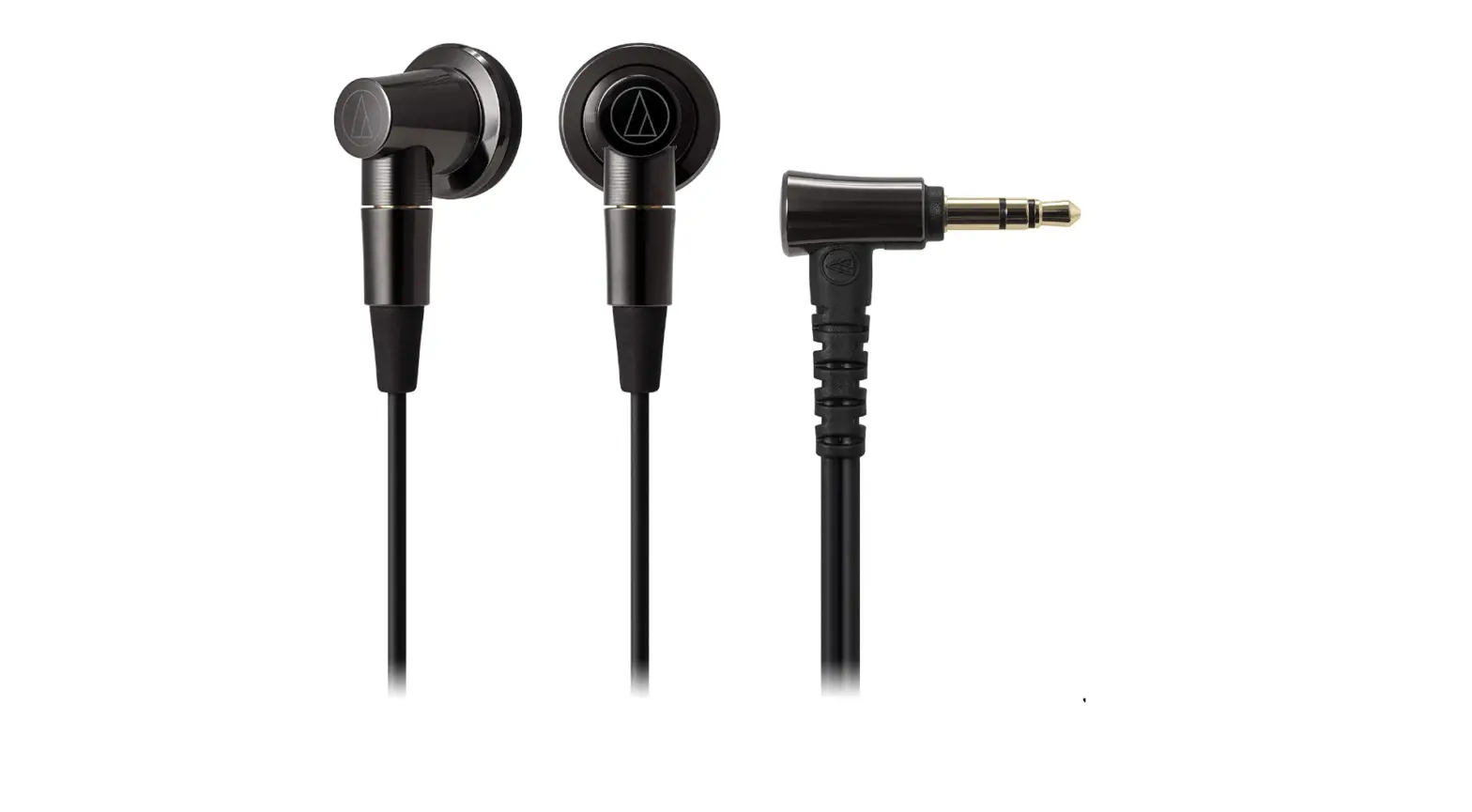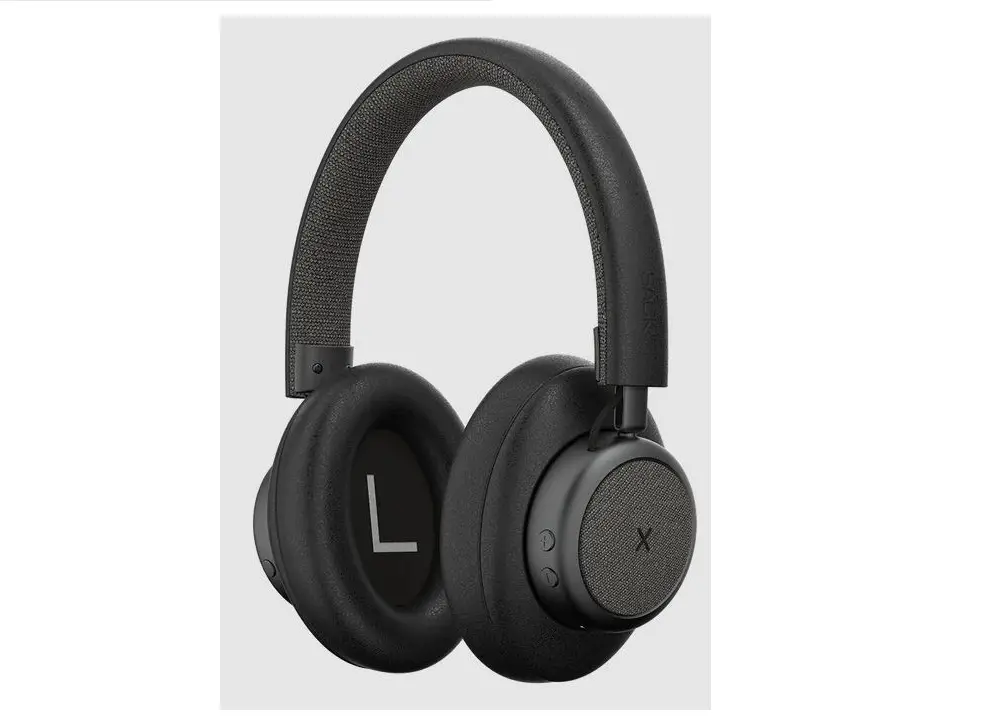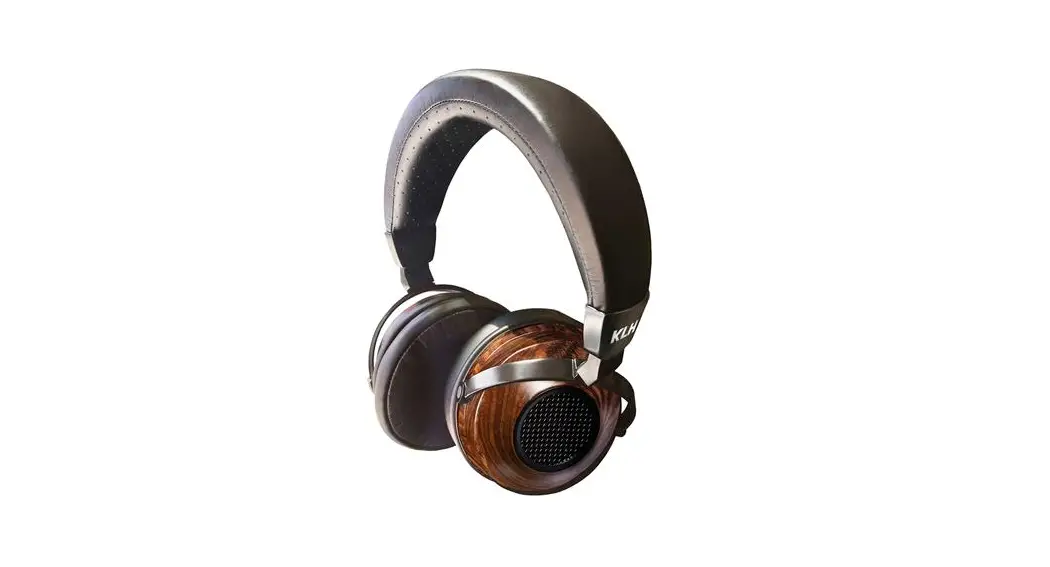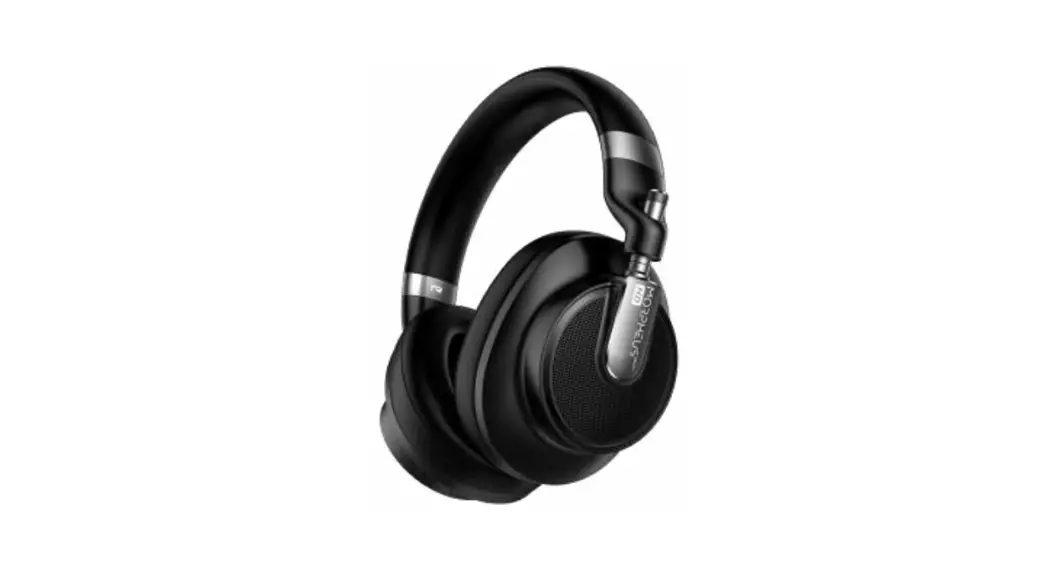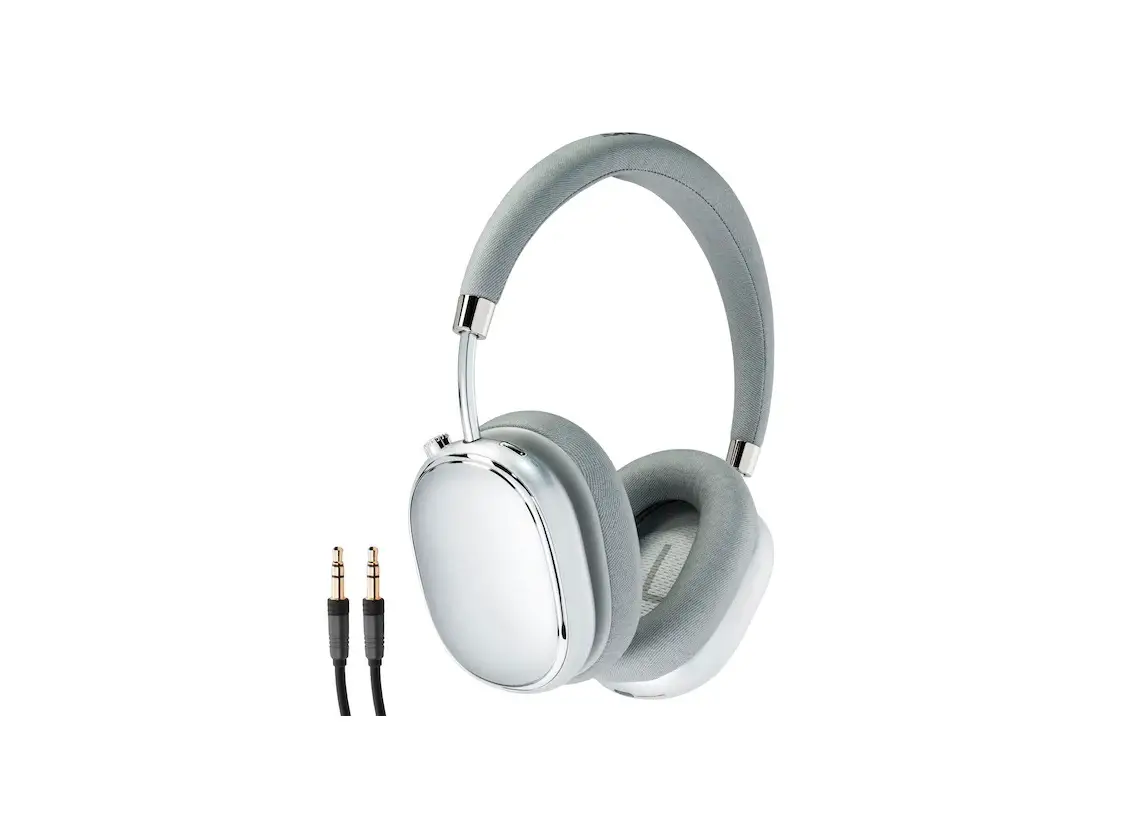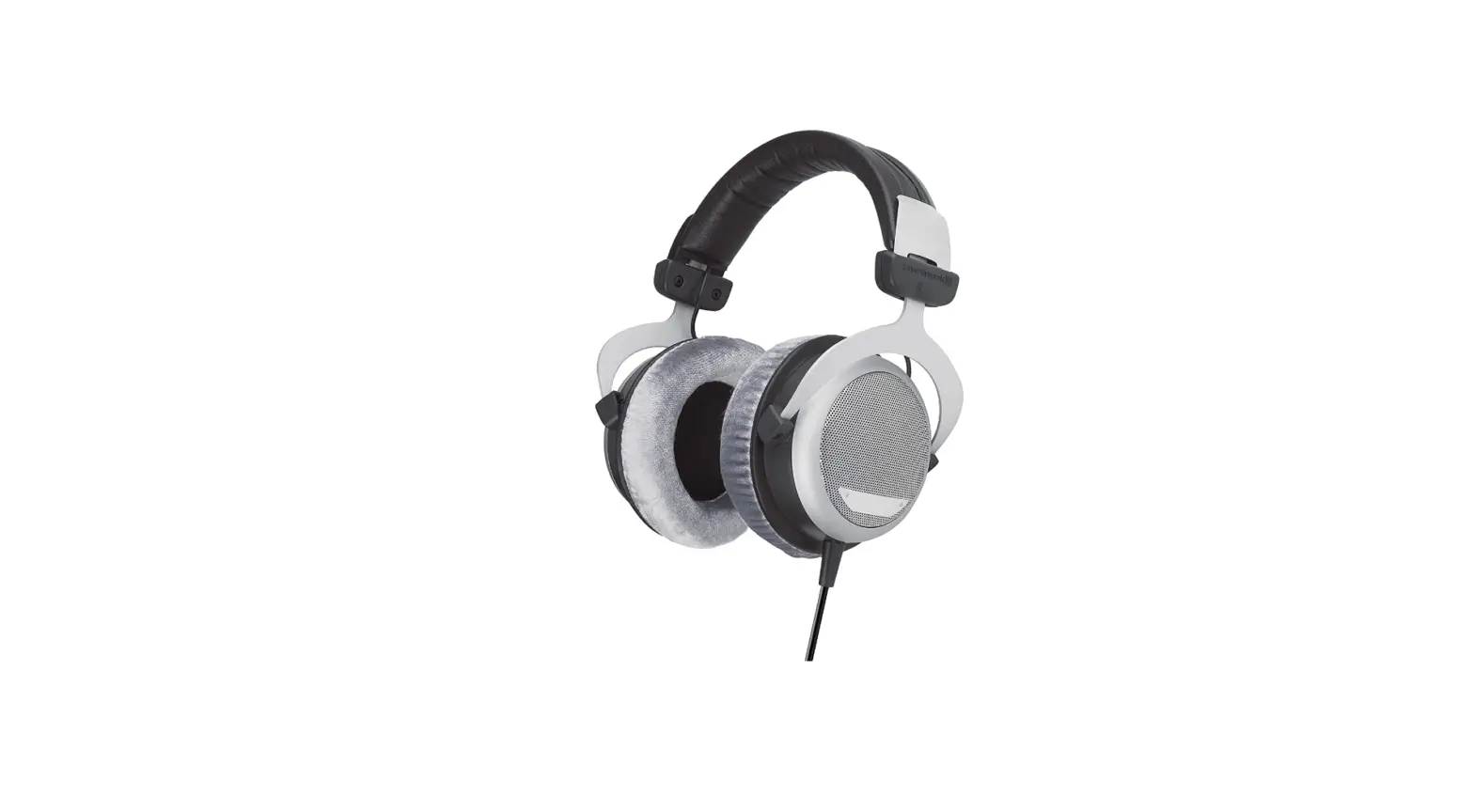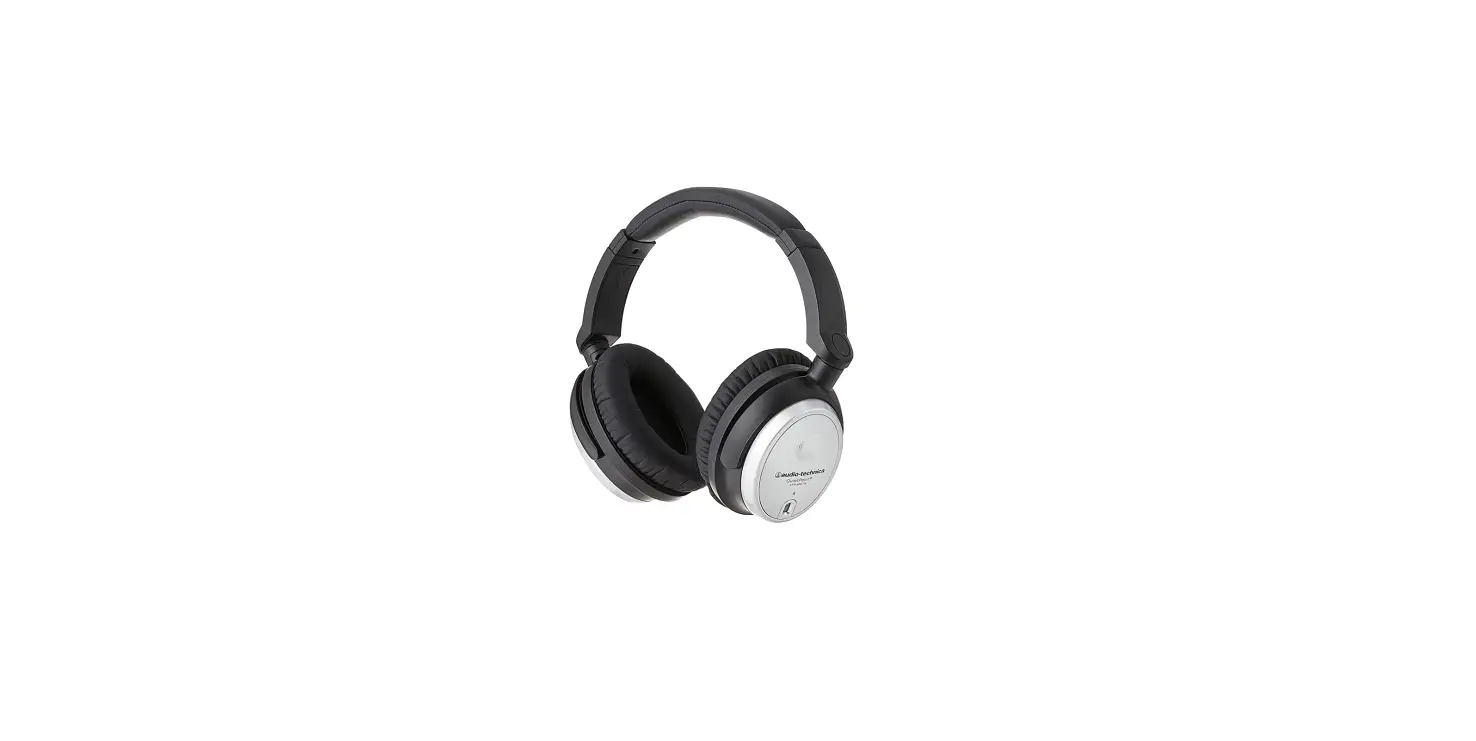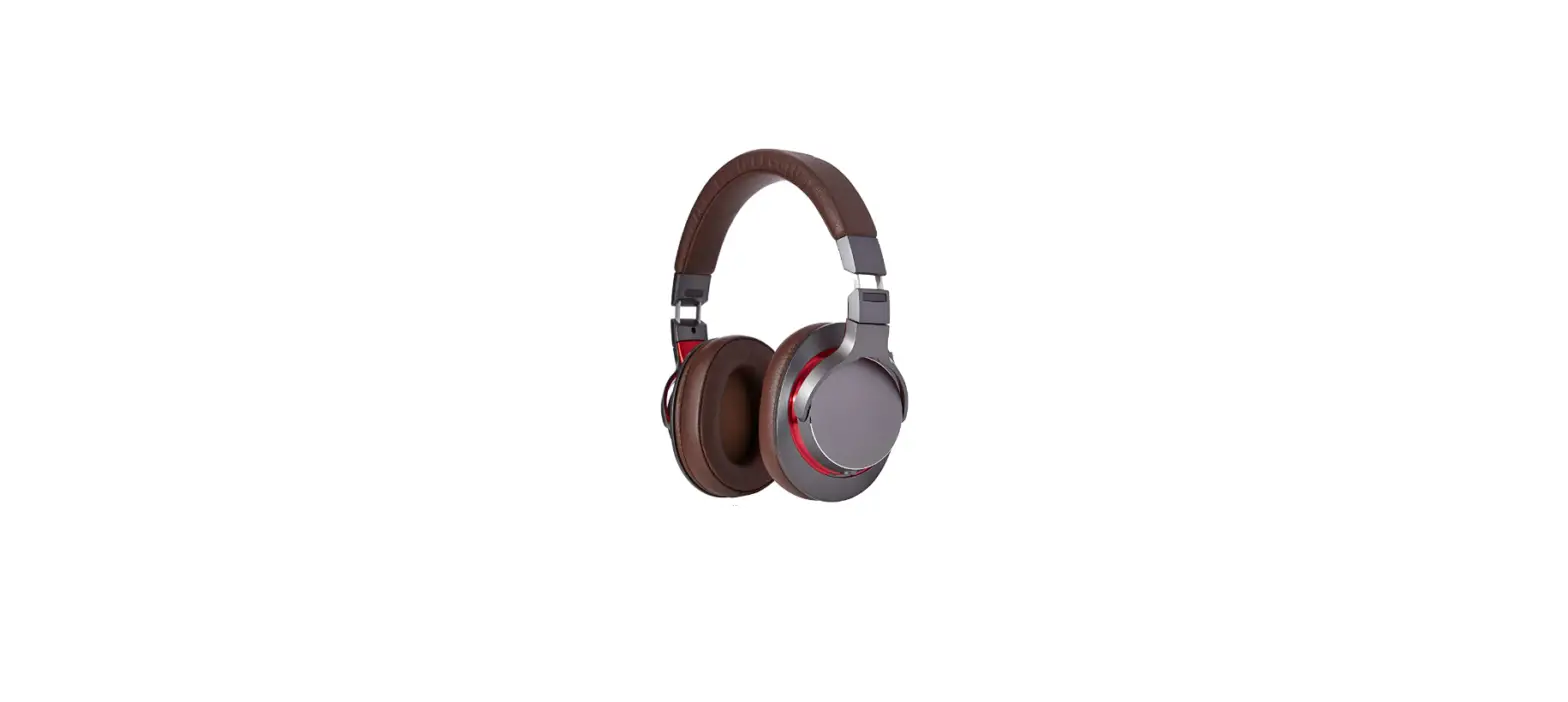

Audio-Technica ATH-MSR7bGM Over-Ear High-Resolution Headphones

Thank you for purchasing this product. Before using the product, read through the user manual to ensure that you will use the product correctly.
Please keep this manual for future reference.
Safety precautions
- Follow applicable laws regarding mobile phone and headphone use if using headphones while driving.
- Do not use the product in places where the inability to hear ambient sound presents a serious risk (such as at railroad crossings, train stations, and construction sites).
- To prevent damage to your hearing, do not raise the volume too high.
Listening to loud sound for an extended period may cause temporary or permanent hearing loss. - Discontinue use if skin irritation results from direct contact with the product.
- Do not disassemble, modify or attempt to repair the product to avoid electric shock, malfunction or fire.
- Be careful to avoid pinching yourself between the housing and the arm of product.
Notes on use
- To ensure compatibility and correct usage, always consult the user manual of any device before connecting the product to it.
- Audio-Technica will not be liable in any way for any loss of data in the unlikely event that such losses should occur while using the product.
- On public transport systems or in other public places, keep the volume low so as not to disturb other people.
- Minimize the volume on your audio device before connecting the product in order to avoid hearing damage from sudden exposure to excessive volume.
- When using the product in a dry environment, you may feel a tingling sensation in your ears. This is caused by static electricity accumulated on your body, not by product malfunction.
- Do not subject the product to strong impact to avoid electric shock, malfunction or fire.
- Do not store the product under direct sunlight, near heating devices or in a hot, humid or dusty place to avoid malfunction. And do not allow the product to get wet.
- When the product is used for a long time, the product may become discolored due to ultraviolet light (especially direct sunlight) or wear.
- The cable may become caught or severed if the product is placed in a bag without adequate protection. Always store the product in the included pouch.
- Connect/disconnect the included cable by holding the plug. Pulling directly on the cable can result in a broken wire and the risk of electric shock.
- Do not wind the included cable around your audio device. This may damage or sever the cable.
- Be sure to purchase the appropriate conversion plug adapter when connecting the product to a device that is not equipped with a 3.5 mm (1/8”) stereo nor a 4.4 mm (0.17”) balanced headphone jack.
- Lengthening the headphone cable (1.2 m (3.9’) / 3.5 mm (1/8”) goldplated stereo mini-plug (L-shaped)) requires a separate extension cable available from your dealer.
Care
Get into the habit of regularly cleaning the product to ensure that it will last for a long time. Do not use alcohol, paint thinners or other solvents for cleaning purposes.
- Use a dry cloth to clean the headphones.
- After using the included cable, clean it with a dry cloth if sweat or dirt is present. Failure to clean the cable may cause it to deteriorate and harden over time, resulting in malfunction.
- Wipe the plugs on included cable with a dry cloth if dirty. Using the plug without cleaning it can cause sound skipping or distortion.
- To clean the earpads and headband, wipe with a dry cloth. Earpads and headband may fade if sweat or water dries on them. If the earpads and headband get wet, we recommend wiping them with a dry cloth and allowing them to dry in the shade.
- For long-time storage, keep the product in a well-ventilated place without high temperatures and humidity.
- The earpads deteriorate over time due to use or storage. For information about replacing earpads or other parts, or for information about other serviceable parts, contact your local Audio-Technica dealer.
Name of each part
Please confirm each part before using these headphones.
- Housing
- rm
- Slider
- Headband
- L/R (Left/Right)
- Earpad
- A2DC connector jack
- 2DC connector plug
- Balanced cable (1.2 m (3.9’) / 4.4 mm (0.17”) gold-plated balanced plug (5 pole / L-shaped))
- Cable (1.2 m (3.9’) / 3.5 mm (1/8”) goldplated stereo mini-plug (L-shaped))
- Input plug
- Pin
- Porch
Using the headphones A B

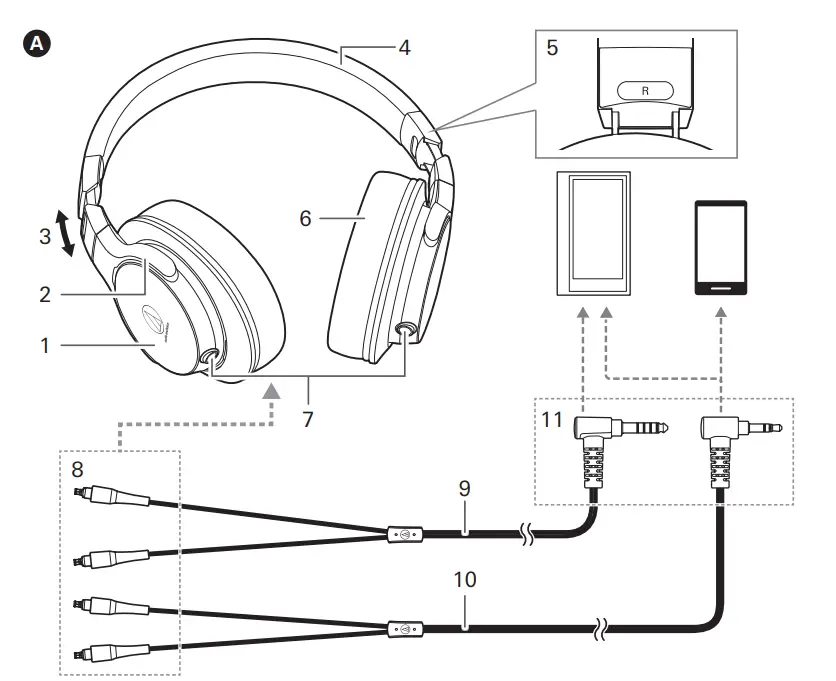
- Connect the connector plug of the included cable to the connector jack of the headphones.
* Do not use a cable other than the supplied detachable cable. - Lower the volume on the device you intend to use, then connect the ‘’Input plug’’ to the device’s headphone jack.
- Fit the earpads over your ears with the side marked “L” over your left ear and the side marked “R” over your right ear.
- Turn on your audio device, and adjust the volume as necessary.
* Also read the user manual of your audio device.
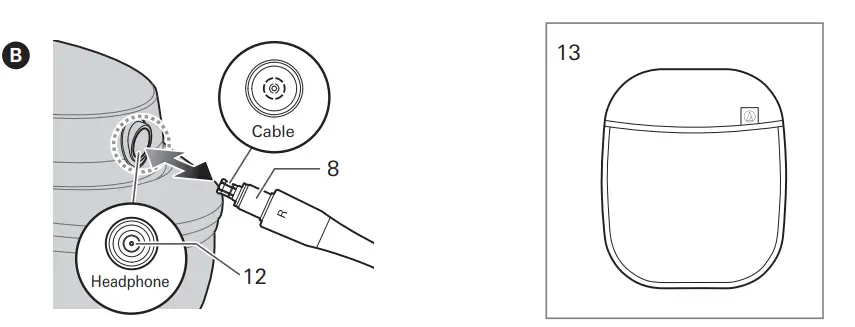
About the detachable cable B
The cable on this product is detachable. If there are signs of deterioration, please replace the cable.
How to replace the detachable cable
The detachable connector is very delicate. Only pull or attach in a straight motion to prevent malfunction.
How to detach the cable
Hold the connector and pull straight out in the direction
shown by the arrow.
How to attach the cable
Plug the left connector or right connector in as shown in the illustration. Please plug the connector in until it clicks.
Specifications
- Driver: Closed-back, dynamic 40 mm
- Output Sound Pressure Level: 100 dB/mW
- Frequency Response: 20 to22,000 Hz
- Maximum Input Power: 500 mW
- Impedance: 40 ohms
- Weight(without cable): Approx. 210 g
- Cable Length: 3.0 m
- Plug: 6.3 mm/3.5 mm gold-plated stereo plug
- Sold separately: Earpads
( For product improvement, this is subject to modification without notice. )
Audio-Technica Corporation
2-46-1 Nishi-naruse, Machida, Tokyo 194-8666, Japan ©2018 Audio-Technica Corporation
Global Support Contact: www.at-globalsupport.com
FAQS
How is the sound quality?
Very good at Low Volume. At higher volumes not so good. If you are recording I would never Mix w/ these headphones! Listening to the music they perform ok. Really NOT Professional Quality..
What dac can i get that won’t noticeably bottle neck these headphones sound?
These headphones are considered junk in the audiophile world. If you are selecting HIFI components on the basis of them complimenting these headphones, (or any headphones for that matter) you need to get some professional audio
advice.
Is the cable for these very long?
The cable got this is non detachable from the headphones and is roughly 8-10 feet long. Plenty of length for most uses.
why am i getting sound in only one ear?
Plugging 3 conductor plugs into 4 conductor sockets and visa verse 4 to 3 is also a thing and people do it. I’m not saying this is the case for you, but people buy 3.5mm standard 3 conductor and plug them into current 4 conductor which are meant for microphone lines in as well without an adapter.
Is the fit circumaural? Because dell website says it’s “circumaural” but amazon says its “over ear”. Which one is correct?
Circumaural & Over Ear are the same thing, These headphones are designed to cover the ears as opposed to Ear Buds (inside the ear)…..
+Are these over ear or one ear?
Over ear. Message me at [email protected] if you want to buy them. I will give you a deal.
Is there a frequency graph available for this product?
There are graphs for AT products, but I couldn’t find one for these headphones.
Is there a microphone?
No
Is this a question? This headphone will plug into a standard 1/8” headphone hack, which most laptops have.
Plug into laptop
How is noise isolation of the Sennheiser avc 400 ? does it has good isolation?
No active noise cancellation. It does seal pretty well though
what is the best headphone for watching tv
I really don’t know….I don’t use headphones for watching TV.
Do they fold?
No.
what is the Size of cups
Four inches across. Very comfortable. These headphones can handle loud volume with highs and lows reproduced accurately. Light and comfortable. At this price well worth the investment. Recommended.
Does it have big soundstage?
Never tried it but probably fine if all you want is stereo (2.0) sound.
Do these have a mic?
no.
Are these good for gaming?
Never tried it but probably fine if all you want is stereo (2.0) sound.