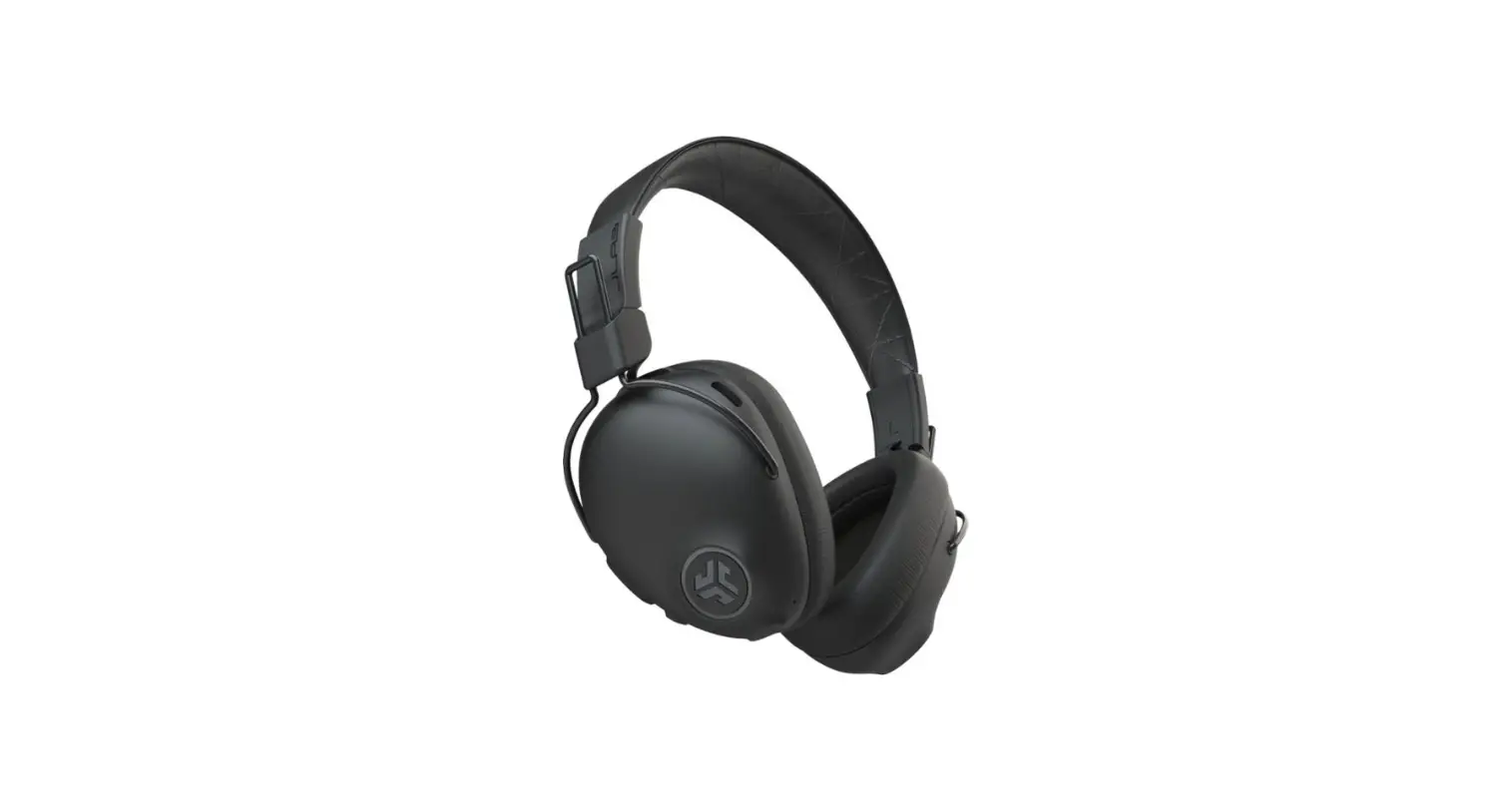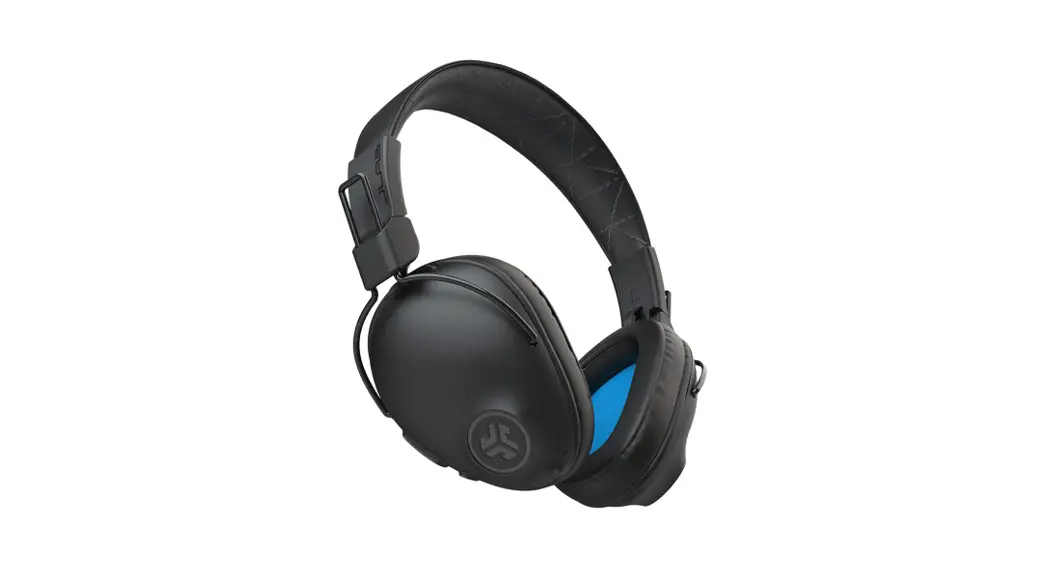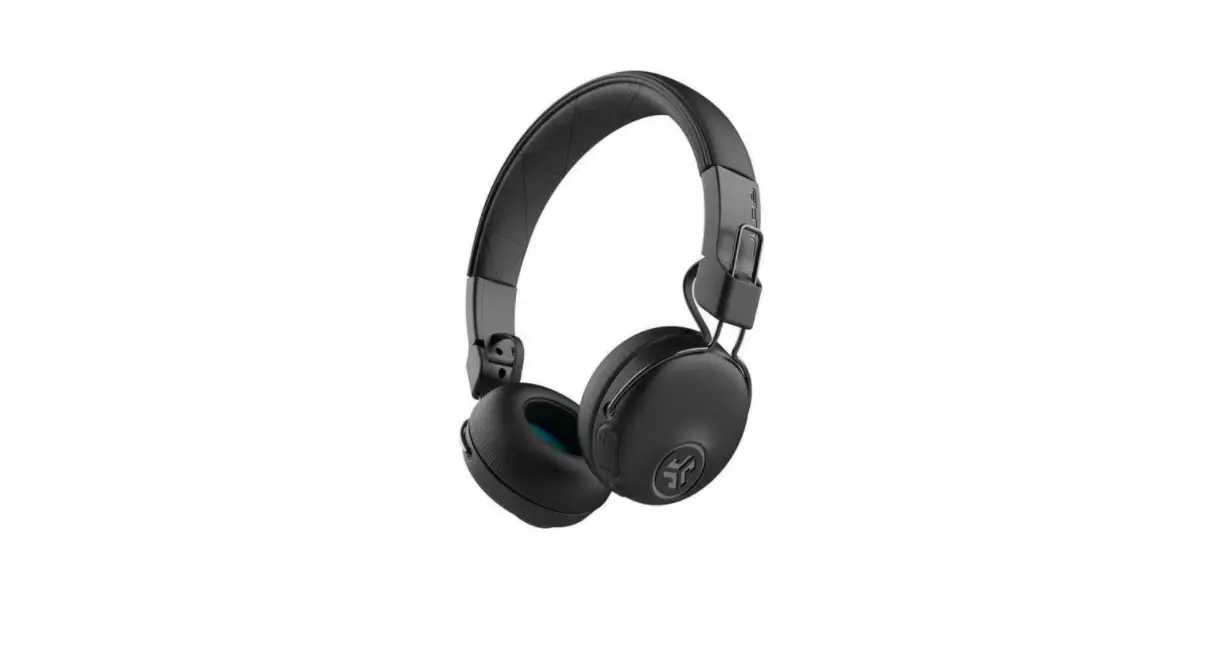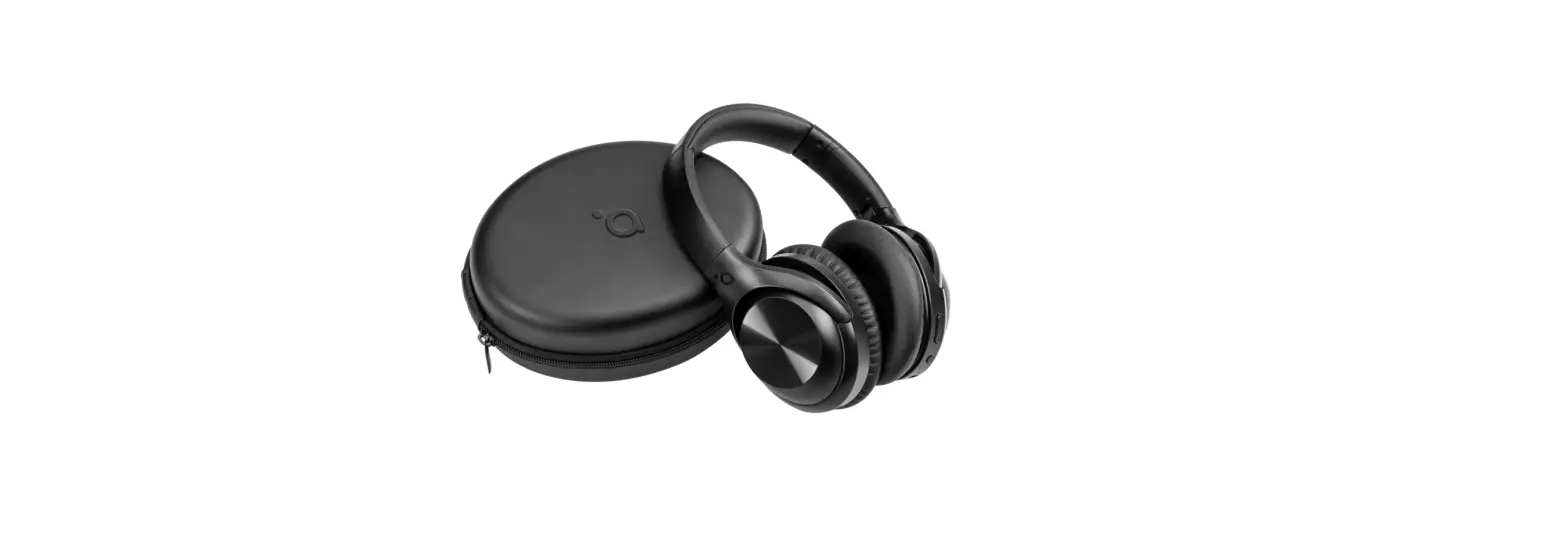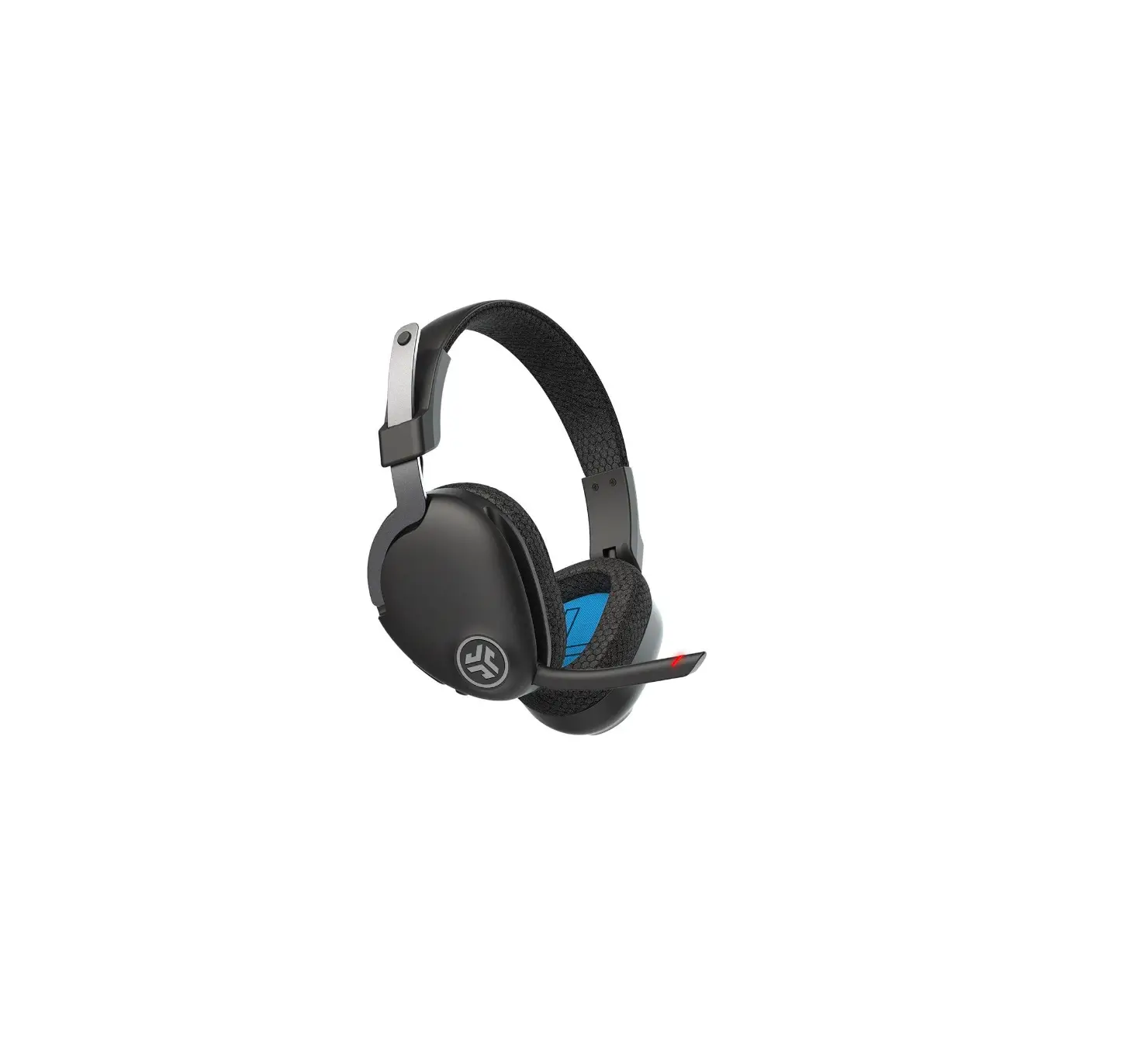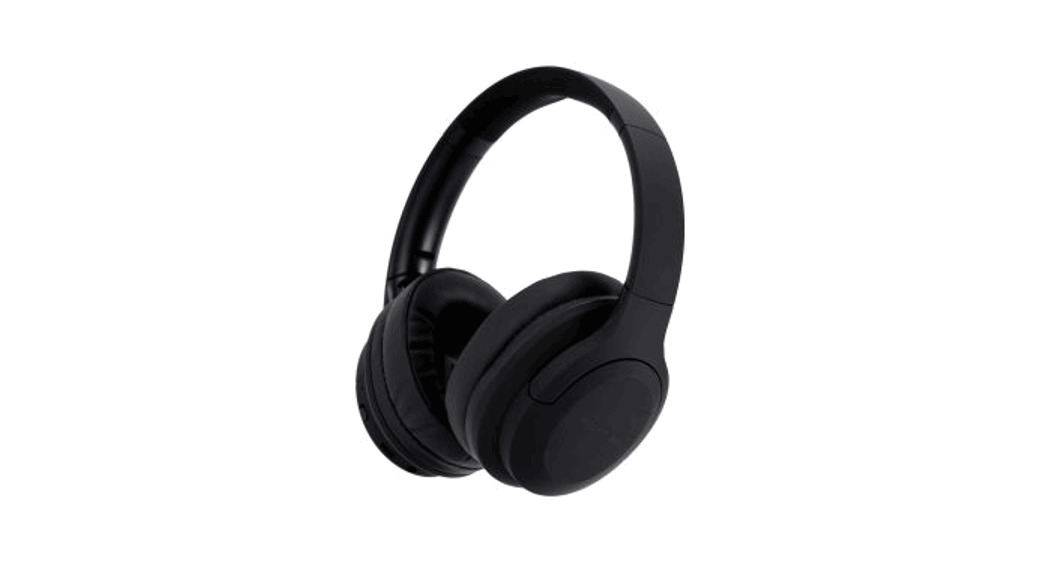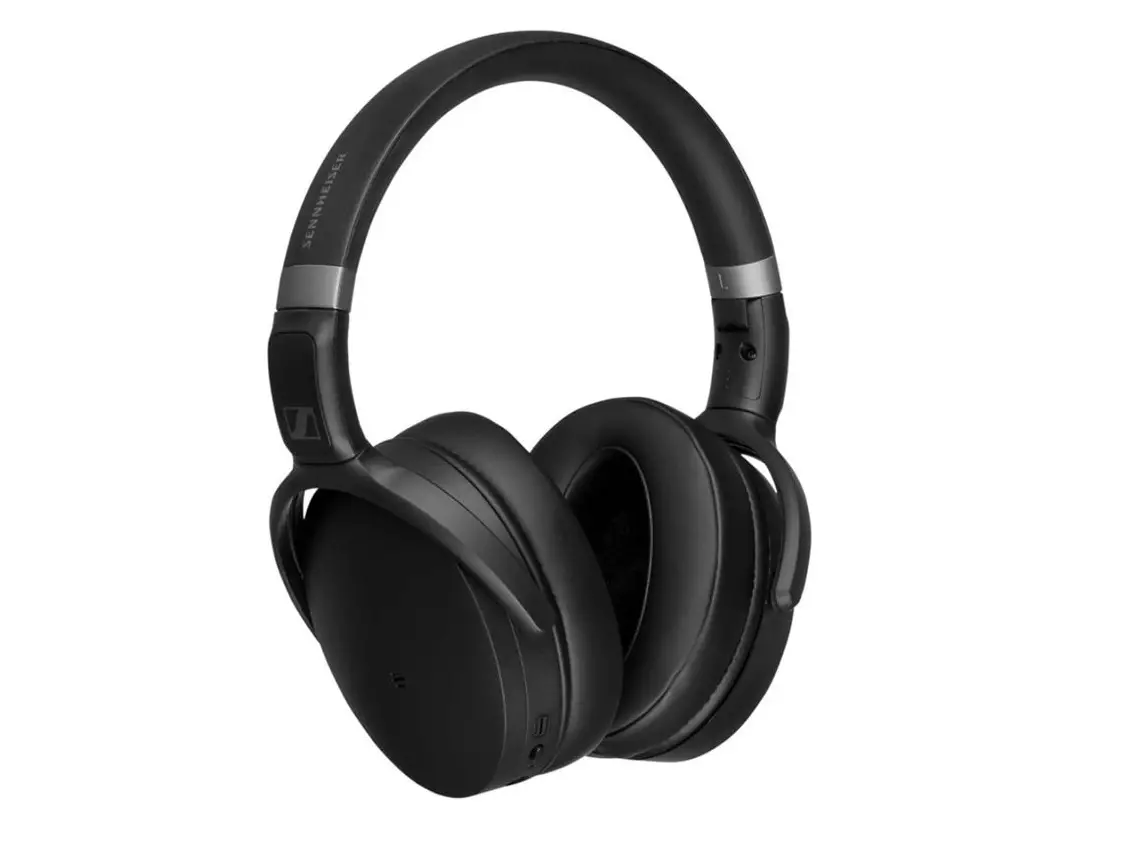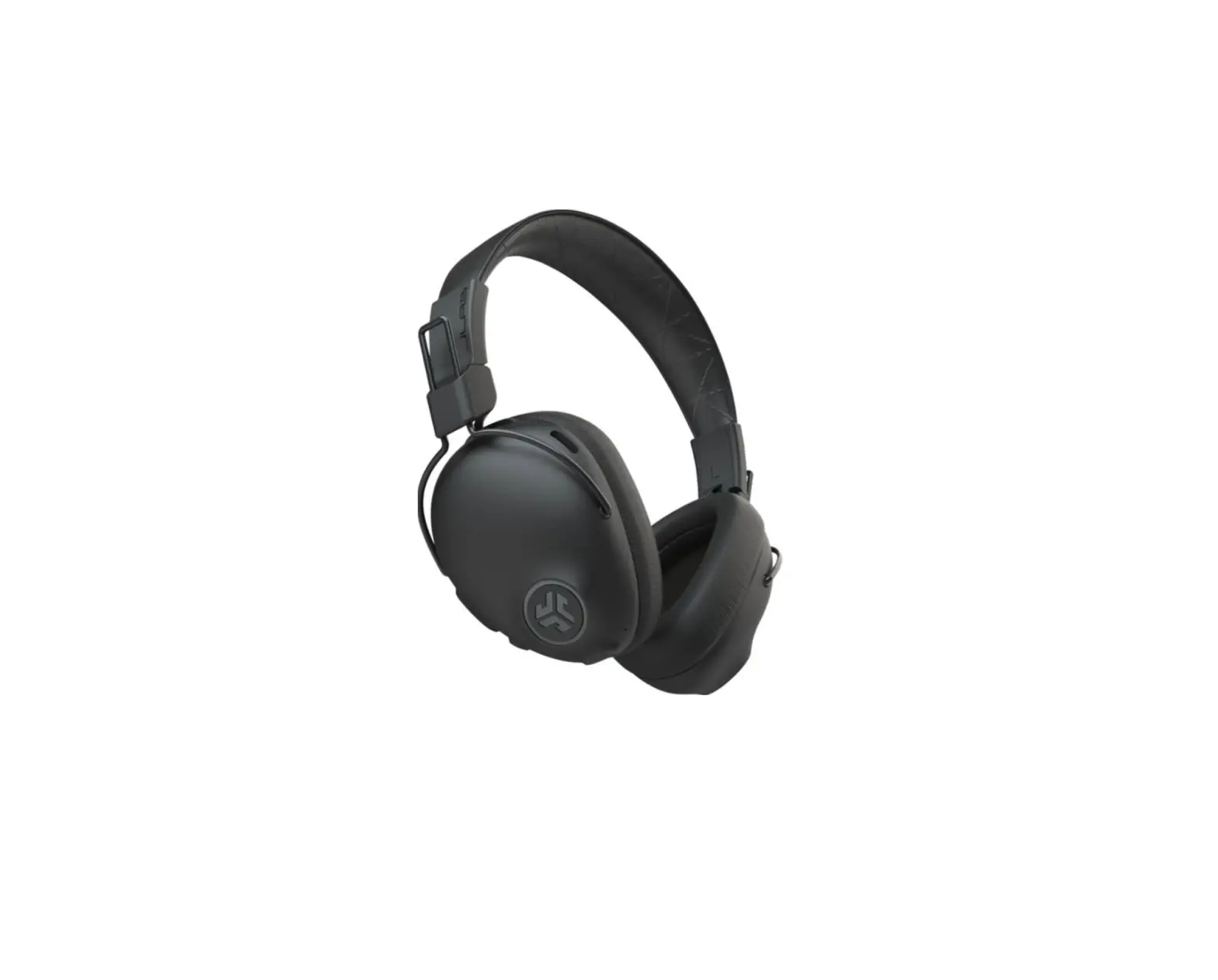
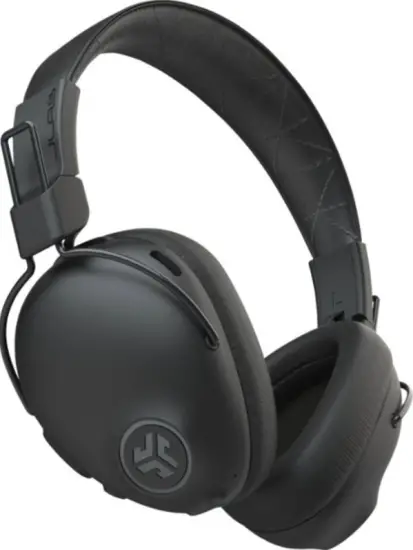
JLAB 6460027 Studio Pro ANC Over-Ear Headphone
FIRST TIME SETUP: BLUETOOTH PAIRING
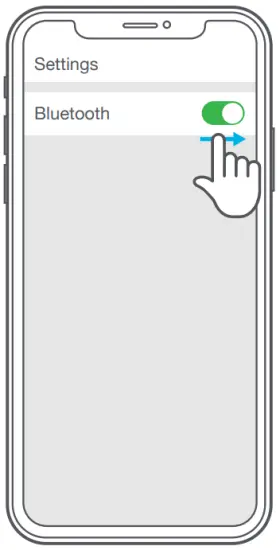
- Turn on the Bluetooth in your device settings.

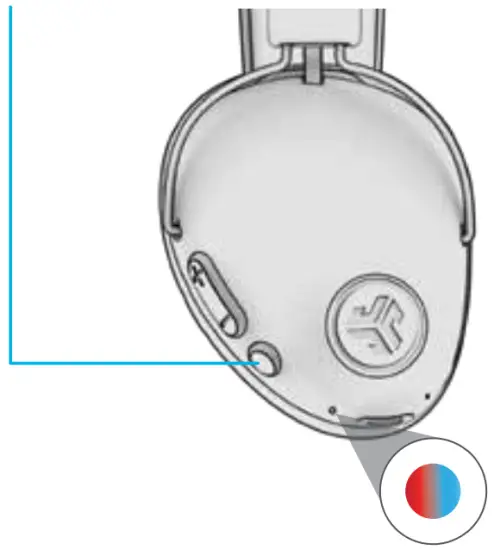
- Press and hold button for 8 seconds. Release. Lights will flash blue/red. Settings Bluetooth

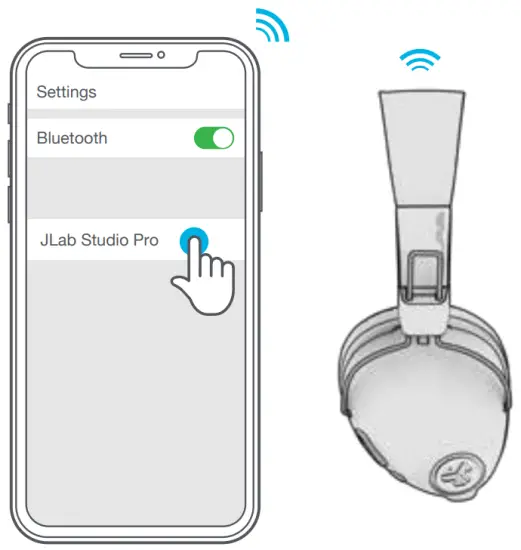
- Select “JLab Studio Pro ANC” in your device settings to connect.

PAIRING NEW / ADDITIONAL DEVICES
Turn OFF Bluetooth on your previously paired device and turn ON Bluetooth on new device. Repeat FIRST TIME STEUP process for new devices.
Notes:
- Bluetooth is a wireless radio technology, which means it is sensitive to objects between the headphone and the connected device.
The headphone is designed to be used within 33 feet (10 meters) of a connected device, with no major objects in between (walls, etc.). - Once successfully connected, the headphone will memorize your device and automatically pair when turned on in the future.
Only one device may be connected at a time. To pair a different device, first unpair the current one through its Bluetooth settings. - If for any reason Bluetooth connection is lost, manually reconnect your Bluetooth device.
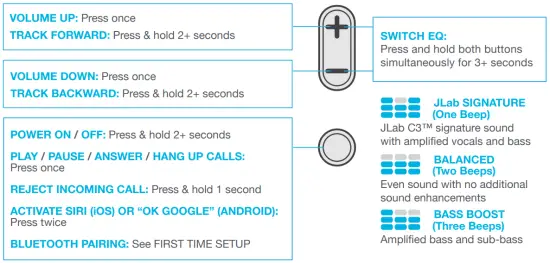
ACTIVE NOISE CONTROL
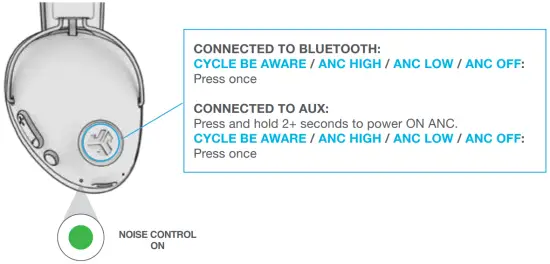
CHARGING
Connect to computer or USB 5v 1A (or less) output device.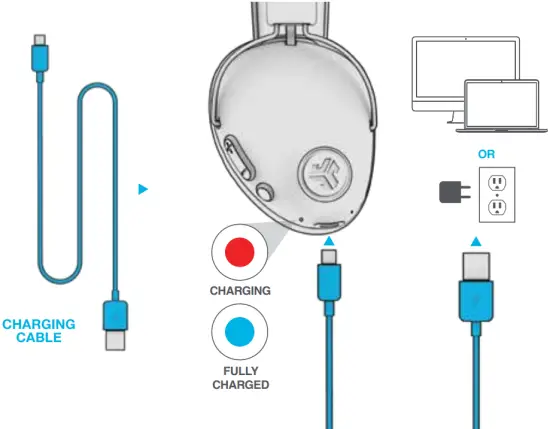
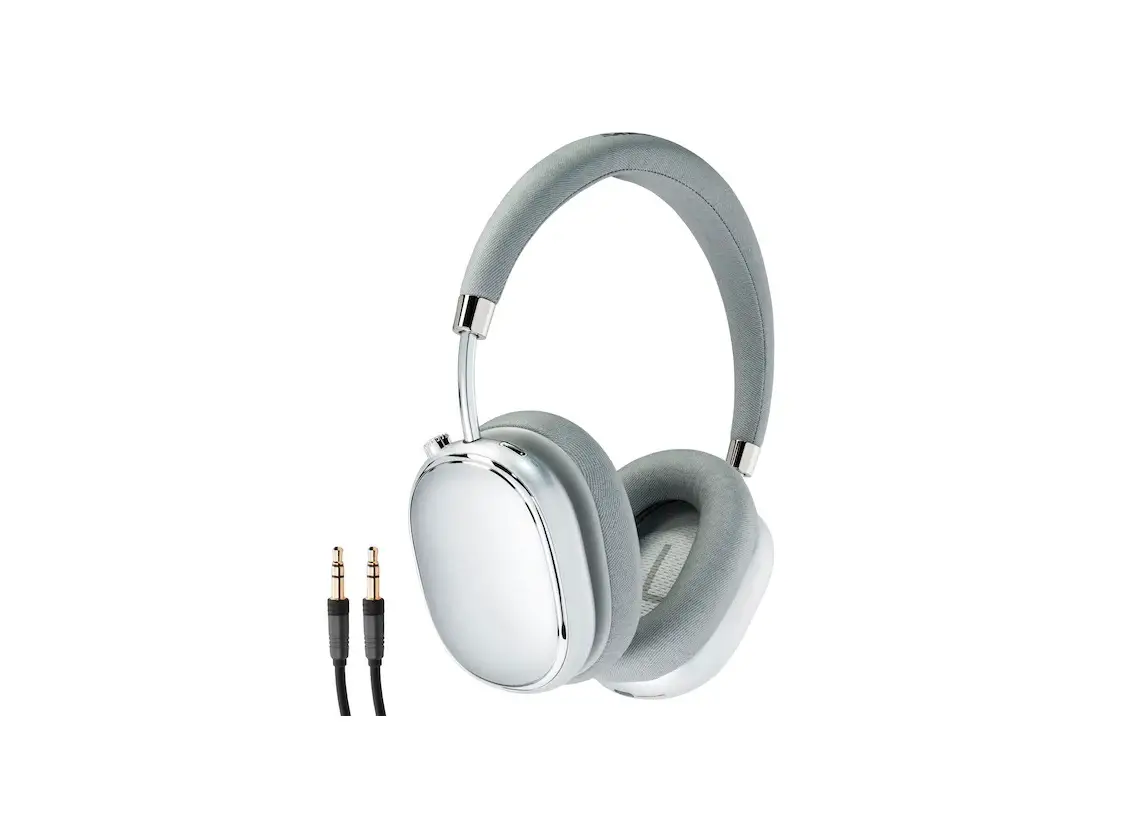
AUX INPUT
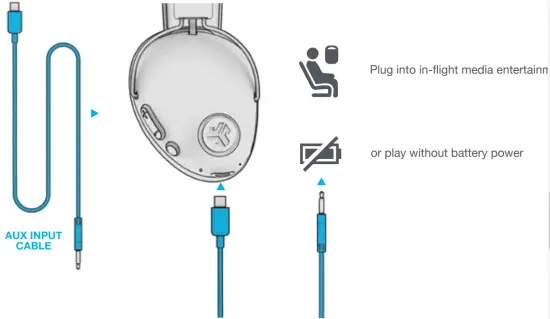
NOTE:
- The ANC function can work when connected with AUX INPUT. Press and hold 2+ seconds the ANC button to power ON ANC.
- The AUX INPUT will override your Bluetooth device connection. Unplug and press power button 2+ seconds to revert back to Bluetooth.
- The button functions for your Bluetooth device will not work when AUX INPUT is connected.
- The volume will be dependent on your AUX device settings. Adjust accordingly.
CAUTIONS
- Avoid getting moisture or liquids on the headphone cups.
- Avoid extreme heat, cold, and humidity.
- Avoid dropping or crushing headphones, stressing the cable by rapid pulling or extreme force, or bending the cable at a sharp angle.
- Wax may build up in headphone cups, lowering the sound quality. Carefully remove the wax with a cotton swab or other small tool to improve the sound quality
- If you experience discomfort or pain, try lowering the volume or discontinuing use temporarily.
- If you experience regular discomfort while using this product, discontinue use and consult your physician.
- We recommend you treat your headphones as you would a nice pair of sunglasses and keep them in safe location when not in use
Shop products | Product alerts | Burn-in your headphones
JLab Store + Burn-in Tool
 | |
 |  |