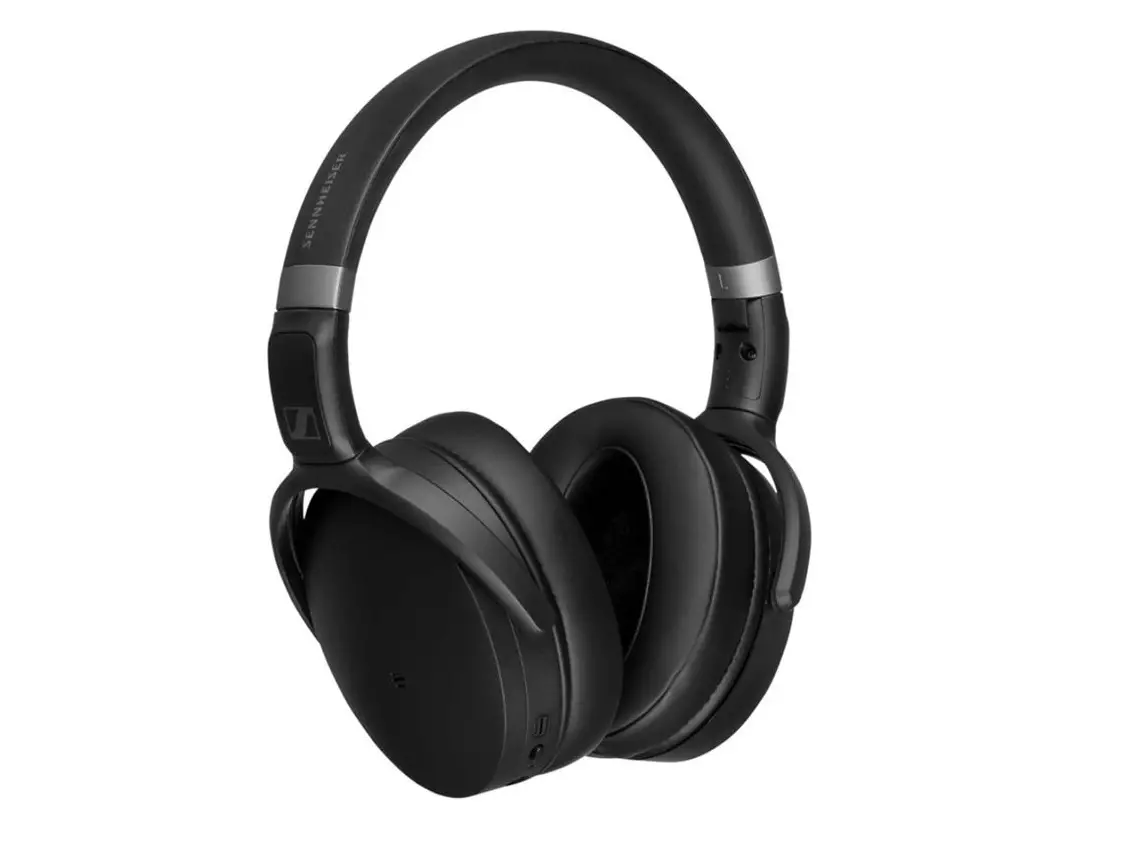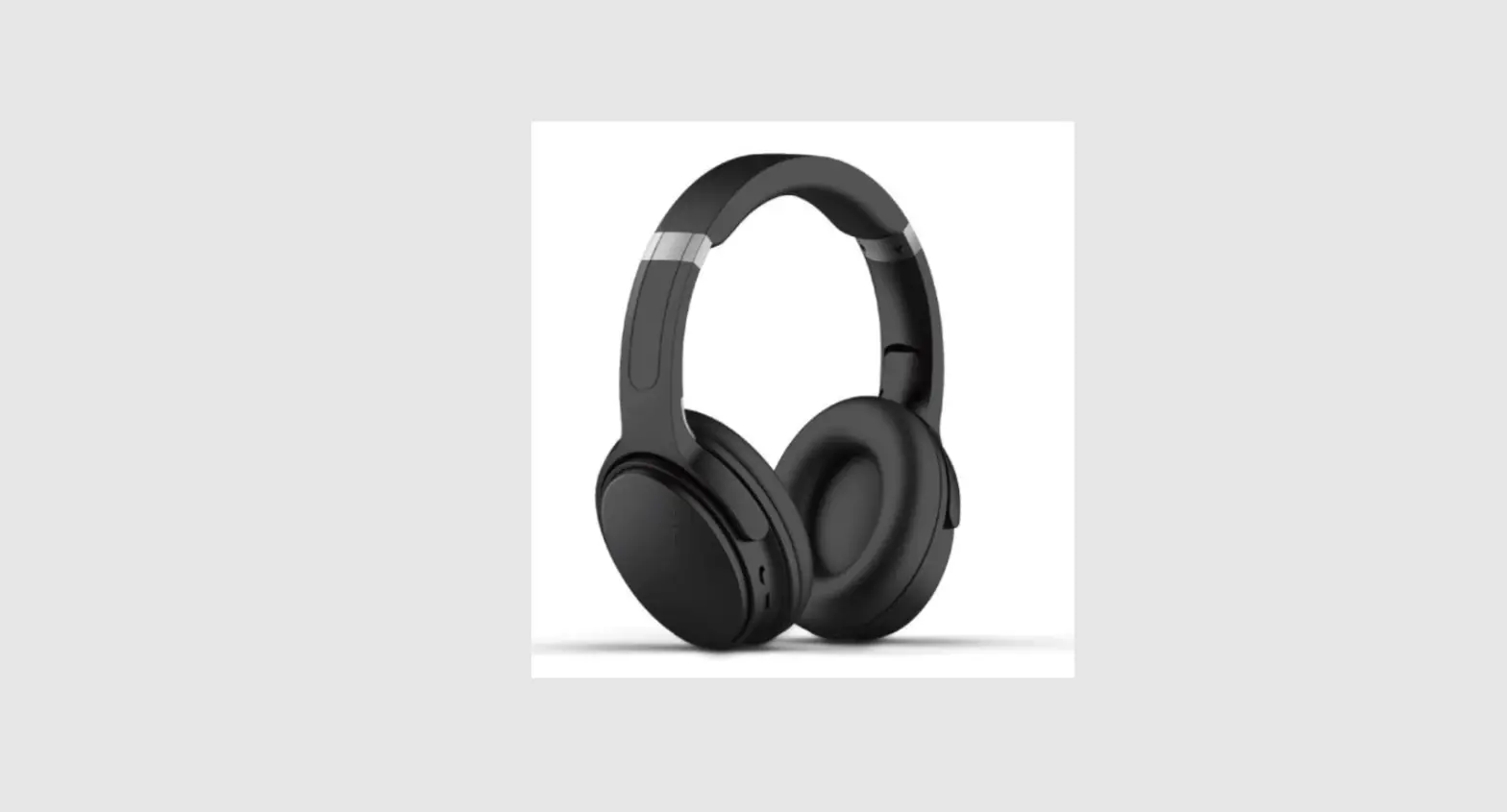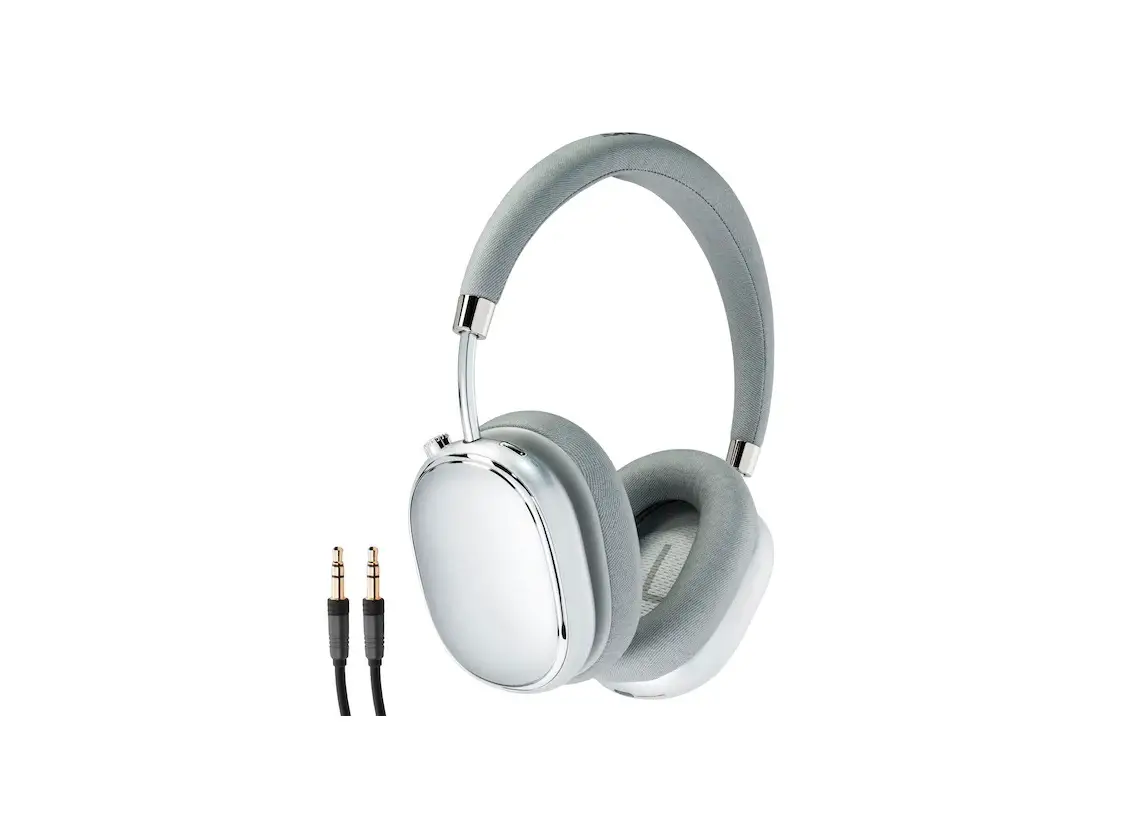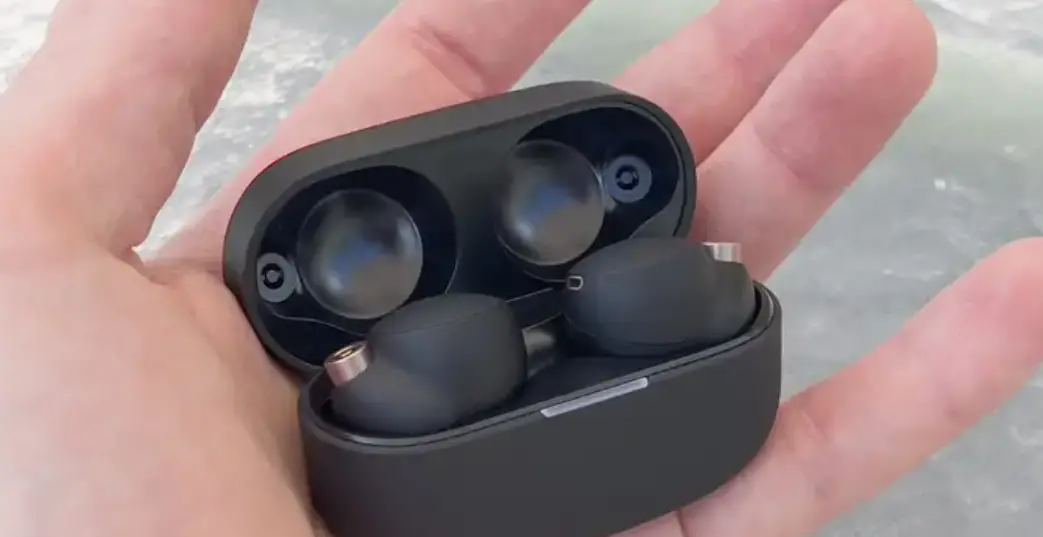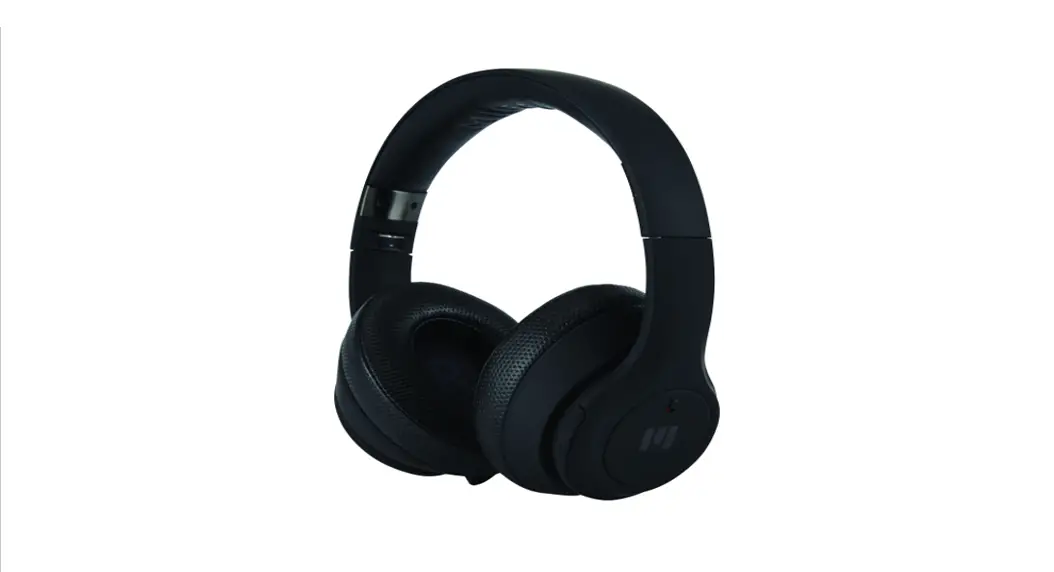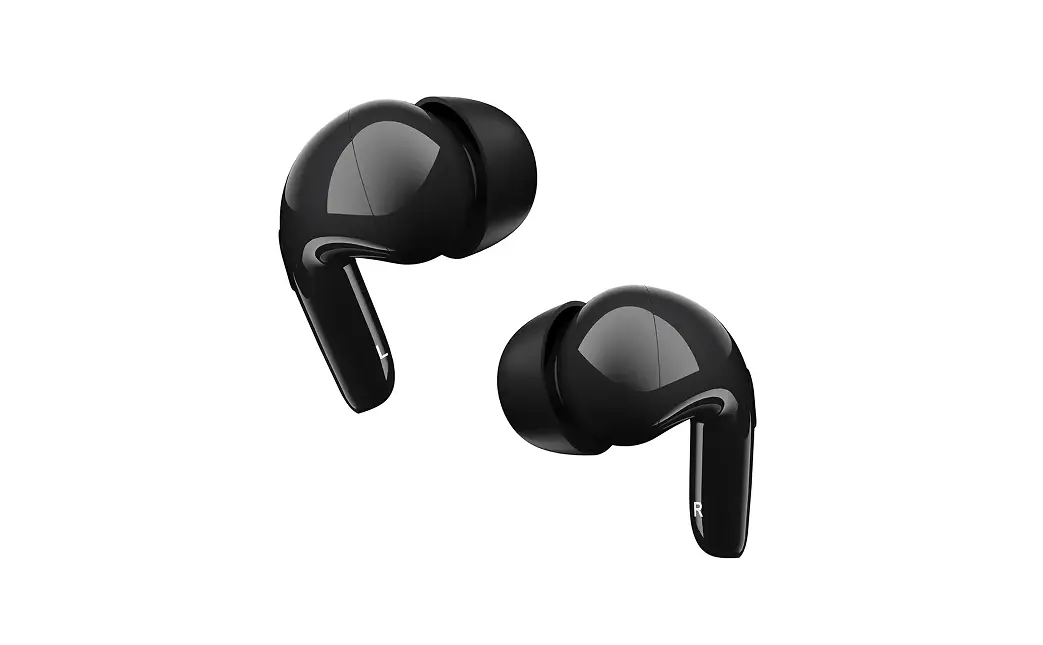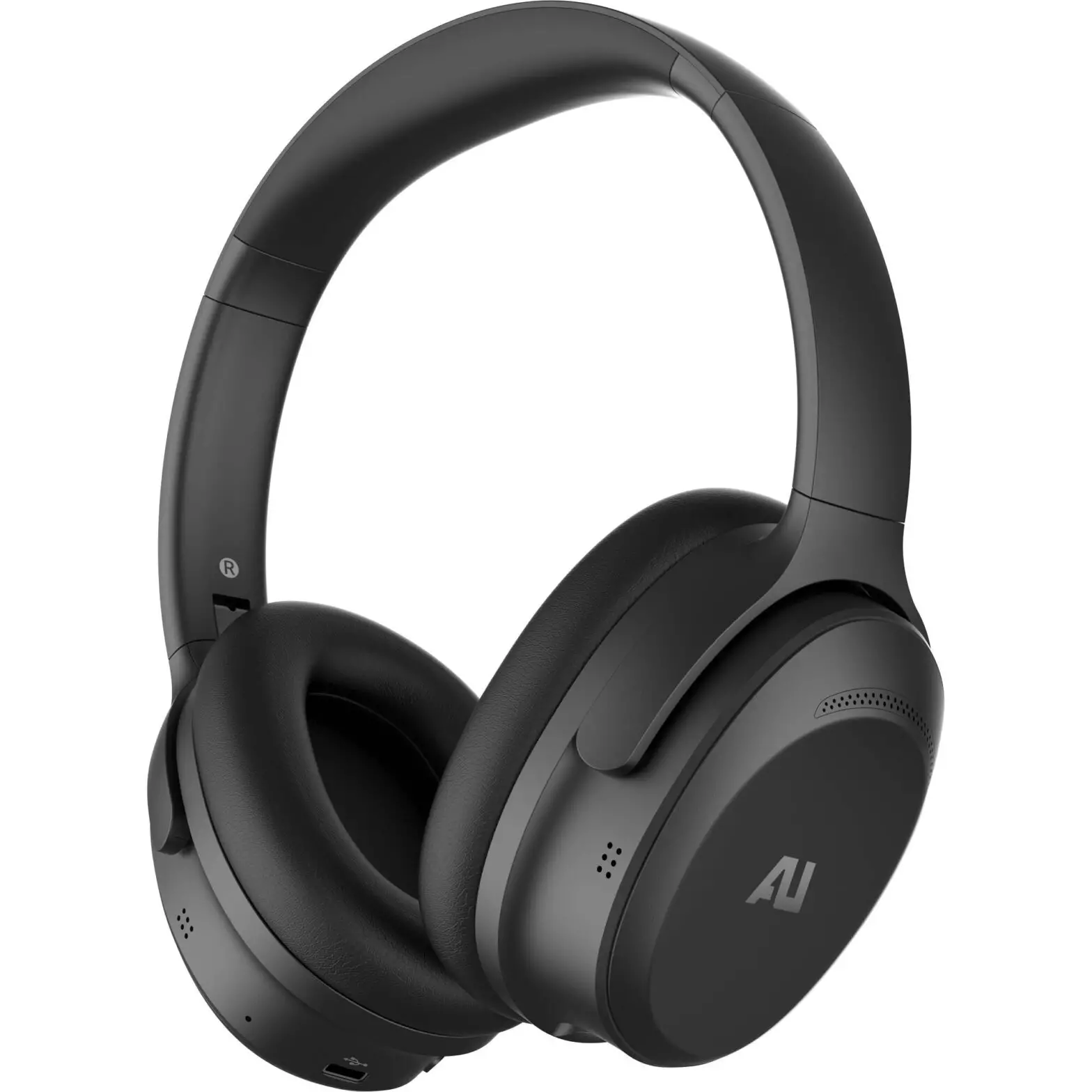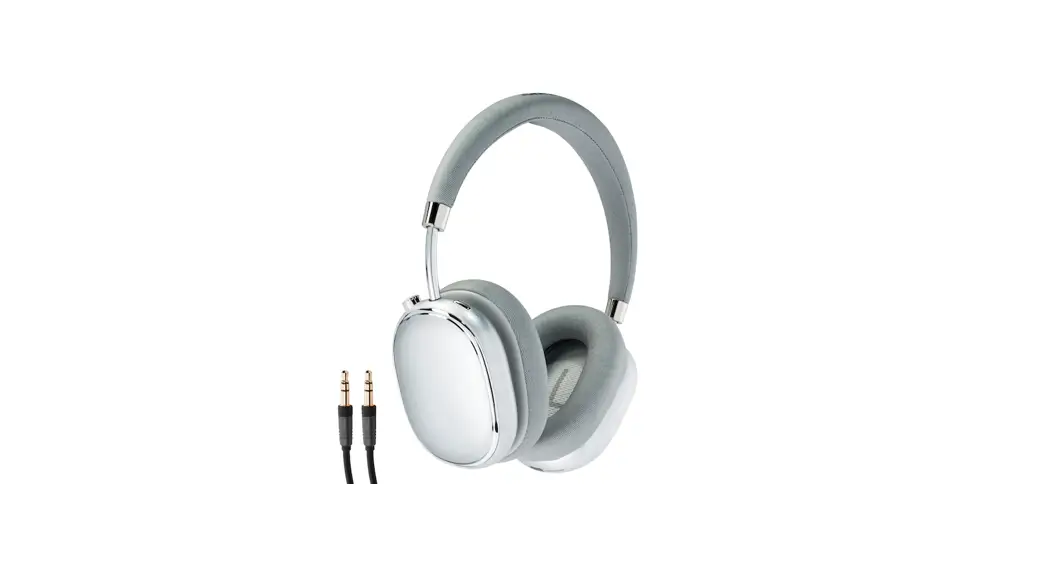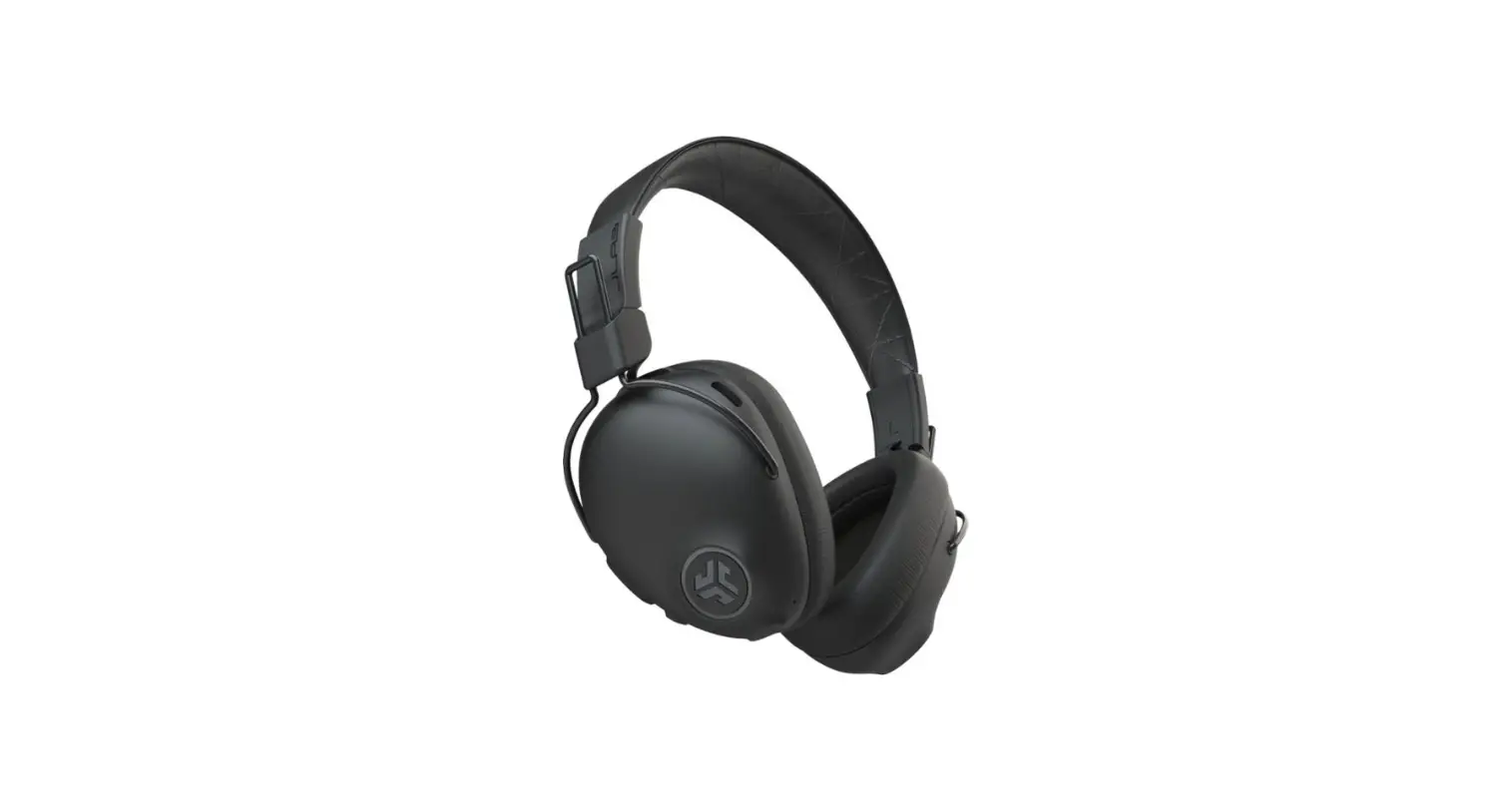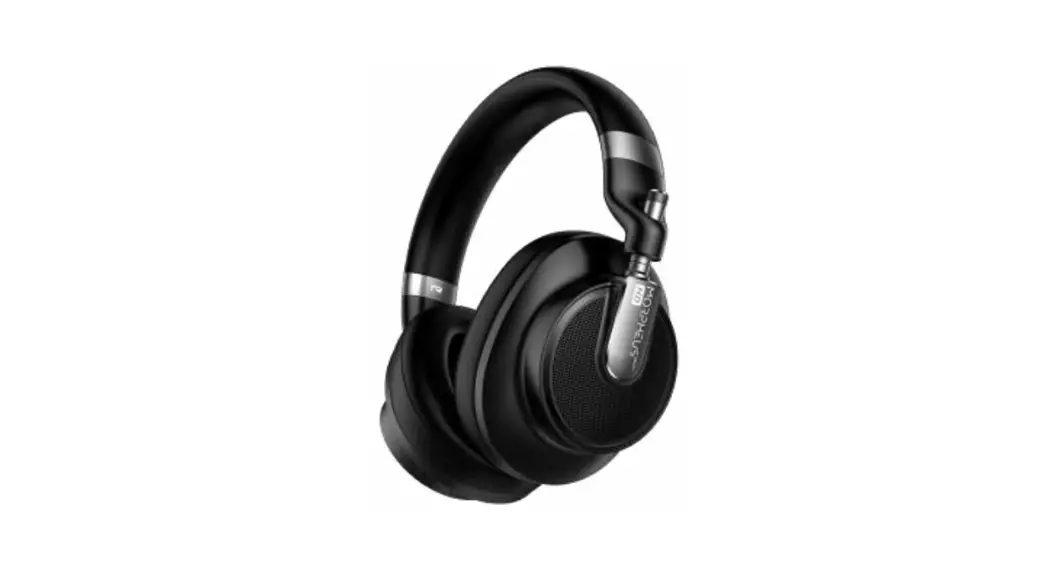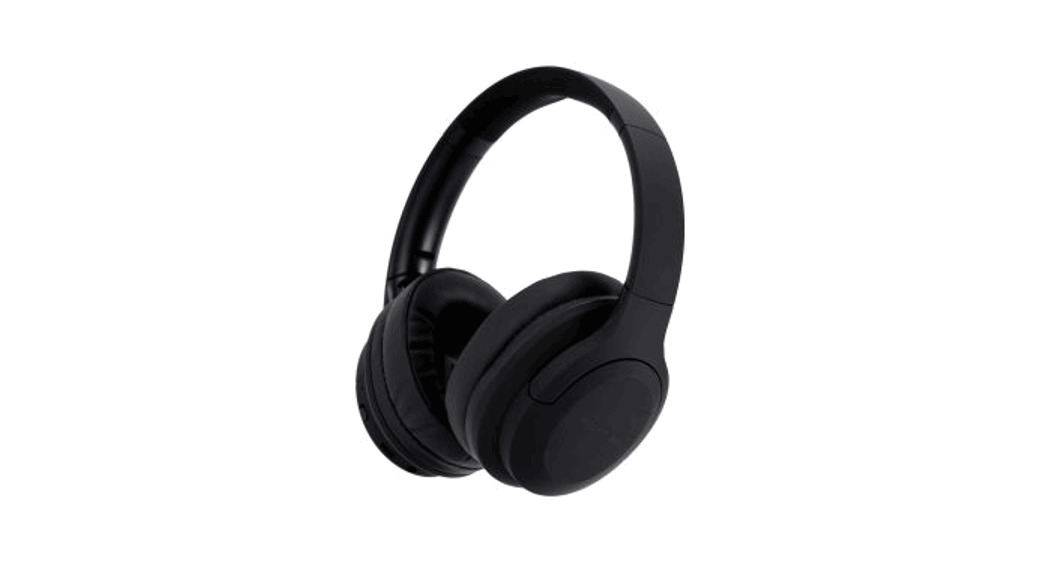
 Bluetooth Over-Ear
Headphones With ANC
USER’S MANUAL
Overview
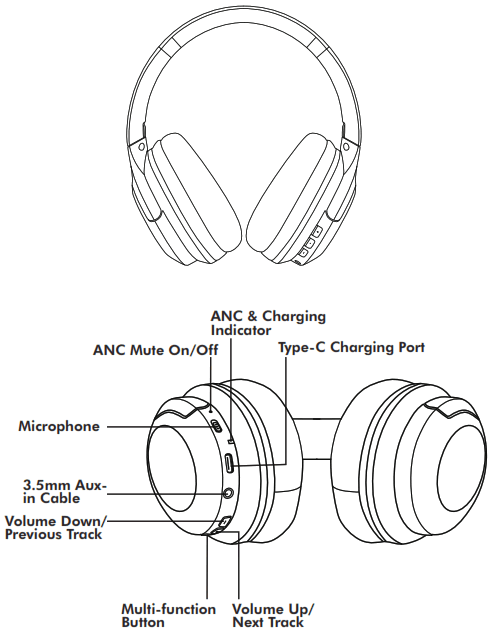
Functions & Features
- Wireless compatible with iOS/Android
- Up to 16-18 hour total playtime (About 2-3 hours charging time).
- Built-in microphone.
- Strong, adjustable design for comfort and durability.
- Foldable, portable design.
Technical Specifications
- Profiles supported: HFP/AVRCP/A2DP/SMP
- Working range: 8-10M
- Resistance: 32Ω±15%
- Sensitivity: 108±3dB
- Frequency range: 20HZ-20KHZ
- Charging voltage: 5V
- Charging current: 500mAh
- Driver size: 40mm
Included
1 x Headphones
1 x Aux-in cable
1 x Type C charging cable
1 x Adapter
1 x Carry pouch
1 x User manual
LED Indicator
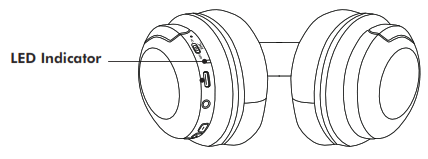
| Pairing | Flashing RED & BLUE |
| Connected | Blue light stays on |
| Disconnected | Flashing RED & BLUE |
| Music Playing | Blue light flash 1 time per 3 seconds |
| Music Pause | Blue light stays on (After 3 Secs based on Android system/7 Secs based on iOS system) |
| Standby Mode | Incoming Call |
| Incoming Call | Blue light stays on status. Blue light flash 1 time per 3 Secs when power on status |
Charging Indicator Light
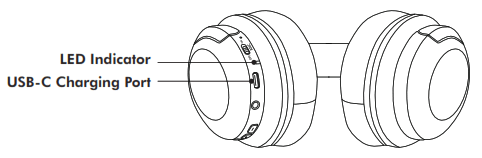
Charging: RED light stays on
Fully Charged: RED light turns off
When the battery is running low, the LED indicator light will start flashing red and the headphones will issue an audible
warning. To recharge the headphones, insert the USB charging cable into the port on the earcup and connect with a compatible power source (laptop, computer, or via a mains plug adapter). To indicate that the headphones are charging, the LED indicator light will show static red turns off when fully charged.
First Time Set Up
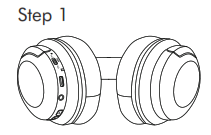
- Long press the “
 ” button for 3 seconds to power on
Step 2
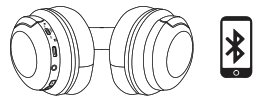
- Activate Bluetooth Function
- Search & Select device name
- Pair
User Instructions
Turn On
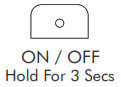
To turn ON the wireless headphones, press and hold “ “ for 3 seconds. The LED indicator light will flash red and blue alternately until the headphones are successfully connected.
Turn Off
To turn OFF the wireless headphones, press and hold ” “ for 3 seconds. The headphones will turn off after the red LED light has flashing twice.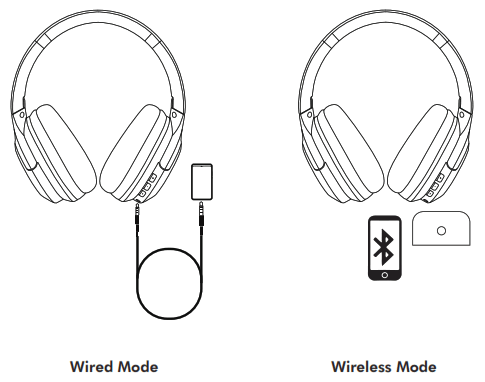
Wireless Mode
Hold “” for 3 seconds to turn on the headphones. The LED indicator light will flash red and blue alternately until the headphones are successfully connected. Ensure that the headphones are no more than 10 meters away from the device you want to pair. Use the Bluetooth search list on your device. To confrm you have paired the headphones successfully with your device, the LED indicator light will show static blue.
Power Status
When the headphones are connected with an iOS device (and SOME Android devices), the current power status of the headphones will be shown in the upper right corner of the device screen.
Line-in Mode
To listen via the AUX-in cable, insert the cable into the lineout port on the right earcup. If you would like to listen to music wirelessly, you need to remove the AUX-in cable and turn on the wireless mode.
Control Functions
MUSIC
VOLUME
 PHONE CALLS
ANC FUNCTIONS
| VOICE ASSIST | MANUAL ON/OFF |
 |  |
| No. | Function | Functional Requirements | Voice Prompt | Indicator Light |
| 1 | Power On | Long press the “” button for 3 seconds. | Power On | Blue light stays on 1 second then flashing Blue & Red |
| 2 | Power Off | Long press the “” buttonfor 3 seconds. | Power Off | Red light flash 2 times |
| 3 | Pairing Mode | The device automatically enters the pairing mode after power on | Pairing | Flashing Blue & Red |
| 4 | Pairing Su- ccessfully | – | Connected | Blue light stays on |
| 5 | – | Disconnected | Flashing Blue & Red | |
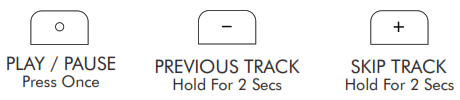
| 6 | Music Play | Press once the “” button | – | Blue light flash 1 time per 3 seconds |
| 7 | Music Pause | Press once the “” button | – | Blue light stays on after 3 seconds (Based on Andriod system) Blue light keeps on after 7 seconds (Based on iOS system |
| 8 | Next Track | Long press “+” button for 2 seconds | – | – |
| 9 | Previous Track | Long press “-” button for 2 seconds | – | – |
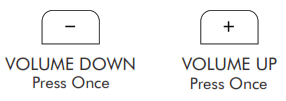
| 10 | Volume Up | Press once “+” button | DU DU (Maximum) | – |
| 11 | Volume Down | Press once “-” button | DU DU (Minimum) | – |
| 12 | Automatic Reconnect After Power On | Long press “ ” button for 3 seconds,the device will be automatic pair with the last connection. | Connected | Blue light stays on |
| 13 | Over- distance Disconnected | The device will disconnect from the phone when it over-distance | Disconnected | Flashing Blue & Red |
| No. | Function | Functional Requirements | Voice Prompt | Indicator Light |
| 14 | Over- distance Reconnect | If the device has been disconnected from your phone for less than 5 minutes, they can reconnect again if it comes back within the valid range. | Connected | Blue light stays on |
| 15 | Disconne- cted | Long press the “+” and “-” buttons for 2 seconds at the same time, theBluetooth will be disconnected, and if you restart the device after disconnection, the device will be automatically connected. | Disconnected | Flashing Blue & Red |
| 16 | Last Redial | Double click “” button. | – | – |
| 17 | Calls reminding | Press once the “” button when power on status. | Incoming Call | Blue light flash 1 time per 3 seconds |
| Press once the “” button when playing or pause status. | Incoming Call | Blue light stays on | ||
| 18 | Call Status | – | – | Blue light flash 1 time per 3 seconds |
| 19 | Answer Call | Press once the “” button | – | – |
| 20 | Hand Up Call | Press once the “” button | DU | – |
| 21 | Reject Call | Long press the “” button for 2 seconds. | – | – |
| 22 | Low Battery Clarm | It will prompt when the battery voltage is low to 3.4V. | Battery Low (Every 20 seconds) | Red light flash 1 time per 10 seconds |
| 23 | Low Battery Power Off Automatic | Power off automatically when the battery voltage islower than 3.3V. | – | – |
| 24 | Charging Mode | – | – | Red light stays on |
| No. | Function | Functional Requirements | Voice Prompt | Indicator Light |
| 25 | Fully Charged | – | Red light off | |
| 26 | Charging Automatic Power Off | Plug in the charging cable to charge when power on. | Power off | – |
| 27 | AUX-in Mode | Plug in the aux-in cable and the device will power off automatically. | Power off | Red light flash 2 times |
| 28 | Automatic Power Off BT Discon- nected | If the device is not connected within five minutes, it will automatically shut down | Power off | – |
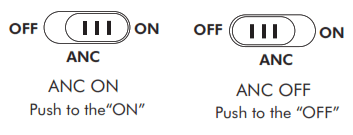
| 29 | ANC On | Push up the button to the “On” | – | Green light stays on |
| 30 | ANC Off | Push down the button to the “OFF” | – | Green light off |
| 31 | Activate Siri | Triple click “” button | – | Blue light stays on |