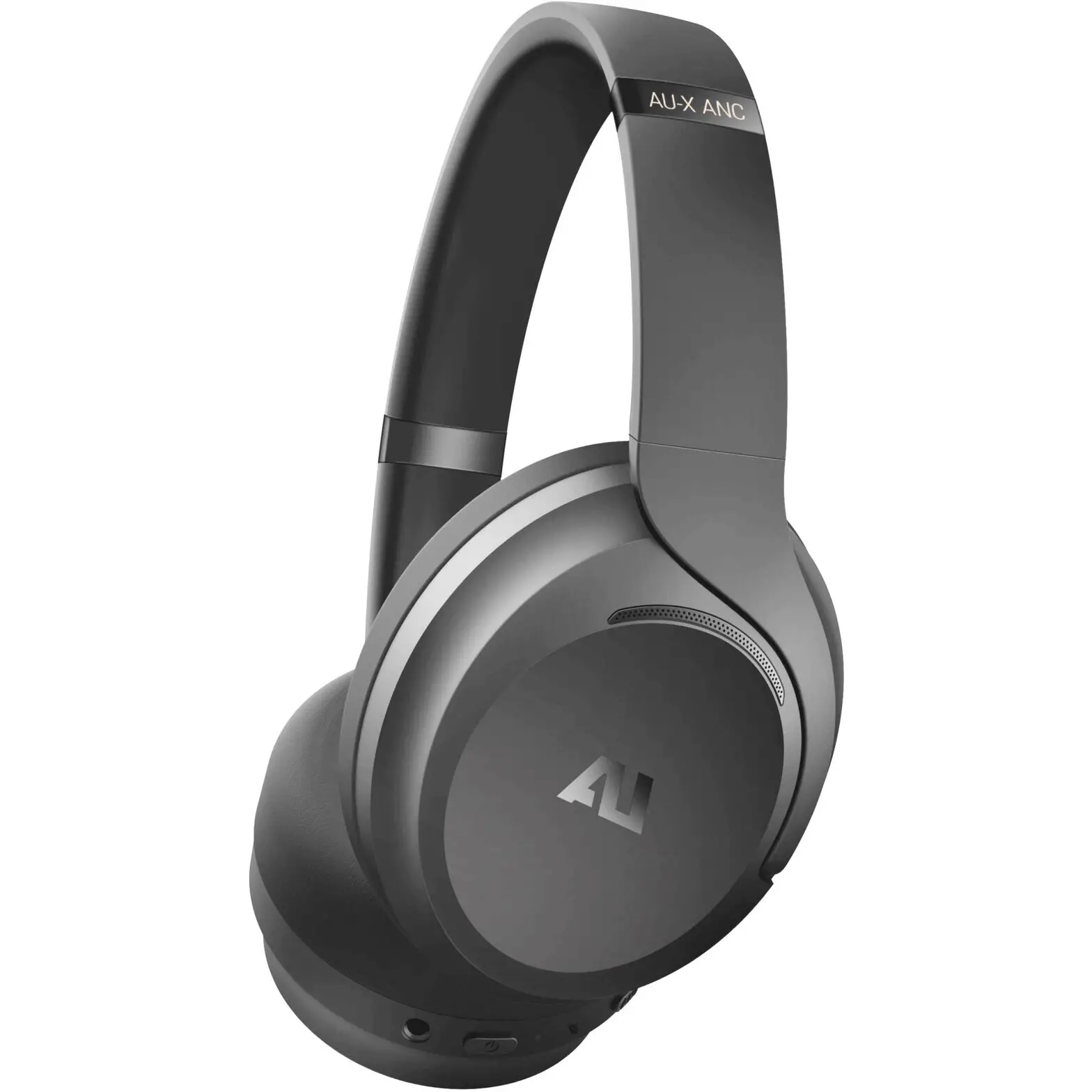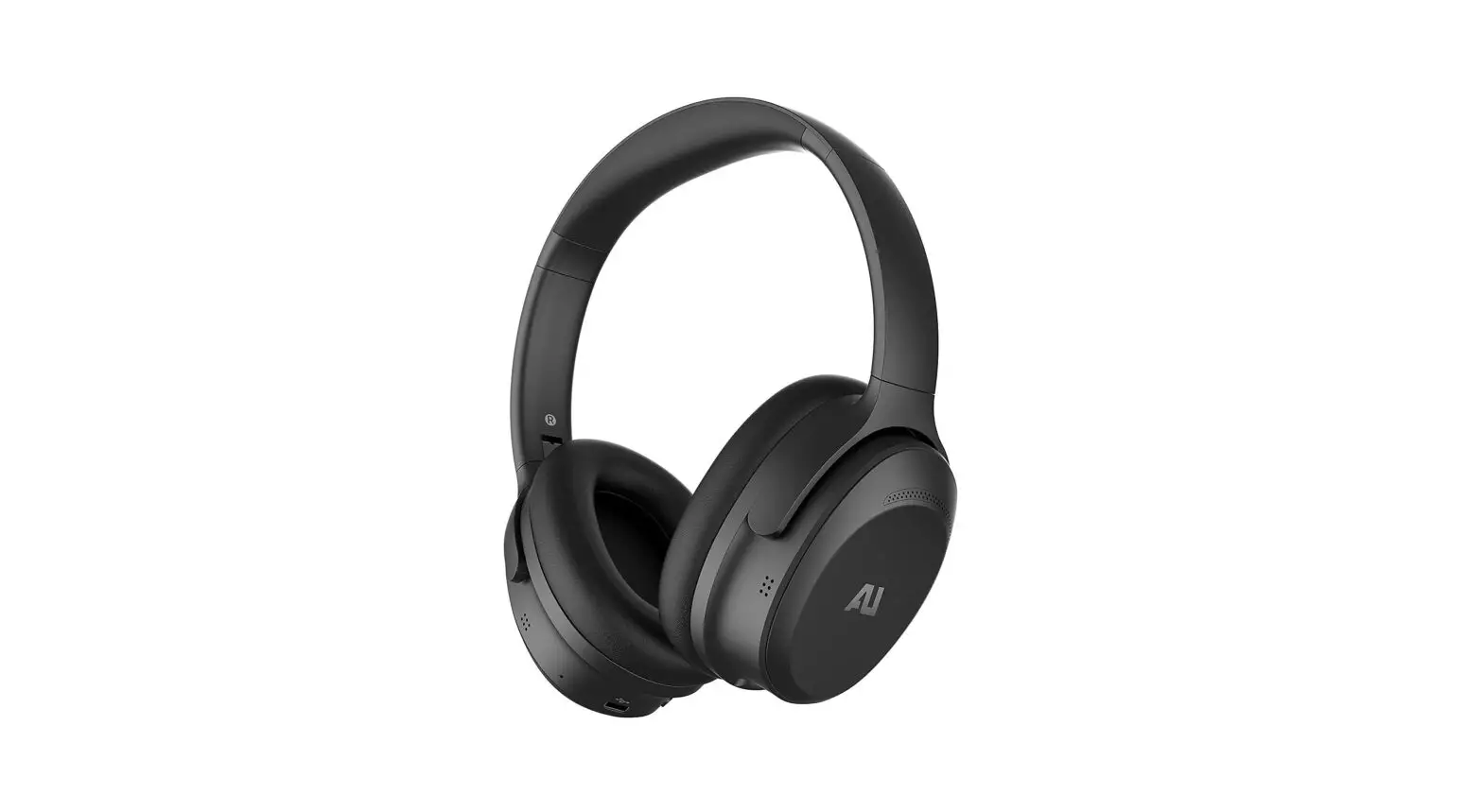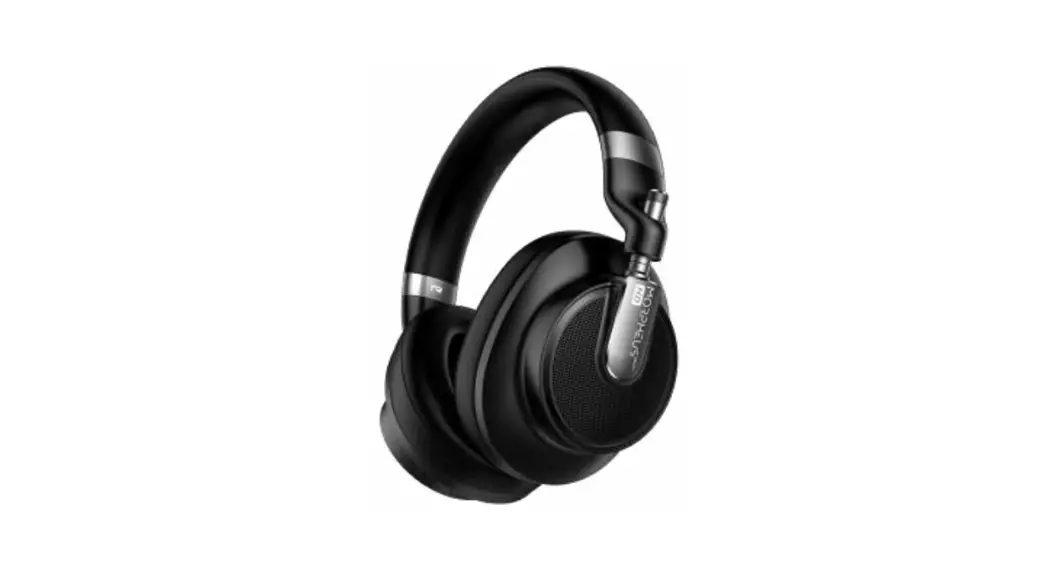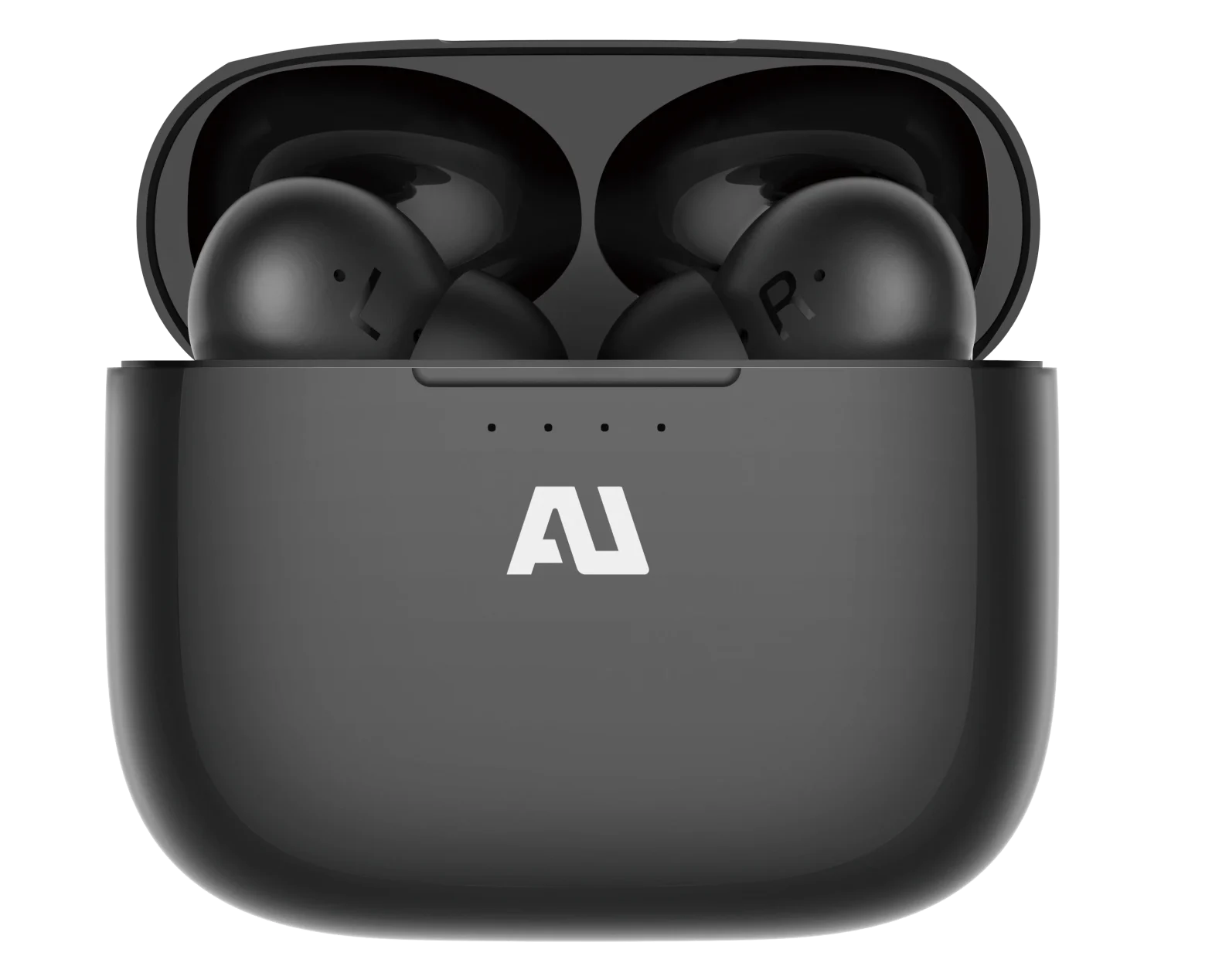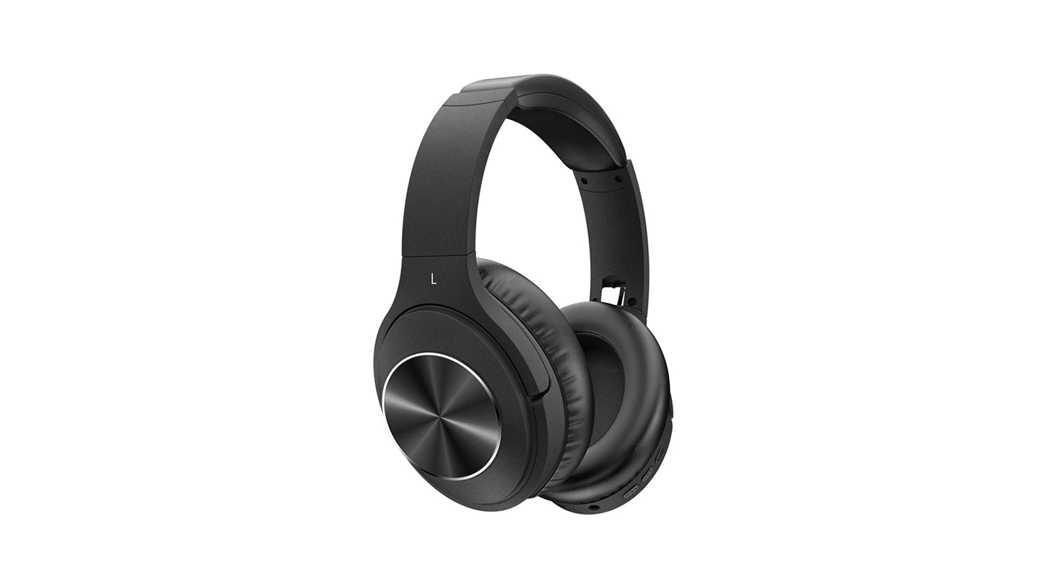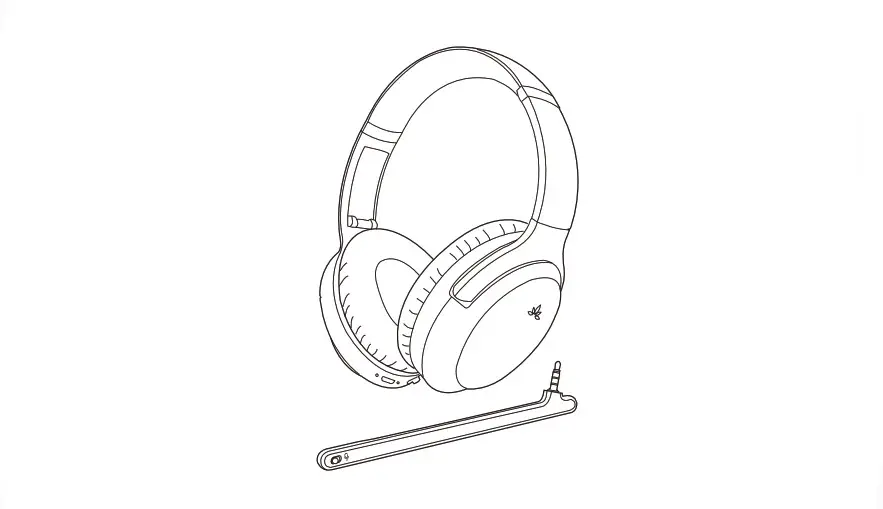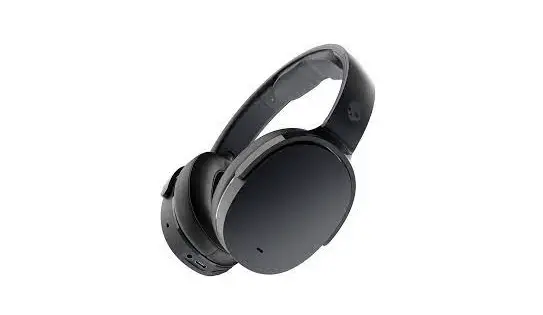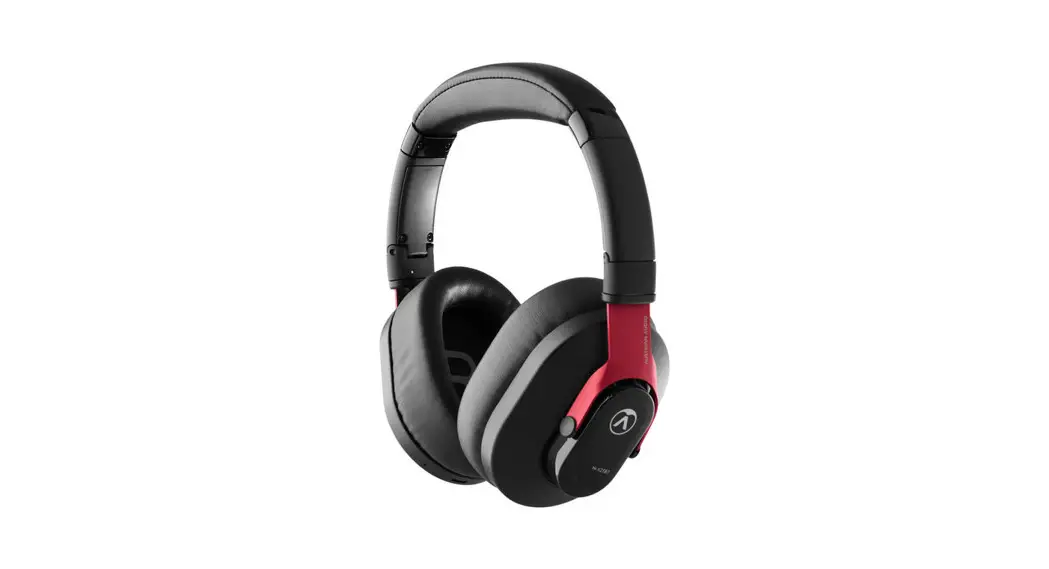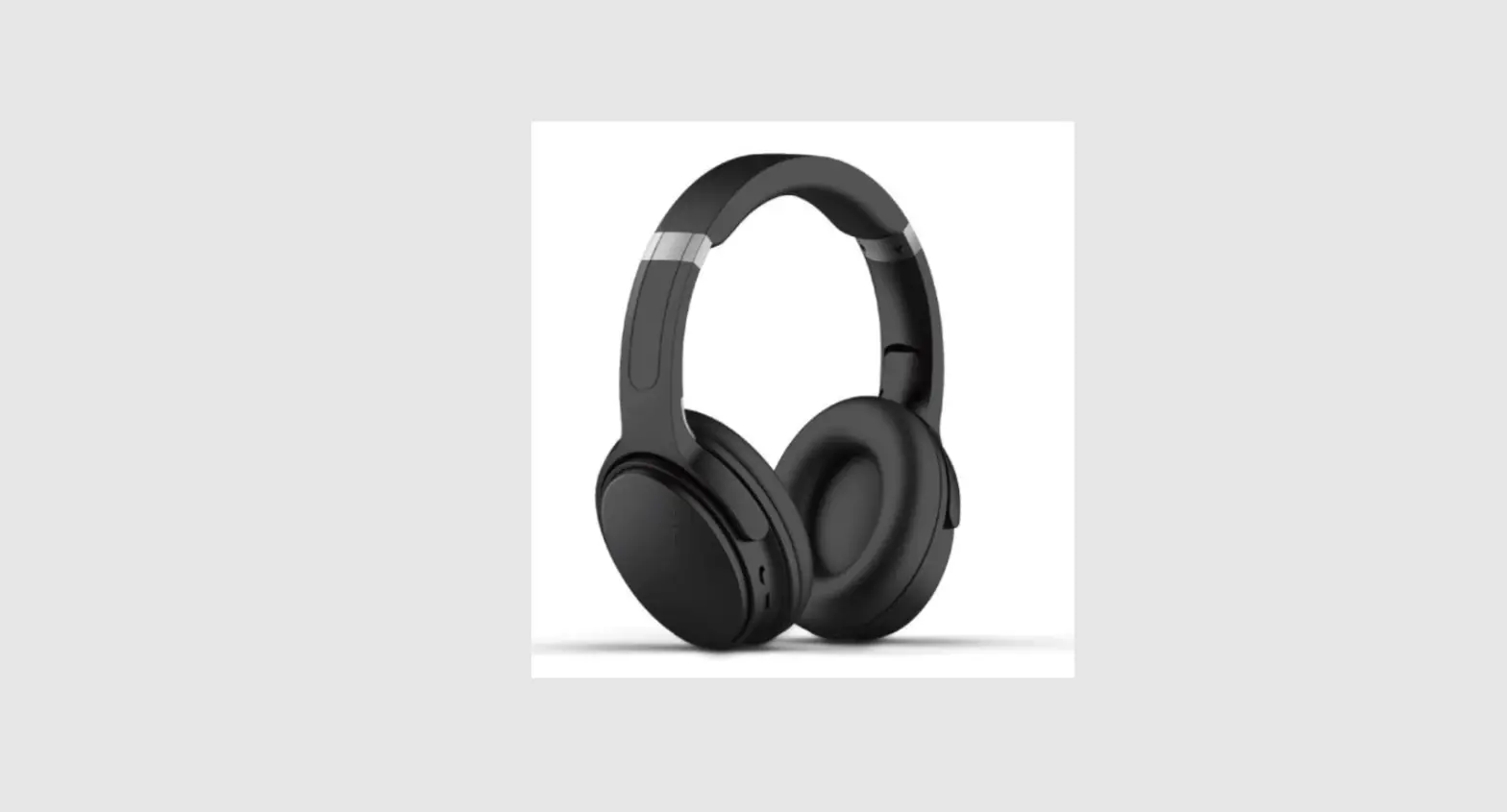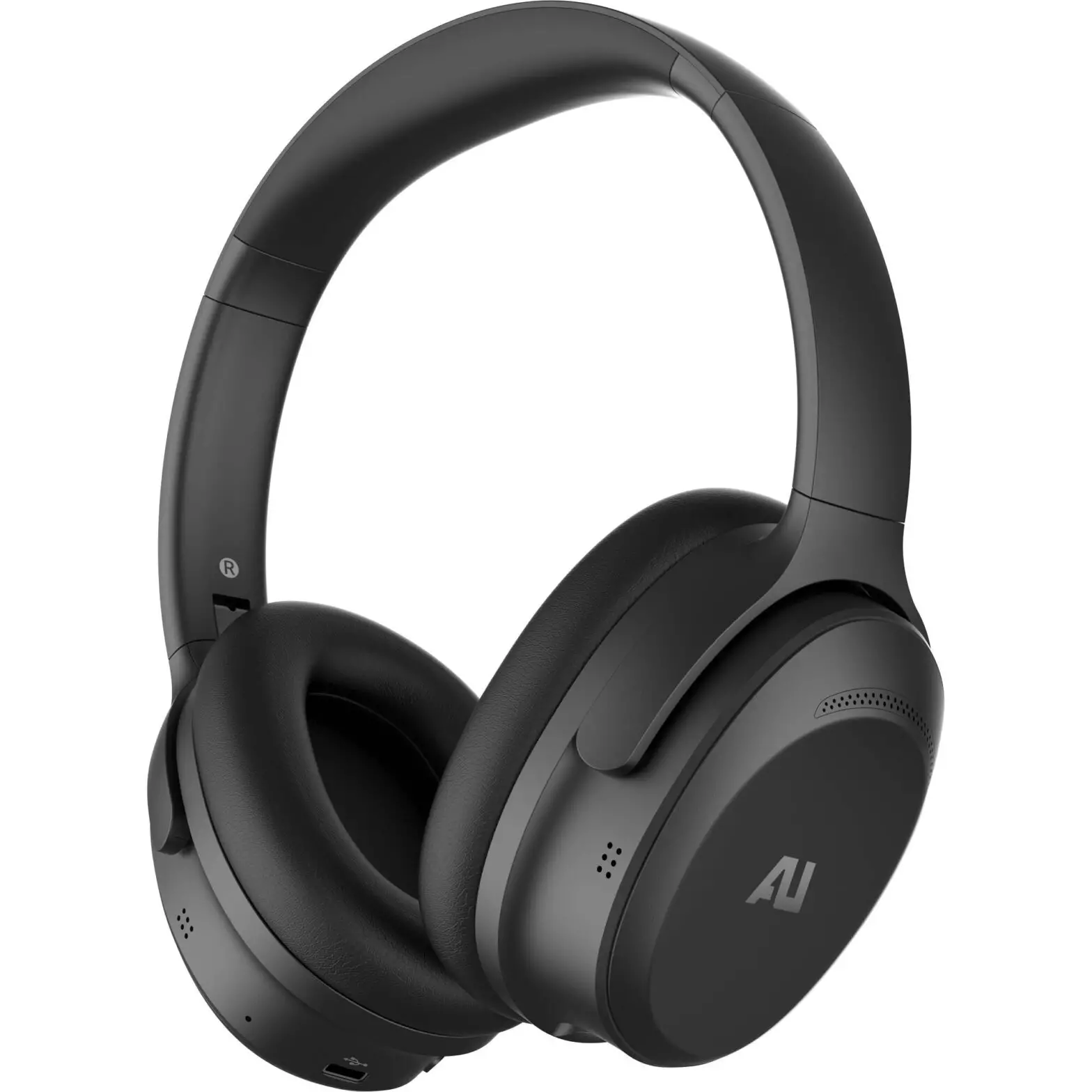
AU-XT ANC Wireless Over-Ear Headphones User Manual
Ausounds Intelligence, LLC.
15300 Ventura Blvd., Suite 214
Sherman Oaks, California 91403, USA
www.ausounds.com
Designed by Ausounds in California | Made in China
Thank you for purchasing the AU-XT ANC Wireless Over-Ear headphones. Please read the user manual carefully before using this product, and keep it for future reference.
The AU-XT ANC is engineered for performance and is equipped with our Graphene driver to deliver incredible audio in both wireless Bluetooth® and wired connections. Enjoy your music in any environment with Soundproof Active Noise Cancellation.
CONTENTS
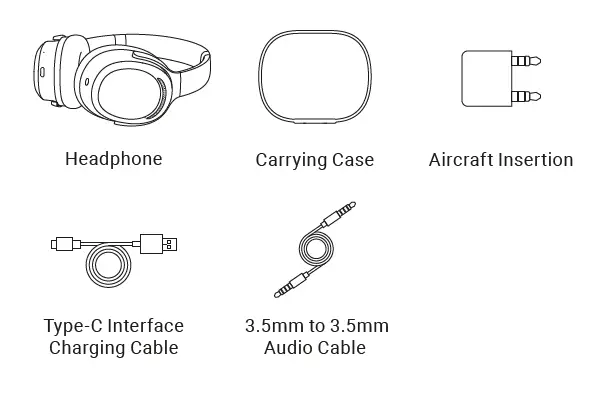
Please check if the following parts in the package are complete.
PRODUCT DESCRIPTION
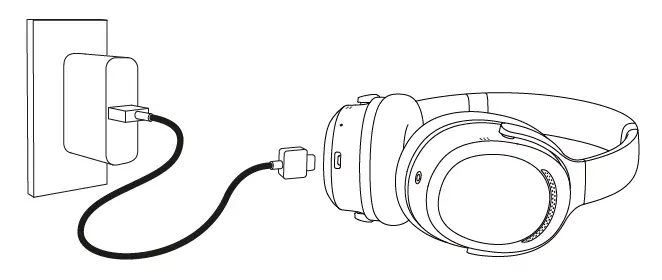
Charge the headphones for 1 hour before using them for the first time. Connect the AU-XT ANC to the USB-C charger. The LED indicator will show a red light to indicate that the headphone is charging. A full charge takes about 2 hours when the battery is fully depleted. When the LED indicator turns blue, the headset is fully charged.
STORING YOUR AU-XT ANC
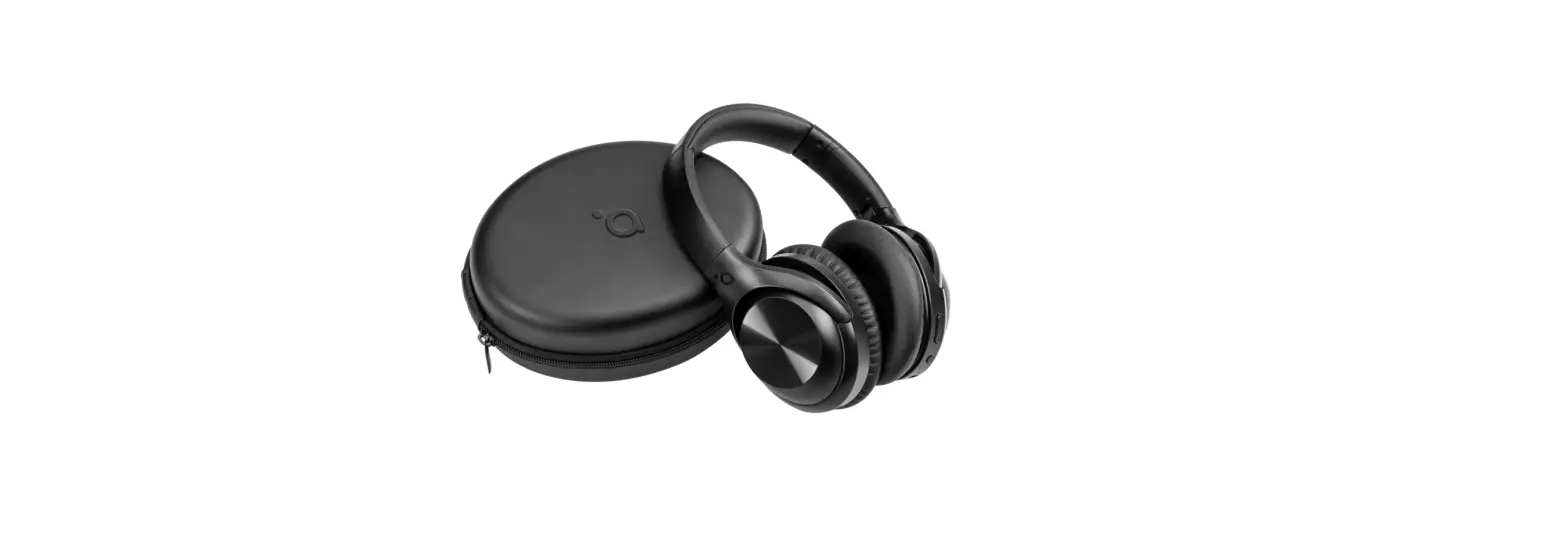
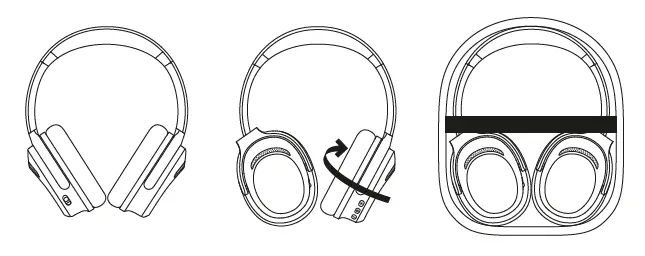
Safely store your headphones with the included carrying case as shown in the figure below.
IN-FLIGHT STORAGE
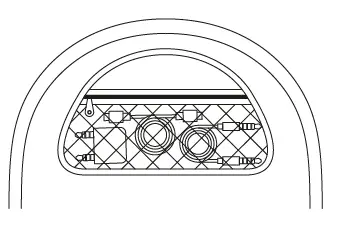
Your carrying case is designed with a cable pocket for the provided cables and adapter.
PAIRING
| On/Off | Power Button | LED Indicator |
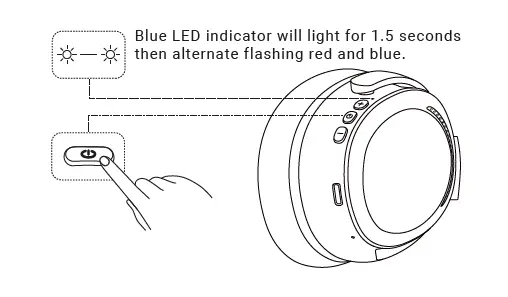
| Power On | Long press for 3 sec | Blue light in on for 1.5 sec |
| Power Off | Long press for 5 sec | Red light is on for 1 sec |
1. Press and hold the power button for 5 seconds (a tone will sound) to initiate pairing mode.
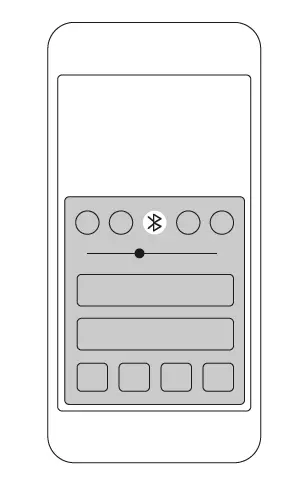
2. Enable Bluetooth® on your device and enter Bluetooth pairing mode.
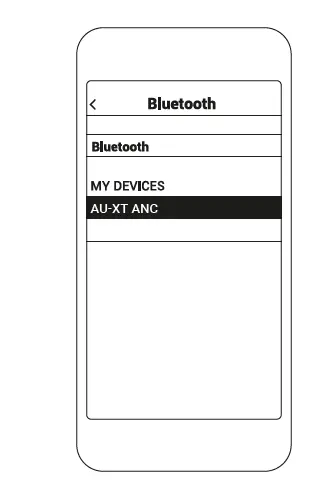
3. Select AU-XT ANC.
Not pairing with your device?
Try restarting your device; then repeat pairing process.
BLUETOOTH PAIRING
Press and hold the power button on your headphone for 5 seconds to initiate Bluetooth pairing search mode. On the device you wish to pair with, select Bluetooth settings and enable Bluetooth. In the list of available devices, find and select “AU-XT ANC” to initiate pairing. (Android devices vary by system).
AUTOMATIC CONNECTION
The AU-XT ANC stores your last connected device in memory. If your headphones are disconnected due to being out of range, they will automatically reconnect once in range. To pair your headphone to a new device press and hold the power button for 5 seconds until the headphone enters the search pairing mode. Press and hold the button “+” and button”-” at the same time for 2 seconds to clear the pairing information.
ANC ACTIVE NOISE CANCELLATION
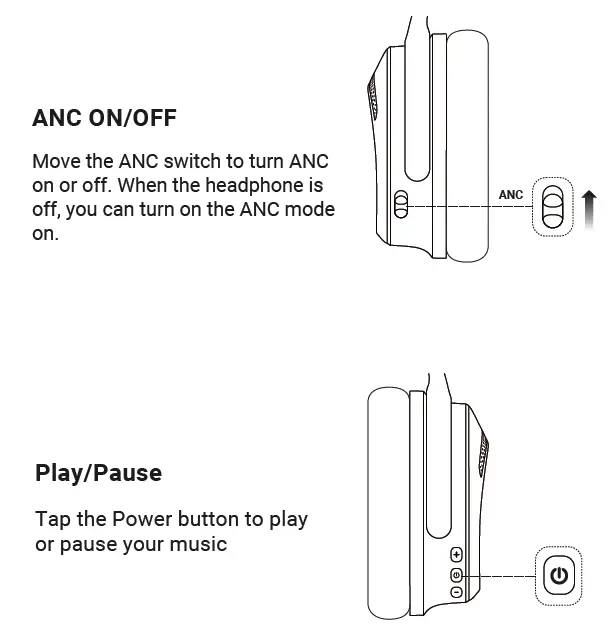
Move ANC switch up or down to turn ANC on or off. The ANC feature can be turned on and used while in off state.
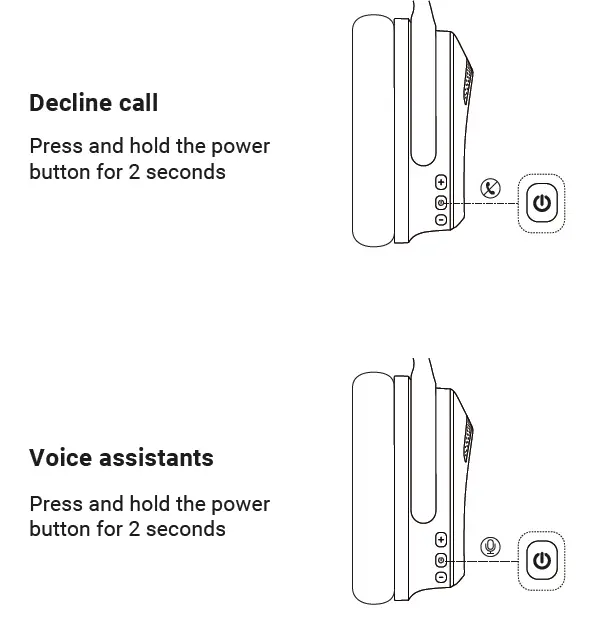
VOICE ASSISTANTS
To initiate the voice assistant feature, press and hold the power button for 2 seconds. Your connected device’s voice function will initiate allowing you to issue vocal commands through your headphone.
CONTROLS
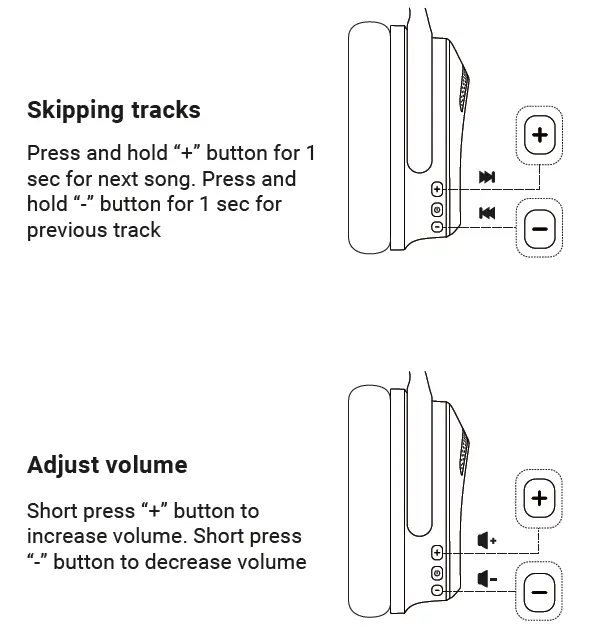
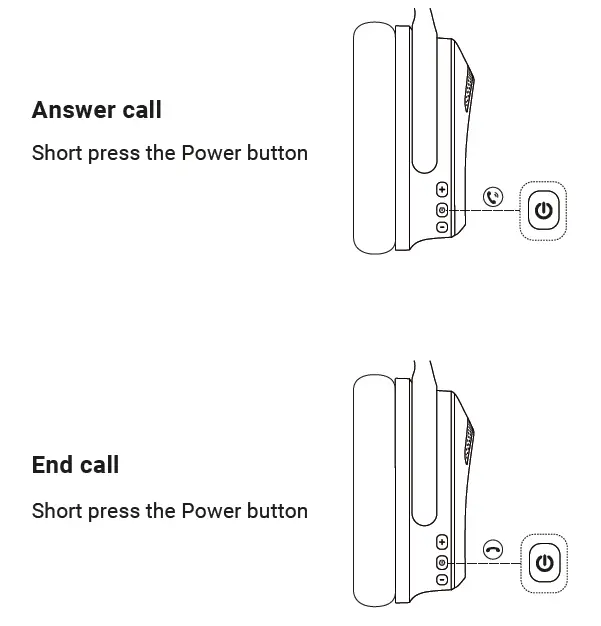
| Play/Pause | Short press power button |
| Increase volume | Short press “+” button (Headphones will beep when they reach the maximum volume) |
| Decrease volume | Short press “-” button (Headphones will beep when they reach the minimum volume) |
| Next track | Press and hold “+” button for 1 sec |
| Previous track | Press and hold “-” button for 1 sec |
| Answer call | Press the power button once |
| End call | Press the power button once |
| Decline call | Press and hold the power button for 2 sec |
| Voice assistant | Press and hold the power button for 2 sec |
| Pairing mode | Press and hold the power button for 5 sec |
| Reset | Press and hold the “+” and “-” buttons for 2 seconds |
AUDIO CONTROLS
CALL CONTROLS
AUXILIARY
To connect your headphones using the auxillary port, insert the provided 3.5mm plug to your auxillary source device. The auxillary connection overrules any Bluetooth connections and will interrupt audio. Bluetooth will automatically be renabled once the auxillary 3.5mm plug is disconnected.
NOTE: Since auxillary audio does not require power, you can listen to your headphone with the power off using the auxillary connection.
SPECIFICATIONS
| Bluetooth Version | BT 5.0 |
| Bluetooth Protocol | A2DP/AVRCP/HSP/HFP/aptX HD |
| Bluetooth Range | 10m | 32ft |
| ANC Depth | 28db |
| Driver Type | Graphene Driver |
| Driver Size | 40mm |
| Impedance | 32 ohms |
| Frequency Range | 20Hz-40Hz |
| SPL | TBD |
| Battery Life | 30 Hours |
| Battery Capacity | 500mAh |
| Charging Time | 2 Hours |
| Weight | 245g |
| Waterproof level | IPX5 |
SAFETY INSTRUCTIONS
- Do not attempt to make any modifications to the product, including removing or modifying the product, as the damage is not covered by the warranty.
- Do not place the product in extremely high or low ambient temperatures for extended periods of time. Extreme temperatures can cause equipment to deform, and reduce the charging capacity of the device.
- Thunderstorm weather may affect the normal use of the product and there is a risk of electric shock, so please do not use the earphones outside during thunderstorms.
- This product contains small parts. Do not swallow it to avoid danger. Keep the product out of the reach of children.
- Using the product for a long time at high volume may affect your hearing, please control the volume.
- If this product supports active noise cancellation. Please do not turn this function on when walking, driving, or cycling to avoid accidents.
BATTERY WARNING
This product contains lithium battery, please do not disassemble, impact, squeeze or put into fire. Please do not place the product under high temperature or hot sun, beware of explosion. If there is swelling, leakage, odor or any other abnormality in the battery compartment of the product, do not continue to use it. Please dispose of used batteries properly in accordance with local regulations.
WARNING
Do not subject the product to excessive shock. If your product has touch sensor, do not apply stickers or other adhesive items to the touch sensor control panel. Be careful not to catch your finger in the unit when folding. The Bluetooth function may not work with a mobile phone, depending on the signal conditions and the surrounding environment. Do not apply weight or pressure to the product for long periods, including when it is stored, as it may cause deformation. If you experience discomfort while using the product, stop using it immediately. If this product has earpads/ ear tips they may be damaged or deteriorate with long-term use and storage.
CLEANING THE UNIT
When the outside of the product is dirty, clean it by wiping with a soft dry cloth. If the product is particularly dirty, soak a cloth in a dilute solution of neutral detergent, and wring it well before wiping. Do not use solvents such as thinner, benzene, or alcohol, as they may damage the surface.
CHARGE HEADPHONES FOR 1 HOUR BEFORE FIRST USE
DO NOT USE THE HEADSET NEAR MEDICAL DEVICES
This product has magnets which may interfere with pacemakers, defibrillators and programmable shunt valves or other medical devices. Do not put this product close to these medical devices and the person who use any of these medical devices. Consult your doctor before using this product, if you have any concerns.
DO NOT PLACE CARDS WITH MAGNETS
IN THE VICINITY OF THE HEADSET
This product has magnets. Placing cards with magnets in the vicinity of the product may affect the magnetism of the card and render it unusable.
READ ALL INSTRUCTIONS BEFORE USE AND
SAVE THESE INSTRUCTIONS FOR FUTURE REFERENCE
This equipment has been tested and found to comply with the limits for a Class B digital device, pursuant to Part 15 of the FCC Rules. These limits are designed to provide reasonable protection against harmful interference in a residential installation. This equipment generates uses and can radiate radio frequency energy and, if not installed and used in accordance with the instructions, may cause harmful interference to radio communications. However, there is no guarantee that interference will not occur in a particular installation. If this equipment does cause harmful interference to radio or television reception, which can be determined by turning the equipment off and on, the user is encouraged to try to correct the interference by one or more of the following measures:
- Reorient or relocate the receiving antenna.
- Increase the separation between the equipment and receiver.
- Connect the equipment into an outlet on a circuit different from that to
which the receiver is connected. - Consult the dealer or an experienced radio/TV technician for help.
This device complies with Part 15 of the FCC Rules. Operation is subject to the following two conditions: (1) this device may not cause harmful interference, and (2) this device must accept any interference received, including interference that may cause undesired operation.
FCC RF EXPOSURE STATEMENT:
This transmitter must not be co-located or operating in conjunction with any other antenna or transmitter. This device complies with FCC radiation exposure limits set forth for an uncontrolled environment.
CAUTION!
Any changes or modifications not expressly approved by the party responsible for compliance could void the user’s authority to operate the equipment.
ISEDC STATEMENT
This device complies with Innovation, Science, and Economic Development Canada license-exempt RSS standard(s). Operation is subject to the following two conditions: (1) this device may not cause interference, and (2) this device must accept any interference, including interference that may cause undesired operation of the device.
This Class B digital apparatus complies with Canadian ICES-003.
ISEDC RF EXPOSURE STATEMENT
The device is compliance with RF exposure guidelines, users can obtain Canadian information on RF exposure and compliance.
PRODUCT WARRANTY
Ausounds Intelligence warrants this product to the original purchaser to be free from defects in material and workmanship, under normal conditions for a period of 1-year for parts and labor only from the date of original purchase. Ausounds agrees at our option during the warranty period, to repair any defect in material or workmanship or to furnish an equal product in exchange without repair charges, during the first 365 days. After 365 days, a flat labor rate may be required and payment sent along with the product. Except where prohibited by applicable law, this warranty is nontransferable and is limited to the original purchaser and the country in which the product was purchased. This warranty gives you specific legal rights, and you may also have other rights, including a longer warranty duration that may vary under local laws. If you do not find a solution on our website, please contact the retailer from whom you made your purchase. Valid warranty claims are generally processed through the point-of-purchase retailer during the first thirty (30) days after purchase. This period of time may vary depending on the retailer. If your warranty claim cannot be processed through the point-of-purchase retailer, please contact our support department at [email protected] or call direct at 1-818-873-0113.
Please follow these directions to return your product:
- Contact Ausounds support at [email protected] or 818-873-0113 to receive a return authorization
- Pack the unit in a well-padded sturdy carton if you do not have the original packaging
- Enclose a copy of your sales receipt to validate the date of purchase
- Ausounds will elect to repair or replace the product free of repair charges during the first 365 days. After 365 days, payment for labor may need to be sent with the product. Call customer support at 818-873-0113 or email
[email protected]
Ausounds Intelligence
Attention: Warranty Services
3190 Chicago Ave Riverside, CA 92507-3448 US
NOTE: This warranty does not cover any product which has been subject to damage due to misuse, neglect, accidental damage, abuse, commercial use, or any product modifications. This warranty does not cover damage due to improper operation or maintenance, connection to an improper voltage supply, or attempted repair by anyone other than Ausounds. This warranty does not cover products sold AS IS or refurbished units. For consumers, who are covered by consumer protection laws or regulations in their country of purchase or, if different, their country of residence, the benefits conferred by Ausounds’ Limited Warranty are in addition to all rights and remedies driven by such consumer protection laws and regulations , including but not limited to these additional rights.
National Statutory Rights
Consumers have legal rights under applicable national legislation governing the sale of consumer goods. Such rights are not affected by the warranties in this Limited Warranty. In Brazil, remedies include the consumer’s option to keep the defective product and receive a proportional price reduction.
European Union notice:
Please note that, in the European Union, any warranty period less than two years shall be increased to two years.
For Australia/New Zealand Consumers Only:
Our goods come with guarantees that cannot be excluded under the Australian Consumer Law. You are entitled to a replacement or refund for a major failure and for compensation for any other reasonably foreseeable loss or damage. You are also entitled to have the goods repaired or replaced if the goods fail to be of acceptable quality and the failure does not amount to a major failure. This warranty is provided by Ausounds Intelligence, LLC 15300 Ventura Blvd Suite 214 Sherman Oaks, CA 91403. Contact information for Australia/New Zealand Consumers Only: Telephone: 1 818-873-0113. For any product/warranty -related questions, please contact customer support at [email protected]
For Japan Consumers Only:
The Federal Arbitration Act (the “FAA”) applies to the agreement to arbitrate to the maximum extent allowable. Except as preempted by FAA, the laws of the State of California, without reference to its choice of laws principles, will govern this Limited Warranty. With the exception of disputes in small claims court or in arbitration, You and Ausounds consent to jurisdiction and venue in the state or federal courts located in Los Angeles County, California, for any claims arising out of a dispute relating to this Limited Warranty. Notwithstanding the Section titled “Binding Arbitration and Class Action Waiver”, if You are a consumer in Japan, You have the right to resolve disputes before the Tokyo District Court in Japan. Nothing in this Limited Warranty affects Your rights as a consumer in Japan to rely on mandatory provisions of Japanese law. Contact information for Japanese Consumers Only: Telephone:
03-3477-0122. For any product/warranty -related questions, please contact customer support at [email protected]
Download
AU-XT ANC Headphones – User Manual – [ Download PDF ]
AU-XT ANC Headphones – Quick Start Guide – [ Download PDF ]