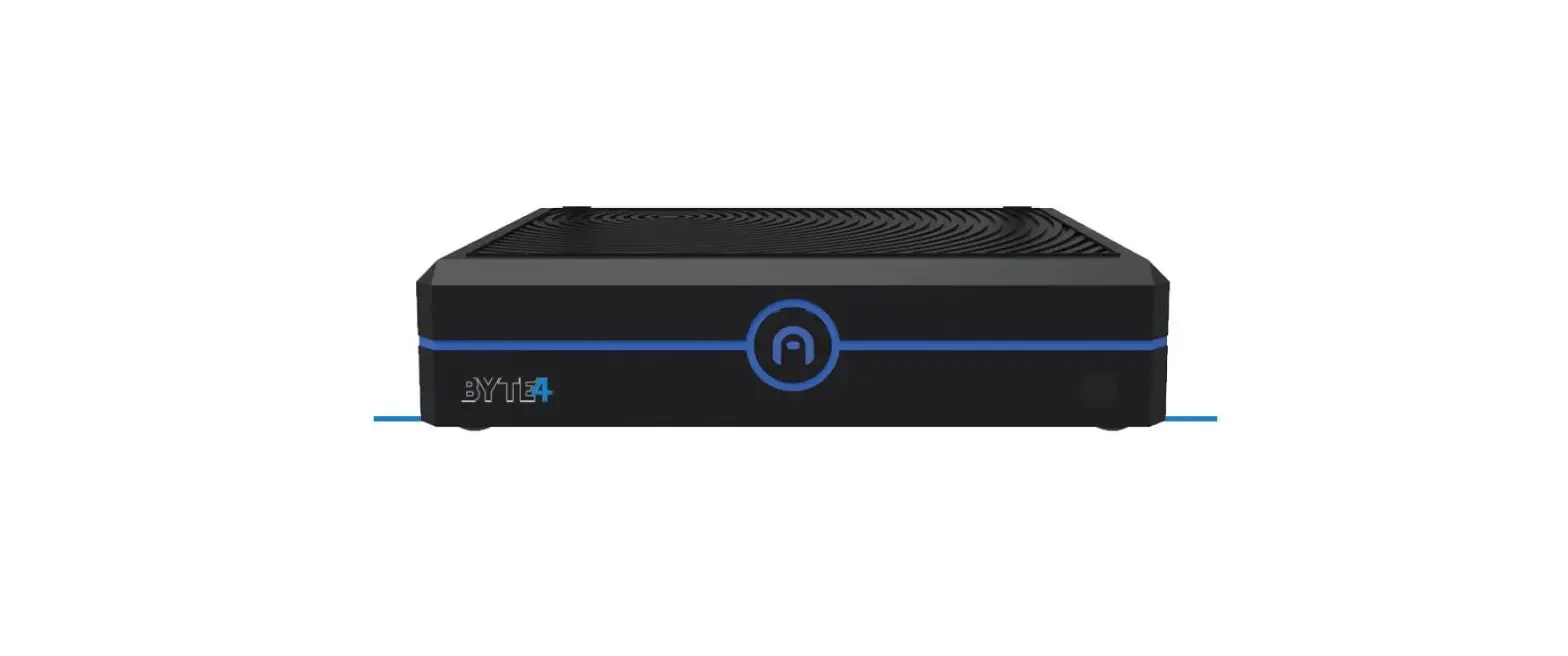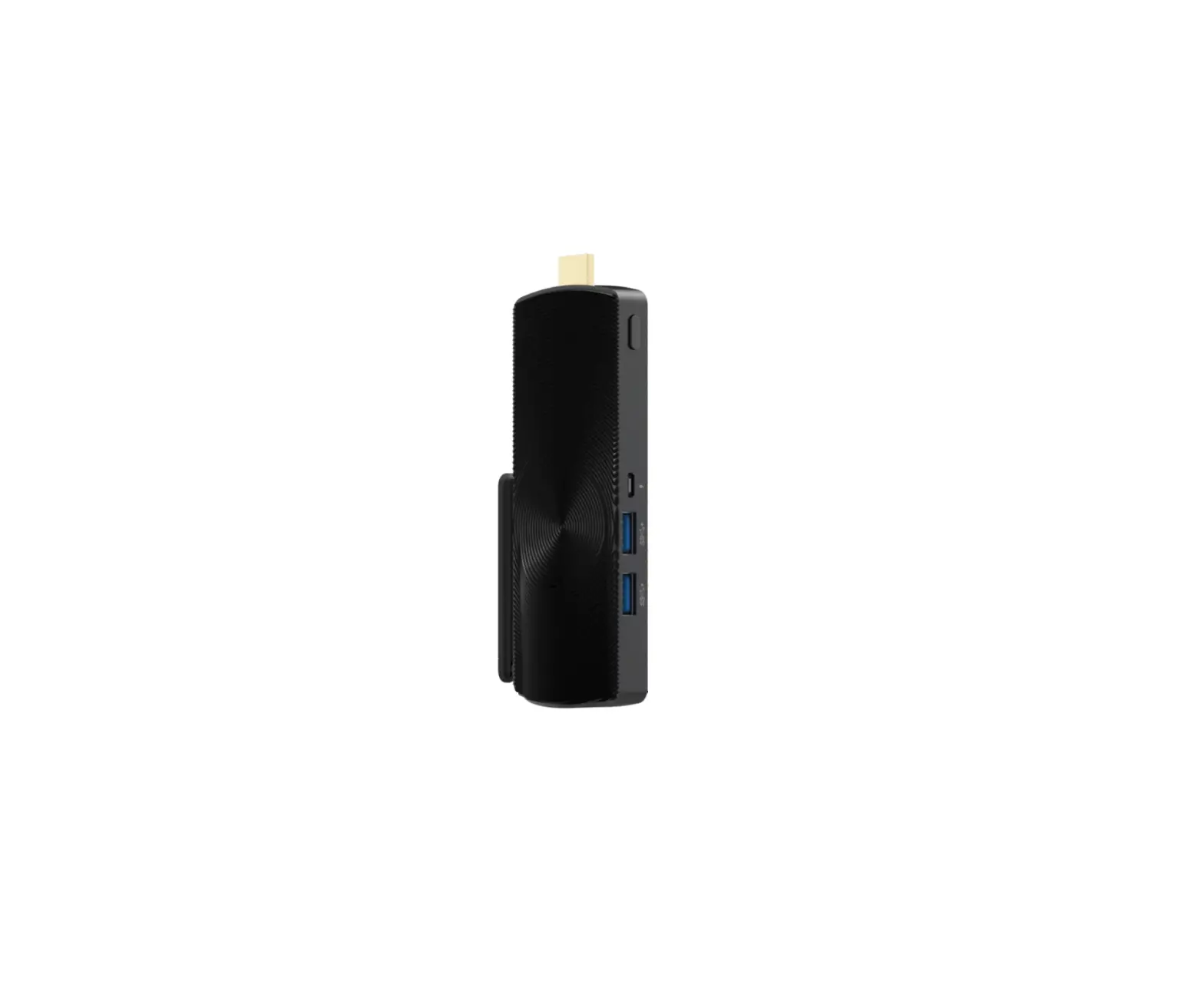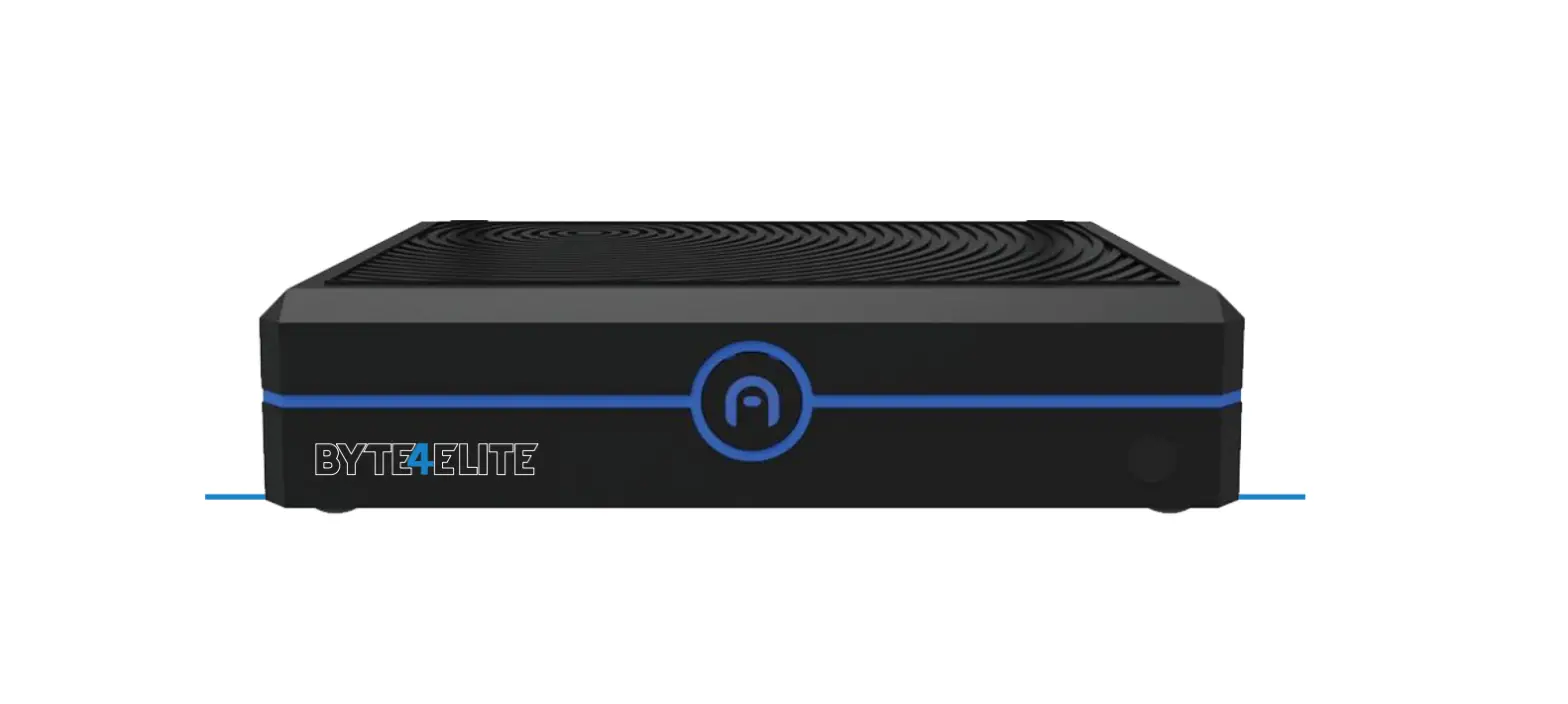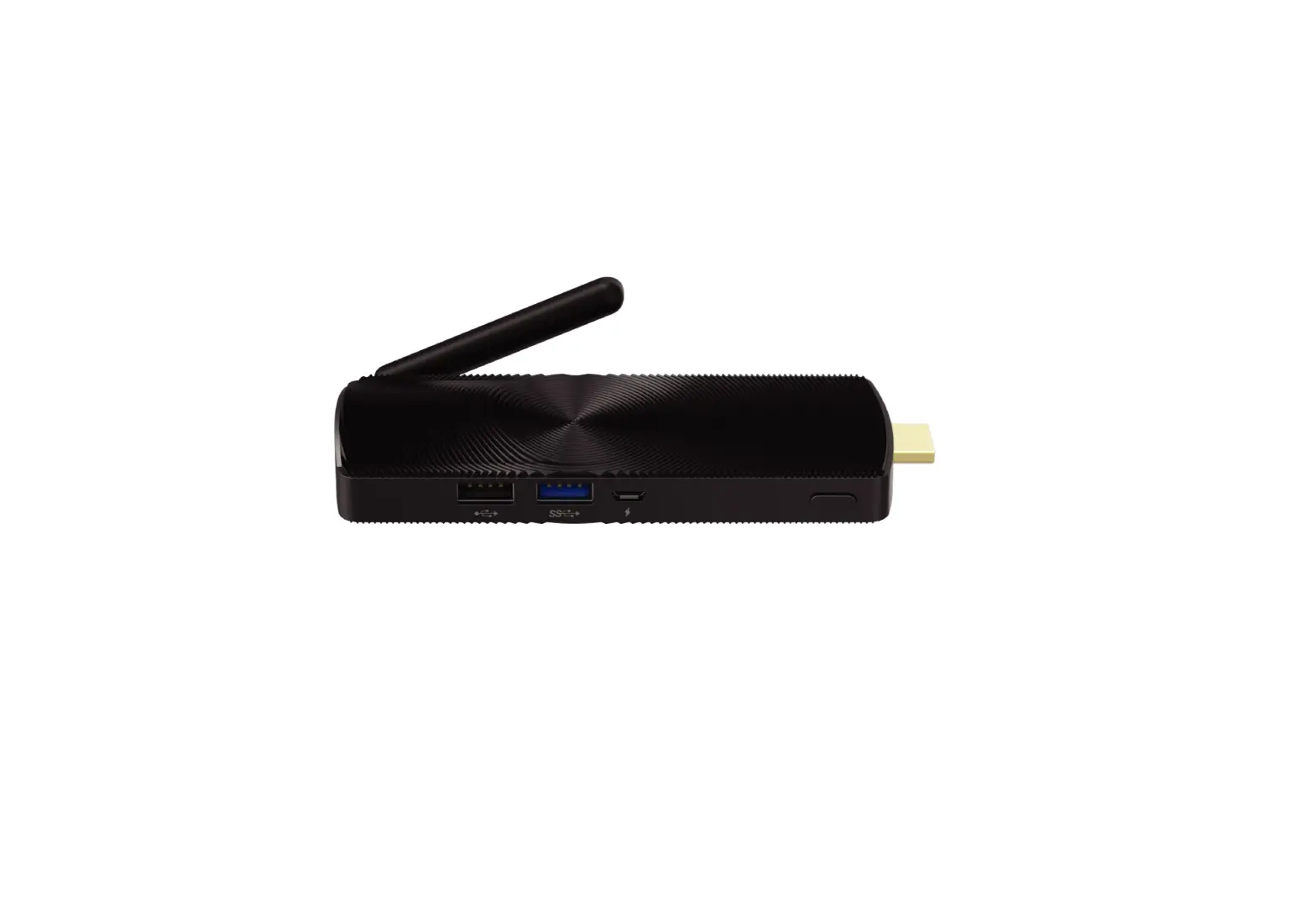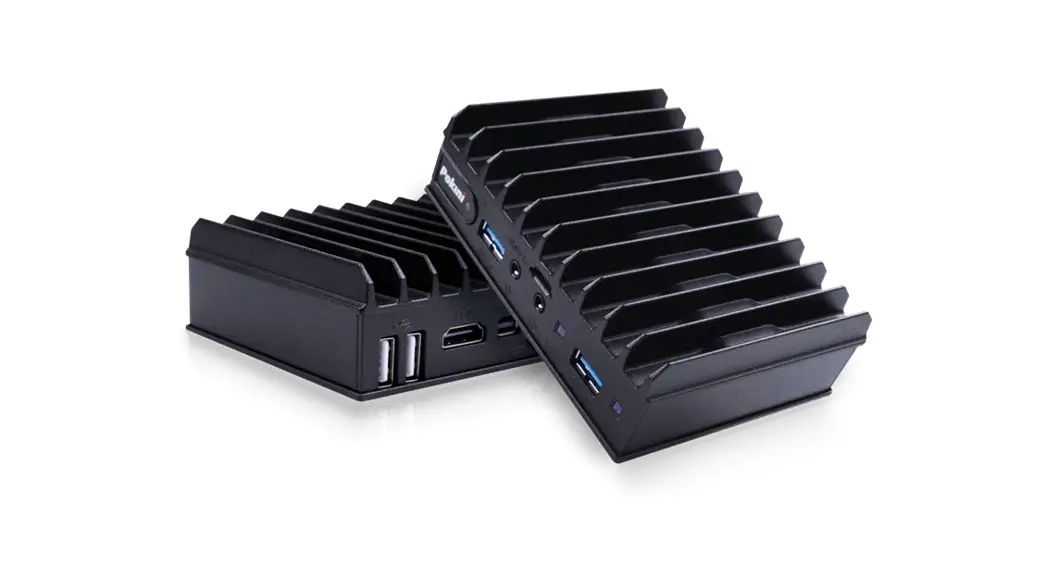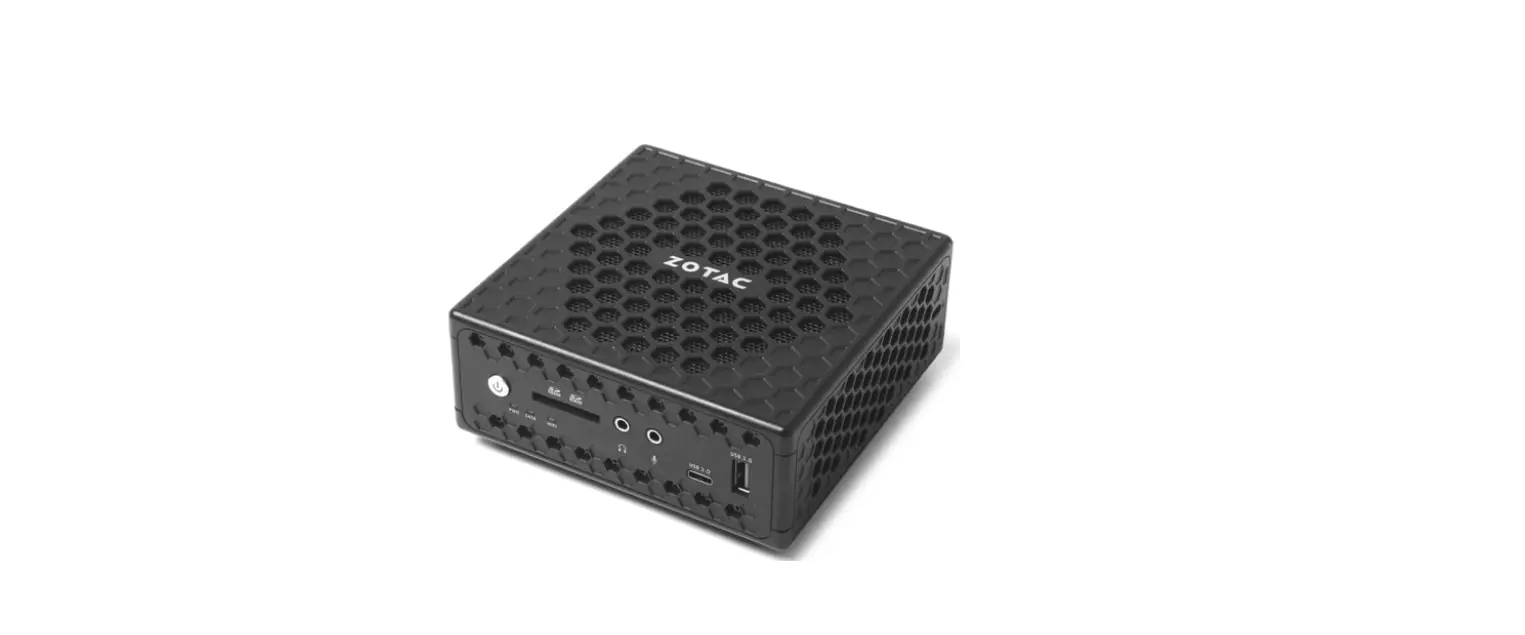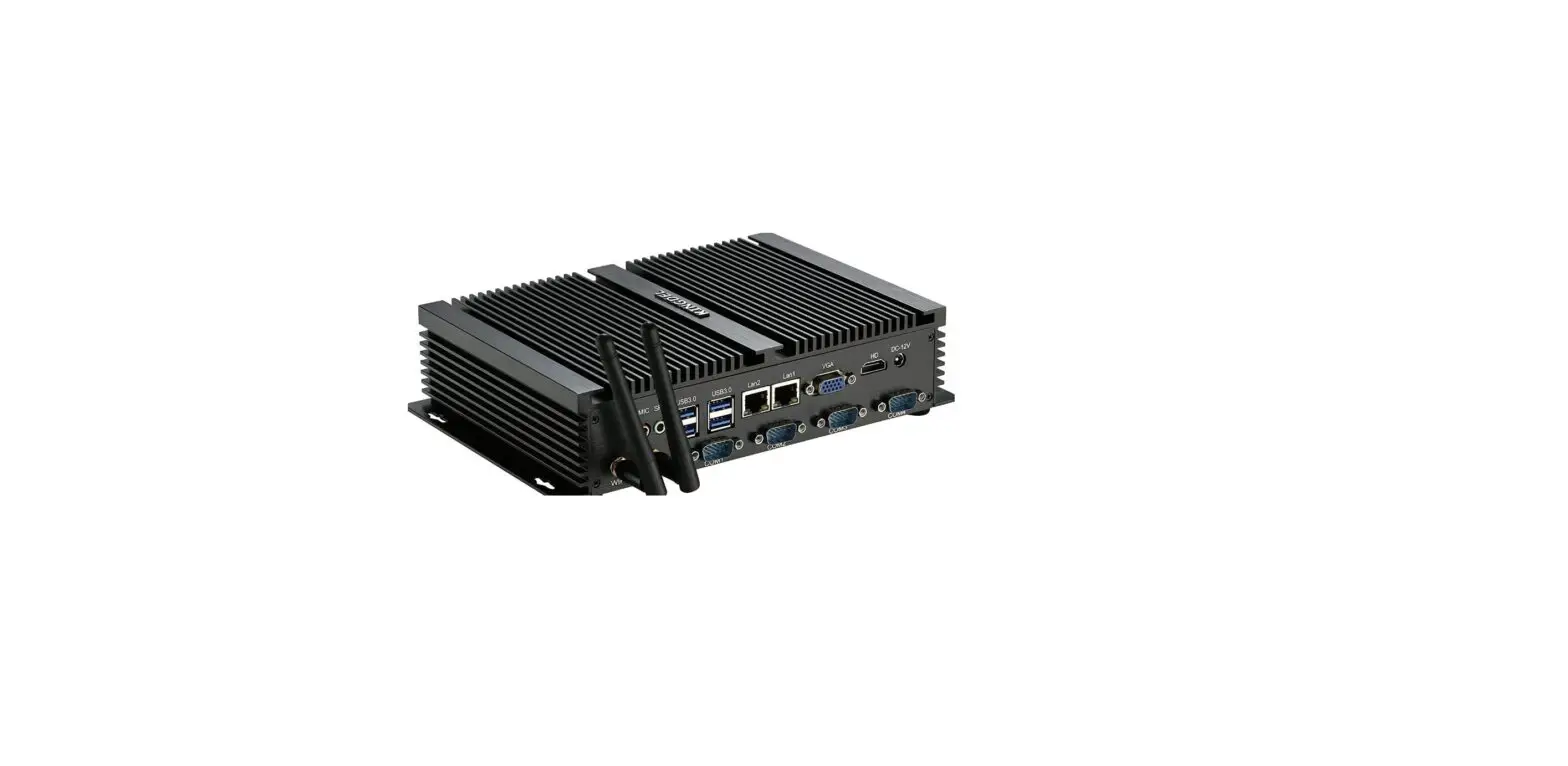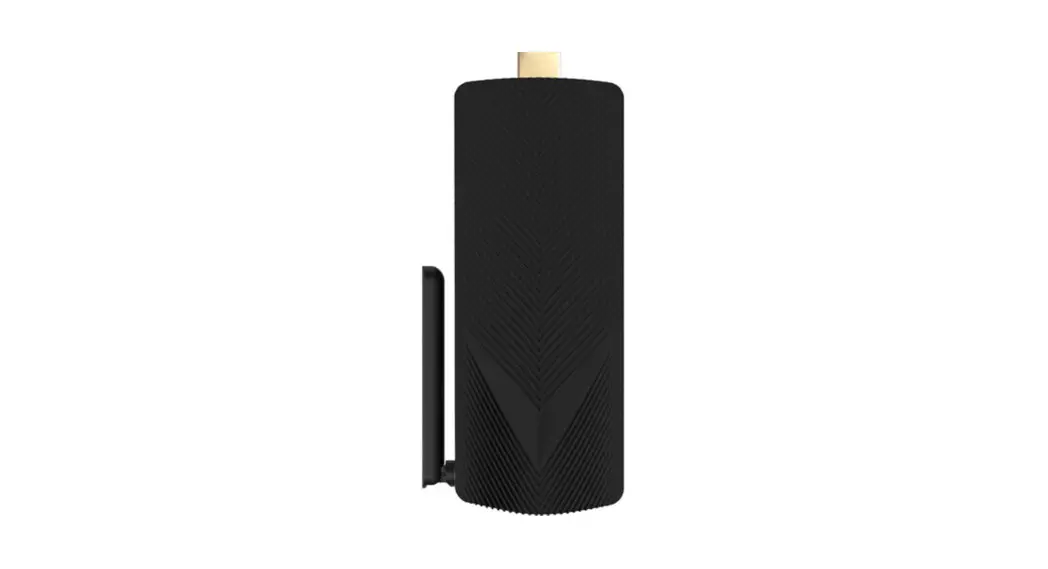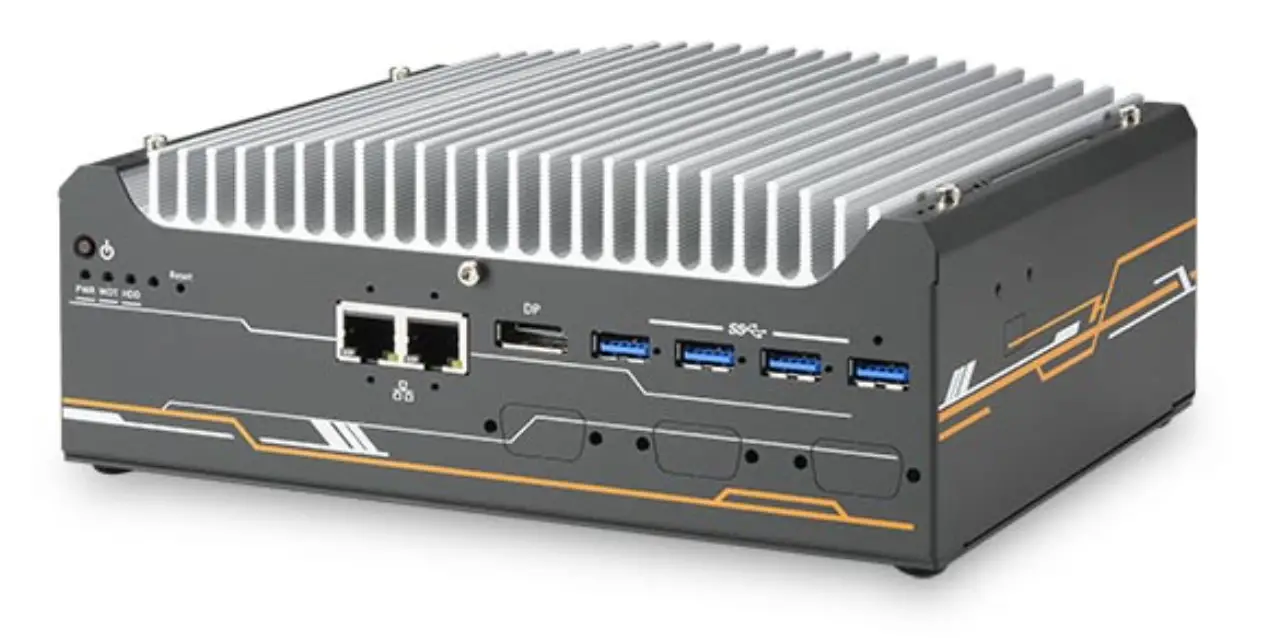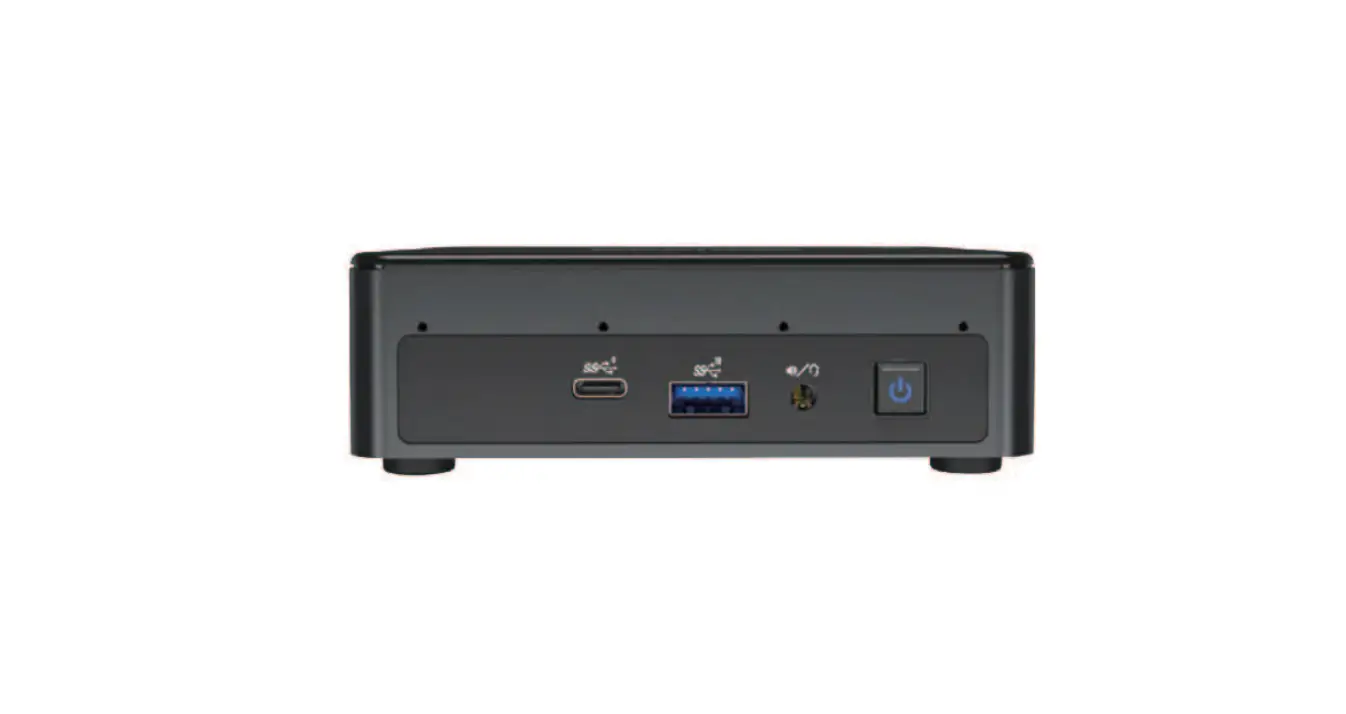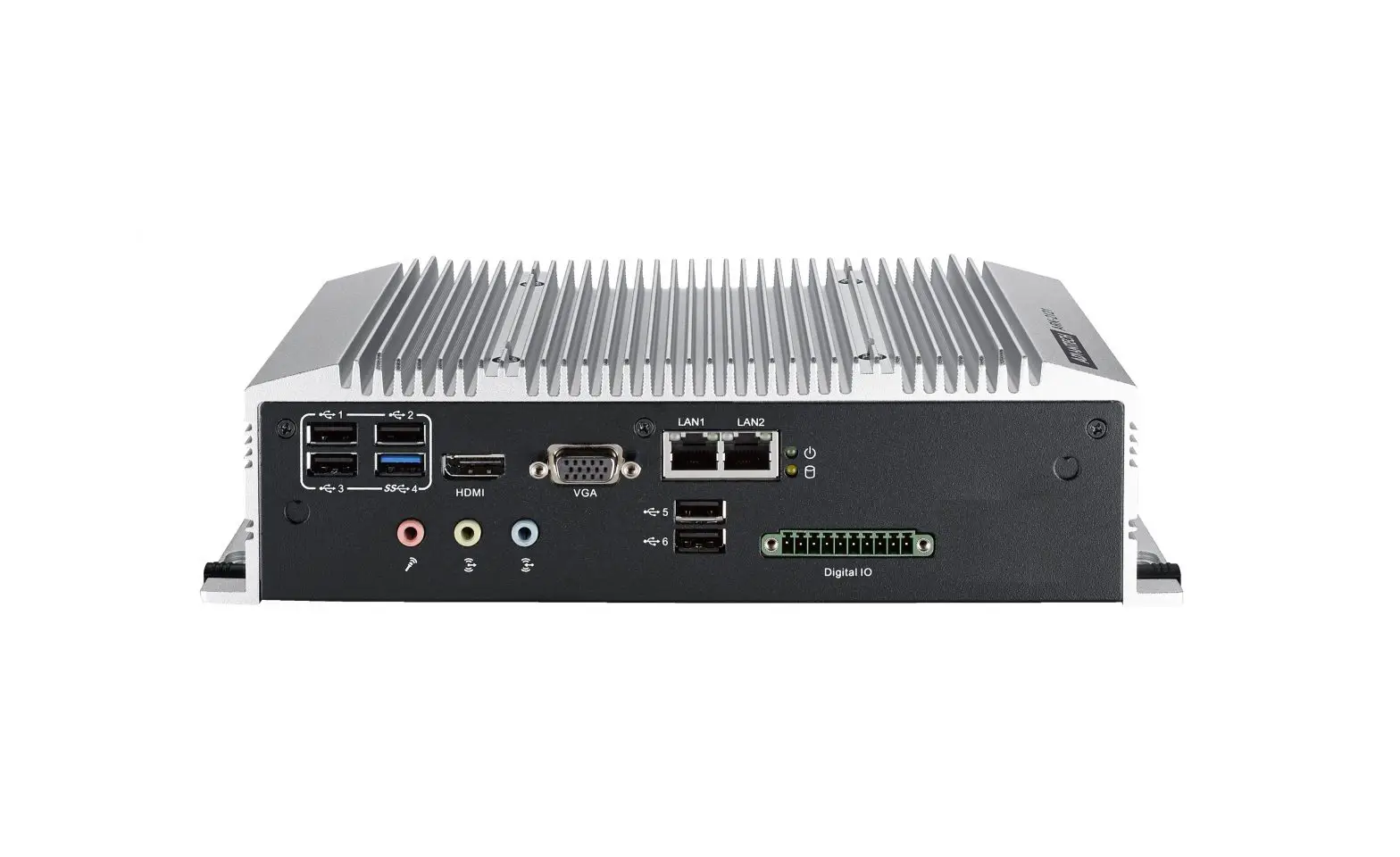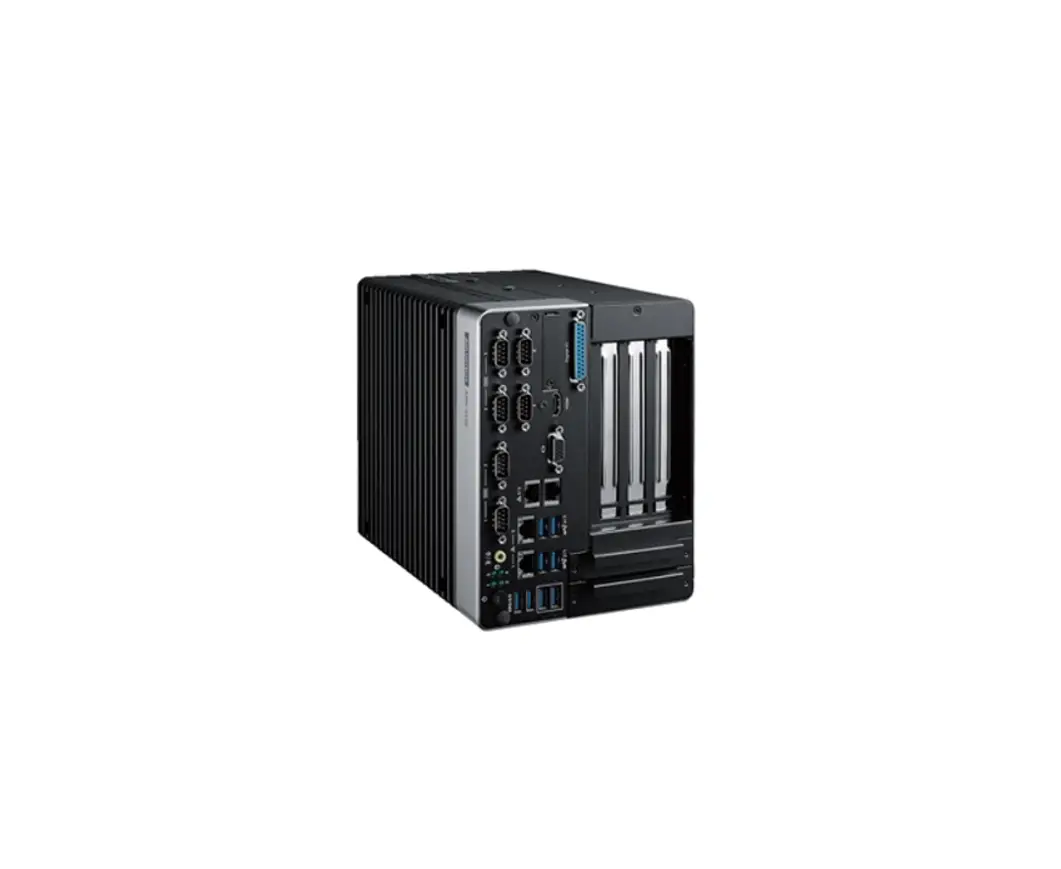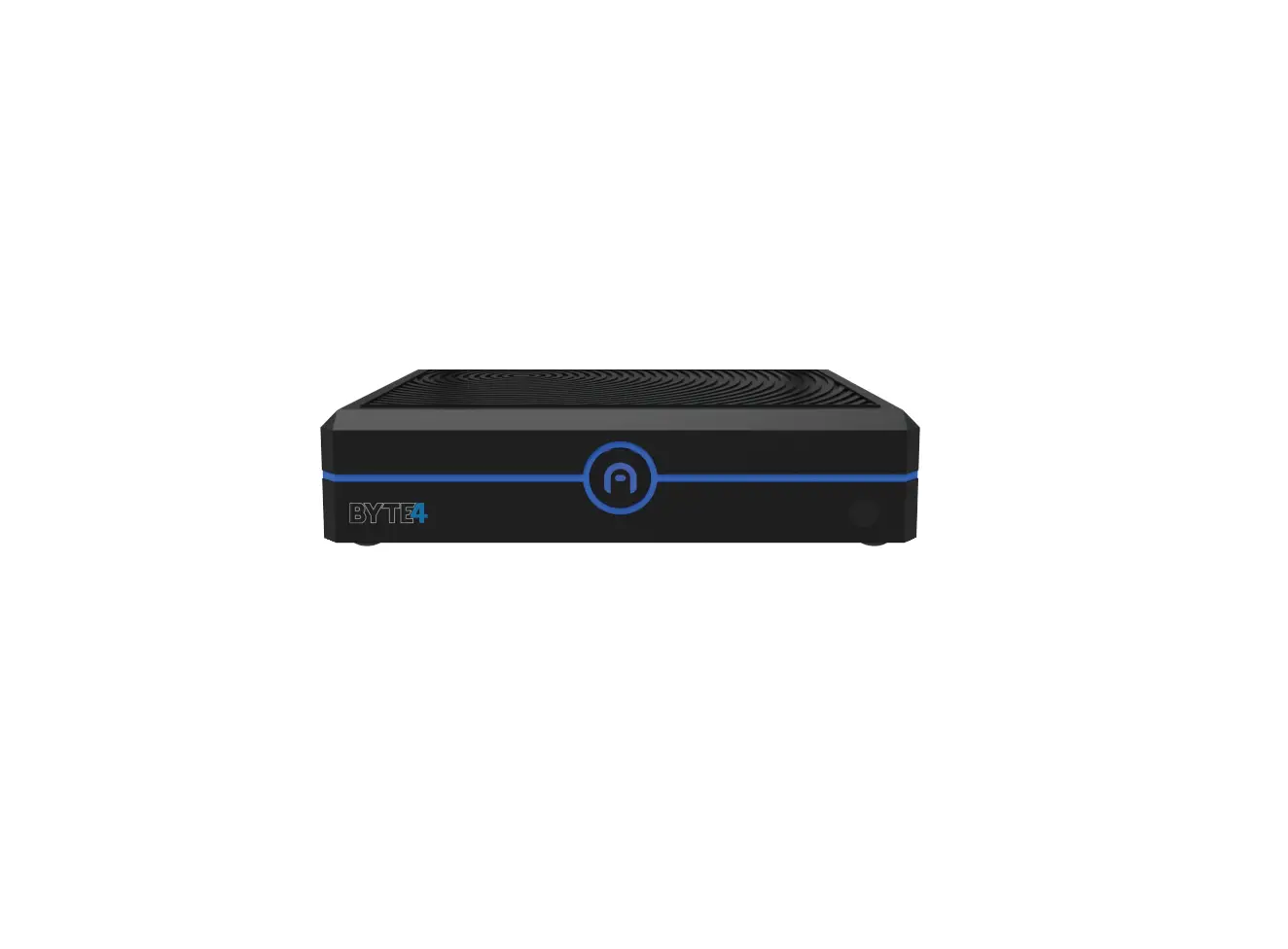
AZULLE BYTE4 Fanless Mini Desktop PC
WHAT ′S IN THE BOX?
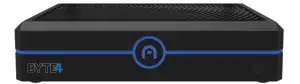
 Byte4 Byte4 | 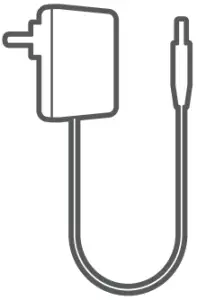 Power adapter 12V/2A Power adapter 12V/2A |  Thermal Tape Thermal Tape |  Quick Guide Quick Guide |
HOW TO SET-UP
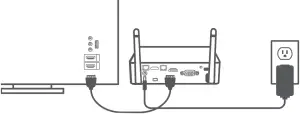
- Connect to your chosen input on your monitor or TV
- Plug-in device using your desired display output
- Connect the Power Adapter
- Choose your input, connect your accessories and enjoy
THINK SOLUTIONS
Find the perfect match for your device. Visit our shop to browse accessories for your device. Discover how our Mini PC’s can power solutions for your home or business like home entertainment and video conferencing .

Digital Signage

Video Conferencing
 POSSystems
PORT LAYOUT
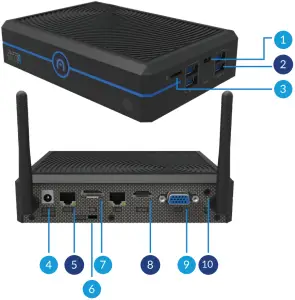
- USB Type-C
- USB3.0
- Micro SD Sol
- Power Input
- Ethernet
- Kensington Lock
- DP Por
- HD Output
- VGA Output
- 3.5 mm Audio Jack
CONNECT
Stay In Touch
Follow us to keep up with the latest news, and share your #MiniMoments with us @AzulleTech #GoMini
Sign-up for our Newsletter to receive exclusive offers and be the first to find out about releases. Azulle.com/Contact

SPECIFICATIONS
| Processor | lntel”Gemini Lake R N & J Series/ Apollo Lake J/N Series |
| Operating System | Windows 10 Pro/ lot 2019 /Linux/ Cloud Ready |
| BIOS | Wake ON LAN / PXE / BIOS Reset |
| RAM | 4 GB/ 8 GB |
| Storage | eMMC64GB |
| GPU | Intel UHD graphics |
| WIFI | 802.11 AC Dual Band |
| Ethernet | Dual Gigabit LAN (POE Optional) |
| Bluetooth | Bluetooth 4.0 |
| VGA | VGA Port x1 |
| Display Port | DP1.2 |
| HD Output | x1 2.0 4K@60 FPS |
| USB Ports | x1 Full Type-C port/ x4 USB 3.0 |
| SD Card Slot | Up to 512 GB |
| SSD | NVMe M.2 x2 Support |
| SAT Slot | 2.5″HDD / SSD |
| Audio Output | 3.5 mm Jack |
| Power Input | 12V/2A |
| Power Output | 5V 1.5A (Through Type-C port) |
| Dimensions | 5.1 in x 3.8 in x 1.5 in |
EXPANDING CAPACITY
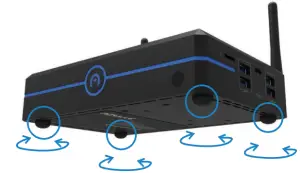
- Twist and turn rubber screws. (A piece of fabric or paper is recommended for a better screw grip)

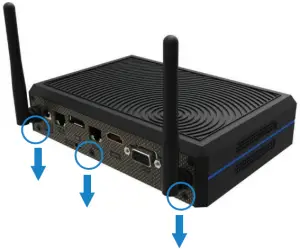
- Twist off the screws located on the rear side of the unit.

- Open up the bottom of the unit to expand RAM or Storage. Scan the QR code to check out a video tutorial on how to install storage or RAM to your Azula Mini PC.


NEED HELP?
We’re Here For You

Live Chat
azulle.com

Technical Support
786.233.6769 Ext.1

E-mail
[email protected]
For Video Tutorials Visit Our You Tube Channel: Youtube.com/AzulleTech
Learn how to get more out of your device on our blog, visit: Azula.com/stories