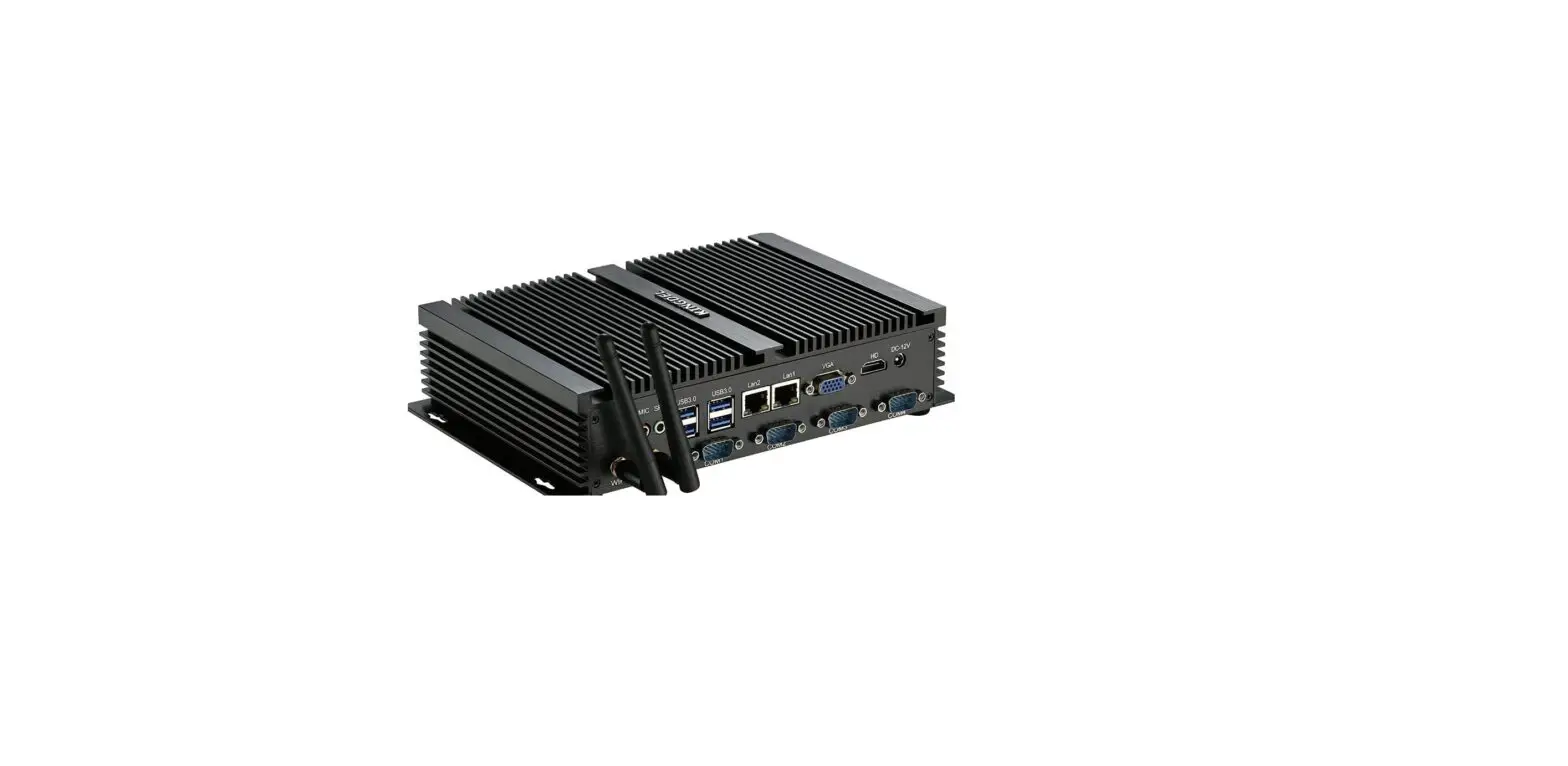
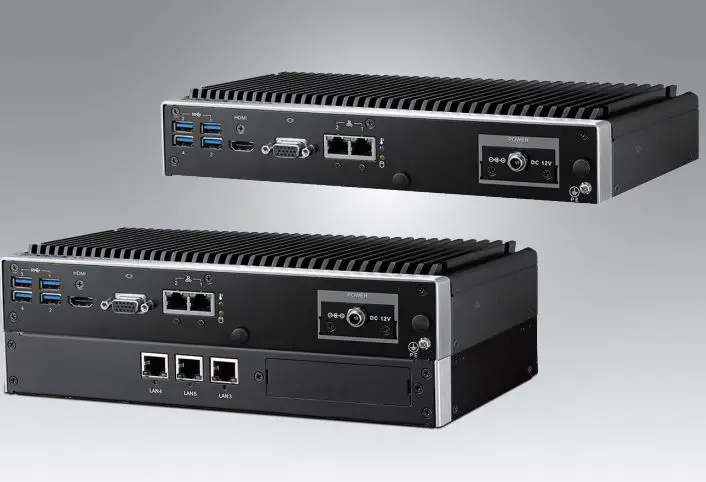
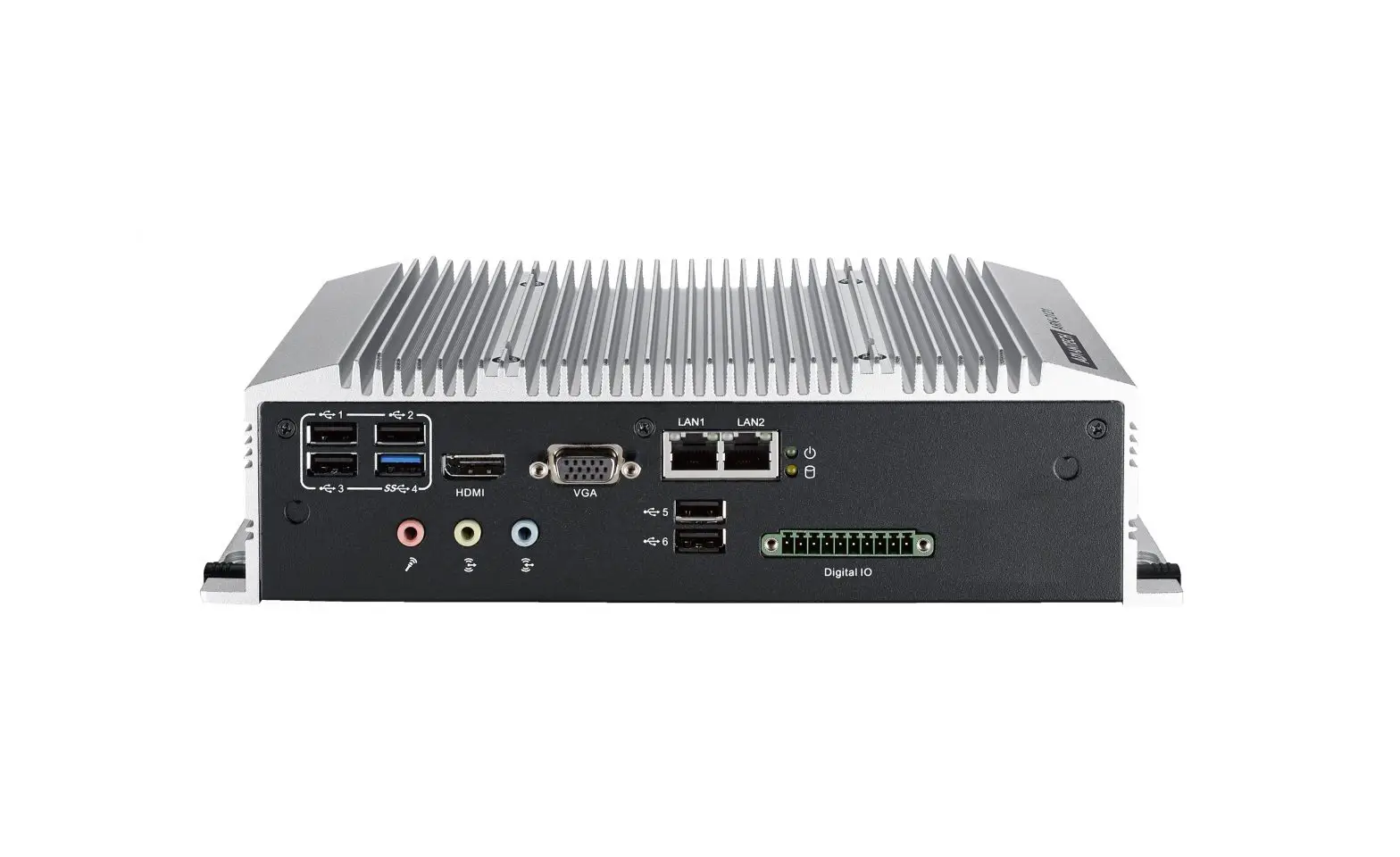
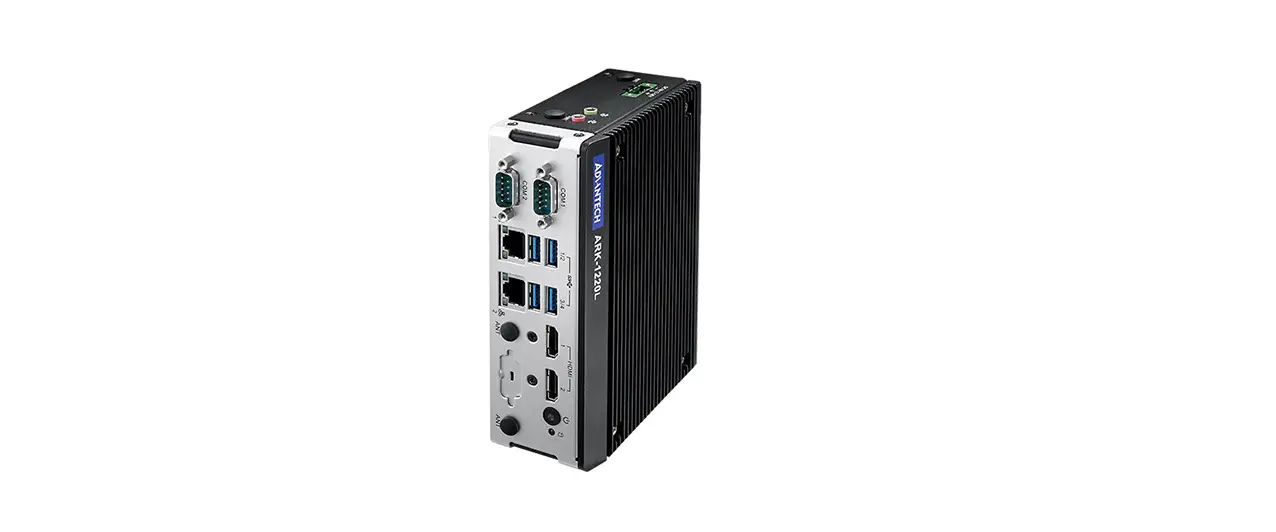
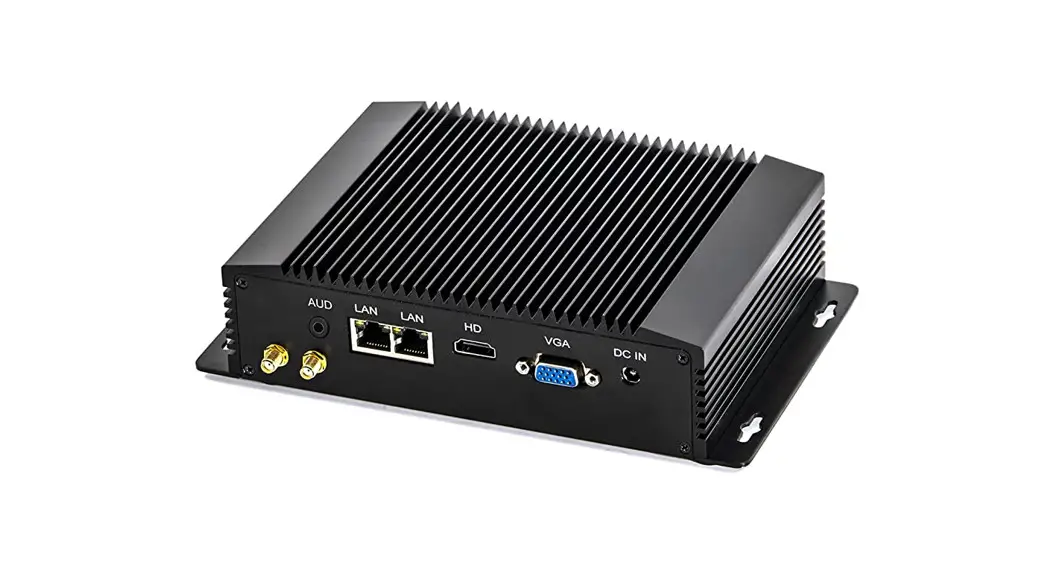
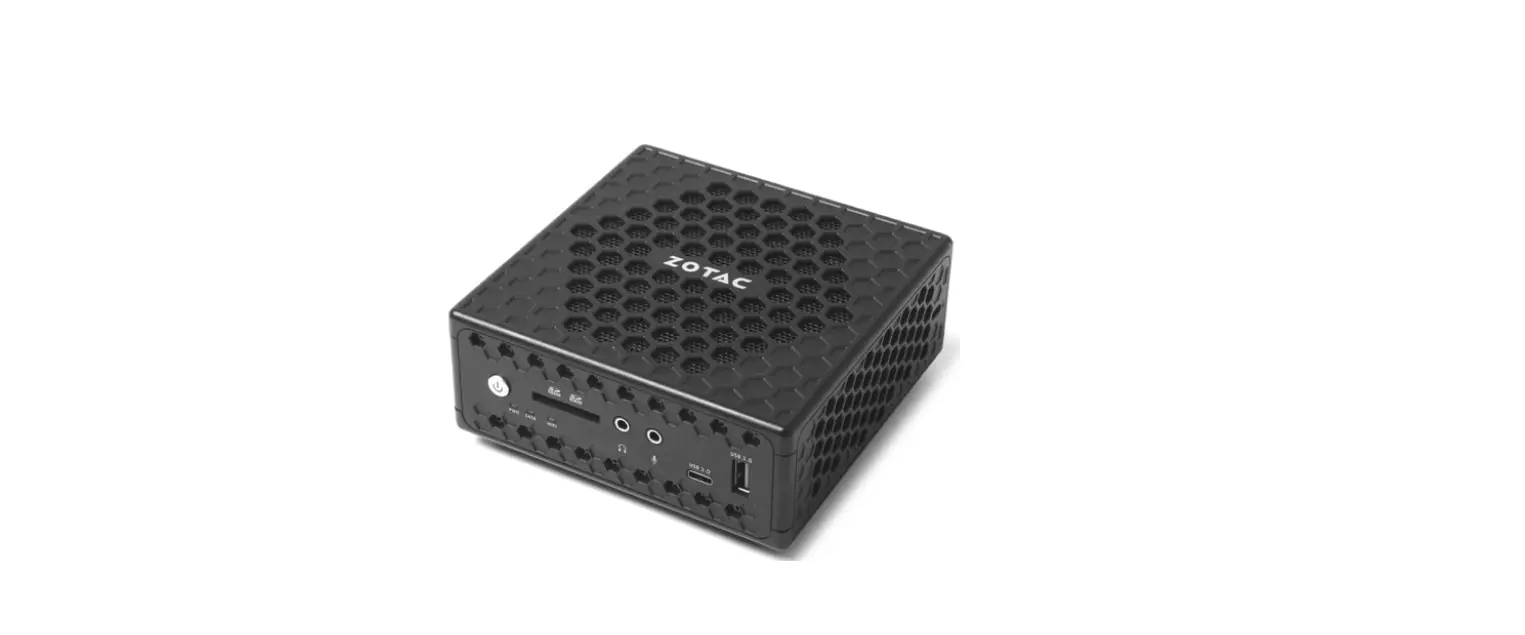
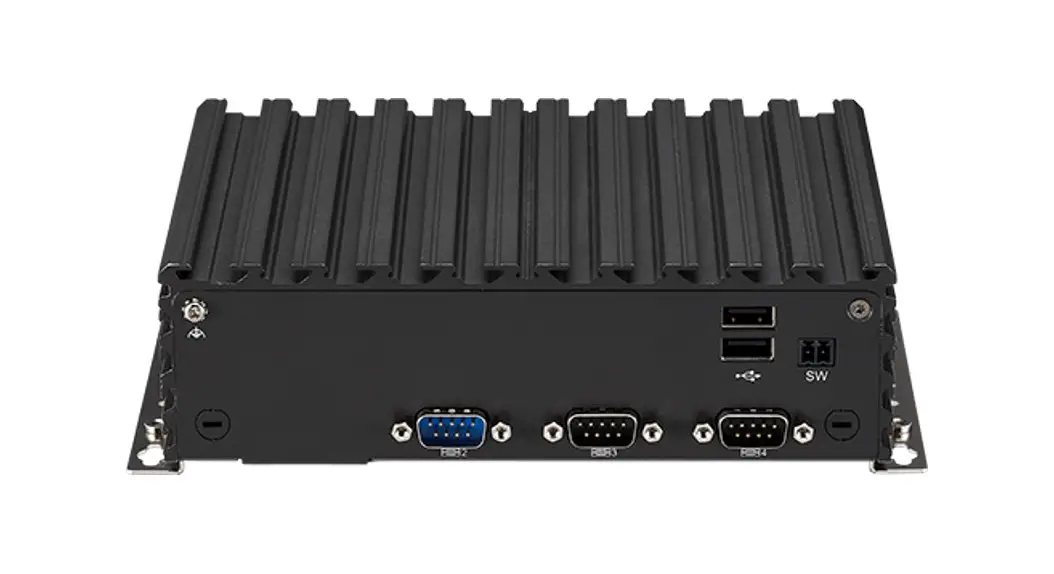
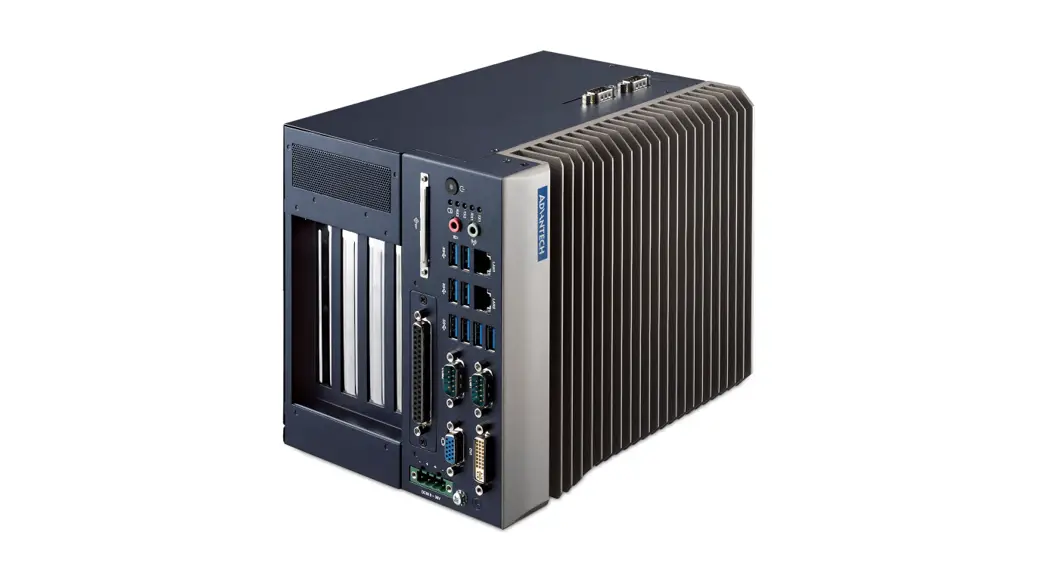
IBJ4125U Industrial Fanless Mini PC
IBJ4125U User Manual
Product Specification (Main Parameter)
- Device Connection: This product supports internal device
connections. - Internal Expansion Ports: This product has internal expansion
ports available for use. - Status Indicator LED: This product has a status indicator LED
that provides visual cues for the device’s current state.
BIOS Settings
To access the BIOS settings, follow one of the following
steps:
- Boot up the PC, then press DELETE to enter the BIOS
settings. - Boot up the PC, then press F11 to open the Bootmanager and
access the BIOS settings.
Once you have accessed the BIOS settings, follow these
steps:
- Choose “Advanced”.
- Select “System Power Management”.
- Select “Restore On AC Power Loss”.
- Select “Power On”.
- Refer to the picture below for assistance.

By following these steps, you can configure your device’s power
management settings to your preferences.
IBJ4125U User Manual
Product specification (Main parameter)
Decive Connection
Internal expansion ports
Status indicator LED
BIOS Settings
Boot up the pc, then press “DELETE” to enter the BOIS setting or
Boot up the pc, then press “F11” to open Bootmanager to enter the BOIS setting
Choose “Advanced” “System power Management” “Restore On AC Power Loss” “Power On” See picture as below: