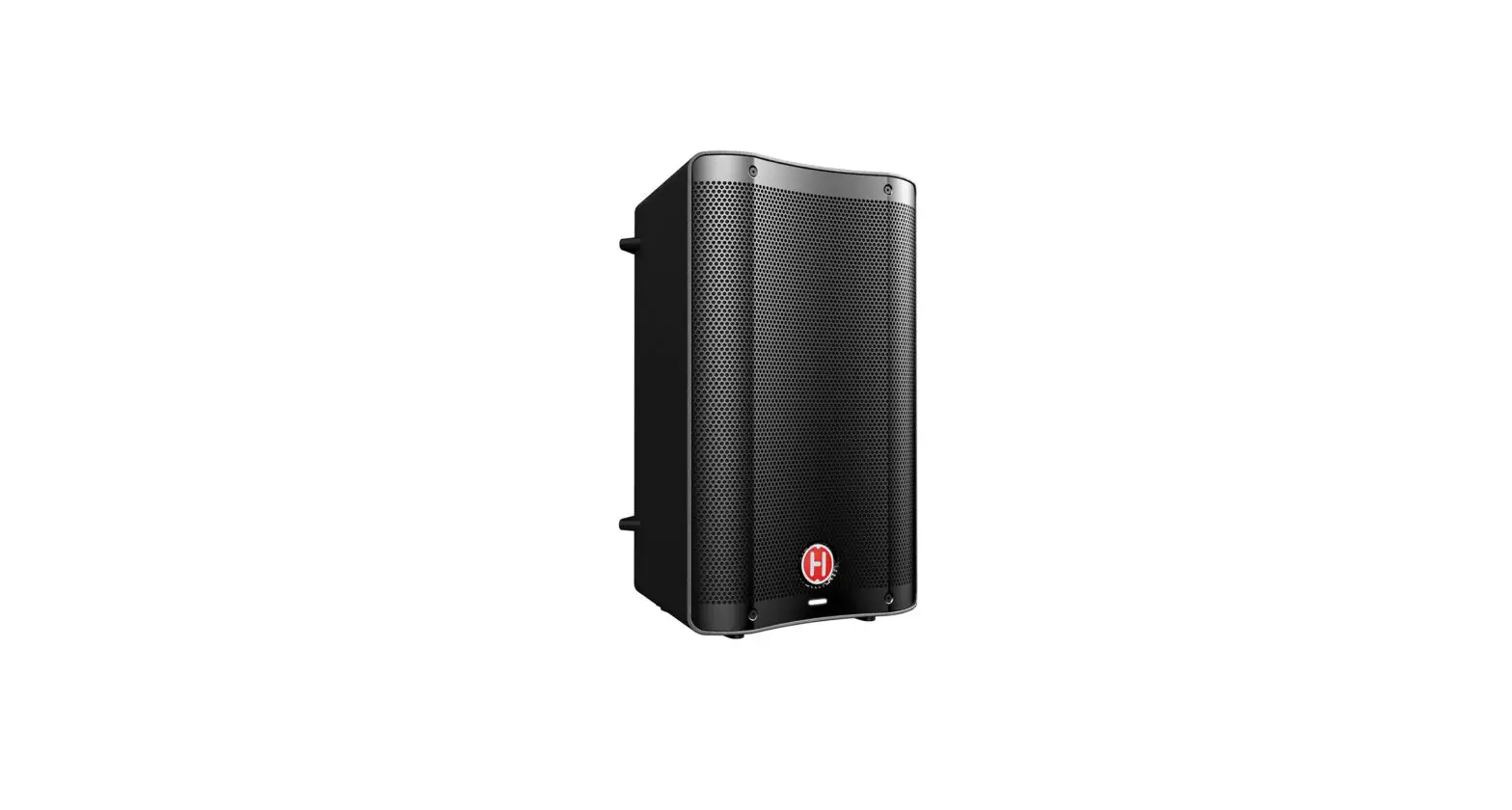
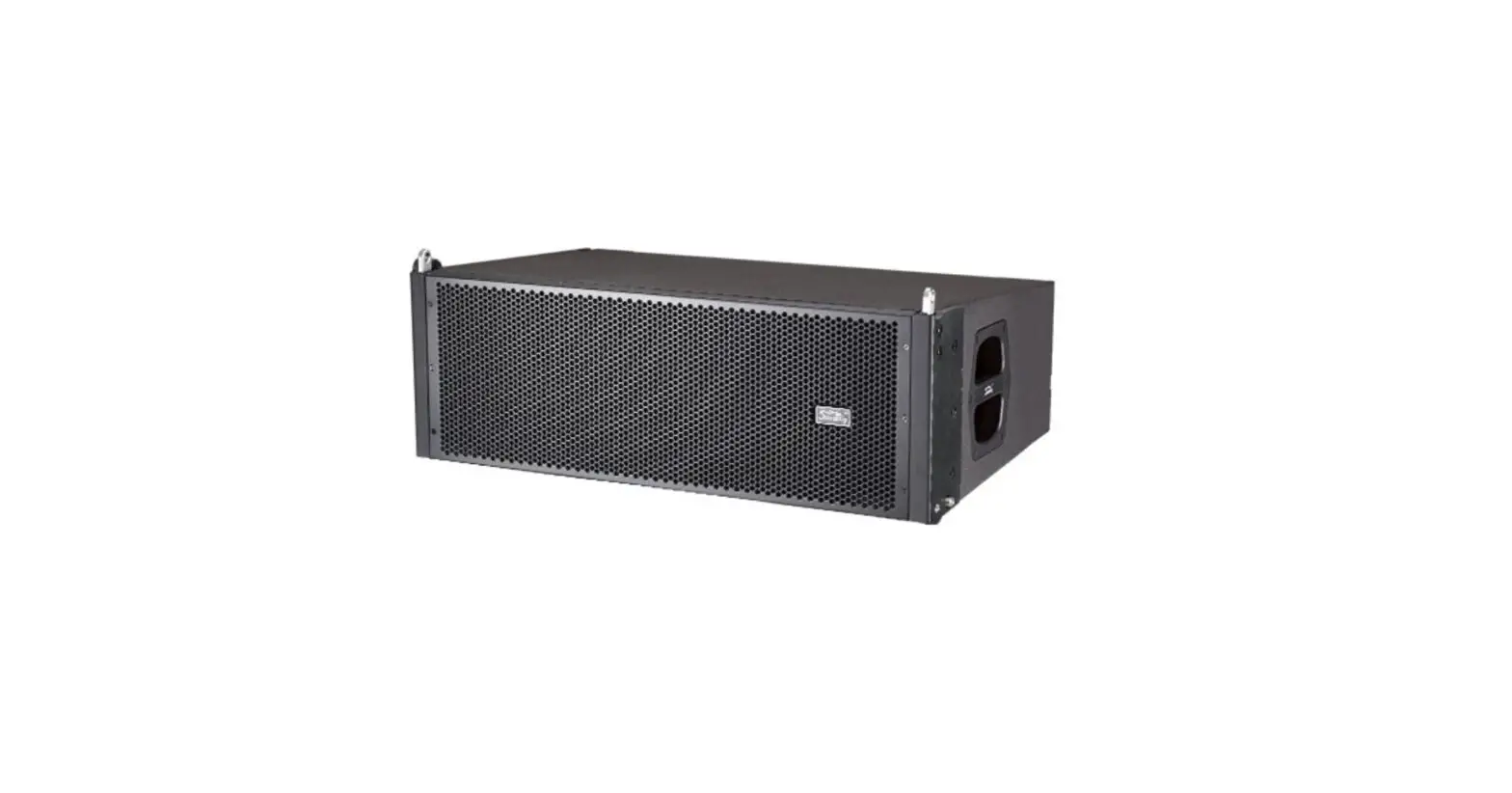
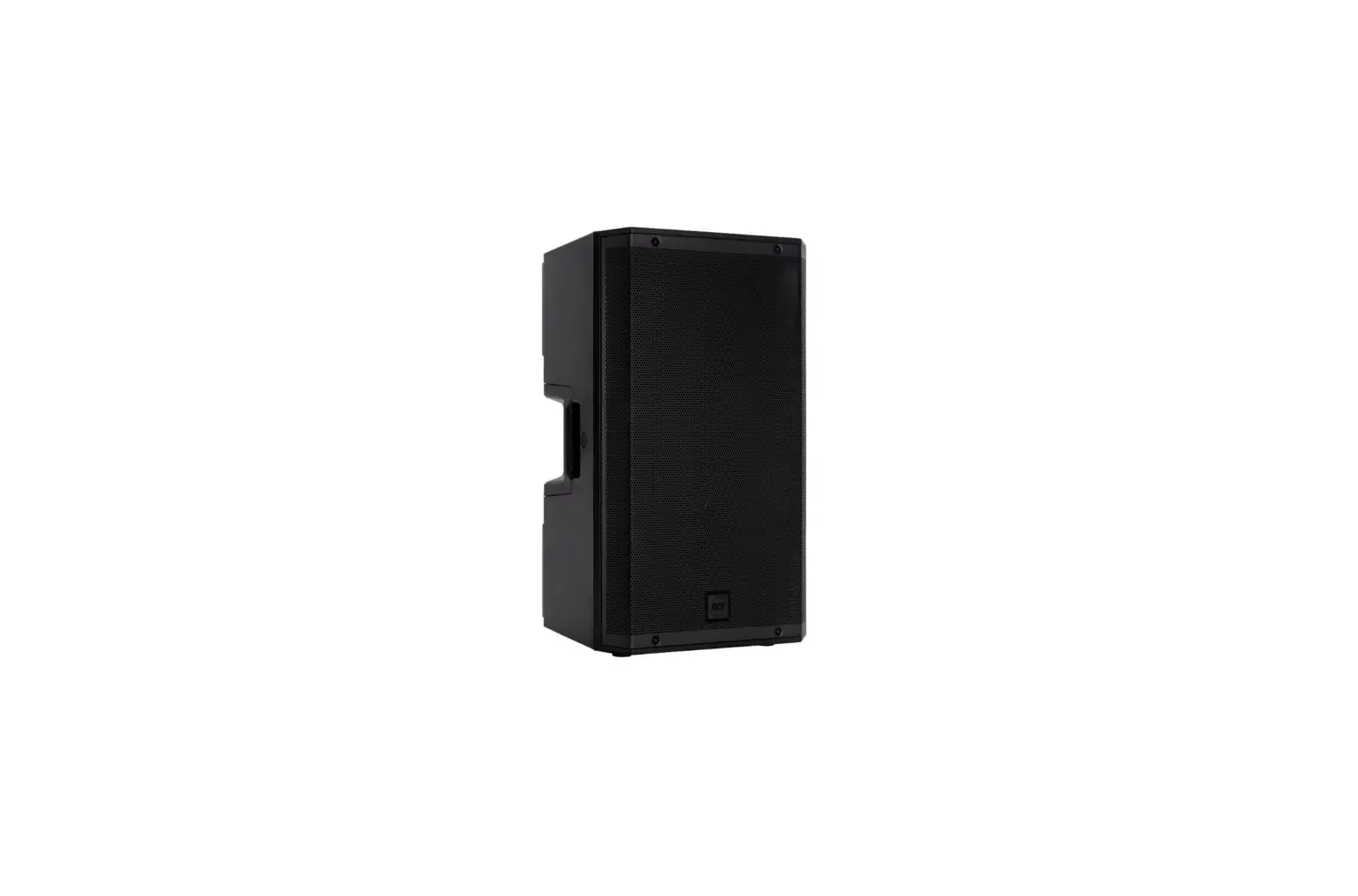
HARBINGER VARI V2400 Series Active Speaker
Product Information
This product is a radio or television receiver that requires proper installation and operation for optimal performance. It is recommended to consult the dealer or an experienced radio/TV technician for assistance if needed.
When using this product, it is important to maintain a minimum distance of 20cm between the radiator and your body. This ensures safe usage and prevents any potential health risks. Additionally, it is advised to use only the antenna that is supplied with the product for optimal reception.
Product Usage Instructions
- Ensure that the product is properly installed according to the instructions provided in the user manual.
- If you encounter any difficulties during installation or operation, it is recommended to seek assistance from the dealer or an experienced radio/TV technician.
- When using the product, make sure to maintain a minimum distance of 20cm between the radiator and your body. This distance helps in preventing any potential health risks associated with close proximity to the device.
- Use only the antenna that is supplied with the product for optimal reception. Using other antennas may result in reduced performance or signal quality.
- Follow all safety guidelines and precautions mentioned in the user manual to ensure safe and proper usage of the product.
WELCOME
The Harbinger VARI V2408 and V2410 Powered Speakers and VS 12 Powered Subwoofer each combine sound optimizing DSP and versatile inputs, outputs and controls, delivering premium sound reproduction with great flexibility.
V2408 8 inch 2 way Powered Speaker with Bluctooth® Audio Input
- 8-inch speaker plus high precision high-frequency compression driver
- Bluerooth® audio inpur, dual mic/insrument inputs, dedicated stereo line input and aux inpur – all available simultaneously DSP providing selectable tunings, easily adjustable Bass and Treble, Sub Cut filter for oplimal sound with a subwoofer, a transparent and dynamic limiter, and high precision crossover for extremely accurate, high fidelity sound
- Innovative Smart Stereo capability, with easy volume and tone control for both speakers from the master unit Versalile cabinet allowing free-standing, pole-mounted, and lay flat floor monitor placement VS12 12-inch Powered Subwoofer with DSP Sound Tuning
Add a VS12 to any powered speaker setup to bring high-impact low-frequency response - DSP provides a transparent and dynamic limiter, and high-precision crossover for extremely accurate, high-fidelity sound
- Time Aligning Delay ensures you can easily get the maximum bass response in any setup Includes adjustable crossover and polarily for optimal pairing with any powered speakers
ALSO AVAILABLE
When you
need to step up to even more sound reproduction power, check out the VARI 3000 Series models and VS 18 subwoofer.
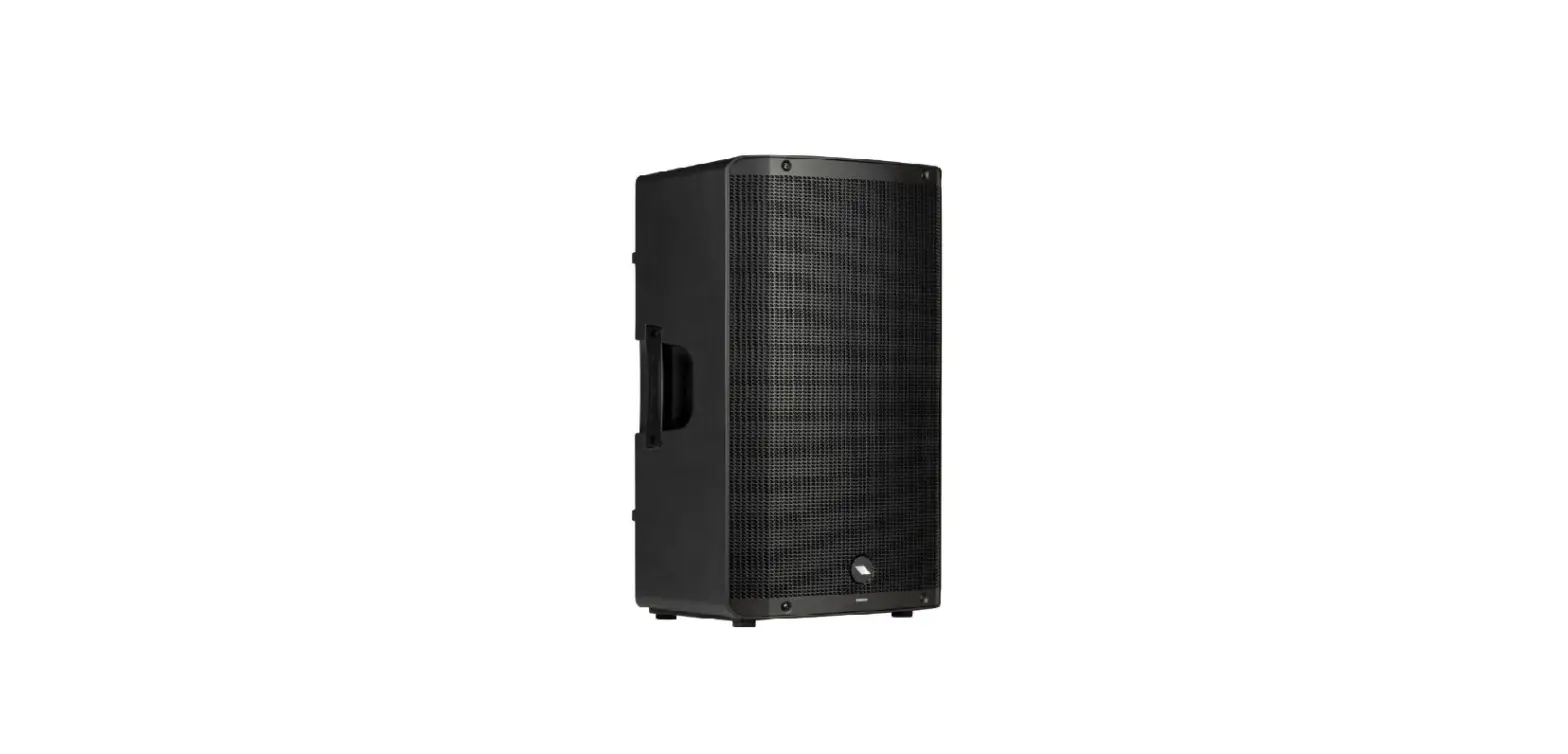
V3412 12-inch 2-way Powered Speaker with App Control
Bigger Sound: A larger 12-inch speaker, and significantly more power and maximum volume than V2408 or V2410 can achieve
App Control: adjust the sound wirelessly, while standing in front of the VARI, and save customized sound settings to VARI for access any time, with or without the app
Moro Voicing: 5 differont Voicings, including Club and Spooch, lot you modify the sound for common applications
V3415 15-inch 2-way Powered Speaker with App Control
All the same DSP, input, output, control and usage capabilities as the V3412
A larger 15-inch speaker, delivering additional volume
VS18 18-inch Powered Subwoofer with Easy-Roll Casters
Add a VS18 to bring high impact to your powered speaker setup DSP provides a transparent and dynamic limiter, and high precision crossover for extremely accurate, high fidelity sound Time Aligning Delay ensures you can easily get the maximum bass response in any setup Includes adjustable crossover and polarity for optimal pairing with any powered speakers
QUICK START GUIDE
SINGLE V2408/V2410
SETTING UP HELPFUL TIPS
Position the VARI speaker in the desired location, and ensure the speaker is stable.
Make sure the Power Switch is off.
Turn Input 1, 2, and 3 knobs to minimum.
Turn Bass and Treble to center/straight up.
MAKING THE CONNECTIONS
Connect sources to Input 1, 2 and 3 input jacks as desired. (All these input jacks can be used at once, along with Bluetooth® audio input.)
CHECK VOICING
- NORMAL: Check that Normal LED for VOICING is lit for most uses.
- FLOOR MONITOR: If using VARI on its side as a floor monitor, press VOICING so Floor Monitor LED is it.
- SUB CUT: For use with a subwoofer (see the following 2 pages for details and example setup).
CHECK ROUTING
- Set to Normal (Mono) for most uses.
- See following pages for other routing options.
CHECK INPUTS
- Check that Input 1 and Input 2 switches match sources:
- Mic for microphones, Guitar for acoustic guitar or pedalboard output,
- Line for mixers, keyboards and other electronics.
- If any Clip LED lights, turn down that input’s knob.
POWERING UP
- Power on any devices connected to input jacks.
- Turn up the output volume of all sources.
- Turn Input 1, 2 and 3 knobs to desired levels.
BLUETOOTH® AUDIO INPUT
- From your Bluetooth® audio source device, look for VARI V2408 or VARI V2410 and select it.
- See next page for Bluetooth® Troubleshooting in case of difficulty.
FRONT LED LIGHT
- Front LED will light white to show when speaker is powered on.
- When front LED lights red, limiter is being triggered, and Input 1, 2, and 3 knobs may need to be turned down.
VARI Series speakers can be used as Main Speakers or Floor Monitor Speakers.
SMART STEREO WITH V2408/V2410
A pair of VARI V2408 or V2410 speakers can operate together as a Smart Stereo system, giving you control of the sound and volume of both speakers from the first master speaker, and optimally distributing all audio inputs to both speakers for rich stereo sound.
Inputs 1 and 2 are routed mono to both VARI’s, while Input 3 is routed in split stereo to the VARI’s.
- Connect all inputs and make all sound settings on the first (left) unit only.
The second (right) unit’s Input 2, Input 3 and controls are all disabled when it is set to Link In. - Set the ROUTING function on first unit to Stereo Master.
- Set the ROUTING function on second unit to Link In.
- Connect an XL (microphone) cable from the first unit’s LINK OUT jack to the second unit’s INPUT 1 jack.
- OUTPUT jack of the first speaker can optionally be connected to VS 12 or other subwoofer, or to send audio to another sound system.
- If MIX OUT jack is connected to VS 12, VS18 or other subwoofer, select SUB CUT Voicing. V2408/V2410 will then crossover the audio, to keep high frequencies for itself, and send low frequencies to the sub.
BLUETOOTH® TROUBLESHOOTING
These steps should resolve any Bluetooth® trouble you may encounter:
- Power off the V2408 or V2410 and leave it off
- On your Apple iOS device
- Open Settings app, select Bluetooth®
- IF VARI V2408 or VARI V2410 is listed under MY DEVICES, touch info button, tap to Forget This Device
- Turn off Bluetooth®, wait 10 seconds, turn on Bluetooth®
- On your Android device
- Open Settings, select Bluetooth®
- If VARI V2408 or VARI V2410 is listed under Paired Devices, touch gear Icon, and tap to Unpair
- Turn off Bluetooth® wait 10 seconds, turn on Bluetooth®
- Open Settings app, select Bluetooth®
- Then power on your V2408 or V2410, and Bluetooth® LED should flash
- You should now be able to connect to V2408 or V2410 via Bluetooth®
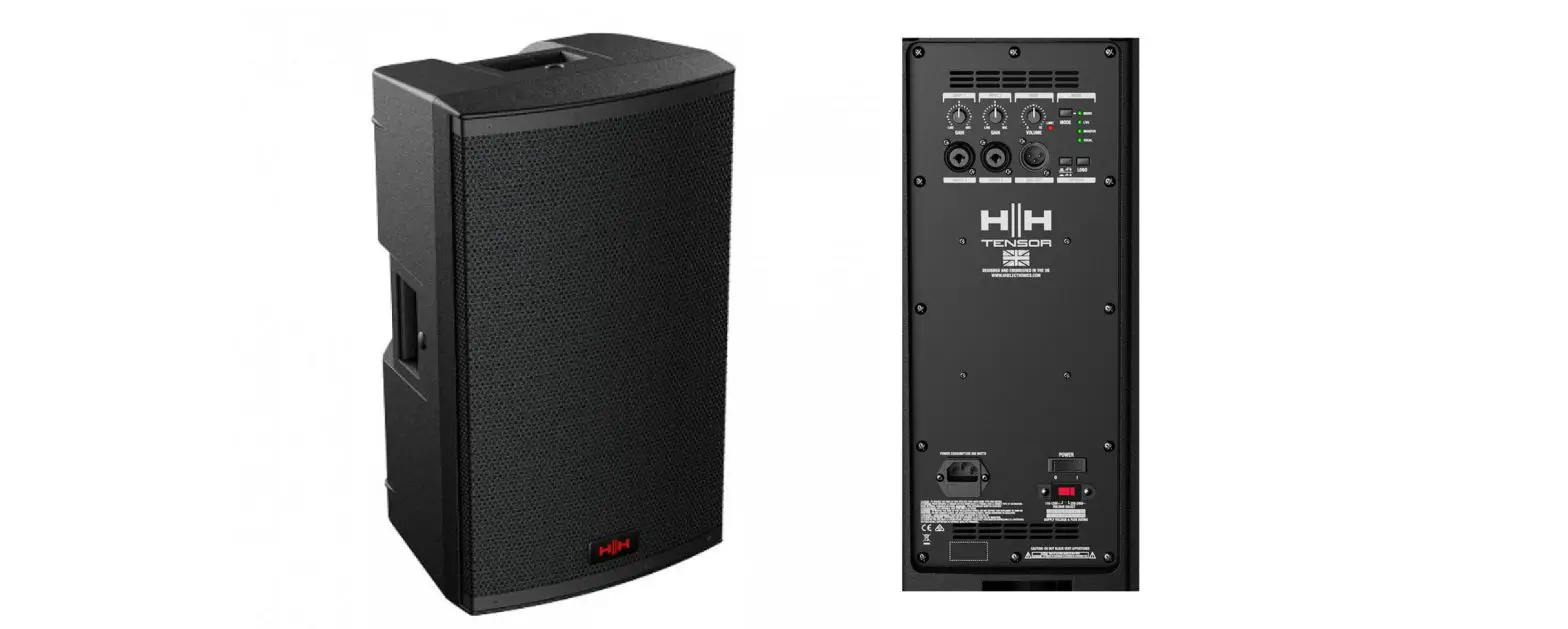
V2408/V2410 BACK PANEL
- INPUT 1 AND 2 KNOBS
These knobs set the volume for the inputs below them. - CLIP LEDS
If a Clip LED lights, turn down that input knob, to avoid distorted sound. - MIC/GUITAR/LINE SWITCHES
Set these to match the type of source connected to the input below them:
Mic: for microphones, or line level sources with low output volumes.
Guitar: for acoustic guitar or guitar pedal board.
Line: for line level sources. - INPUT 1 AND 2 INPUT JACKS
Connect XL or 1/4-inch cables. - INPUT 3 KNOB
Sets the volume for all the inputs below, including Bluetooth audio,Stereo (AUX) Input and line inputs. - BLUETOOTH® AUDIO INPUT
Press the On/Pair button to enable Bluetooth® and initiate pairing mode:- To pair, look for VARI V2408 or VARI V2410 from your Bluetooth® audio source device.
- LED is lit solid when currently paired, blinking when available for pairing, and off if Bluetooth® has been disabled by a press of the
- Bluetooth® Off button.
- On/Pair button forces any currently connected Bluetooth® audio source to disconnect, and makes the speaker available for pairing.
- Off button disables Bluetooth®
- Bluetooth On/Off statue when turning power off will be remembered and restored when turning power on.
- STEREO (AUX) INPUT
This input accepts a stereo or mono unbalanced audio input. - BALANCED LINE INPUTS
Balanced or unbalanced line level sources can be connected here. - BASS AND TREBLE KNOBS
Adjust the sound of your speaker. - VOICING
Pressing the button selects from the VOICINGs:- Normal: for general use including music playback
- Floor Monitor: for floor monitor use, also may be helpful to avoid excessive bass from wall-mounted speakers Sub Cut: for feeding a subwoofer, see (12) for details
- ROUTING
- Normal (Mono): This speaker will output mono audio.
- Stereo Master: This speaker will operate as the master (left) speaker of a Smart Stereo pair. Use a mic cable to connect this speaker’s LINK OUT to the INPUT 1 jack of a second speaker of the same type. All inputs should be connected to the first master speaker, which will also set the volume and tone of both speakers.
- Link In: Use this setting for the second speaker of a Smart Stereo pair.
The audio from INPUT 1 will be routed directly to the power amp and speaker, with all other inputs and controls being ignored. This can also be used to accept mono audio from a previous speaker, with that previous speaker determining volume and tone.
- MIX OUT JACK
- Outputs mono audio.
- When SUB CUT is selected, V2408/V2410 will then crossover the audio, to keep high frequencies for itself, and send low frequencies to the subwoofer.
- LINK OUT JACK
- When ROUTING is set to Smart Stereo, this jack outputs right only audio to feed a second (right) speaker.
- When ROUTING is set to Normal (Mono), this jack outputs mono audio to feed a second speaker.
- CHARGE JACK
Provides power for mobile devices. - Switches the power on and off.
- If the speaker will not power on and you suspect its fuse may have blown, turn off the power switch, and open the fuse compartment using a small flat blade screwdriver. If metal strip in fuse is broken, replace is with T4 AL 250V fuse (for 100-120 volt use), or T2 AL/250V fuse (for 220-240 volt use).
- Connect power cable here.
- Configures speaker for your territory’s voltage. 100-120V is the standard in the USA.
VS12 QUICK START GUIDE
SETTING UP / HELPFUL TIPS
- Position the VS 12 in the desired location, and ensure the speaker is stable.
- Make sure the Power Switch is off.
- Make certain VOLUME knob is turned down.
MAKING THE CONNECTIONS
- See illustrations of common setups below.
See facing page information regarding Level switch.
CROSSOVER FREQUENCY
- Turn the knob to select a frequency for the crossover.
Recommended settings for common sizes of speakers are indicated.
POLARITY/LEVEL
For initial use, Polarity should be set to NORMAL.
- For initial use, Level should be set to -10.
POWERING UP
Turn on the power to any devices plugged into Input 1 or Input 2.
- Power ON the VS 12.
- Slowly turn the VOLUME knob to 12 o’clock.
- If sources are connected to INPUT 1 or INPUT 2, slowly turn up the source volume to the desired level.
SIGNAL/LIMIT/LEVEL
- The SIGNAL LED will light green when input audio is detected.
- If the limiter is triggered, the LIMIT LED will turn RED, indicating the VOLUME knob should be turned down to avoid distorted sound.
- If the LIMIT LED comes on when the VOLUME knob is already at a low level, try setting the LEVEL switch to +4, and see information regarding level switch on facing page.
POLARITY/TIME ALIGNING DELAY
- Set up your system, and play audio through the system to evaluate the ow frequency response.
- Try POLARITY set to NORMAL, then REVERSE, and leave the switch on the setting that provides more low frequency impact.
- Turn TIME ALIGNING DELAY knob until the maximum sub bass is heard.
LINKING MULTIPLE SUBWOOFERS
- If linking multiple subwoofers, plug the OUTPUT connection(s) of the first subwoofer to the INPUT connection(s) of second subwoofer, and continuethe daisy chain to the next speaker.
- Switch Output Crossover of first subwoofer to Full-Range Output..
- Turn the power on in the order of the audio signal to prevent unwanted “pops”. Turn the power off in the opposite order.