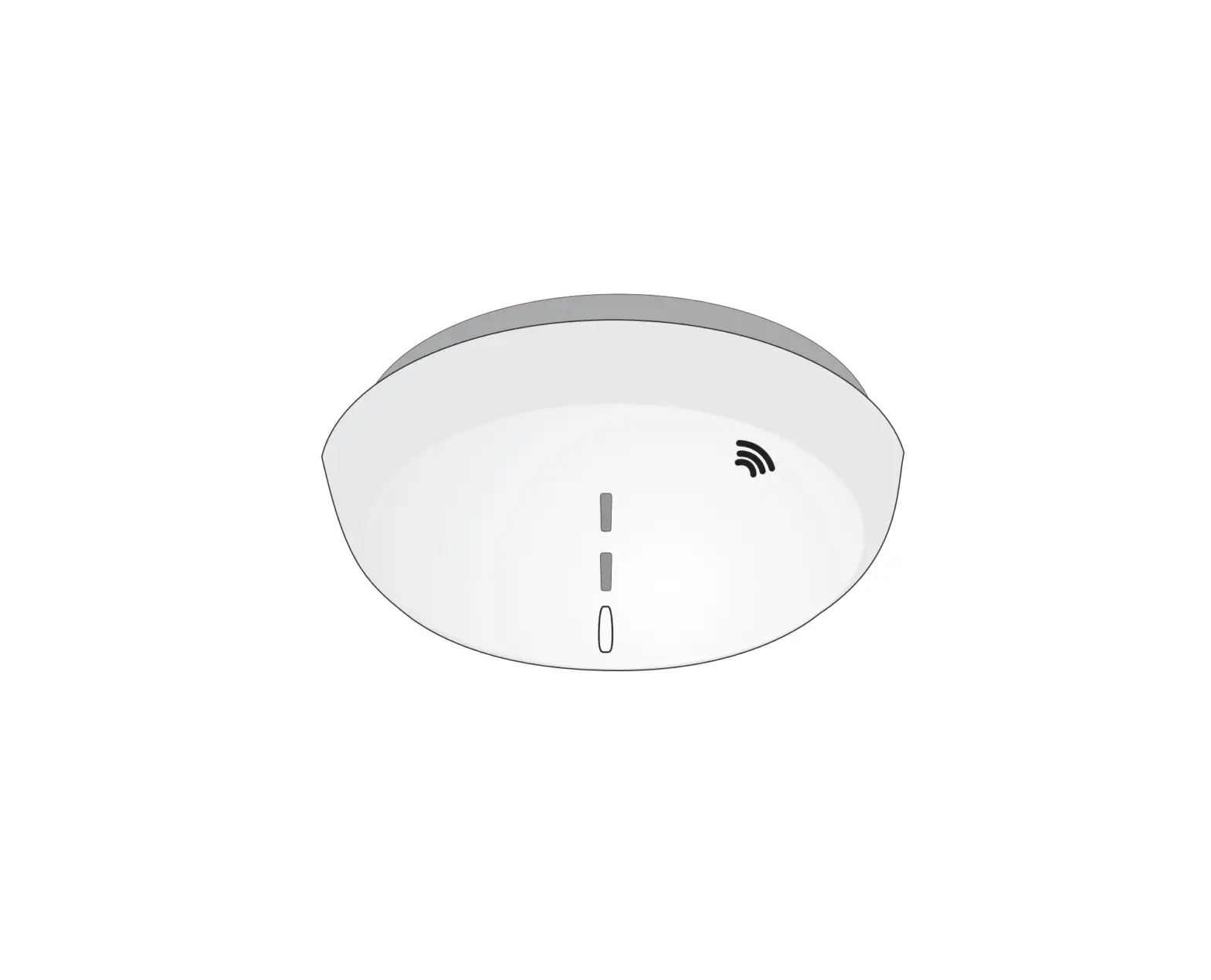
EM21 Environmental Monitor
Product Information:
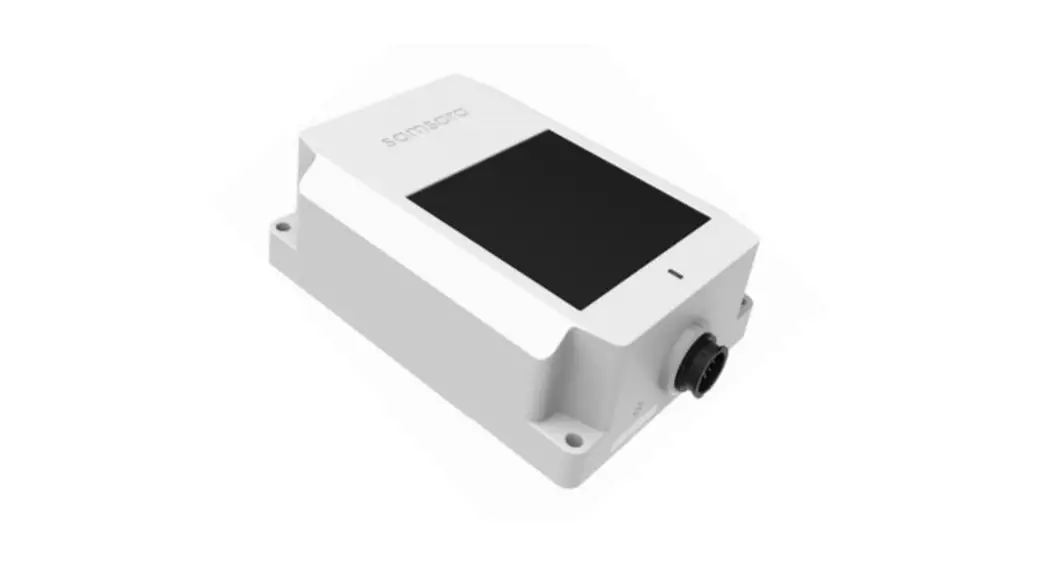
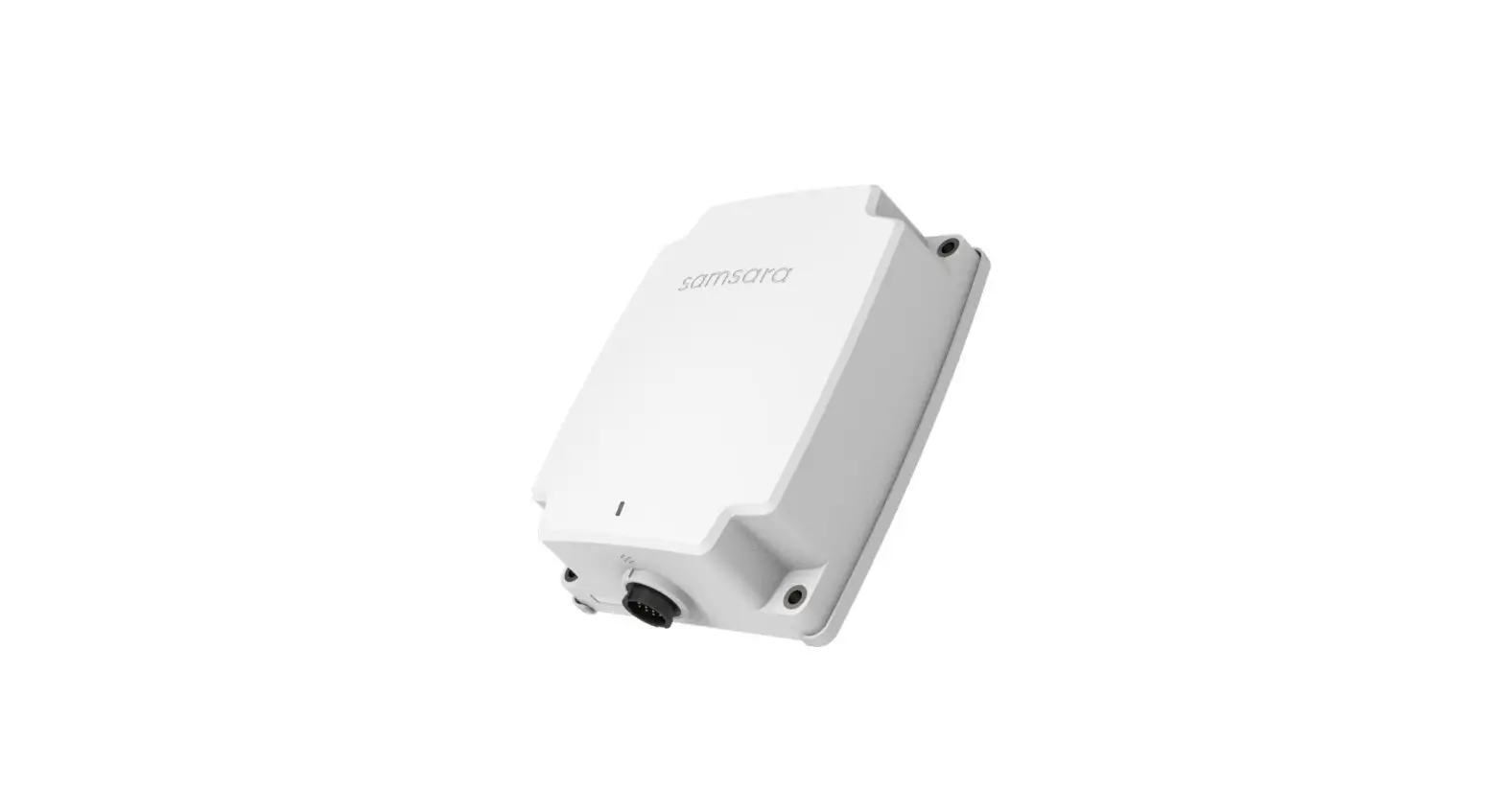
The Environmental Monitor is a device designed to monitor and
track environmental conditions in various settings. It is
manufactured by Samsara, a leading provider of internet-connected
sensor systems. The Environmental Monitor is capable of measuring
and reporting factors such as temperature, humidity, air quality,
and more. It is an essential tool for maintaining optimal
environmental conditions in spaces such as offices, warehouses,
data centers, and manufacturing facilities.
Product Usage Instructions:
- Ensure you have all the necessary components for installation.
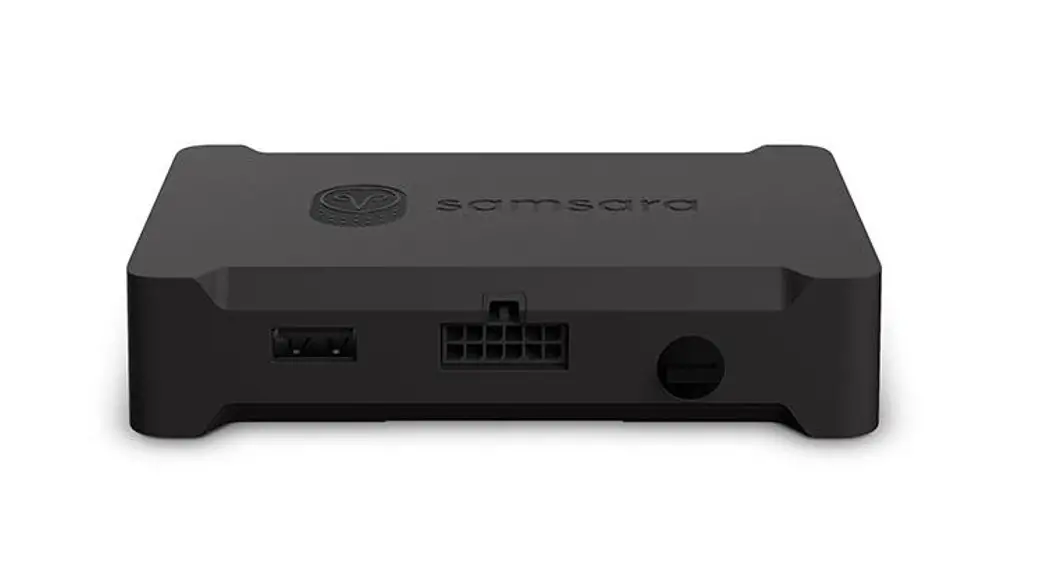
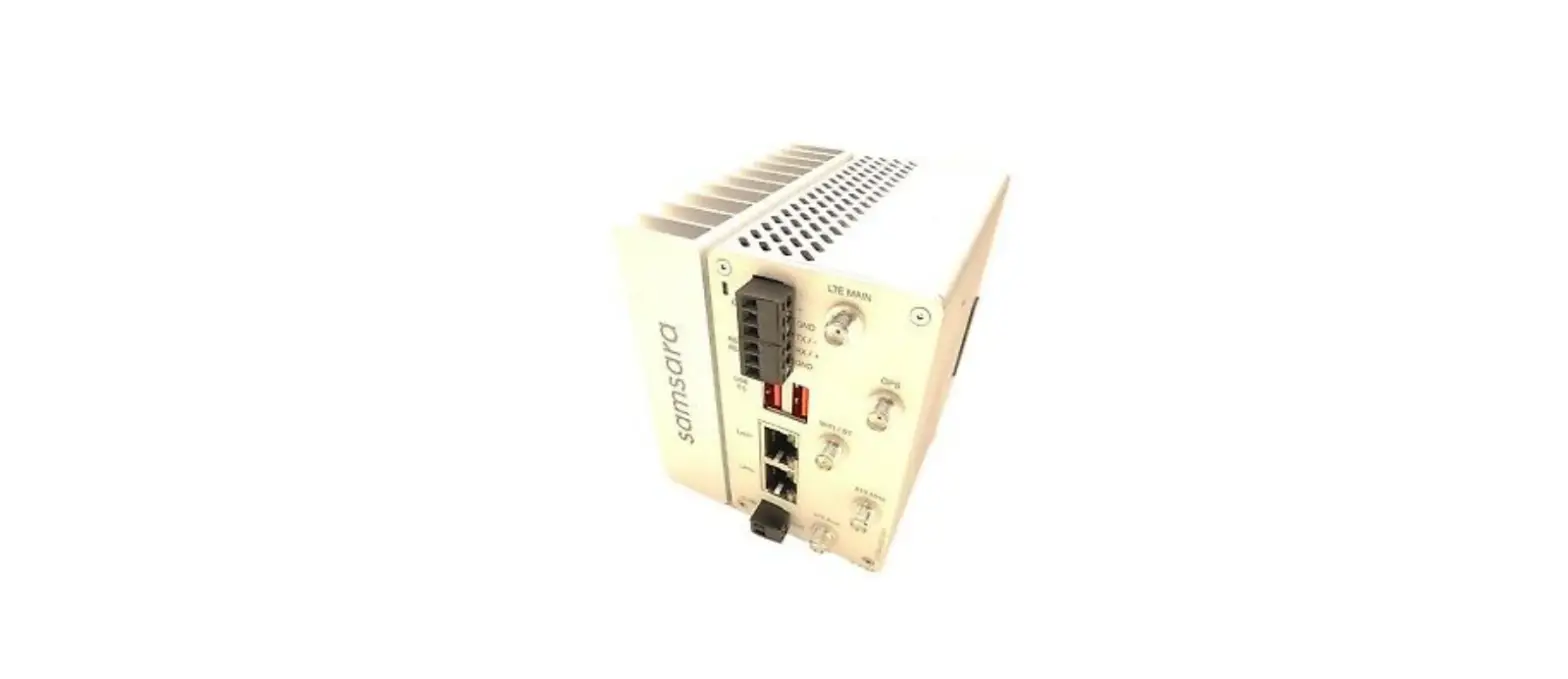
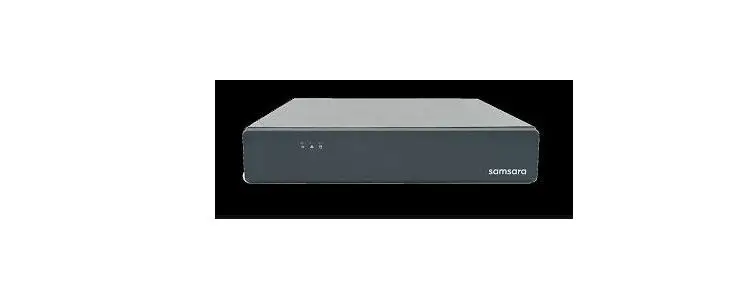
These include the Samsara Gateway and the Environmental Monitor
itself. - Visit samsara.com/support if you have any questions or need
additional assistance. - Find a suitable location for the Environmental Monitor.
Consider placing it in an area that accurately represents the
conditions you wish to monitor. - Connect the Samsara Gateway to a power source and ensure it has
a stable internet connection. - Follow the installation guide provided with the EM2 1 model of
the Environmental Monitor. If you have any questions during
installation, visit samsara.com/support for assistance.
Environmental Monitor
INSTALL GUIDE
What you’ll need:
1×
2×
1×
1×
Questions? samsara.com/support
1
2
Samsara Gateway
ft. 100 0–
3
4
5 cloud.samsara.com cloud.samsara.com
EM2 1 Installation Guide
Questions? Visit samsara.com/support