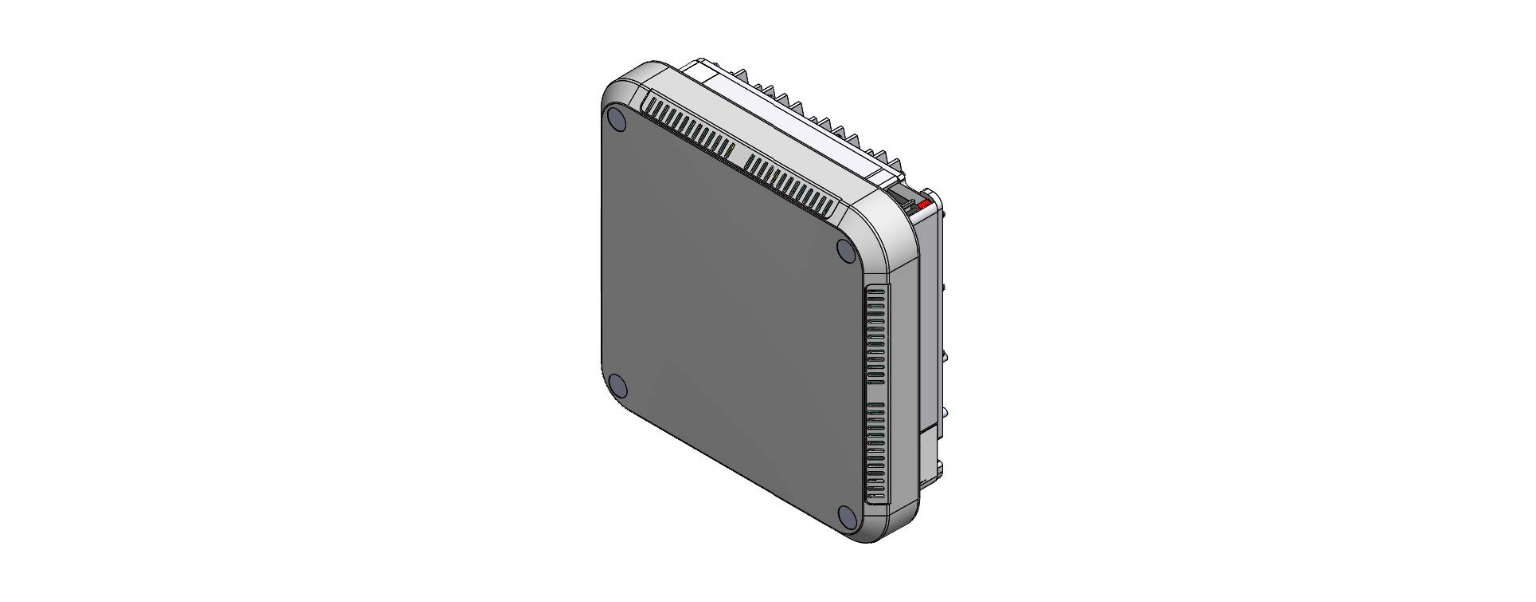
AUTOMATED PRODUCTION AGRI-ALERT-2400 Stage Security Building Monitor Installation Guide
IMPORTANT:
Always refer to the installer’s manual to consult the references mentioned in this document and for further information.
The display will always show current values before asking if you want to modify them. Be patient and wait for prompts on the screen.
Default USER password = 2400
Default INSTALLER password=2401
- Step 1. Install the Alarm Panel boxes in a location where a telephone jack, 120 volt AC plug, and proper grounding connections are readily available.
- Step 2. Install and connect all the zone wiring, the extension cards (if applicable) and complete the siren and telephone connections to the alarm terminals. Be sure to install a proper ground. Power up the alarm panel from the battery and then plug in the AC transformer (sec. 1.4).
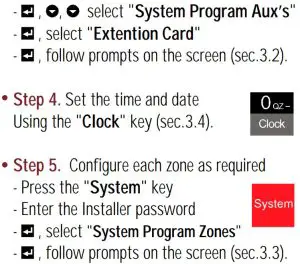
- Step 3. Activate the extension cards (if applicable) :
– Press the” System” key
– Enter the Installer password

Read More About This Manual & Download PDF: