 INSTRUCTION GUIDE
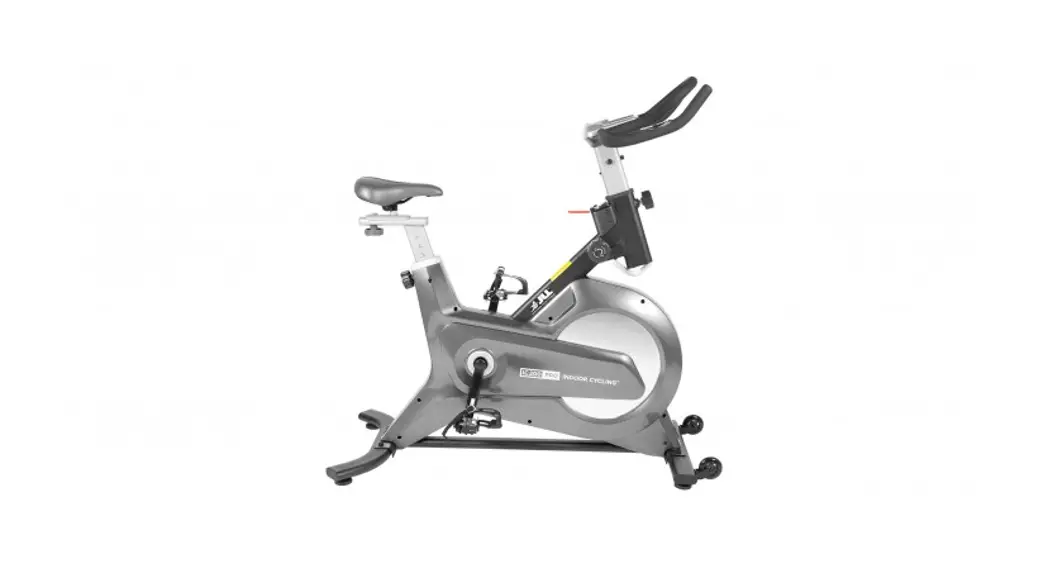
IC200 PRO MONITOR
SAFETY PRECAUTIONS
The monitor on this machine has been tested to the required standards, each of those passed regulations are shown via the following symbols:
WEEE – Waste Electrical and Electronic Equipment Recycling.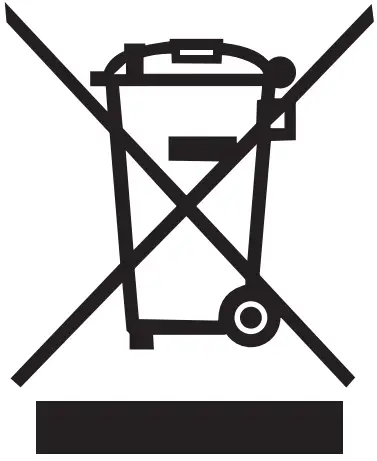 WEEE Symbol
CLEANING
Please take care when cleaning this monitor as the LCD screen can easily be scratched.
You will need a soft dry cloth

Do not spray cleaning chemicals directly onto the monitor
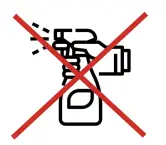
Do not apply water to the monitor as it is electrical and may damage the internal components

INSTALLATION
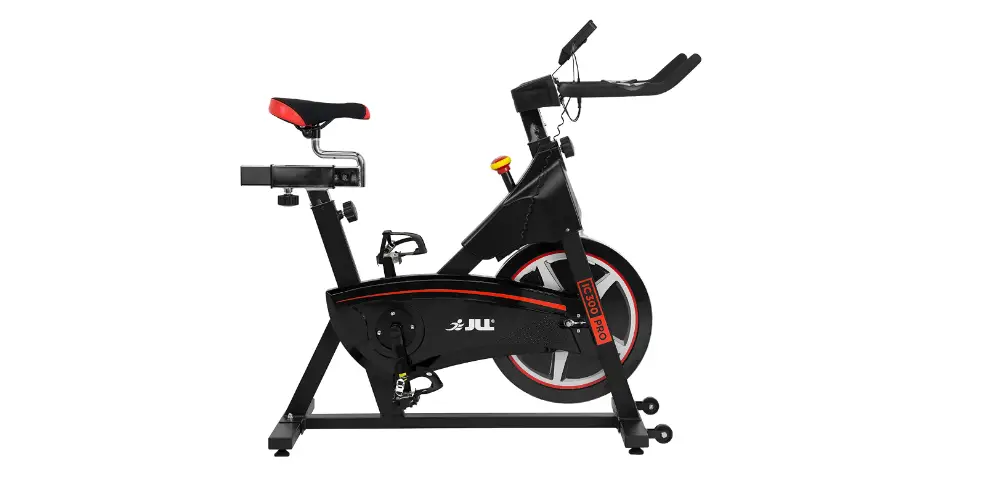
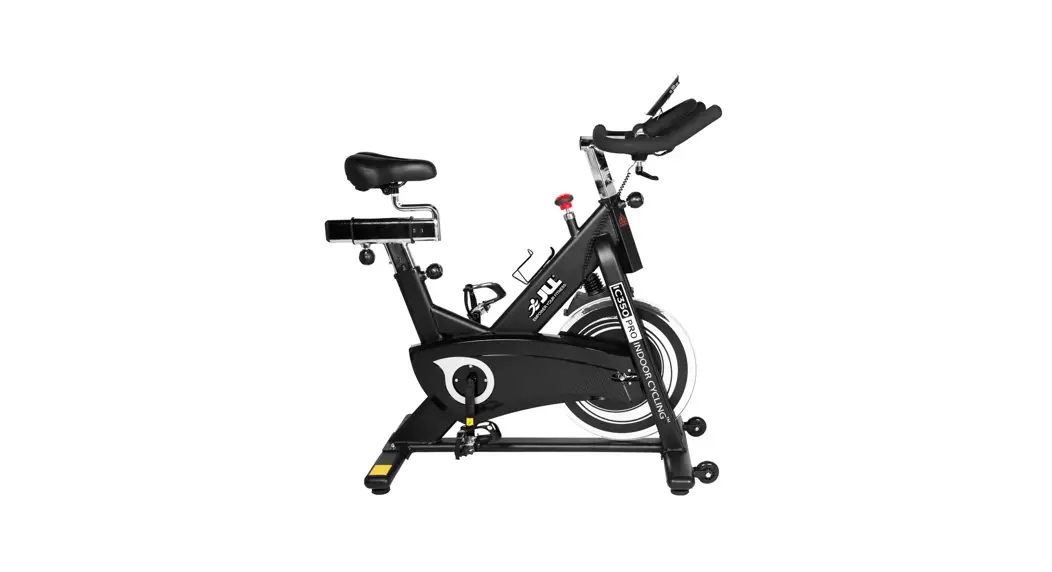
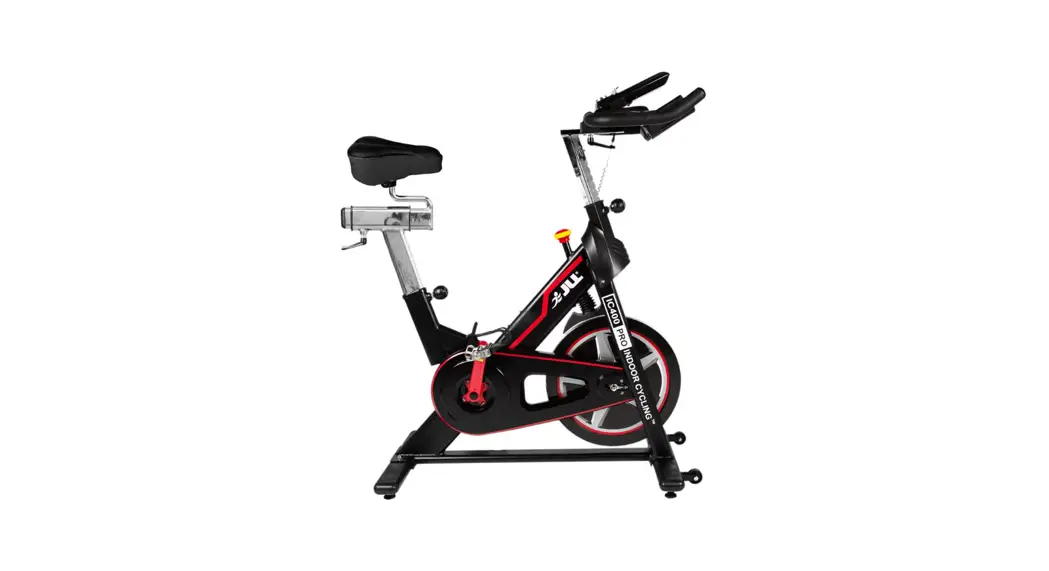
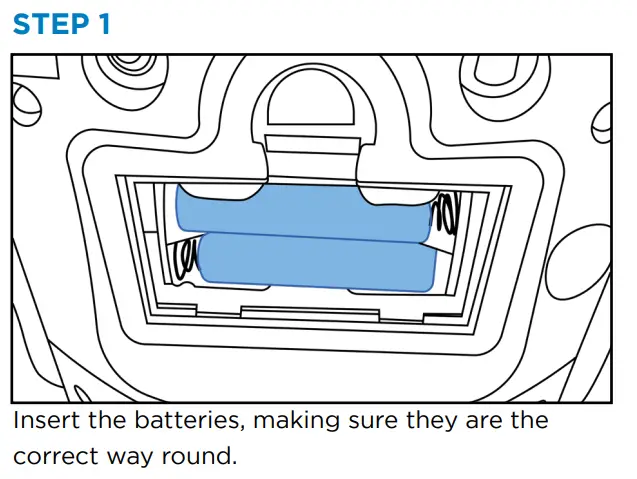
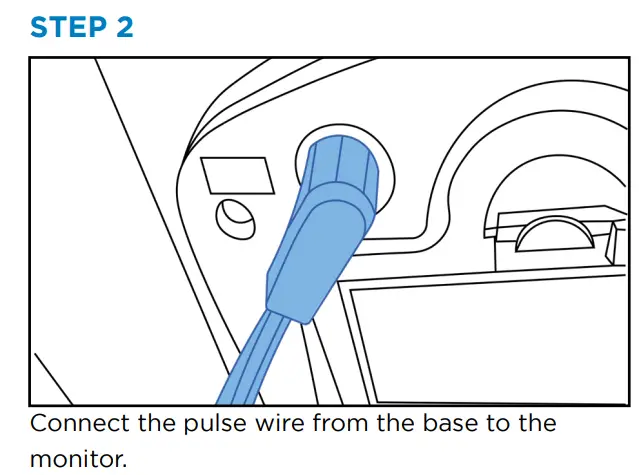
The IC200 Pro bike comes with the monitor already secured to the handlebars. The only assembly steps are the ones detailed below:
 |  |
OPERATION
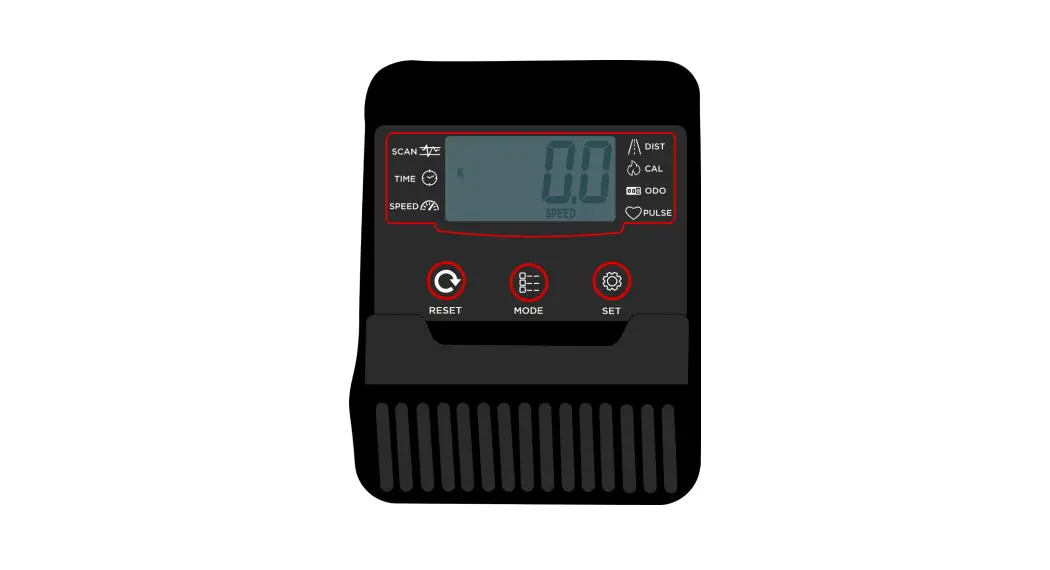
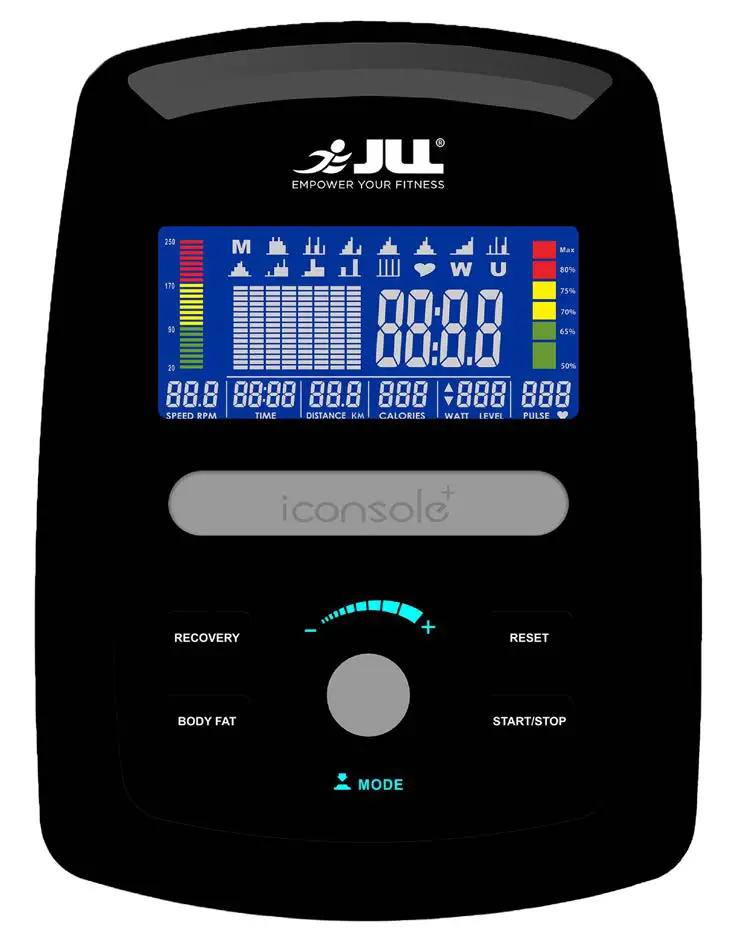
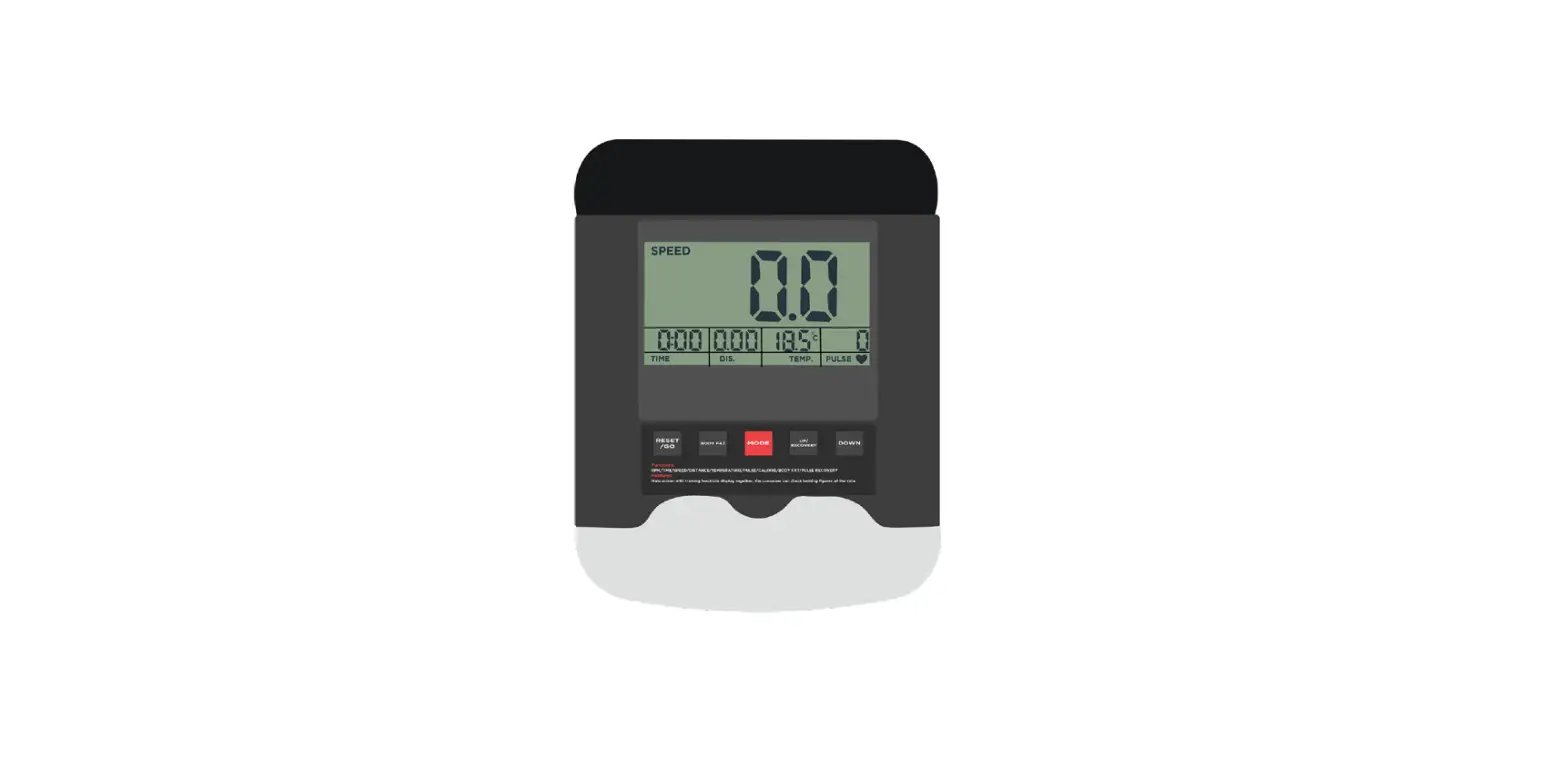
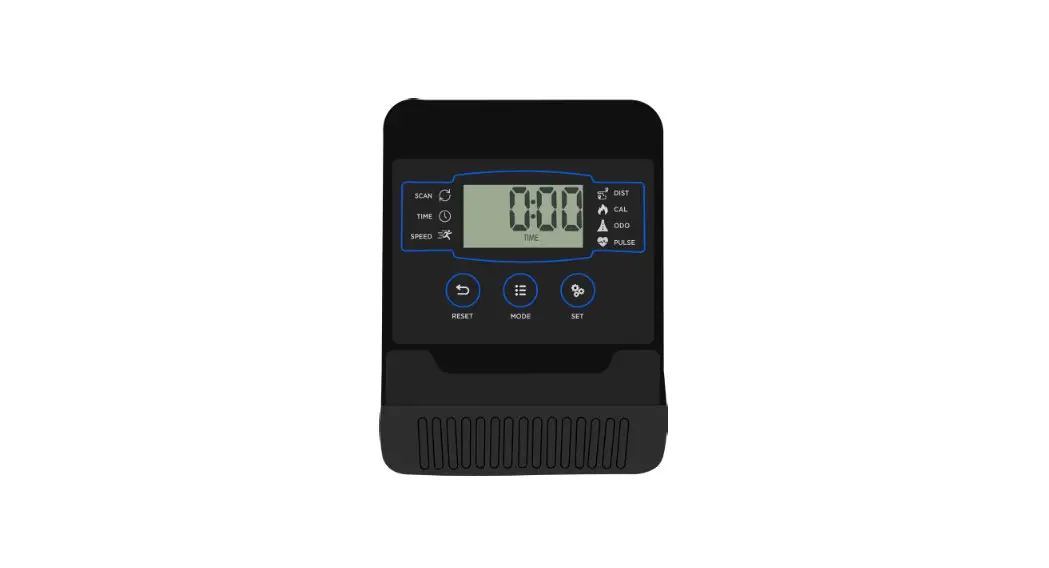
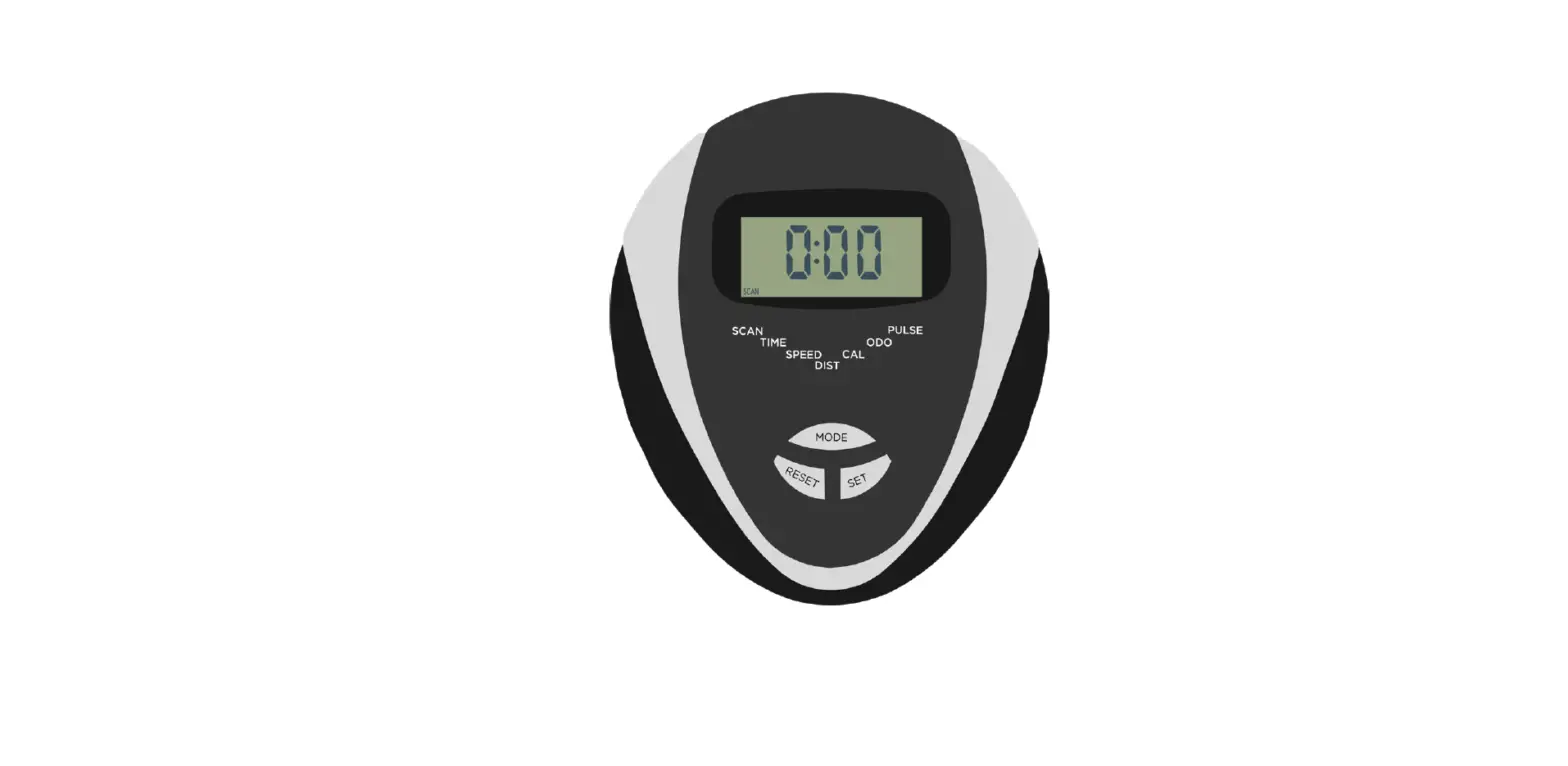
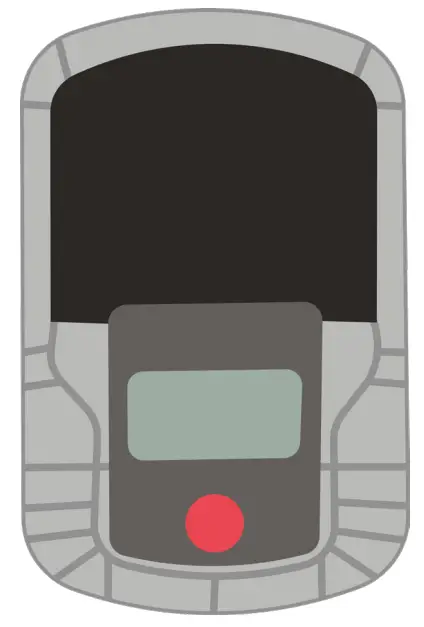
The IC200 Pro monitor has a total of 5 readouts, displaying:
Time Speed Distance Heart Rate Calories
When first powered on, the monitor will automatically be in ‘Scan’ mode. This means the digits on the screen will change every few seconds between time, distance, speed etc. This will allow you to have an overview while training without pressing any buttons.
EXITING SCAN MODE
On this monitor there is only one button, press this to exit scan mode and continuously press it to view each readout.
RESETTING YOUR MONITOR
To reset all of the readings to zero, press and hold the button for a few seconds. You will then see the digits flash zero’s and the monitor will beep.
DATA READOUTS
| Readout | Measurement |
| Time | Minutes : Seconds |
| Speed | KM/H |
| Distance | Kilometres |
| Pulse | PPM (Pulsations Per Minute) |
TROUBLESHOOT
| Issue | Resolutions |
| No power to the monitor | • Make sure the batteries are fully inserted and the correct way round. • Check your connection wires from the monitor to the base. They must not be trapped, fully connected and the pins must be straight. |
| No pulse reading | • Make sure the pulse plates are clean and dry. • Do not have any lotion on your hands. • Sweat can affect the reading. • Make sure both hands are fully gripping each plate. |
CONTACT DETAILS
 | Tel: 0121 328 7507 |
 | Email: [email protected] |
 | Live Chat: WWW.JLLFITNESS.CO.UK |

 Buy Gym & Fitness Equipment Online | Empower Your Fitness | JLL Fitness