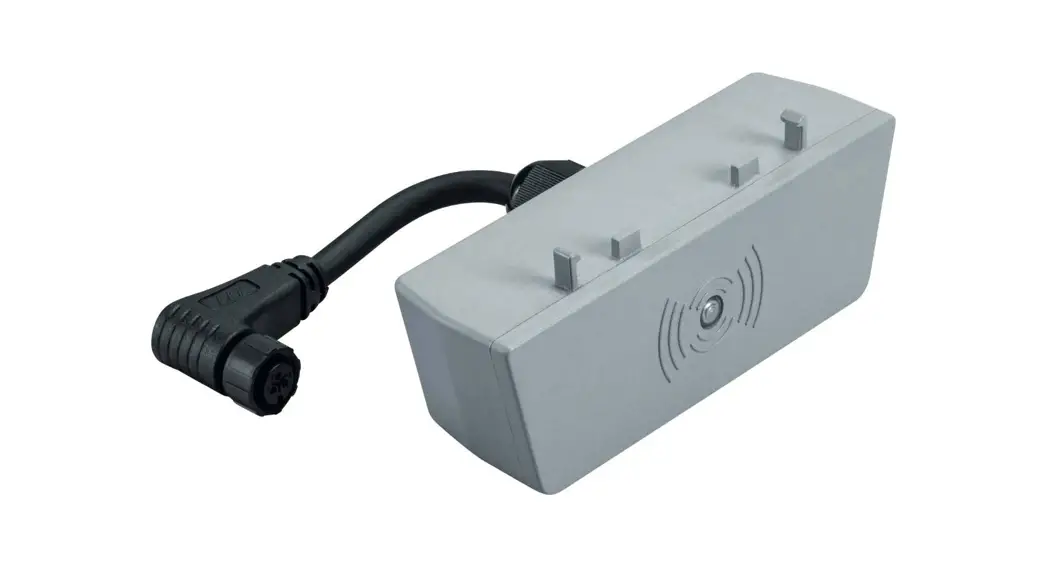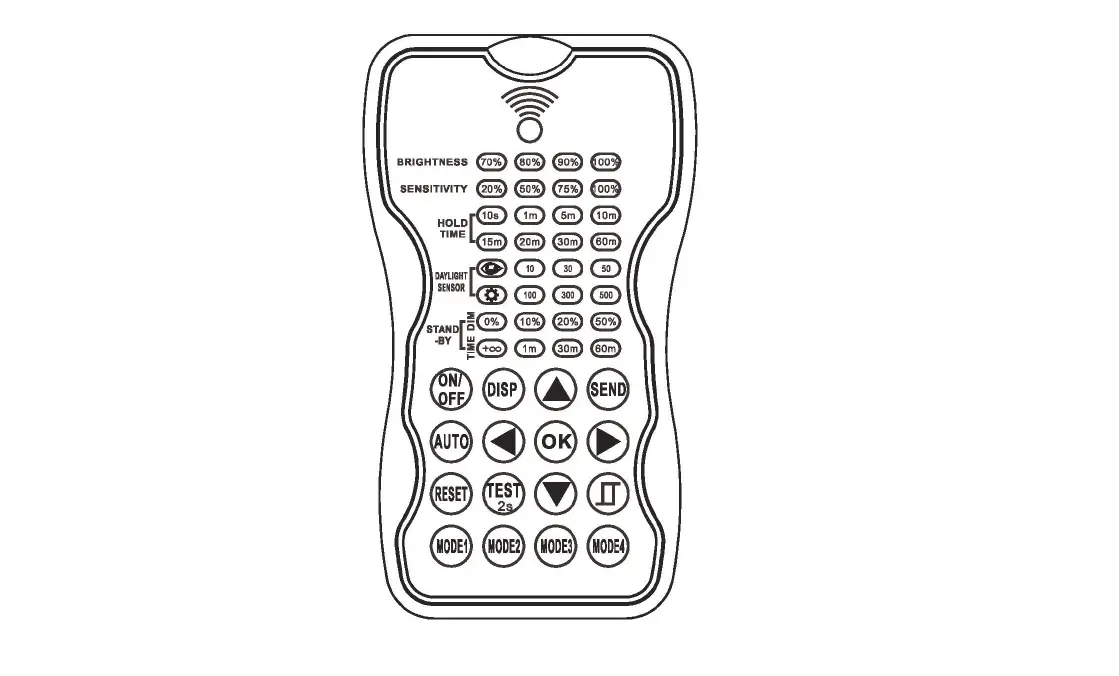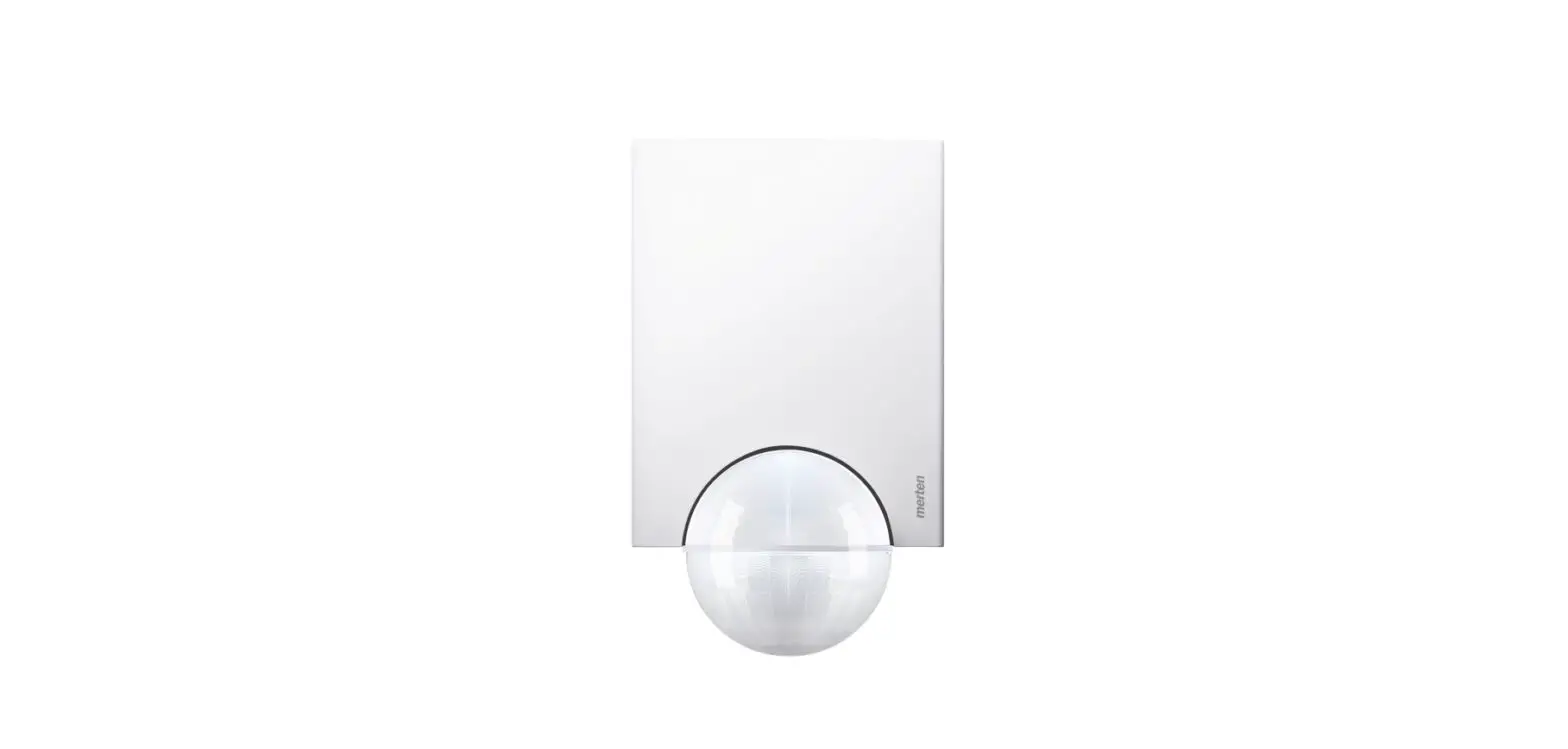

THORN BORIS Gen2 Sensor Remote Control
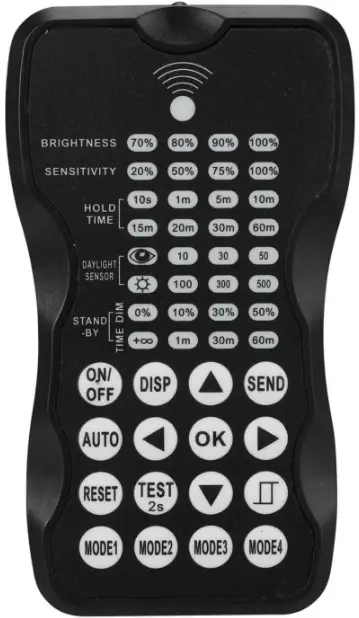
Installation Instructions
| SAP Code | Product Description | Voltage | HZ | IP | IK | Height (H) | Size(mm) |
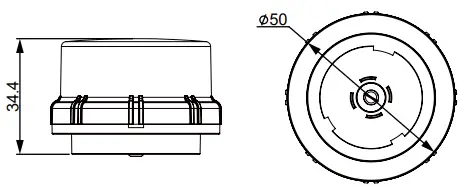
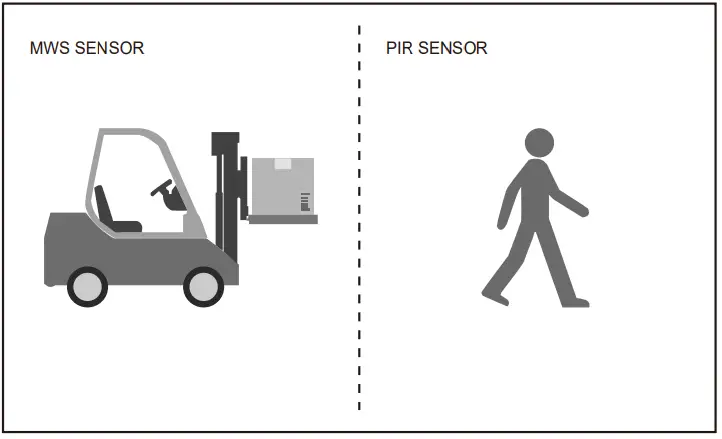
| 96635768 | BORIS PLUG&PLAY MWS SENSOR GEN2 | DC12V-24V | 5.8GHz±75MHz | 65 | 08 | 4-12m | 50×34.4 |
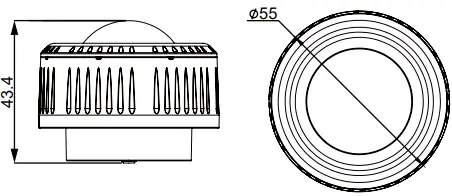
| 96635769 | BORIS PLUG&PLAY PIR SENSOR GEN2 | DC12V-24V | / | 65 | 03 | 4-12m | 55×43.4 |
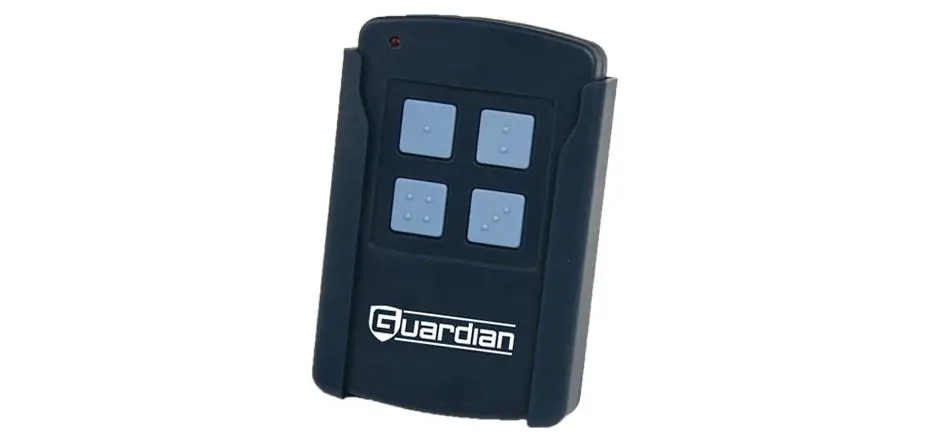
| 96635770 | BORIS SENSOR REMOTE CONTROL GEN2 | 2 x AAA 1.5V | / | / | / | / | / |

Sensor commissioning
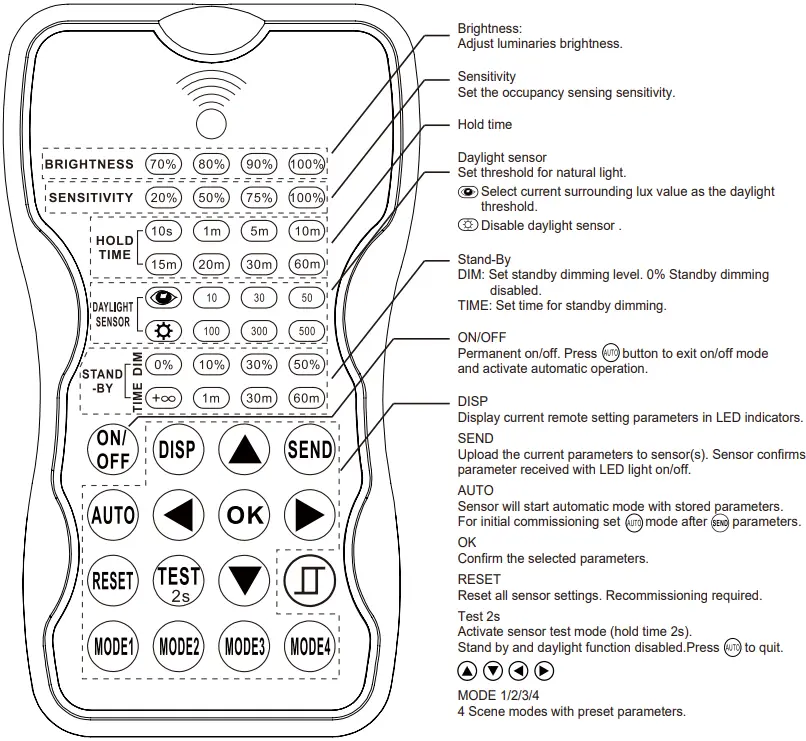
NOTE: Sensor needs to be commissioned by remote control. No default setting.
- Press
 button, the remote control leds will show the stored parameters.
 - Press
 enter in the setting condition, the parameter leds of remote control will flash to be selected, navigate to the desired setting by pressing
  to select the new parameters.
 - Press ok to confirm all setting and saving.
- Aim at the target sensor and press
 to upload the new parameter, the luminaire will flash to confirm settings received.
Sensor commissioning using Modes
- Press
 remote LED indicators show stored parameters.
 - Press
 to select new parameters if required.
 - Press
 to confirm parameters set and update selected mode.
 - Press
 to upload parameters.
Default Mode Settings
| Product | Scenario | Brightness | Sensitivity | Hold Time | Stand-by Time | Stand-by Dim Level | Daylight Sensor |
| MWS | Mode 1 | 100% | 75% | 5 min | 0% | OFF | |
| MWS | Mode 2 | 100% | 75% | 5 min | 30 min | 10% | OFF |
| PIR | Mode 3 | 100% | 100% | 5 min | 0% | OFF | |
| PIR | Mode 4 | 100% | 100% | 5 min | 30 min | 10% | OFF |
WARNING
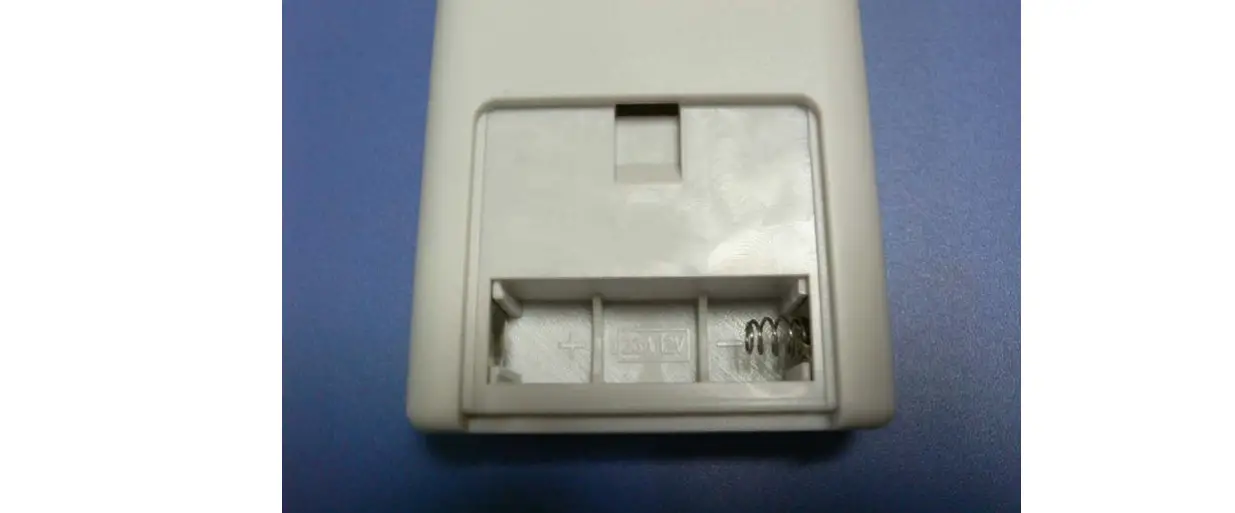
Remove the batteries from compartment if the remote will not be used in 30days.
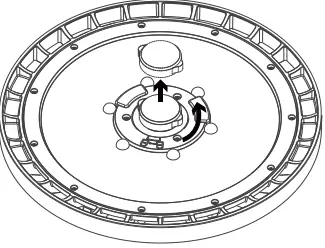
Installation Instructions
MWS SENSOR GEN2
PIR SENSOR GEN2
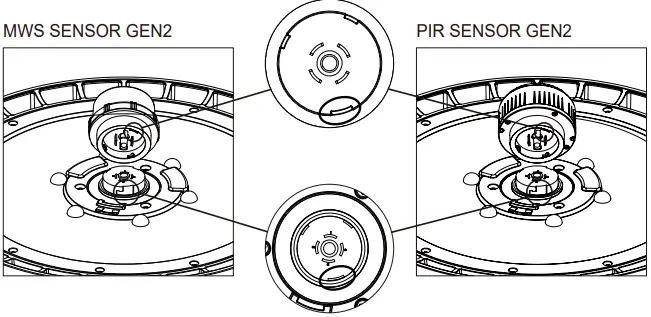
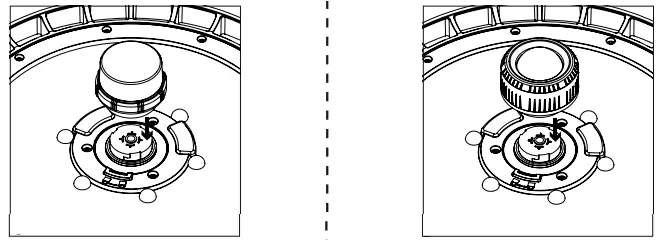
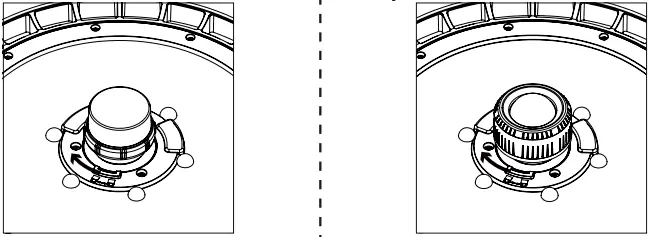
WARNING
NOTE: Warm up time is 15 seconds. After the sensor connects input power, the light will keep on 15 seconds,then go to dimming to work normally.
WARNING
NOTE: Warm up time is 40 seconds. After the sensor connects input power, the light will keep on 40 seconds, then go to dimming to work normally.
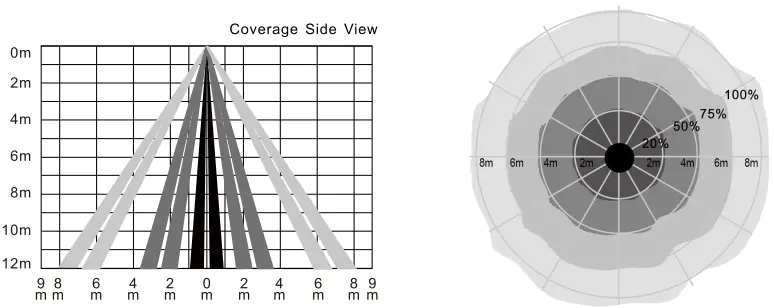
DIGRAM
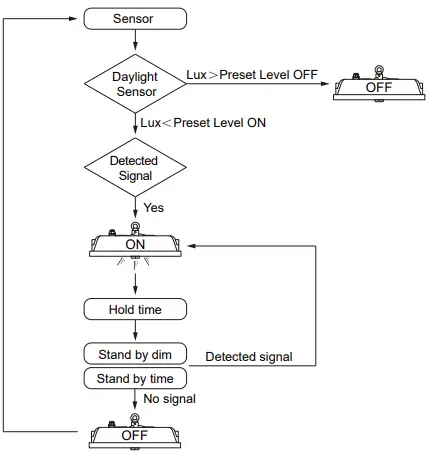
Warning!
Reflected HF Waves(e.g. of walls,floors, ceilings or furniture)from other transmitters affect motion detection.
MWS SENSOR GEN2
PIR SENSOR GEN2
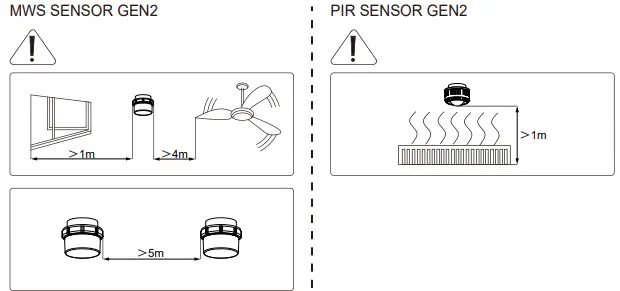
WARNING:
- Ensure that any installation and maintenance be performed by a qualified electrician and that luminaire be wired in accordance with the latest IEE electrical regulations or the local equipments.
- Ensure that the power supply is off before perform installation and maintenance and not switched on until the installation or maintenance complete.
- The light source contained in this luminaire shall only be replaced by the manufacturer or his service agent or a similar qualified person.
Caution: Risk of electric shock - If the external flexible cord of this luminaire is damaged, it shall be exclusively replaced by themanufacturer or his service agaent or a similar aualified person in order to avoid a hazard.
- Only to be installed outside arms reach.
Thorn Lighting Limited, Durhamgate, Spennymoore, Co Durham, DL16 6HL, UK Zumtobel Lighting GmbH, Schweizer Strasse 30,6850 Dornbirn, Austria