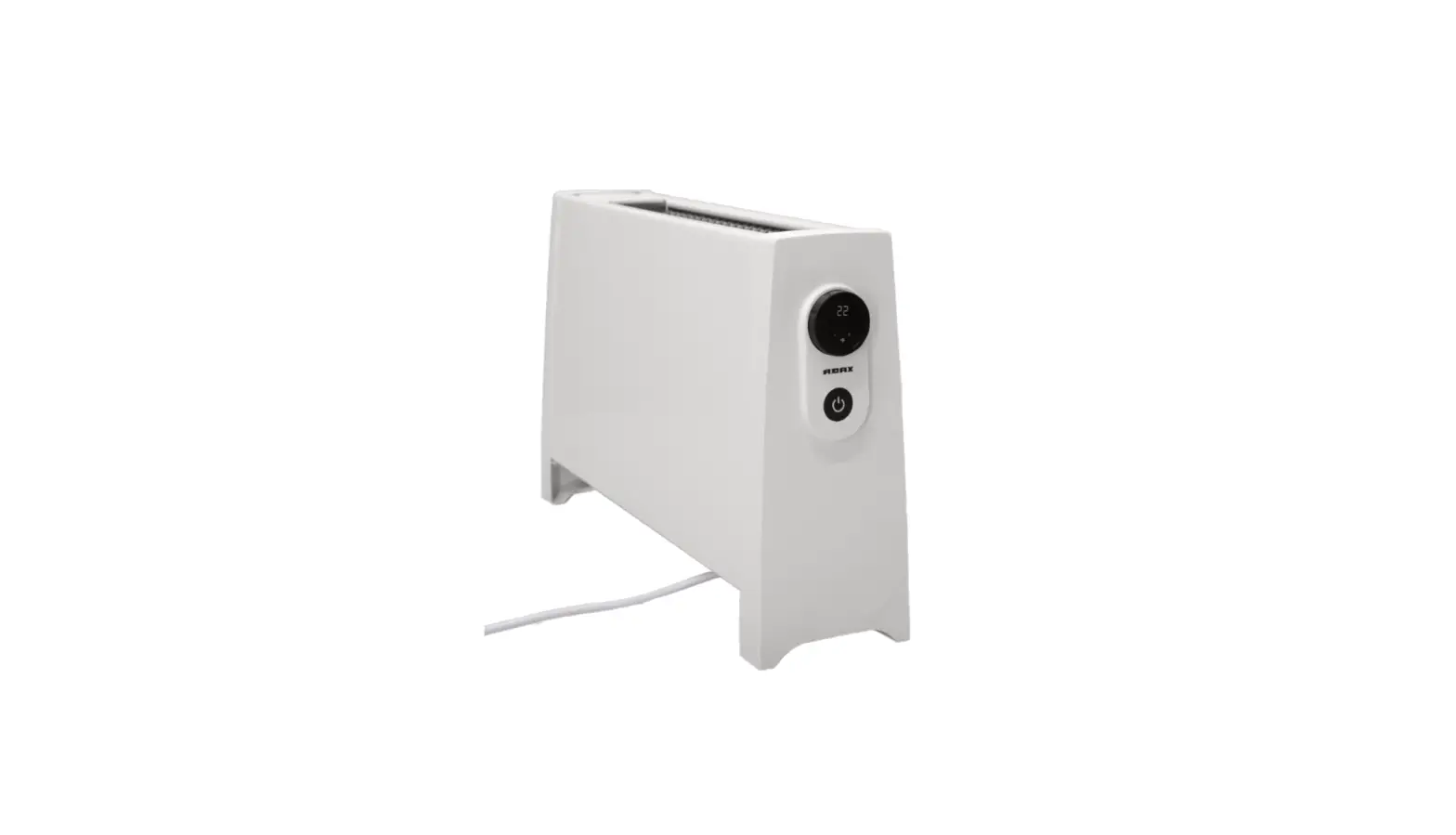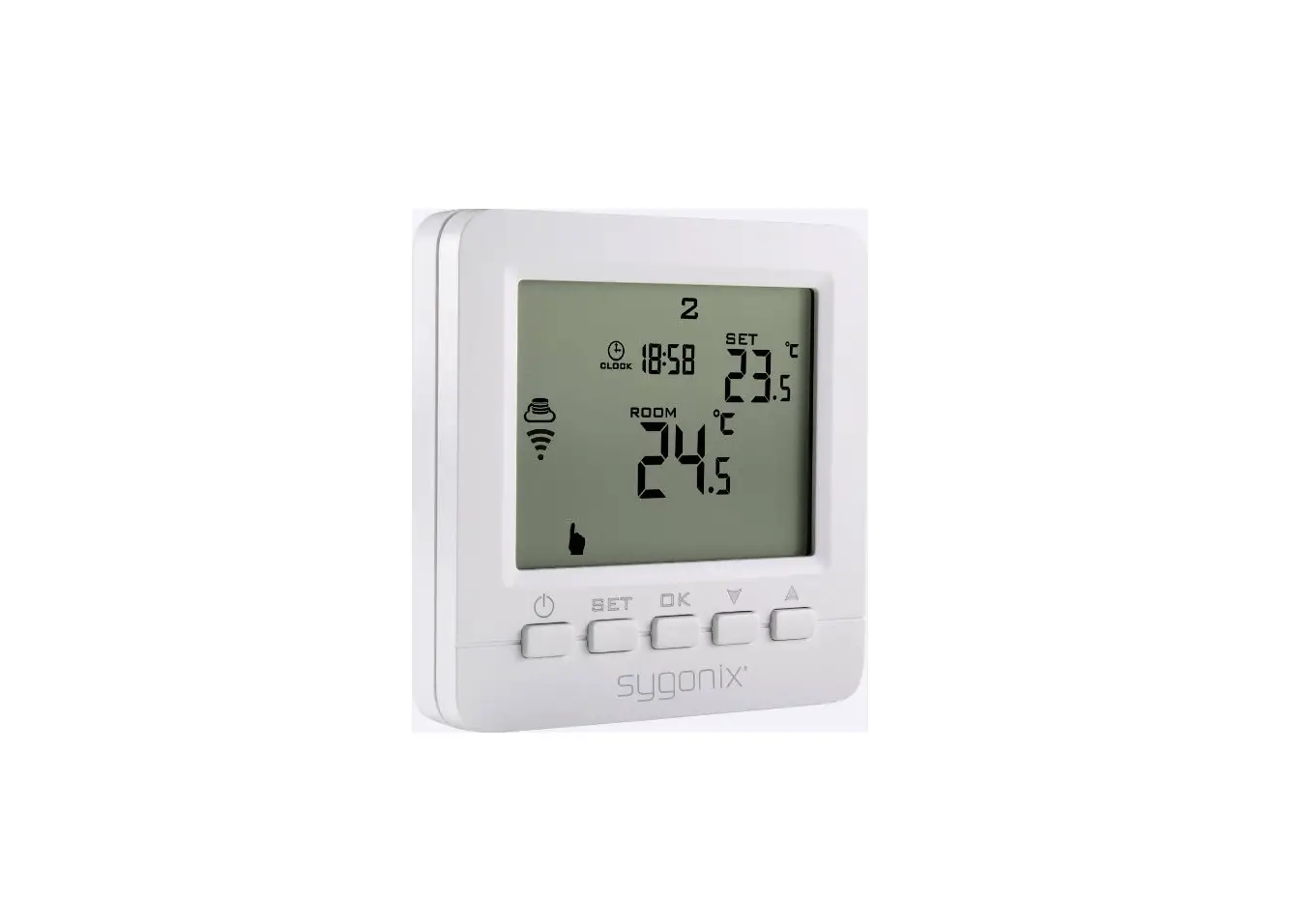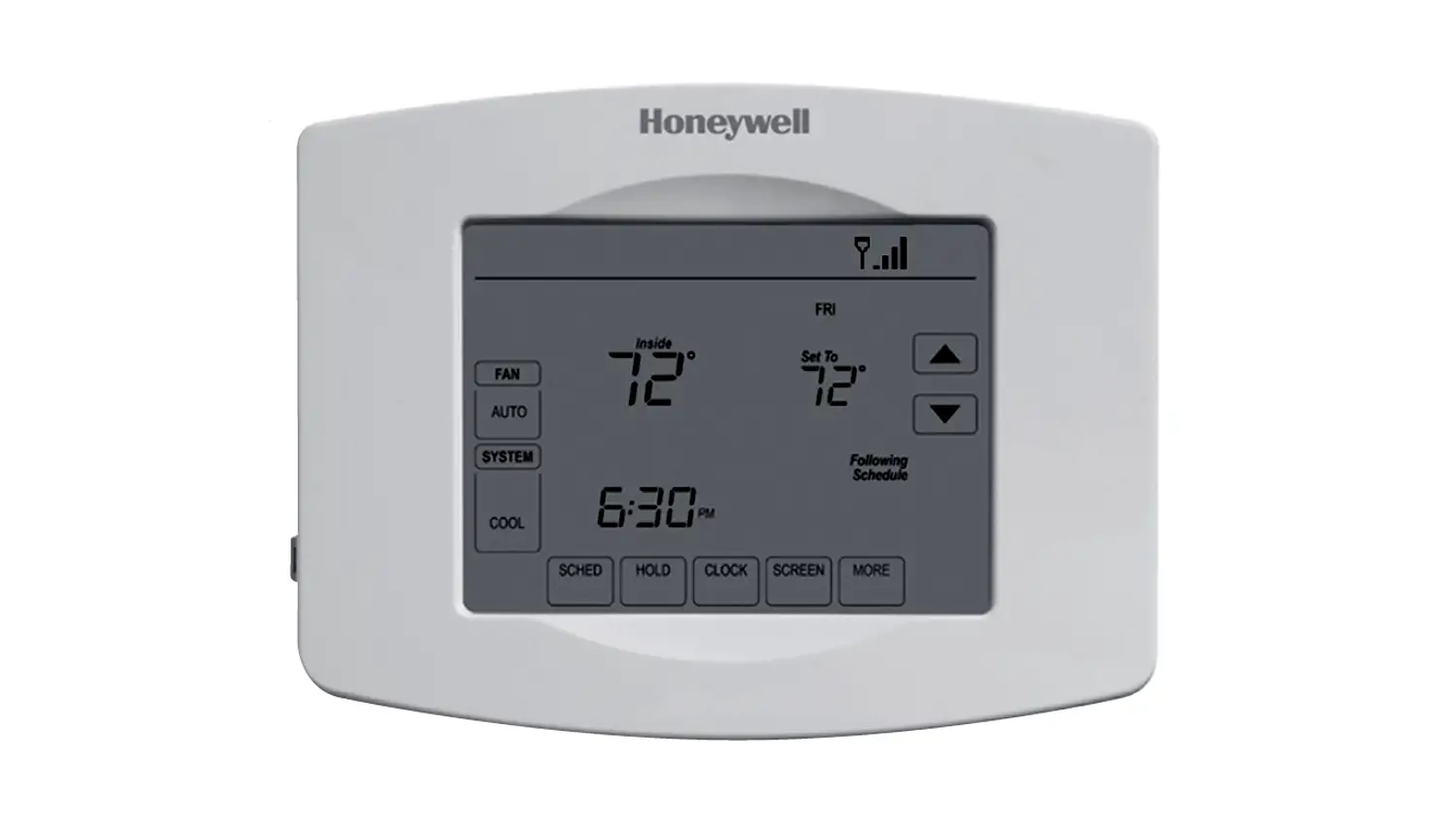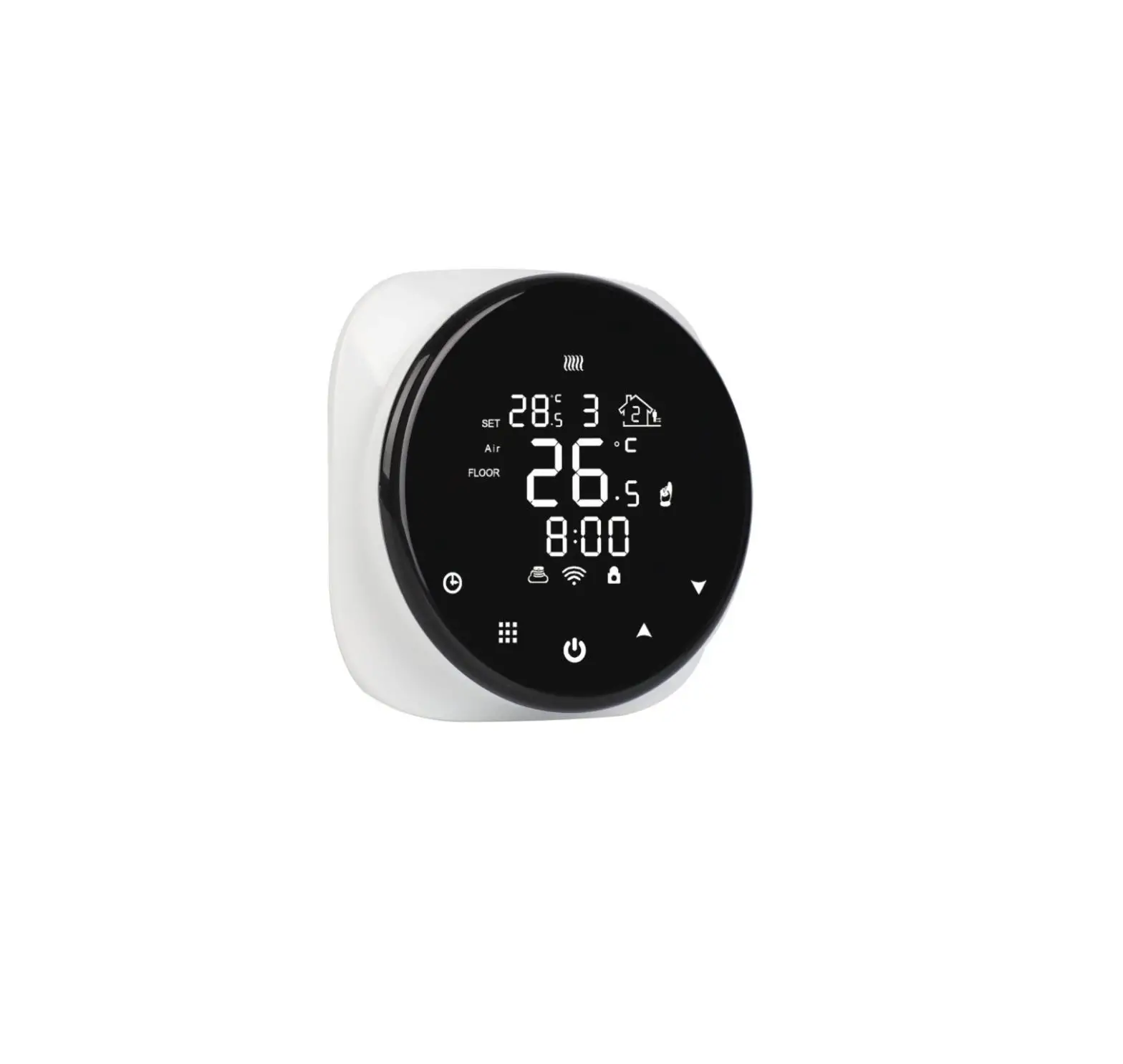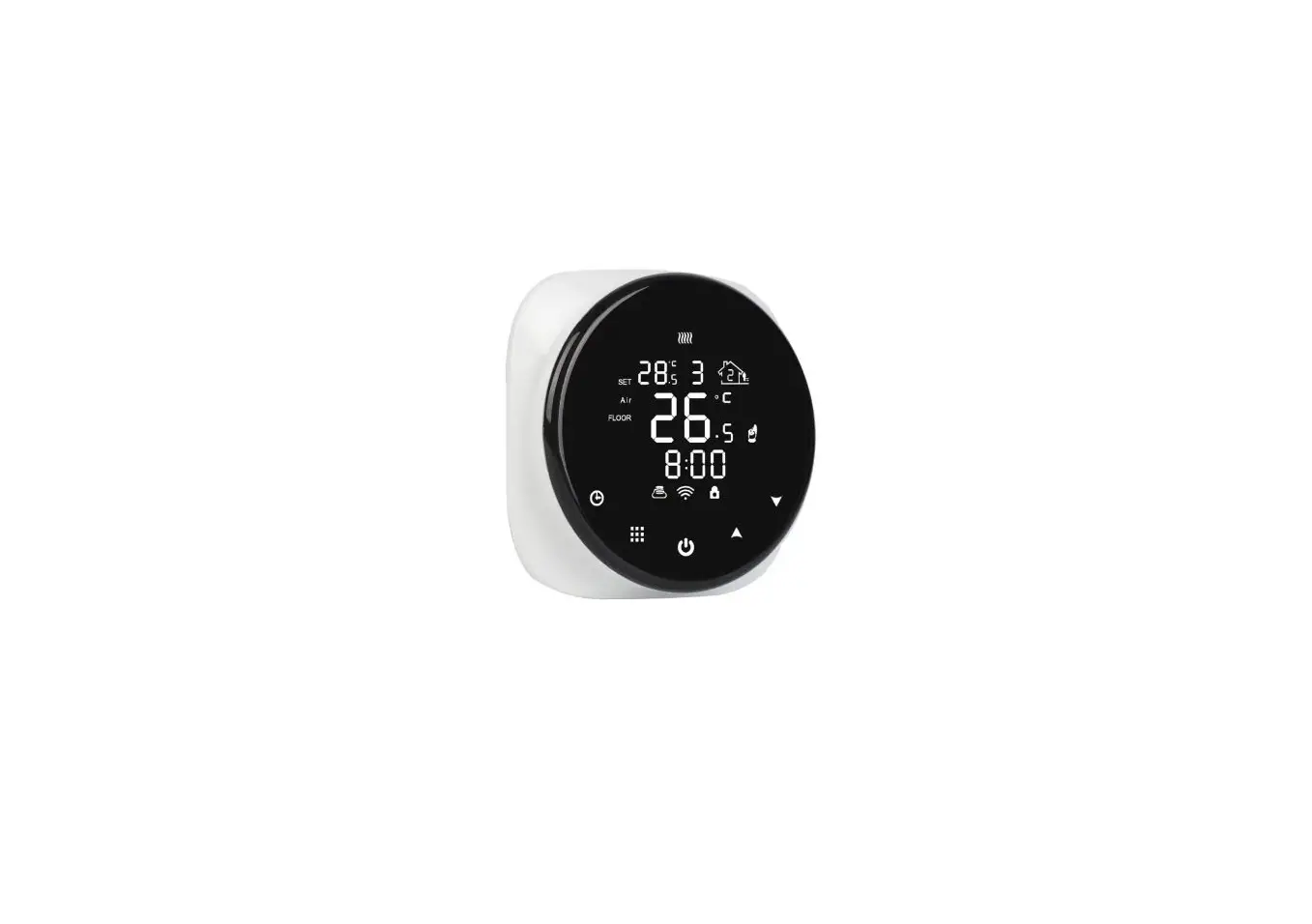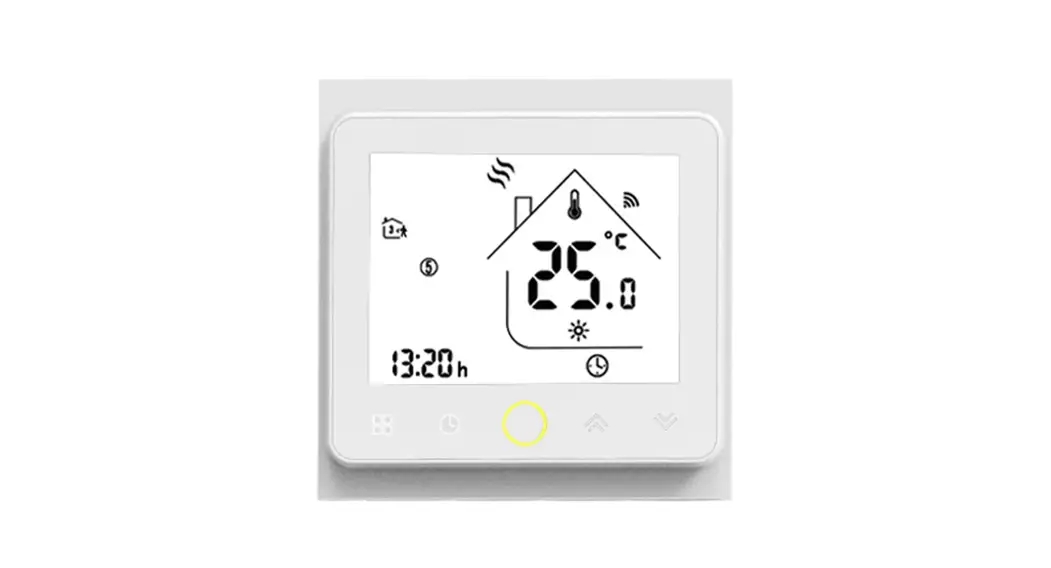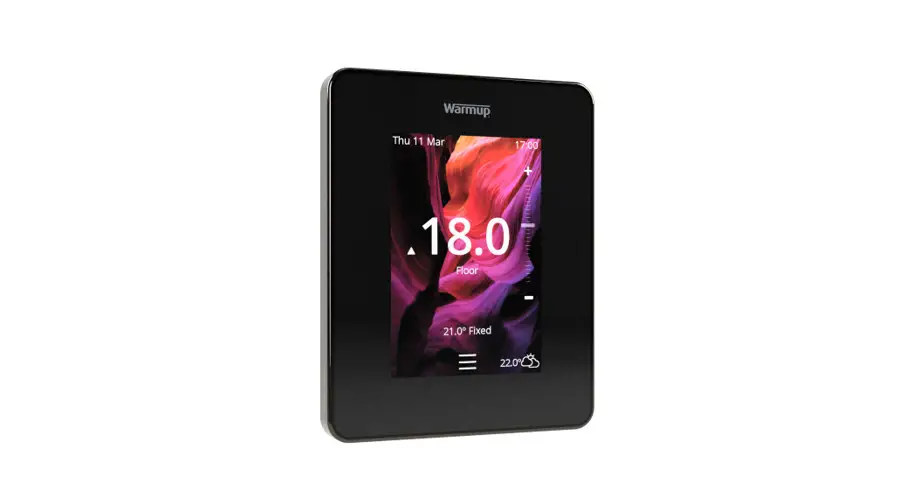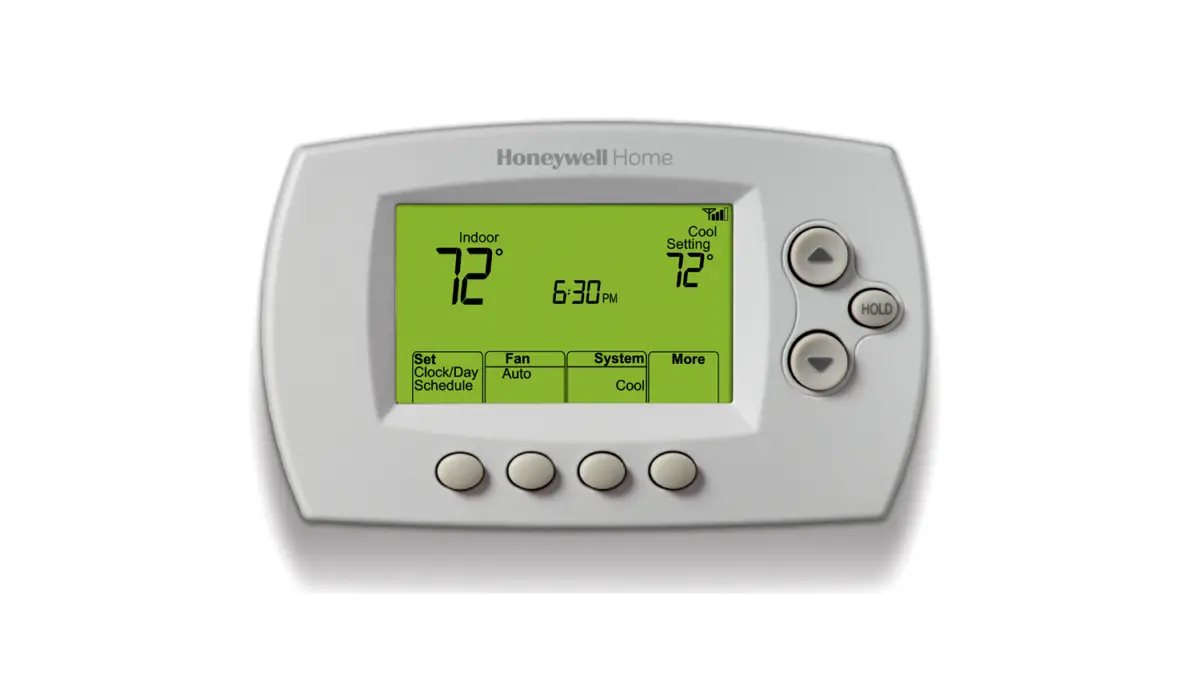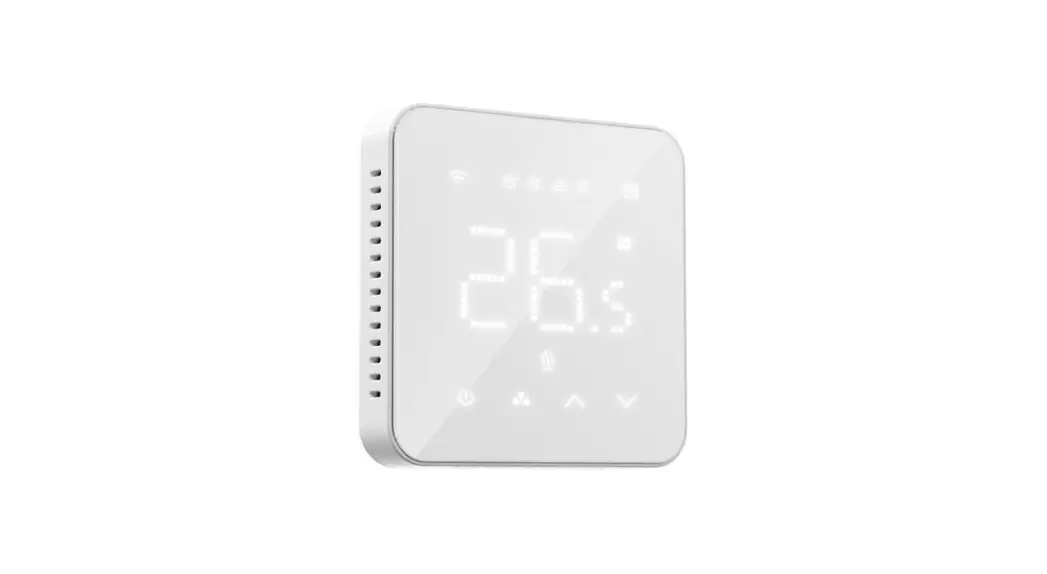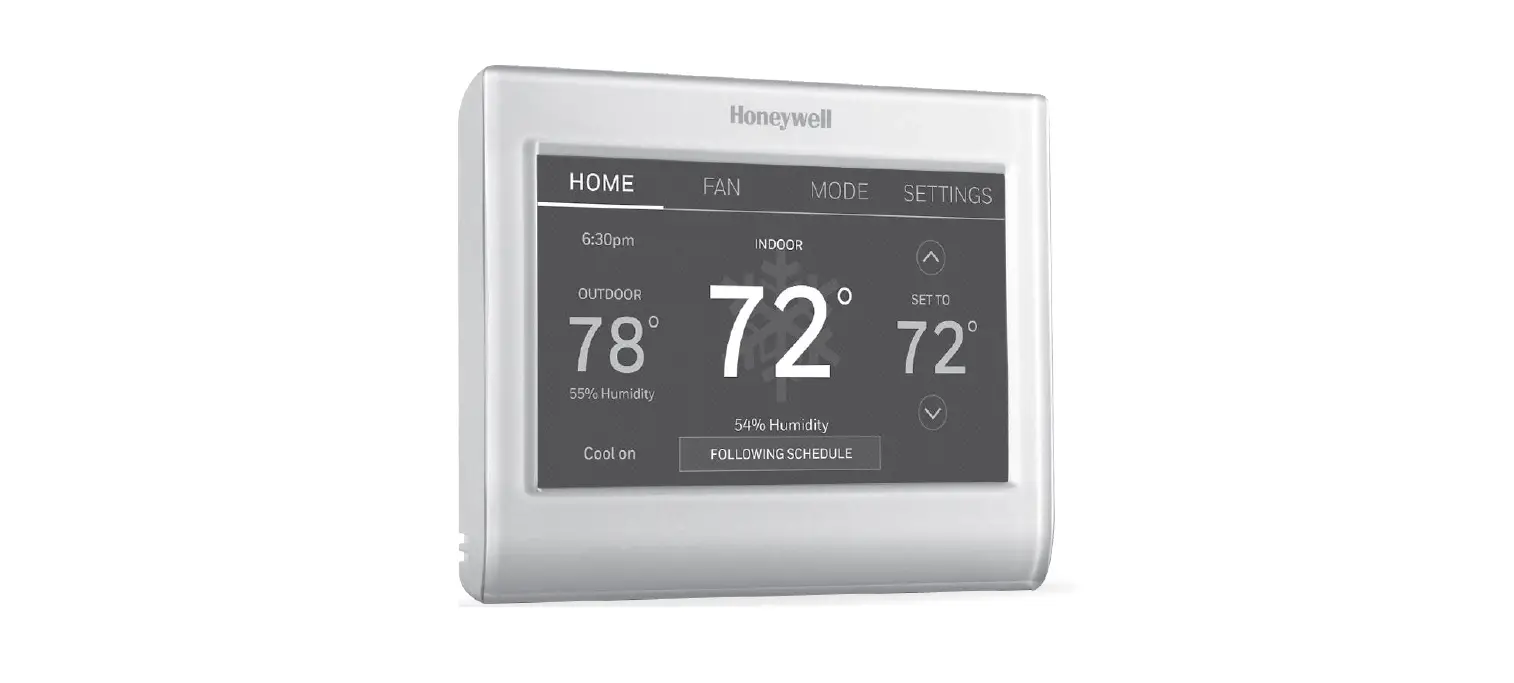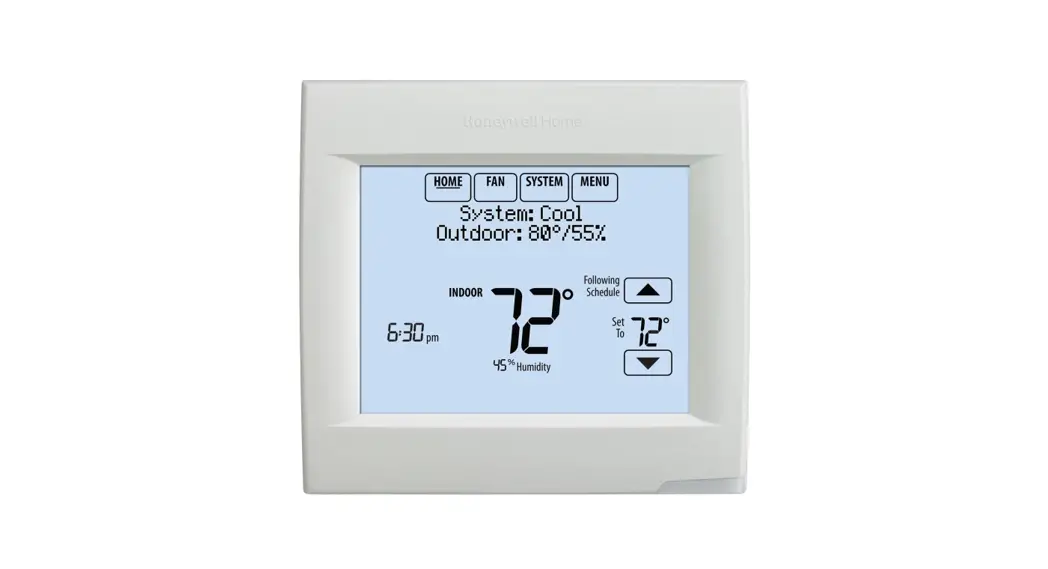

ADAX 62208 WiFi Thermostat
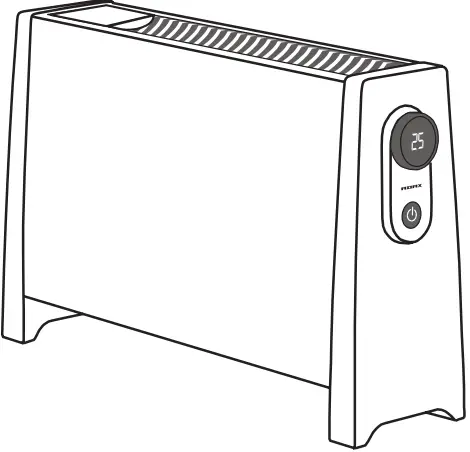
Congratulations with your new heater VILJE from ADAX
WIFI thermostat USER GUIDE
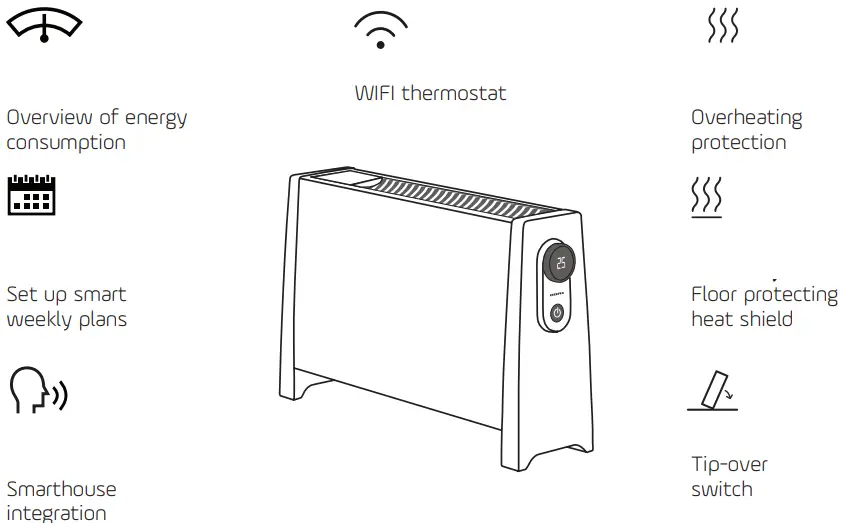
FEATURES
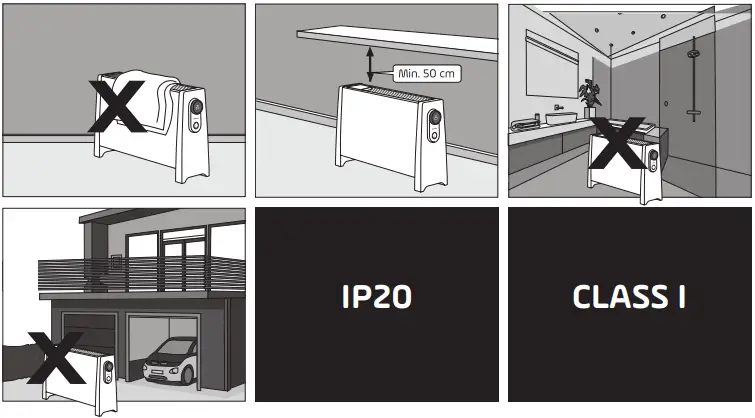
CAUTIONS!
Environment
Operating Temperature: -10°C ~ 40°C (14°F ~ 104°F)
Operating Humidity: 5% ~ 90%RH, Non-condensing
GET STARTED!
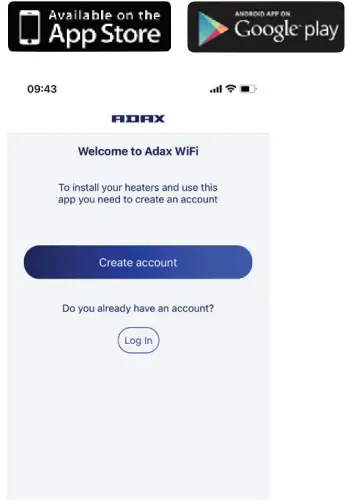
- Download ADAX WI-FI app

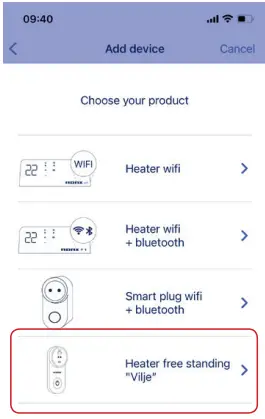
- Select product

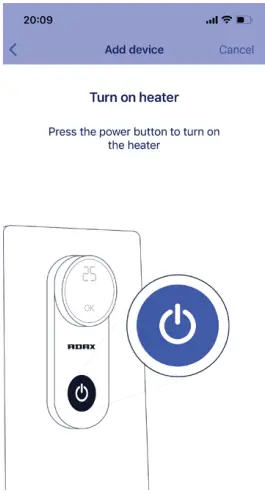
- Insert into the socket and turn it on

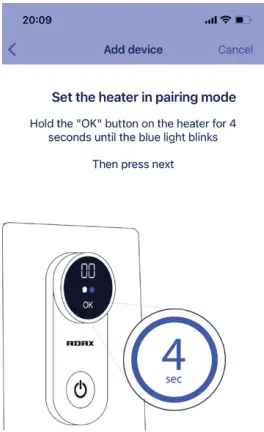
- Set the heater in pairing mode. Follow the on-screen steps to finish setup.

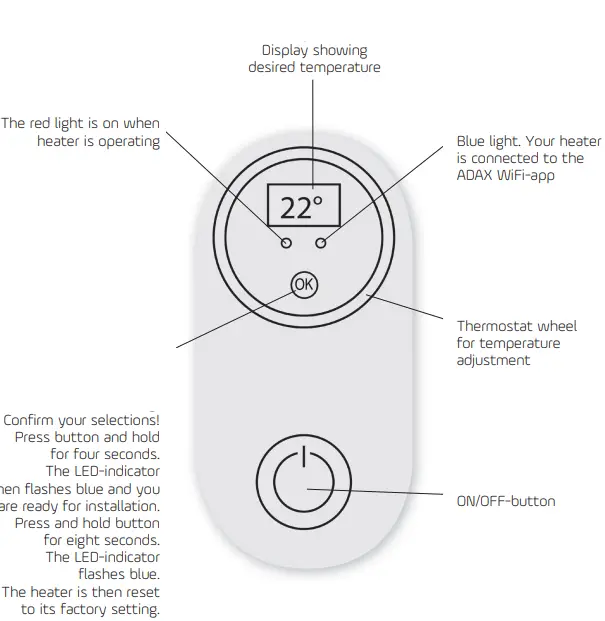
THERMOSTAT FUNCTIONS
Myhres gate 1, 3060 Svelvik, Norway, www.adax.no
 Forside - Adax