
Gratulerer
Congratulations with your new
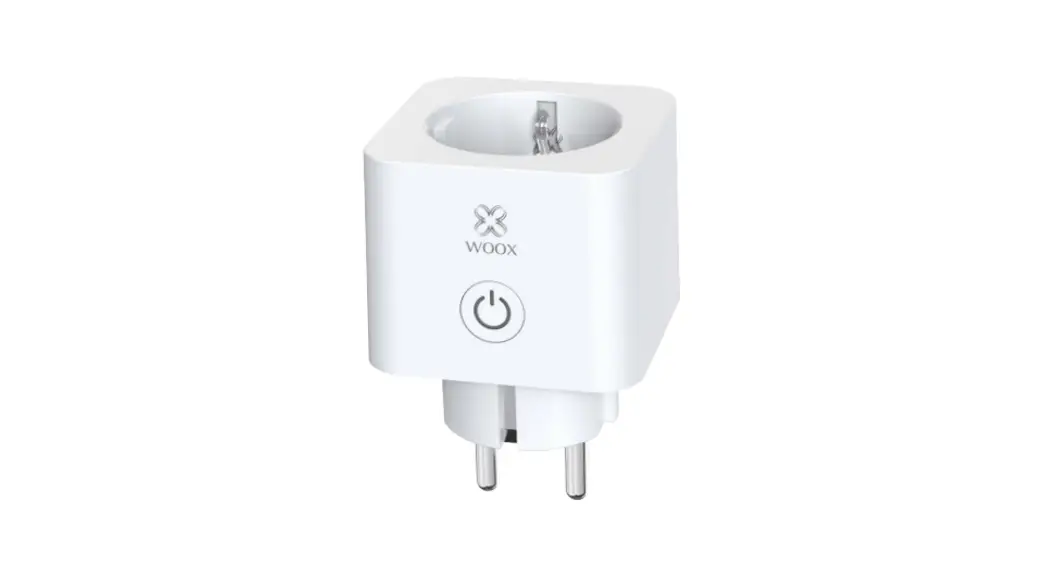
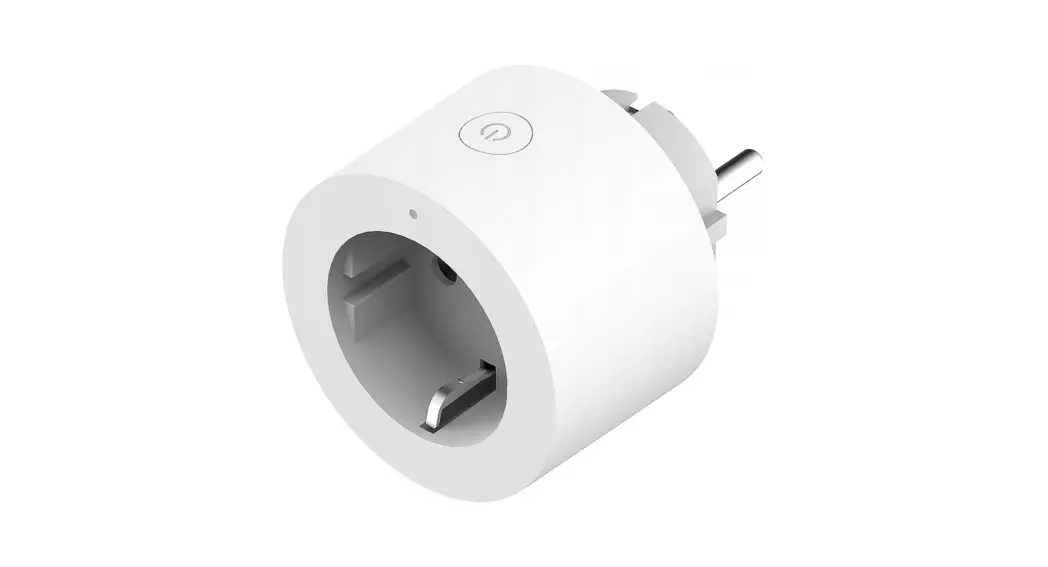
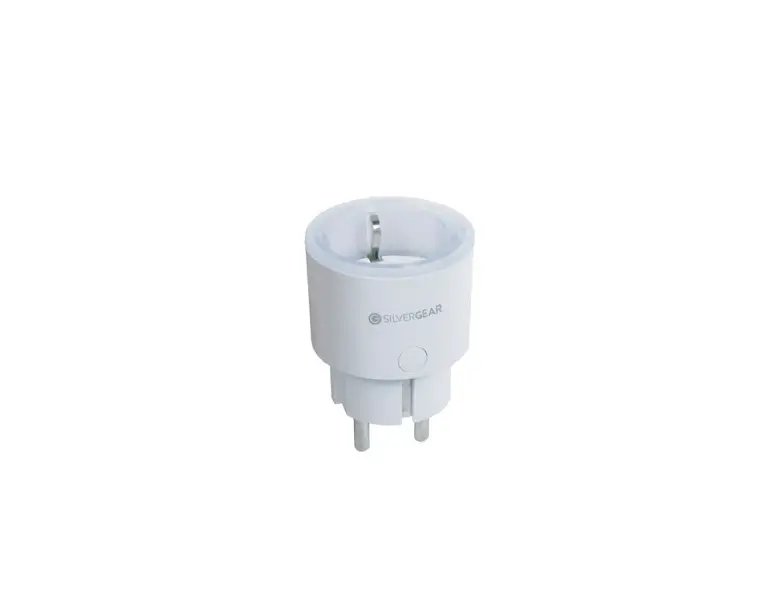
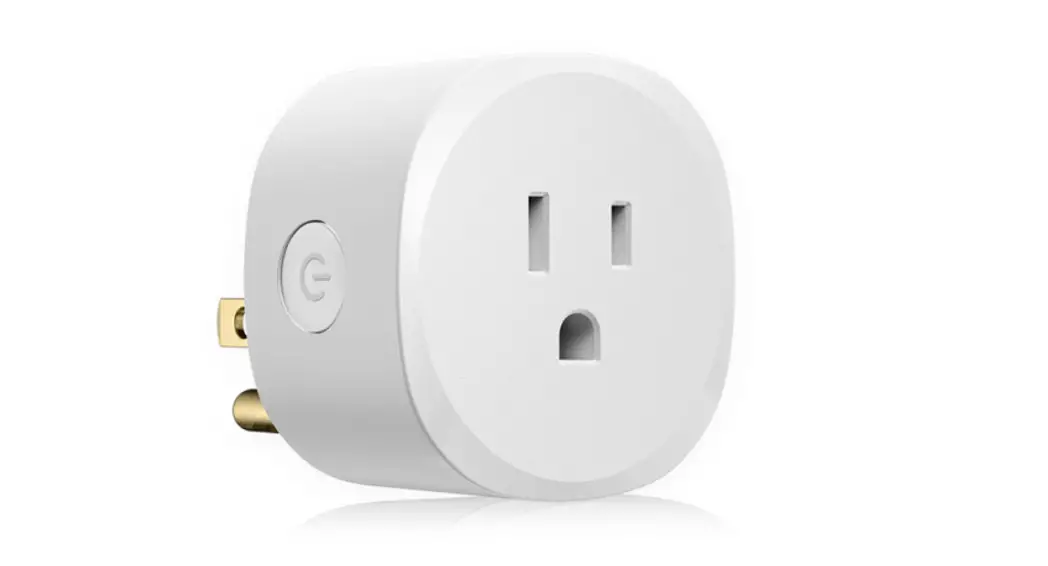
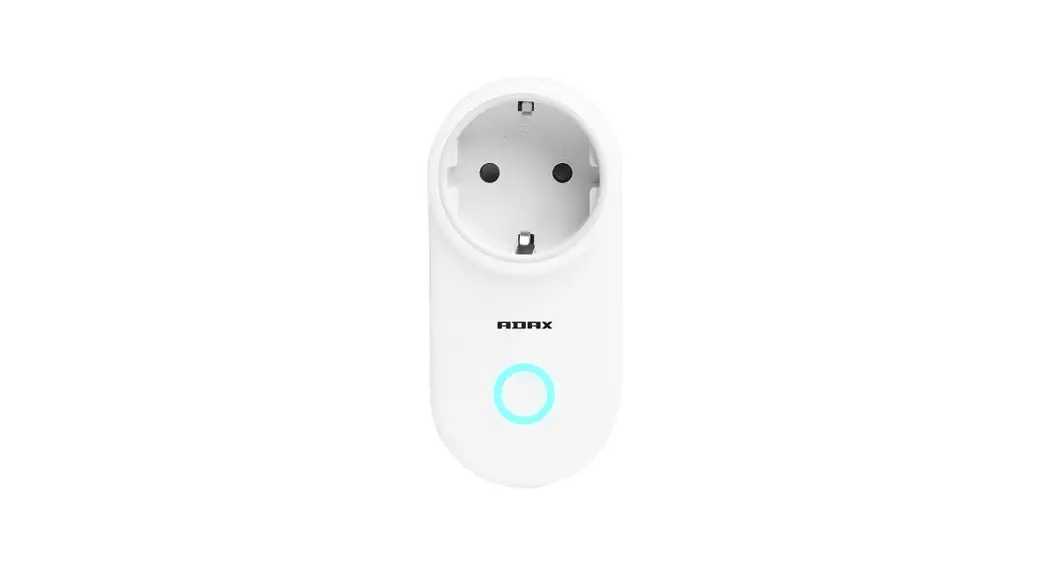
SMART PLUG from ADAX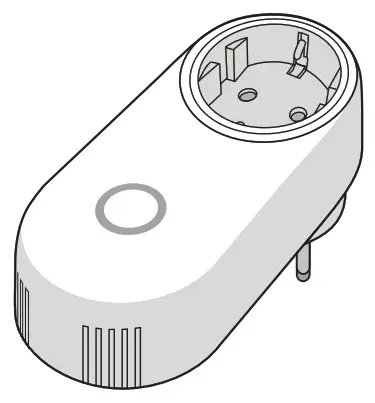
BRUKERMANUAL
USER GUIDE
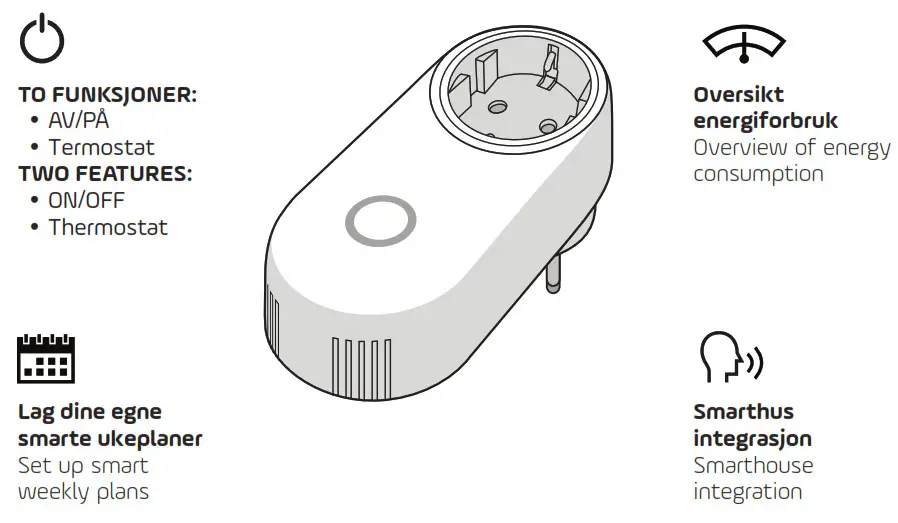
FEATURES
CAUTIONS
VIKITIG! CAUTIONS!
Max. capacity 16A (3680 W)
Environment
Operating Temperature: -10°C ~ 40°C (14°F ~ 104°F)
Operating Humidity: 5% ~ 90%RH, Non-condensing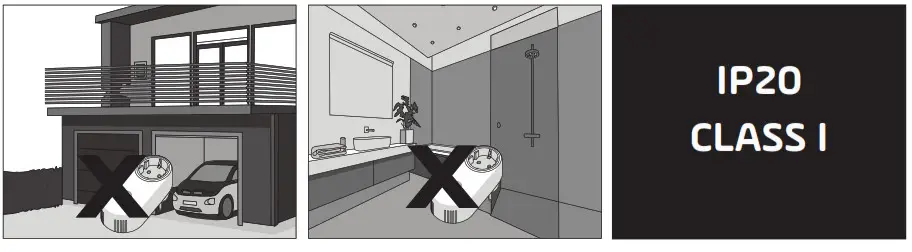
GET STARTED!
- Last ned ADAX WI-FI app
Download ADAX WI-FI app
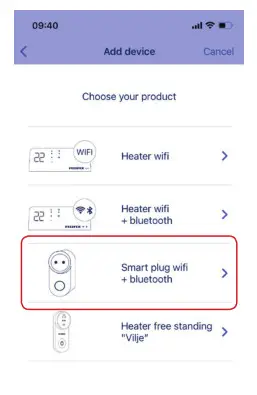
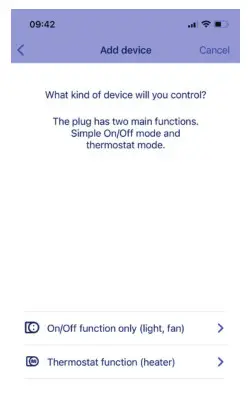
- Select product

- Select function

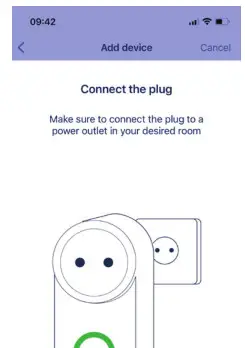
- Insert the Smart Plug into the socket and turn it on. Follow the on-screen steps to finish setup.

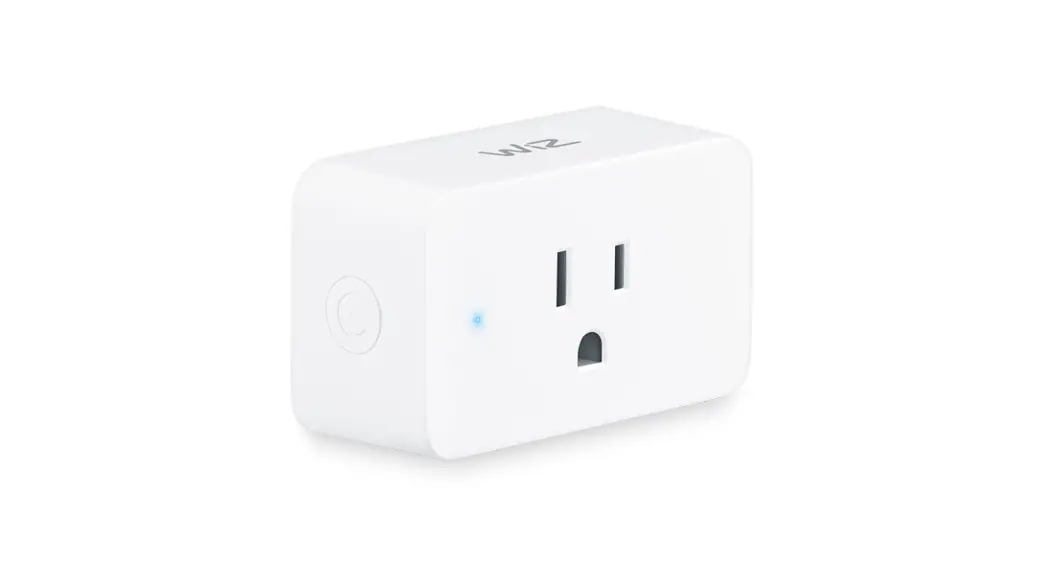
POWER BUTTON AND LIGHT INDICATOR
| Power button | ||
 | ON/OFF-button | Lightly press the button. The button will switch from permanent green to blue. |
4 sek/sec | Ready for installation | Hold in the “Power” button for four seconds. The light indicator then flashes blue. |
| 8 sek/sec
| Reset | Hold in the “Power” button for eight seconds. The light indicator then flashes red/blue. |
Light indicator
 | ON/OFF-button | Light green when switched on. Blue light when switched off (but still connected to Wi-Fi). |
 | Blue flashing light | Ready for installation |
 | Permanent blue light | Connected to Wi-Fi network |
 | Reset | Alternating red and blue lights. The Smart Plug is reset to factory setting. |
Myhres gate 1, 3060 Svelvik, Norway, www.adax.no
26 juni 2021 Art. nr. 62130
Myhres gate 1, 3060 Svelvik, Norway, www.adax.no
7 September 2021 Art. nr. 62130
ADAX AS 1 Art. nr. 62130
 Forside - Adax