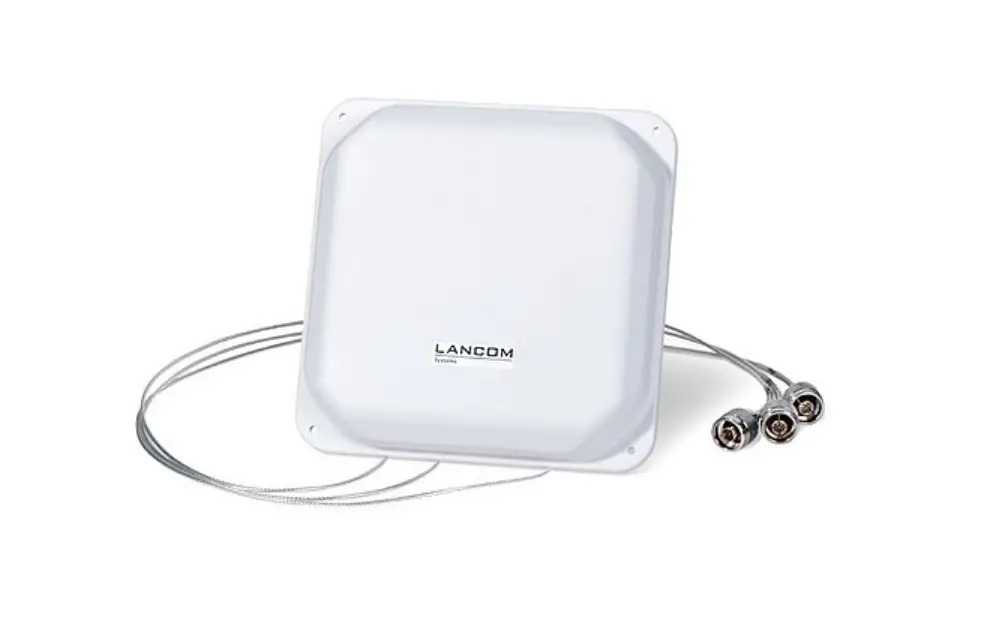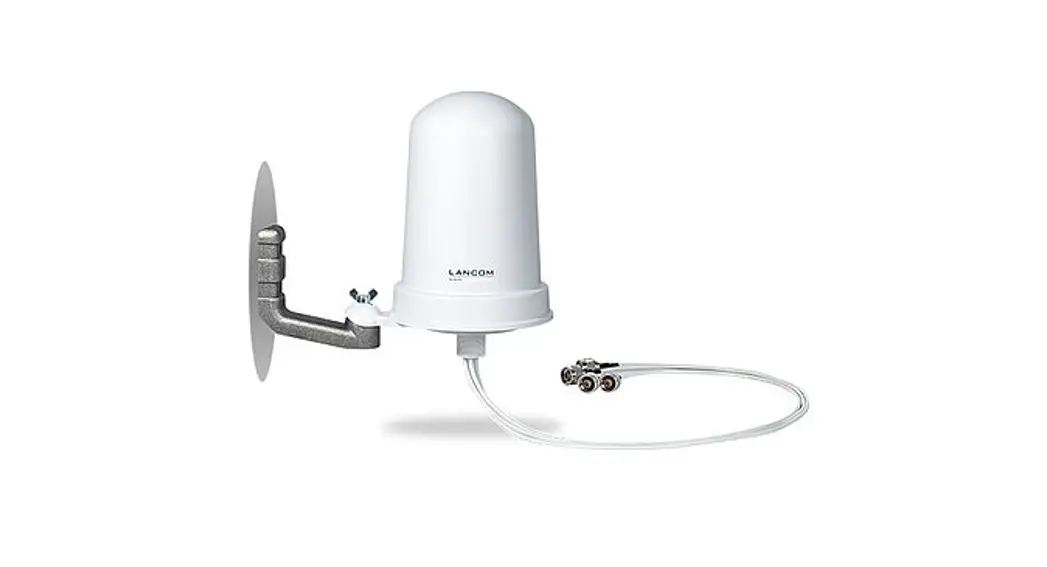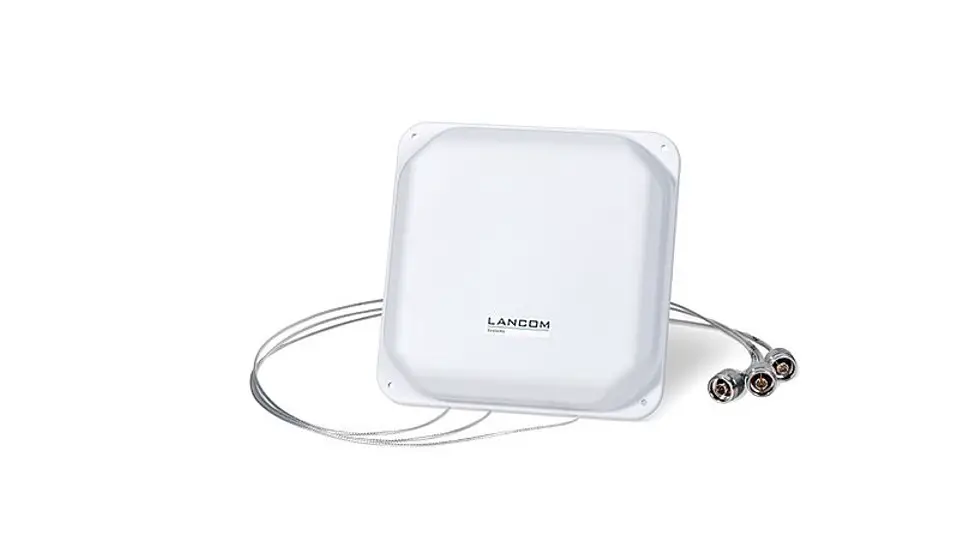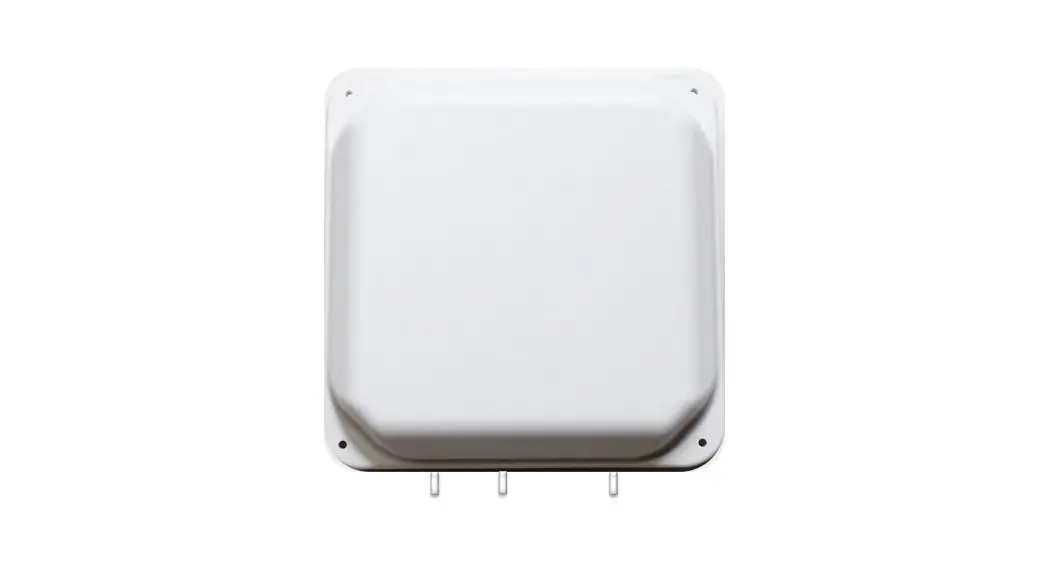
LANCOM I-360D-5G AirLancer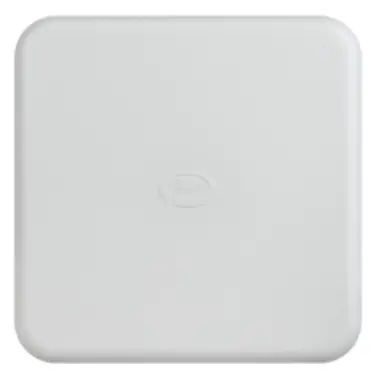
General notes
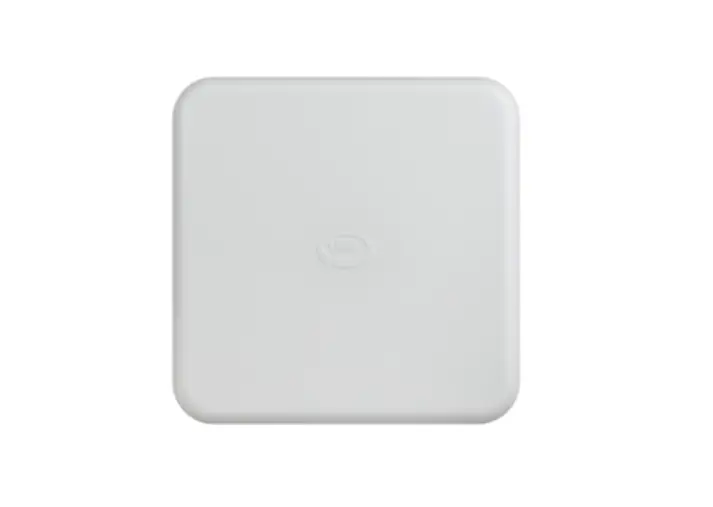
The LANCOM AirLancer I-360D-5G is a MIMO Antenna capable of utilizing reflections from its surroundings for better signal transmission from 5G/4G frequencies. Since the antenna is an omni-directional radiator, it does not have to be precisely aligned with the base station of the mobile phone provider. However, it is recommended to install the antenna close to the window if possible. Please note: Metal-coated windows have a negative effect on signal transmission. In this case, outdoor antennas should be used if possible. Also the direct proximity to metal walls can have a negative effect on the performance of the antenna.
Placement on the desk or windowsill
The LANCOM AirLancer I-360D-5G can be easily placed on a desk or windowsill using two fold-out feet.
Simply fold out the two feet at the bottom of the antenna and position the antenna. For better stability, it is recommended to run the antenna cable from the front through the „X“ shape of the antenna. For transportation of the antenna the feet should always be folded in.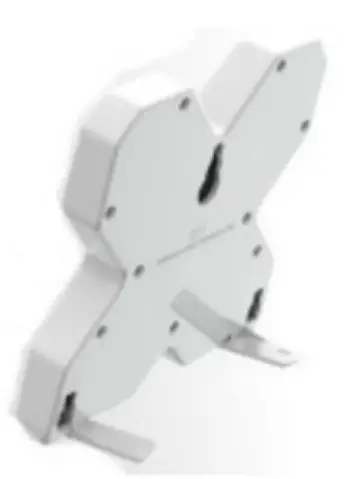
Fixing on the window
The LANCOM AirLancer I-360D-5G can be attached to the window pane or other plain surfaces using a suction cup.
To do this, insert the suction cup of the antenna into the keyhole-shaped recess on the back of the antenna. Then press the antenna with the suction cup against the window pane until a secure hold of the antenna is achieved. To remove the antenna, it is recommended to slide the antenna upwards out of the keyhole-shaped recess.
Afterwards the suction cup can be easily removed from the window pane. Please note: Not all surfaces are suitable for mounting with a suction cup. In case of temperature changes or strong changes in air humidity, no permanent hold can be guaranteed. Fixing with the suction cup is therefore best for temporary applications.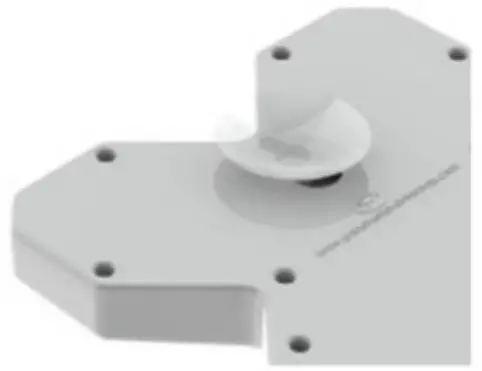
Clip mounting on monitors
The LANCOM AirLancer I-360D-5G can be attached to monitors using the two clips supplied. The clips are hooked into the two lower suspension points on the back of the antenna from above.
The antenna is then plugged from above onto the monitor housing with the attached clips.
When the monitor clips are hooked in, the antenna feet cannot be folded out.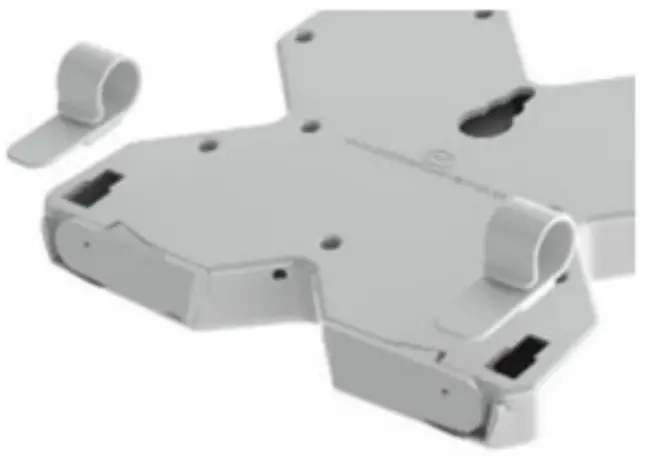
Important infoirmation
Working responsibly with high frequencies
For compliance with protection requirements of the EU directive 2014/53 and EN 62479 in relation to the basic limits for human safety in electromagnetic fields and the “FCC Policy on Human Exposure to Radiofrequency Electromagnetic Fields”, it is essential to configure the accurate antenna gain value in the Wi-Fi router or Wi-Fi access point.
Electrical and electronic equipment law
In the interests of recycling, please do not dispose of electrical and electronic waste in your household garbage. Ensure that your electrical and electronic waste is disposed of in accordance with the regulations in your country.
Proper handling of antenna cables
Antenna cables are sensitive RF cables. During installation it is important that the cables are not creased, and bent as little as possible, otherwise the antenna will suffer a loss of performance.
Do not coil the antenna cable in tight loops.
Antenna gain and terminating unused antenna connectors on the access point
It is essential for unused antenna connectors on the access point to be terminated with the supplied rod antenna. The terminating resistor supplied with the adapter AirLancer AN-RPSMA-NJ is suitable for use with indoor access points. In addition, you must disable the unused antenna connectors in LCOS (changing the antenna grouping of the respective WLAN module), and configure the antenna gain of the antenna. The settings can be found in LANconfig under: Configuration > Wireless LAN > General > Physical WLAN settings > Radio
Technical data
| Number of integrated antennas | 2 (MIMO system) | |
| Frequency range | 698-960 MHz and 1,710-3,800 MHz | |
| Supported frequency bands | 2G / 3G / 4G / 5G | |
| Antenna characteristics | ||
| Radiation characteristics | Omnidirectional radiator | |
| VSWR | < 2.5:1 | |
| Gain (without cable loss) | 698 – 960 MHz 1,710 – 2,170 MHz 2,200 – 3,800 MHz | 2.5 dBi 5 dBi 4 dBi |
| Efficiency | 698 – 960 MHz 1,710 – 2,170 MHz 2,200 – 3,800 MHz | > 60 % > 80 % > 50 % |
| Correlation coefficient | < 0.1 | |
| Isolation | > 18 dB | |
| Max. input power | 20 watts | |
| Impedance | 50 Ω | |
| Mechanical data | ||
| Size | 137 x 151 mm (height x width) | |
| Operating temperature | -40 °C to +80 °C | |
| Color | Black (RAL 9005) | |
| Material | UV-resistant plastic (ABS) | |
| Mounting options | Can be set up on a stand, e.g. on windowsills, desks or switch cabinets; can be fixed to window panes using a suction cup; with clips for monitor moun – ting; suspension point for wall mounting available | |
| Cables, connectors | 2 x RG174, diameter: 2.8 mm, length: 2 m; connectors: 2 x SMA (m) | |
| Product | ||
| Warranty | 2 years for AirLancer and accessories | |
| Item number | 60919 | |
CUSTOMER SERVICE
LANCOM Systems GmbH
Adenauerstr. 20/B2
52146 Wuerselen | Germany
[email protected]
www.lancom-systems.com
LANCOM, LANCOM Systems, LCOS, LANcommunity and Hyper Integration are registered trademarks. All other names or descriptions used may be trademarks or registered trademarks of their owners. This document contains statements relating to future products and their attributes. LANCOM Systems reserves the right to change these without notice. No liability for technical errors and/or omissions. 111704 11/22

 Business network solutions "made in Germany": LANCOM Systems GmbH