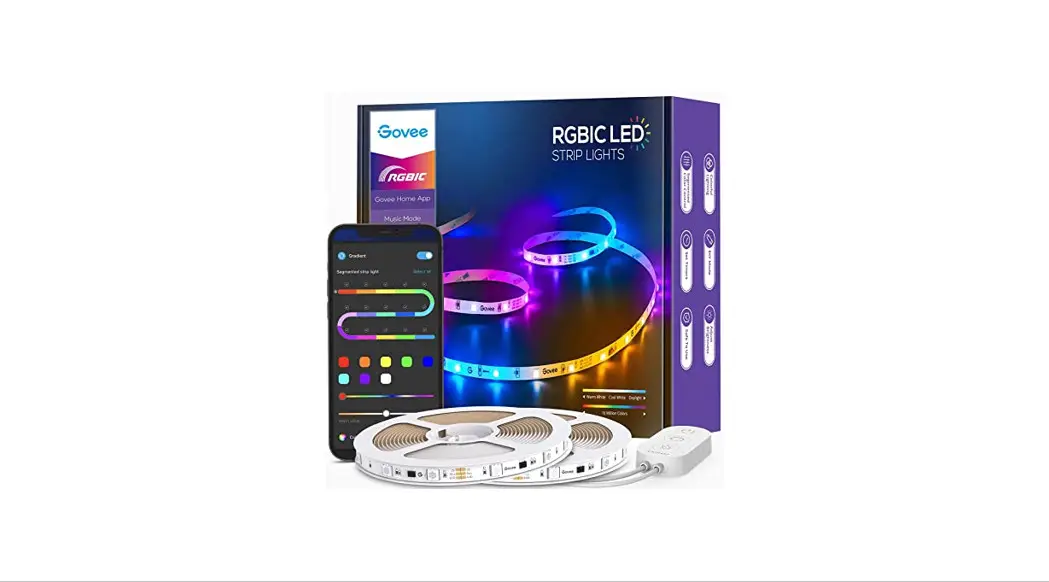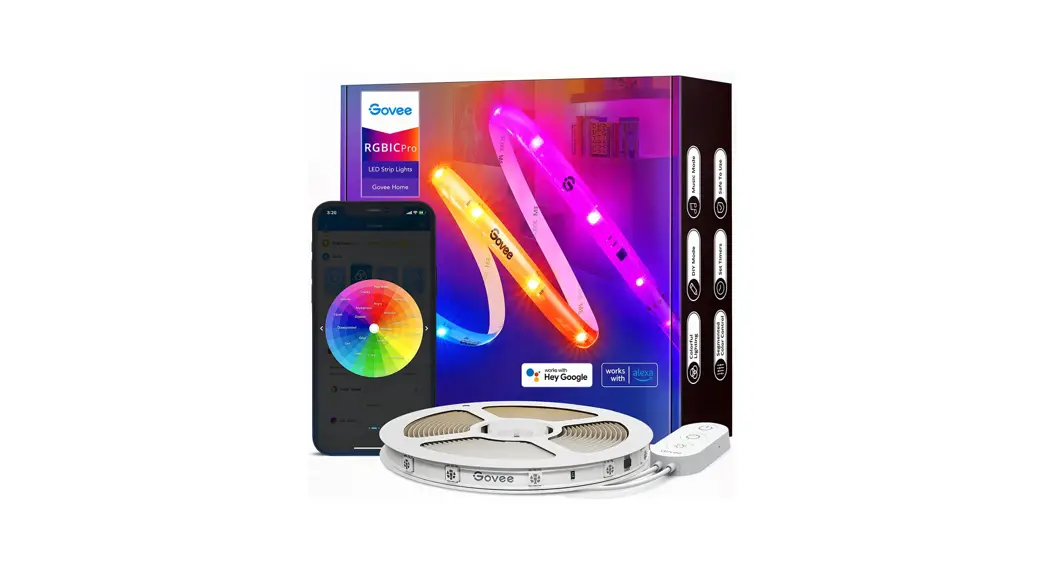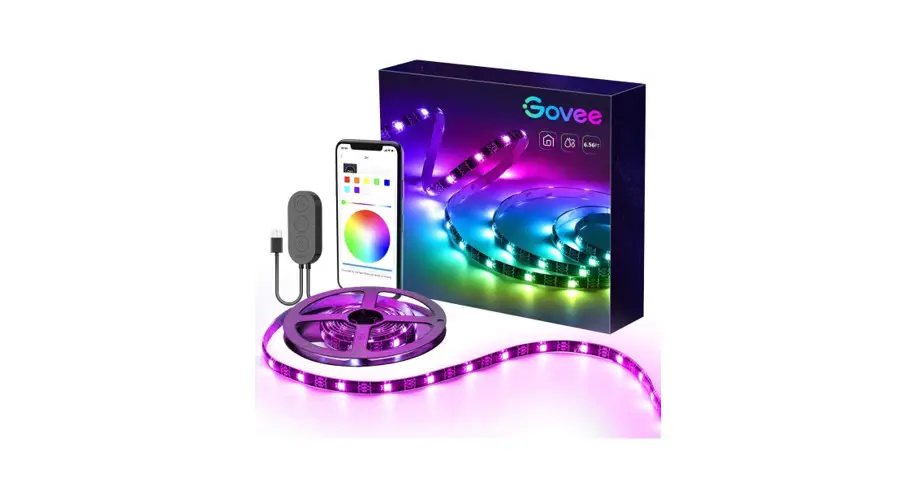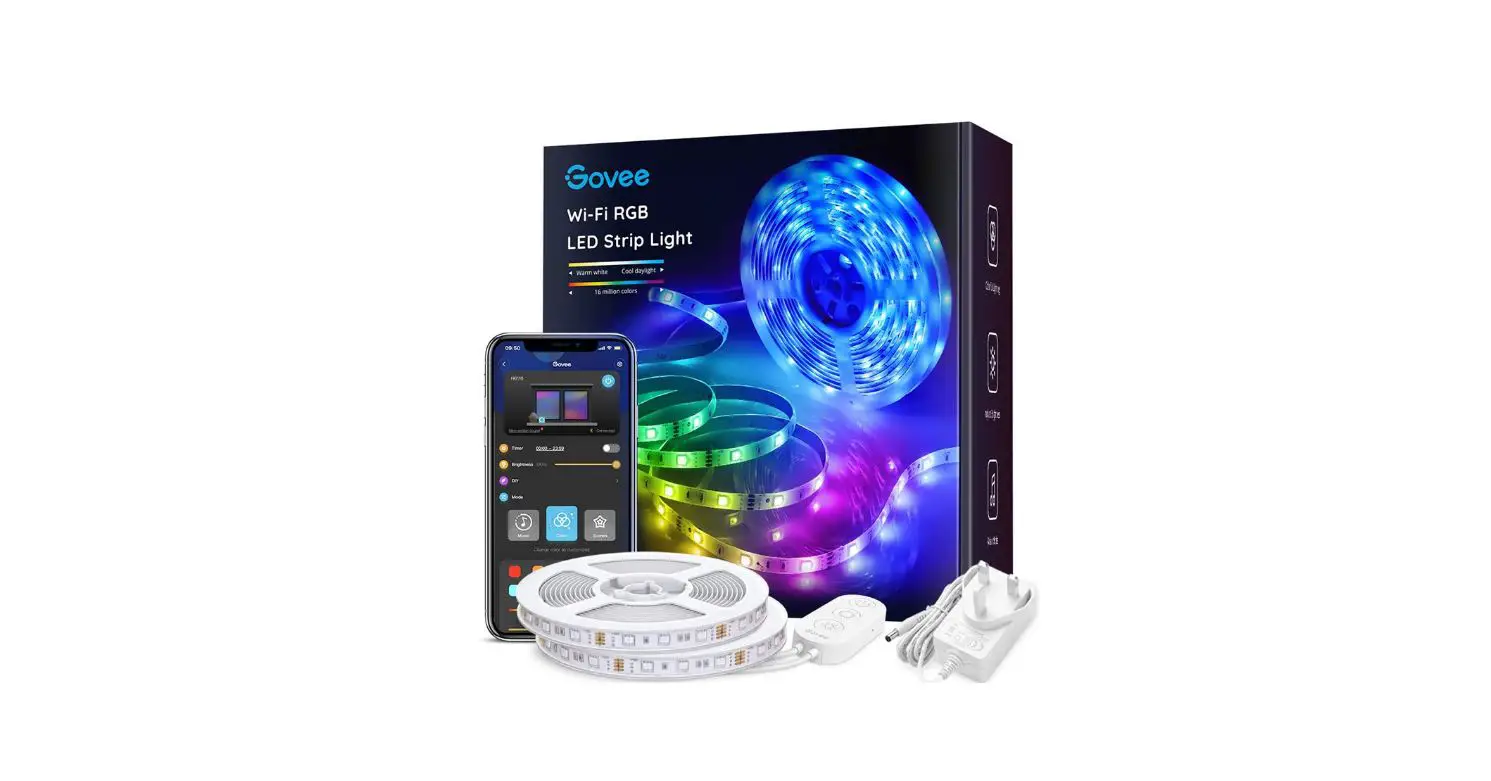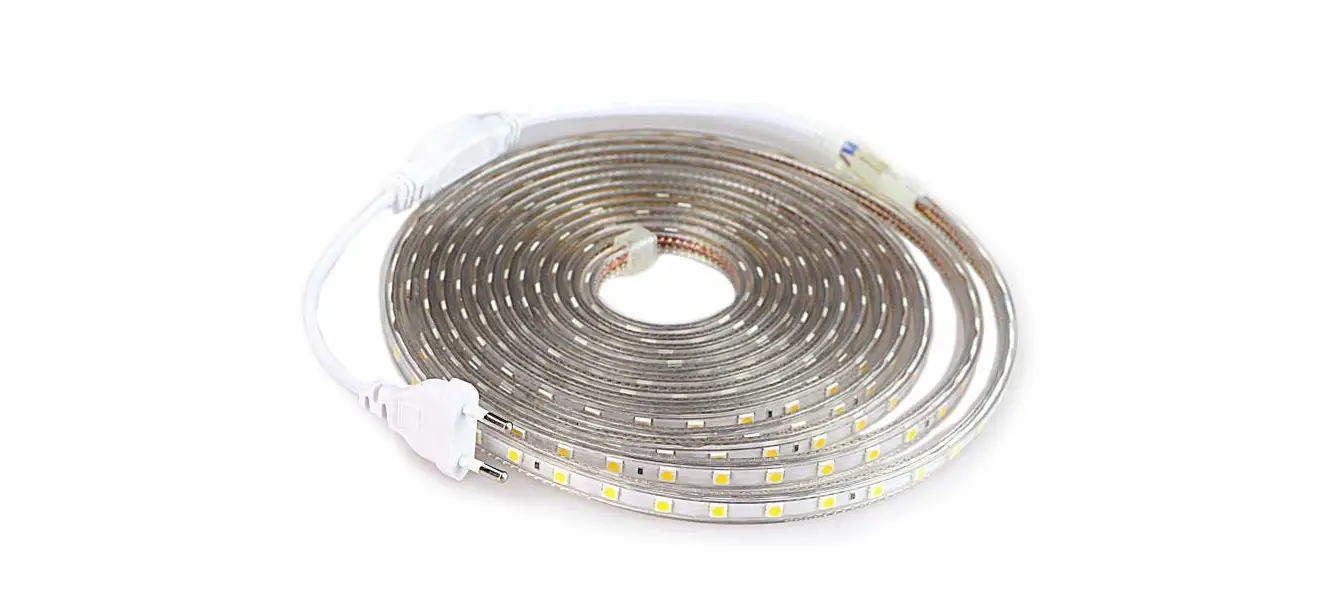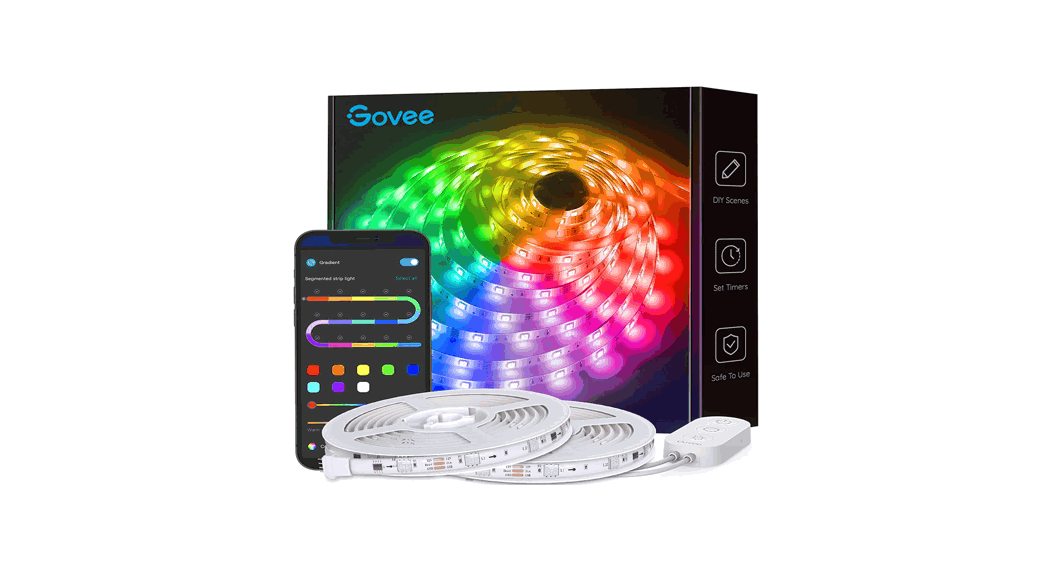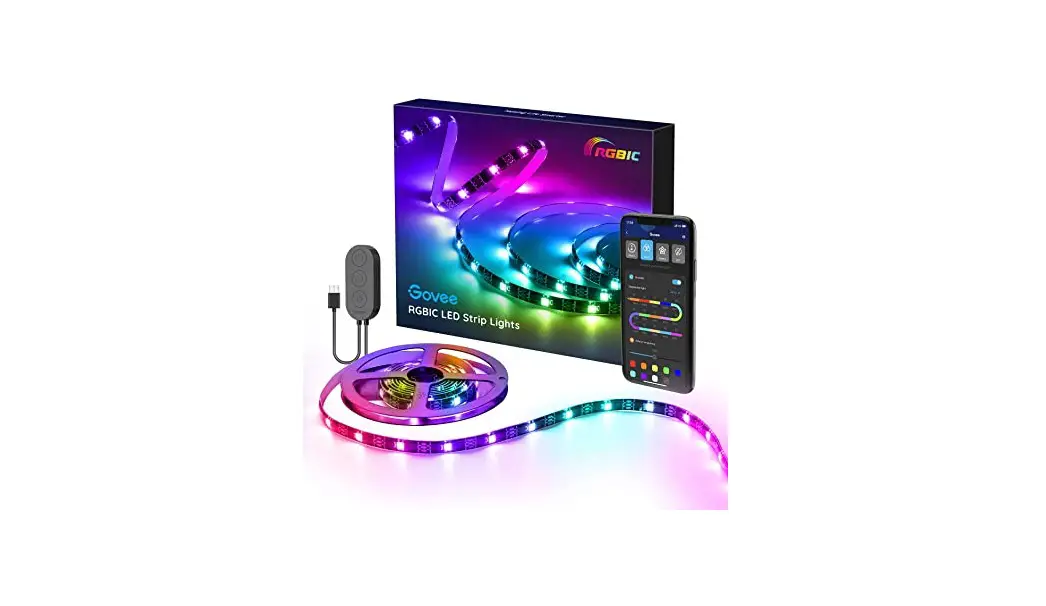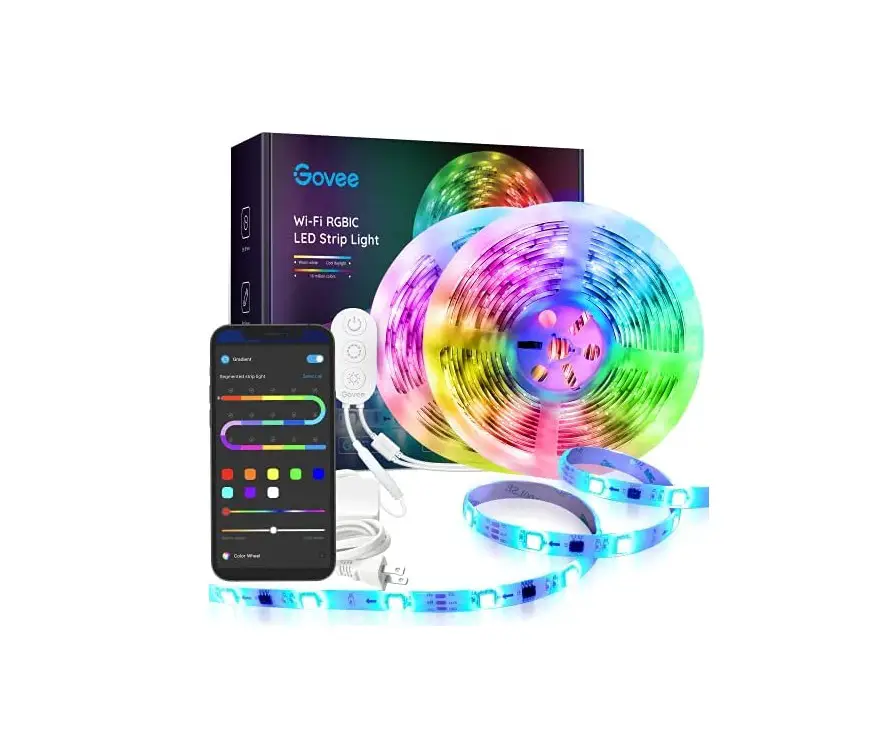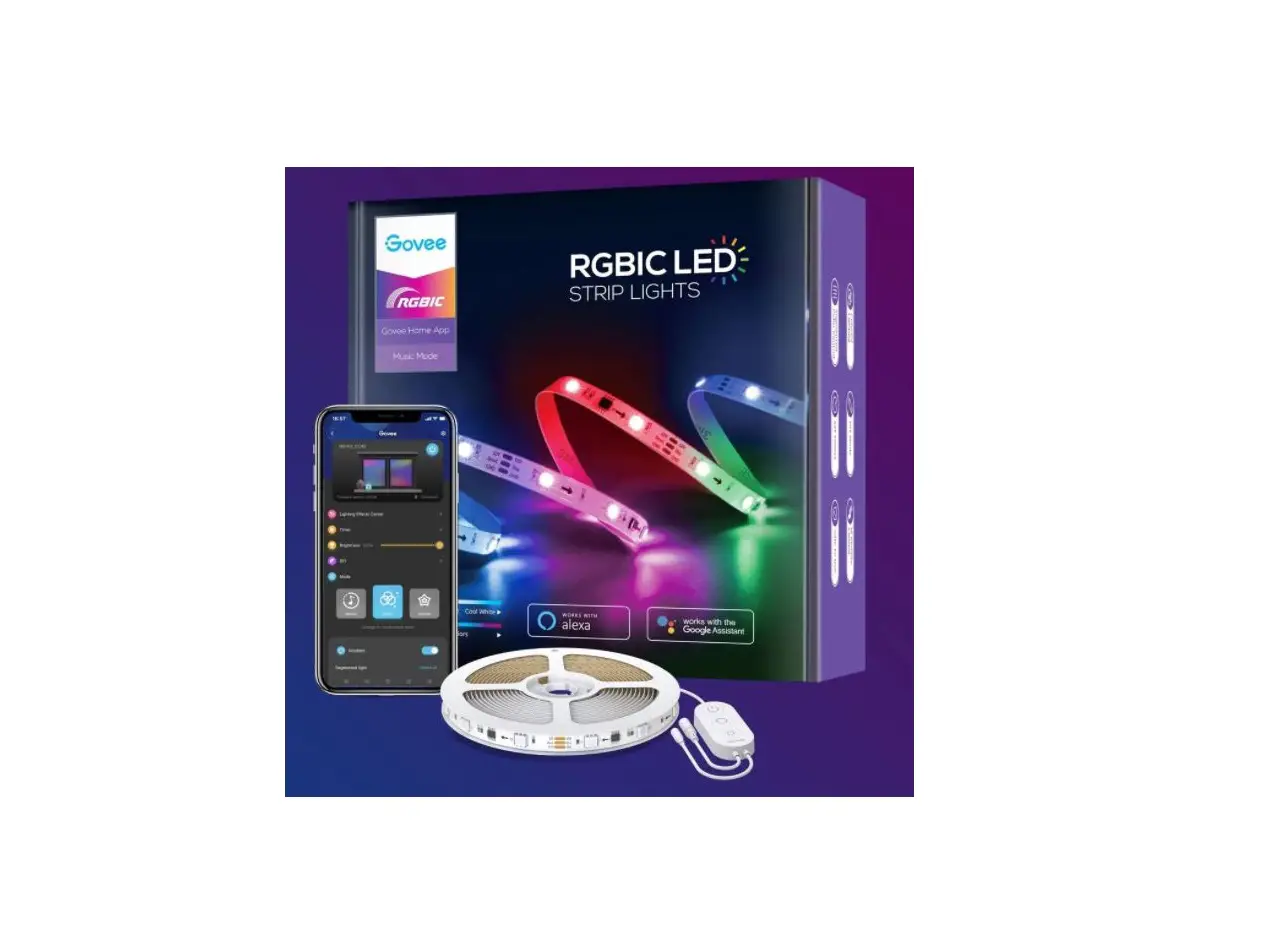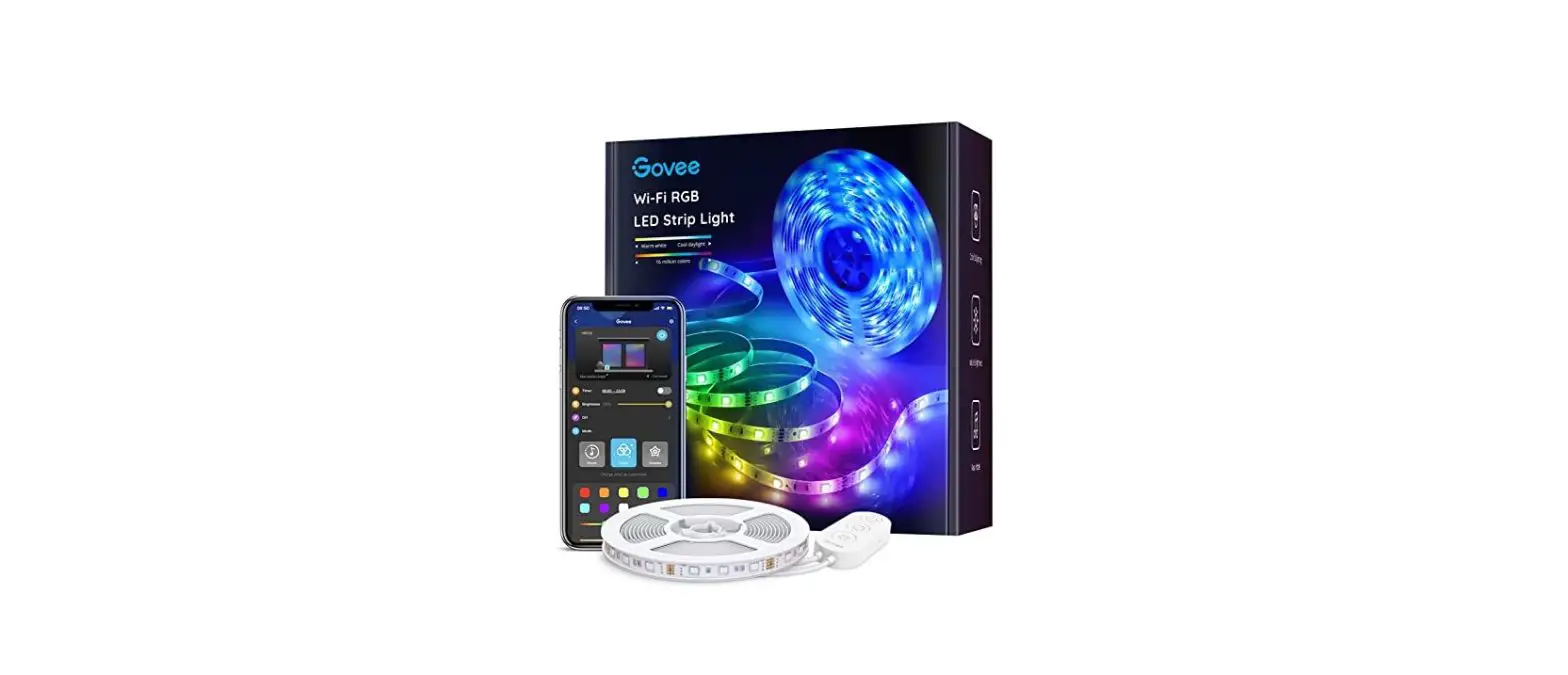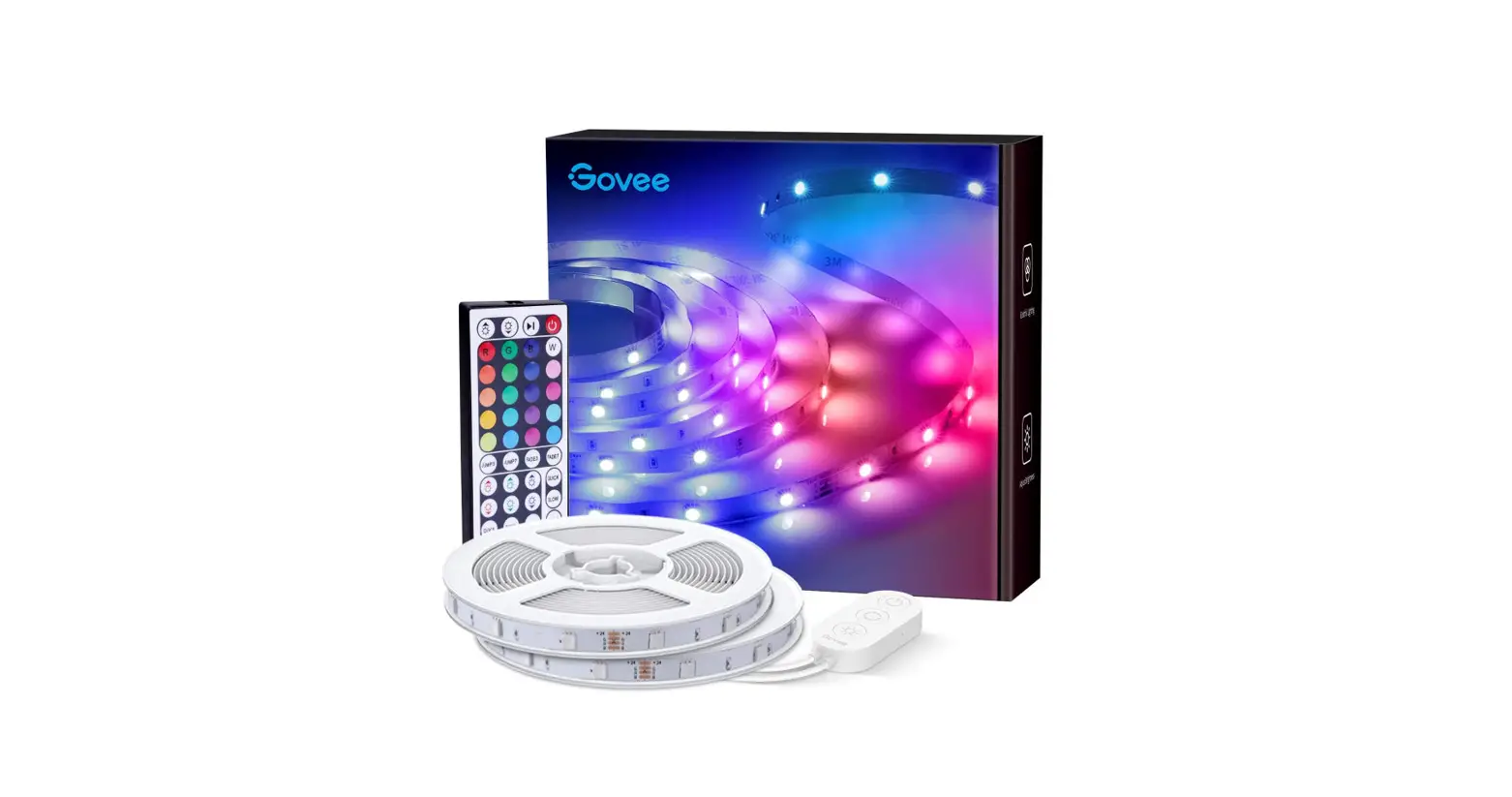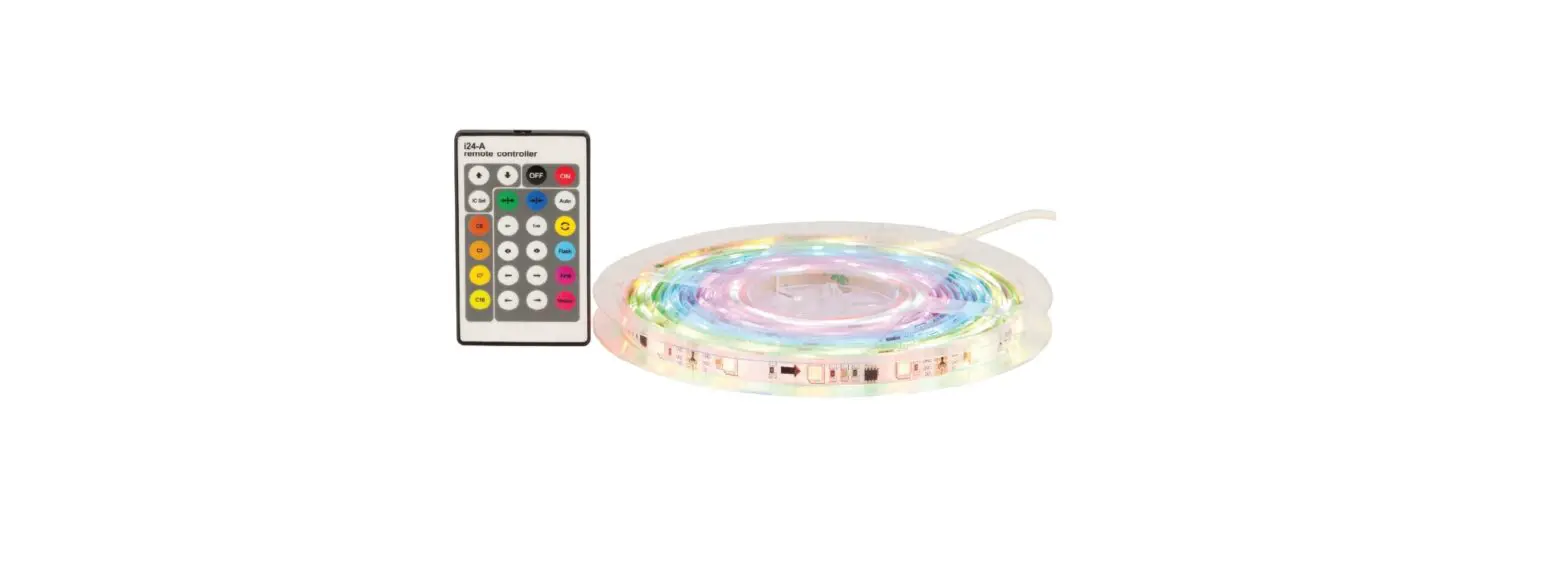
ELECTUS DISTRIBUTION SL3954 RGB LED Light Strip Kit User Manual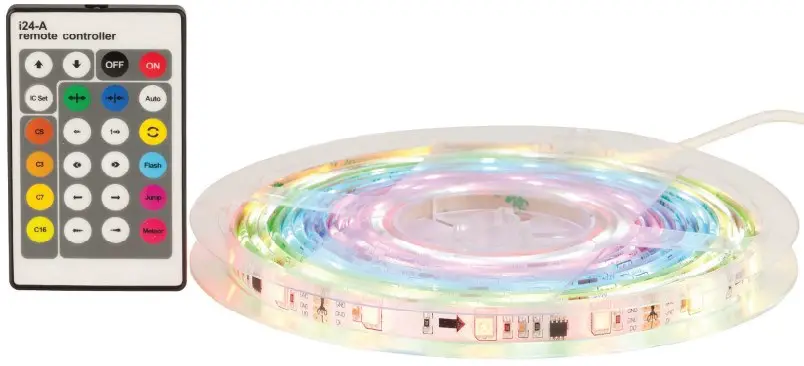
Instructions for safety
Making sure you use the product perfectly and safely, please observe the instructions and warning on this manual. Operate cautiously and read these instructions carefully.
- For installation, try to avoid strong magnetic fields and high-pressure areas.
- Ensure that the wire is connected correctly and firmly in order to avoid short-circuit damage to parts and posing a fire hazard.
- Please install controller in a well-ventilated place to ensure that the ambient temperature is moderate.
- Before using this product, please check the DC power and voltage meet the product technical requirements; positive and negative polarity is defined consistent to the product.
- Prohibit live wiring, check to confirm wiring is correct, if no short-circuit, then power!
Specifications
- Input power: DC12V
- Output signal: SPI signal
- Max load current: 5A
- Drive IC number: 20—100pcs
- Output power: 60W (12V)
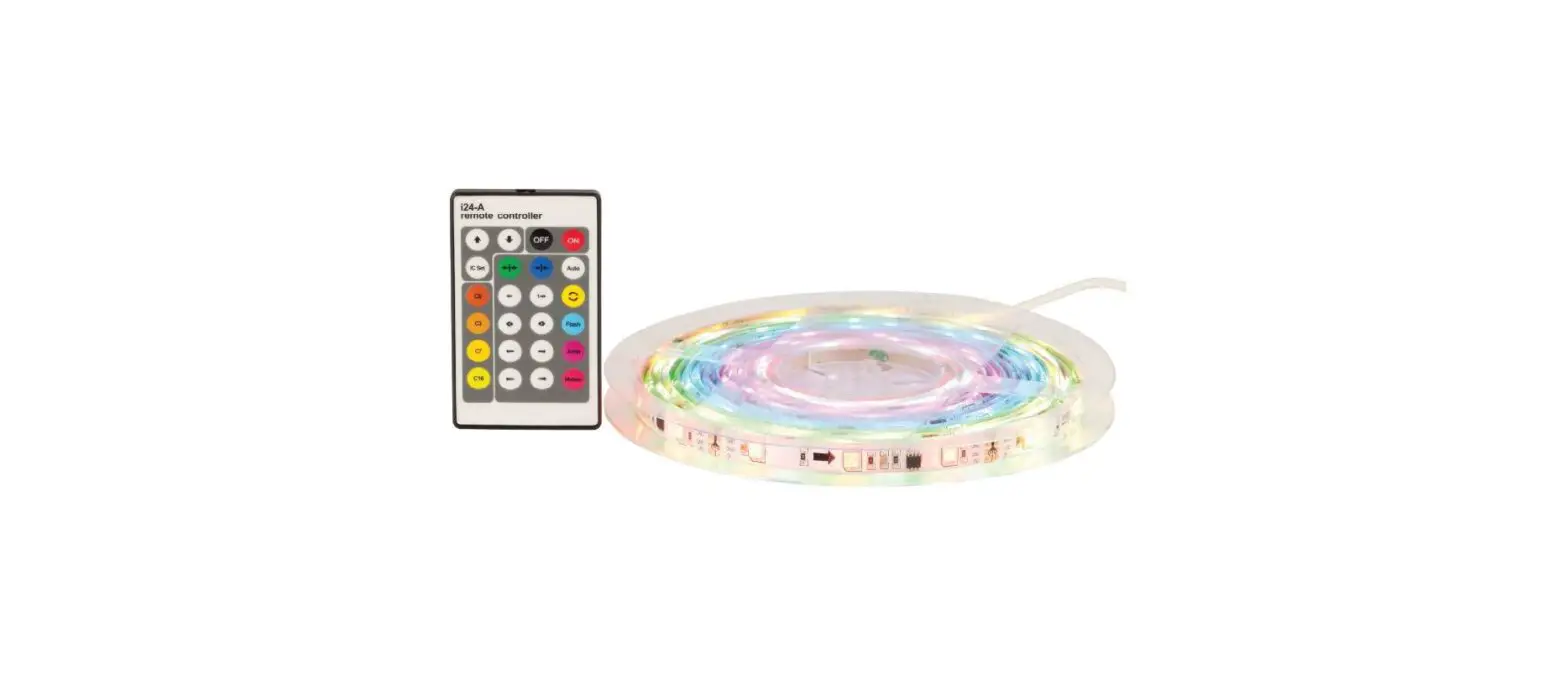
(2)Descriptions for panel and remote controller keys:
| Icon | Name of keys | Description |
 | up/down | Key in the static mode increases or decreases the LED brightness and IC number.Keys in a dynamic mode increase / decrease speed. |
 | OFF/ON | Turn on or off the LEDʼs |
 | IC set | Enter the IC configuration mode, press this key all the lights bright white |
 | Opening | Static red, green, blue, yellow, green, purple, white Monochromatic water by the middle of the left / right push effect. |
 | Closing | The static mode of red, green, blue, yellow, green, purple, white monochrome waterFrom both sides to the middle closing effect. |
 | Colour selection | Red, green, blue, yellow, cyan, purple, white seven kinds of monochromatic colour select. |
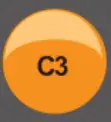 | 3 colour | Press this key to red, green, blue circulating flash, in a dynamic mode for flicker selection gradient colour. |
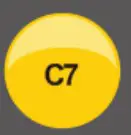 | 7 colour | Press this key for red, green, blue, yellow, cyan, purple, white rainbow circulating flashIn a dynamic mode for gradient flicker selection. |
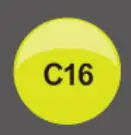 | 16colour | Red, green, blue, yellow, cyan, purple, white, orange, deep yellow, light yellow, light green, Light blue, dark blue, sky blue, blue and purple, magenta, choice of 16 colours |
 | Water left | Red, green, blue, yellow, cyan, purple, white color of eachk left the water effect. |
 | Water right | Red, green, blue, yellow, cyan, purple, white colour of each, right of water. |
 | Left gradient of shining | From the left to the right of each IC 3 flashes lights and gradually light up all IC after all the extinguishing effect. |
 | Shining right gradient | From right to left each IC3 flashes and gradually light effect. |
 | Left total gradient of shining | From left to right each IC has 3 flashes lit after quenching, lit by out all IC after all the light effect. |
 | Right full gradient flash out | From right to left each IC has 3 flashes lit , lit by out all IC after all the light effect. |
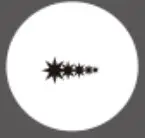 | Meteor left | Meteor across the left ( dripping ) effect. |
 | Meteor right | Meteor across the right( driping ) effect. |
 | water cycle | Around the water circulation effect. |
 | Meteor | The meteor from left to right to create a circulation effect. |
 | Gradient | Press this key transition effects, and press the CS button to choose colour, 3 colour, 7 Colour,16 color gradient effect. |
 | Flicker | Press this key to flicker effect, and CS, press button can select monochrome, tri-colour,7 colour, 16 colour flicker effect. |
 | Automatic | All patterns of circulation. |
Key sequence description Any pattern color changes are needed to enter the static mode, choose a good colour after the choice of mode in order to achieve the desired results
Troubleshooting
| Failure | Analysis | Solution |
| No light | 1. No power. 2. Reversed the polarity. 3. Wrong connection or poor contact. | 1. Check the power 2. Make sure the polarity is right. 3. Re-check the wire connection. |
| Brightness of LED is not consistent | 1. Input wire is too long to cause wire loss. 2. Diameter of wire is too thin to cause wire loss.3. Power overload. | 1. Shorten wire or use loop circuit. 2. Calculate the current, and then replace thick wire.3. Replace larger power. 4. Add a power amplifier |
| 4. Controller overload. |
 WARNING KEEP BUTTON BATTERIES OUT OF REACH OF CHILDREN
 WARNING KEEP BUTTON BATTERIES OUT OF REACH OF CHILDREN
- 11 swallowed a lithium button battery may to lead to serious or fatal injury in as little as 2 hours, due to chemical bums and potential perforation of the oesophagus
- All button batteries must be kept away from children regardless if they are new or used
- If you suspect your child has swalowed or inserted a button battery immediately cal the 24-hour Poisons Information Centre on 13 11 26 (Australia) or 0800 764 766 (New Zealand) for fast, expert advise.
- If your child is having difficulty breathing contact 000 (Australia) or 111 (New Zealand).
- Dispose of used button batteries immediately and safely out of the reach of children.A battery can still be dangerous even when it can no longer operate the device.
- As soon as you have finished using a button battery, put sticky tape around both sides of it. This will make it harder for children to swalow the button battery and avoid the risk of the battery catching fire.
- Immediately dispose of button batteries immediately out of reach of children, or recycle using a child resistant container and take used cels to your local battery colection centre.
Distributed by:
Electus Distribution Pty Ltd
46 Eastern Creek Dr,
Eastern Creek NSW 2766 Australia
Ph 1300 738 555
Int’l +61 2 8832 3200
Fax 1300 738 500
www.electusdistribution.com.au
 Electus Distribution - Home