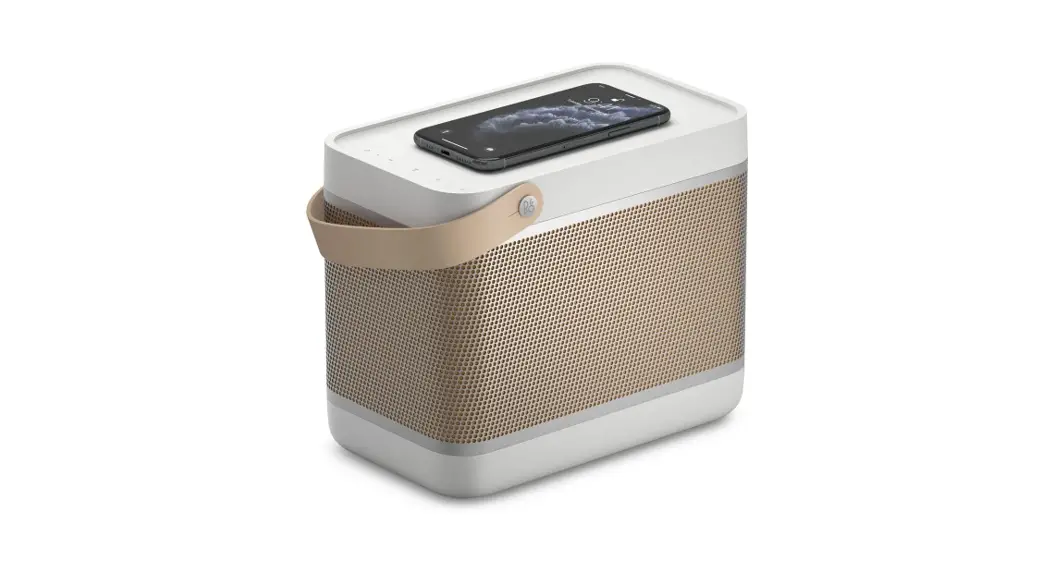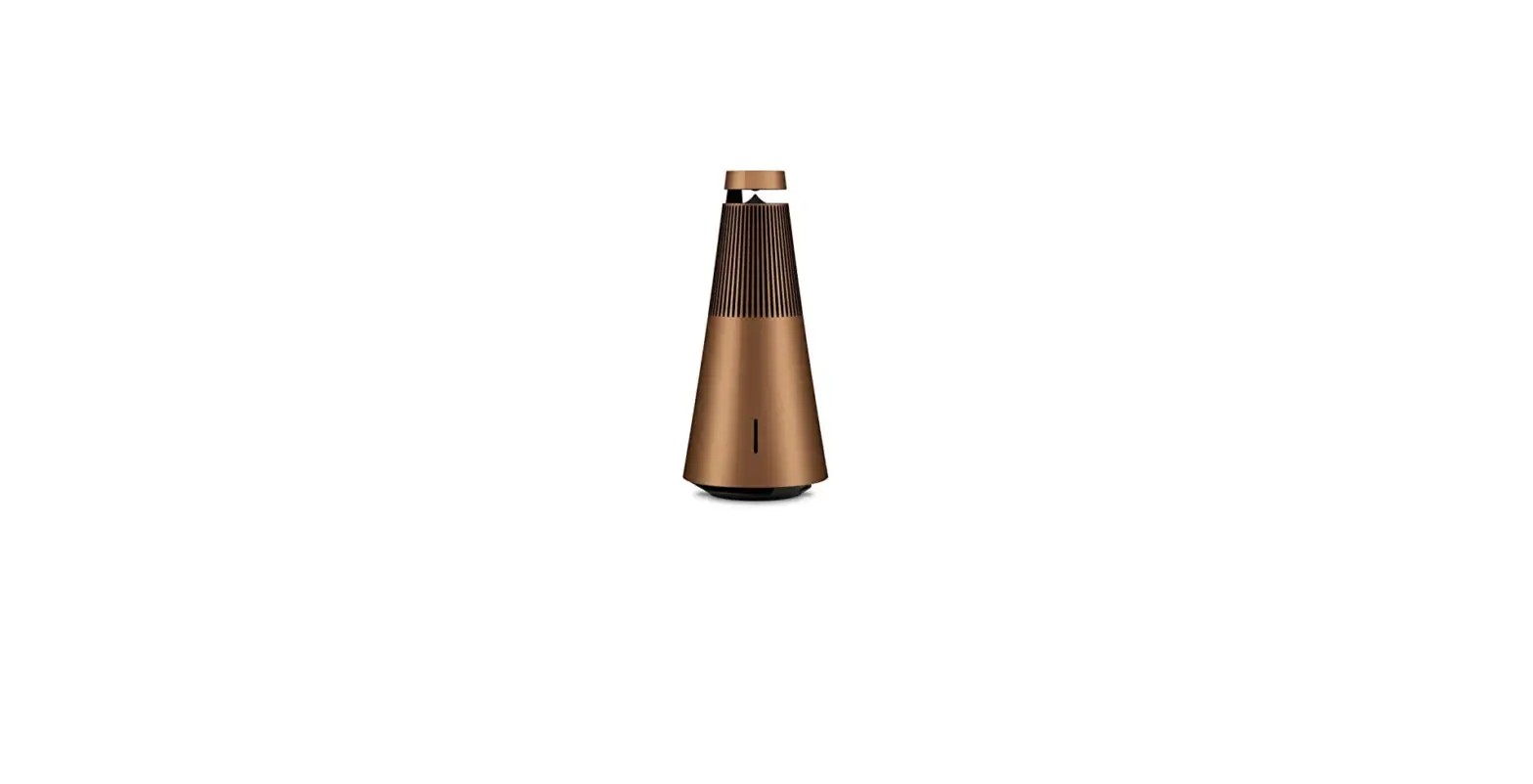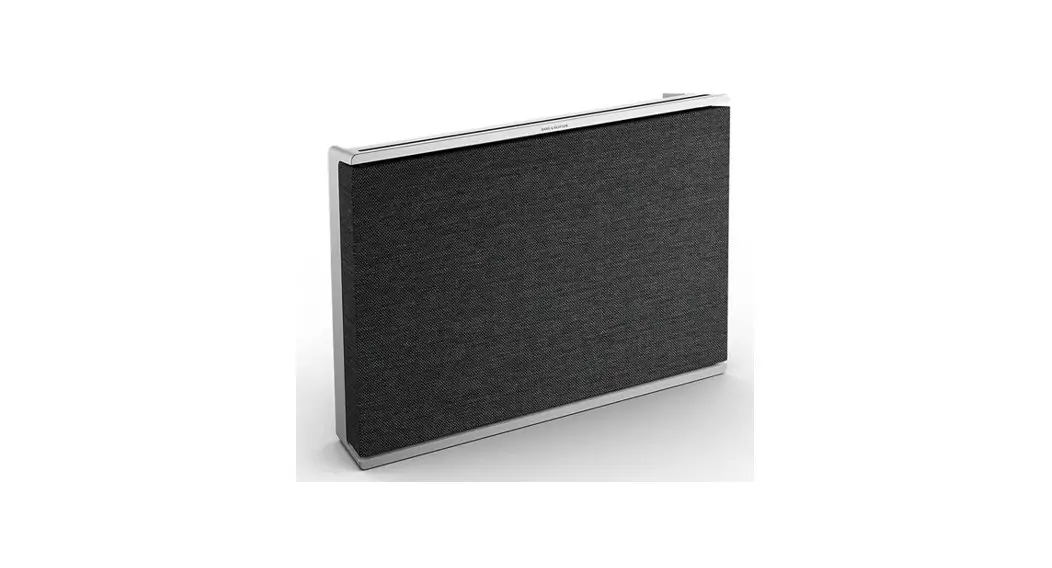
Beosound Level
User Guide
DOWNLOAD BANG & OLUFSEN APP
https://apps.apple.com/us/app/bang-olufsen/id1203736217
https://play.google.com/store/apps/details?id=com.bang_olufsen.OneApp
To set up your product, download the Bang & Olufsen App from the Google Play Store or Apple App Store.
From this app you can set up and get the most out of your Beosound Level.
When you first start the Bang & Olufsen App, you will be asked to create a user account.
To set up your speaker, click to add a new product. If you already have an account this can be found under settings.
DAILY USE
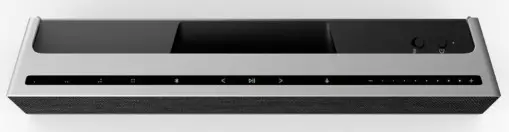
The touch surface on top of your Beosound Level will light up when you approach, ready for you to control your music. Tap to play or pause
<>Tap on the arrows to switch tracks or you’re My Stations
-+Swipe along the line, tap the plus and minus buttons or tap the dots to control volume Tap the Bluetooth button to switch it on or off
 You can turn your Beosound Level on and off using the power button.
FAVOURITES
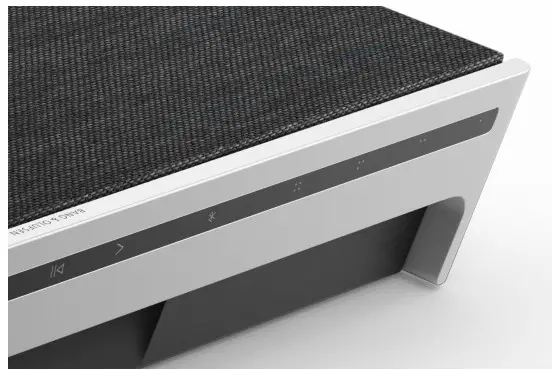
Beosound Level has four favorite buttons, where you can save your favorite listening experiences or preferred Google commands for easy access.
GOOGLE VOICE
To save a favourite command, like “play some music” or “what’s the latest news?”, long press your chosen favourite button and speak the command.
Access your favourite command anytime with a short press of the button.
RADIO
On your product page, head down to Radio and then Search to pick a station.
Tap the More icon to assign it to a favourite.
Press the favourite button the next time you want to hear the station quickly.
SPOTIFY CONNECT
Use Spotify Connect on the Spotify music streaming app to connect to your Beosound Level.
Play a favourite radio station or playlist, like “Jazz” or your “Discover Weekly” to the speaker via Spotify Connect and long-press your chosen favourite button to assign it.
Access your favourite again anytime with a short press of the button.
ORIENTATION

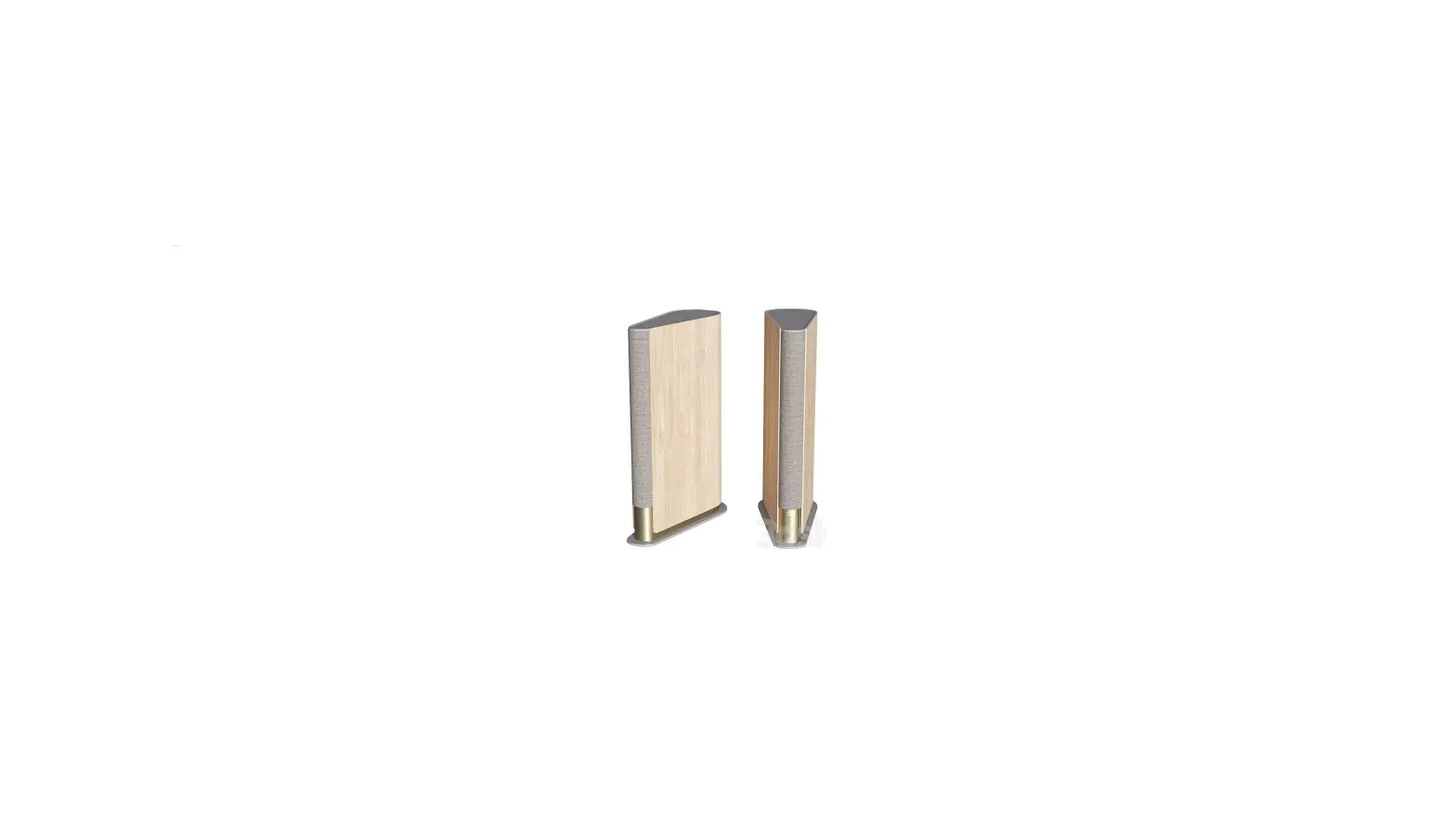
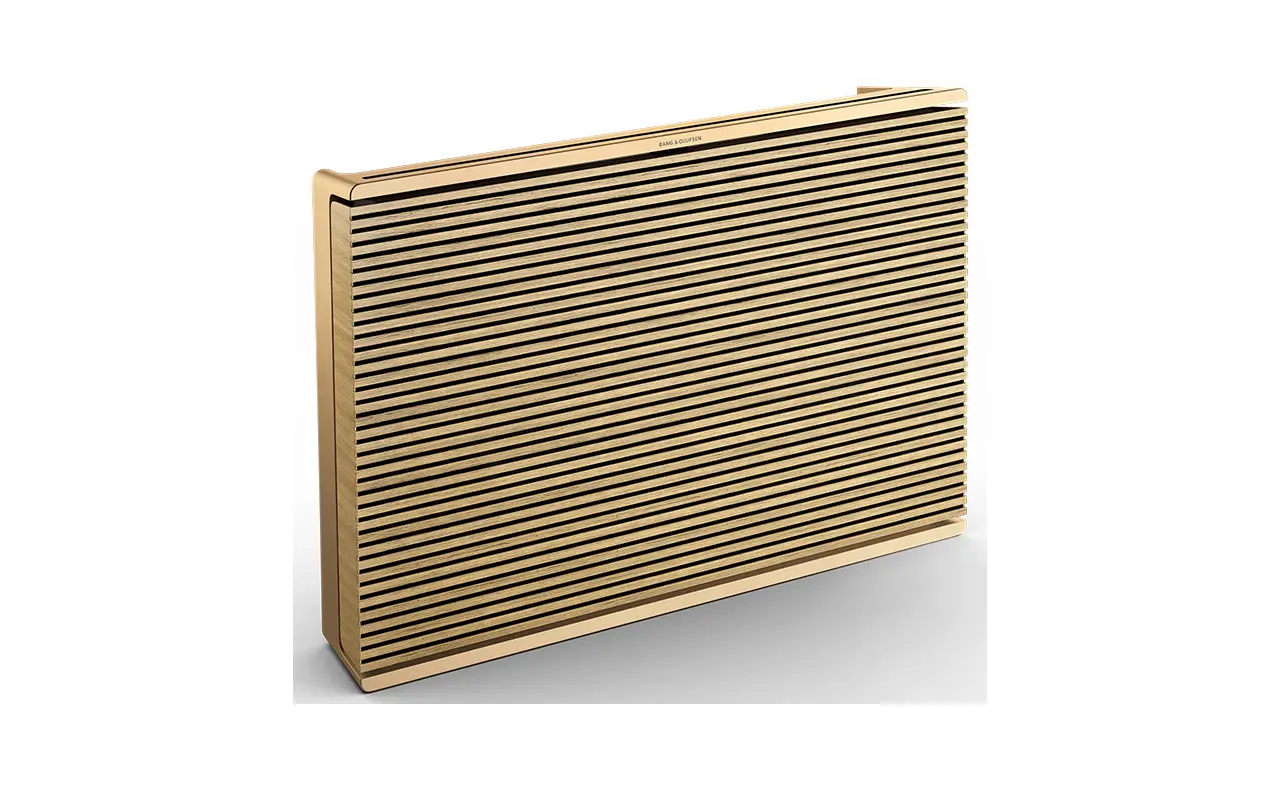
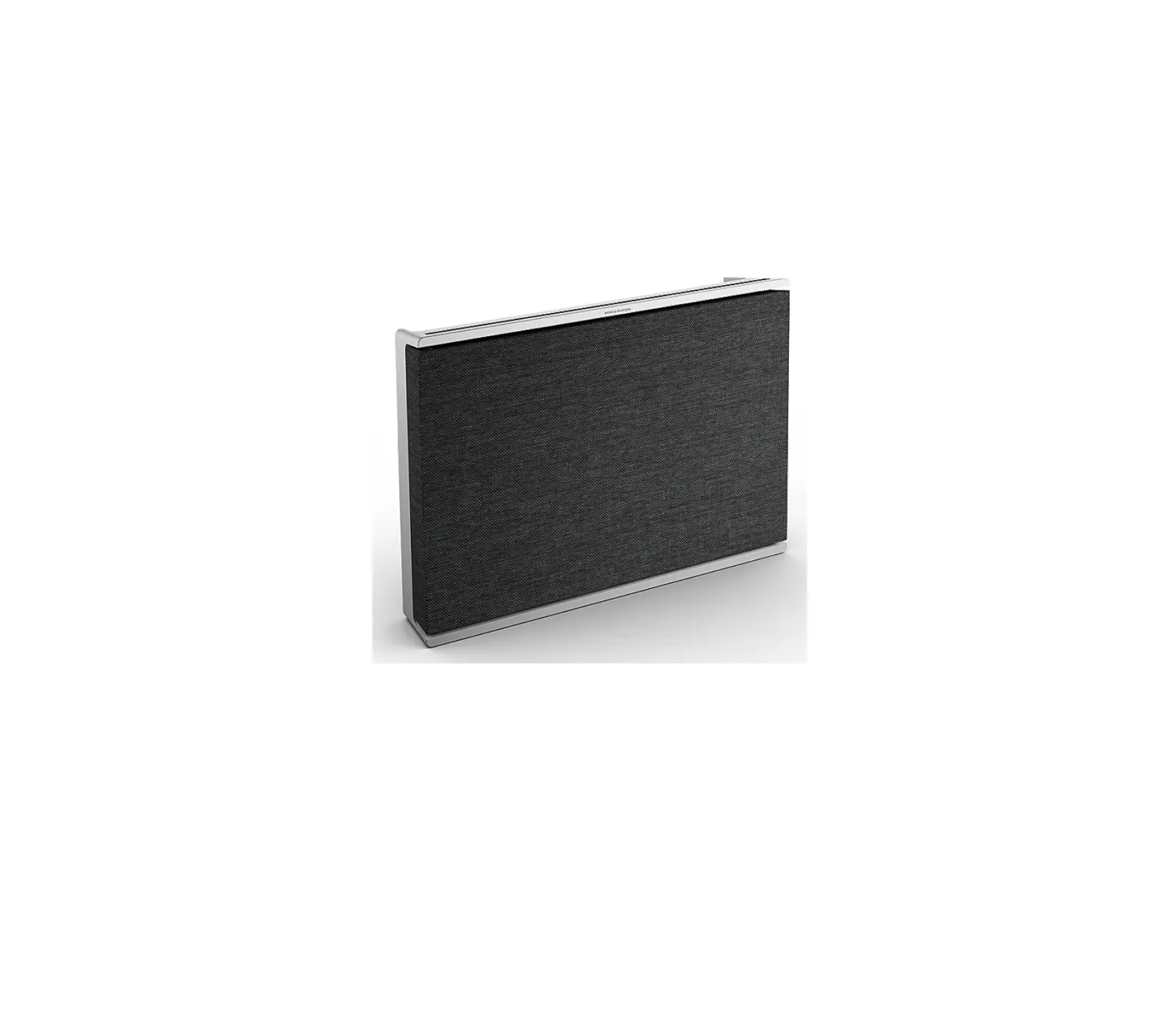
When you move Beosound Level, it will automatically detect its new orientation and provide an optimal sound experience for any placement.
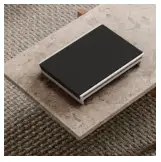 | 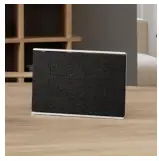 | 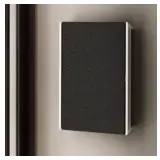 |
| Laying down | Standing up | Hanging on the wall |
MULTIROOM
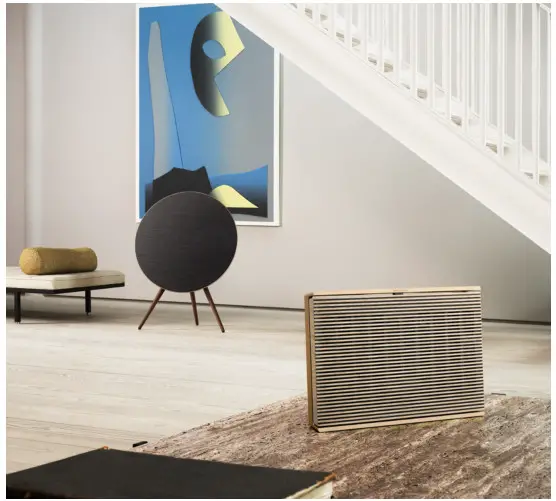
Connect your favorite music app to your Beosound Level using Apple AirPlay 2, Chromecast or Bluetooth and play wirelessly.
Use Airplay 2 or Chromecast to seamlessly connect your different wireless speakers into one system, allowing you to control speakers in tandem or individually.
Long press the Bluetooth key to enable or cancel Bluetooth pairing.
CHARGING
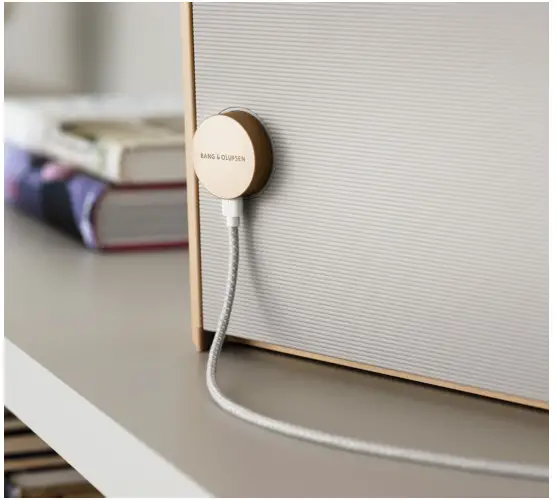
Connect the USB-C charging cable to the adaptor and magnetic aluminum plug.
Place the aluminum plug in the socket on the back of your Beosound Level to power on and charge.
BATTERY LIFE
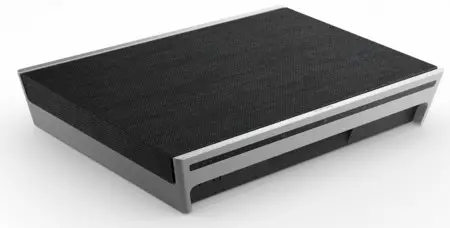
Beosound Level has up to 16 hours of playtime on battery power at moderate listening.
The battery indicator flashes orange when charging and turns green when the battery is fully charged.
The battery indicator will turn orange for 5 minutes at 40% battery level to give an early warning.
At 20% battery level the battery indicator will turn red and a sound prompt is heard.
At 10% battery level the indicator will be flashing red.
MICROPHONE
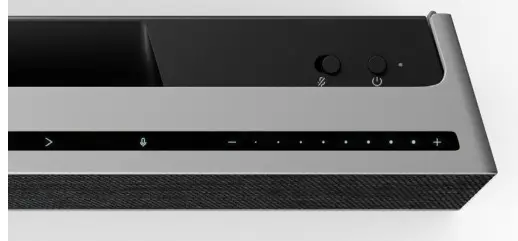
To disconnect your microphones rather than temporarily mute them, toggle the microphone switch at the top of the speaker near the power button.
CONNECTIONS
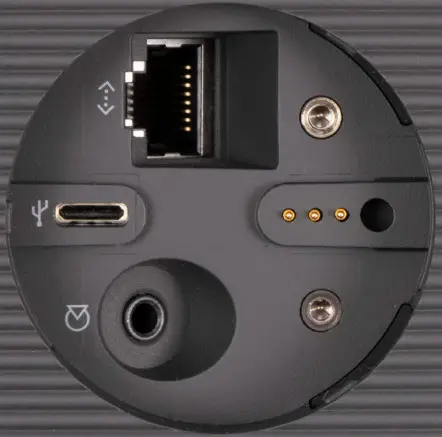
You can find the connection panel underneath the rubber cover for the aluminum charging plug.
If you wish to connect an Ethernet cable or Line-in, simply remove the cover.
You can also connect through the USB-C port.
LIGHT INDICATOR
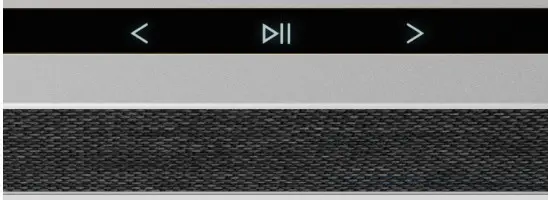
The light indicator shows the status of the product.
| Action | Meaning |
| White | |
| Solid | Connected to network, ready for use |
| Flashing slowly | Starting up |
| Flashing quickly | Room compensation in progress |
| Blue | |
| Solid (5 sec) | Connected/paired |
| Pulsing | Open for pairing |
| Red | |
| Solid | Static error, please call service |
| Flashing | Transient error, i.e. overheating |
| Amber | |
| Solid | No network connection, connection lost |
| Flashing | Ready for network setup |
| Pulse | Connecting to network |
| Green | |
| Pulsing | A software update is in progress |
FACTORY RESET
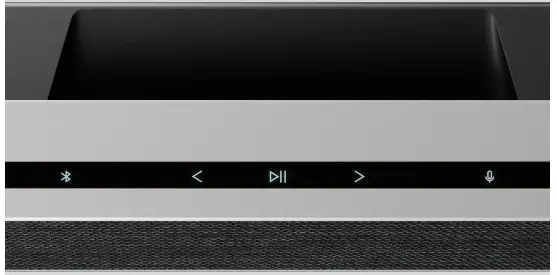
You can restore factory settings by pressing and holding the next and previous buttons on the top plate at the same time for 8 seconds.
Your speaker will begin the reset process and after approximately one minute, your Beosound Level will be ready for first-time set-up again.