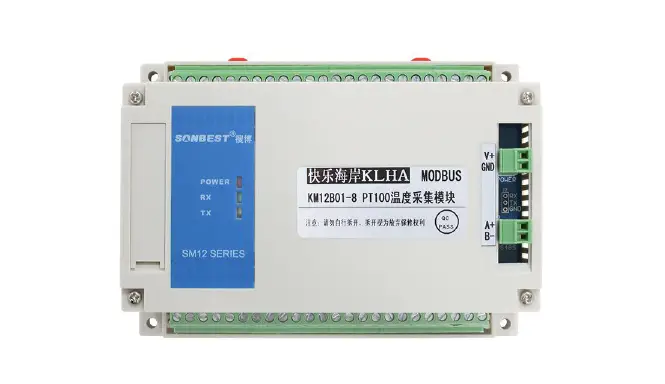
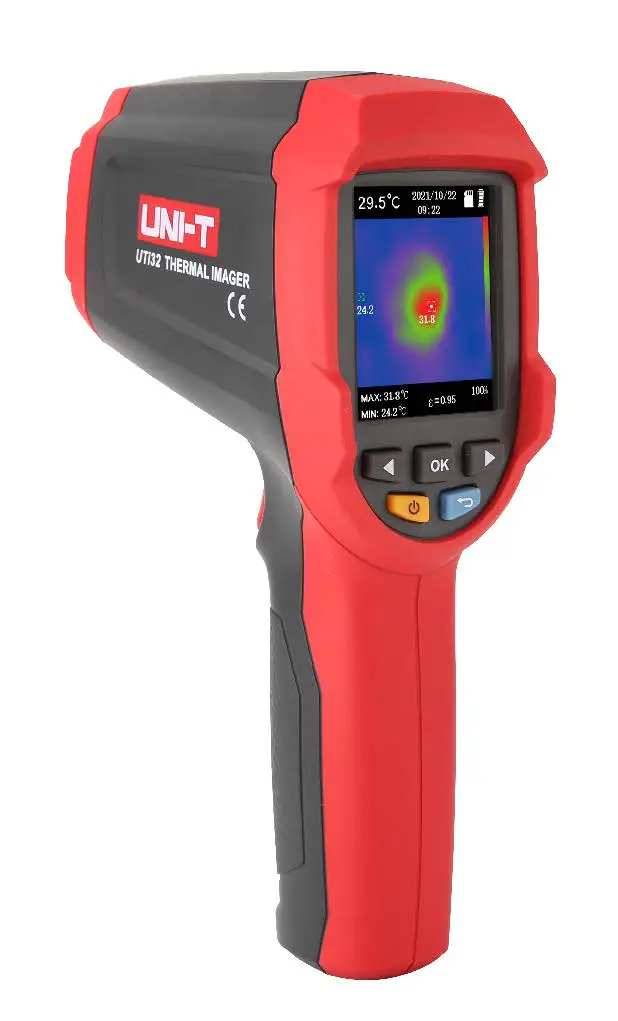
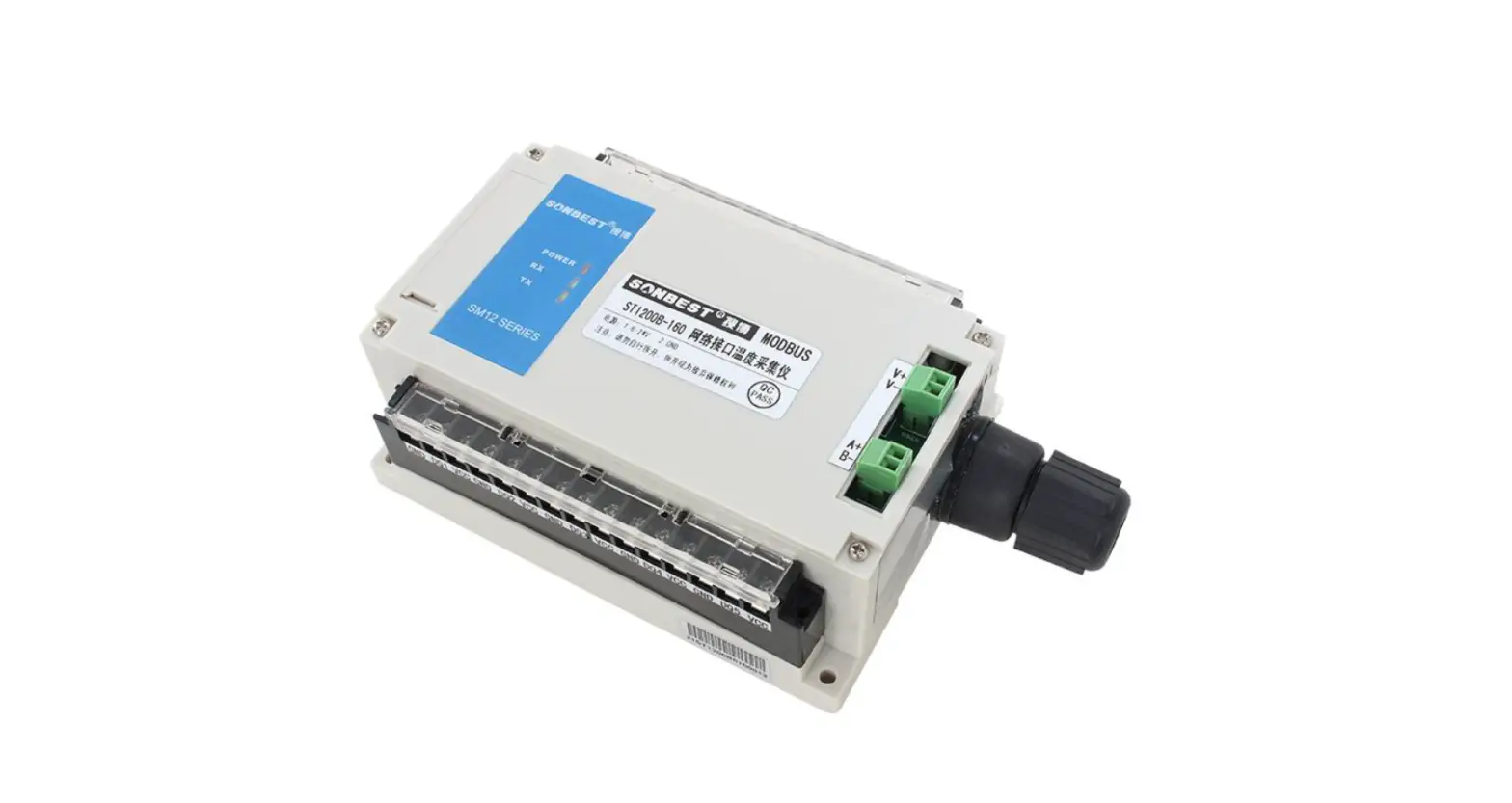
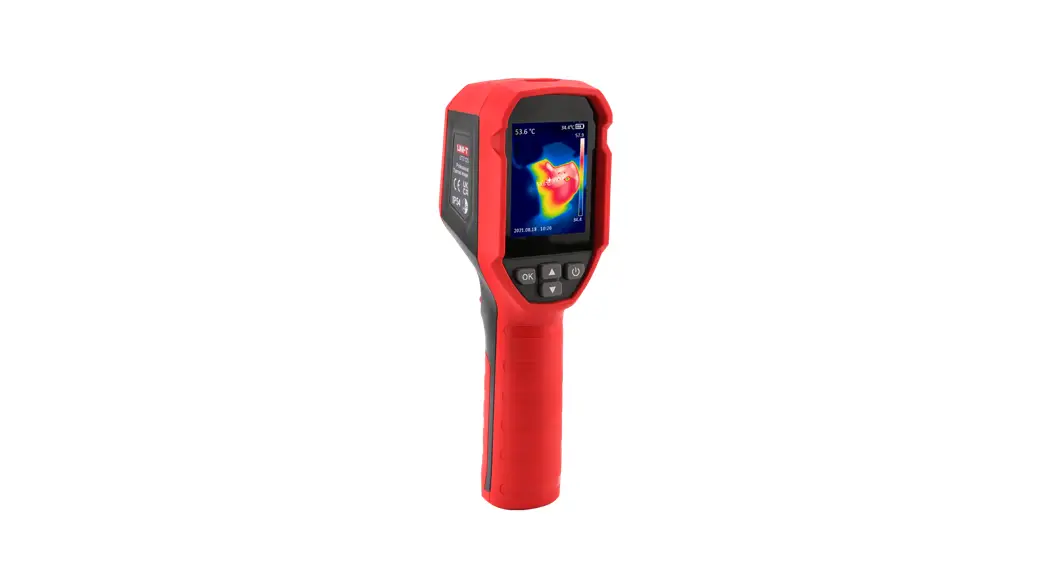
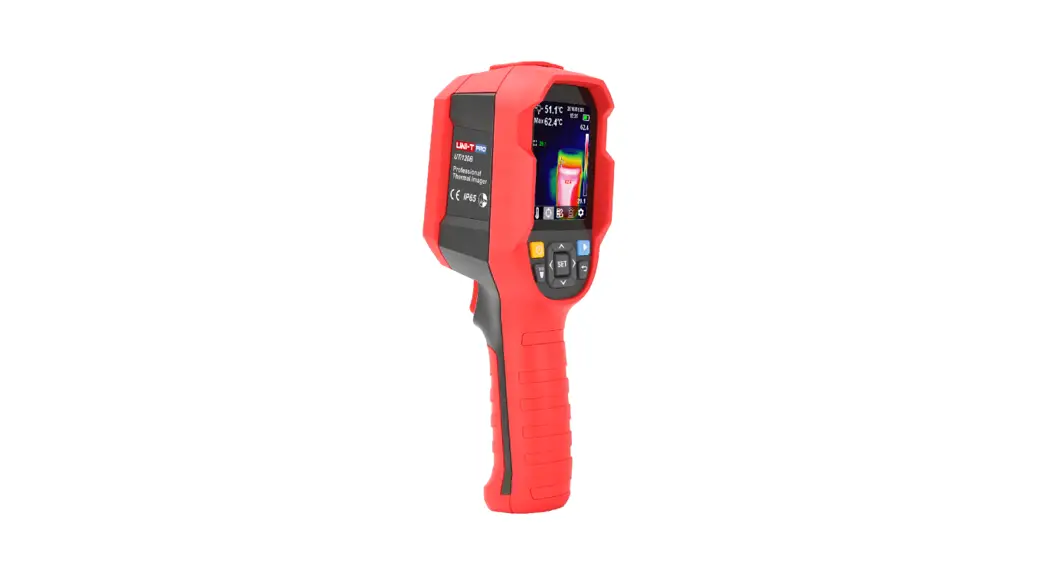
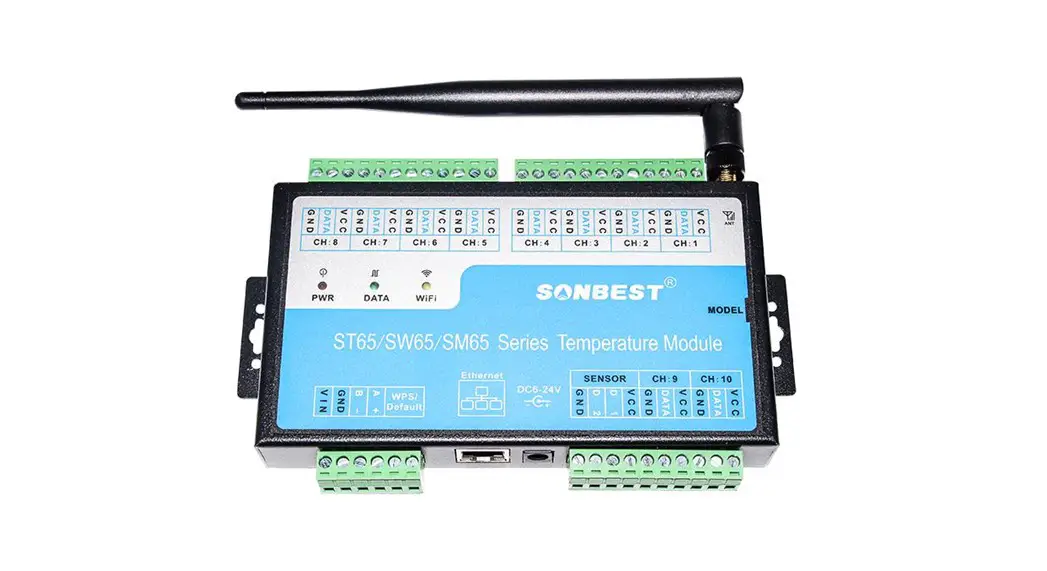
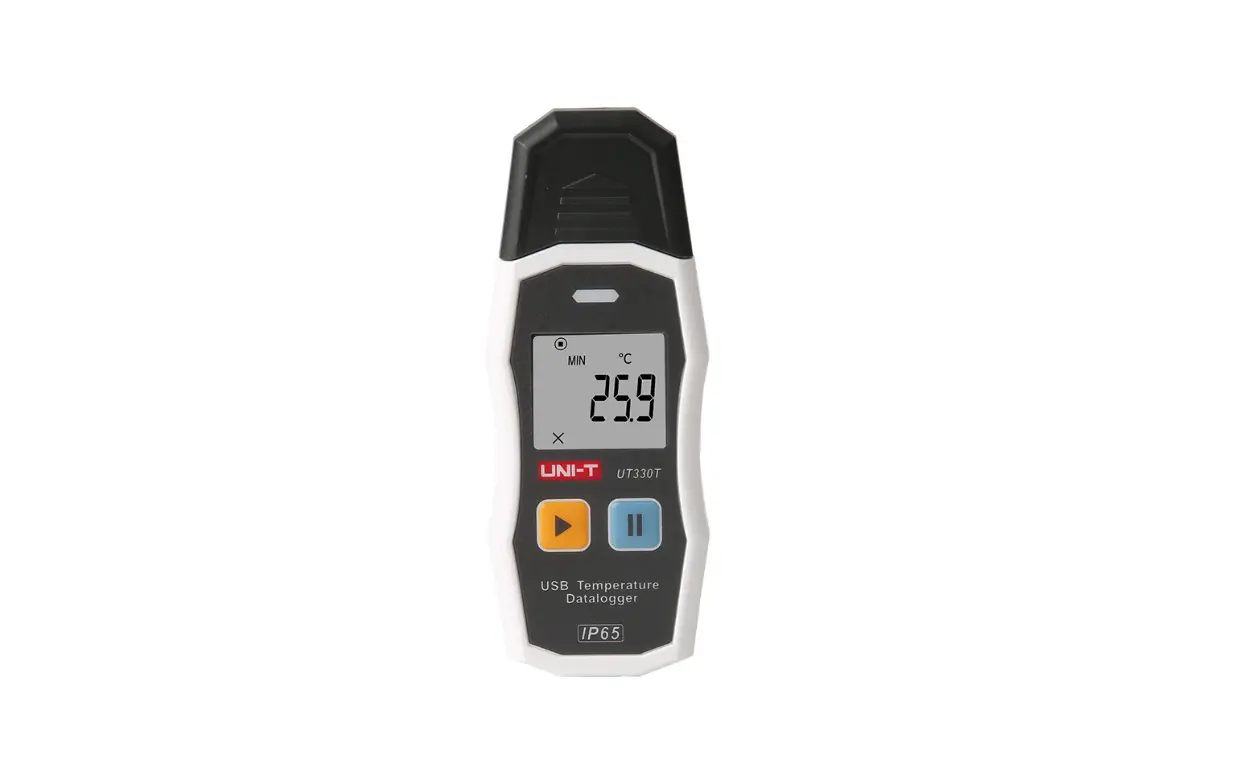
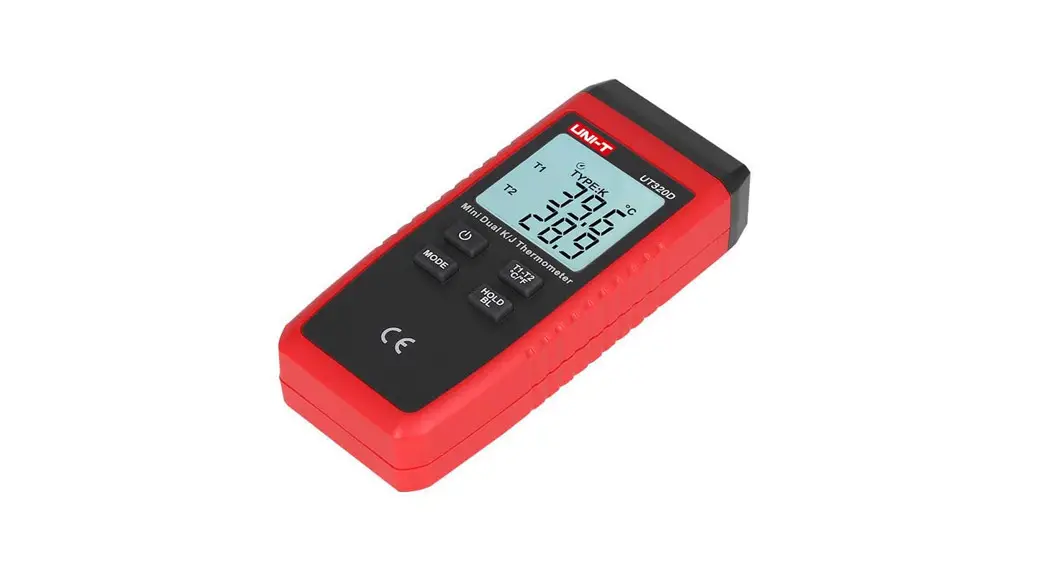
UT3200+ Series Multi-channel Temperature Tester
Product Information:
Product Name: UT3200+ Series Multi-channel Temperature
Tester
Brand: UNI-T
Manufacturer: Uni-Trend Technology (China) Co., Ltd.
Trademark: UNI-T
Product Certification: Conforms to China national product
standard and industry product standard, ISO9001:2008 standard, and
ISO14001:2004 standard
Product Usage Instructions:
1. Connect the UT3200+ Series Multi-channel Temperature Tester
to a power source using the provided power cable.
2. Press the power button to turn on the temperature tester.
3. The temperature tester supports SCPI (Standard Commands for
Programmable Instruments) programming language. Refer to the SCPI
programming manual for detailed information on commands and
syntax.
4. To send commands to the temperature tester, connect a host
computer and use a string of commands in the SCPI format. The
command parser of the instrument will parse and execute the
commands.
5. The command parser only accepts ASCII data. Make sure to use
ASCII encoding for command strings.
6. The command parser requires an end mark to terminate command
parsing. The instrument accepts three types of end marks: CR,
CR+LF, and LF.
7. If an error occurs during command parsing, the command parser
will terminate and invalidate the current command.
8. The command parser is case-insensitive for parsing command
strings.
9. In RS485 mode, add “ADDR::” in front of SCPI commands to
communicate with multiple devices via SCPI protocol.
10. Use semicolon “;” to send multiple instructions in a single
command string.
11. The instrument sends data with a default end of 0x0A
(LF).
Programming Manual
UT3200+ Series Multi-channel Temperature Tester
Programming Manual
UT3200+ Series
Warranty and Statement
Copyright
2023 Uni-Trend Technology (China) Co., Ltd.
Brand Information
UNI-T is the registered trademark of Uni-Trend Technology (China) Co., Ltd.
Statement
UNI-T products are protected by patents (including obtained and pending) in China and other countries and regions.
UNI-T reserves the right to change specifications and prices. The information provided in this manual supersedes all previous publications. The information provided in this manual is subject to change without notice. UNI-T shall not be liable for any errors that may be contained in this manual. For any incidental or
consequential damages arising out of the use or the information and deductive functions provided in this manual. No part of this manual shall be photocopied, reproduced or adapted without the prior written permission of UNI-T.
Product Certification
UNI-T has certified that the product conforms to China national product standard and industry product standard as well as ISO9001:2008 standard and ISO14001:2004 standard. UNI-T will go further to certificate product to meet the standard of other member of the international standards organization.
Instruments.uni-trend.com
2 / 13
Programming Manual
UT3200+ Series
SCPI
SCPIStandard Commands for Programmable Instrumentsis a standardized instrument programming language that builds on existing standards IEEE 488.1 and IEEE 488.2 and follows the floating point rules of IEEE 754 standard, ISO 646 message exchange 7-bit encoding notation (equivalent to ASCII programming) and many other standards.
This section introduces the format, symbols, parameters, and abbreviations of the SCPI command.
Command String Parse
The host computer can send a string of commands to the instrument and the command parser of the instrument starts to parsing after catching the terminator (n) or an input buffer overflow. For example Valid command string: AAA:BBB CCC;DDD EEE;:FFF The instrument command parser is responsible for all command parsing and execution, and you must understand its parsing rules before writing a program.
Command Parse Rule
Command parser only parses and responds to ASCII data.
The command parser starts to command parsing when receive the end mark. The instrument only accept
three contents as the following as the end mark.
CR
CR+LF
LF
The command parser will terminate the parsing immediately after parsing an error, and the current command
will be invalidated.
The command parser is case-insensitive for parsing command strings.
he command parser supports abbreviated form of command and the detailed see the following section. In RS485 mode, add ADDRLocal address:: in front of SCPI, the local address can set to 1-32.
It’s convenient to communicate with multiple devices via SCPI protocol.
For example: ADDR1::IDN?
represents a blank
The end of data sent by the instrument defaults to 0x0A (LF).
Multiple instruction can be send via semicolon ” ; “.
Instruments.uni-trend.com
3 / 13
Programming Manual
UT3200+ Series
Symbol Stipulation and Definition
This chapter uses some symbols that are not part of the command tree, but only for a better understanding of the command string.
Mark <……>
[……] {……}
Capital letter
Description The text in angle brackets indicates the parameter of the command. For example: <float> represents floating point number <integer> represents integer parameter The text in square brackets indicates the optional command. When the curly brackets contain several parameter items, it means that only one item can be selected from them. Abbreviated form of the command.
Blank mark, it represents a blank and only for reading.
Command Tree Structure
SCPI commands have a tree-like structure with three level (note: the command parser of this instrument can parse any level), where the highest level is called the subsystem command. SCPI uses a colon (:) to separate high level commands from low level commands.
ROOT
AAA
BBB
CCC
DDD
Figure 1-1 Command Tree Structure
EEE
Instruments.uni-trend.com
4 / 13
Programming Manual
UT3200+ Series
For Example ROOT:CCC:DDD ppp
ROOT CCC DDD ppp
Subsystem command Second level Third level Parameter
Command and Parameter
A command tree is consist of command and [parameter], use a blank to separate (ASCII: 20H). For example AAA:BBB 1.234 Command [parameter]
Command
Command words can be in long command format or in abbreviated form. Long format facilitates engineers to better understand the meaning of the command string; abbreviated form is suitable for writing.
Parameter
Single character command, no parameter For Example AAA:BBB
Parameter can be string format and its abbreviated form is also follow the last section ” command abbreviated rule” For example AAA:BBB1.23
Parameter can be numerical value format.
<integer> <float>
123, +123, -123
Floating point number of arbitrary form: <fixfloat>: fixed floating point number: 1.23, -1.23 <Sciloat>: floating point number represented by scientific notation: 1.23E+4, +1.23e-4 <mpfloat>: floating point number represented by multiplying power: 1.23k, 1.23M, 1.23G, 1.23u
Instruments.uni-trend.com
5 / 13
Programming Manual
UT3200+ Series
Table 0-1 Abbreviation of Multiplying Power
Numerical Value 1E18 (EXA) 1E15 (PETA) 1E12 (TERA) 1E9 (GIGA) 1E6 (MEGA) 1E3 (KILO) 1E-3 (MILLI) 1E-6 (MICRO) 1E-9 (NANO) 1E-12 (PICO) 1E-15 (PEMTO) 1E-18 (ATTO)
Multiplying Power EX PE T G MA K M U N P F A
SCPI is case-insensitive, so the written is different from standard name. For example :
“1M” represents 1 milli, not 1 mega.
“1MA” represents 1 mega.
Separator
The instrument command parser can only receive allowable separator. Other separator will cause error “Invalid separator”.
;
Semicolon is for separating two commands.
For Example AAA:BBB 100.0 ; CCC:DDD
:
Colon is for separating command tree or restart the command tree.
For Example AAA : BBB : CCC 123.4; : DDD : EEE 567.8
?
Question mark is for querying.
For Example AAA ?
Blank is for separating the parameter.
For Example AAA:BBB1.234
Instruments.uni-trend.com
6 / 13
Programming Manual
Command Reference
All commands are explained by the subsystem command order.
MEAS
Measurement subsystem
SYST
System subsystem
FETCH
Fetch data subsystem
ERROR
ERROR subsystem
IDN?
Query subsystem
UT3200+ Series
MEAS Subsystem
MEAS subsystem is used to switch to different display page.
MEAS
:MODEL
{tc-t,tc-k,tc-j,tc-n,tc-e,tc-s,tc-r,tc-b}
:RATE
{fast,slow}
:START
{on,off}
:CMODEL
<para>,<level>
:CHANON
<para>,<on,off>
:LOW
<level>
:CLOW
<para>,<level>
:HIGH
<level>
:CHIGH
<para>,<level>
:SENSOR
{tc-t,tc-k,tc-j,tc-n,tc-e,tc-s,tc-r,tc-b}
MEAS:MODEL
MEAS:MODEL is used to set sensor type. Command Syntax MEAS:MODEL<tc-t,tc-k,tc-j,tc-n,tc-e,tc-s,tc-r,tc-b> Example SEND>MEAS:MODEL tc-k <NL> // Set the sensor type to Type K thermocouple. Query Syntax MEAS:MODEL? Query Return <tc-t,tc-k,tc-j,tc-n,tc-e,tc-s,tc-r,tc-b> Example SEND> MEAS:MODEL?<NL> RET> tc-t <NL>
Instruments.uni-trend.com
7 / 13
Programming Manual
UT3200+ Series
MEAS:RATE
MEAS:RATE is used to set sampling rate. Command Syntax MEAS:RATE<fast,slow> Example SEND>MEAS:RATE fast<NL> // Set sampling rate to fast. Query Syntax MEAS:RATE? Query Return <fast,slow> Example SEND> MEAS:RATE?<NL> RET> fast <NL>
MEAS:START
MEAS:START is used to enable the sampling. Command Syntax MEAS:START <on,off> Example SEND>MEAS:START off<NL> // Stop sampling. Query Syntax MEAS:START? Query Return <on,off> Example SEND> MEAS:START?<NL> RET> on <NL>
MEAS:CMODEL
MEAS:CMODEL is used to set the sensor type of each channel. Command Syntax MEAS:MODEL <para>,<tc-t,tc-k,tc-j,tc-n,tc-e,tc-s,tc-r,tc-b> For Example SEND>MEAS:CMODEL 1,TC-T<NL> // Set the sensor of CH001 to Type T. Query Syntax MEAS:CMODEL? // Acquire the sensor type of all channels. MEAS:CMODEL?<int> // Acquire the sensor type of single channel, the minimum of channel number is 1. Query Return < tc-t,tc-k,tc-j,tc-n,tc-e,tc-s,tc-r,tc-b > For Example SEND> MEAS:CMODEL?<NL> RET> < tc-t,tc-k,tc-j,tc-n,tc-e,tc-s,tc-r,tc-b ><NL> SEND> MEAS:CMODEL? 1<NL> // Acquire the sensor type of CH001. RET> < tc-t ><NL>
Instruments.uni-trend.com
8 / 13
Programming Manual
UT3200+ Series
MEAS:LOW
MEAS:LOW is used to set the lower limit of all channels. Command Syntax MEAS:LOW <float> For Example SEND>MEAS:LOW -200.0<NL> // Set the lower limit of all channels to -200.0. Query Syntax MEAS:LOW? Query Return <float,float> <NL> For Example SEND> MEAS:LOW? <NL> RET> <-2.00000e+02,-2.00000e+02> <NL>
MEAS:CLOW
MEAS:CLOW is used to set the lower limit of each channel. Command Syntax MEAS:CLOW <para>,<float> For Example SEND>MEAS:CLOW 1,-200.0<NL> // Set the lower limit of CH001 to -200.0.
MEAS:HIGH
MEAS:HIGH is used to set the upper limit of all channels. Command Syntax MEAS:HIGH <float> For Example SEND>MEAS:HIGH 1800.0<NL> // Set the upper limit of all channels to 1800.0. Query Syntax MEAS:HIGH? Query Return <float,float> <NL> For Example SEND> MEAS:HIGH? <NL> RET> <1.80000e+03, 1.80000e+03> <NL>
MEAS:CHIGH
MEAS:CHIGH is used to set the upper limit of each channel.
Command Syntax MEAS:CHIGH <para>,<float>
For Example SEND>MEAS:CHIGH 1,1800.0<NL> // Set the upper limit of CH001 to 1800.0.
Query Syntax
MEAS:CHIGH1
Query Response <float> <NL>
Example SEND> MEAS:CHIGH? 1<NL>
RET> <1.80000e+03> <NL>
Instruments.uni-trend.com
9 / 13
Programming Manual
MEAS:SENSOR
MEAS:SENSOR is used to acquire sensor type of each channel. Command Syntax MEAS:SENSOR Query Response <TC-T,TC-K,TC-J,TC-N,TC-E,TC-S,TC-R,TC-B> <NL> Example SEND> MEAS:SENSOR <NL> RET> <TC-T,TC-K,TC-J,TC-N,TC-E,TC-S,TC-R,TC-B> <NL>
SYST Subsystem
SYST subsystem is used to set SETUP page.
:COMP SYST :BEEP
:KEYTONE :UNIT
{on,off} {on,off} {on,off} {cel,kel,fah}
SYST:COMP
SYST:COMP is used to set the comparator state. Command Syntax SYST:COMP <on,off> For Example SEND>SYST:COMP on<NL> // Turn on the comparator. Query Syntax SYST:COMP? Query Return <on,off> <NL> For Example SEND> SYST:COMP? <NL> RET> <on> <NL>
SYST:BEEP
SYST:BEEP is used to set the comparator beep state. Command Syntax SYST:BEEP <on,off> For Example SEND>SYST:BEEP on<NL> // Turn on comparator beep. Query Syntax SYST:BEEP? Query Return <on,off> <NL> For Example SEND>SYST:BEEP? <NL> RET> <on> <NL>
Instruments.uni-trend.com
UT3200+ Series 10 / 13
Programming Manual
UT3200+ Series
SYST:KEYTONE
SYST:BEEP is used to set the state of key beep. Command Syntax SYST:KEYTONE <on,off> For Example SEND>SYST:KEYTONE on<NL> // Turn on key beep. Query Syntax SYST:KEYTONE? Query Return <on,off> <NL> For Example SEND>SYST:KEYTONE? <NL> RET> <on> <NL>
SYST:SYSINIT
Command Syntax Example
SYST:SYSINIT SEND> SYST:SYSINIT // Return to factory set.
SYST:UNIT
SYST:UNIT is used to set the temperature unit. Command Syntax SYST:UNIT <cel,kel,fah> Parameter <cel,kel,fah> cel: degree Celsius kel: Kelvin degree fah: Fahrenheit degree For Example SEND>SYST:UNIT cel<NL> // Set the temperature unit to degree Celsius. Query Syntax SYST:UNIT? Query Return <cel,kel,fah> <NL> For Example SEND> SYST:UNIT? <NL> RET> <cel> <NL>
FETCH Subsystem
FETCH subsystem is used to acquire the temperature data.
FETCH?
Instruments.uni-trend.com
11 / 13
Programming Manual
UT3200+ Series
FETCH?
FETCH? is used to fetch temperature data. Query Syntax FETCH? Query Return <float, float , float> <NL> For Example SEND>FETCH? <NL> RET> <+1.00000e-05, +1.00000e-05, +1.00000e-05> <NL>
ERROR Subsystem
ERROR subsystem is used to return error message. Query Syntax ERROR? Query Return Error string For Example SEND> ERR? <NL> RET>no error <NL>
*IDN? Subsystem
IDN? is used to query instrument ID. Query Syntax IDN?OR *IDN? Query Return <MODEL>,<Revision>,<SN>,<Manufacturer>
Modbus
Register Overview
All register addresses used by the instrument are listed below.
Notes: 1. Unless otherwise specified, the numeric value of instruction and response frame are hexadecimal. 2. The register only contains the instruction of acquiring the test result and starting/stopping the test. If user want to
customize other instructions, please contact UNI-T sake department. 3. Floating point number online conversion can refer to website
http://www.binaryconvert.com/convert_float.html
Register Address 0200 0202~0261
Name Start/Stop test Temperature value of channel 1~48
Numeric value 1 byte integer 4 bytes floating point number
Description Wirte-only register, data takes 1 register
Read-only register, data of each channel takes 2 registers.
Instruments.uni-trend.com
12 / 13
Programming Manual
UT3200+ Series
Start/Stop Test
Write 1 01 Station number
2 10 Write
3
4
02
00
Register
5
6
00
01
Register
quantity
7
8
9
02
00
01
Byte
Data
10
11
44
50
CRC16
0000Stop 0001Start
Written return
1
2
01
10
Slave
Write
station
3
4
02
00
Register
5
6
00
01
Register
quantity
7
8
00
71
CRC16
Acquire Test Result
Register 0202~0261 is used to acquire the test result of all channels.
For example: acquire the test result of CH1
Send
1
2
3
4
5
6
01
03
02
02
00
02
Slave
Read
Register
Register
station
quantity
7
8
64
73
CRC-16
Response
1
2
3
4
5
6
7
8
9
01
03
04
41
DC
44
5A
9C
CE
01
03
Byte
Float-point number with single
CRC-16
precision
B4~B7 is float-point number with single precision, byte order AA BB CC DD
Test data: 41 DC 44 5A converts to float-point number: 0x41DC445A = 27.5334; (If the channel is open circuit, then the test
result is 100000.)
Instruments.uni-trend.com
13 / 13