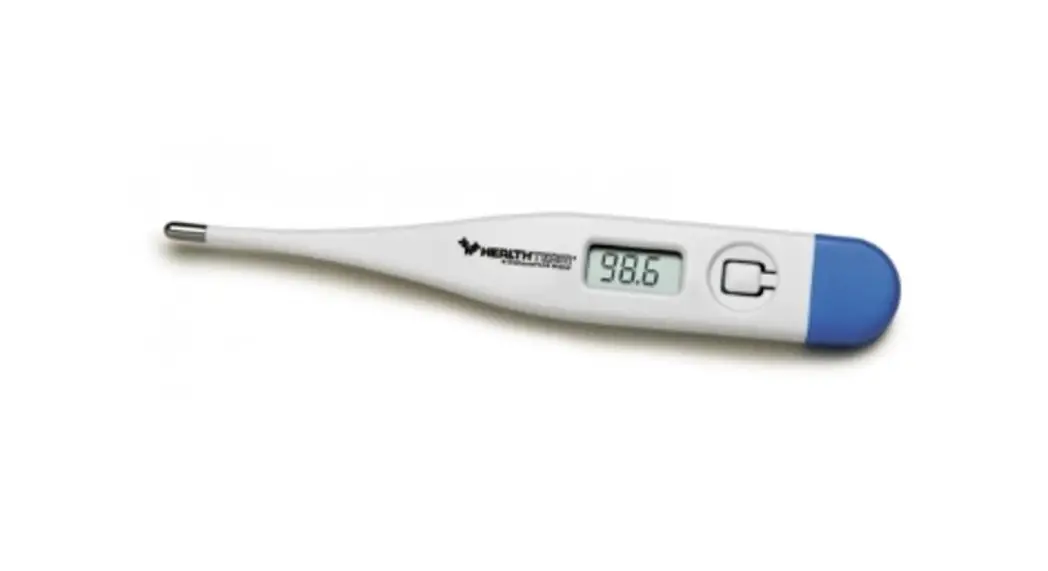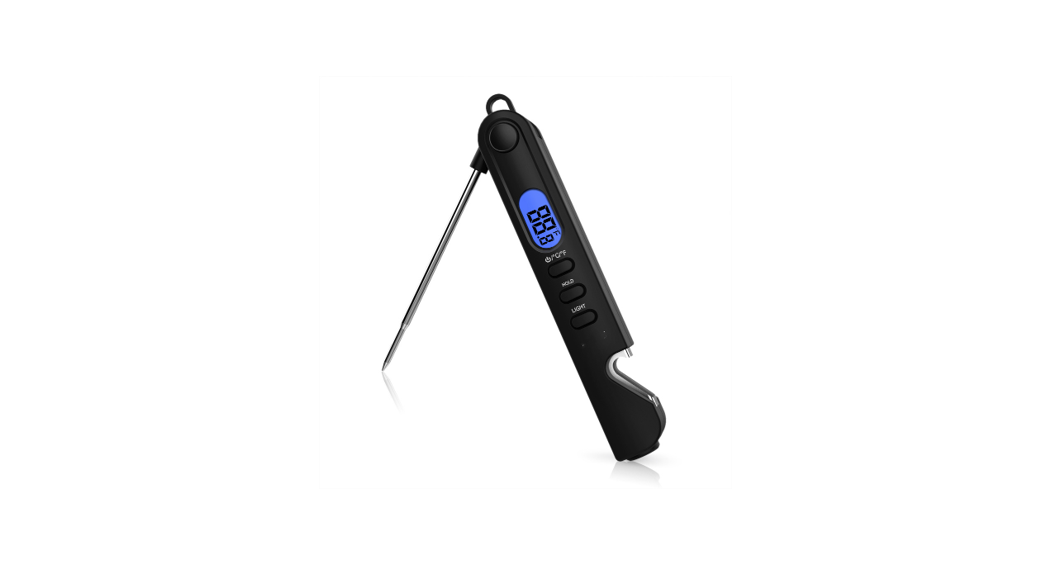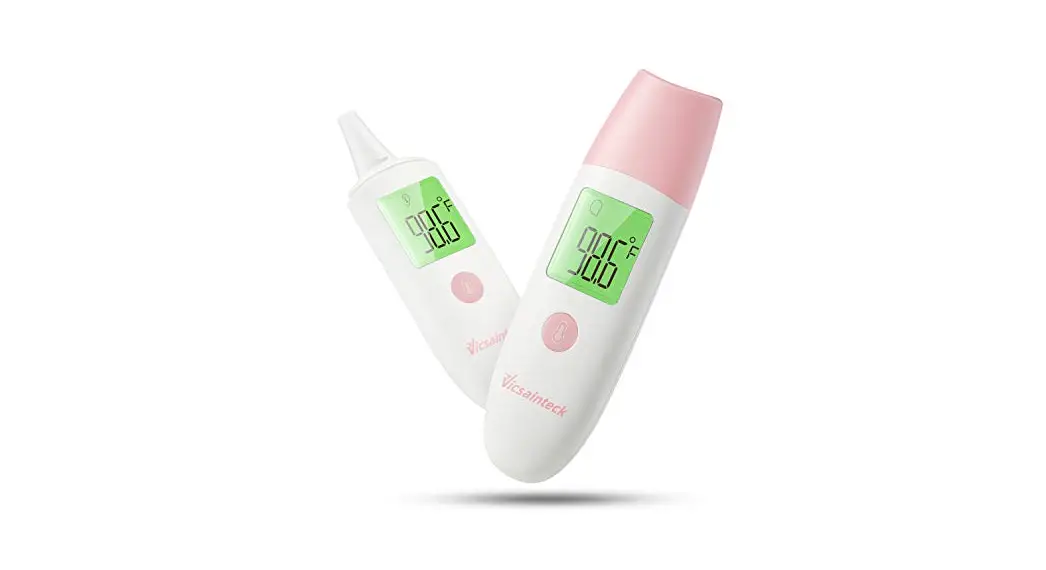
 eDEVICE & iHEALTH THERMOMETER IHEALTH TS28B
END USERS GUIDE
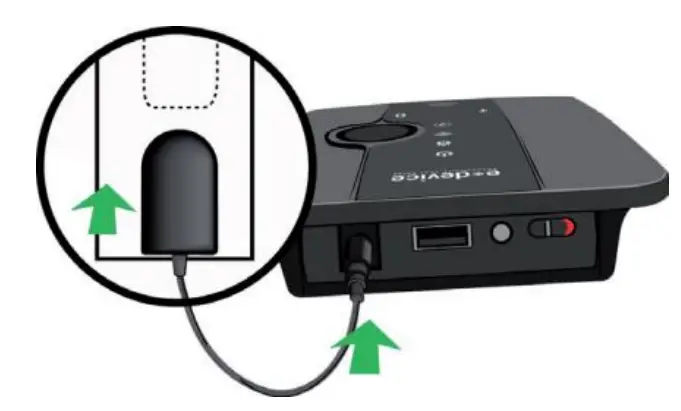
- Power up the HealthGO Mini.

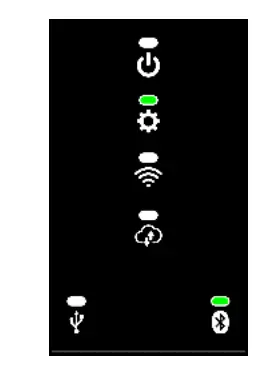
- Wait until the end of initialization (at least 3 minutes). When initialization is complete, HealthGO Mini is in the following state:
Note: Visual indicators shown in white may light in different colors and can be ignored for now.
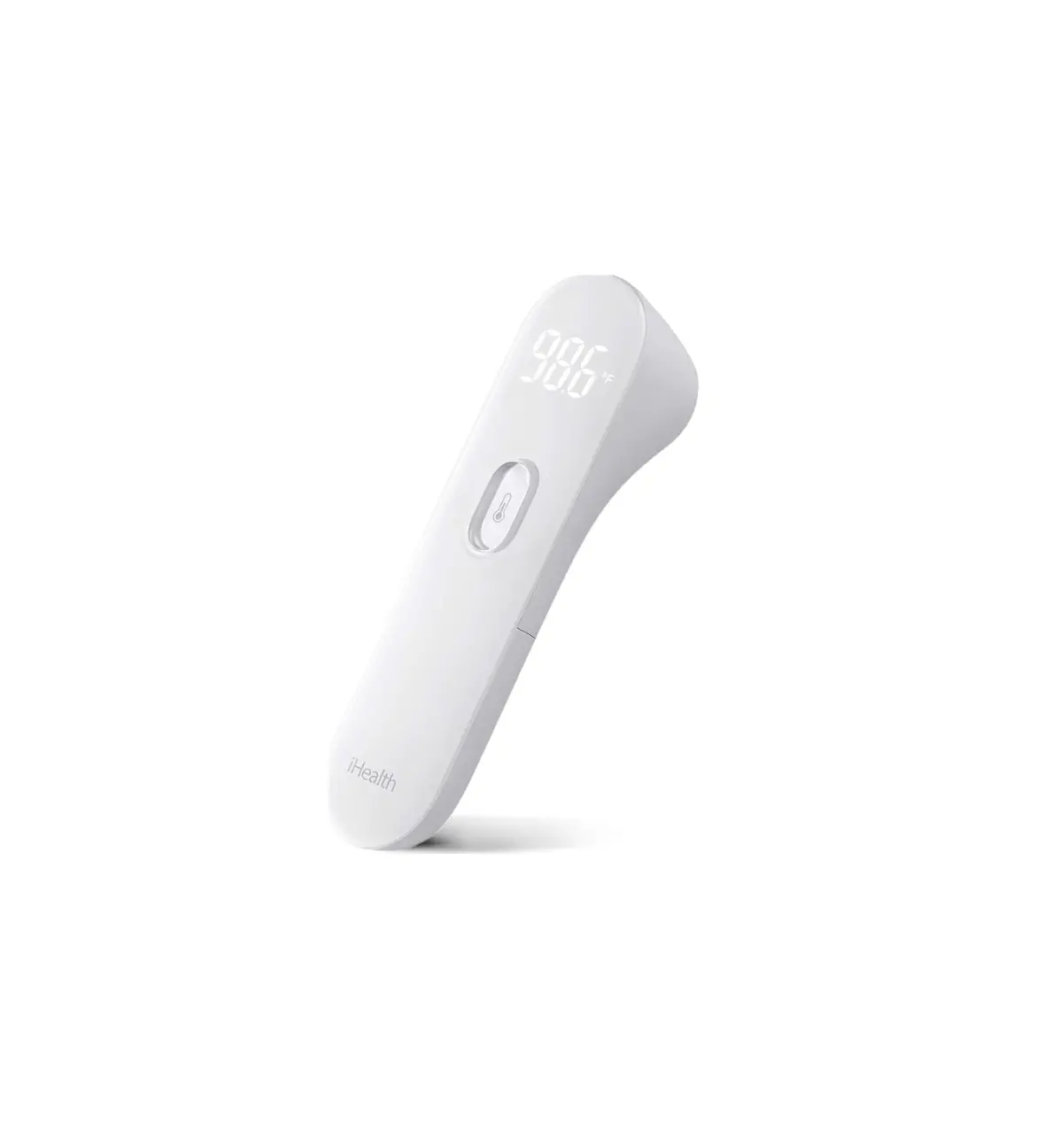
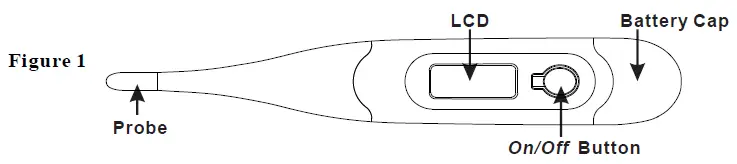
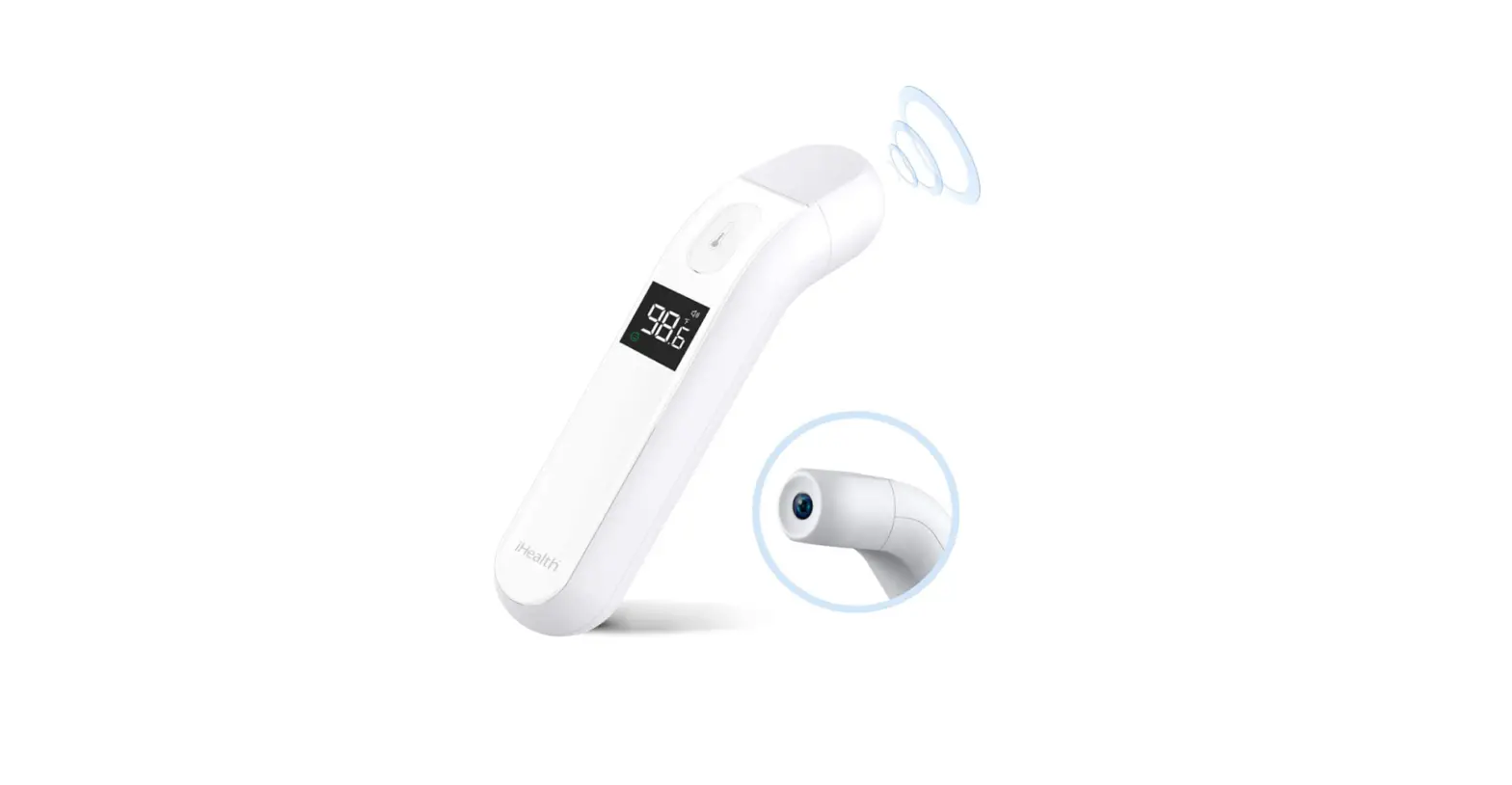
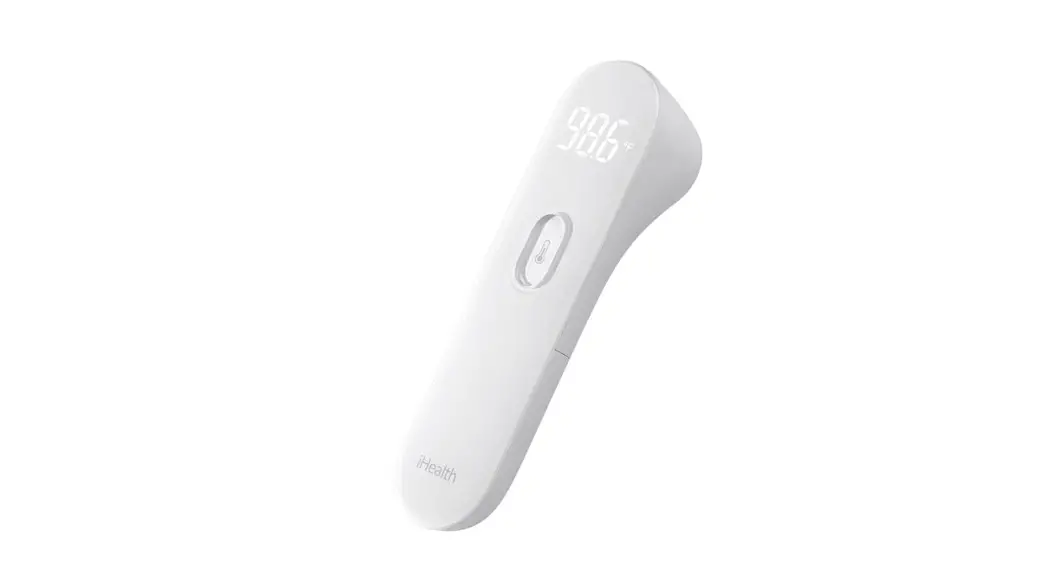
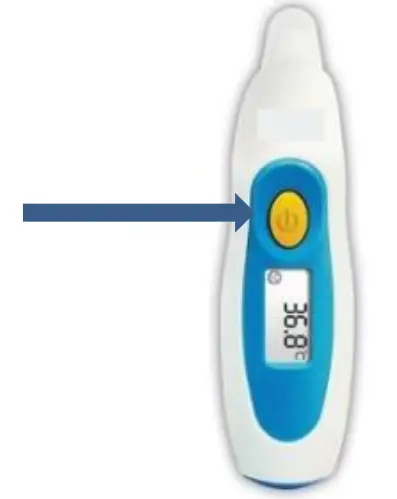
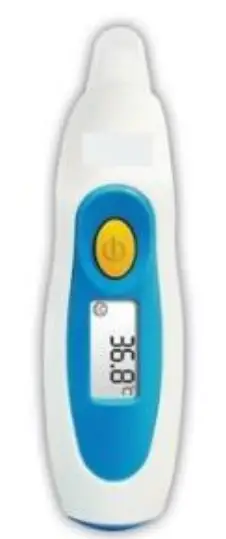
- Press the button on the thermometer.
Note: Before first use, insert the included batteries into the thermometer if they are not already inserted.
- Wait about 15 seconds before taking your temperature.
- Take your measure with a thermometer by gently placing the thermometer at the entrance to the ear.
Notes:
• Thermometer automatically initiates communication with HealthGO Mini.
• Do not switch off the HealthGO Mini until the end of data transmission.
Note: The HealthGO Mini and the Thermometer must be in the same room for proper operation.