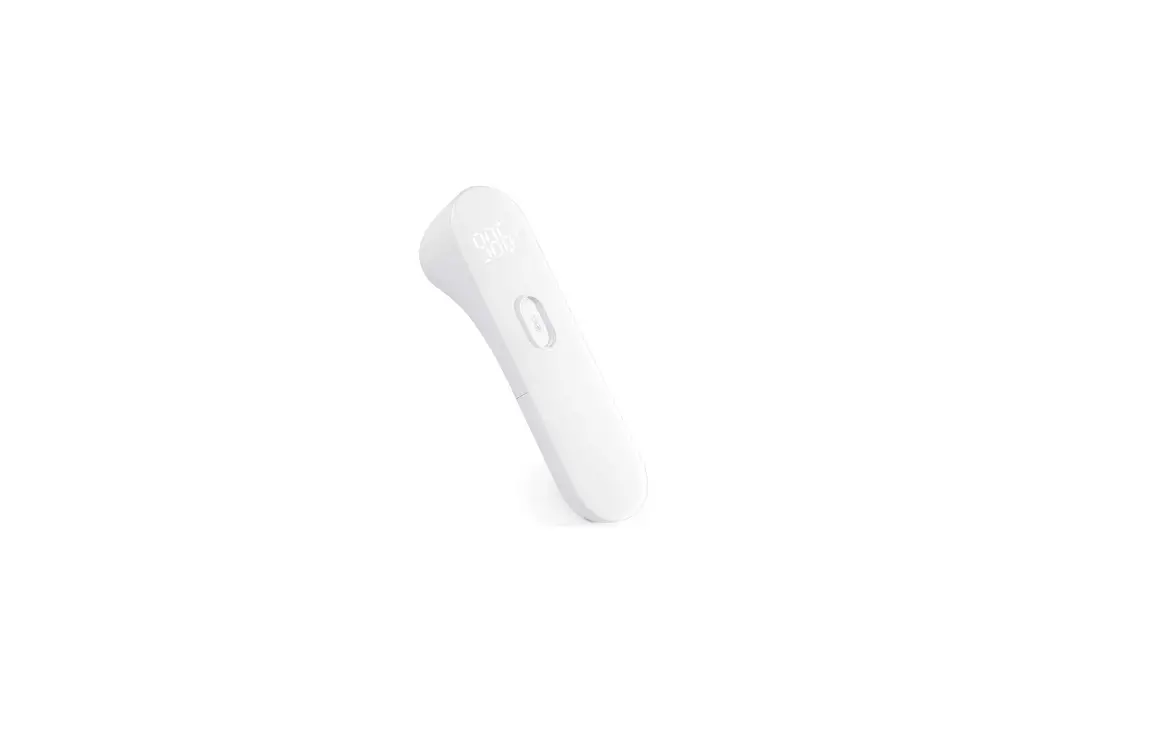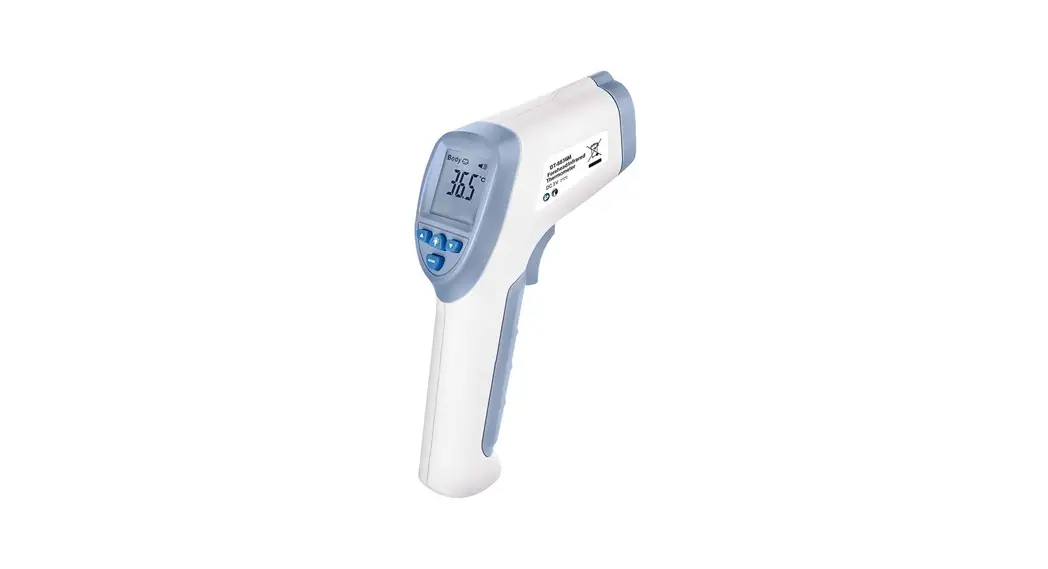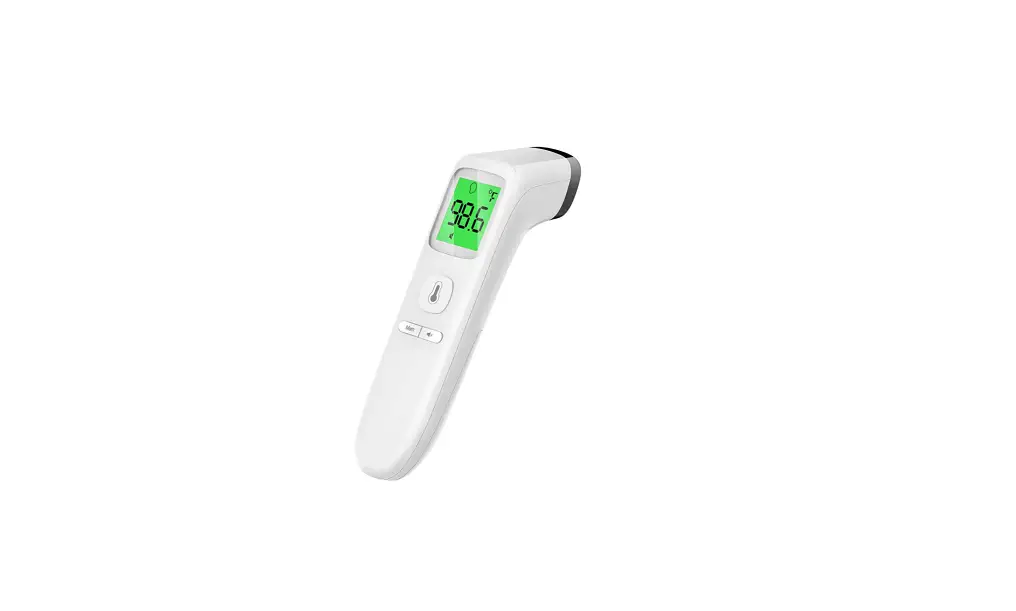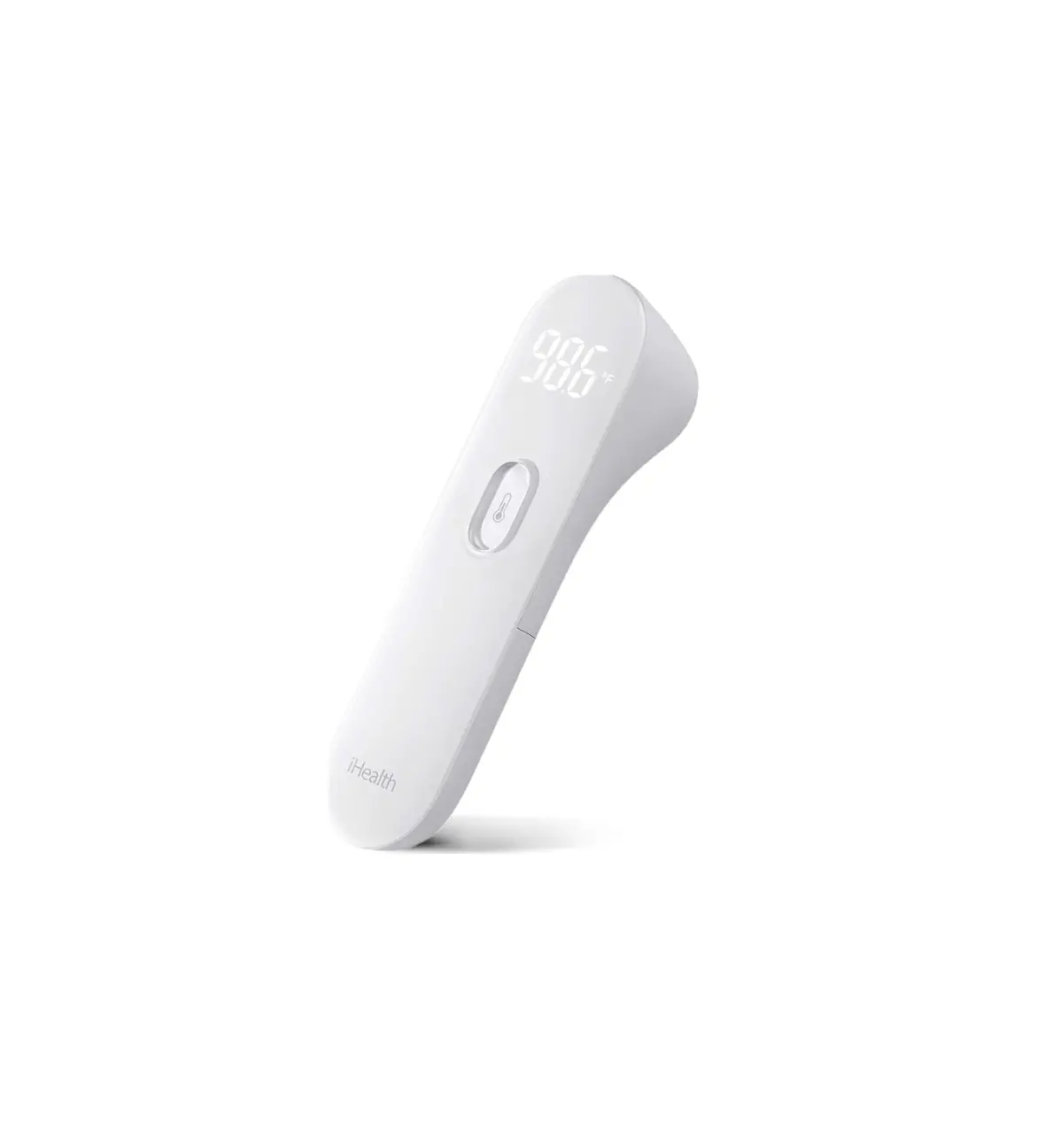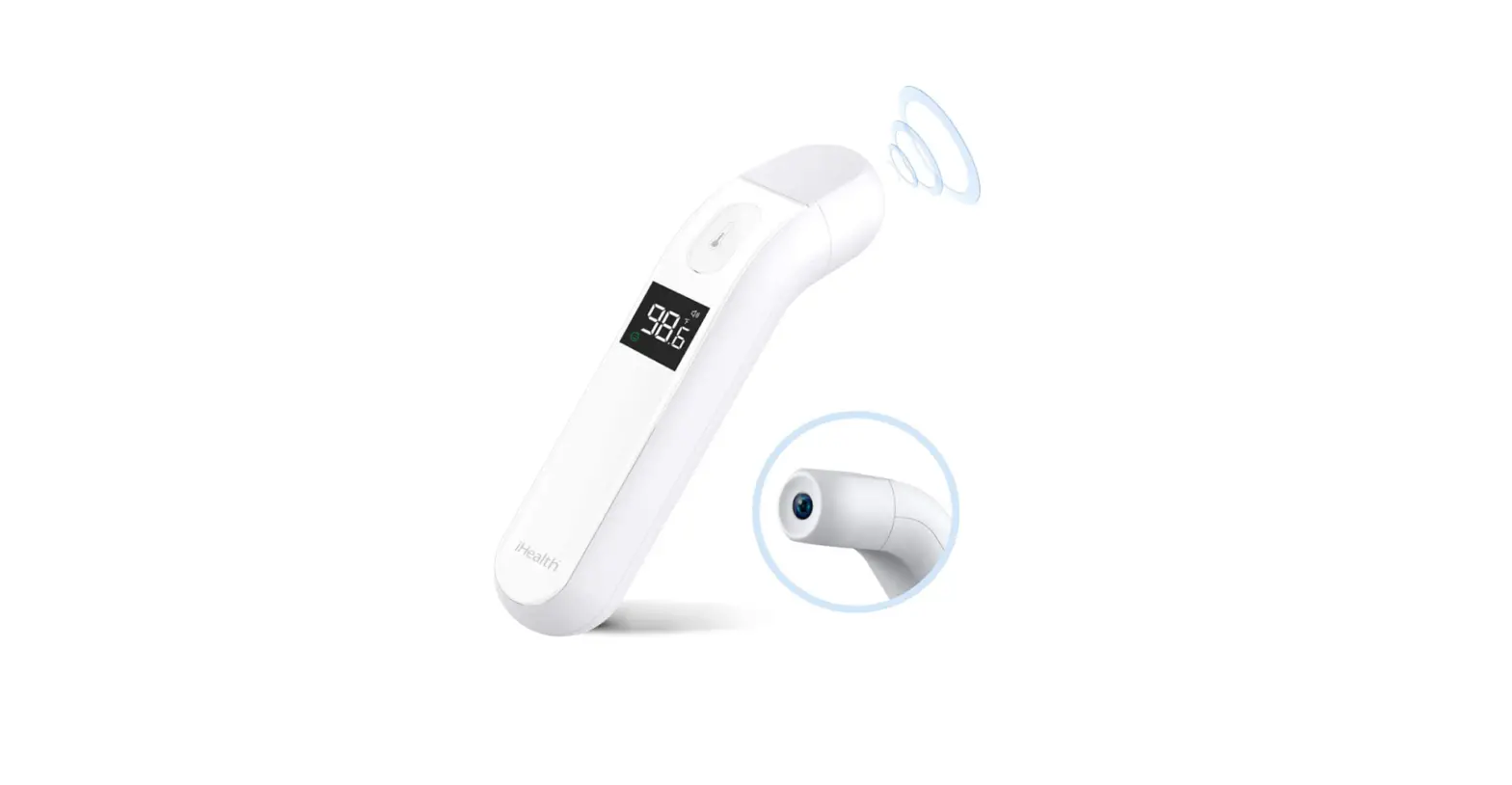

iHealth PT2L Infrared Digital No-Touch Thermometer
Product introduction
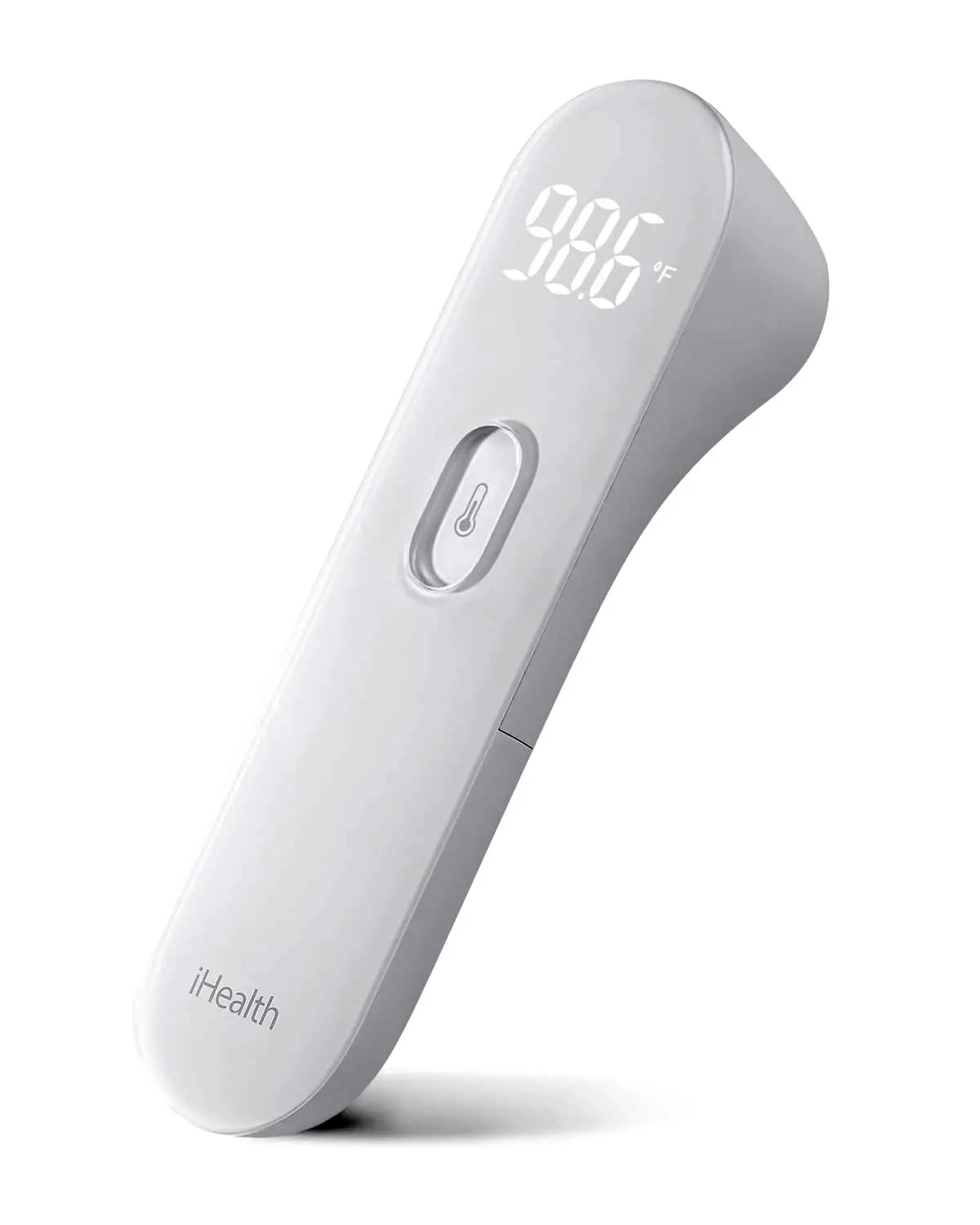
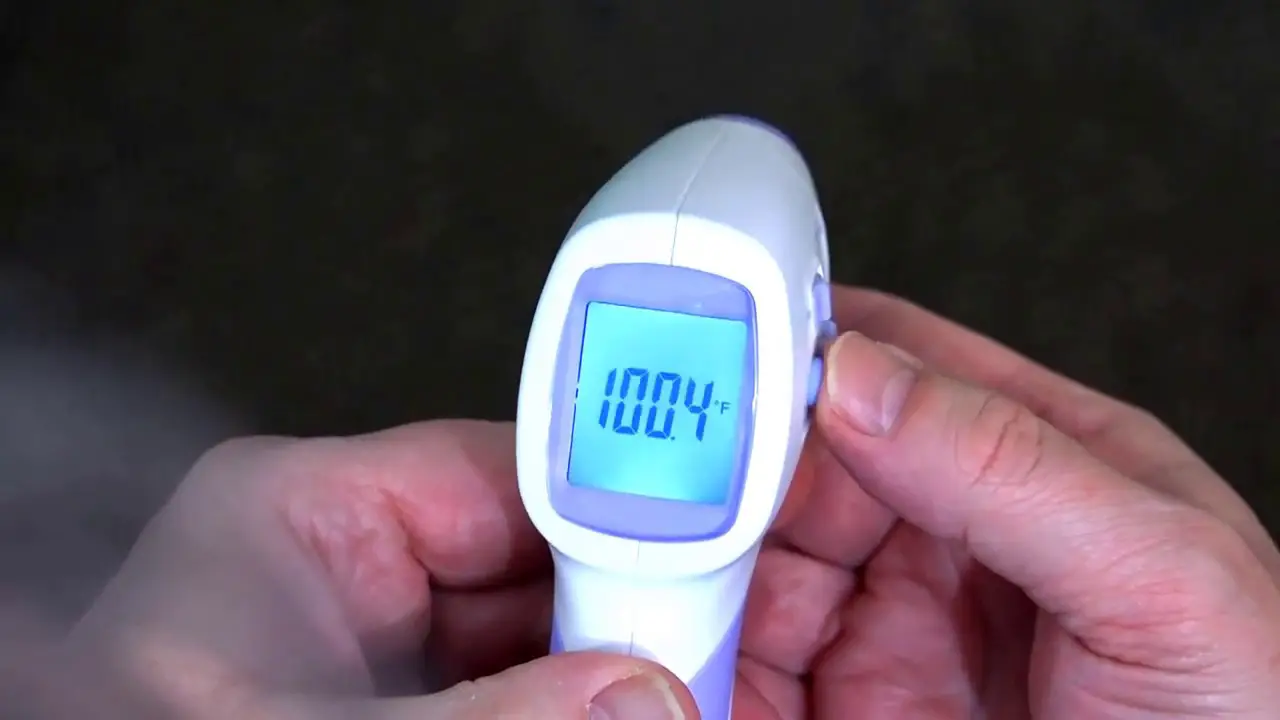
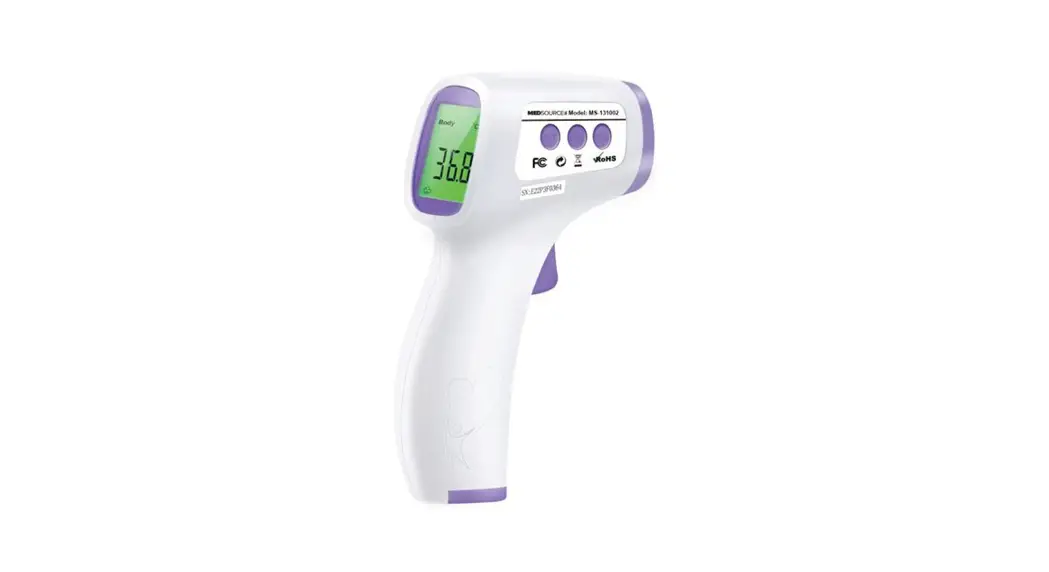
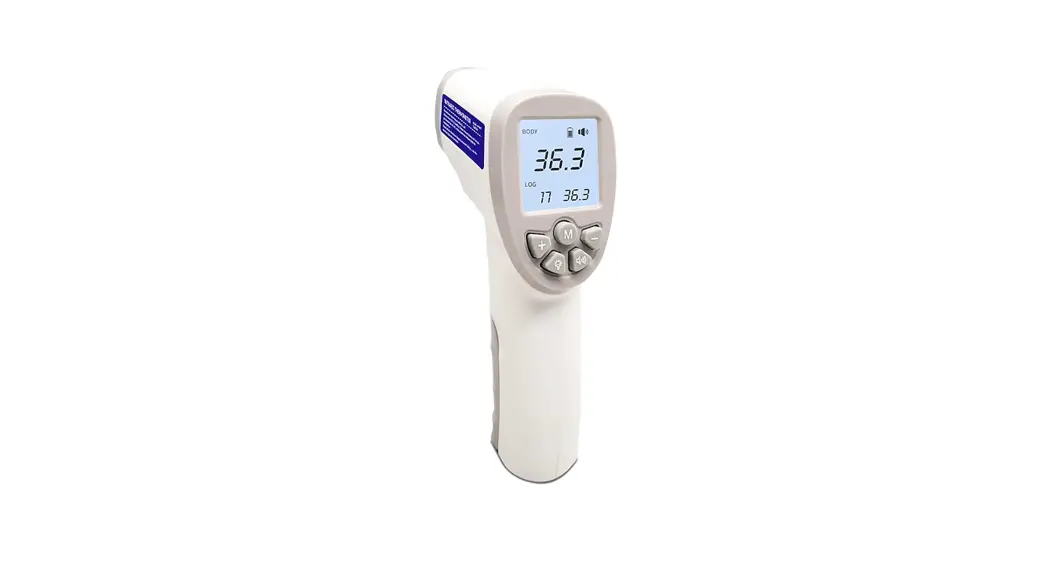
Thank you for choosing our product. This product is a high-tech infrared (IR) thermometer designed to take human body temperature by measuring the energy of IR emitted from the forehead. The product helps you to assess your and your family members’ health conditions easily and quickly.
- Product Name: Infrared Digital No-Touch Thermometer
- Product Model: PT2L
NOTICE
- Use of this thermometer is not intended as a substitute for consultation with your physician. Please consult your doctor if you have any doubts about the temperature
- Keep the thermometer out of reach For accidental swallowing of the battery or other components, please contact emergency services immediately.
- Batteries must not be thrown into an open fire or short
- Thermometer readings should be regarded as a Do not attempt self-diagnostics or self-treatment using the temperature readings. Please seek professional medical advice when necessary.
- There is no absolute standard for human body temperature. Knowing your own normal body temperature range is important to accurately determine if you have a
- Make sure that the forehead of the subject is free from sweat, cosmetics, dirt, or grease before measuring.
- Patients should not drink, eat, or be physically active before/while taking a reading. Wait 30 minutes before taking Temperature readings taken when a body is in a state of stable equilibrium is more accurate and useful as a reference.
- Do not take temperature measurements over scar tissue, open sores or
- If there is a temperature difference between the thermometer storage area and the new ambient environment around the subject, please let the thermometer sit within the new environment for 30 minutes before taking the measurement.
- Do not measure body temperature immediately after consuming a drug that raises body temperature. Temperature readings taken at this time will not be accurate.
- It is normal for readings taken from continuous measurements to fluctuate within a small During continuous measurements, the subject’s body temperature may be transmitted to the thermometer, affecting measurement accuracy. We recommend taking only up to 3 continuous readings within a short period.
- Do not directly face the sun or an air outlet of an air conditioning or radiator device during the measurement as this will cause changes to the forehead temperature. Measurements should be taken in a stable environment where possible.
- Do not measure body temperature in an environment with strong EM interference (examples include places close to a working microwave, induction cooker, or cellphone in use) as EM interference may cause errors in the reading or even device failure.
- This product should be considered personal Clean and sanitize the product properly to prevent cross-contamination. If the performance of the instrument may be adversely affected should one or more of the following occur:
- Operation outside of the manufacturer-specified subject temperature
- Operation outside of the manufacturer-specified operating temperature and humidity ranges.
- Storage outside of the manufacturer-specified ambient temperature and humidity ranges.
- Mechanical
- Manufacturer-defined soiled or damaged infrared optical
- ASTM laboratory accuracy requirements in the display range of 37 to 39 °C (98 to 102 °F) for IR thermometers are ±0.2 °C (±0.4 °F), whereas, for mercury-in-glass and electronic thermometers, the requirement per ASTM Standards E667-86 and E1112- 86 is ± 0.1 °C (±0.2 °F).
- If you are allergic to plastic/rubber, please don’t use this
- The materials of expected contact with the patient had passed the ISO 10993-5 and ISO 10993-10 standards test, with no toxicity, allergy, or irritation reaction. They are in compliance with the MDD requirements. Based on the current science and technology, other potential allergic reactions are unknown.
- The patient is an intended
- This equipment has been tested and found to comply with the limits for a Class B digital device, pursuant to part 15 of the FCC Rules. These limits are designed to provide reasonable protection against harmful interference in a residential installation. This equipment generates, uses, and can radiate radio frequency energy and, if not installed and used in accordance with the instructions, may cause harmful interference to radio communications. However, there is no guarantee that interference will not occur in a particular installation. If this equipment does cause harmful interference to radio or television reception, which can be determined by turning the equipment off and on, the user is encouraged to try to correct the interference by one or more of the following measures:
- Reorient or relocate the receiving antenna.
- Increase the separation between the equipment and the receiver.
- Connect the equipment to an outlet on a circuit different from that to which the receiver is connected.
- Consult the dealer or an experienced radio/TV technician for help.
- This device complies with part 15 of the FCC Rules. Operation is subject to the following two conditions:
- This device may not cause harmful interference
- This device must accept any interference received, including interference that may cause undesired operation.
- Forehead temperature readings on this device are equivalent to oral.
Overall Description
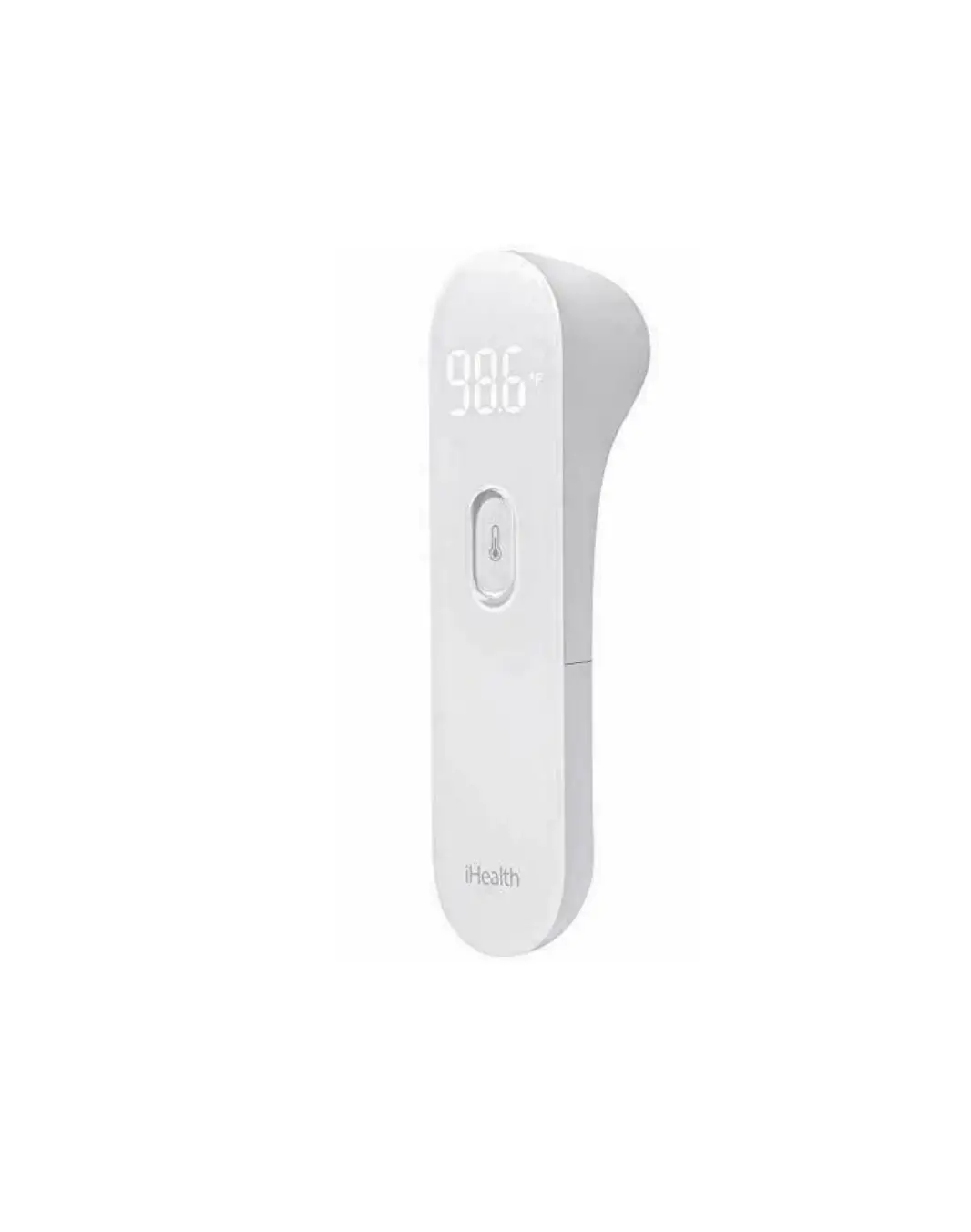
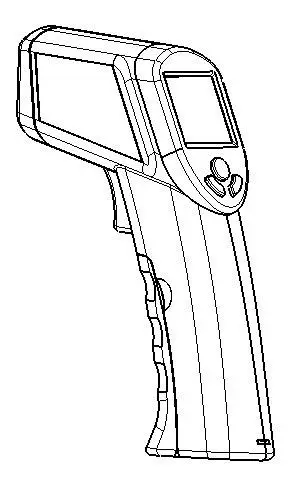
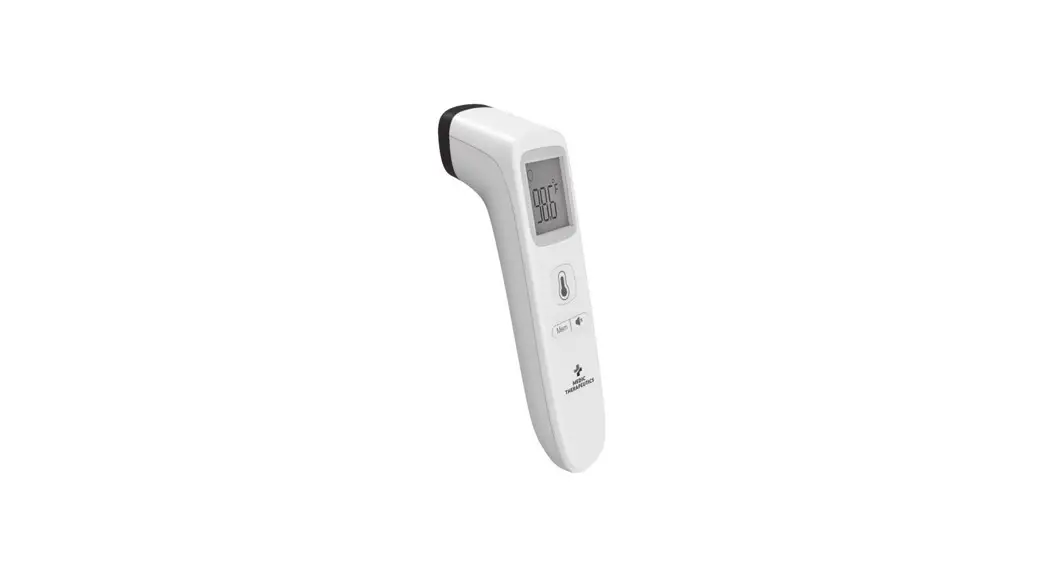
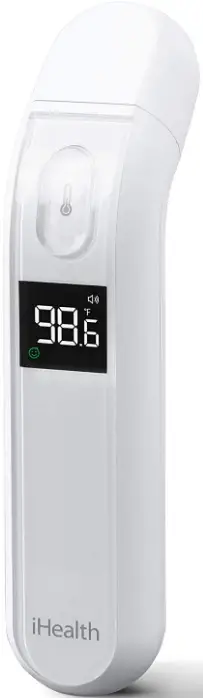
- The thermometer is mainly comprised of a plastic housing, IR temperature sensor, LCD display screen, and batteries.

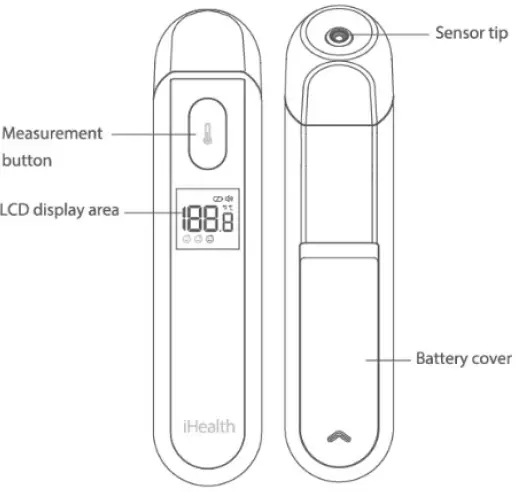
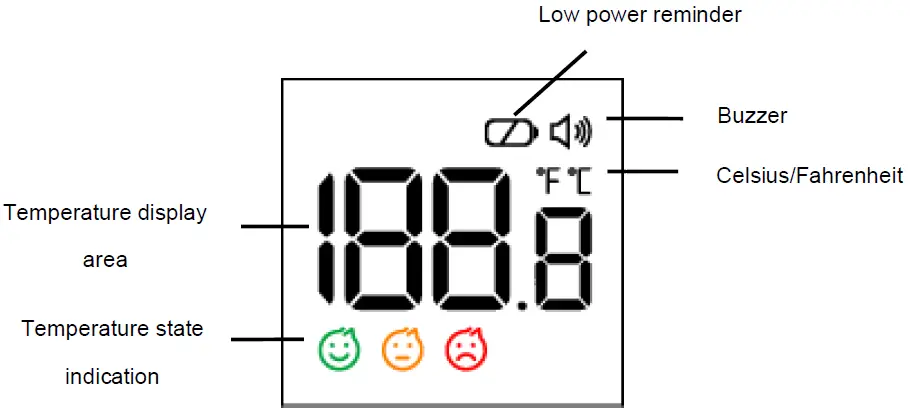
LCD screen instructions
- Device dimensions: Approx 141mm×32mm×48mm (5.55in×1.26in×1.89in)
- Product weight: Approx 53 g (exclude batteries)
Product performance
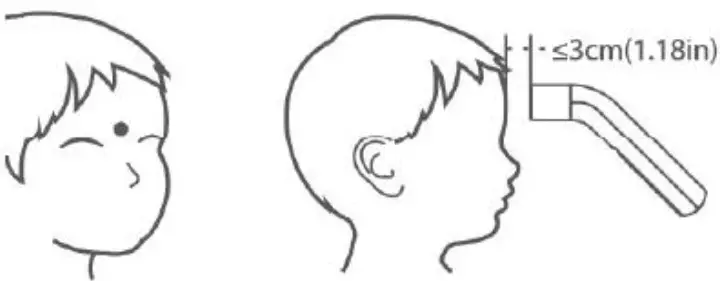
- Measurement position: Centre of the forehead surface
- Forehead Measurement distance: ≤3 cm(1.18in)
- Power source: DC 3V; 2 x 1.5V AAA batteries
- Measurement range: 34.0℃-43.0℃(93.2℉-109.4℉)
- Measurement precision: ±0.2℃(±0.4℉) within 35.0℃-42.0℃(95℉-107.6℉), outside this measurement range: ±0.3℃ (±0.5℉).
- Resolution: 0.1℃ (0.1℉)
- Measurement units: Celsius (°C) or Fahrenheit (°F)
- Clinical repeatability: Within ±0.3℃(±0.5℉)
- Operating conditions
- Temperature: 15℃-40℃(59℉-104℉)
- Humidity: ≤95%RH, non-condensing
- Atmospheric Pressure: 70KPa~106KPa
- Transportation/storage conditions
- Temperature: -25℃-55℃(-13℉-131℉)
- Humidity: ≤95%RH, non-condensing
- Atmospheric Pressure: 70KPa~106KPa
- Display: LCD display
- Operation mode: adjusted mode; reference body site:
- Expected service life: 5 years
- The interval between 2 measurements: at least 5
- Battery life: 3000 times measurements
Intended use
The Infrared Digital No-Touch Thermometer is intended for the intermittent measurement of body temperature from the central forehead skin surface on people of all ages. It can be used by consumers in the household environment and by healthcare providers.
Contraindications
It is not recommended for people whose measuring part has local lesions, such as inflammation, trauma, postoperative, etc.
Instruction For Use
- Installing the product
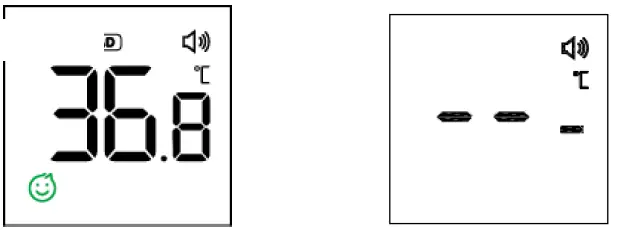
- Insert the two batteries into the battery compartment at the back of the device. The thermometer will initiate a self-check, LCD displaying the following picture, then beeps once and power off automatically (if the LCD displays, then replace the batteries to ensure ample power supply).

- Note: The batteries and electronic instruments must be disposed of in accordance with the locally applicable regulation, not with domestic waste.
- Insert the two batteries into the battery compartment at the back of the device. The thermometer will initiate a self-check, LCD displaying the following picture, then beeps once and power off automatically (if the LCD displays, then replace the batteries to ensure ample power supply).
- Measurement process
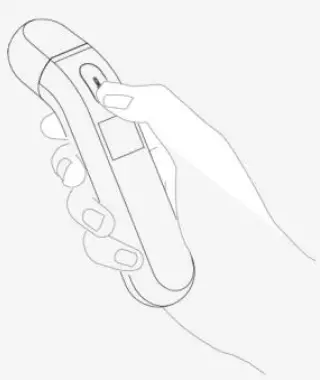
- Aim the thermometer probe at the center of the forehead and keep the probe no more than 3cm (1.18in) away from the forehead (the optimal distance is about the width of an adult’s index finger). Do not touch the forehead with the probe.

- Gently press the measurement button to start the measurement.

- The buzzer will beep once a reading is obtained (the Buzzer switch function is optional, please refer to “4. Buzzer prompt switch” for settings). The reading will be displayed on the screen. If the measurement is failed, the beeper will not beep and the screen displays instead.

Possible reasons for measurement errors include:- A. Environment temperature does not meet measurement requirements or there is an excessively large temperature difference;
- B. Target temperature exceeds measurement range.
- Aim the thermometer probe at the center of the forehead and keep the probe no more than 3cm (1.18in) away from the forehead (the optimal distance is about the width of an adult’s index finger). Do not touch the forehead with the probe.
- Power Off
If no more measuring is required, simply let the device sit idle for 8 seconds to power off automatically. - Buzzer Prompt Switch
- Under the power off state, press and hold the measurement button until the buzzer symbol appears alternately on the screen.
- Release the button when appears, and the buzzer function opens;
- Release the button when disappears, and the buzzer function closes;
- After setting the buzzer prompt switch, the screen displays the current temperature unit and automatically shuts down in 4s.
- Unit switching
- After setting the buzzer prompt switch in 4. above, the LCD displays the current temperature unit. Press and hold the button immediately then enter the unit setting state, At this point, the unit symbols of ℃ and ℉ appear alternately.
- Release the button when”℃” appears, the unit set as ℃ ;
- Release the button when”℉” appears, and the unit is set as ℉.
- Indication of temperature status
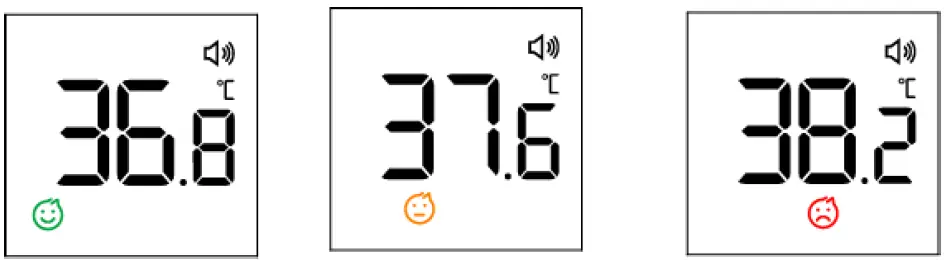
- When the measured temperature T<37.5℃(99.5 ℉), “GREEN SMILE” appears on the LCD.
- When the measured temperature is 37.5℃≤T﹤38.0℃(99.5 ℉≤T<100.4℉), “YELLOW SMILE” appears on the LCD.
- When the measured temperature T≥38.0℃(100.4℉), “RED SMILE” appears on the LCD.

- Low power reminder function
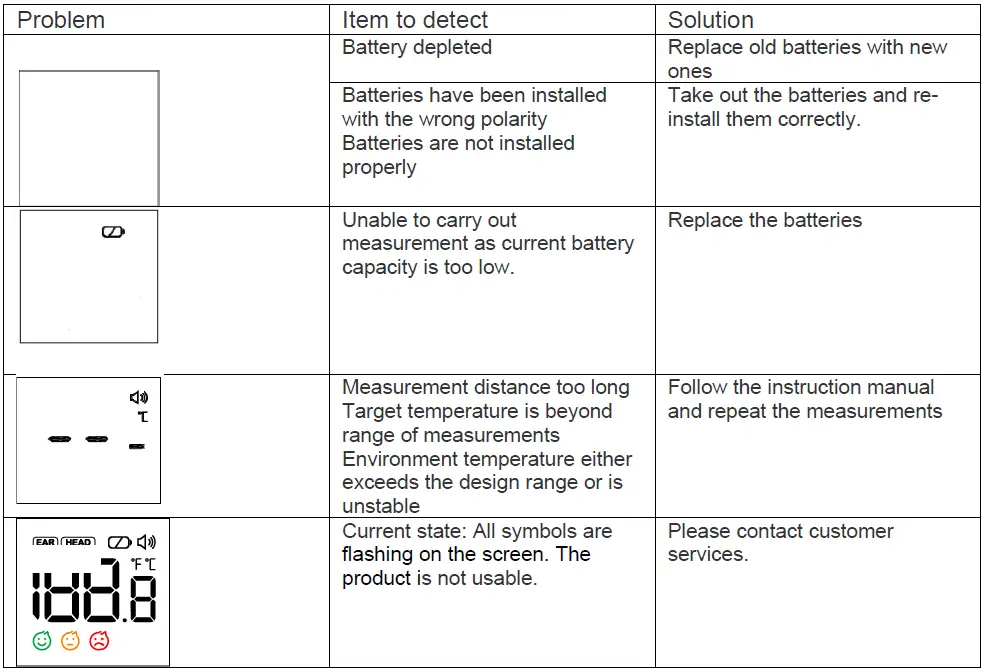
When switched ON for use, the thermometer will automatically detect the remaining battery capacity. If the battery capacity is low but adequate for measurements, the low power symbol BATTERY will be displayed with the measurement results. However, If the battery capacity is too low for measurements, the screen will display a single, flashing BATTERY icon and automatically switch OFF after 8 seconds. To continue using the device, old batteries must be replaced. - Replacing batteries
- Press down and hold the battery cover with your finger and apply some force to slide the cover backward to open the battery compartment.
- Remove the old batteries and install the new batteries.
- Refer to the battery polarity symbols to orient the batteries properly during installation. Make sure that the new batteries are tightly inserted into the battery compartment and make sure that the polarity is not reversed during installation.
- Return the battery cover to close the battery compartment.
- Comply with relevant national laws and regulations when disposing of the used batteries.
- Do not dispose of batteries directly into the trash bag.
- Remove the batteries if the device will not be used for more than one month.
- When using, shall not touch the battery and the patient simultaneously.
- Do not throw batteries into the fire.
Product Errors and Troubleshooting
Body temperature
- Body temperature runs approximately from 35.5℃-37.8℃ (95.9°F to100°F). To determine if one has a fever, compare the temperature detected with the person’s normal temperature. A rise over the reference body temperature of 1℃(1°F) or more is generally an indication of fever.
- Different measurement sites (rectal, axillary, oral, frontal, and auricular) will give different readings. Therefore, it is wrong to compare the measurement taken from different sites.
- The following are typical temperatures for adults, based on different measurement sites:
| Rectal | 97.9°F-99.1°F | 36.6℃ to 38℃ |
| Axillary | 94.5°F-99.1°F | 34.7℃ to 37.3℃ |
| Oral | 95.9°F-99.5°F | 35.5℃ to 37.5℃ |
| Auricular | 96.4°F-100.4°F | 35.8℃ to 38℃ |
Care and Cleaning
- The probe (sensor) is the most intricate part of the thermometer and should be kept clean and intact to acquire accurate readings. Use the following method to clean the probe:
- Gently swab the surface of the probe using a cotton bud soaked in > 95% medical
- Allow at least 1 minute for the probe to fully
- If the probe (sensor) is broken, please contact the customer
- Use a piece of soft, dry cloth to clean the display screen and external surface of the thermometer. If the thermometer is very dirty, the cloth can be moistened with some medical alcohol to clean the device.
- The product is not Do not clean the device with detergents. Do not soak the thermometer in water or other liquids.
Maintenance
- This company has not authorized any agency or individual to carry out product repairs Do not attempt to disassemble or modify the thermometer if you suspect functional issues with the device.
- The IR thermometer is extremely precise Any improper maintenance, disassembly, or modification may lead to inaccuracies in the product measurements.
- Please check the device if damaged after it is If unsure, please contact customer services for having the device checked.
- The thermometer is initially calibrated at the time of manufacture. If this thermometer is used according to the user instruction, periodic re-adjustment is not If any time your question the accuracy of measurement during the warranty period, please contact customer services.
- No component can be maintained by the user in the monitor. circuit diagrams, component part lists, descriptions, calibration instructions, or other information which will assist the user’s appropriately qualified technical personnel to repair those parts of equipment which are designated repairable can be supplied.
- The method for verifying the clinical accuracy can be requested, please contact customer services.
- The device must not be stored or used at an excessively high or low temperature or humidity (see technical data), in sunlight, in association with an electrical current, or in dusty locations. Avoid dropping or subjecting the product to external forces. Otherwise, inaccuracies can occur.
- Do not directly touch the probe with your fingers or blow on Measurements taken using a damaged or dirty IR probe may be inaccurate.
- The monitor requires 4 hours to warm from the minimum storage temperature between uses until the monitor is ready for its INTENDED USE when the ambient temperature is 20 °C (68°F).
- The monitor requires 4 hours to cool from the maximum storage temperature between uses until the monitor is ready for its INTENDED USE when the ambient temperature is 20 °C (68°F).
Included in delivery
Use only accessories provided by the original manufacturer, and check for any missing accessories.
- 1 Infrared Digital No-Touch Thermometer 2 x 1.5 V AAA batteries
- 1 instruction manual
Signs and symbols
The following symbols appear in these instructions for use and on the device:
The symbol for “THE OPERATION GUIDE MUST BE READ” (The sign’s background-color: is blue. The sign’s graphical symbol is white.)
The symbol for “ENVIRONMENT PROTECTION –Waste electrical products should not be disposed of with household waste. Please recycle where facilities exist. Check with your local Authority or retailer for recycling advice”.
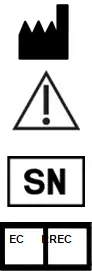
- The symbol for “MANUFACTURER”
- The symbol for “CAUTION”
- The symbol for “SERIAL NUMBER”
- The symbol for “EUROPEAN REPRESENTATIVE”
IP22 The first characteristic numeral symbol for “Degrees of protection against access to hazardous parts and against solid foreign objects“. The second characteristic numeral symbol for “Degrees of protection against ingress of water”
The symbol for “Application part, type BF” Symbol for “COMPLIES WITH MDD93/42/EEC REQUIREMENTS”
OTHER STANDARDS AND COMPLIANCES
This device complies with the EU Directive 93/42/EEC concerning medical products, IEC 60601-1 (Medical electrical equipment — Part 1: General requirements for basic safety and essential performance), IEC 60601-1-2(Medical electrical equipment — Part 1-2:
General requirements for basic safety and essential performance – Collateral standard: Electromagnetic compatibility – Requirements and Tests), IEC 60601-1-11 (Medical electrical equipment – Part 1-11: General requirements for basic safety and essential performance – Collateral Standard: Requirements for medical electrical equipment and medical electrical systems used in the home healthcare environment), the ASTM (American Society for Testing and Materials) E 1965 – 98, ISO 80601-2-56 ( Medical Electrical Equipment — Part 2-56: Particular Requirements For The Basic Safety And Essential Performance Of clinical thermometers for body temperature measurement).
Please note that portable and mobile HF communication systems may interfere with this unit. This infrared thermometer meets the requirements established in ASTM Standard (E1965-98) except clause 5.2.2. Its display range is 34.0℃-43.0℃(93.2℉-109.4℉). the Full responsibility for the conformance of this product to the standard is assumed by the manufacturer.
ELECTROMAGNETIC COMPATIBILITY INFORMATION
Table 1 – Emission
| Phenomenon | Compliance | Electromagnetic environment |
| Conducted and radiated RF emissions | CISPR 11
Group 1, Class B | The device is intended to be used in a home healthcare environment |
| Harmonic distortion | IEC 61000-3-2 NA | The device is powered by a battery |
| Voltage fluctuations and flicker | IEC 61000-3-3 NA | The device is powered by a battery |
Table 2 – Enclosure Port
| Phenomenon | Basic EMC standard | Immunity test levels |
| Home Healthcare Environment | ||
| Electrostatic Discharge | IEC 61000-4-2 | ±8 kV contact
±2kV, ±4kV, ±8kV, ±15kV air |
| Radiated RF EM field | IEC 61000-4-3 | 10V/m
80MHz-2.7GHz 80% AM at 1kHz |
| Proximity fields from RF wireless
communications equipment | IEC 61000-4-3 | Refer to table 3 |
| Rated power
frequency magnetic fields | IEC 61000-4-8 | 30A/m
50Hz or 60Hz |
Table 3 – Proximity fields from RF wireless communications equipment
| Test frequency (MHz) | Band (MHz) | Immunity test levels |
| Professional healthcare facility environment | ||
| 385 | 380-390 | Pulse modulation 18Hz, 27V/m |
| 450 | 430-470 | FM, ±5kHz deviation, 1kHz sine, 28V/m |
| 710 | 704-787 | Pulse modulation 217Hz, 9V/m |
| 745 | ||
| 780 | ||
| 810 | 800-960 | Pulse modulation 18Hz, 28V/m |
| 870 | ||
| 930 | ||
| 1720 | 1700-1990 | Pulse modulation 217Hz, 28V/m |
| 1845 | ||
| 1970 | ||
| 2450 | 2400-2570 | Pulse modulation 217Hz, 28V/m |
| 5240 | 5100-5800 | Pulse modulation 217Hz, 9V/m |
| 5500 | ||
| 5785 |
WARRANTY
Please contact your dealer or the device center in case of a claim under the warranty. If you have to send in the unit, enclose a copy of your receipt with clear statement of defect description.
The warranty terms are as below:
- The warranty period for the device is one year from the date of In case of a warranty claim, the date of delivery has to be proven by means of the sales receipt or invoice.
- Repairs under warranty do not extend the warranty
- The following cases are excluded under the warranty
- All damage that has arisen due to improper treatment, g. nonobservance of the user instruction.
- All damage is due to repairs or tampering by the customer or unauthorized third parties.
- Damage that has arisen during transport from the manufacturer to the consumer or during transport to the service center.
- Accessories that are subject to normal wear and tear.
- Liability for direct or indirect consequential losses caused by the unit is excluded even if the damage to the unit is accepted as a warranty claim.
Distributed by
- USA
iHealth Labs, Inc. www.ihealthlabs.com 120 San Lucar Ct., Sunnyvale, CA 94086, USA +1-855-816-7705 - Europe
iHealth Labs Europe SAS www.ihealthlabs.eu [email protected] 36 Rue de Ponthieu, 75008, Paris, France - ihealth labs Europe SAS 36 Rue de Ponthieu, 75008, Paris, France ANDON HEALTH CO., LTD. No. 3 Jinping Street, Ya An Road, Nankai District, Tianjin 300190, China
- Factory: ANDON MEDICAL CO., LTD. Address: No. 26 Hongyu Road, Pilot Free Trade Zone, Tianjin, China Made in China Date of issue: May 28, 2020
FAQ’s
The iHealth PT2L is a professional infrared thermometer. It is the most advanced and accurate non-contact infrared thermometer on the market today. It uses the latest technology to provide you with a fast and accurate temperature reading, without ever touching the forehead.
The iHealth PT2L is very easy to use. Simply press the power button on the back of the thermometer, aims at your forehead, and hold it about 2-4 inches away for about 2 seconds. After a short pause, you will see your temperature on the screen of your smartphone or tablet.
Please consult your doctor if you have any doubts about your temperature reading.
The iHealth PT2L has many key features that make it stand out from other IR thermometers on the market today. These include: It uses an advanced IR sensor that can be used to measure body temperature from up to 8 inches away. It can be used to measure body temperature in just 2 seconds. It has a large 3″ LCD screen that displays temperatures in both Fahrenheit and Celsius. It comes with a free app that can be downloaded onto your iPhone or iPad. The app allows you to track up to 8 different users’ temperatures over time. The app also allows you to set reminders for when you need to take your temperature. It has an auto-off feature that turns off the device after 30 seconds of inactivity. It comes with a rechargeable battery that lasts for up to 7000 measurements
Readings obtained from continuous measurement frequently vary within a narrow range. The accuracy of the measurements may be impacted by the transmission of the subject’s body temperature to the thermometer during continuous measurements. We advise taking no more than three consecutive readings in a short period of time.
Aim the thermometer’s probe at the center of the forehead and keep your distance from the subject under 1.18 inches (3 cm) (the ideal distance will be the width of an adult finger). Do not immediately touch the forehead. To begin measuring, lightly touch the measurement button.
Press and hold the measurement button for 8 seconds after turning off the device to enter unit-switching mode. Fahrenheit and Celsius should flash simultaneously in this mode. Press the measuring button to change between Celsius and Fahrenheit while in this mode.
Within the range of 95°F to 107.6°F, measurement accuracy is 0.4°F (0.2°C), and for other temperature ranges, 0.5°F.
It’s possible that this thermometer is less accurate than others. Temperature measurements can be impacted by direct sunlight, extreme cold, or a perspiring forehead. Accuracy may also be impacted by variations in user practice, such as holding the scanner too far away from the forehead.
The lighting will remain green if the body temperature is within the usual range (96.8°F to 99.5°F). The backlight will become orange if it is increased (99.5°F–100.3°F), and red if it is high (>100.3°F).
You must add 0.5 to 1 degree to your temperature to get the reading it would have given if taken orally since a temporal thermometer would often read 0.5 to 1 degree lower than an oral thermometer. For instance, if the temperature on your forehead was 98.5°F, you might actually be suffering from a low-grade fever that is 99.5°F or higher.
While “normal” body temperature is normally 98.6°F (37.0°C), certain studies have revealed that “normal” body temperature can range from 97°F (36.1°C) to 99°F (37.2°C).
Because each person’s body operates at a somewhat different typical temperature, the answer is that it depends. The normal body temperature is 98.6 degrees Fahrenheit, and a fever is often indicated by any temperature greater than 100.4 F.
A smartphone that the user provided. iOS 12.0 or later. Android 6.0 and higher the “iHealth COVID-19 Antigen Rapid Test” App for iOS or Android phones must be downloaded by the user. To finish the test, the user needs to adhere to the in-app directions step by step.’