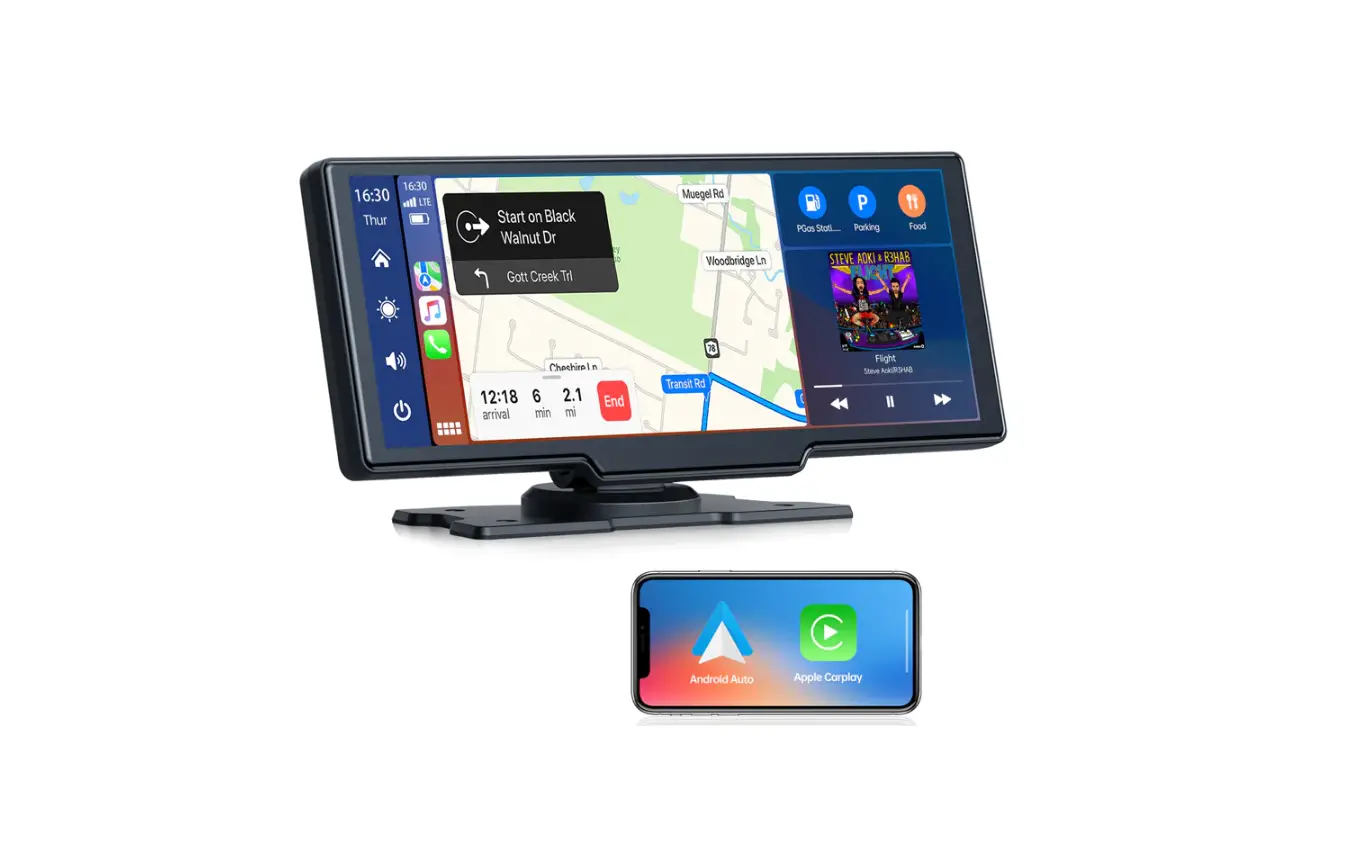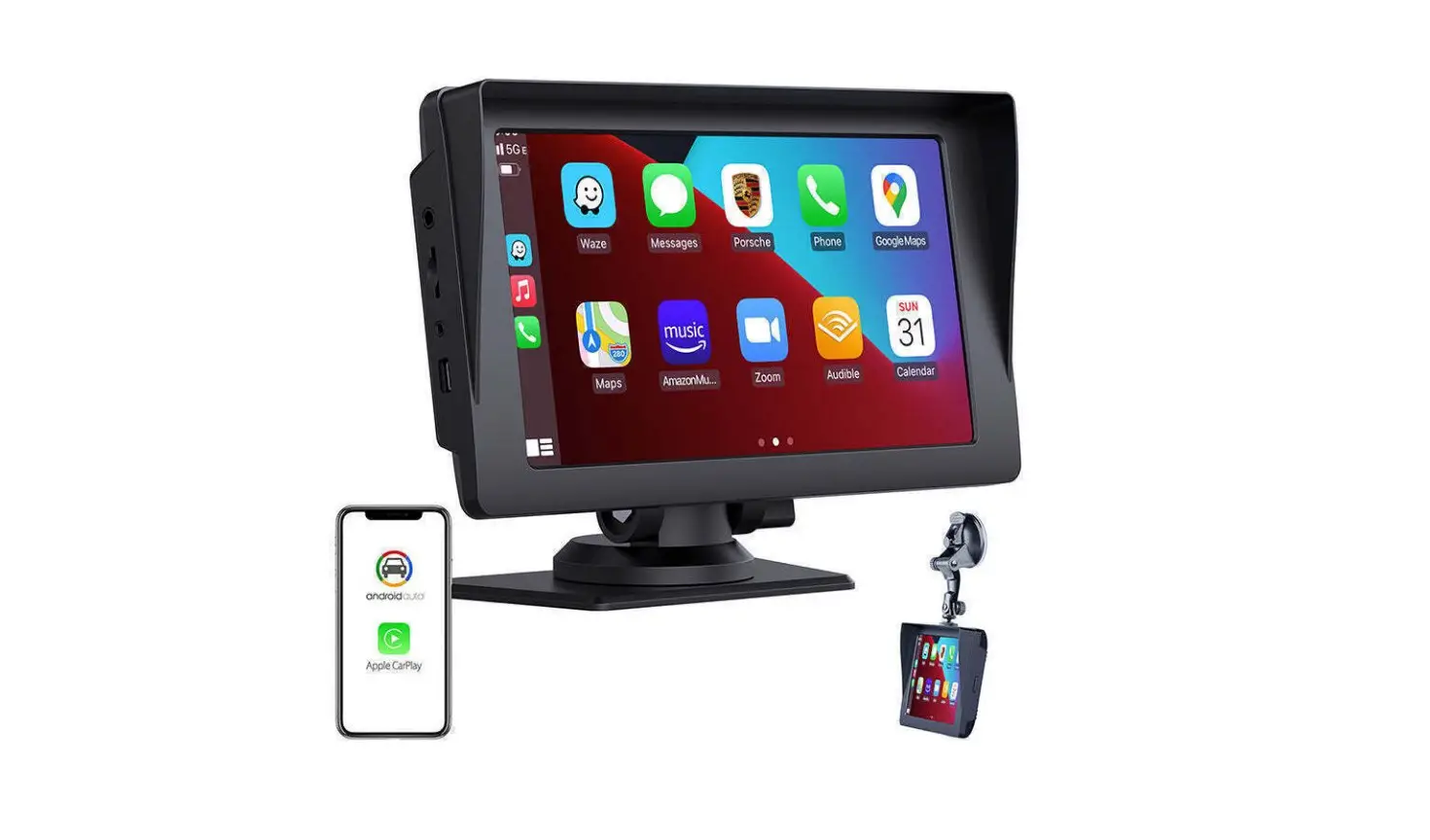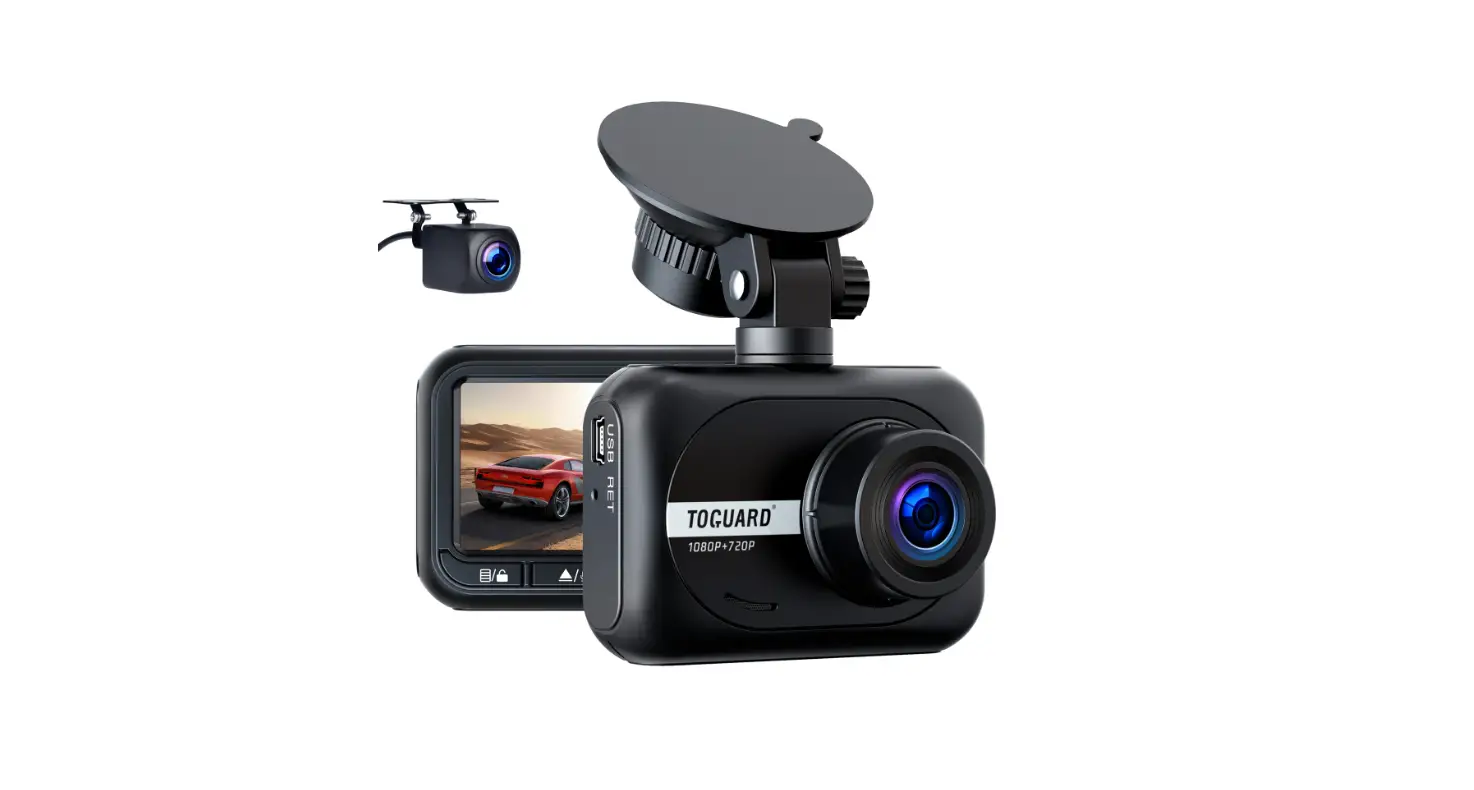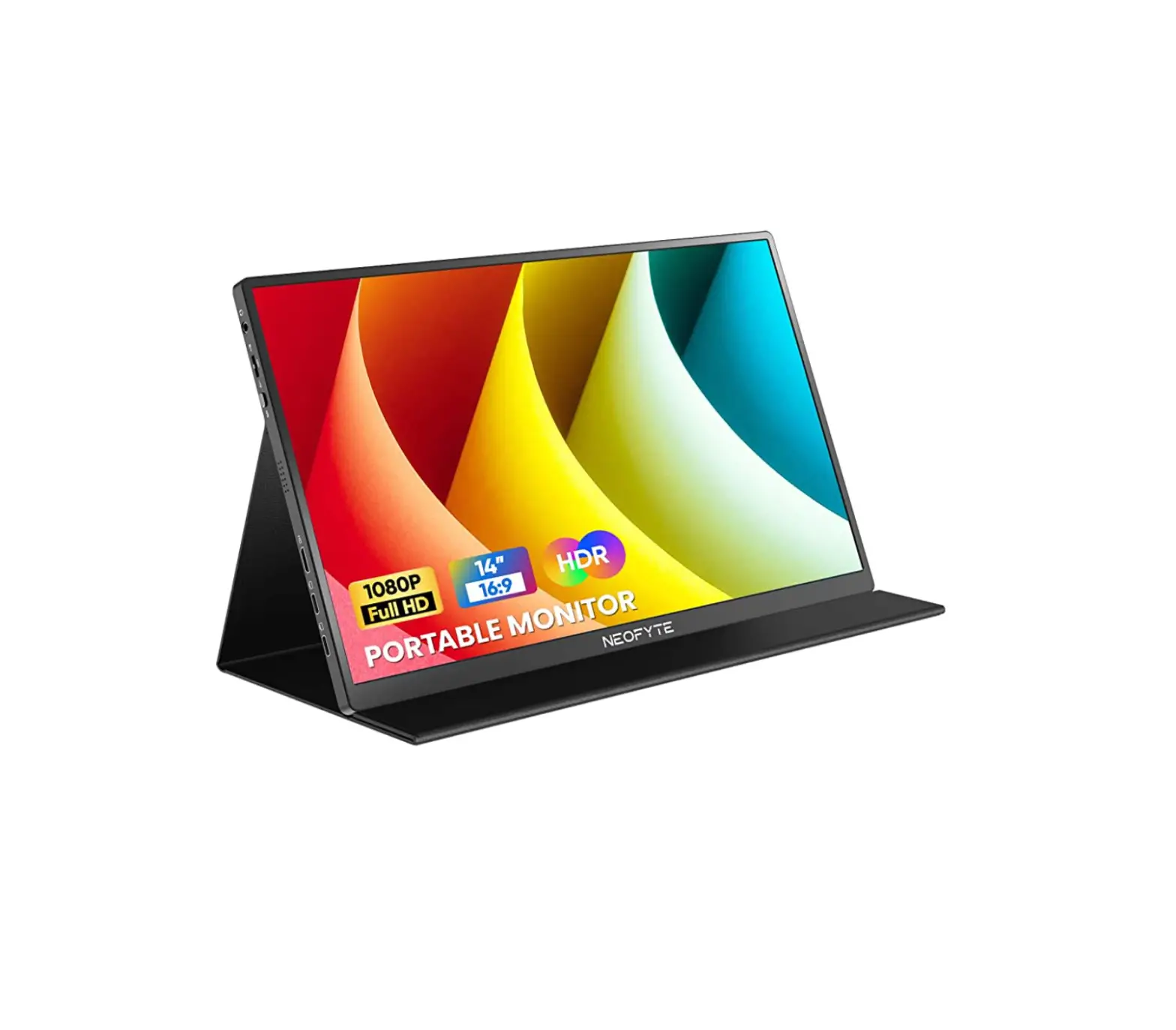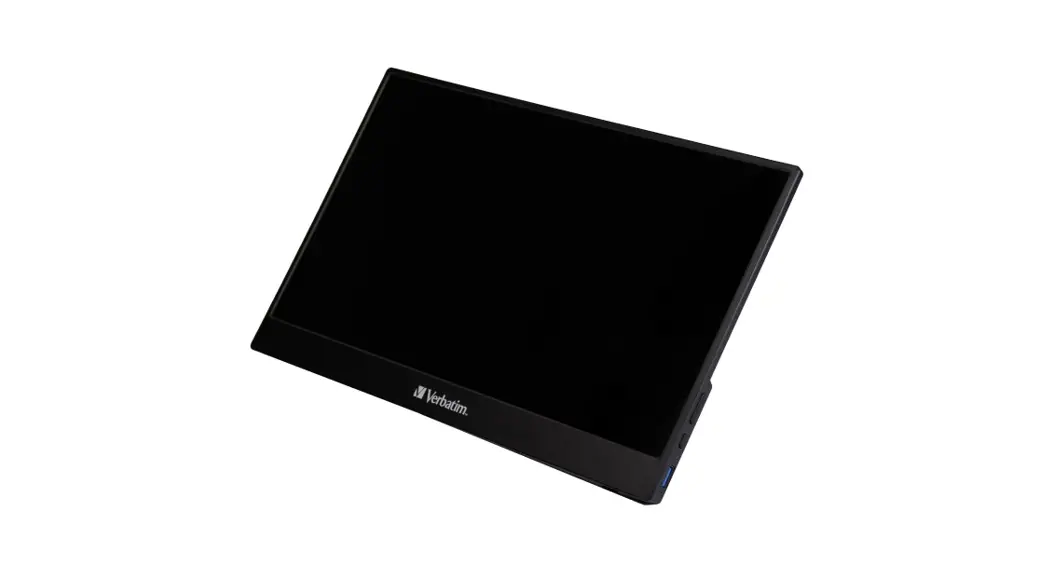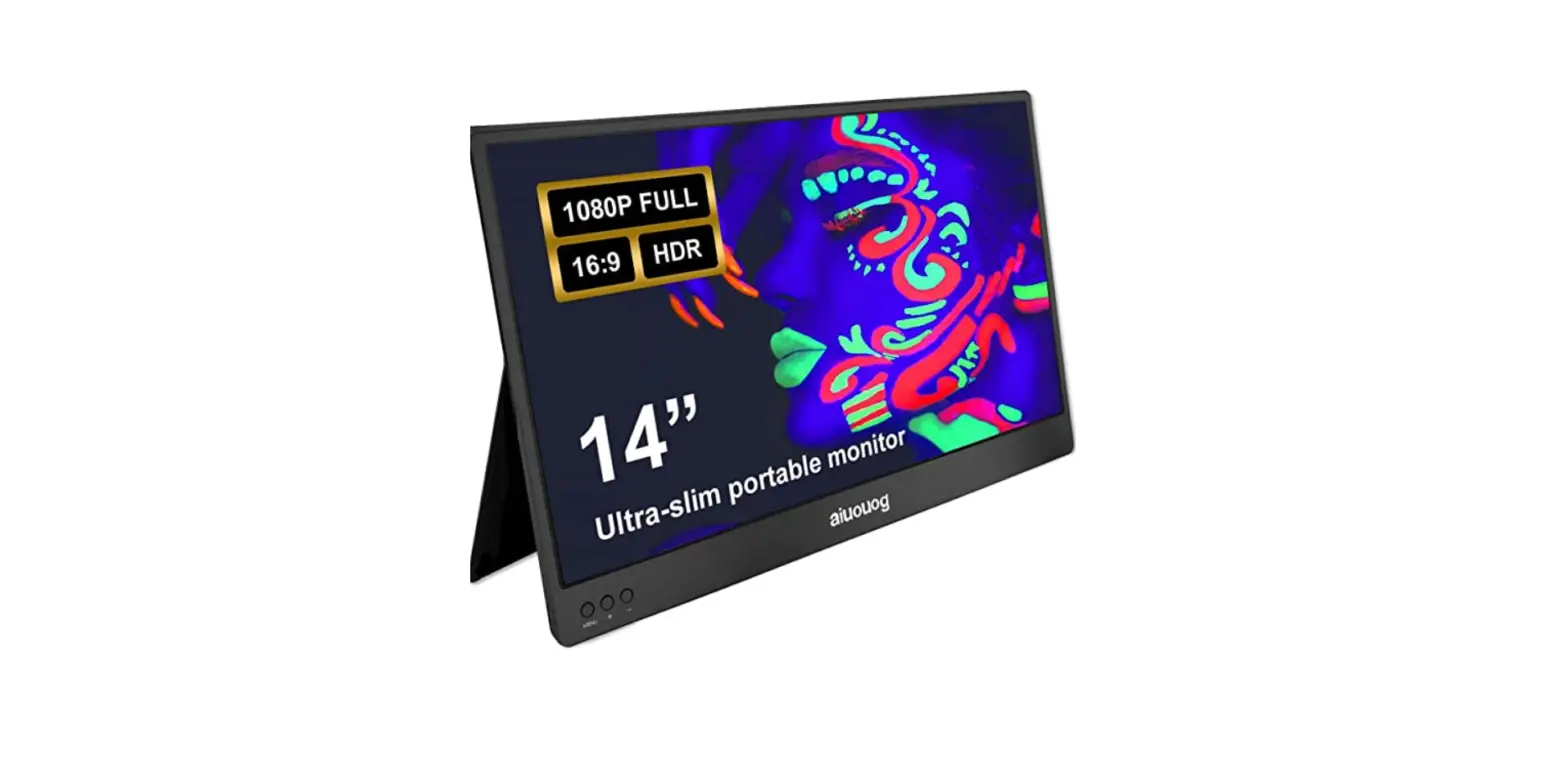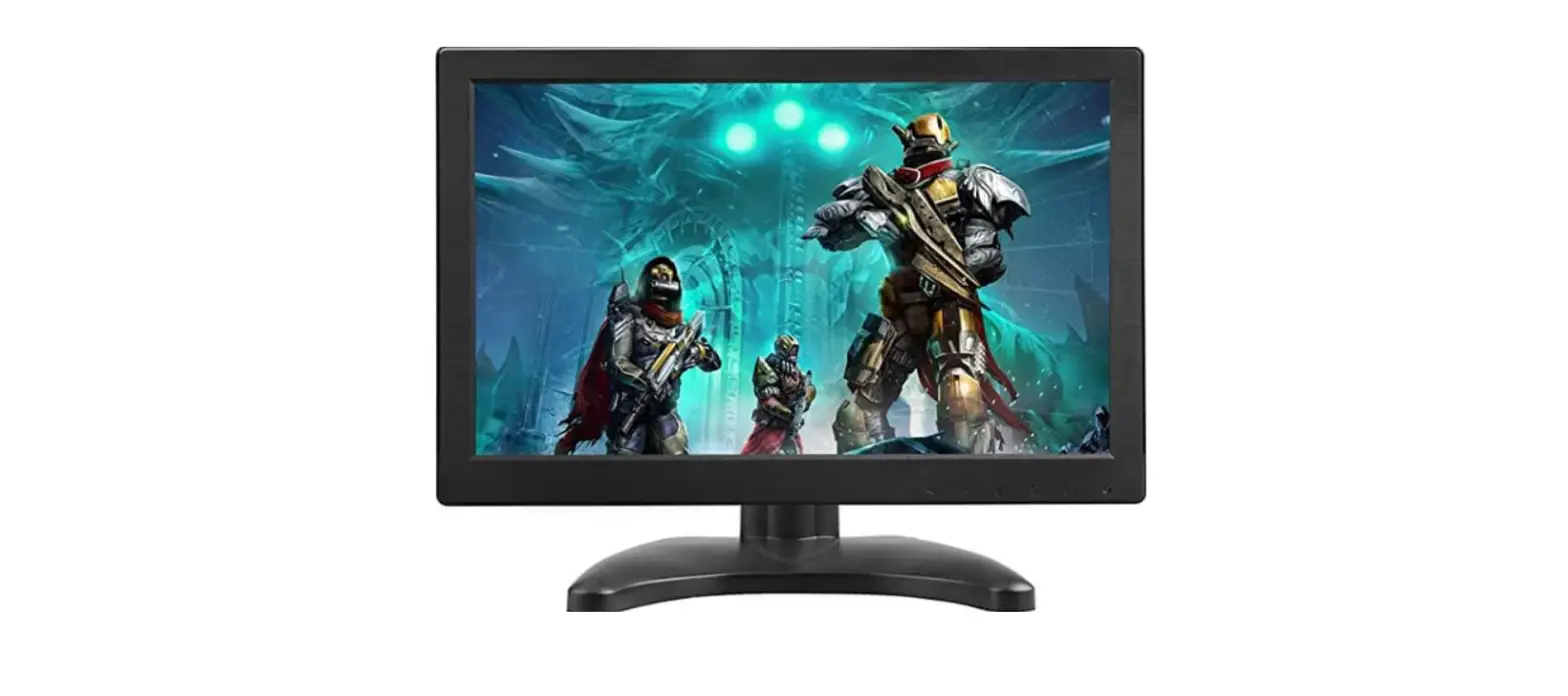

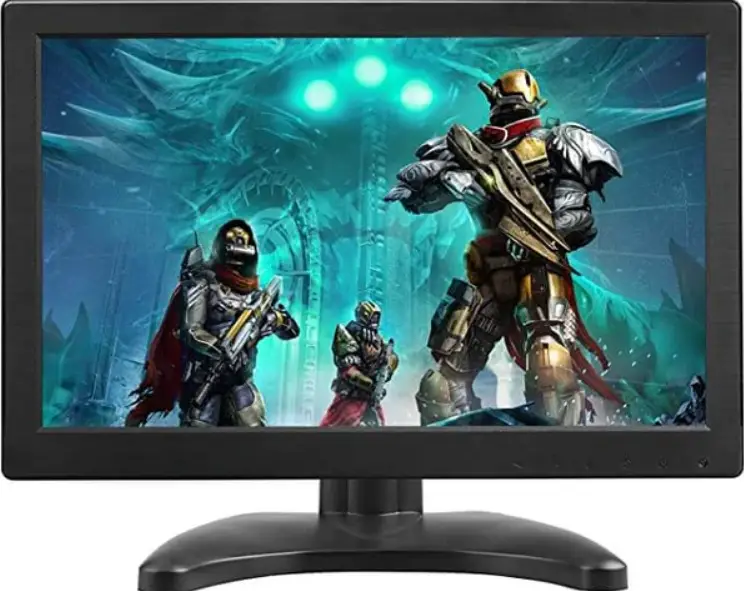
TOGUARD D126 Portable Monitor
KEY FUNCTION
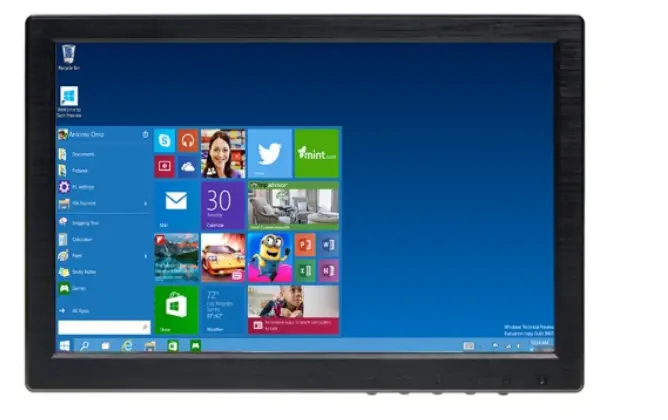
- Up /Right Down / Left
- Auto adjusts the picture; Return.
- Power On / Off
- Indicator Light
- Enter the main menu; Confirm

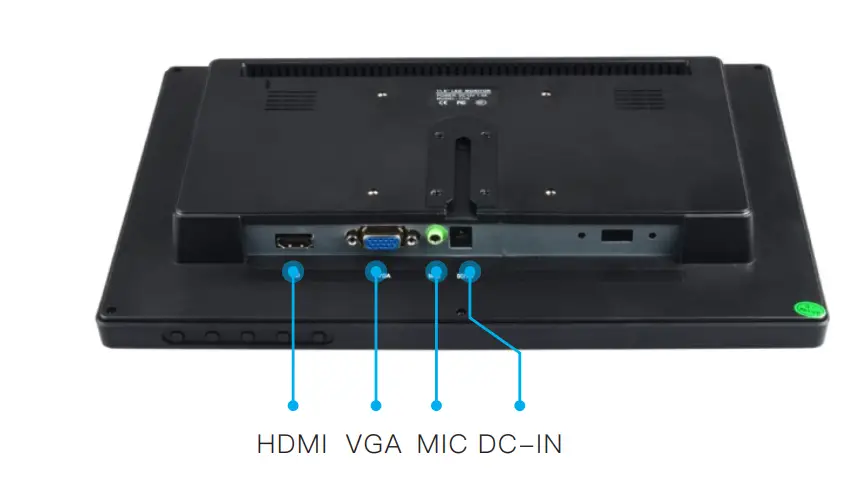
MENU BASIC OPERATION
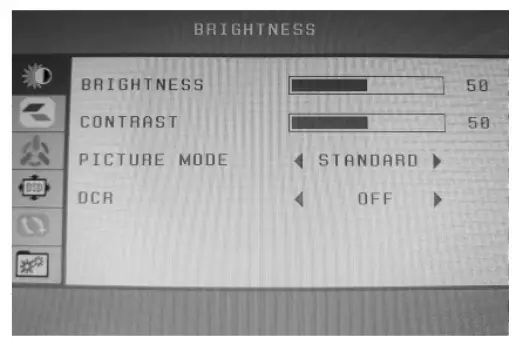
Please press the [Menu] button on the display to enter the display menu while the display has a signal access. Then press the key to move cursor and press the [Menu] key to choose the function that you want to adjust, at the same time the horizontal position font will turn red. After you have changed setting, press [refresh] key to exit menu setting interface.
Shortcut key :
Left key: volume adjust
Right Key: Brightness Control
Refresh key: Automatic image adjustment
NOTE :
- if the Brightness & Contrast function can not adjust , please change picture mode to [STANDARD] first .
- Clock and Phase in Adjust menu is unavailable in HDMI channel.
- Auto Color in Setup menu is unavailable in HDMI channel.
SPECIFIC PARAMETERS:
- Screen Size: 11.6 inch
- Aspect Ratio: 16:9
- Screen Resolution: 1366(H) * 768(V) pixels
- Screen Brightness: 350 cd/m2
- Screen Contrast: 600:1
- Refresh rate:60Hz
- Video Input: VGA, HDMI,MIC
- Remote Control: NO
- Video System: PAL, NTSC
- Screen Backlight: LED
- Built in speaker: Yes
- Viewing Angle: 160 degree
- Operating Temperature: 0 degree to 45 degree
- Storage Temperature: -20 degree to 60 degree
- Response Time: 8-12ms
- Power Supply: 12VDC-2A 10W
- Language: English, Chinese, German, French, Italian, Russian, Spanish, Korean
- Weight: 1600g
- Dimensions(W x H x D): 297 * 192 * 38mm
PACKAGE CONTENT
- 1 * LCD color monitor screen
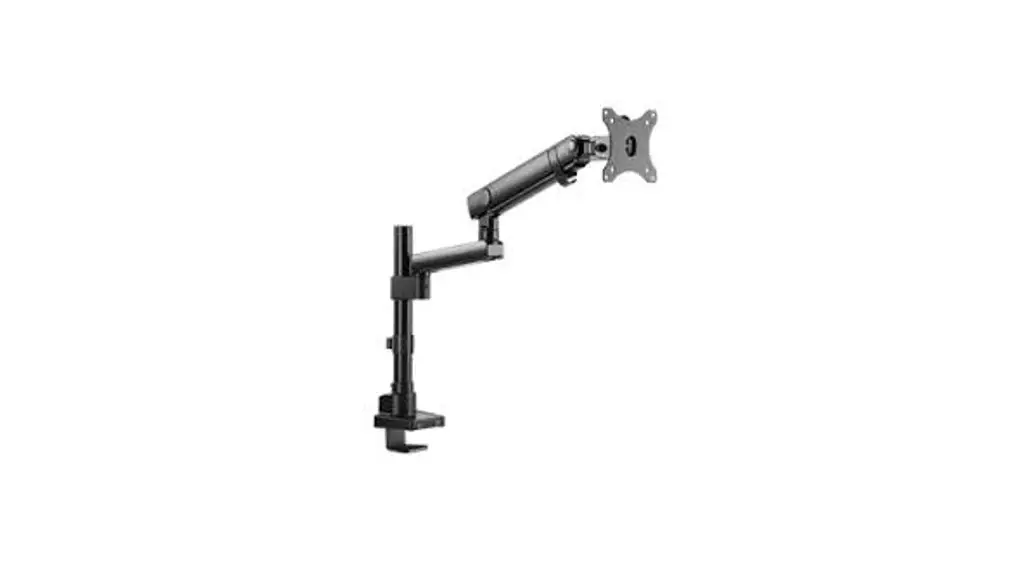
- 1 * Mount stand
- 1 * User Manual
- 1 * Power Adapter 1 * HDMI cable
- 1 * Double-sided adhesive
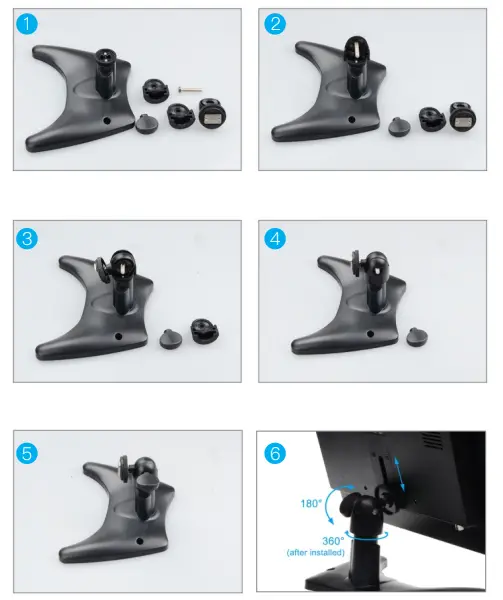
HOW TO INSTALL MOUNT
TROUBLESHOOTING
| Problem | Possible Reason |
| Blue screen , No signal and few seconds turns off | Please check if you have adjust to the right input mode. only the indicator turns from red to blue that means the device has been turned on and has signal access .. |
| Can not turn ON/ screen remain dark | Please check if the power source is connected correctly. |
| No sound and picture | The power source is not connected properly or the adapter is defective. |
| No picture | Please adjust it to the right mode suit for you input device |
| Poor reception | 1.Check if you have adjust it to the right mode. 2.The connection part is loose. |
| Dark picture | 1. The temperature of the using environment is too cold. 2. The input device has take the picture in dark environment, please adjust the color to confirm. |
| Snowflake | The device has influenced by electromagnetic interference. Please make sure the nearby has no electromagnetic interference. |
| No images or the Abnormal coloring in PC mode | 1. Check if the mode is set to PC mode. Make sure the VGA cable is connected 2. Check if the VGA resolution and refresh frequency is correct. |
| Flickering image in AV mode | Check whether the AV cables is connected properly or not. Please plug the cables again. |
Please feel free to contact with us first if you have any problem when use : [email protected]