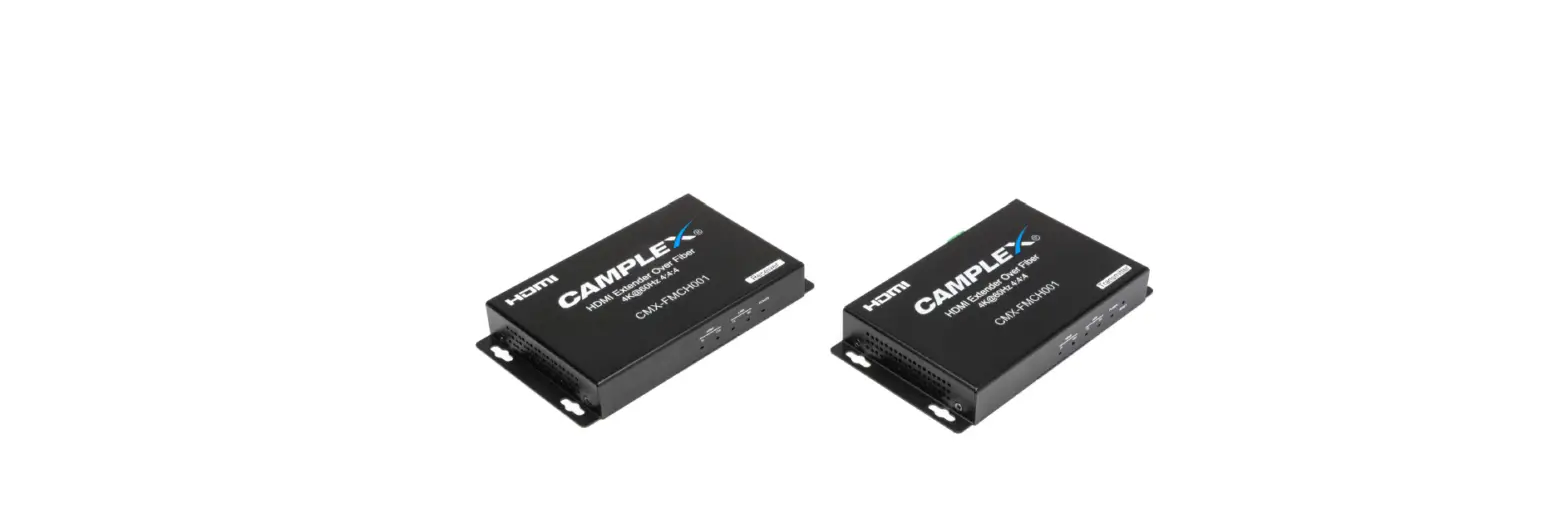
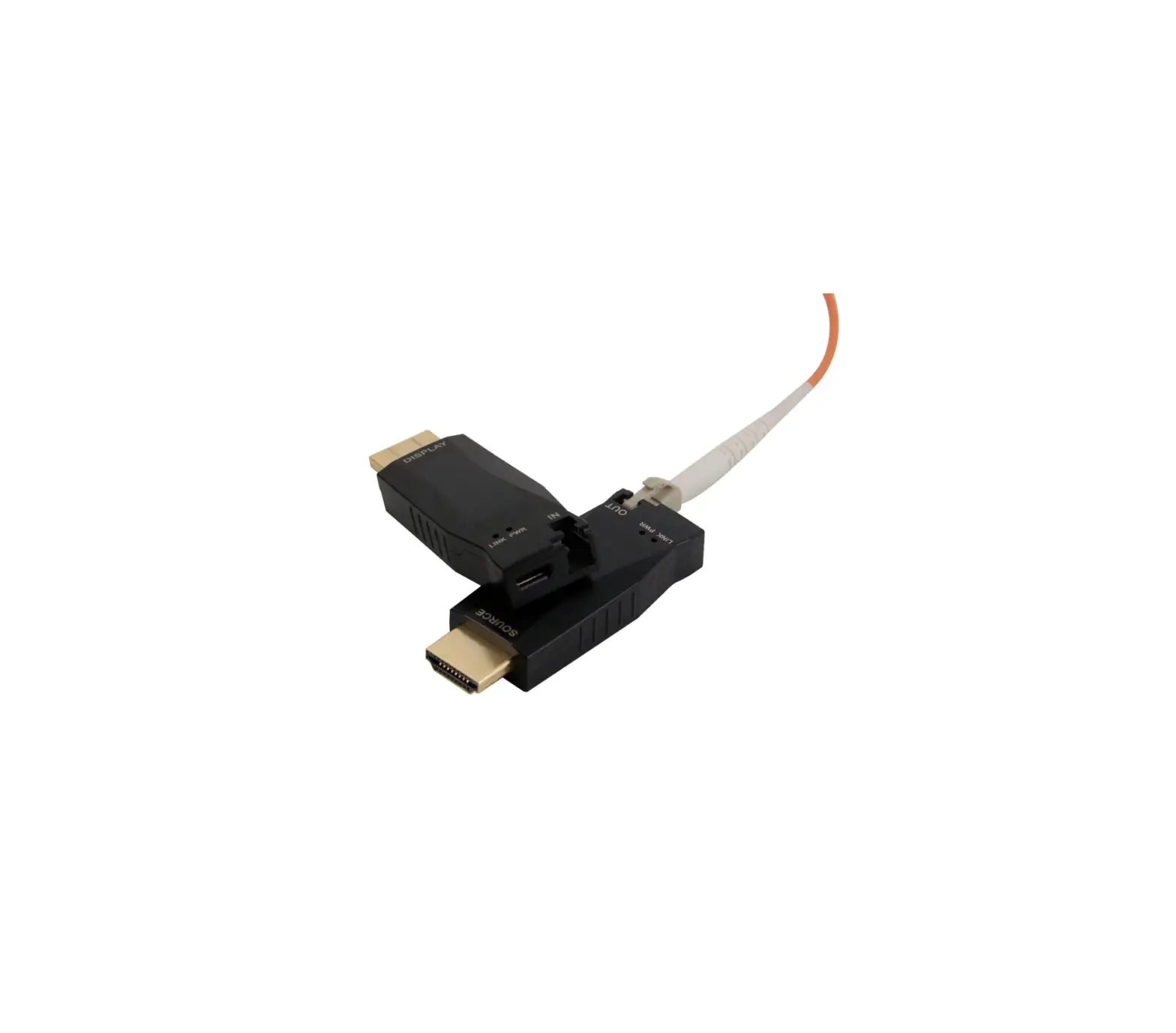
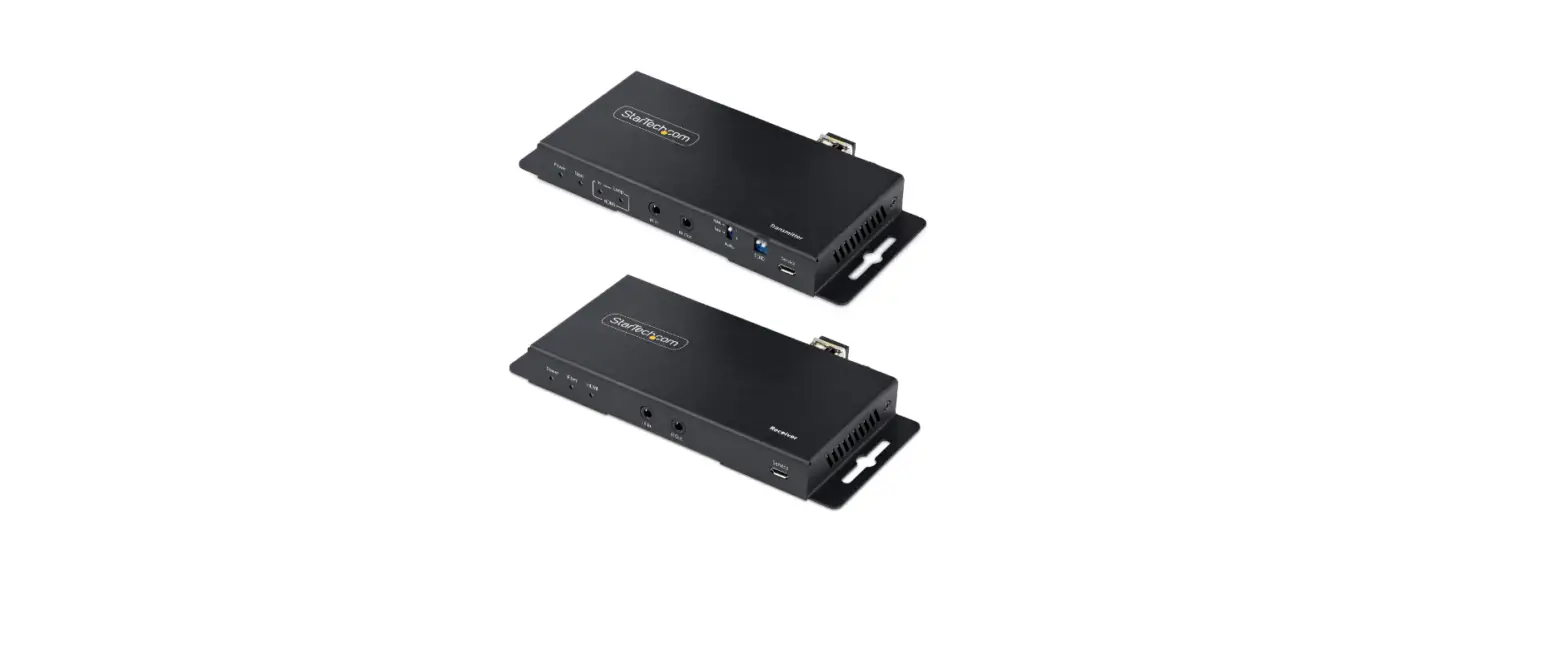
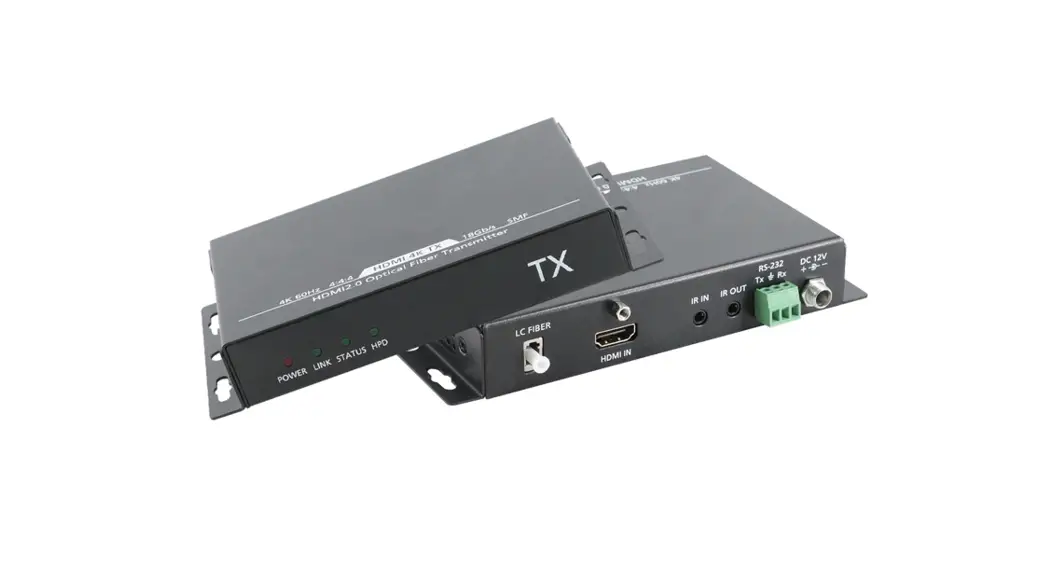
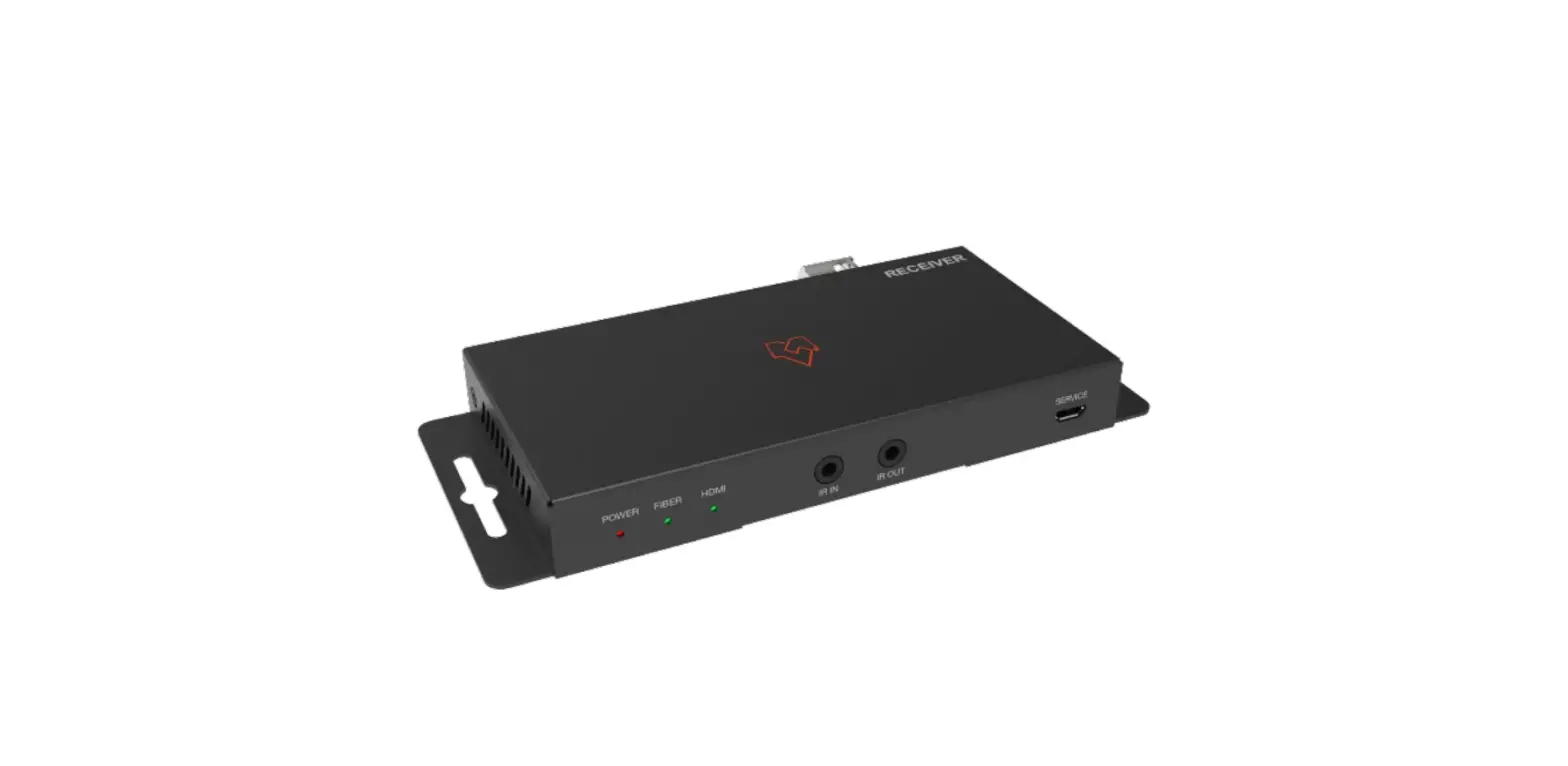
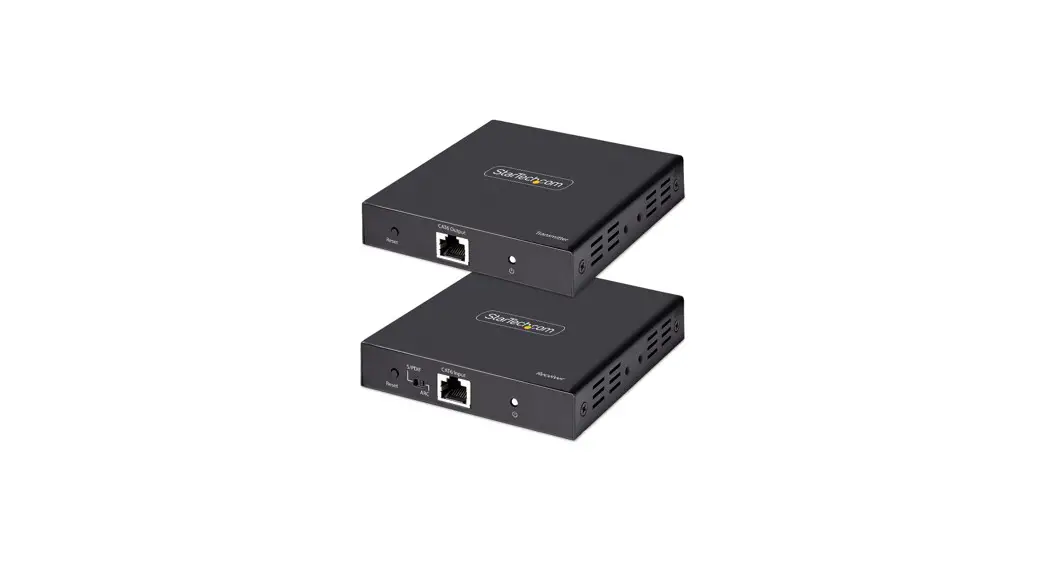
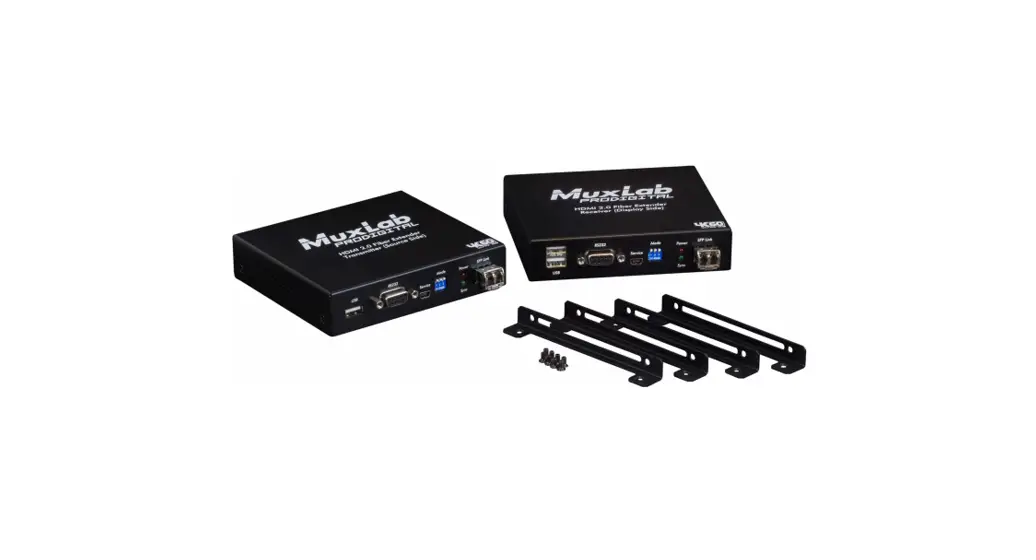
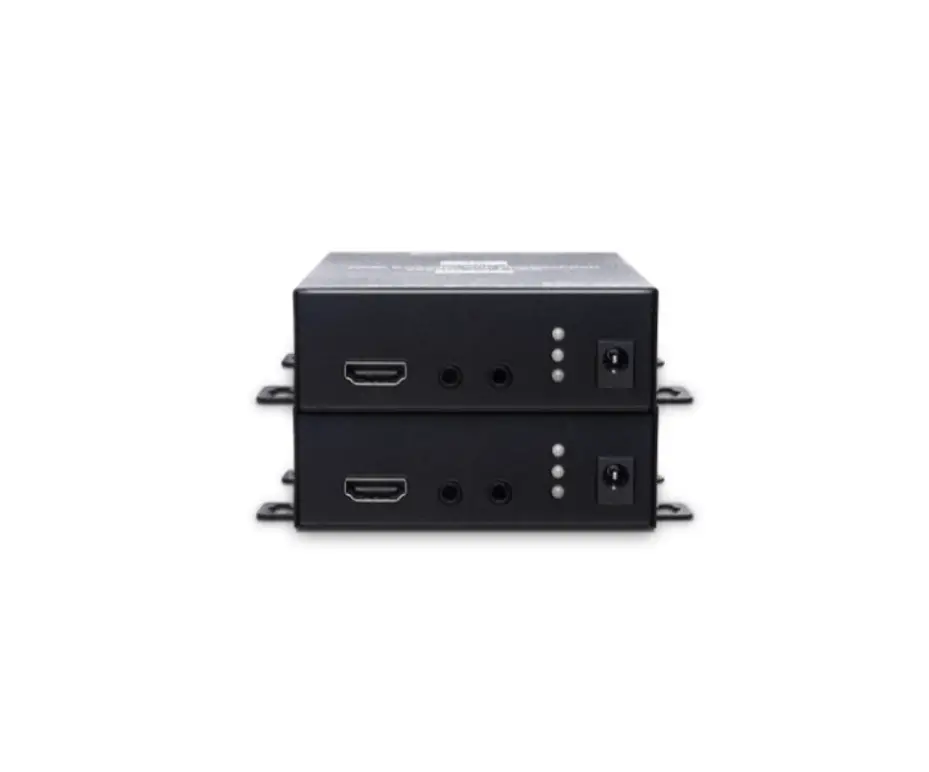
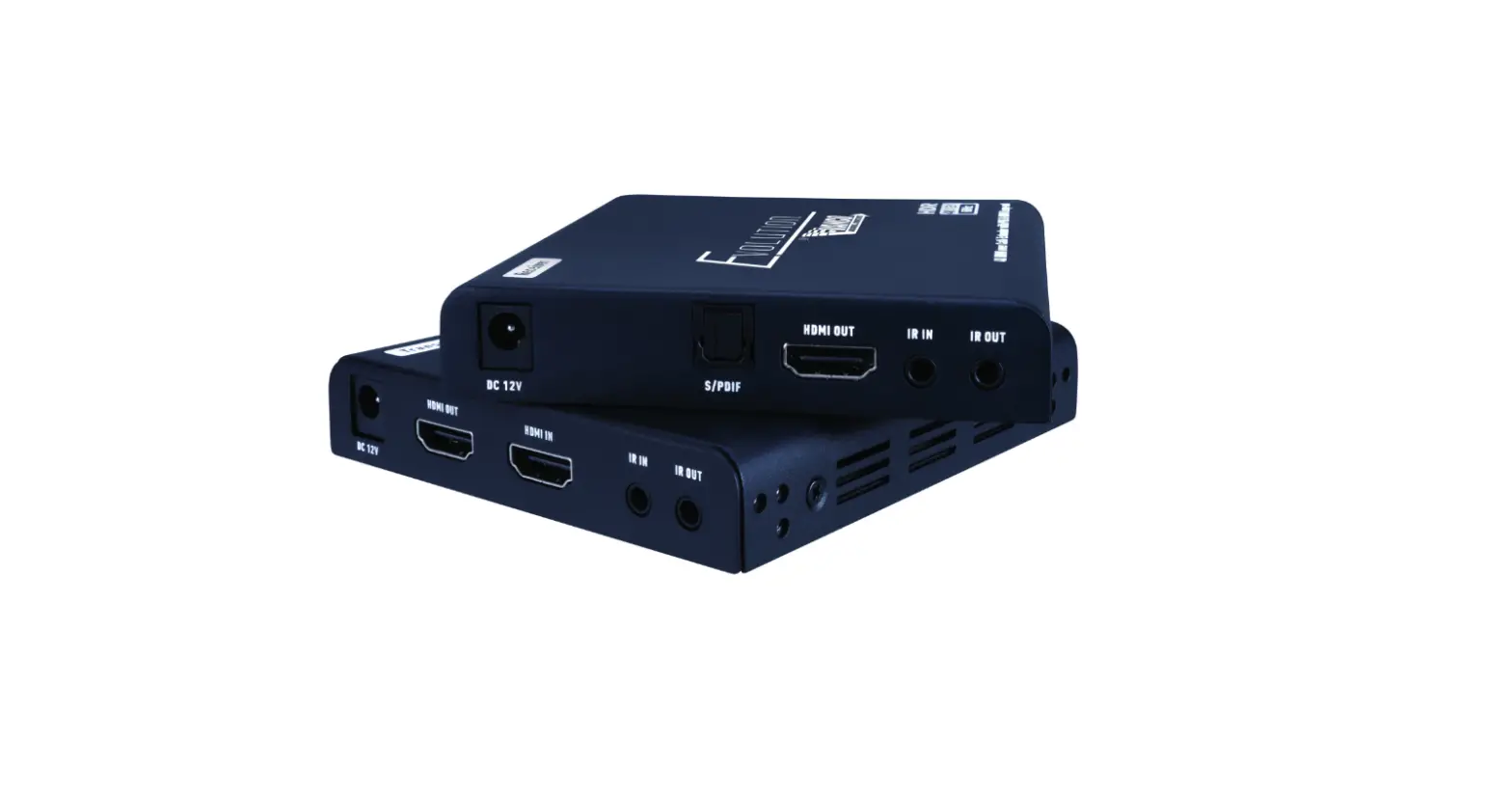
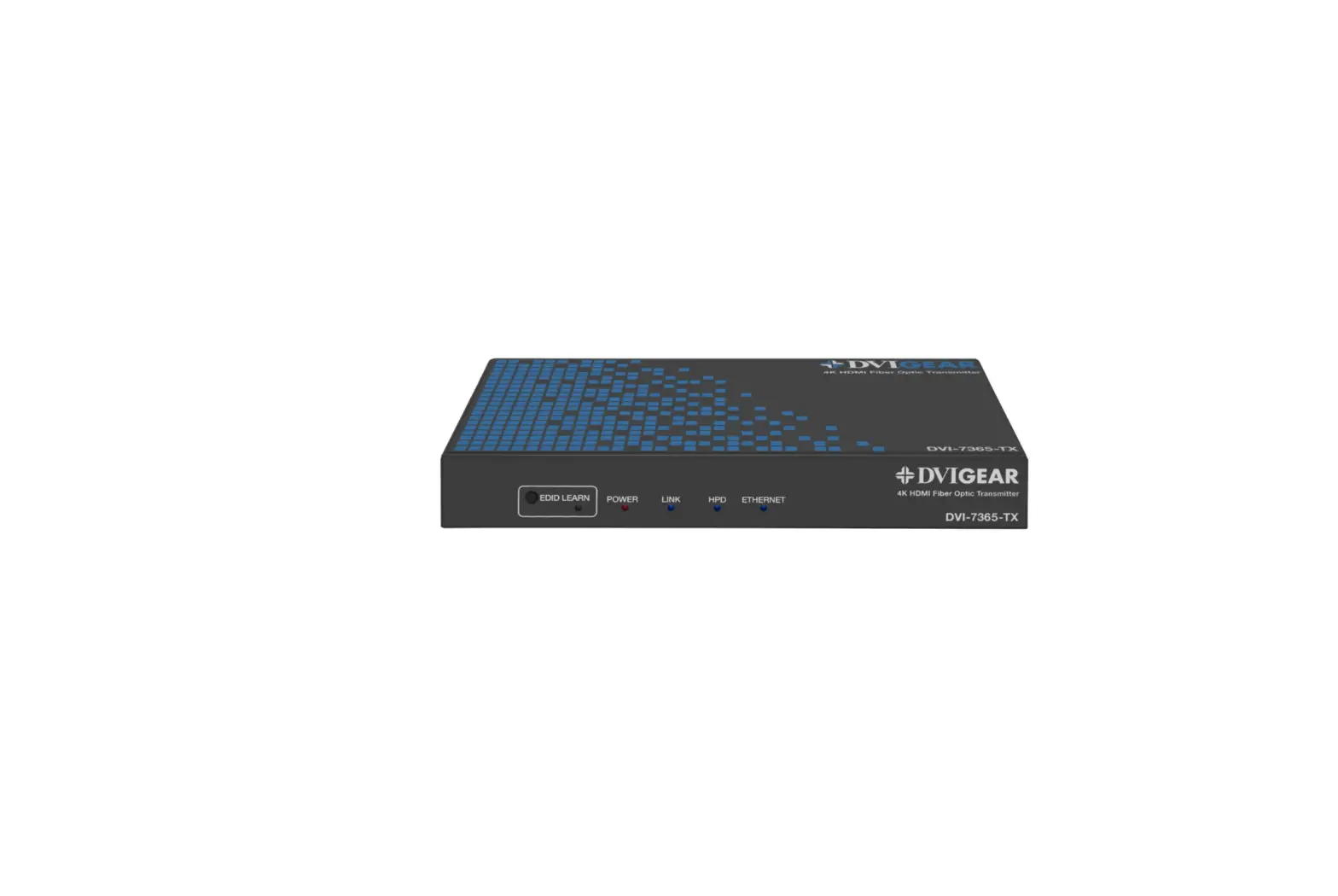
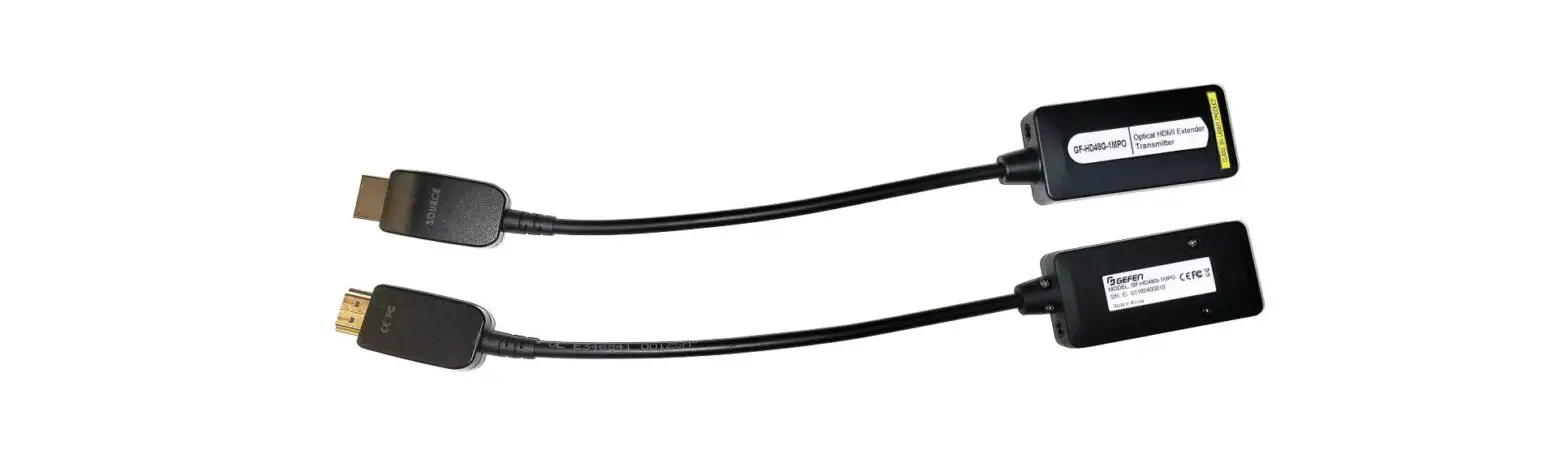
4K/2K HDMI 2.0 Over Fiber Extender Set
Product Information
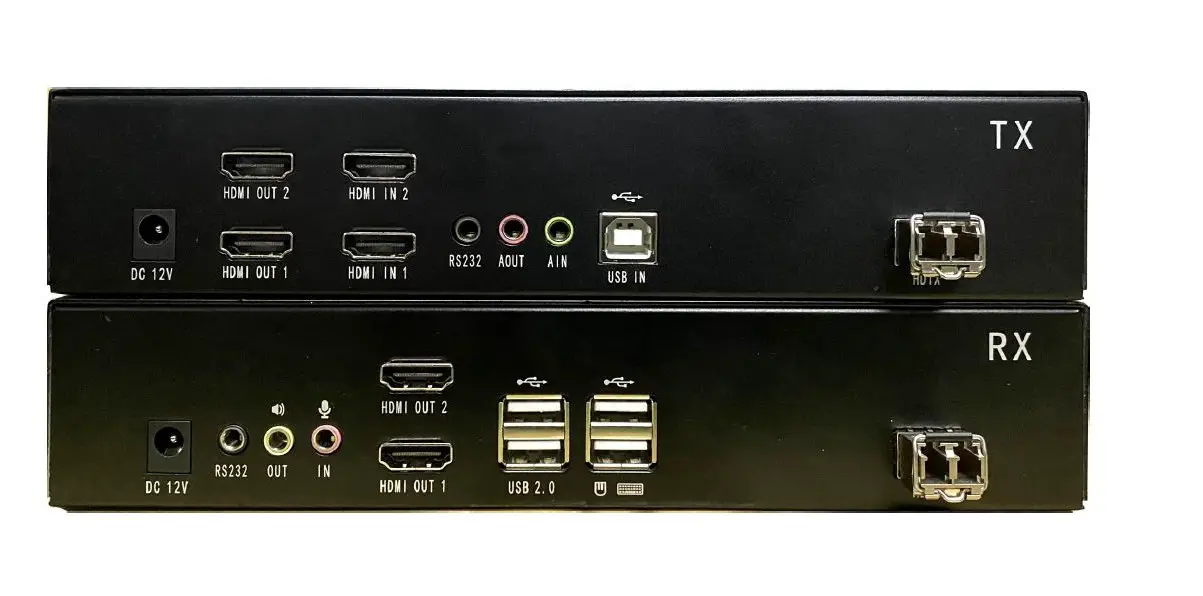
The 4K/2K HDMI 2.0 Over Fiber Extender Set 18Gbps HDCP 2.2 with
10G Ethernet and RS-232 Support is a device that allows you to
extend your HDMI signal up to 20km over fiber optic cable. It
supports resolutions up to 4K at 60Hz and has a bandwidth of
18Gbps. The device also supports HDCP 2.2, which allows you to
stream protected content from sources like Netflix and Amazon Prime
Video. Additionally, it has a 10G Ethernet port and RS-232 support
for remote control and monitoring.
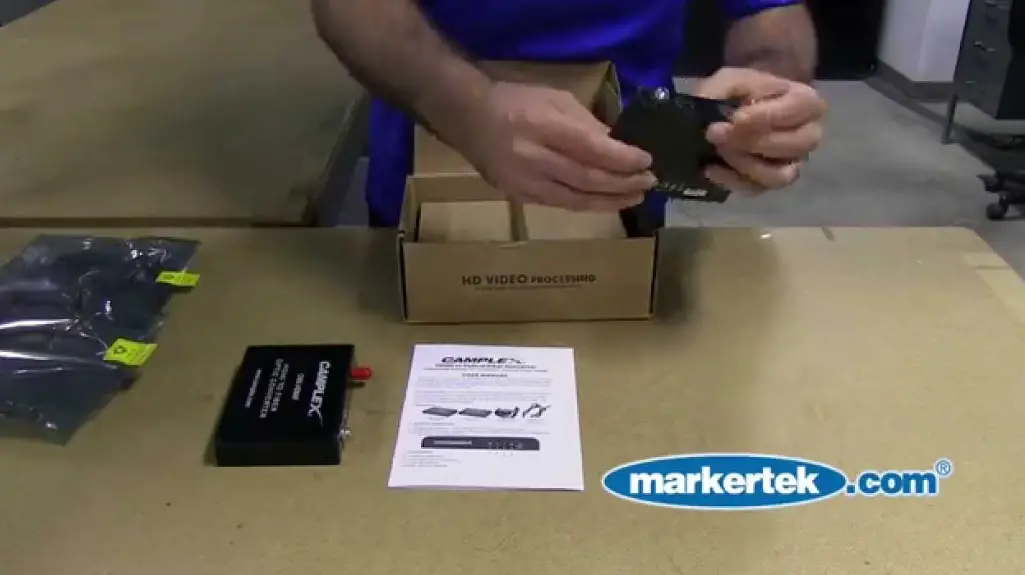
The set includes two DC5V/2A power supplies, two SFP+ optical
modules (T1270NM/R1330NM and T1330NM/R1270NM), an IR blaster
extension cable, an IR blaster receiver cable, eight mounting
brackets, sixteen black countersunk screws, and two silver
screws.
Product Usage Instructions
Follow the steps below to use the 4K/2K HDMI 2.0 Over Fiber
Extender Set:
- Connect the source device to the HDMI In port of the
transmitter with an HDMI cable. - Connect the HDMI Out port of the receiver to the display device
with another HDMI cable. - If it is a one-to-one connection, use a fiber optic cable to
connect the SFP port to the transmitter and receiver. If it is a
one-to-many connection, use a 10 Gigabit switch as a bridge to
connect the transmitter and receivers with the fiber optic cable
respectively. - If using the HDMI loop out feature, connect the display device
to the HDMI Out port of the transmitter. - If using the IR pass back function, plug the IR blaster
extension cable into the IR Out port of the transmitter and
receiver, and plug the IR receiver extension cable into the IR In
port of the transmitter and receiver. - If using the HDMI ARC feature, connect the ARC interface of the
transmitter to the speaker with an optical fiber cable. If you need
additional audio from the receiver, connect the S/PDIF Out
interface of the receiver to the audio device with an optical fiber
cable. - If using the RS-232 function, connect the RS-232 port of the
transmitter or receiver to an external device. - Plug the power supply into the devices to get started.
IR User Guide
Follow the instructions below to use the IR blaster extension
cable:
- Plug the IR blaster extension cable into the IR Out port of the
transmitter and receiver, and plug the IR receiver extension cable
into the IR In port of the transmitter and receiver. - Place the emitter of the IR blaster extension cable as close as
possible to the IR receiving window of the source device. - Point the remote control at the receiving head of the IR
receiver extension cable to operate.
Control Instruction Code
The following control instruction codes can be used to perform
various functions on the device:
- Factory Reset of the Device: BA A5 11 00 00 11 33
- Device Restart: BA A5 10 00 00 10 30
- Set the Baud Rate to 2400: BA A5 13 04 00 00 00 09 60 80
0F - Set the Baud Rate to 4800: BA A5 13 04 00 00 00 12 C0 E9
81 - Set the Baud Rate to 9600: BA A5 13 04 00 00 00 25 80 BC
67 - Set the Baud Rate to 19200: BA A5 13 04 00 00 00 4B 00 62
33 - Set the Baud Rate to 38400: BA A5 13 04 00 00 00 96 00 AD
C9 - Set the Baud Rate to 57600: BA A5 13 04 00 00 00 E1 00 F8
5F - Set the Baud Rate to 115200: BA A5 13 04 00 00 01 C2 00 DA
24 - Set the Baud Rate to 230400: BA A5 13 04 00 00 03 84 00 9E
AE
USER MANUAL
4K/2K HDMI 2.0 Over Fiber Extender Set 18Gbps HDCP 2.2 with 10G Ethernet and RS-232 Support
FEATURES · Supports HDR 18gbps 4:4:4 · Up To 40km Over Single Mode Single Optic Fiber Cable · HDMI Loop-Out & Audio Separation · Zero Latency & Compression · Arc/EARC · Bi-Directional IR
INCLUDES (2) DC5V/2A (1) SFP+ Optical Module (T1270NM/R1330NM) (1) SFP+ Optical Module (T1330NM/R1270NM) (1) IR Blaster Extension Cable (1) IR Blaster Receiver Cable (8) Mounting Brackets (16) Black Counter Sunk Screws (2) Silver Screws (2) Phoenix Plugs
CAMPLEX Broadcast Fiber Solutions 812 Kings Highway · Saugerties, NY 12477
www.camplex.com
CMX-FMCH002 Transmitter
Front
1
2 3
4
1 Power / Status / Arc LED Indicator 2 IR In 3 IR Out
5
6
4 ARC Port 5 RS-232 Port 6 Factory Use Only
1
2
1 Power Supply Input 2 HDMI Input 3 Loop Output
CMX-FMCH002 RECEIVER
Front
3
4
5
4 SFP Module Port 5 Reset Button
1
2 3
4
1 Power / Status / Arc LED Indicator 2 IR In 3 IR Out
5
6
7
4 Optical Out
5 ARC Switch
6 RS-232 Port
7 Factory Use Only
1
1 Power Supply Input 2 HDMI Out
2
3
4
3 SFP Module Port 4 Reset Button
CONNECTION DIAGRAM
Connection Instructions: 1. Connect the source device to the HDMI In port of the transmitter with an HDMI cable, connect the HDMI Out port of the receiver to the display
device with another HDMI cable.
2. If it is a one to one connection, then use a fiber optic cable to connect the SFP port to the transmitter and receiver. If it is a one to many, use the 10 Gigabit switch as a bridge to connect the transmitter and receivers with the fiber optic cable respectively.
3. If using the HDMI loop out feature, connect the display device to the HDMI Out port of the transmitter.
4. If using the IR pass back function, the IR blaster extension cable should be plugged into the IR out port of the transmitter and receiver, the IR receiver extension cable should be plugged into the IR In port of the transmitter and receiver.
5. If using the HDMI ARC feature, connect the ARC interface of the transmitter to the speaker with an optical fiber cable. If you need additional audio from the receiver, connect the S/PDIF Out interface of the receiver to the audio device with an optical fiber cable.
6. If using the RS-232 function, connect the RS-232 port of the transmitter or receiver to an external device.
7. Plug the power supply into the devices to get started.
Video Source
TX HDMI In
HDMI Display RX
Single Fiber LC-LC Connection Single Mode
Speakers HDMI
HDMI Display
SPECIFICATIONS
· Transmission Distance: 40km · Fiber Type: Single Mode · Fiber Connector: LC · SFP+ Optical Fiber Module Wavelengths: 1270nm (T), 1330nm (R) · Bi-Directional IR-Support Bi-Directional Ir Pass Back, Supports 20-60khz Ir Devices · Audio Format: LPCM 7.1/DTS-HD/DTS-Audio/Dolby Digital Plus/Dolby TrueHD/Dolby Digital/Dolby Atmos · Arc-Support Arc Back to Tx · Rs-232-Support Rs-232 Passthrough and Command Control
· Supported Resolutions: 720P@50/60Hz, 1080P@24 /25 /50/60 Hz, 1080i@50 60Hz, 1024*768 @60Hz,
1280*768@60Hz, 1280*800@60Hz, 1280*960@60Hz, 1280*1024
IR User Guide: 1. IR blaster extension cable should plug into the IR Out port of the transmitter and receiver, the IR receiver extension
cable should plug into the IR In port of the transmitter and receiver. 2. The emitter of the IR blaster extension cable should be as close as possible to the IR receiving window of the
source device. 3. Point the remote control at the receiving head of the IR receiver extension cable to operate.
RS-232 User Guide: · This product can passthrough RS-232 commands, and at the same time can use commands to control the
transmitter or receiver. The unit retains GND TXD RXD and follows the RS-232 level standard. · The default configuration is as follows: · Baud Rate: 115200 · Data Word: 8 · Stop Bits: 1 · Parity Checking: No Check
Function
Factory Reset of the Device Device Restart Set the Baud Rate to 2400 Set the Baud Rate to 4800 Set the Baud Rate to 9600 Set the Baud Rate to 19200 Set the Baud Rate to 38400 Set the Baud Rate to 57600 Set the Baud Rate to 115200 Set the Baud Rate to 230400
Control Instruction Code
BA A5 11 00 00 11 33 BA A5 10 00 00 10 30 BA A5 13 04 00 00 00 09 60 80 0F BA A5 13 04 00 00 00 12 C0 E9 81 BA A5 13 04 00 00 00 25 80 BC 67 BA A5 13 04 00 00 00 4B 00 62 33 BA A5 13 04 00 00 00 96 00 AD C9 BA A5 13 04 00 00 00 E1 00 F8 5F BA A5 13 04 00 00 01 C2 00 DA 24 BA A5 13 04 00 00 03 84 00 9E AE
Note: If the RS-232 control instruction succeeds, return the control instruction code, if it fails, return the error code: BA A5 02 01 00 01 04 0C
6/7/2022Rev1a
SAFETY PRECAUTIONS
1. To prevent fire or shock hazard, do not expose this equipment to high humidity and/or dust. Do not use in an unprotected outdoor installation nor any area classified as overly damp or wet.
2. The temperature for installation should be between 32°F to 140°F (0°C to 60°C). Avoid direct sunlight exposure or extreme changes of temperature over a short period of time.
3. Do not disassemble the unit or place it on an unstable base. 4. Do not drop the unit and avoid heavy impact. 5. This unit should not be placed in a built-in installation unless proper ventilation is provided. Any openings in the
enclosure must not be blocked or covered as they protect the unit from overheating. 6. Before cleaning, unplug the unit from all connections. Use a clean, slightly damp cloth. Do not use liquid or aero-
sol cleaners. Use appropriate cleaning kits for fiber optic cables. 7. Do not overload outlets and extension cords as this could result in a fire or electric shock. 8. Enclosure entry is dangerous. Never push objects of any kind, including liquids, into this unit through openings as
they may touch dangerous voltage points or short-out parts that could result in a fire or electric shock. 9. Do not attempt to open or service this unit yourself as opening or removing covers may expose you to dangerous
voltage and other hazards. 10.There are no user-serviceable parts inside the unit. If the unit requires service contact your authorized dealer, or
an authorized repair service company.
CAMPLEX Broadcast Fiber Solutions 812 Kings Highway · Saugerties, NY 12477
www.camplex.com
6/7/2022Rev1a
 Broadcast Fiber Optic Cable Solutions and Accessories