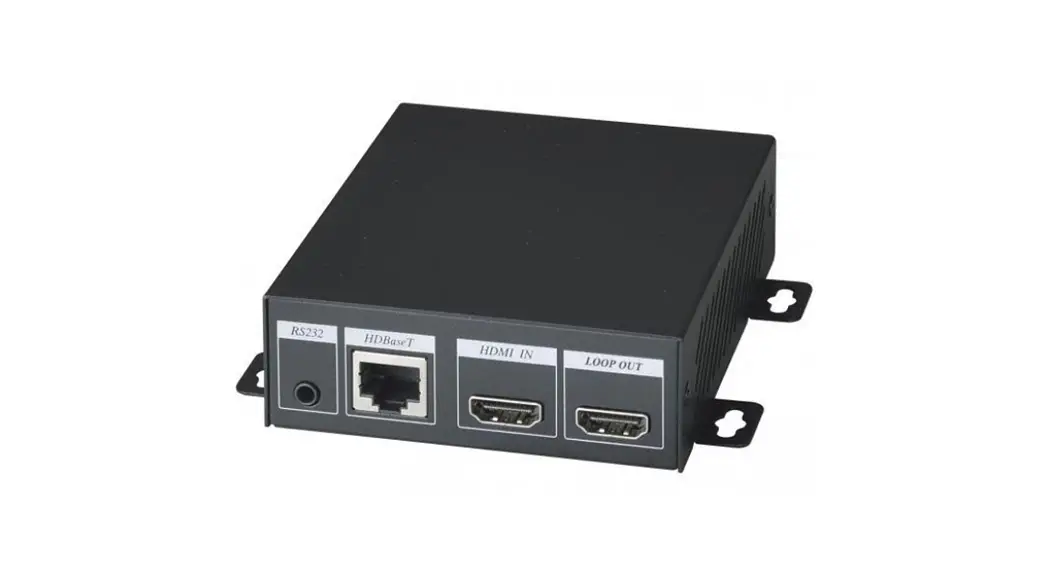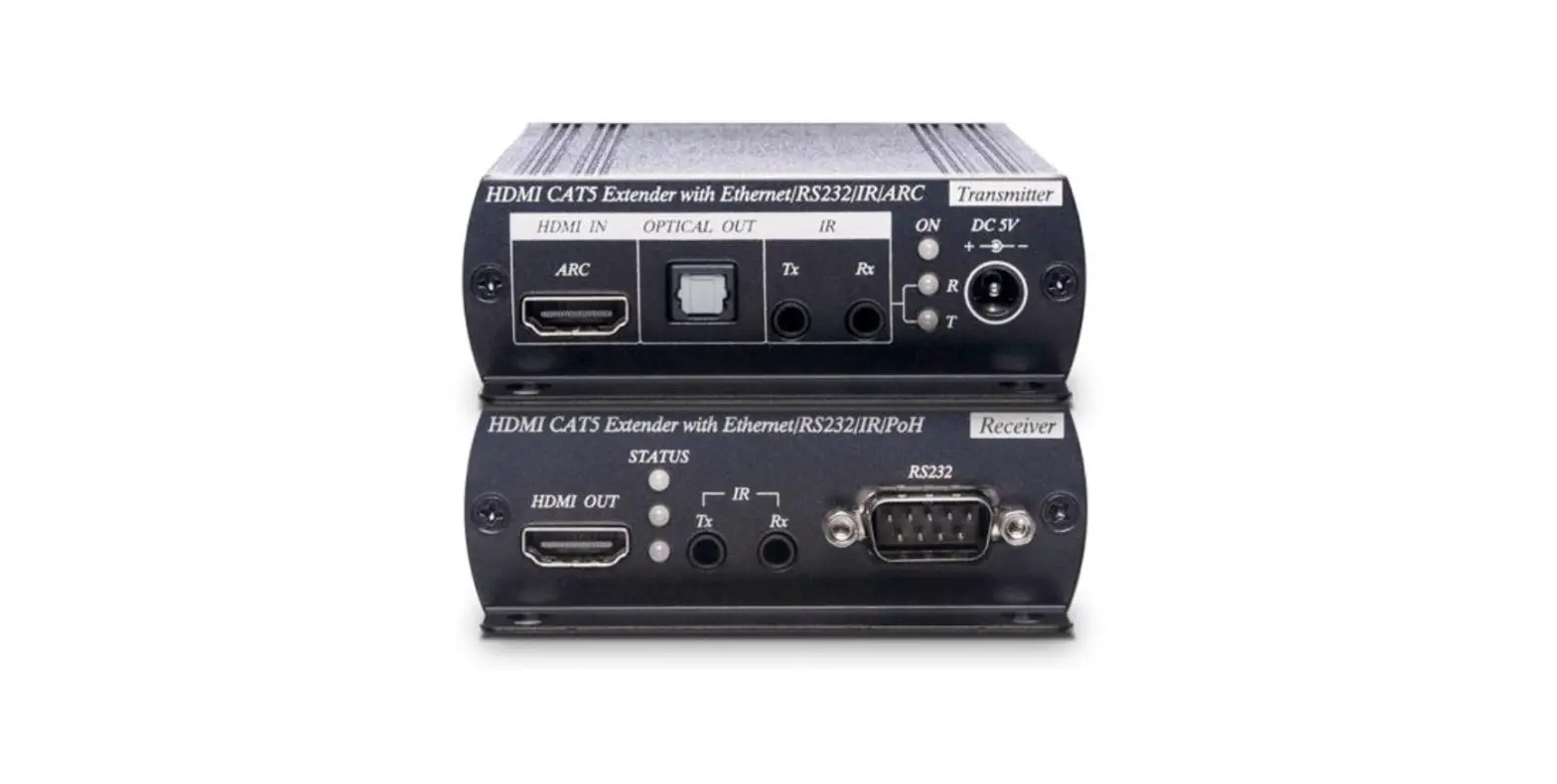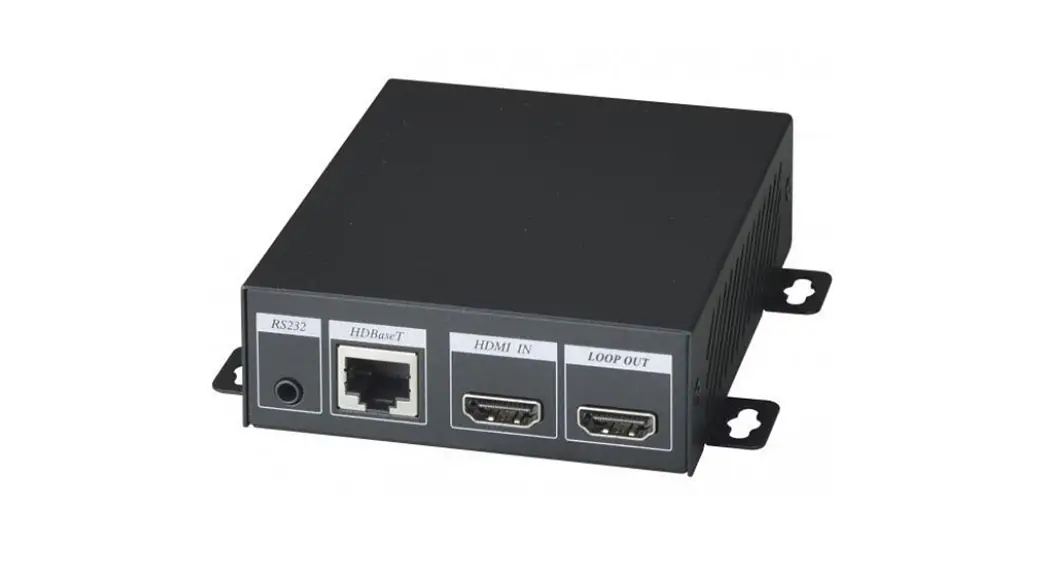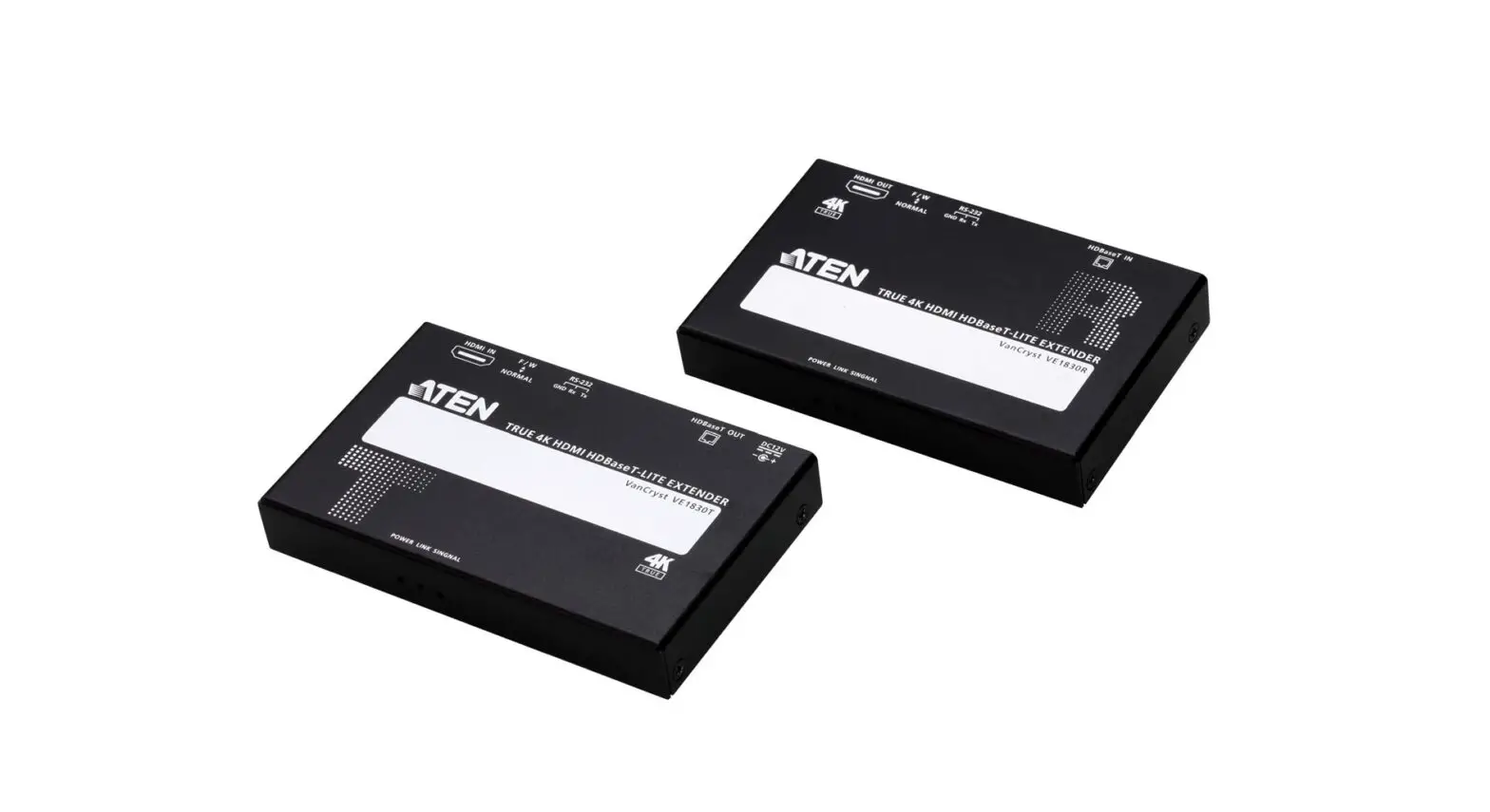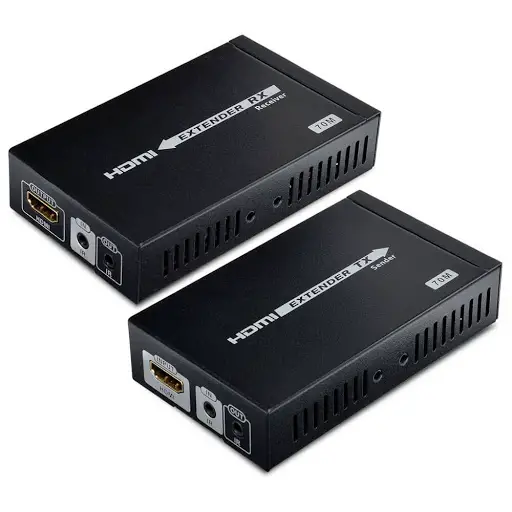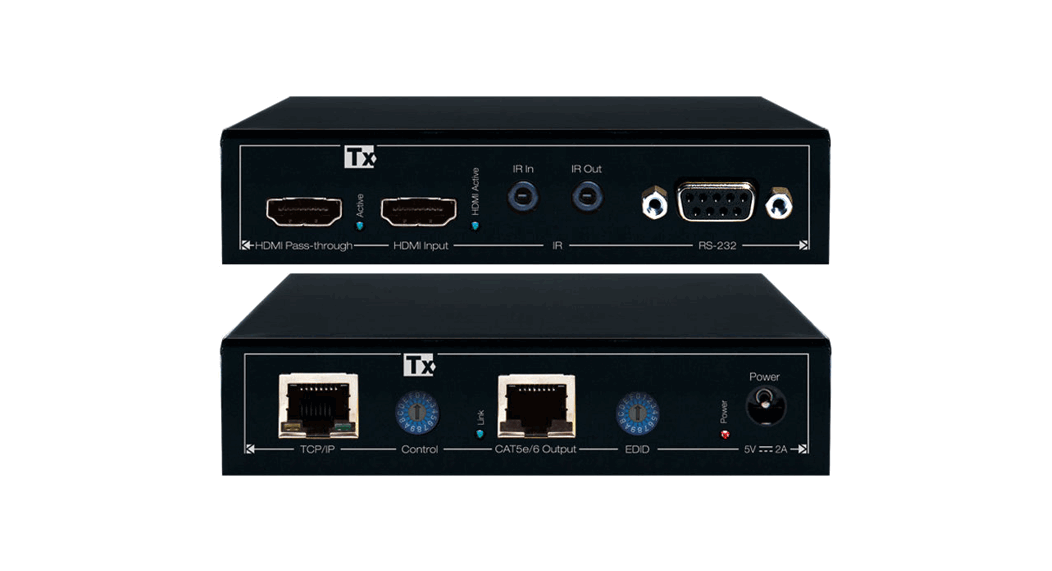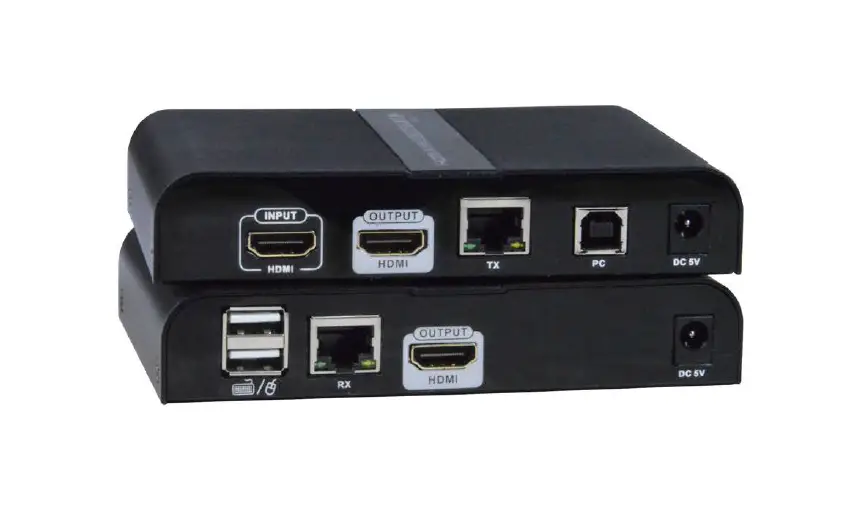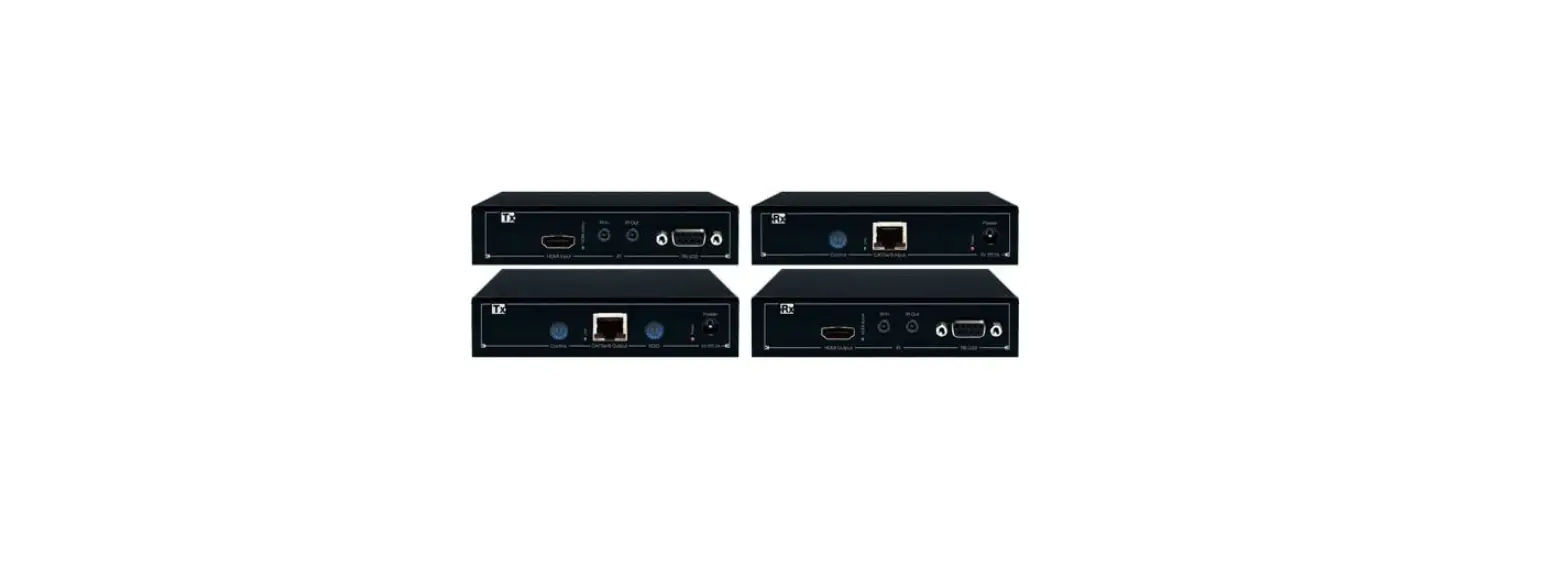
SC T HE02EXP 4K HDMI Over HDBaseT Extender User Manual

Introduction
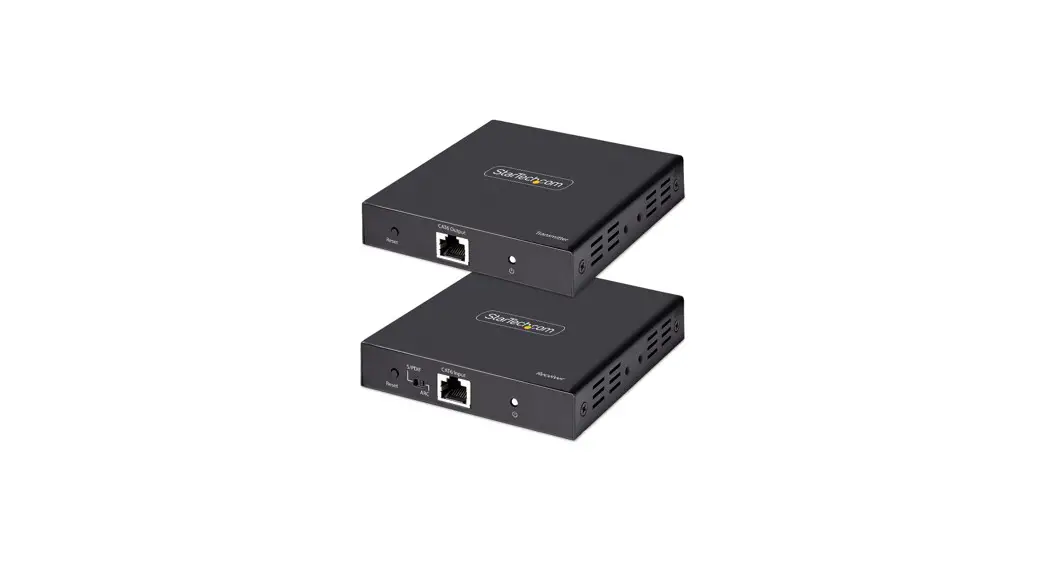
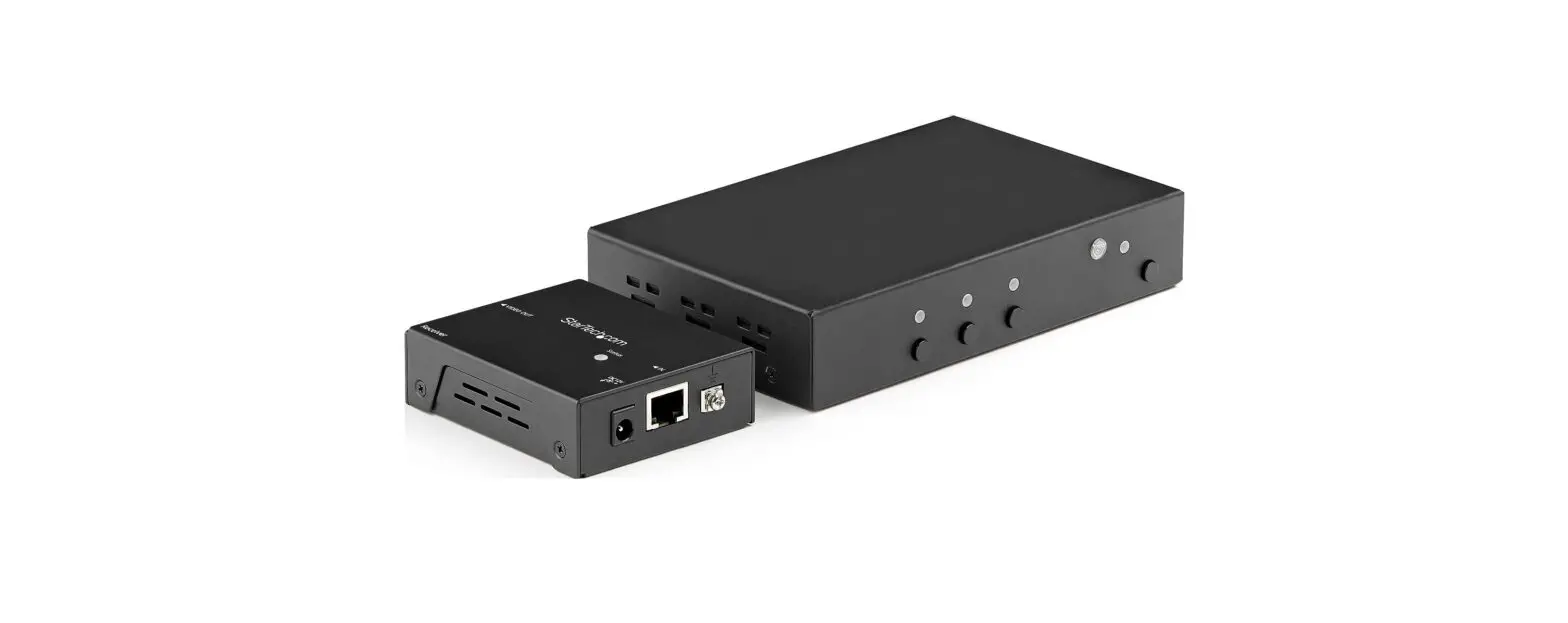
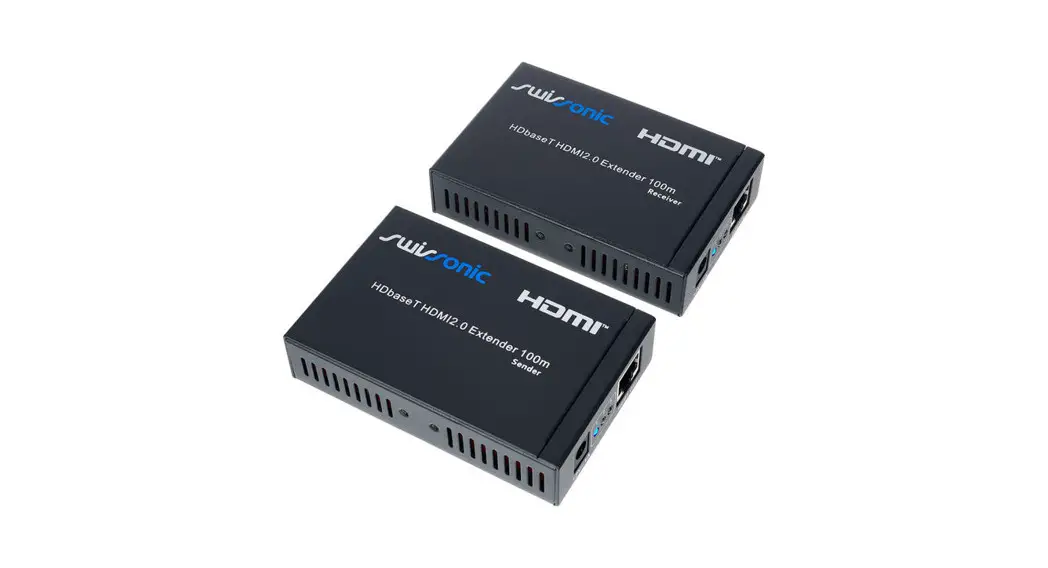
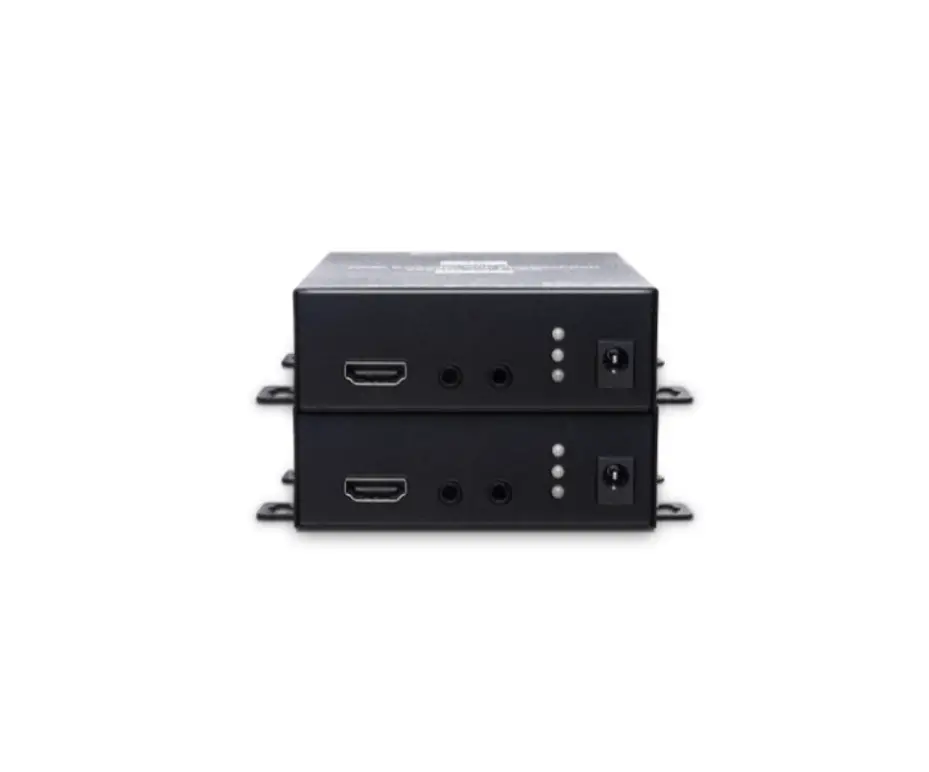
HE02EXP is a 4K HDMI over HDBaseT™ extender that can use an Ethernet cable to transfer uncompressed video & audio signals with resolution up to 4K@60Hz 4:4:4 and transmission distance
up to 100M. The extender also supports PoH (Power over HDBaseT™) to provide power from one side (Tx/ Rx) to another.
Features
- Resolution up to 4K@60Hz 4:4:4.
- Signal extension up to 100M over CAT5e/6 cable.
- Support PoH (Power over HDBaseT™), power from either TX or RX.
- Supports bi-directional IR, RS232 transmission.
- Supports CEC, EDID pass through.
Installation view
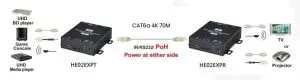
Cable
Link cable recommend use high quality CAT5e, CAT6, CAT6a, CAT7 UTP / STP or FTP cable. Poor quality cable or network connection or improper construction will cause unstable connection, video or sound disruptions, picture noise appears.
HDBaseT Distance Chart by Different Cable
| Cable Type | Range | Supported Video |
| CAT5e | 90m | Up to 1080p 60Hz |
| CAT6a / CAT7 | 90m | |
| CAT6a / CAT7 | 70m | Up to 4096×2160@60Hz 4:4:4 |
If connection through the wall socket, the cable length must less 5 meters between HDMI extender and wall jack, as below drawing
RJ45 Define
Video Link (TIA/EIA-568-B)
- Orange-white DATA0 +
- Orange DATA0 –
- Green-white DATA1 +
- Blue DATA2 +
- Blue-white DATA2 –
- Green DATA1 –
- Brown-white DATA3 +
- Brown DATA3
Panel view
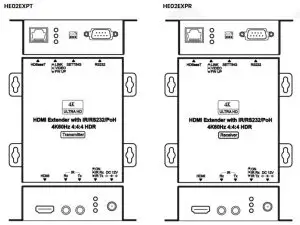
LED Instruction
| Color | Status | HE02EXPT | HE02EXPR |
| GREEN | LINK | ON: HDBaseT Linking | |
| BLUE | Reserved | N/A | |
| RED | FW UP | ON: Firmware Update | |
| Color | Status | HE02EXPT | HE02EXPR |
| GREEN | ON | ON: Power normal | |
| BLUE | IR RX | ON: Receiving IR signal | |
| RED | IR TX | ON: Sending IR signal | |
Firmware updated Switch
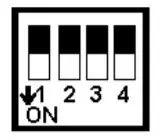
- Reserved
- Manufacture Setting
- Manufacture Setting
- Manufacture Setting
RS232 Define
DB9 FEMALE DB9 MALE
| RS232 | RS232 | |||
| Footprint | Define | Footprint | Define | |
| Pin 2 | TX | Pin 2 | RX | |
| Pin 3 | RX | Pin 3 | TX | |
| Pin 5 | GND | Pin 5 | GND | |
Package Include
HE02EXPT x 1
HE02EXPR x 1
DC12V 1.5A Adapter x 1
IR Receiver Cable x 1
IR Emitter Cable x 1
Mounting Screw pack x 2
Trouble Shooting
- The wiring must away from any equipment with electromagnetic wave, i.e.: mobile phone, microwave, radio equipment, fluorescent lamp, high voltage power lines.
- Under HDMI 2.0 mode, must use Premium certified HDMI cable.
- Under HDCP 2.2 mode: any one monitor HDCP authorization failed will cause no video status, other connecting monitors will be also failed. Then monitor testing must be one by one to find which monitor HDCP failed.
- This device HDBaseT port is not general Ethernet signal; do not connect with Network devices to avoid damage.
- IR transmitter do not put near from receiver to avoid mutual interference.
Specification:
| ITEM NO. | HE02EXPT | HE02EXPR |
| Support | ||
| Compliance | HDMI 2.0, HDCP 2.2, 1.4, DVI | |
| Max. Video Resolution | 4K@60Hz 4:4:4 | |
| Max. Transmission Distance | 90M over CAT6 or greater cable | |
| Video Bandwidth | 18 Gbps | |
| RS232 Baud Rate | 115200 bps/ Full Duplex | |
| Audio Format | 7.1 LPCM 192KHz, Dolby TrueHD, DTS-HD MA | |
| IR Support | 30-60Khz, ±15°, 5M, Bi-directional | 30-60Khz, ± 55°, 5M, Bi-directional |
| Ports & Interfaces | ||
| Video Input | 1 x HDMI Type A | 1 x HDBaseT |
| Video Output | 1 x HDBaseT | 2 x HDMI Type A |
| RS232 Interface | 1 x DB9 Female | 1 x DB9 Male |
| IR Interface | 1 x 3.5mm Phone Jack | 1 x 3.5mm Phone Jack |
| Power | ||
| Power Supply | DC 12V 1.5A | DC 12V 1.5A |
| Power Consumption | 5.4W (Max), 2W (Low Power) | 7.32W (Max), 1.8W (Low Power) |
| Ambient Temperature | ||
| Operation | 0 to 55℃ | |
| Storage | -20 to 85℃ | |
| Humidity | up to 90% | |
| Physical Characteristics | ||
| Dimensions | 109.6 x 109.5 x 30mm | 109.6 x 109.5 x 30mm |
| Weight | 260g | 275g |