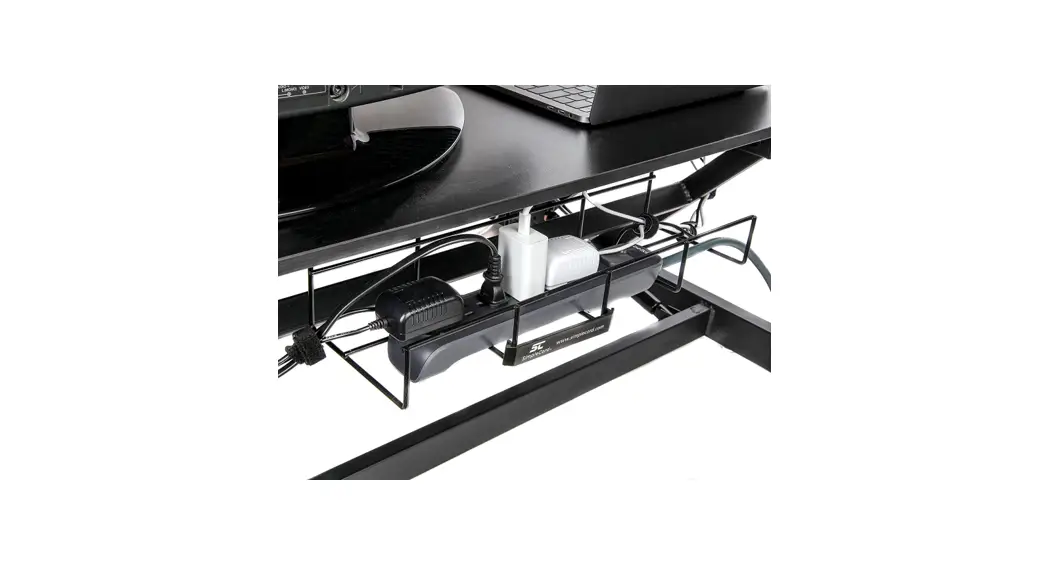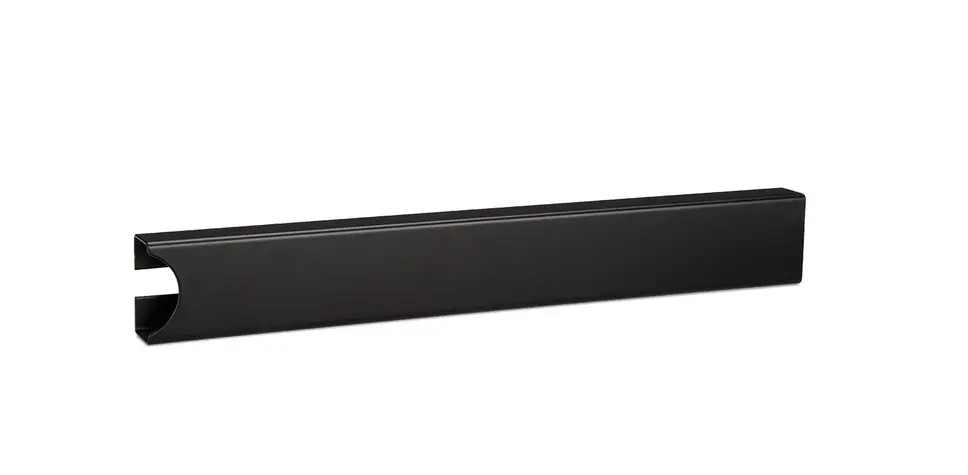

UPLIFT DESK WMK007 Magnetic Cable Organizing Channel
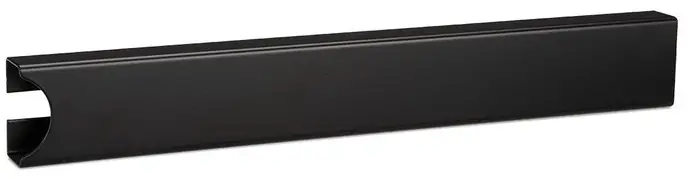
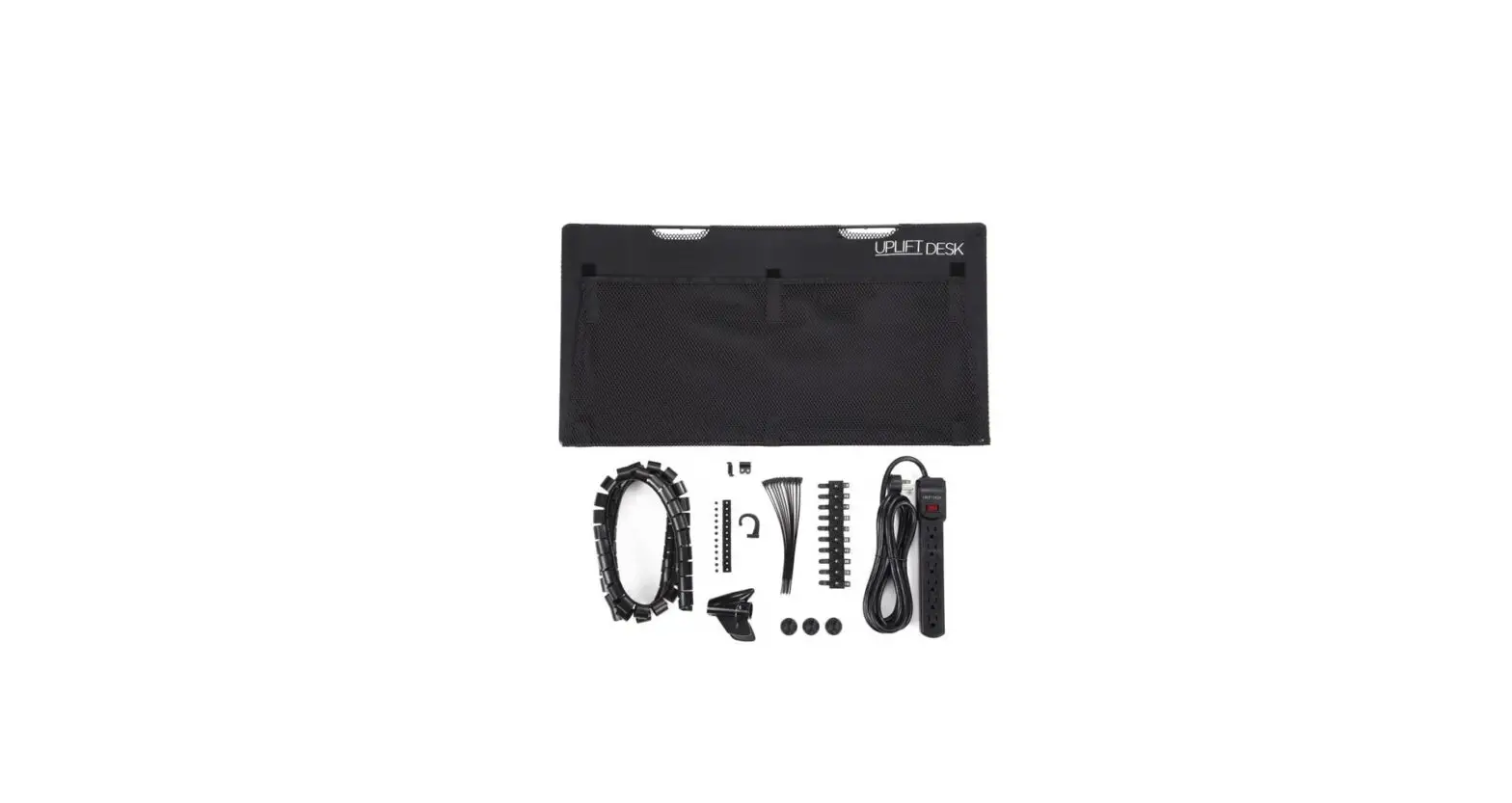
Package Contents
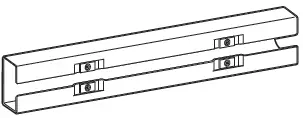
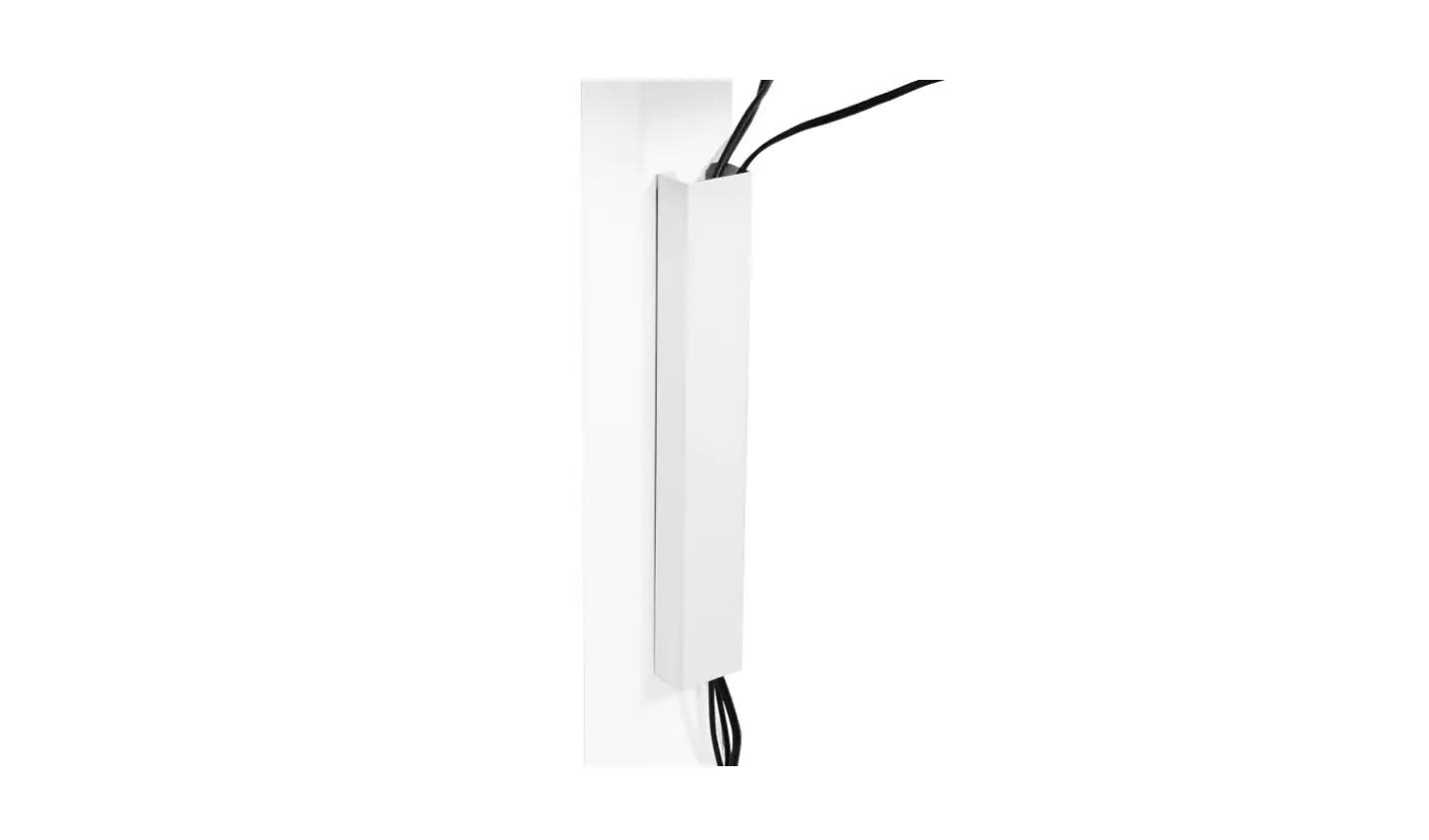
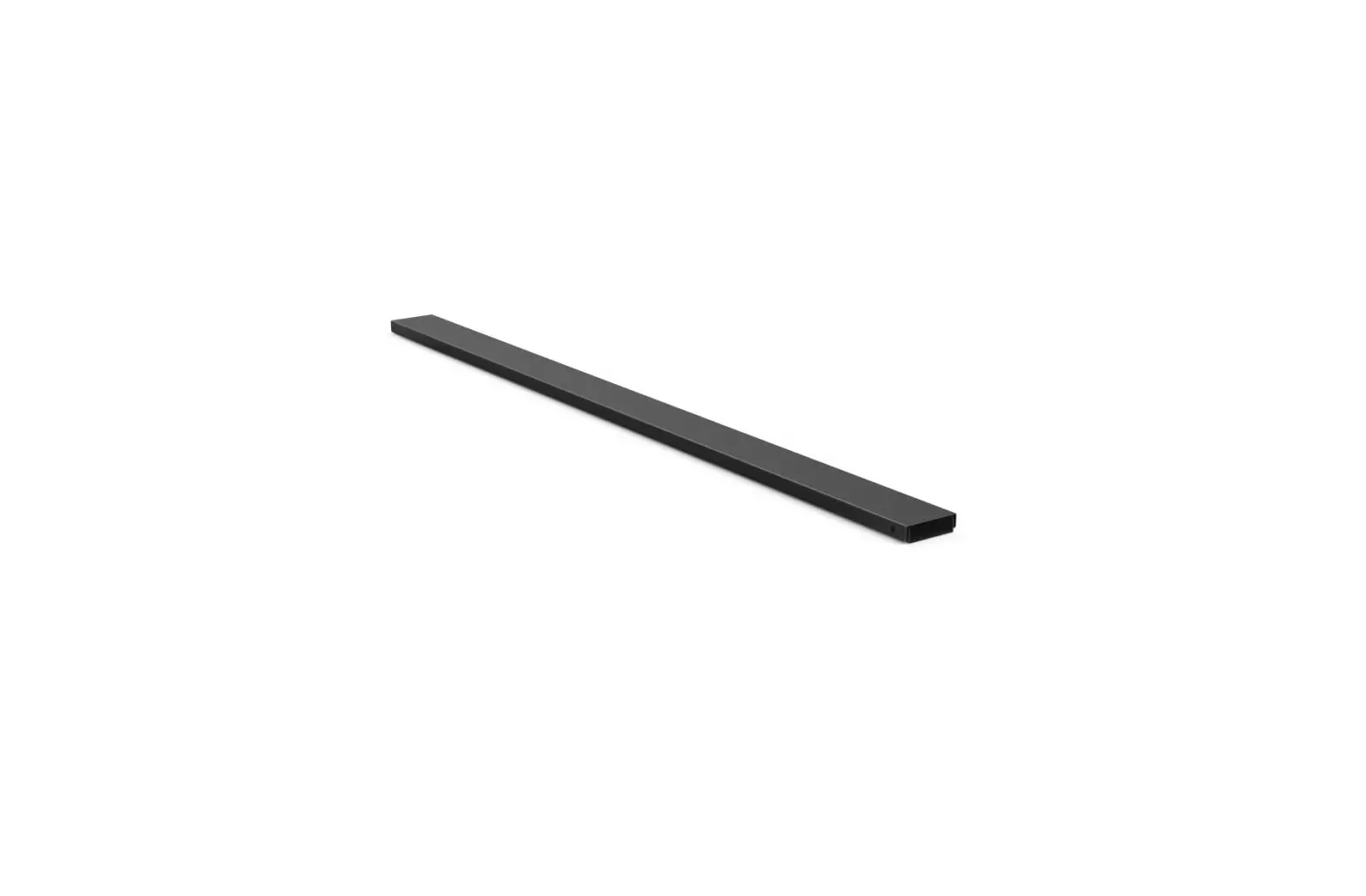
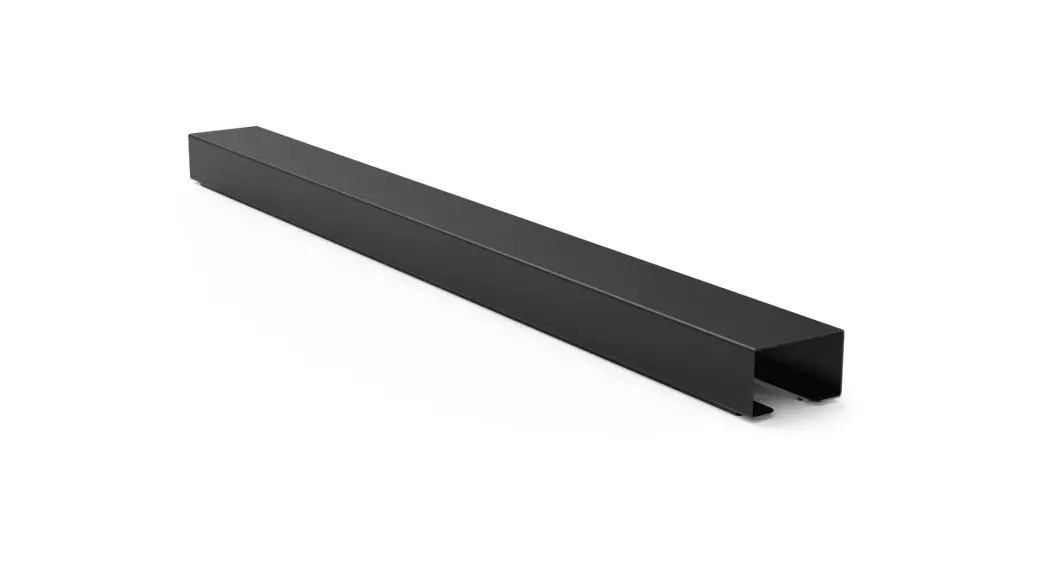
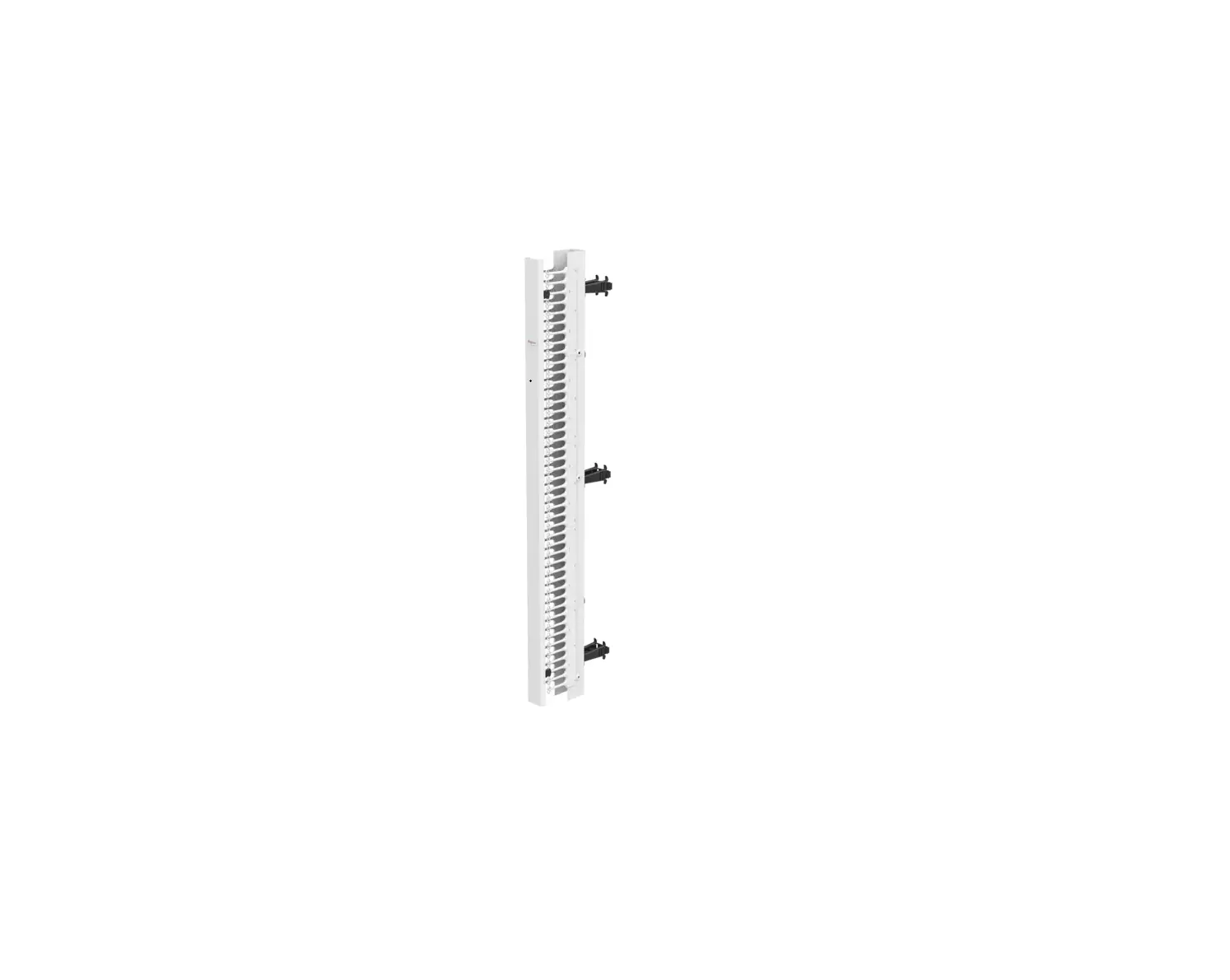
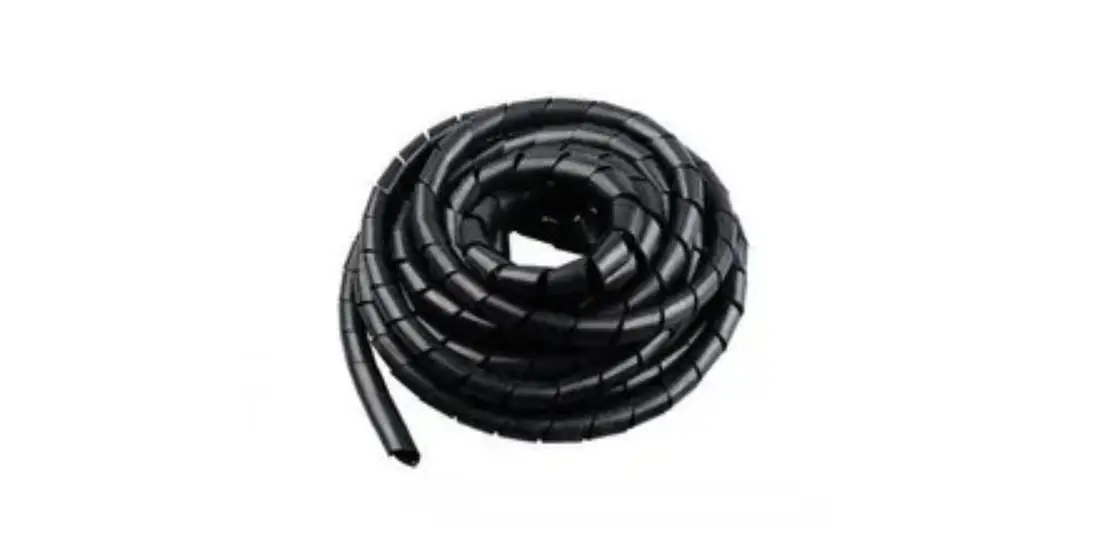
Magnetic Cable Organizer Channel
Steps
Step 1
Gather your cords, cables, and wires and thread them one at a time through the Magnetic Cable Organizing Channel’s open slot, until all plugs are coming out on the same end.
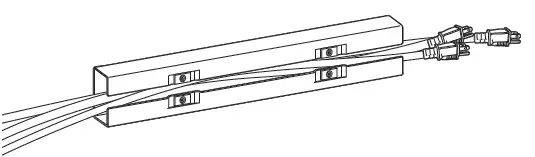
Step 2
Place the Magnetic Cable Organizing Channel on the long & flat part of your desk’s leg.
On V2 Desks, on the outside or inside part of the leg’s longest section.
On V2-Commercial Desks, only on the outside of the leg’s longest section.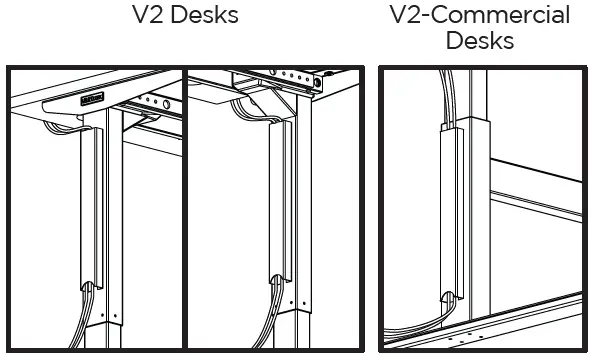
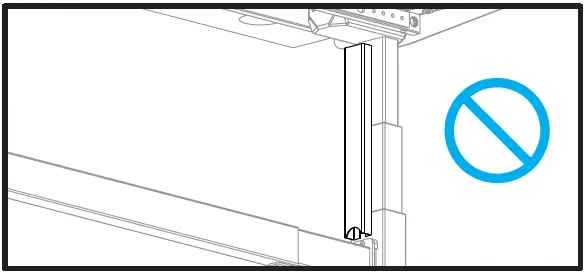
Note: Do NOT place the Channel along two different pieces of metal. If the magnets are attached to uneven pieces of metal, it may not stay attached properly.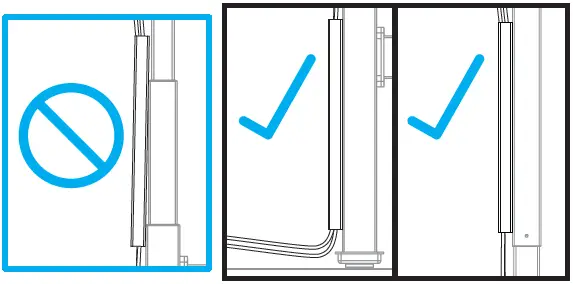
Note: Do NOT place the Channel in a place that will cause it to become caught on an edge, or crushed when the desk is lowered. On UPLIFT Desk V2-Com-mercial models, do not place the channel anywhere between the crossbar and the desktop.
CAUTIONS & WARNINGS
CAUTION: Read all instructions before assembly. Failure to assemble or operate properly may result in damage or personal injury. Retain manual for future reference.
WARNING: Do not create a pinch point, make sure the Channel is positioned in such a way to keep wires and fingers away from obstacles and moving parts of your desk.
Copyright Notice: This guide is a component of the Magnetic Cable Organizing Channel. This guide is a part of the scope of delivery, even if the item is resold. This guide is also available on the UPLIFT Desk website: upliftdesk.com. Excerpts or copies may not be forwarded to third parties or used in any other published form without the prior written consent of UPLIFT Desk. These instructions are subject to United States copyright law.
UPLIFT Desk • 1-800-349-3839 • [email protected] • www.upliftdesk.com
 UPLIFT Desk | Office Furniture that Benefits You
 UPLIFT Desk | Office Furniture that Benefits You